
Top 10 Anti-Detect Browsers & Multi-Account Tools 2026
Take a Quick Look
Ranked top 10 anti-detect browsers and multi-account management tools for 2026, with transparent criteria, evidence, pricing signals, and buyer guidance.
Top 10 Anti-Detect Browsers & Multi-Account Management Software 2026
Managing multiple online accounts without triggering platform bans is a real operational challenge in 2026. Anti-detect browsers and multi-account management platforms solve it by giving each account its own isolated browser profile with a distinct, internally consistent fingerprint. This guide ranks the ten products that genuinely belong in this category, explains how we evaluated them, and helps you match a tool to your workflow.
We excluded session managers that only organize tabs without spoofing fingerprints, and we excluded tools that have shut down. AdsPower is not ranked here because it is a different product category in our editorial scope; we mention it only where an adjacent workflow or a reader decision makes it relevant.
How We Evaluated These Tools
What’s new in GoLogin? - Release and update notes.
We weighted six criteria, based on vendor documentation, independent fingerprint-checker results reported by ScrapingBee and WebScrapingAPI, and published pricing as of 2026. We did not run original lab tests for this article; where we cite fingerprint-checker results, they come from those third-party sources.
- Fingerprint depth and consistency (30%): Canvas, WebGL, User-Agent, timezone, fonts, hardware, WebRTC, and whether the profile holds together as a real device.
- Automation and API support (20%): REST API, Selenium, Puppeteer, Playwright, RPA, and local API access.
- Pricing per profile (20%): Cost to run 100 profiles, including free tiers.
- Proxy integration (10%): Per-profile assignment of HTTP/HTTPS, SOCKS5, residential, mobile, and ISP proxies.
- Ease of use and onboarding (10%): Time to launch a working profile and clarity of the interface.
- Update frequency (10%): How closely the browser engine tracks Chromium or Firefox stable releases.
A pass on a fingerprint checker means the profile does not expose itself through its fingerprint. It is not proof of invisibility: TLS/JA3 handshakes, on-page behavior, and anti-bot systems like Cloudflare and DataDome decide as much as the browser. A clean residential proxy and human-like behavior matter as much as the tool.
The Top 10 Anti-Detect Browsers and Multi-Account Tools for 2026
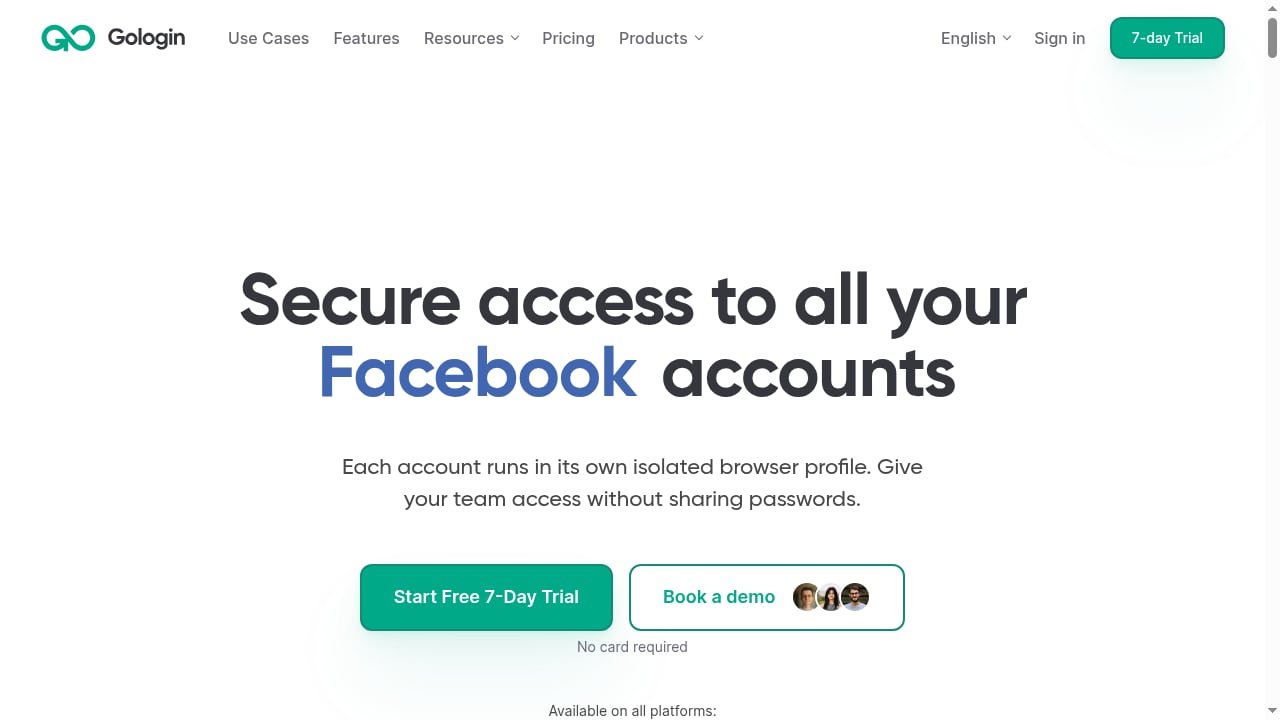
First viewport screenshot of gologin.com.
1. Multilogin
Best for: Teams that manage both mobile and web accounts and want cloud Android phones plus browser profiles in one subscription.
Multilogin combines its Mimic (Chromium) and Stealthfox (Firefox) browsers with real Android cloud phones. In ScrapingBee's July 2026 test, a default macOS profile with a clean residential proxy passed Pixelscan, Iphey, and CreepJS cleanly, with CreepJS reading the genuine Apple GPU at high confidence. Automation is supported through the API, Selenium, Puppeteer, Playwright, and ADB for cloud phones. Pricing starts at $11/mo, or $7.08/mo billed annually, with a free plan that has no time limit. The trade-off is that cloud phones require a stable connection and new users may need time to learn the platform.
2. GoLogin
Best for: The best all-rounder and value pick, and the only major provider with a native Android app.
GoLogin runs its Orbita (Chromium) browser on Windows, macOS, Linux, and Android 10+ via a native app. It offers a free tier with three profiles and paid plans starting around $9/mo, or $4.50/mo annually. ScrapingBee rated it the best all-rounder and value option for 2026, citing stable fingerprints, a real free tier, and the native Android app. Cloud-launched profiles and fast setup make it a strong first anti-detect browser for solo operators and small teams. iOS is not supported.
3. Dolphin Anty
Best for: Media buying and affiliate marketing teams that want scenario-based automation.
Dolphin Anty is a Chromium-based browser with a free tier of five profiles and pay-as-you-go pricing from about $10/mo. Its standout feature is scenario-based automation for repetitive multi-account workflows, which suits affiliate marketers running many ad accounts. It supports proxy assignment per profile and team collaboration. The fingerprint depth is solid for mainstream use, though it is less deep than Multilogin for high-stakes mobile work.
4. Octo Browser
Best for: Power users and teams that prioritize fingerprint quality and fast profile creation.
Octo Browser is a Chromium-based tool with real device parameters and a fast profile-creation workflow. It has no free tier, with paid plans starting around €10/mo (~$11). ScrapingBee ranked it seventh overall but noted its fingerprint quality for scaled operations. It is a good fit for teams that already have a proxy strategy and want a lean, fast browser without mobile cloud phones. An iOS app is available for account monitoring.
5. BitBrowser
Best for: Budget-conscious teams that want fingerprint customization, RPA, and a free tier of ten profiles.
BitBrowser creates unique, stable fingerprints across more than 20 fingerprint types, including Canvas, WebGL, and IPv4. It integrates HTTP/HTTPS, SOCKS5, and SSH proxies, and offers profile synchronization, a Local API, RPA automation, and an extensions/script market. The free tier includes 10 browser profiles, and paid plans add multi-user collaboration, permission management, profile export/backup, and batch cookie operations. BitBrowser also offers BitCloudPhone (Android and iOS cloud phones) and BitCloudPC for remote multi-device management, which expands its multi-account ecosystem. It is a practical choice for e-commerce, social media marketing, cross-border business, and data collection teams that want a low-cost entry point with room to scale.
6. Incogniton
Best for: Solo operators and small teams on a budget who want persistent free profiles.
Incogniton is a Chromium-based browser for Windows and macOS with a free tier of 10 profiles, then 36 profiles on paid plans starting at $13.99/mo. It supports Selenium for automation and is often cited as one of the best free tiers alongside GoLogin. The trade-off is narrower platform coverage (no Linux or Android) and less depth for high-stakes mobile work. It is a sensible starting point for affiliate marketers and e-commerce sellers who need persistent profiles without a large budget.
7. Kameleo
Best for: Developers and teams that need multi-engine and mobile emulation.
Kameleo offers Chroma (Chromium), Junglefox (Firefox), and mobile emulation profiles on Windows, macOS, and Linux. Pricing starts at €59/mo (~$64), with a free tier of two browsers, 100 profiles, and 300 minutes. Its multi-engine approach and mobile emulation suit developers testing fingerprint behavior across browsers. It is not the cheapest per profile, but the engine diversity is a real differentiator for teams that need to mimic different device classes.
8. Nstbrowser
Best for: Automation and scraping at scale with a generous free tier.
Nstbrowser is a Chromium-based browser with cloud support and a free tier of 500 profiles, with paid plans from $29.90/mo. It focuses on automation and scraping, offering a built-in unblocker and an RPA marketplace. For teams that need many short-lived profiles for data collection, the free profile count is unusually generous. It is less suited to high-stakes account warming where deep fingerprint consistency matters more than profile volume. For a deeper look, see our Nstbrowser review.
9. GeeLark
Best for: Mobile-first campaigns that need real cloud Android phones.
GeeLark provides cloud Android phones rather than browser profiles, with a free tier of two phones for 30 minutes and pricing from about $5/mo plus usage. It is a strong fit for teams running mobile app accounts, social apps, and mobile-first campaigns where a desktop browser fingerprint is not enough. It is not a general-purpose desktop anti-detect browser, so pair it with a browser tool if you also manage web accounts. ScrapingBee ranked it fourth overall for mobile and Android use.
10. ixBrowser
Best for: Budget multi-accounting with unlimited free profiles and a low entry price.
ixBrowser is a Windows and macOS Chromium browser with an unlimited free tier, capped at 10 new profiles and 100 launches per day, and paid plans from $3.99/mo. It is the lowest-cost entry point in this list and suits solo operators testing multi-account workflows before committing to a paid plan. The daily caps limit scale, and it lacks Linux and mobile support. For a direct comparison with other budget tools, see our AdsPower vs StealthBrowser vs ixBrowser guide.
Comparison Table
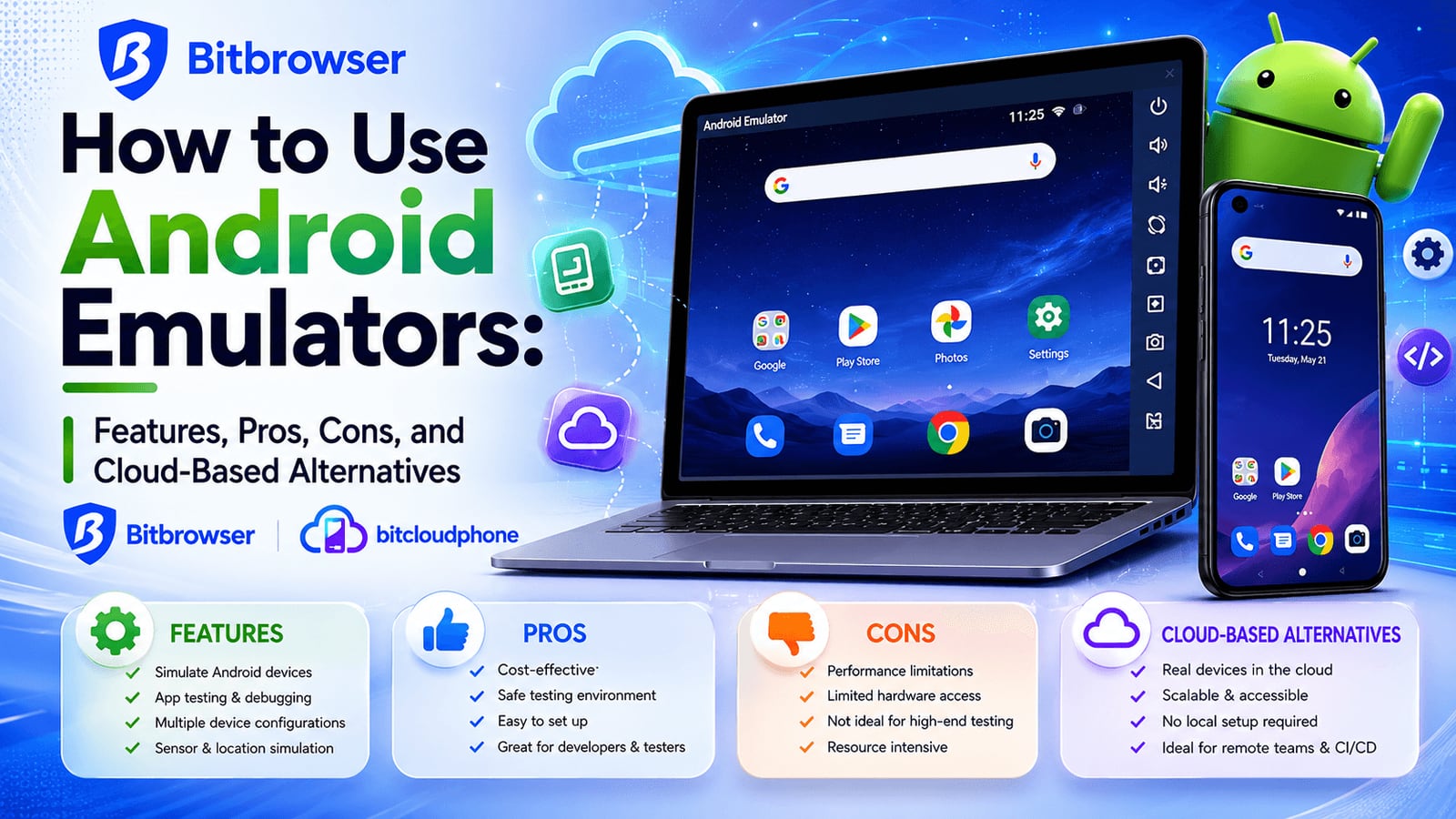
BitBrowser product interface.
| Tool | Best for | Platforms | Starting price | Free tier |
|---|---|---|---|---|
| Multilogin | Mobile + web accounts, cloud phones | Win, macOS, Linux, cloud Android | $11/mo ($7.08 annual) | Yes, no time limit |
| GoLogin | All-rounder and value | Win, macOS, Linux, Android | $9/mo ($4.50 annual) | Yes, 3 profiles |
| Dolphin Anty | Media buying, affiliates | Win, macOS, Linux | ~$10/mo | Yes, 5 profiles |
| Octo Browser | Fingerprint quality, speed | Win, macOS, Linux, iOS app | €10/mo (~$11) | No |
| BitBrowser | Budget teams, RPA, free 10 profiles | Win, macOS, Linux | Paid plans available | Yes, 10 profiles |
| Incogniton | Budget solo operators | Win, macOS | $13.99/mo | Yes, 10 then 36 |
| Kameleo | Multi-engine, mobile emulation | Win, macOS, Linux | €59/mo (~$64) | Yes, 2 browsers, 100 profiles |
| Nstbrowser | Automation and scraping at scale | Win, macOS, cloud | $29.90/mo | Yes, 500 profiles |
| GeeLark | Mobile-first campaigns | Win, macOS, Linux, cloud Android | ~$5/mo + usage | Yes, 2 phones, 30 min |
| ixBrowser | Budget multi-accounting | Win, macOS | $3.99/mo | Yes, unlimited with daily caps |
How to Choose the Right Tool for Your Workflow
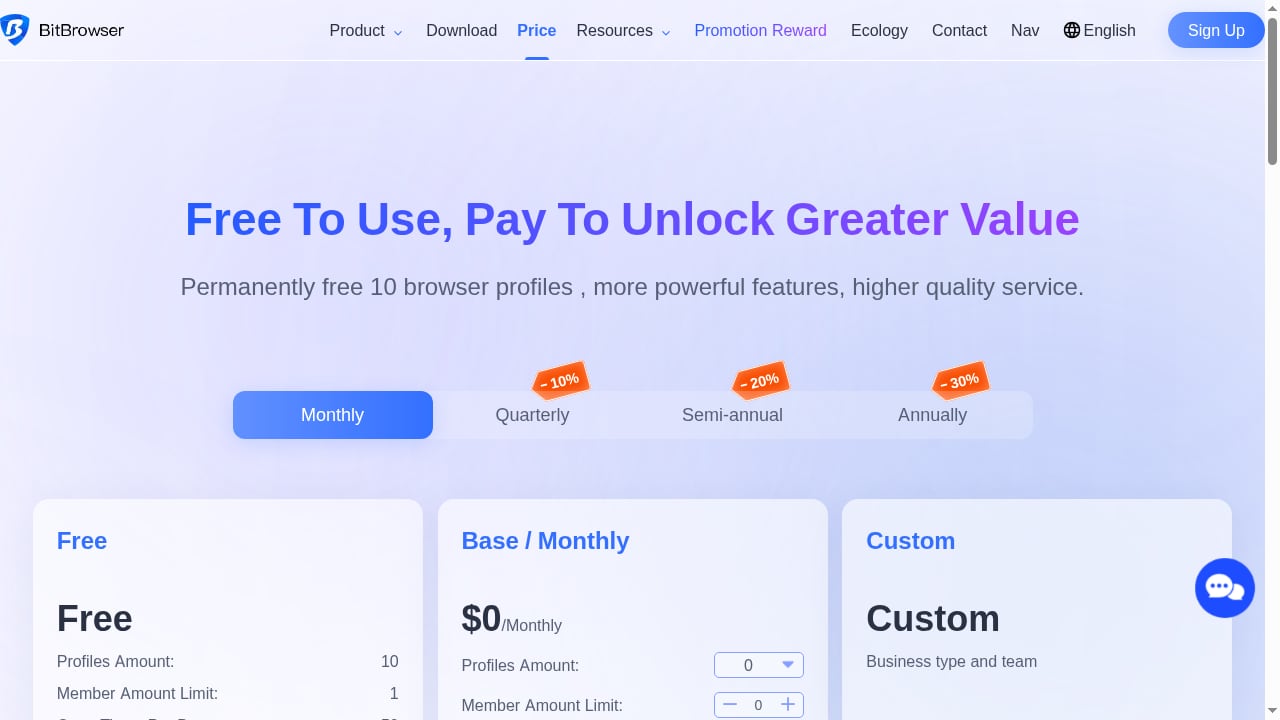
First viewport screenshot of Price Scheme - BitBrowser - Anti-Detect Browser - Anti-Browser Fingerprint - Anti-Association - E-Commerce Browser.
Start with the account type, not the price. If you manage mobile app accounts, prioritize Multilogin or GeeLark because real cloud phones beat emulation. If you manage web accounts across marketplaces and social platforms, GoLogin, Dolphin Anty, or BitBrowser cover most needs at a lower cost. If you run scraping or automation pipelines, Nstbrowser and Kameleo offer stronger API and engine diversity.
Then check the free tier against your profile count. A free tier of 10 profiles (BitBrowser, Incogniton) is enough to test a workflow; a free tier of 500 profiles (Nstbrowser) is enough to prototype a scraping job. Finally, budget for proxies: a clean residential proxy decides pass or fail more often than the gap between two clean-passing browsers.
If your workflow also includes automation platforms, our guide to using AdsPower with Skyvern shows how isolated profiles pair with AI browser automation, and our team seats guide explains how to plan seats for multi-account teams. AdsPower is a separate anti-detect browser product; it is not part of this ranking, but readers comparing team collaboration models may find the seat-planning logic useful.
Related reading
- AdsPower vs IP Checkers vs MuLogin: Anti-Detect Guide - Compare AdsPower, What Is My IP Address? leak tools, and MuLogin for multi-account work. See which fits fingerprint isolation, teams, and automation.
- AdsPower vs Nox Core: Anti-Detect Browser Comparison 2026 - Compare AdsPower and Nox Core anti-detect browsers: fingerprint isolation, automation, team features, pricing, and crypto payment limits to choose the right tool.
Sources and further reading
- Advanced Anti-Detect Browser for Web Scraping and Multiple Accounts Managing - Nstbrowser is a powerful anti-detect browser designed for multi-accounting professionals to manage multiple accounts securely and efficiently. Try it now for free!
Frequently Asked Questions
What is the difference between an anti-detect browser and a multi-account management tool?
An anti-detect browser creates isolated browser profiles with spoofed fingerprints so platforms cannot link accounts. Multi-account management software adds team collaboration, permission management, profile sharing, and automation on top of that isolation. Many products in this list combine both.
Are free anti-detect browsers safe to use for real accounts?
Free tiers are useful for testing, but they often cap profile counts or launches per day. For accounts you have warmed up and depend on, use a paid plan with stable fingerprint updates and a clean residential proxy. Check the vendor's security certifications and data-encryption practices before storing sensitive sessions.
Can an anti-detect browser guarantee I won't get banned?
No. A browser that passes fingerprint checkers only proves the profile does not expose itself through its fingerprint. TLS/JA3 handshakes, on-page behavior, and anti-bot systems like Cloudflare and DataDome also decide outcomes. A clean proxy and human-like behavior matter as much as the browser.
Which tool is best for mobile app accounts?
Multilogin and GeeLark run real cloud Android phones rather than emulation, which is the stronger option for mobile app accounts. GoLogin's native Android app is a good alternative for smaller mobile workflows.
How many profiles do I need to start?
Start with the free tier and count the accounts you actually operate. A solo operator with five marketplace accounts needs far fewer profiles than an agency running hundreds of ad accounts. Scale the plan after you confirm the fingerprint quality holds up in your own workflow.
Conclusion
Multilogin leads this 2026 ranking for teams that need mobile and web accounts in one subscription, while GoLogin is the best all-rounder and value pick for most solo operators and small teams. Dolphin Anty, Octo Browser, and BitBrowser cover media buying, fingerprint quality, and budget multi-accounting respectively. Match the tool to your account type first, test the free tier against your real workflow, and budget for clean residential proxies. The browser matters, but the proxy and behavior decide the outcome.


