
AdsPower vs StealthBrowser vs ixBrowser: Anti-Detect Picks
Take a Quick Look
Compare AdsPower, StealthBrowser, and ixBrowser on free plans, fingerprint isolation, automation, and scale to find the right anti-detect browser in 2026.
AdsPower vs StealthBrowser vs ixBrowser: Which Free Anti-Detect Browser Fits Your Workflow?
Three tools often land on the same shortlist: AdsPower, StealthBrowser, and ixBrowser. They look comparable on a pricing page, but they solve different problems. AdsPower is a desktop anti-detect browser built for managing many logged-in accounts. StealthBrowser is a cloud automation platform for developers who need stealthy Chromium instances at scale. ixBrowser is a desktop anti-detect browser with an unusually generous free tier.
This comparison separates the three by workflow, not by marketing claims. Each section explains where a tool genuinely excels, and where another option is the better fit.
The Short Answer
| If your priority is... | Start with |
|---|---|
| Managing hundreds of real accounts with team collaboration and built-in RPA | AdsPower |
| Running headless-style scraping and automation at massive concurrency via API | StealthBrowser |
| Testing multi-accounting on a zero-cost plan with unlimited profiles | ixBrowser |
None of these tools is a universal winner. The right pick depends on whether you are operating accounts, writing automation code, or experimenting on a budget.
What Each Tool Actually Is
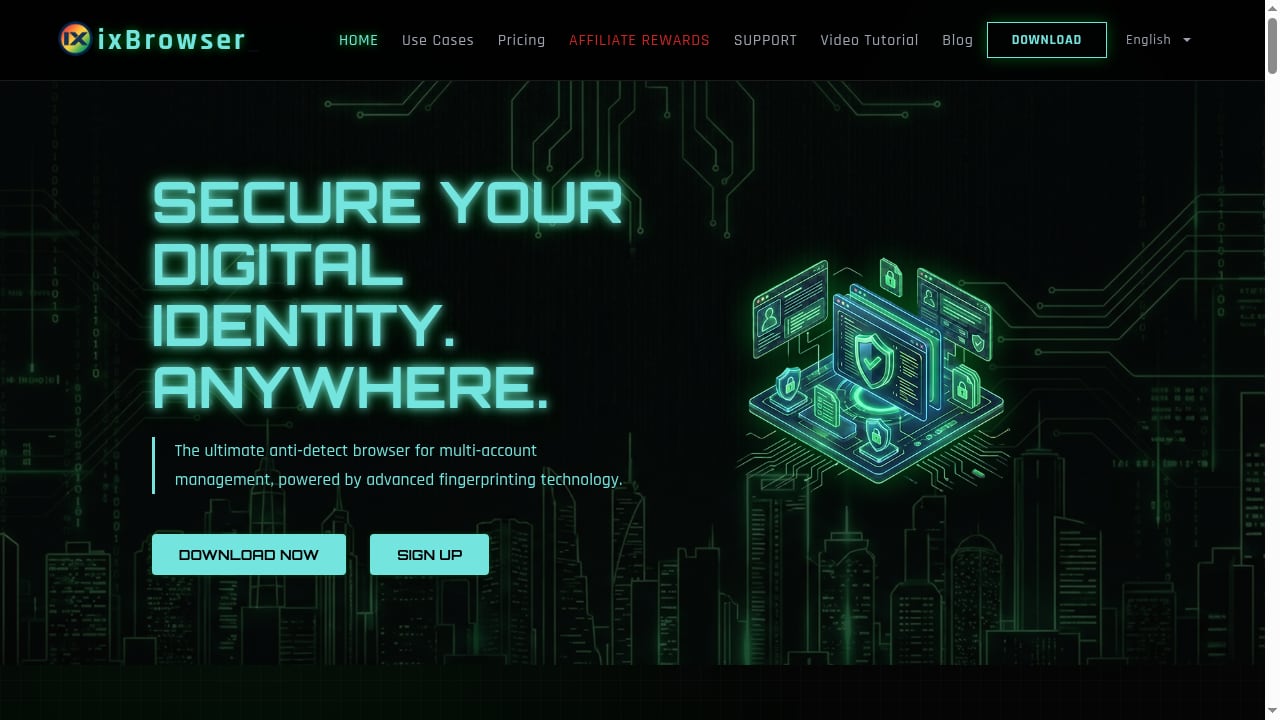
First viewport screenshot of ixbrowser.com.
AdsPower: Desktop anti-detect browser for account operations
AdsPower creates isolated browser profiles, each with its own fingerprint covering Canvas, WebGL, network signals, and user agent. It ships two stealth browsers, SunBrowser (Chromium) and FlowerBrowser (Firefox), with current Chrome engine support. The platform is built around day-to-day account work: proxy configuration per profile, encrypted profile storage, cross-device sync, batch management, profile recovery from trash, and team collaboration with granular permissions.
Automation is included rather than bolted on. Users get a synchronization device, no-code RPA robots, custom RPA workflows, and a local API with rate limits up to 1,500 requests per minute. Recent additions include AI Agent integration with messaging apps such as Feishu and Telegram for remote task management, custom IP rotation intervals of 30, 60, 90, or 120 minutes, and sortable order numbers in the synchronization list. The company holds SOC 2 Type II, ISO 27001, and ISO 27701 certifications.
Pricing includes a free plan with 2 permanent profiles, Professional, Business, and Enterprise tiers, quarterly billing at -15%, annual billing at -40%, and a 3-day free trial.
StealthBrowser: Cloud browser automation for developers
StealthBrowser takes a different approach. Instead of a desktop app you log into, it provides custom-built Chromium browsers running in cloud infrastructure, with each session backed by a dedicated virtual machine. The goal is resisting fingerprinting and bot detection during scraping, testing, and automation projects.
Its strengths are technical. The API is compatible with popular frameworks like Playwright and Puppeteer, so existing automation code can point at StealthBrowser with modest changes. Concurrency is the headline: hundreds or thousands of simultaneous browser instances. The Pro plan extends session times to 180 minutes, which matters for deep web traversal and long-running workflows. The platform is aimed squarely at developers, data scientists, and businesses dealing with aggressive anti-bot systems such as DataDome.
Pricing starts at $29 per month on subscription plans. There is no free tier to test with, which is a real consideration for individuals.
ixBrowser: Forever-free anti-detect browser
ixBrowser is a desktop anti-detect browser focused on fingerprint control and profile volume. Users can adjust digital fingerprint parameters and create unlimited profiles. The free tier is the differentiator: unlimited profiles with practical daily caps, reportedly around 10 new profiles and 100 launches per day.
For someone learning multi-accounting, testing fingerprint configurations, or running a small operation, that combination is hard to beat on cost. The trade-off is depth: ixBrowser is generally positioned as a budget option, and teams needing heavy automation, extensive collaboration controls, or enterprise compliance certifications will find less to work with.
Head-to-Head Comparison
First viewport screenshot of www.stealthbrowser.cloud.
Free plan and entry cost
This is where the three diverge most sharply.
- ixBrowser offers unlimited profiles on a free plan, capped by daily creation and launch limits. It is the most accessible entry point for testing.
- AdsPower offers 2 permanent free profiles with access to core features including fingerprint customization, proxy configuration, and RPA tools. It is a genuine working plan for a small number of accounts, not a demo.
- StealthBrowser has no free tier; subscriptions start at $29 per month.
If cost is the deciding factor and you are experimenting, ixBrowser wins outright. If you need a small number of production-grade profiles with automation, AdsPower's free plan is more capable per profile.
Fingerprint isolation and account protection
All three address fingerprint consistency, but from different angles.
AdsPower exposes detailed fingerprint controls across Canvas, WebGL, network, and user agent, with emulation for Windows, macOS, Android, and iOS. Independent checker results in third-party roundups have generally scored it well on fingerprint authenticity. The isolation model is built for logged-in account work, where a consistent identity must survive across sessions.
StealthBrowser focuses on making automated sessions look like real browsers to anti-bot vendors. Its dedicated-VM-per-session architecture reduces cross-session contamination, which is valuable when scraping at volume. It is less about maintaining a persistent human-operated identity and more about each automated request surviving scrutiny.
ixBrowser gives users direct control over fingerprint parameters, which is enough for many multi-accounting scenarios. The depth of spoofing is generally considered lighter than premium tools, so high-stakes accounts may warrant a more robust option.
Automation and API
StealthBrowser is the strongest choice for code-driven automation. Playwright and Puppeteer compatibility plus extreme concurrency make it a natural fit for scraping pipelines and data collection at scale.
AdsPower is the stronger choice for operational automation. Its no-code RPA recorder, custom workflows, synchronization device, and local API (up to 1,500 requests per minute) are designed for people running accounts, not writing scrapers. The AI Agent integration with messaging apps adds remote task management that few competitors offer.
ixBrowser offers basic automation support but is not positioned as an automation-first platform. Teams with heavy scripting needs will likely outgrow it.
Team collaboration and compliance
AdsPower is the clear leader here. Unlimited profile sharing, granular member permissions, new member management APIs, and SOC 2 Type II, ISO 27001, and ISO 27701 certifications make it suitable for agencies and businesses with compliance requirements.
StealthBrowser supports team use through its cloud model but is developer-centric rather than permission-centric. ixBrowser's collaboration features are limited, consistent with its budget positioning.
Scale and concurrency
For raw parallel browser instances, StealthBrowser is in a different category. Hundreds or thousands of simultaneous sessions with 180-minute session times on Pro is built for high-volume automation.
AdsPower scales differently: hundreds of managed profiles on one machine, with batch operations and synchronization for human-driven workflows. ixBrowser's daily launch caps make it unsuitable for high-volume operations.
Practical Scenarios
First viewport screenshot of www.stealthbrowser.cloud.
An e-commerce seller running 40 marketplace storefronts. AdsPower fits best. Each store gets an isolated profile with its own proxy, the team can share profiles with role-based permissions, and RPA handles repetitive listing tasks. Pair it with clean residential proxies; see our IPRoyal proxy setup guide for the configuration steps.
A data engineer scraping a site protected by DataDome. StealthBrowser is the natural fit. Playwright scripts run against cloud Chromium instances with dedicated VMs and long session times, and concurrency scales with the job.
A solo marketer testing whether multi-accounting works for a new niche. ixBrowser's free unlimited profiles let you validate the workflow before spending anything. If the operation grows into something requiring automation and team access, migrate to a platform built for it.
An agency onboarding clients with compliance requirements. AdsPower's certifications and permission model matter here in ways that raw concurrency does not. For a broader field of options, see our top anti-detect browsers and automation platforms.
Where Each Tool Falls Short
Honest comparisons include limitations.
- AdsPower limits its free plan to 2 profiles. Users who need dozens of free profiles will find ixBrowser more attractive, and users who need thousands of concurrent automated sessions should look at StealthBrowser.
- StealthBrowser has no free tier and is priced for businesses. It is also not designed for human-operated account management, so social media managers and marketplace sellers will find it awkward.
- ixBrowser trades depth for cost. Daily caps, lighter fingerprint sophistication, and limited team features mean it works best as an entry point rather than an enterprise platform.
How to Choose in Five Minutes
First viewport screenshot of ixbrowser.com.
- Are you writing code to automate browsing? Choose StealthBrowser.
- Are you operating logged-in accounts with a team? Choose AdsPower.
- Are you testing on a zero budget? Start with ixBrowser, then reassess.
- Do you need compliance certifications? AdsPower is the only one of the three that publishes them.
- Do you need more than 100 concurrent sessions? StealthBrowser is built for that; the others are not.
For a deeper look at how isolated profiles protect accounts in practice, read our guide to using an anti-detect browser for multiple accounts.
Related reading
- AdsPower vs MostLogin: Anti-Detect Browser & Cloud Phone Comparison - Compare AdsPower and MostLogin for multi-accounting: fingerprint isolation, automation, team features, pricing, and cloud phone support. Find the better fit.
- What Is My IP Address? Review: IP Lookup & Leak Check - Honest review of What Is My IP Address? - Find IP and Check Leaks: IP lookup, leak checks, fingerprinting, ideal users, limits, and setup.
Sources and further reading
- Top 7 Free Antidetect Browsers of 2026 (Reviewed & Compared) - Discover the best free antidetect browser of 2026. Learn how to choose the right one, compare top options like AdsPower, and keep your online activities private.
- 10 Best Antidetect Browsers in 2026 (Tested + Free Picks) - Multilogin, GoLogin, and AdsPower lead our tested ranking of the best antidetect browsers in 2026, compared on pricing, free plans, and Android support.
- 15 Best Antidetect Browsers in 2026 - Honest Comparison - TL;DR: Antidetect browsers let you run multiple isolated browser profiles, each with a unique fingerprint, so platforms cannot link your accounts. This guide ranks the 15 best antidetect browsers of 2026 across fingerprint quality, automation support, pricing, and proxy integration. We also cover how these tools actually work, when a scraping API is the smarter choice, and which proxy type to pair with each use case.
FAQ
Is ixBrowser really free forever?
ixBrowser markets a forever-free plan with unlimited profiles, but it applies daily limits on new profile creation and launches. It is free in the sense that you are not charged, not in the sense that usage is unrestricted.
Does AdsPower have a free plan?
Yes. AdsPower offers 2 permanent free profiles with access to core fingerprint, proxy, and automation features, plus a 3-day free trial of paid tiers.
Can StealthBrowser manage social media accounts?
It can technically run any browser session, but it is designed for automation and scraping rather than human-operated account management. Teams managing social accounts usually prefer desktop anti-detect browsers with profile sharing and permission controls.
Which tool is best for web scraping at scale?
StealthBrowser, by design. Its cloud infrastructure, dedicated VMs per session, Playwright and Puppeteer compatibility, and high concurrency are built for that use case.
Do I need proxies with any of these tools?
Yes. Fingerprint isolation alone does not hide your network origin. A clean residential or ISP proxy per profile is standard practice, and proxy quality often determines success more than the browser itself.
Can I switch tools later?
Yes, though migration effort varies. Profile data and cookies can usually be exported and re-imported, but fingerprints will need reconfiguration. Starting with a free tier, as ixBrowser and AdsPower both offer, reduces the cost of experimenting.
Conclusion
The "forever free" label makes ixBrowser the easiest tool to try, and for budget-conscious individuals it may be all you need. StealthBrowser is the specialist choice for developers who need stealthy automation at scale, and its $29 starting price reflects that focus. AdsPower sits in the middle as the most complete platform for people who actually run accounts: permanent free profiles, deep fingerprint control, built-in RPA, team permissions, and published security certifications.
Match the tool to the job. If your work is operating accounts, AdsPower is the strongest of the three. If your work is automating requests, StealthBrowser is. If your work is learning on a budget, ixBrowser gets you started for nothing.


