
What Is My IP Address? Review: IP Lookup & Leak Check
Take a Quick Look
Honest review of What Is My IP Address? - Find IP and Check Leaks: IP lookup, leak checks, fingerprinting, ideal users, limits, and setup.
What Is My IP Address? - Find IP and Check Leaks Review
Your IP address is the number every website sees when you connect. Tools that reveal it are common; tools that also explain whether your VPN, proxy, or browser is leaking your real identity are more useful. This review examines What Is My IP Address? - Find IP and Check Leaks (the product context points to Whoer.net) as a free IP intelligence and privacy-diagnostics tool. We'll cover what it does well, where it falls short, who should use it, and how to decide whether it belongs in your workflow.
What the tool actually does
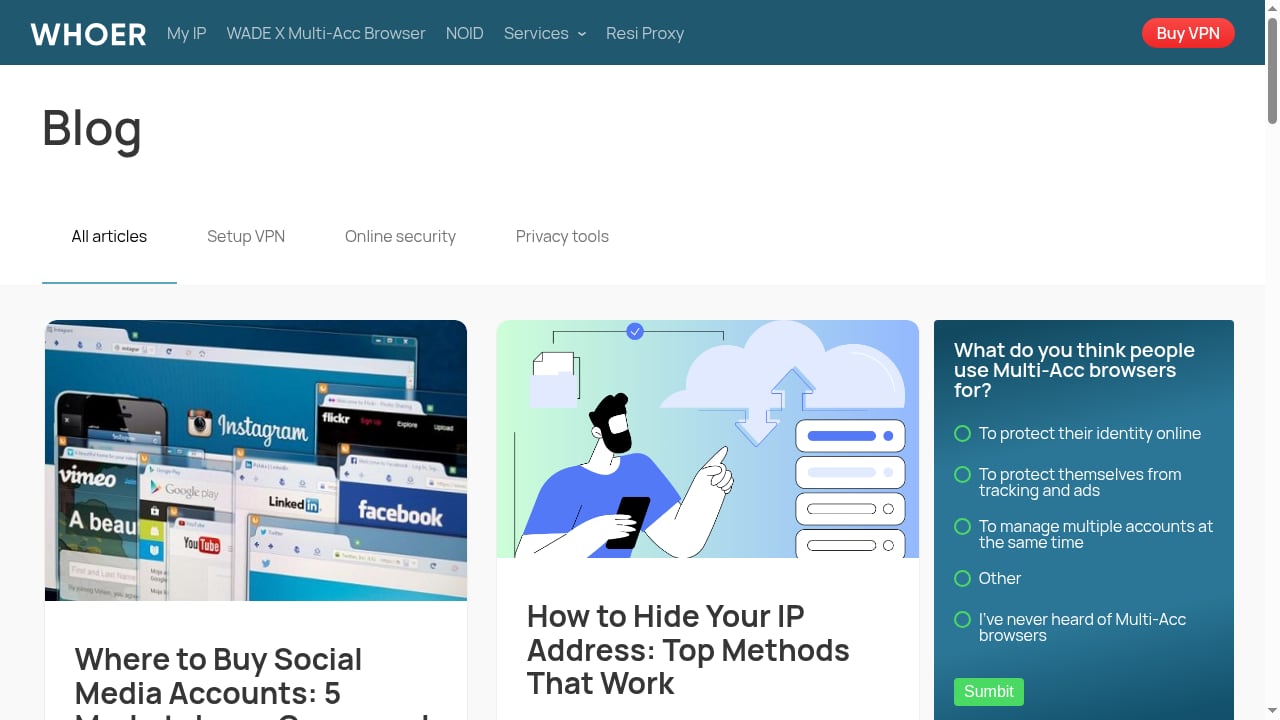
First viewport screenshot of whoer.net.
The core function is instant: open the page and it displays your public IP address along with country, city, ISP, and ASN. That answers the basic "what is my IP" question without any clicks. But the product is positioned as more than a lookup. It layers several diagnostics on top:
- IP and DNS leak checks that flag when your real IP or DNS requests are visible outside a VPN or proxy.
- A privacy score that summarizes how well your connection is masking your true location and identity.
- A proxy checker that validates HTTP/HTTPS/SOCKS5 proxies and distinguishes datacenter IPs from residential or mobile ones.
- A browser fingerprint checker that shows your User-Agent, HTTP headers, screen details, language, time zone, WebRTC status, and plugins.
- An IP blacklist check that indicates whether an IP is compromised or listed, with guidance on delisting.
That combination puts it closer to a privacy diagnostic dashboard than a simple IP lookup page.
Who it is for
Ideal users
- Privacy-conscious individuals who want a quick, free way to confirm a VPN is working and not leaking DNS or WebRTC data.
- Remote workers and support agents who need to read back their public IP, ISP, or location when troubleshooting connectivity.
- Affiliate marketers, e-commerce sellers, and social media managers who run multiple accounts and need to verify that each browser profile presents a consistent IP, time zone, and language.
- Proxy and VPN users who want a second opinion on whether a proxy is detectable or misconfigured.
- Developers and QA testers who need to inspect headers, fingerprints, and network signals during testing.
Less ideal users
- Users who only need a one-time IP number may find the extra panels noisy.
- Enterprise security teams needing deep threat intelligence, historical IP data, or API access at scale will likely outgrow a free browser-based tool.
- Anyone expecting a full anti-detect browser should note this is a diagnostic tool, not a profile-isolation environment.
Key strengths
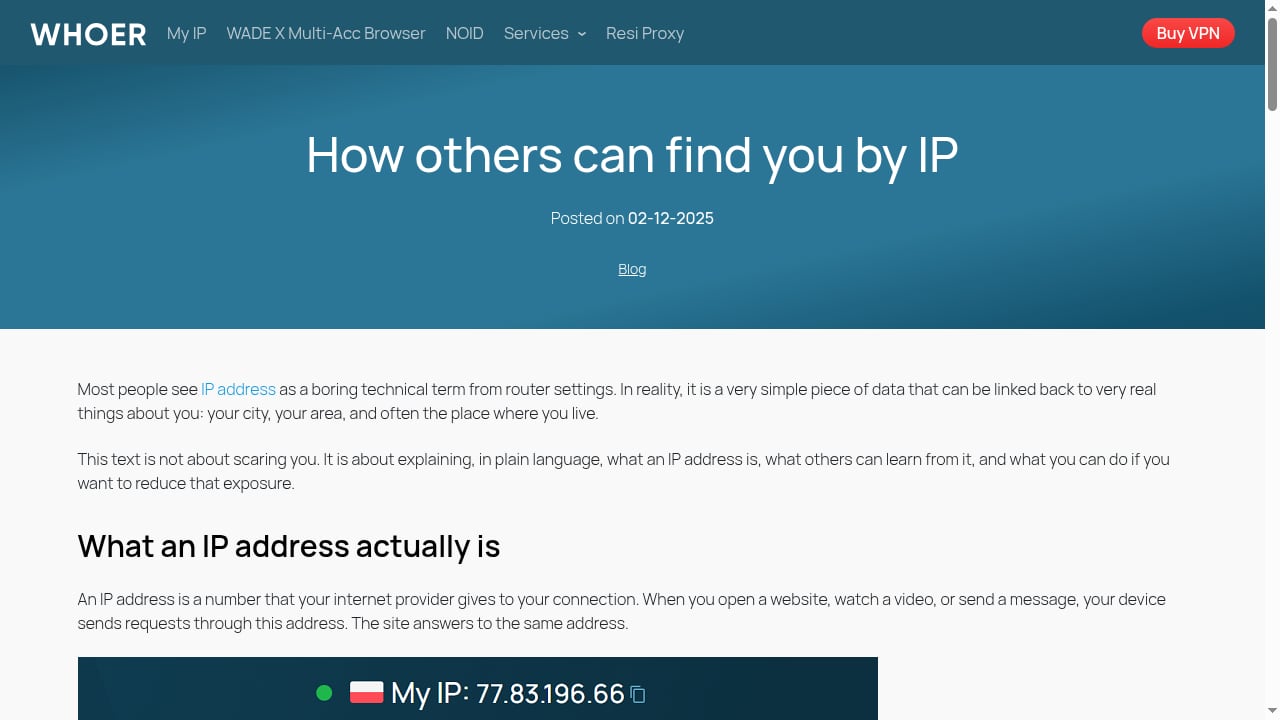
First viewport screenshot of whoer.net.
Speed and zero setup. There is no account, install, or configuration. The page loads and the data appears. For a quick VPN sanity check, that matters.
Leak detection in one place. DNS, WebRTC, and IP leaks are the usual ways a VPN fails silently. Having all three checks on one screen reduces the chance of missing one.
Fingerprint visibility. The browser fingerprint panel exposes signals that many users never see: User-Agent strings, HTTP headers, screen resolution, time zone, and WebRTC status. This is useful when an IP looks clean but a site still behaves suspiciously.
Proxy type awareness. Flagging datacenter versus residential or mobile IPs is a practical detail. Many sites treat datacenter IPs differently, so knowing your proxy type helps explain access issues.
Free access. The core checks are available without payment, which makes it a reasonable first stop before considering paid alternatives.
Limitations and things to watch
It is a snapshot, not a monitor. The tool shows your connection at the moment you load the page. It won't alert you if a leak appears later or track changes over time.
No account or history. You cannot save results, compare runs, or share a report link. For teams, that limits documentation.
Fingerprint depth is moderate. The checker surfaces common signals, but serious anti-detect work requires consistent, isolated fingerprints across profiles, which is a different category of tool. If that is your goal, compare dedicated platforms in our top 10 anti-detect browsers and automation platforms.
Blacklist data is directional. A clean result does not guarantee an IP is trusted by every site; reputation systems vary. For a second opinion, a dedicated reputation checker such as APIVoid's IP reputation tool can add fraud-score context.
No API for automation. The free interface is manual. Workflows that need programmatic checks will require another solution.
Pricing signals
The core IP lookup and leak checks are free and require no sign-up. That is the main pricing signal: the product uses free diagnostics as its entry point. Paid tiers or API access, if offered, are not part of the visible free experience, so budget-conscious users can rely on the free checks for occasional use. Teams needing scheduled checks, history, or integrations should confirm current commercial options directly on the site rather than assume a free tier covers them.
Setup and first-run checklist
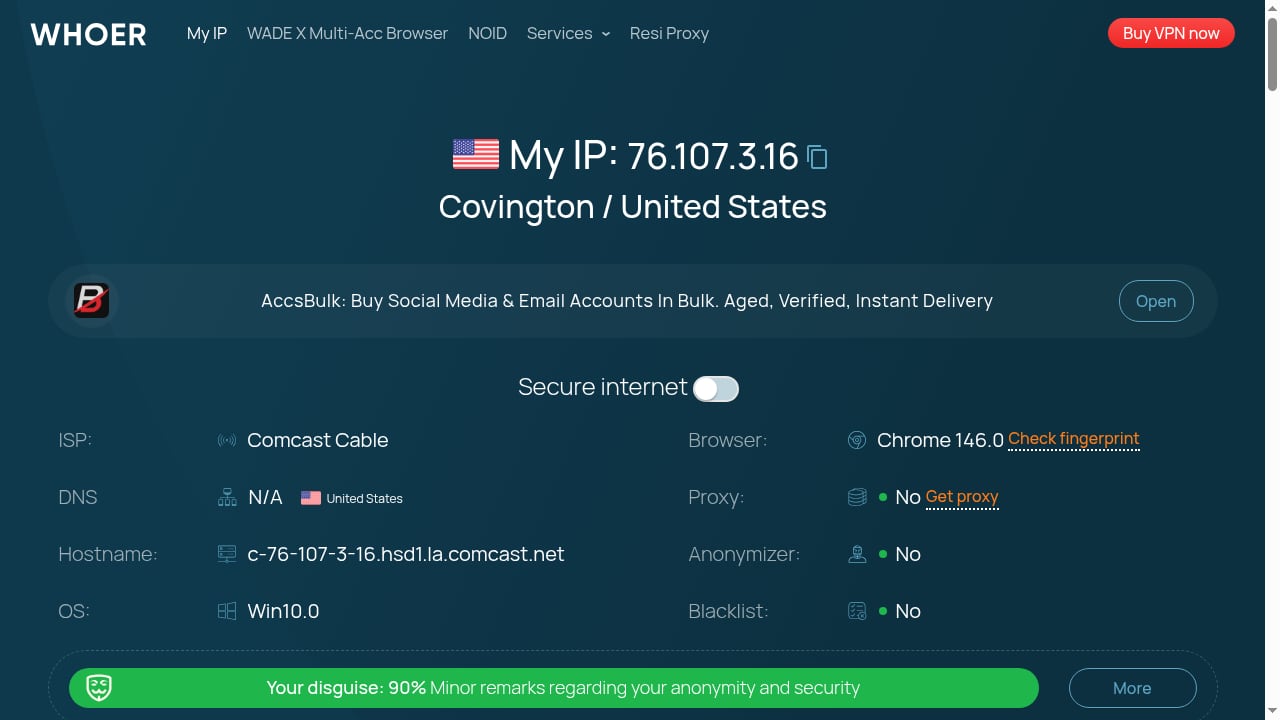
First viewport screenshot of whoer.net.
- Disconnect your VPN or proxy and load the page. Note your real IP, ISP, and location as a baseline.
- Connect your VPN or proxy and reload. The displayed IP and country should change to the exit node's values.
- Check the privacy score. A high score suggests masking is working; a low score points to leaks or mismatches.
- Review DNS and WebRTC results. If your real IP or local network details appear, your setup is leaking.
- Compare time zone and language. A mismatch between your IP's country and your browser's time zone is a common detection signal.
- Inspect the fingerprint panel. Look for unusual headers or WebRTC exposure that contradict your intended profile.
- Run the proxy checker if you use HTTP/HTTPS/SOCKS5 proxies, and note whether the IP is datacenter or residential.
For a deeper walkthrough of pairing browser profiles with proxies, see our AdsPower with IPRoyal proxies setup guide.
How it compares to alternatives
First viewport screenshot of whoer.net.
The market splits into three rough categories:
- IP lookup and leak diagnostics (this tool): fast, free, browser-based, good for spot checks.
- Deep fingerprint and header inspection (for example, BrowserLeaks): more technical detail on TCP/IP, TLS, and HTTP/2 fingerprints, better for debugging than for casual users.
- IP reputation and fraud scoring (for example, APIVoid): focused on whether an IP is considered risky, not on your browser's privacy posture.
A practical approach is to use this tool as your everyday check, BrowserLeaks when you need deeper fingerprint evidence, and a reputation service when access is being blocked and you suspect the IP itself is the problem. If you are evaluating anti-detect browsers for multi-account work, our AdsPower vs WADE X comparison covers isolation and team features in more depth.
Decision criteria
Choose this tool if you want a free, no-setup way to answer "what is my IP" and confirm that your VPN or proxy is not leaking. It fits individual users, support scenarios, and quick pre-flight checks before multi-account sessions.
Look elsewhere if you need historical monitoring, API access, team reporting, or enterprise-grade threat intelligence. In those cases, pair a dedicated reputation API or a full anti-detect browser with your existing workflow.
Related reading
- Anti-Detect Browser for Multiple Accounts: AdsPower Guide - Learn how an anti-detect browser manages multiple accounts safely. Compare AdsPower features, proxy pairing, fingerprint isolation, and team workflows.
- AdsPower vs Best Multiaccount Browser vs Nstbrowser: 2026 Comparison - Compare AdsPower, Octo Browser, and Nstbrowser for multi-accounting in 2026. Fingerprint isolation, automation, team features, pricing, and which fits your workflow.
Sources and further reading
- What Is My IP Address? - What is my IP address and how to find IP address? Whoer shows your IP, location, ISP, and ZIP code. Fix leaks with our privacy score. Check your browser, DNS, and location.
FAQ
Is What Is My IP Address? free? The core IP lookup and leak checks are free and require no account. Confirm any premium features directly on the site.
Does it show my real IP if I use a VPN? It shows the IP your connection presents. If the VPN is working, you see the VPN's IP. If DNS or WebRTC leaks occur, the checks may reveal your real network details.
What is a privacy score? It is a summary of how well your connection hides your real IP and location, based on leak checks and consistency signals. A higher score generally means better masking.
Can it detect proxies? Yes. The proxy checker validates HTTP/HTTPS/SOCKS5 proxies and flags datacenter versus residential or mobile IPs, which helps explain why some sites treat your connection differently.
Is it safe to use? The tool displays data your browser already sends with every request, such as IP, headers, and technical signals. It does not require installing software or submitting personal forms.
Does it replace an anti-detect browser? No. It diagnoses your connection and fingerprint signals; it does not create isolated browser profiles. For multi-account isolation, use a dedicated anti-detect browser.
Conclusion
What Is My IP Address? - Find IP and Check Leaks earns its place as a free, fast diagnostic stop. It answers the basic IP question immediately and adds genuinely useful leak, fingerprint, and proxy checks without setup friction. Its limits are equally clear: it is a snapshot tool without history, API, or deep enterprise intelligence. Use it for quick verification, pair it with deeper tools when you need evidence, and treat it as a complement to, not a replacement for, a proper anti-detect or reputation workflow.


