
How to Use AdsPower with IPRoyal Proxies: Setup & Workflow
Take a Quick Look
Step-by-step guide to pairing AdsPower anti-detect profiles with IPRoyal proxies: setup, proxy types, rotation, team workflows, and fixes for common errors.
How to Use AdsPower with IPRoyal Proxies: Setup & Workflow
An anti-detect browser solves half of the multi-accounting problem. AdsPower gives every profile its own fingerprint — canvas, WebGL, user agent, timezone, language — but if all those profiles still leave through the same IP address, platforms can link them in seconds. That is where a proxy layer comes in, and IPRoyal is one of the more practical options to pair with AdsPower because its residential traffic does not expire and setup is self-service.
This guide walks through the actual workflow: what each tool does, how to connect IPRoyal proxies to AdsPower profiles, which proxy type fits which job, how to keep sessions stable at scale, and how to fix the errors that cause most account problems.
What AdsPower and IPRoyal each contribute
Think of the combination as two layers of separation:
- AdsPower (browser layer): creates isolated browser profiles, each with a distinct fingerprint and its own cookies, storage, and login state. Profiles can be managed in batches, shared with team members under granular permissions, automated with RPA or the local API, and synced across devices.
- IPRoyal (network layer): assigns each profile a separate IP address through residential, ISP, datacenter, or mobile proxies, with country, state, and city targeting.
Neither layer is sufficient alone. A perfect fingerprint behind a shared IP still gets clustered; a fresh IP inside a browser that leaks a consistent fingerprint still gets flagged. Together they make each profile look like a different person on a different connection — which is exactly what platforms check.
Why proxies are non-negotiable in AdsPower
AdsPower isolates cookies and fingerprints per profile, but the IP address is the most obvious linkage signal a platform sees. Without proxies:
- Every profile shares your home or office IP, so ten accounts look like one user with ten identities.
- Geo-restricted content and region-locked features behave incorrectly.
- A single IP-level block takes down every profile at once.
The working rule is simple: one proxy per profile, kept consistent over time. Rotating a profile onto a new IP every session is more suspicious than leaving it on a stable one.
IPRoyal proxy types and when to use each
First viewport screenshot of iproyal.com.
IPRoyal's lineup maps cleanly onto common AdsPower use cases:
| Proxy type | Best for | Trade-off |
|---|---|---|
| Residential (rotating or sticky) | Social media accounts, ecommerce stores, general multi-accounting | Per-GB pricing; heavy media use adds up |
| Static ISP | Long-lived accounts that need a fixed identity for months | Higher cost per IP |
| Mobile (4G/5G) | Mobile-first platforms and apps that distrust datacenter ranges | Highest per-GB cost |
| Datacenter | Speed-heavy tasks where detection risk is low | Easier for platforms to identify |
For most AdsPower users, residential proxies with sticky sessions are the default. Sticky sessions can be held for extended periods, which suits accounts you log into repeatedly. Mobile proxies are the safer pick for social platforms that treat cellular ranges leniently because thousands of real users share them.
Two IPRoyal details matter for planning: residential traffic does not expire, so unused gigabytes carry over, and new accounts must pass identity verification before accessing certain sites. Budget a little time for that verification before a launch.
Step-by-step: connecting IPRoyal proxies to AdsPower
First viewport screenshot of iproyal.com.
1. Generate the proxy list in IPRoyal
In the IPRoyal dashboard, choose your proxy type, set the target location (country, state, or city), select the protocol (HTTP/HTTPS or SOCKS5), and decide between rotating and sticky sessions. Then open the formatted proxy list, set the quantity to match the number of profiles you plan to run, and copy the credentials.
2. Add the proxy in AdsPower
Open AdsPower and go to Proxies → Add Proxy. Paste the credentials into the input box — AdsPower parses host:port:username:password format automatically — or fill in the fields manually. Select the matching proxy type and save.
3. Assign the proxy to a profile
Create a new profile or open an existing one and scroll to the Proxy section. Choose Saved Proxies and select the entry you just added. If you prefer, you can also paste credentials directly into the profile instead of using the saved list.
4. Check before you launch
Click Check proxy. A successful test shows the proxy's IP address and location. If it fails, fix it now — launching a profile on a broken proxy wastes a session and can trigger a login challenge.
5. Align fingerprint settings with the IP
This is the step most people skip. If the proxy resolves to Frankfurt, the profile's timezone, language, and geolocation should match Germany, not New York. AdsPower can auto-match proxy location to timezone and language settings; use it, then review the result manually. A US IP paired with a Russian-language browser and a Tokyo timezone is a contradiction no fingerprint spoofing can hide.
6. Verify the environment
Launch the profile and visit a fingerprint-checking site such as BrowserScan. Confirm that the IP, timezone, language, WebRTC, and canvas signals are consistent with each other and with the profile's intended identity.
A practical example: ten ecommerce seller accounts
Suppose you manage ten Amazon seller accounts across three marketplaces. A workable setup:
- Buy ten static ISP or sticky residential IPs, each in the marketplace's country.
- Create ten AdsPower profiles, one per account, and assign one proxy each — never share a proxy between profiles.
- Match each profile's timezone and language to its proxy location.
- Store credentials in AdsPower's encrypted profile data and share profiles with team members using role-based permissions rather than handing out logins.
- Use batch profile management to open the accounts together and the synchronization device to mirror actions when you need to perform the same operation across stores.
If you later add a marketplace, add new IPs and new profiles together rather than repointing existing ones.
Scaling the workflow with automation
Once the proxy layer is stable, AdsPower's automation features reduce manual work:
- RPA robots and custom workflows handle repetitive tasks like daily logins, order checks, or posting schedules without code.
- The local API (rate limits up to 1,500 requests per minute) lets you create profiles, assign proxies, and launch browsers programmatically.
- Custom IP rotation intervals (30, 60, 90, or 120 minutes) suit scraping and research profiles where periodic rotation is desirable — not long-lived account profiles.
- AI Agent integration with messaging apps such as Telegram and Feishu allows remote task management when you are away from the dashboard.
For data-collection use cases, see our guide to anti-detect browsers for web scraping, which covers proxy rotation strategy in more depth.
Common problems and how to fix them
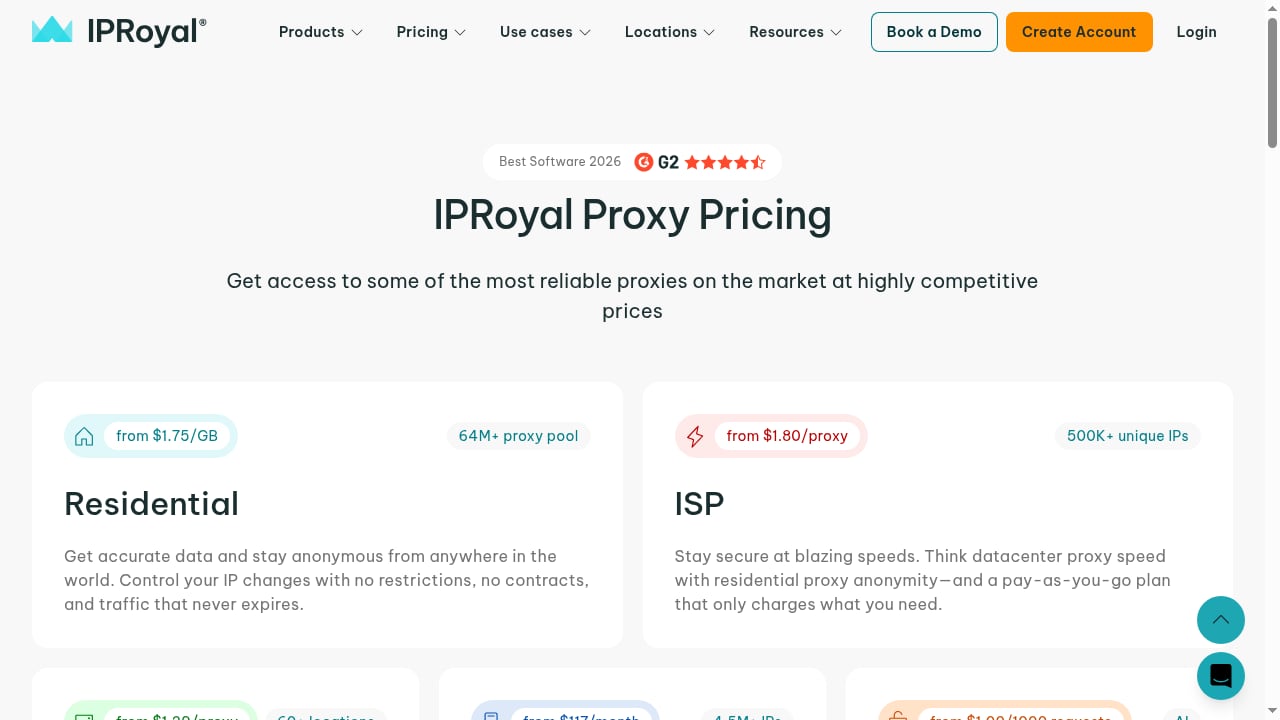
First viewport screenshot of iproyal.com.
Most AdsPower proxy failures fall into a few buckets:
- Connection errors: usually a wrong IP, port, or protocol, or an offline proxy server. Recheck the credentials against the IPRoyal dashboard.
- Authentication failures: the username or password is wrong, or the proxy type in AdsPower does not match what IPRoyal issued. SOCKS5 credentials will not work under an HTTP setting.
- IP blocks: the address has been burned by previous activity. Request a new IP or switch region; reusing a flagged IP rarely recovers.
- Slow or unstable sessions: pick a proxy closer to your target site or replace an overloaded one. Persistent instability is usually a proxy-quality issue, not an AdsPower bug.
- Account linkage despite proxies: almost always caused by sharing one proxy across profiles, mixing proxy types within a profile, or ignoring fingerprint inconsistencies like timezone mismatches.
Switching proxies safely
If you must change a profile's proxy, pause the profile, update the settings, clear cookies and cache only if necessary (this signs the account out), and restart. Do this deliberately — frequent IP changes on a long-lived account look like account takeover behavior.
AdsPower + IPRoyal vs. alternatives
First viewport screenshot of iproyal.com.
The pairing makes sense when you want low-commitment proxy spending (no contracts, non-expiring traffic) alongside a mature anti-detect browser. If your priority is a larger IP pool or enterprise support, other proxy providers may fit better; if your priority is browser features, compare AdsPower against alternatives in our 2026 anti-detect browser comparison. For a broader view of the category, see the top fingerprint browsers ranked.
A quick decision guide:
- Solo marketer, a handful of accounts: AdsPower free or Professional plan plus a small residential package.
- Small team, 20–100 profiles: Business plan, sticky residential or static ISP proxies, role-based sharing.
- Agency or scraping operation: Enterprise plan, mixed proxy types, API-driven profile creation, rotation intervals tuned per task.
Related reading
- AdsPower vs WADE X: Anti-Detect Browser Comparison 2026 - Compare AdsPower and WADE X for multi-accounting: fingerprint isolation, automation, team features, pricing, and data handling. Find the better fit.
- Kameleo Review 2026: Anti-Detect Browser for Multi-Accounting & Scraping - Evidence-based Kameleo review: fingerprint isolation, mobile emulation, automation APIs, pricing signals, setup, and ideal users for multi-accounting and scraping.
Sources and further reading
- How to Use IPRoyal Proxies With AdsPower - How to Use IPRoyal Proxies With AdsPower
- IPRoyal Review 2026: A Proxy Solution for Modern Multi-Accounting - Explore our IPRoyal review 2026. Learn about IPRoyal pricing, proxy safety, and how to use these ethical residential IPs with AdsPower for secure multi-accounting.
- The heart of the internet - AdsPower is widely used for managing multiple accounts with isolated browser profiles and controlled fingerprints. A proxy is a core part of that setup: it assigns a separate IP to each profile, helping avoid tracking, geo restrictions, and account linkage.
FAQ
Do I need a separate proxy for every AdsPower profile?
Yes. One proxy per profile is the baseline. Sharing an IP across profiles defeats the purpose of fingerprint isolation because the network layer links them.
Can I use IPRoyal mobile proxies with AdsPower?
Yes. AdsPower supports HTTP, HTTPS, and SOCKS5 proxies, and IPRoyal's mobile proxies work the same way as residential ones in the setup flow. They are the better choice for mobile-first platforms.
Why does my AdsPower proxy check fail?
Check three things in order: the credentials match the IPRoyal dashboard exactly, the protocol in AdsPower matches the one you generated, and the proxy is still active. If all three are correct, test a different IP from the same provider.
Does IPRoyal traffic expire?
Residential traffic is pay-as-you-go and does not expire, so unused bandwidth stays on your balance. Mobile and ISP plans follow their own billing terms.
Can I automate proxy assignment in AdsPower?
Yes. The local API supports programmatic profile creation and proxy assignment, with rate limits up to 1,500 requests per minute, which is enough for most batch workflows.
Conclusion
AdsPower and IPRoyal solve different halves of the same problem: the browser hides who you are, the proxy hides where you connect from. Get the pairing right — one proxy per profile, fingerprints aligned with IP location, stable sessions, and clean switching habits — and you can run dozens or hundreds of accounts from one machine without the linkage signals that trigger bans. Start with a small batch, verify each profile with a fingerprint checker, and scale only after the workflow is predictable.


