
Top 10 Anti-Detect Browsers & Cloud Phones for Multi-Accounting 2026
Take a Quick Look
We rank the top 10 anti-detect browsers and cloud phone platforms for multi-account management in 2026, with evidence on fingerprints, pricing, and automation.
Top 10 Anti-Detect Browsers & Cloud Phones for Multi-Account Management in 2026
Managing multiple accounts across ad platforms, marketplaces, social networks, and affiliate programs has become a core operational challenge. Anti-detect browsers and cloud phone platforms address it by giving each account its own isolated environment—separate cookies, storage, proxy settings, and a browser fingerprint that looks like a distinct device. This review ranks ten products that genuinely belong to this category in 2026, explains how we evaluated them, and helps you match a tool to your workflow.
How We Evaluated These Products
Our ranking is based on publicly available information, vendor documentation, and reported user feedback as of 2026. We did not accept payment for placement. Each product was assessed against six criteria:
- Fingerprint control: Coverage of Canvas, WebGL, audio, fonts, timezone, language, screen size, and hardware signals, plus how frequently the engine is updated.
- Profile isolation: Separation of cookies, cache, local storage, extensions, and sessions between profiles.
- Proxy integration: Support for HTTP, HTTPS, and SOCKS5 proxies, per-profile assignment, and proxy testing tools.
- Team and automation features: Profile sharing, role permissions, bulk actions, API access, and compatibility with Puppeteer, Playwright, Selenium, or built-in RPA.
- Cloud phone capability: Whether the product offers Android cloud phones for mobile app and account management.
- Pricing transparency and scalability: Free-tier honesty, cost at 10, 100, and 1,000 profiles, and whether annual billing discounts are available.
We also considered platform support (Windows, macOS, Linux, Android, iOS) and the availability of a free trial or free plan, since testing before committing is important for multi-account teams.
The Top 10 Anti-Detect Browsers and Cloud Phone Platforms for 2026
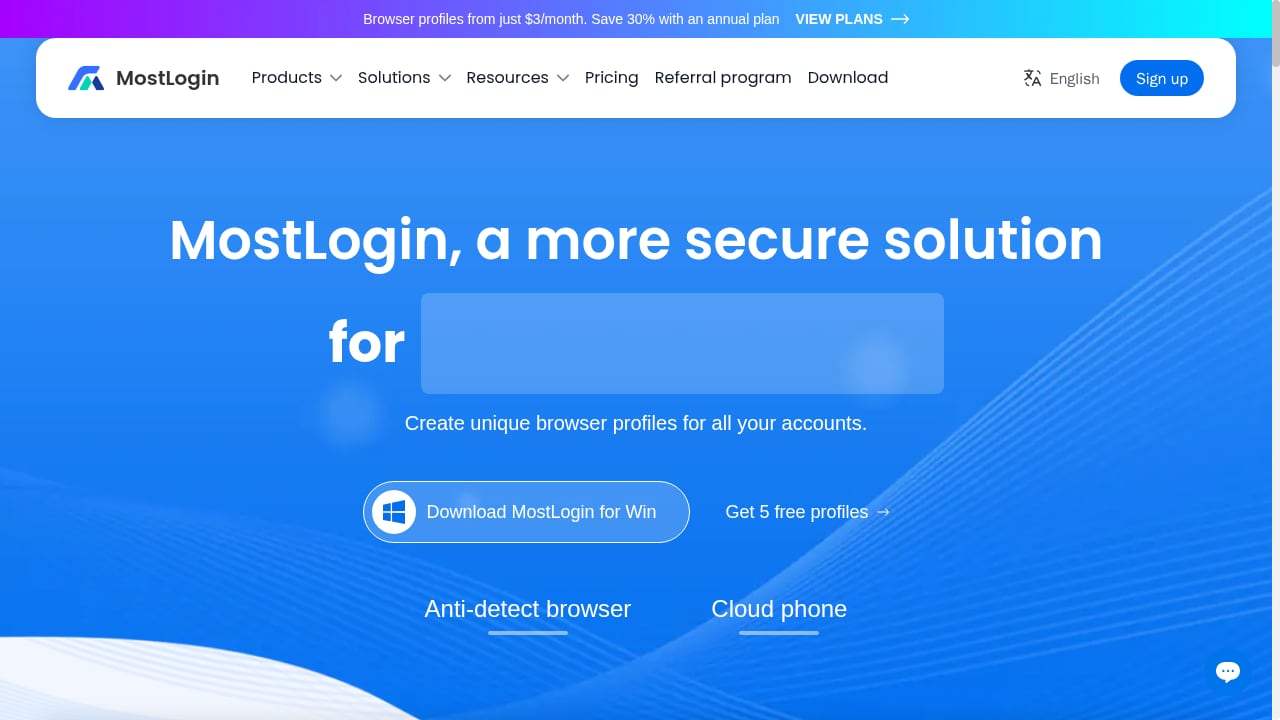
First viewport screenshot of www.mostlogin.com.
1. MostLogin
Best for: Teams that need both desktop browser profiles and Android cloud phones in one platform.
MostLogin combines an anti-detect browser with a cloud phone feature, allowing users to run Android in the cloud alongside isolated browser profiles. Each profile receives randomized fingerprint parameters—Canvas, WebGL, fonts, timezone, and more—and can be paired with a proxy to keep network identity consistent. The platform supports unlimited profile switching, team collaboration with shared profiles, operation log tracking, custom extensions, and API access. It is compatible with automation frameworks such as Puppeteer, Playwright, and Selenium.
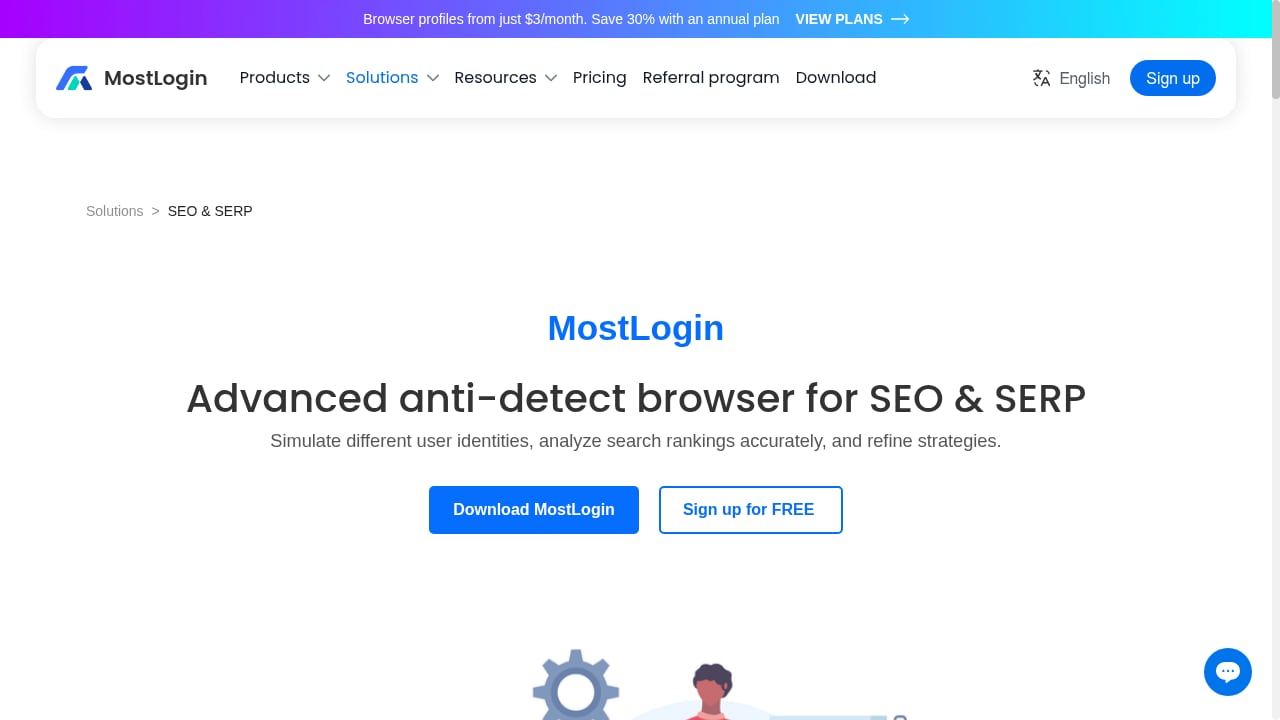
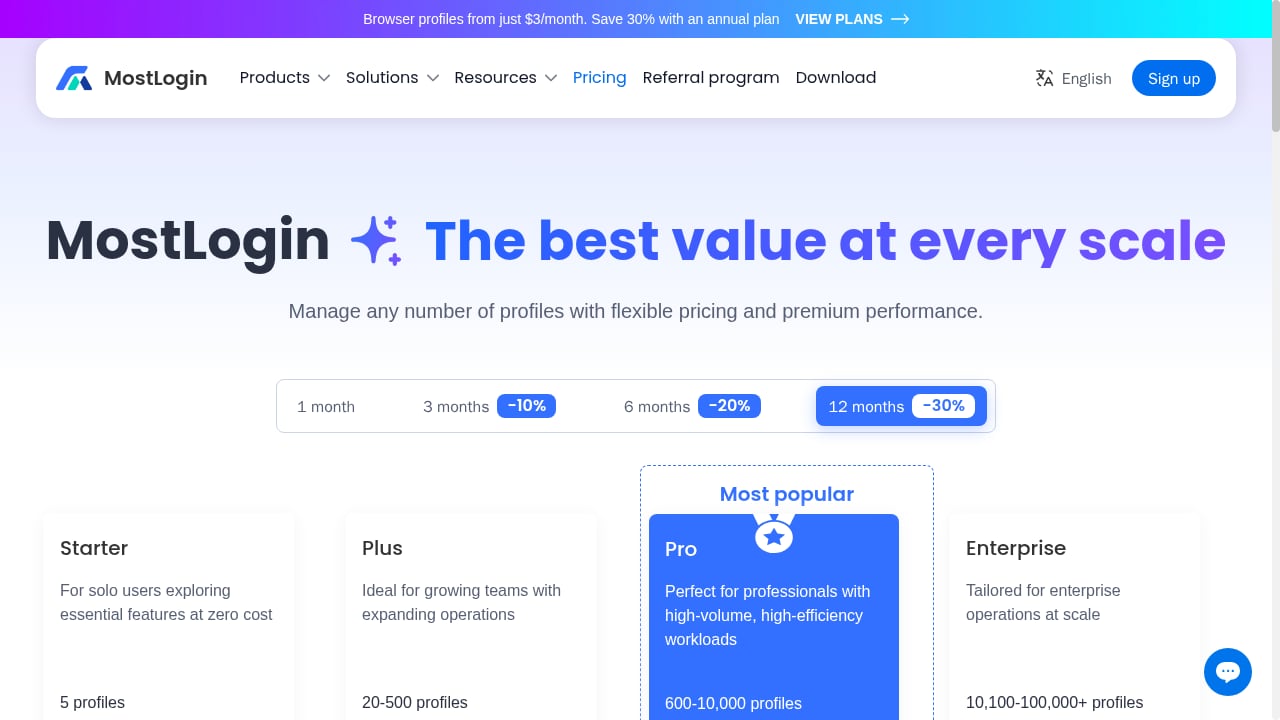
Pricing starts with a free Starter plan that includes 5 profiles, with paid plans from $3 per month for 20 profiles and scaling to Enterprise for 100,000+ profiles. Annual billing offers up to 30% savings. The combination of browser profiles and cloud phones makes MostLogin a strong fit for affiliate marketers, e-commerce sellers, social media managers, and automation teams that need to manage both web and mobile app accounts.
Evidence: Vendor documentation lists fingerprint randomization, proxy integration, team features, and cloud phone support. The free plan and low entry price make it accessible for testing.
2. Multilogin
Best for: Professional teams and agencies that want a mature platform with both browser profiles and Android cloud phones.
Multilogin is one of the longest-running commercial anti-detect browsers. It offers two browser engines—Mimic (Chromium-based) and Stealthfox (Firefox-based)—and includes Android cloud phones and bundled proxy traffic. Its free plan includes 5 cloud profiles but no API; paid plans start at around $11 per month for 10 profiles, with annual billing reducing the cost. Multilogin is known for strong fingerprint control and a polished interface, making it suitable for agencies managing client accounts at scale.
Evidence: Public comparison tables and vendor pricing pages show the free-tier limits and paid tiers. User reviews on G2 and Capterra report high satisfaction with fingerprint stability.
3. GoLogin
Best for: Users who need wide platform support, including a cloud browser and Android app.
GoLogin runs on Windows, macOS, Linux, and Android, and also offers a cloud browser that can be accessed from any device. Its Orbita engine is a Chromium fork with fingerprint customization. The free plan includes 3 profiles and no API; paid plans start at $9 per month for 10 profiles, with Enterprise pricing at $179 per month for 1,000 profiles. GoLogin is a good choice for remote teams and operators who switch between desktop systems and mobile.
Evidence: Vendor documentation and third-party reviews confirm platform support and pricing. The cloud browser is a distinguishing feature for teams that need access without local installation.
4. Dolphin Anty
Best for: Affiliate marketers and media buyers who need automation and scenario-based workflows.
Dolphin Anty is popular among ad arbitrage teams. It includes a scenario builder for automation and supports Windows, macOS, and Linux. The free plan offers 5 profiles for one user with no API; paid plans start at $10 per month for up to 60 profiles, and $89 per month for 100 profiles, with extra users billed separately. Dolphin Anty is optimized for advertising and affiliate workflows, with fingerprint control and proxy management.
Evidence: Vendor pricing and feature pages, plus community feedback, indicate strong adoption in media buying. The scenario builder is a notable automation feature.
5. Octo Browser
Best for: Operations that run very large profile fleets and want volume pricing.
Octo Browser uses its own Chromium fork, Octium, and prices for volume. There is no free plan; Lite costs €10 per month for 3 profiles, Base costs €79 per month for 200 profiles, and Advanced costs €329 per month with a very high profile limit. API access starts at the Base plan. Octo Browser is suitable for teams that need thousands of profiles on one subscription and want seats included in the tier price.
Evidence: Vendor pricing page and third-party comparisons confirm the tier structure and profile limits. The lack of a free plan is a consideration for testing.
6. Kameleo
Best for: Scraping engineers and developers who automate with Selenium, Puppeteer, or Playwright.
Kameleo sells by concurrent running browsers rather than stored profiles. It offers two engines—Chroma and Junglefox—and includes a Local API on every plan, including the free one. The free plan allows 2 running browsers with a 300-minute usage allowance; Startup costs €59 per month for 10 running browsers. Kameleo is ideal for workloads with many stored profiles but few running at once, and for developers who need API access from the start.
Evidence: Vendor documentation details the concurrent-browser pricing model and API availability. This model can be cost-effective for automation-heavy use cases.
7. Undetectable.io
Best for: Solo users and teams that want a large cloud profile pool and local storage options.
Undetectable.io separates cloud profiles from local profiles. The free plan includes 5 cloud profiles for one user with no API; unlimited local storage is a paid feature. Yearly plans advertise monthly equivalents of $34 for Base with 50 cloud profiles and $69 for Professional with 100 cloud profiles. Extra seats cost $15–$20 per month each. It supports Windows and macOS, with a Local API on paid plans and compatibility with Selenium, Puppeteer, and Playwright.
Evidence: Vendor pricing and feature pages, plus third-party reviews, confirm the cloud/local distinction and API availability. Teams should note the per-seat cost when scaling.
8. MoreLogin
Best for: Developers who want to test an API before paying and small teams on a budget.
MoreLogin offers a small free plan with 2 profiles and 2 users, and includes the Local API even on the free tier. Pro lists at $9 per month for 10 profiles with unlimited team members. Large profile counts require a custom quote. MoreLogin also sells a separate cloud phone product, making it relevant for mobile app account management. It supports Windows, macOS, and Linux, and integrates with Selenium, Puppeteer, and Playwright.
Evidence: Vendor pricing and documentation confirm the free API and cloud phone offering. The unlimited team members on Pro is a notable advantage for small teams.
9. Incogniton
Best for: Beginners who want a simple interface and a low-cost start.
Incogniton is a Chromium-based profile manager for Windows and macOS. New users get 10 profiles for two months, after which the account drops to 3 free profiles. Starter Plus costs $19.99 per month for 10 profiles, and Professional costs $79.99 per month for 150 profiles and 3 seats, or $55.99 per month when billed every six months. The REST API starts at the Entrepreneur plan. Incogniton is a straightforward choice for users who need fewer than 10 profiles and want an easy onboarding experience.
Evidence: Vendor pricing page and third-party reviews confirm the free trial structure and plan limits. The API tier is higher than some competitors.
10. Hidemyacc
Best for: Budget-conscious teams in a growth stage that need fingerprint and proxy profile control.
Hidemyacc is a lightweight anti-detect browser with fingerprint and proxy profile control. It supports Windows and macOS, and offers a free trial. Pricing starts around $15 per month, with plans scaling to 100+ profiles. It includes team collaboration features and automation support. Hidemyacc is a cost-effective option for smaller teams that do not yet need enterprise-level features.
Evidence: Vendor website and third-party comparison tables list the starting price and profile limits. User feedback indicates a simple interface suitable for beginners.
Comparison Table: Key Specs at a Glance
First viewport screenshot of www.mostlogin.com.
| Product | Best For | Free Plan | Starting Price | Cloud Phone |
|---|---|---|---|---|
| MostLogin | Browser + cloud phone teams | 5 profiles | $3/mo (20 profiles) | Yes |
| Multilogin | Agencies and professionals | 5 cloud profiles | ~$11/mo (10 profiles) | Yes (Android) |
| GoLogin | Cross-platform remote teams | 3 profiles | $9/mo (10 profiles) | No (cloud browser) |
| Dolphin Anty | Affiliate and media buyers | 5 profiles | $10/mo (60 profiles) | No |
| Octo Browser | Large profile fleets | No | €10/mo (3 profiles) | No |
| Kameleo | Scraping engineers | 2 running browsers | €59/mo (10 running) | No |
| Undetectable.io | Solo users and cloud pools | 5 cloud profiles | ~$34/mo (50 profiles) | No |
| MoreLogin | Developers and small teams | 2 profiles | $9/mo (10 profiles) | Yes (separate) |
| Incogniton | Beginners | 10 profiles for 2 months | $19.99/mo (10 profiles) | No |
| Hidemyacc | Budget teams | Trial | ~$15/mo | No |
Prices are monthly billing unless noted and may vary by region and billing cycle. Verify current pricing on vendor websites.
How to Choose the Right Tool for Your Workflow
First viewport screenshot of www.mostlogin.com.
Selecting an anti-detect browser or cloud phone platform depends on your primary use case, team size, and technical requirements. Consider these decision points:
- If you manage mobile app accounts: Prioritize products with cloud phone support, such as MostLogin, Multilogin, or MoreLogin. Cloud phones let you run Android apps in the cloud without physical devices.
- If you need automation: Look for API access on your plan and compatibility with Puppeteer, Playwright, or Selenium. Kameleo and MoreLogin offer API access even on lower tiers; MostLogin and Multilogin provide APIs on paid plans.
- If you are scaling to thousands of profiles: Compare volume pricing. Octo Browser and Multilogin offer tiers for large fleets, while MostLogin scales to 100,000+ profiles on Enterprise.
- If you are a solo operator or beginner: Incogniton and Hidemyacc offer simple interfaces and low entry costs. GoLogin's free plan is limited but its cloud browser is convenient.
- If you need team collaboration: Check profile sharing, role permissions, and per-seat costs. MoreLogin includes unlimited team members on Pro; Undetectable.io charges per extra seat.
For workflows that combine anti-detect browsing with proxy management, see our guide on how to use AdsPower with IPBurger for proxy setup principles that apply across tools. If you are comparing specific browsers, our AdsPower vs Octo Browser vs StealthBrowser comparison provides additional context on fingerprinting and scaling.
Where AdsPower Fits in the Broader Ecosystem
First viewport screenshot of www.mostlogin.com.
AdsPower is a well-known anti-detect browser, but it is not included in this ranking because our focus is on products that combine anti-detect browsing with cloud phone capabilities or that are primarily positioned as multi-account management platforms in this category. AdsPower remains a relevant option for teams that need no-code RPA and a mature API; you can read our AdsPower vs MoreLogin comparison for a direct look at how it stacks up against a cloud-phone-capable competitor. For teams already using AdsPower, our guide on bulk actions for profiles explains how to scale operations efficiently.
Related reading
- Undetectable.io Review 2026: Anti-Detect Browser for Mac & Windows - Evidence-based Undetectable.io review: fingerprint isolation, team features, pricing signals, setup steps, and who should choose it for multi-accounting.
Sources and further reading
- 10 Best Anti-Detect Browsers for Multi-Account Management in 2026 | Live Proxies - Compare the 10 best anti-detect browsers for multi-account management in 2026, including features, pricing, proxies, automation, and mobile support.
- 10 Best Antidetect Browsers in 2026 (Free, Paid, Open Source) - The 10 best antidetect browsers in 2026, compared on real free-plan limits, price at 100 profiles, open source, automation, and team features. AliasMode is #1.
- Best Anti-Detect Browsers 2026 - Compare 12 | LP - Compare 12 anti-detect browsers: AdsPower, GoLogin, Octo, Multilogin, BitBrowser, Dolphin Anty and more. Pricing, profile limits and proxy compatibility.
Frequently Asked Questions
What is an anti-detect browser?
An anti-detect browser is a specialized browser that lets you create multiple isolated profiles, each with its own fingerprint (Canvas, WebGL, user agent, timezone, etc.) and proxy settings. Websites see each profile as a separate device, which helps manage multiple accounts without linking them.
Do I need a cloud phone for multi-account management?
Only if you manage mobile app accounts. Cloud phones run Android in the cloud, allowing you to install and use apps without physical devices. If your accounts are web-based, a standard anti-detect browser is sufficient.
Are these tools legal?
Anti-detect browsers and cloud phones are legal tools. However, using them to violate platform terms of service or engage in fraud is not. Always comply with the laws and platform policies that apply to your activities.
How much do anti-detect browsers cost?
Prices range from free plans with limited profiles to enterprise plans costing hundreds per month. Entry-level paid plans typically start between $3 and $20 per month for 10–20 profiles. Volume pricing varies significantly.
Can I use free proxies with these browsers?
Free proxies are often unreliable and may be blocked. For multi-account management, residential, mobile, or ISP proxies are recommended to maintain consistent network identity. Most tools support HTTP, HTTPS, and SOCKS5 proxies.
Which tool is best for beginners?
Incogniton and Hidemyacc are beginner-friendly with simple interfaces and low-cost plans. MostLogin also offers a free plan with 5 profiles, making it easy to test.
Conclusion
The anti-detect browser and cloud phone market in 2026 offers a range of options for different needs. MostLogin stands out for combining browser profiles with cloud phones at an accessible price point, while Multilogin and GoLogin serve professional teams with mature features. Dolphin Anty and Octo Browser cater to specific workflows like media buying and large-scale operations. For developers, Kameleo and MoreLogin provide API access on lower tiers. Beginners can start with Incogniton or Hidemyacc. Evaluate your team size, automation needs, and whether mobile app management is required before choosing. Whichever tool you select, pair it with reliable proxies and follow platform policies to maintain account stability.
Disclosure: This article is for informational purposes. Pricing and features are subject to change; verify details with vendors.


