
Kameleo Review 2026: Anti-Detect Browser for Multi-Accounting & Scraping
Take a Quick Look
Evidence-based Kameleo review: fingerprint isolation, mobile emulation, automation APIs, pricing signals, setup, and ideal users for multi-accounting and scraping.
Kameleo Review 2026: Anti-Detect Browser for Multi-Accounting & Web Scraping
Kameleo is a self-hosted anti-detect browser that creates isolated browser profiles with spoofed fingerprints across Chrome, Firefox, Edge, and Safari kernels. Founded in 2017 and operated by Outis Nemo Ltd, it has evolved from a niche desktop tool into a platform with mobile emulation, cloud profiles, Docker support, and SDKs for Selenium, Playwright, and Puppeteer. This review examines whether Kameleo fits your multi-accounting or web scraping workflow, based on public documentation, vendor disclosures, and third-party testing.
What Kameleo Does and Who It Serves
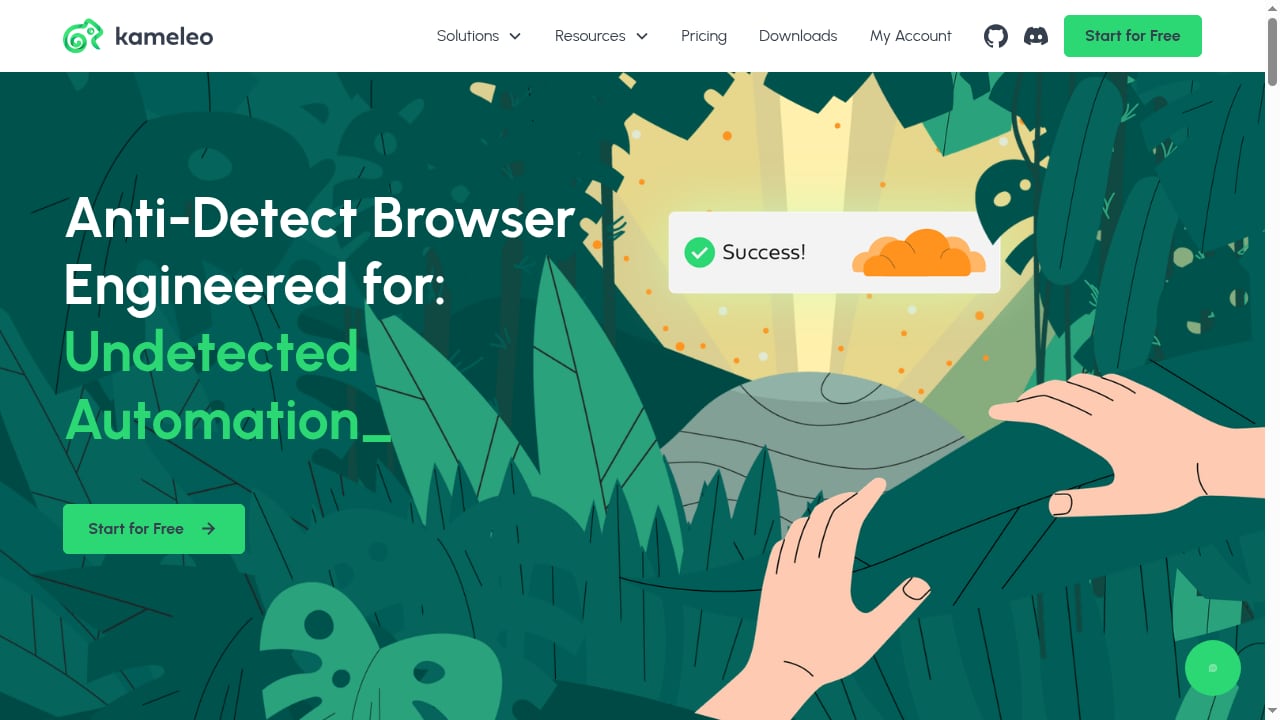
First viewport screenshot of kameleo.io.
Kameleo's core function is to make each browser session appear as a distinct real user. It does this by generating or selecting device fingerprints—canvas, WebGL, AudioContext, fonts, geolocation, user-agent, languages, and screen properties—and binding them to isolated profiles. Each profile can carry its own cookies, proxy, and browser kernel.
The tool is explicitly built for technical users. Unlike hosted SaaS anti-detect browsers that preconfigure fingerprints, Kameleo asks you to choose from a database of millions of device configurations. That control is valuable for developers and data teams, but it creates a steep learning curve for marketers who simply want to launch accounts.
Ideal users include:
- Web scraping teams that need parallel sessions without cross-contamination
- Automation engineers using Selenium, Playwright, or Puppeteer
- Mobile-focused affiliates and social media managers who need Android or iOS emulation
- Privacy-conscious operators who prefer local profiles over cloud-hosted ones
- Small teams that want fingerprint control without a fully managed SaaS dependency
Key Strengths of Kameleo
First viewport screenshot of kameleo.io.
Deep Fingerprint Customization
Kameleo exposes granular controls for canvas, WebGL, AudioContext, font lists, geolocation coordinates, user-agent strings, and language settings. You can start from a real-device template and modify individual parameters. This depth is useful when a target site checks for consistency across multiple fingerprint surfaces.
Multi-Engine and Mobile Emulation
Kameleo supports Chrome, Firefox, Edge, and Safari kernels. Its mobile emulation is a differentiator: you can create profiles that appear as Android or iOS devices, including screen resolution, DPI, and sensor lists. For platforms like TikTok or mobile Instagram, this matters because desktop fingerprints can trigger additional scrutiny.
Automation-Ready Architecture
A local API ships with Python, JavaScript/TypeScript, and C# SDKs. Kameleo integrates with Selenium, Playwright, and Puppeteer, and it is Docker-ready. For scraping pipelines, this means you can launch isolated browser contexts programmatically and rotate fingerprints between requests without manual profile creation.
Self-Hosted and Local-First
Profiles are stored locally by default, with cloud profiles available as a newer option. Teams that want to keep session data on their own infrastructure may prefer this to fully hosted competitors. The trade-off is that collaboration and remote access require more setup.
Limitations and Trade-Offs
Steep Learning Curve
Kameleo is not beginner-friendly. Manual fingerprint selection, manual proxy credential entry, and the absence of built-in proxies mean you need to understand fingerprinting concepts before you get reliable results. Reviewers consistently note that non-technical users struggle with the interface.
Inconsistent Detection Results
Third-party tests have reported mixed results. Some fingerprint checks flag geolocation mismatches or unnatural parameter combinations, particularly when profiles are not carefully configured. Kameleo's canvas protection is often praised, but no anti-detect browser guarantees undetectability—results depend on proxy quality, fingerprint consistency, and target-site sophistication.
Support and Reputation Signals
Public reviews mention slow support responsiveness and proxy-check failures as recurring complaints. Trustpilot ratings sit around 3.8/5, and review volume is low compared with larger competitors. Updates are frequent, but community feedback is limited.
Pricing Complexity
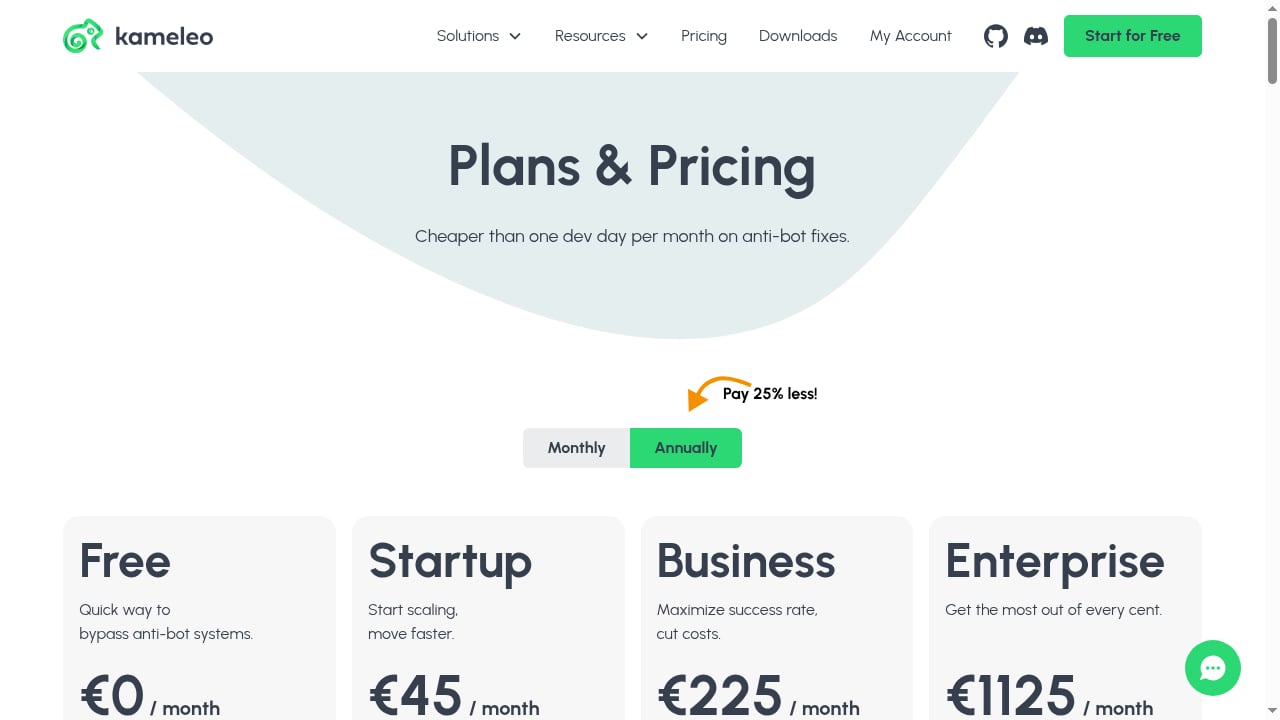
Kameleo prices by concurrent browsers rather than profile count. The free plan includes 2 concurrent browsers, 100 cloud profiles, 3 team seats, and mobile emulation. Paid tiers scale from there, with a Startup plan around €59/month and higher tiers for more concurrency. The cost of entry has dropped, but heavy scraping operations can still face steep bills.
Platform and License Constraints
Historically, Kameleo was Windows-only, with macOS support added later. The Android app works alongside the desktop app rather than independently. License terms have restricted use to one computer per license, which can complicate remote teams.
Pricing Signals: What You Actually Pay For
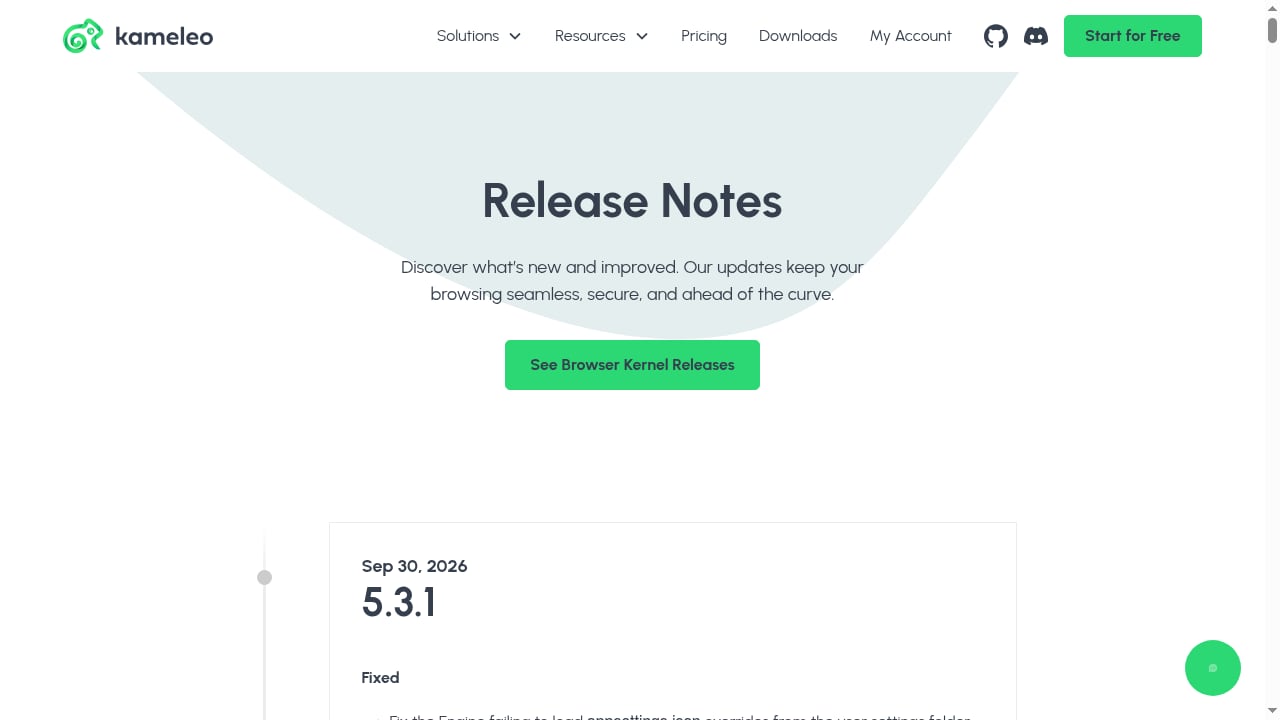
First viewport screenshot of kameleo.io.
Kameleo's pricing model centers on concurrent browser sessions. This is different from competitors that charge by profile count or team seat. For scraping teams that run many parallel sessions, concurrency-based pricing can become expensive quickly. For multi-accounting users who keep profiles open for long periods, the model may be more predictable.
The free plan is a genuine entry point now, not just a trial. It covers 2 concurrent browsers and includes mobile emulation, which is enough for testing and light multi-accounting. Paid plans unlock more concurrency, unlimited team seats on some tiers, and higher mobile emulation limits. Always verify current pricing on Kameleo's official site, because tiers and limits have changed significantly in recent years.
Setting Up Kameleo: A Practical Walkthrough
- Install the desktop app for Windows or macOS. The Android app is a companion, not a standalone replacement.
- Create a profile and choose a browser kernel. Chrome is the most common starting point; Firefox and Safari kernels are useful for diversity.
- Select a fingerprint template from the device database. Match the template to your proxy's geolocation to avoid inconsistencies.
- Configure a proxy manually. Kameleo does not include built-in proxies, so you need residential, mobile, or ISP proxies from a separate provider. Enter credentials carefully—proxy-check failures are a common source of frustration.
- Launch the profile and verify fingerprint consistency using a detection test site. Check canvas, WebGL, timezone, and language alignment.
- Automate with the Local API if you are scraping. Use the Python or JavaScript SDK to create profiles, launch browsers, and rotate sessions programmatically.
For a broader look at how anti-detect browsers fit into scraping pipelines, see our web scraper guide for anti-detect browsers.
Kameleo vs Alternatives: Decision Criteria
Kameleo competes with Multilogin, GoLogin, Dolphin Anty, and other anti-detect browsers. The right choice depends on your priorities:
- Choose Kameleo if you need deep fingerprint control, multi-engine support, mobile emulation, and self-hosted profiles, and you have the technical skill to configure them.
- Choose a hosted SaaS alternative if you want preconfigured fingerprints, built-in proxies, and a simpler onboarding experience for non-technical team members.
- Choose a concurrency-friendly tool if your scraping workload runs many parallel sessions and you want predictable per-profile pricing.
- Choose a team-collaboration-focused tool if you need cloud-synced profiles and role-based access without local infrastructure.
For a side-by-side comparison of multi-accounting tools, see our AdsPower vs RoxyBrowser vs GeeLark guide. If you are evaluating fingerprint depth across vendors, our 2026 top 10 anti-detection fingerprint browsers review provides a transparent ranking.
Use Cases: Where Kameleo Fits Best
First viewport screenshot of kameleo.io.
Web Scraping at Scale
Kameleo's Local API and Docker support make it suitable for scraping pipelines that need isolated sessions. You can launch multiple browser contexts with distinct fingerprints and proxies, reducing the risk of IP or fingerprint correlation. However, you must supply your own proxies and handle CAPTCHAs separately—Kameleo does not solve challenges for you. For CAPTCHA integration, see our Anti Captcha explainer.
Multi-Account Management
Social media managers and affiliates use Kameleo to run separate accounts for TikTok, Instagram, Reddit, and ad platforms. Mobile emulation is particularly useful here, because mobile fingerprints are often treated differently by these platforms. The trade-off is manual setup and the need to maintain consistent proxy geolocation.
Crypto Airdrops and Wallet Automation
Kameleo's isolated profiles can separate wallet sessions and airdrop farming activities. The self-hosted model appeals to users who do not want session data in a third-party cloud. Still, blockchain analytics and sybil detection are evolving, so fingerprint isolation alone is not a complete strategy.
Geo-Based Testing and Ad Verification
Ad verification teams use anti-detect browsers to view campaigns from different geolocations. Kameleo's geolocation controls and multi-engine support help simulate diverse user environments. Accuracy depends on proxy quality and fingerprint consistency.
Related reading
- How to Use AdsPower with Oxylabs: Proxy Setup & AI Workflow - Step-by-step guide to connecting Oxylabs proxies and web data APIs with AdsPower anti-detect profiles for multi-accounting, scraping, and AI agent workflows.
Sources and further reading
- Kameleo Antidetect Browser Review 2026 - NodeMaven - Kameleo review 2026: Powerful anti-detect browser for desktop & mobile stealth. Boost results with NodeMaven proxies.
- Kameleo Review: Pricing & Alternatives - Kameleo is a self-hosted anti-detect browser for web scraping, browser automation, and multi-accounting, founded in 2017 and operated by Outis Nemo Ltd out…
- Kameleo Browser Alternative: Updated 2025 Review - Using or considering Kameleo for business? It might be time to reconsider! Here's a 2026 review with features, running costs and comparison table.
FAQ
Is Kameleo free?
Kameleo offers a free plan with 2 concurrent browsers, 100 cloud profiles, 3 team seats, and mobile emulation. Paid plans add concurrency and higher limits. There is no separate trial, but the free plan serves as a functional entry point.
Does Kameleo work with Selenium and Playwright?
Yes. Kameleo provides a Local API with Python, JavaScript/TypeScript, and C# SDKs, and it integrates with Selenium, Playwright, and Puppeteer. Docker deployment is also supported.
Is Kameleo good for beginners?
Generally no. Kameleo requires manual fingerprint selection and proxy configuration, and it lacks built-in proxies. Non-technical users often find it overwhelming compared with hosted anti-detect browsers.
Can Kameleo run on macOS?
Yes, macOS support has been added. The Android app is a companion to the desktop app and does not work independently.
How does Kameleo compare to Multilogin or GoLogin?
Kameleo emphasizes self-hosted profiles, multi-engine support, and developer APIs. Multilogin and GoLogin offer more cloud-first workflows and simpler onboarding. The best choice depends on whether you prioritize control or convenience.
Conclusion
Kameleo is a powerful anti-detect browser for technical users who need deep fingerprint control, mobile emulation, and automation-friendly architecture. Its self-hosted model and multi-engine support make it a strong fit for scraping teams and developers. However, the steep learning curve, manual proxy setup, mixed detection results, and support complaints mean it is not a turnkey solution. Evaluate the free plan against your actual workflow, test fingerprint consistency with your proxy provider, and compare concurrency costs before committing. For most teams, the decision comes down to whether control and customization outweigh convenience and onboarding speed.


