
How to Use AdsPower with Oxylabs: Proxy Setup & AI Workflow
Take a Quick Look
Step-by-step guide to connecting Oxylabs proxies and web data APIs with AdsPower anti-detect profiles for multi-accounting, scraping, and AI agent workflows.
How to Use AdsPower with Oxylabs: Proxy Setup & AI Workflow
AdsPower gives you isolated browser profiles with unique fingerprints; Oxylabs gives you the IP addresses and web data those profiles need to look and behave like real, geographically distributed users. Used together, they solve a specific problem: running many accounts or data-collection jobs from one machine without the accounts collapsing into a single detectable identity.
This guide explains how the two products fit together, walks through the proxy setup in AdsPower, covers the Oxylabs web data APIs for AI pipelines, and shows practical workflows for ecommerce, social media, and scraping teams.
What each product does
First viewport screenshot of www.adspower.com.
AdsPower is an anti-detect browser. Each profile gets its own Canvas, WebGL, network, and user-agent fingerprint, so accounts stay isolated from one another on the same computer. It ships two stealth browsers (SunBrowser and FlowerBrowser), encrypted profile storage, cross-device sync, team collaboration with granular permissions, RPA robots, and a Local API with rate limits up to 1,500 requests per minute.
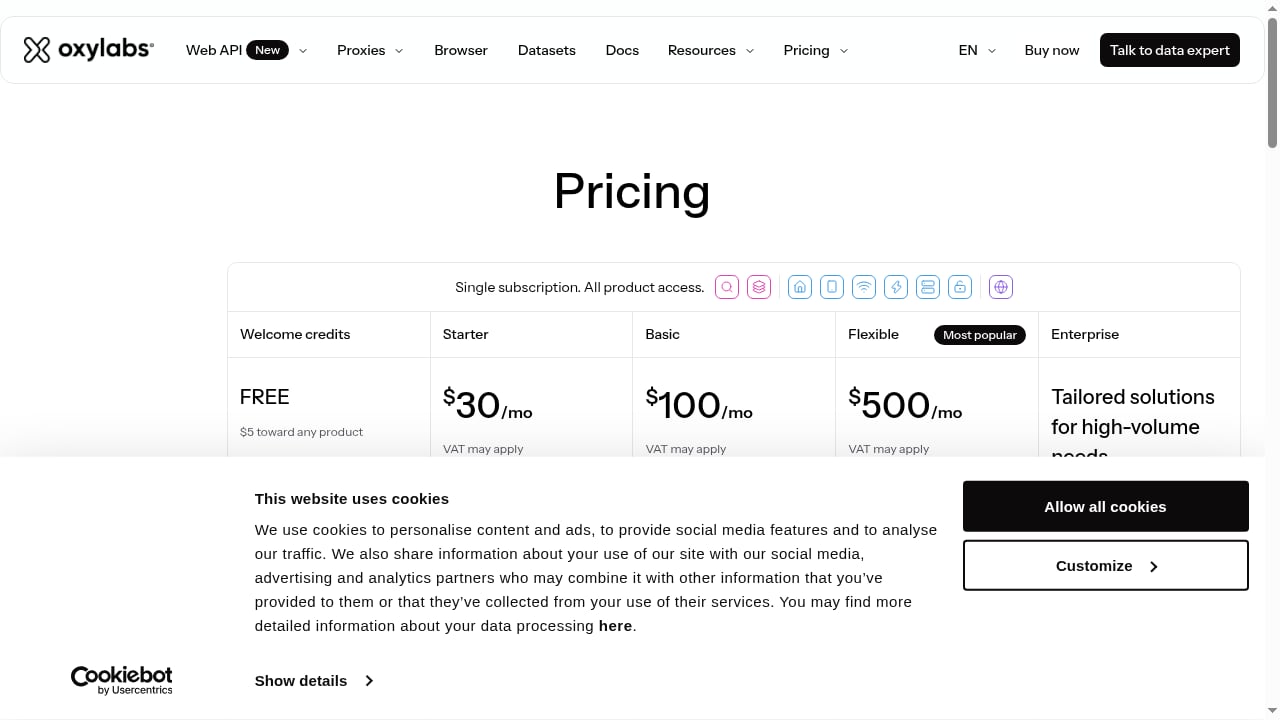
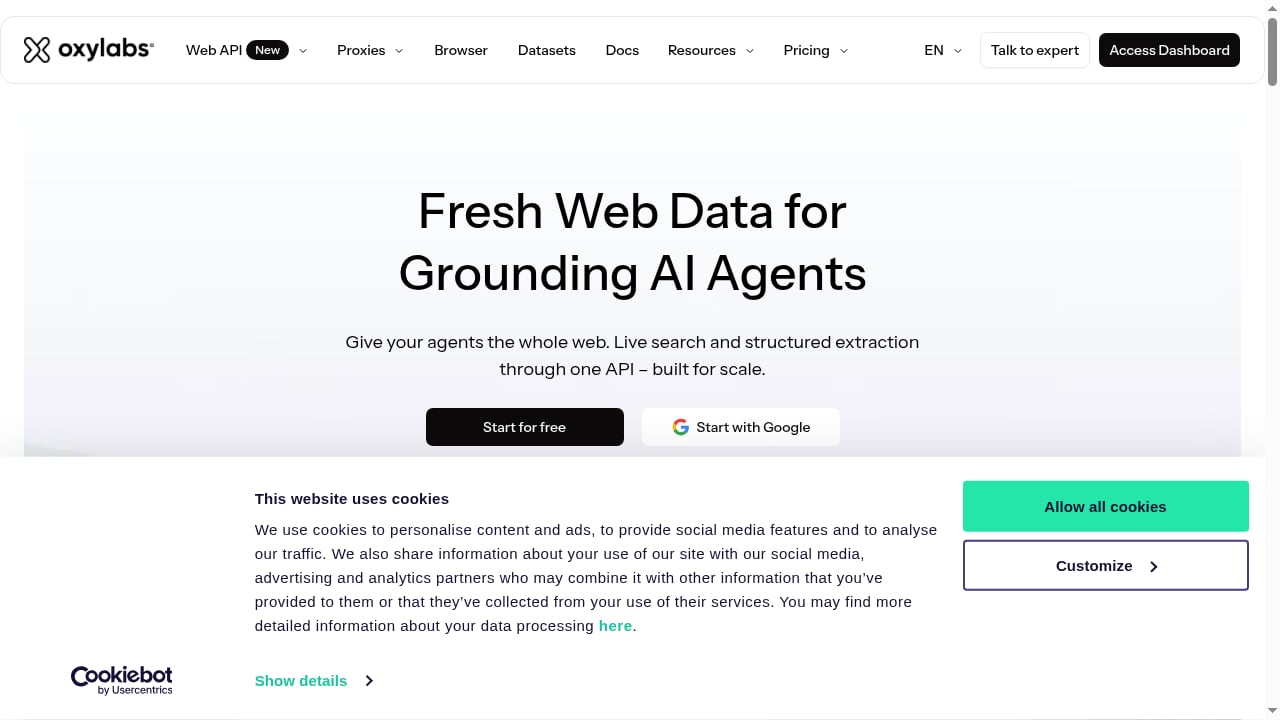
Oxylabs is a proxy and web data platform. It provides a large residential proxy pool (177M+ IPs in the current product listing), shared and dedicated datacenter proxies, and APIs built for AI and large-scale collection, including a web search API that returns structured results for agents and applications.
Why combine an anti-detect browser with a proxy network
First viewport screenshot of www.adspower.net.
An anti-detect browser without quality proxies is only half the job. If ten profiles share one IP, sites can still link them. Conversely, rotating proxies without fingerprint isolation still leak a consistent browser signature. The combination closes both gaps:
- Identity isolation — AdsPower separates cookies, storage, and fingerprints per profile.
- Network isolation — Oxylabs assigns a distinct exit IP per profile or per session.
- Geo-consistency — country-specific entry nodes let a profile's IP match its claimed locale.
- Scale — hundreds of profiles can each carry their own proxy without manual re-entry.
Setting up Oxylabs proxies in AdsPower
First viewport screenshot of oxylabs.io.
There are two paths: enter proxy details manually when creating a profile, or register Oxylabs once in AdsPower's proxy configuration so profiles can select it by country.
Option 1: Manual entry per profile
- Log in to your Oxylabs dashboard and open My Products → Residential Proxies → Users to find your username. Dedicated datacenter IPs are listed under Dedicated Datacenter Proxies → Proxy lists.
- In AdsPower, create a new profile and open the proxy section.
- Fill in the fields according to the proxy type:
| Proxy type | Host | Port | Notes |
|---|---|---|---|
| Residential (rotating) | pr.oxylabs.io |
7777 |
Username/password required |
| Residential (country entry) | us-pr.oxylabs.io |
10000 |
Returns a US exit node |
| Shared datacenter | dc.pr.oxylabs.io |
10000 |
Username/password required |
| Dedicated datacenter | Specific IP, e.g. 1.2.3.4 |
60000 |
One IP per profile |
- Click Check Proxy to confirm the connection before saving.
Option 2: Register Oxylabs as a proxy type
- In AdsPower, go to Discover → Proxies → Proxy Configuration → Oxylabs.
- Enter your Oxylabs username and password and save.
- When editing a profile, choose Oxylabs auto (rotating proxy) as the proxy type and select a country. AdsPower handles the credentials, so you only pick the target region.
This second method is the better choice for teams managing many profiles, because country changes don't require editing credentials on each profile.
Matching proxy type to workflow
- Residential rotating — best for scraping and ad verification where each request should look like a different household.
- Residential sticky sessions — best for social media or ecommerce accounts that need a stable IP across a login session.
- Dedicated datacenter — best for high-volume, latency-sensitive jobs where the IP can be allowlisted.
- Shared datacenter — a budget option for low-risk, high-throughput tasks.
Using Oxylabs web data APIs alongside AdsPower
First viewport screenshot of Oxylabs – High Quality Proxy Service & Web Search API for AI.
AdsPower handles browser-level identity; Oxylabs APIs handle server-side collection. A common architecture splits work between them:
- Browser tasks (logging into dashboards, checking ad placements, managing seller accounts) run inside AdsPower profiles with Oxylabs proxies attached.
- Bulk data tasks (search results, product pages, SERP monitoring) run through Oxylabs' web search and scraping APIs, feeding structured JSON into your database or AI pipeline.
- AI agents consume the structured output and, when they need to act inside a logged-in interface, call the AdsPower Local API to launch the right profile.
AdsPower's Local API supports starting and closing browsers, reading and writing profile configuration, and running in headless mode with an API key. That makes it possible for an agent to open a specific profile, perform actions, and close it without a human touching the desktop.
Example: AI-driven competitor price monitoring
- An Oxylabs web search API job collects competitor listings and prices on a schedule.
- Results land in a database that an AI agent queries for anomalies.
- When the agent needs to verify a price inside a logged-in marketplace account, it calls the AdsPower Local API to launch the matching profile, which is already bound to an Oxylabs residential IP in the correct country.
- The agent reads the page, records the finding, and closes the profile.
This keeps bulk collection cheap and fast while reserving browser profiles for tasks that genuinely require a session.
Practical examples by use case
Ecommerce multi-store management
Assign each store profile a dedicated datacenter IP or a sticky residential session. Keep the profile's timezone, language, and user agent aligned with the proxy's country. Use AdsPower's batch profile tools to apply the same proxy configuration template across a new store set.
Social media and advertising
Run each ad account in its own profile with a stable residential IP. AdsPower's synchronization device lets a team operate multiple profiles in parallel windows, while member permissions limit who can open which account. If you also schedule posts through a social tool, see our guide on using AdsPower with Hootsuite for multi-account social media.
Web scraping and data collection
Pair rotating residential proxies with AdsPower profiles when the target site requires JavaScript execution or login. For pure HTML collection, skip the browser and call Oxylabs directly. If your pipeline hits CAPTCHAs, our explainer on how CAPTCHA solving APIs work covers integration options.
Surveys and market research
Use country-specific residential entry nodes so each respondent profile appears local. Rotate IPs on a schedule; AdsPower now supports custom IP rotation intervals of 30, 60, 90, or 120 minutes, which maps well to survey sessions that shouldn't change IP mid-completion.
Common problems this combination solves
- Account bans from shared IPs — each profile gets its own exit node.
- Geo-mismatch flags — country entry nodes keep IP and profile locale consistent.
- Slow manual proxy entry — the registered Oxylabs proxy type removes credential re-entry.
- Scraping blocks — rotating residential IPs plus realistic fingerprints reduce challenge rates.
- Agent blind spots — the Local API lets AI agents act inside authenticated sessions, not just fetch public pages.
AdsPower with Oxylabs vs. alternatives
If your main need is fingerprint depth and team collaboration, AdsPower is a strong fit; compare it against other tools in our AdsPower vs VMLogin breakdown or the broader top 10 anti-detect browsers ranking. If your main need is raw proxy volume, Oxylabs competes on pool size and API tooling rather than browser features — the two products are complementary, not substitutes.
For setup references, see the AdsPower Oxylabs integration doc and the Oxylabs integrations library. Automation details are in the AdsPower Local API documentation.
Related reading
- AdsPower vs RoxyBrowser vs GeeLark: Multi-Accounting Guide - Compare AdsPower, RoxyBrowser, and GeeLark for multi-accounting. See strengths, trade-offs, and which antidetect browser fits your workflow.
- MuLogin Anti-Detect Browser Review 2026: Multi-Account Safety - Evidence-based MuLogin review: fingerprint isolation, Windows-only limits, pricing signals, setup, and ideal users for safe multi-account management.
FAQ
Do I need Oxylabs proxies to use AdsPower?
No. AdsPower works with any HTTP or SOCKS5 proxy. Oxylabs is simply a premium option with a large residential pool and country-level targeting.
Which Oxylabs proxy type should I use for social media accounts?
Sticky residential sessions are usually best, because the account keeps one IP across a login session. Rotating residential is better suited to scraping.
Can I use Oxylabs with AdsPower's Local API?
Yes. Configure the proxy on the profile, then launch that profile through the Local API in GUI or headless mode. The proxy settings travel with the profile.
Does AdsPower support country-specific Oxylabs entry nodes?
Yes. You can enter a country-specific host and port manually, or register Oxylabs as a proxy type and select the country in the profile settings.
Is the Oxylabs web search API a replacement for browser automation?
No. It replaces bulk public-page collection. Browser profiles are still needed for logged-in actions, JavaScript-heavy flows, and anything requiring a persistent session.
Conclusion
AdsPower and Oxylabs solve two halves of the same problem: browser identity and network identity. Register Oxylabs once in AdsPower's proxy configuration, match proxy type to workflow, and route bulk collection through Oxylabs APIs while reserving browser profiles for session-based tasks. That split keeps accounts isolated, data fresh, and AI agents working inside the interfaces they need.


