
How to Use AdsPower with Hootsuite for Multi-Account Social Media
Take a Quick Look
Pair AdsPower anti-detect profiles with Hootsuite to schedule, publish, and analyze multiple social accounts safely from one device.
How to Use AdsPower with Hootsuite for Multi-Account Social Media
Running several brand, client, or regional social accounts usually means juggling logins, devices, and the constant risk of platform flags. AdsPower gives each account an isolated browser fingerprint, while Hootsuite centralizes scheduling, publishing, and analytics. Together they let a small team operate many accounts from one machine without mixing sessions or tripping detection systems.
This guide explains how the two tools complement each other, how to set them up, and what a realistic daily workflow looks like.
Why pair an anti-detect browser with a social media dashboard
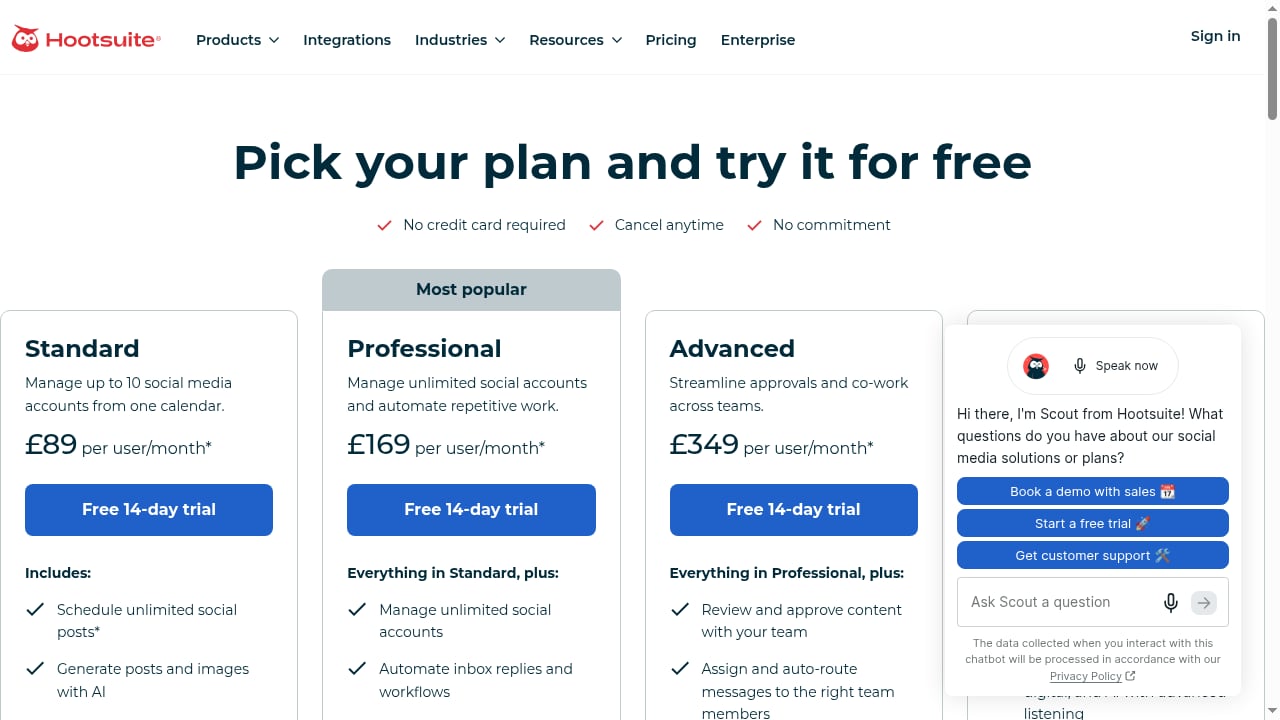
First viewport screenshot of Hootsuite Plans, Prices, and Features.
Hootsuite is built to manage multiple social profiles from a single dashboard: you connect accounts, schedule posts, monitor mentions, and pull performance reports. The platform assumes each connected account is legitimate and authorized. AdsPower handles the other half of the problem: making sure each account is accessed from a consistent, believable, and isolated environment.
When you log into five Facebook Pages, three Instagram profiles, and four X accounts from the same browser with the same cookies and canvas fingerprint, platforms can link them. AdsPower creates a separate browser profile for each account, each with its own fingerprint, cookies, local storage, and proxy. Hootsuite then sits on top of that clean environment to do the publishing and reporting work.
In short: AdsPower protects account identity, Hootsuite scales the content operation.
How AdsPower and Hootsuite fit together
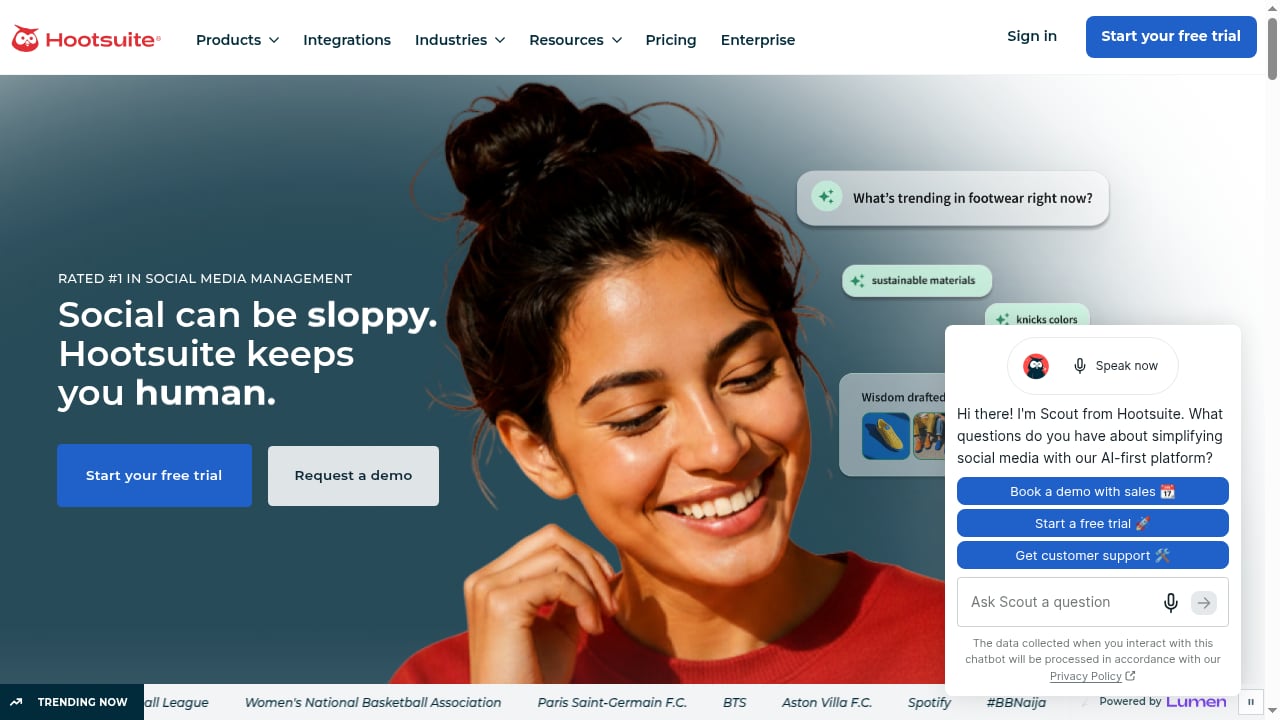
First viewport screenshot of Social Media Marketing & Management Dashboard - Hootsuite.
Think of the stack in three layers:
- Identity layer (AdsPower): one isolated browser profile per social account, with a unique fingerprint and a dedicated proxy.
- Management layer (Hootsuite): scheduling, content calendar, inbox, and analytics across connected profiles.
- Team layer: role-based access in AdsPower for profile sharing, and Hootsuite seats for collaborators who only need to publish and report.
A common mistake is connecting every account to Hootsuite from one ordinary browser. That defeats the purpose. Instead, open the relevant AdsPower profile first, then work inside Hootsuite from that profile's session.
Setup steps
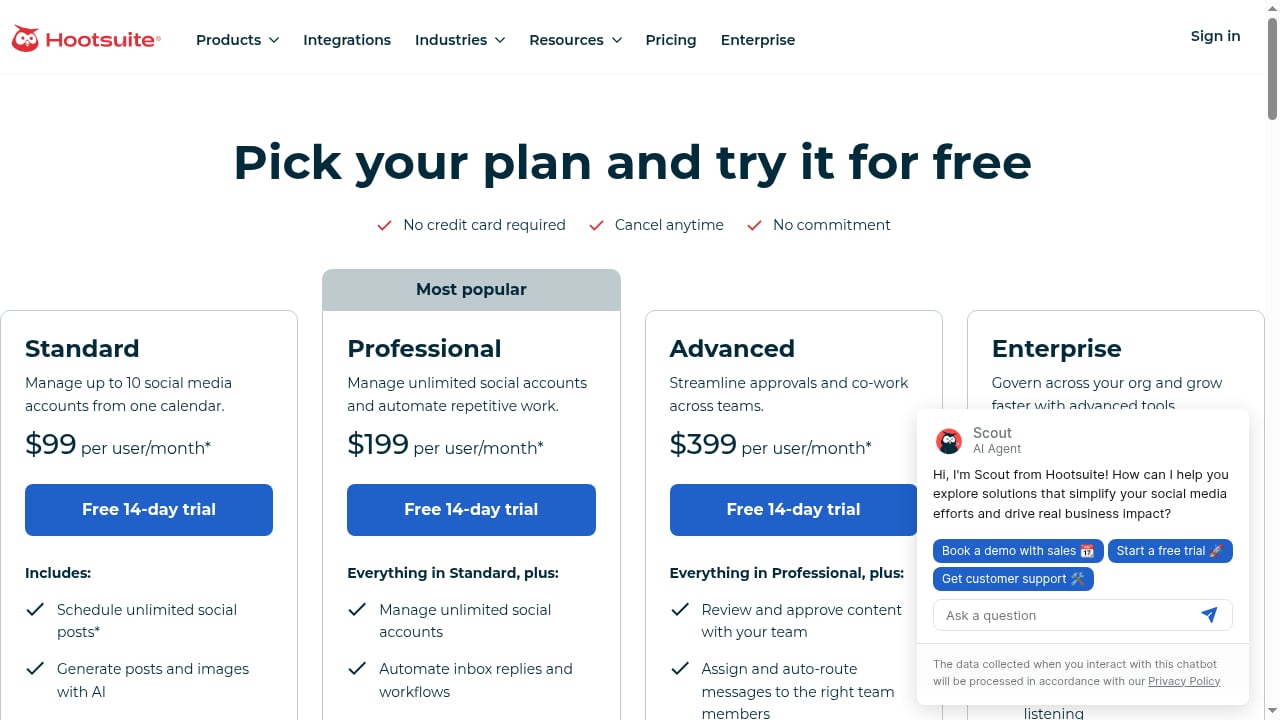
First viewport screenshot of Hootsuite Plans, Prices, and Features.
1. Create and organize AdsPower profiles
Install AdsPower, create an account, and build one browser profile per social account. Use a clear naming convention such as client-brand-instagram or region-eu-facebook. Group profiles by client or platform so batch operations stay manageable.
2. Assign a proxy to each profile
Every profile should have its own proxy that matches the target geography. A UK-facing Instagram account should not appear to log in from a data center in another country. AdsPower supports common proxy types and lets you test connectivity before saving.
3. Check the fingerprint before first login
Open the profile and verify that user agent, timezone, language, WebGL, and Canvas values look consistent with the proxy location. AdsPower's SunBrowser and FlowerBrowser engines expose these parameters for review.
4. Log into the social platform inside the profile
Sign into Facebook, Instagram, LinkedIn, TikTok, or X inside the AdsPower profile. Complete any two-factor prompts and let the session settle for a day before adding heavy activity.
5. Connect the account to Hootsuite
From within that same AdsPower profile, open Hootsuite and add the social account as a connected profile. Hootsuite will store the authorization token against that session. Repeat the process for each account, always opening the matching AdsPower profile first.
6. Verify publishing and analytics
Schedule a low-risk test post, confirm it publishes, and check that Hootsuite's analytics populate for that profile. If the account disconnects, re-authorize from inside the correct AdsPower profile rather than from your default browser.
Practical workflow examples
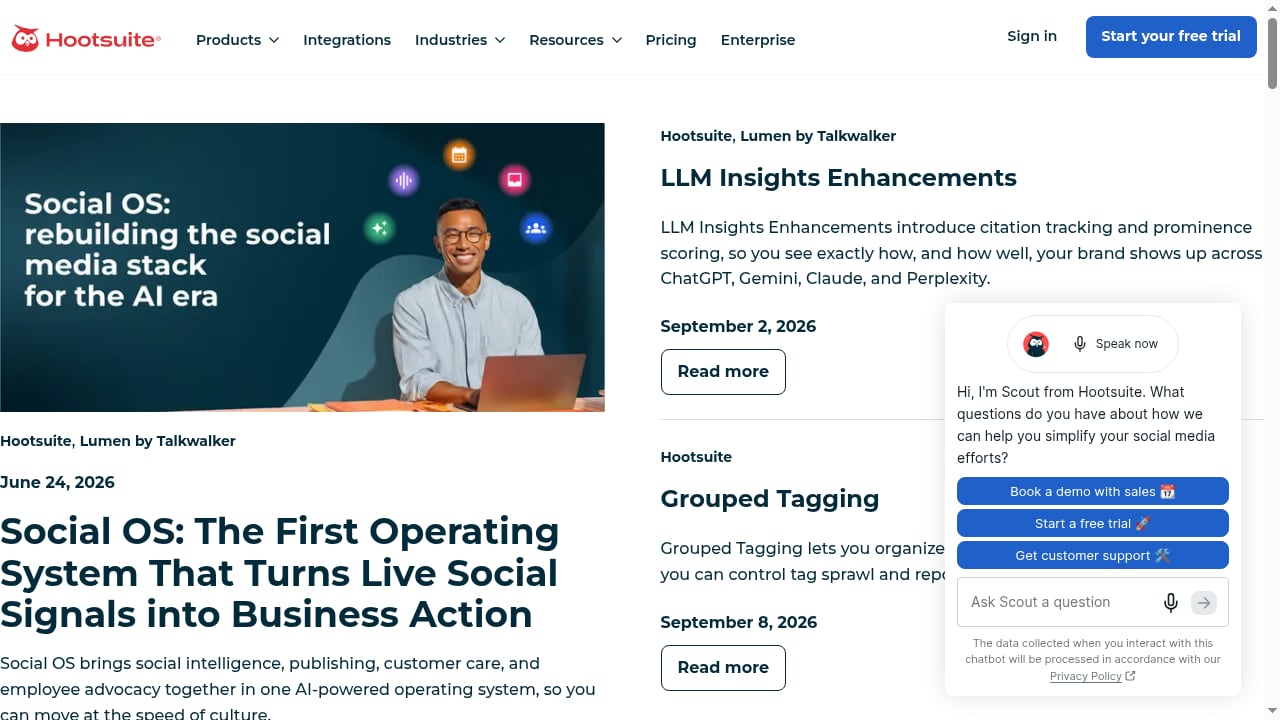
First viewport screenshot of What's New? Hootsuite New Features and Fixes.
Agency managing ten client brands
Each client gets its own AdsPower profile group. The social manager opens the client's profile, works in Hootsuite to schedule the week's posts, then closes the profile. Because cookies and fingerprints never mix, a suspension on one client account does not ripple into the others.
E-commerce seller running regional storefronts
A seller with US, UK, and DE storefronts assigns a local proxy to each AdsPower profile. Hootsuite handles the localized content calendar and reports engagement per region, while AdsPower keeps the regional accounts from being associated with each other.
Affiliate marketer testing multiple offers
Offer testing often requires several accounts on the same platform. AdsPower isolates each test account, and Hootsuite tracks which posts drive clicks so the marketer can double down on the winning angle without rebuilding the whole setup.
Problems this combination solves
- Account linkage: shared cookies and fingerprints are the most common cause of mass bans. AdsPower breaks that link.
- Device sprawl: instead of buying laptops or phones per account, one machine runs many isolated profiles.
- Manual publishing overhead: Hootsuite replaces copy-pasting the same post into ten tabs.
- Fragmented reporting: one dashboard shows performance across accounts that live in separate browser environments.
- Team access risk: profiles can be shared with teammates without handing over raw credentials.
Decision guidance: when this stack fits
Use AdsPower with Hootsuite if you manage multiple accounts across platforms, work with clients, or operate in several regions. If you only run one or two personal accounts, Hootsuite alone is enough and an anti-detect browser adds unnecessary complexity.
If your priority is fingerprint depth and automation rather than scheduling, compare options in this anti-detect browser comparison for 2026. If you are weighing AdsPower against another fingerprint browser for Mac and Windows, this AdsPower vs Undetectable.io breakdown covers the trade-offs. Teams that also sell on marketplaces can extend the same profile model to Amazon Seller Central.
Common pitfalls to avoid
- Logging into Hootsuite from your default browser and expecting account isolation.
- Reusing one proxy across many profiles, which reintroduces the linkage you were trying to avoid.
- Changing fingerprints after an account has an established history, which can look suspicious.
- Giving every teammate full access instead of using role-based permissions.
- Ignoring platform limits on automation and posting frequency.
Related reading
- AdsPower vs Whoer.net vs Kameleo: Anti-Detect Browser Guide - Compare AdsPower, Whoer.net, and Kameleo for multi-accounting and web scraping. Learn which anti-detect browser fits your workflow, budget, and scale.
- RoxyBrowser Review 2026: Antidetect Browser for Multi-Accounting - Evidence-based RoxyBrowser review: fingerprint depth, proxy setup, free trial limits, pricing signals, and who should choose it for multi-accounting in 2026.
- Playwright Setup: Install, Configure, and Run Tests - Learn Playwright setup from scratch: install via npm, configure projects, run tests, add global setup, and fix common errors in CI.
Sources and further reading
- Create, Manage, Automate Multiple Social Media Accounts From One Dashboard!| AdsPower Tutorial - Want to run multiple TikTok, Facebook, Gmail, or LinkedIn accounts without getting banned? Learn how to create unlimited accounts online using the powerful A...
- SocialEcho×Adspower - AdsPower is a fingerprint browser for secure multi-account management, helping cross-border marketers boost efficiency with isolated, private environments trusted by over 1M users.
- Taleem House School - Facebook - 🏫 How We Use AdsPower for Our School
FAQ
Does Hootsuite work inside an AdsPower profile?
Yes. Hootsuite is a web application, so it runs normally inside an AdsPower browser profile. The key is to authorize each social account from the profile that owns it.
Can I connect the same social account to Hootsuite from two different AdsPower profiles?
You can, but you should not. One account should map to one profile to keep the session and fingerprint consistent.
Will this prevent bans entirely?
No tool guarantees that. AdsPower reduces the technical signals that cause linkage, but content quality, posting behavior, and platform rules still matter.
Do I need a proxy for every profile?
For serious multi-account work, yes. A dedicated proxy per profile keeps IP and fingerprint aligned and prevents cross-account association.
Is AdsPower suitable for team use?
Yes. AdsPower supports role-based access and profile sharing, which pairs well with Hootsuite seats for larger social teams.
Conclusion
AdsPower and Hootsuite solve different halves of the same problem. AdsPower keeps each social account in its own believable browser environment, and Hootsuite turns those isolated accounts into a manageable publishing and analytics operation. Set up one profile per account, assign matching proxies, authorize Hootsuite from inside each profile, and the combination scales from a handful of brands to a full agency roster without multiplying devices.


