
How to Use AdsPower with Amazon Seller Central
Take a Quick Look
Learn how to pair AdsPower anti-detect profiles with Amazon Seller Central: setup steps, proxy rules, multi-account workflow, and common pitfalls.
How to Use AdsPower with Amazon Seller Central
Amazon Seller Central is the operational hub for every Amazon seller: listings, orders, inventory, advertising, and account health all live behind one login. AdsPower is an anti-detect browser that gives each of those logins its own isolated, fingerprint-consistent browser environment. Used together, they let a seller or agency run multiple Amazon accounts from one computer without the accounts bleeding into each other.
This guide explains the workflow, the setup steps, and the practical limits you should know before you rely on it.
Why pair AdsPower with Amazon Seller Central
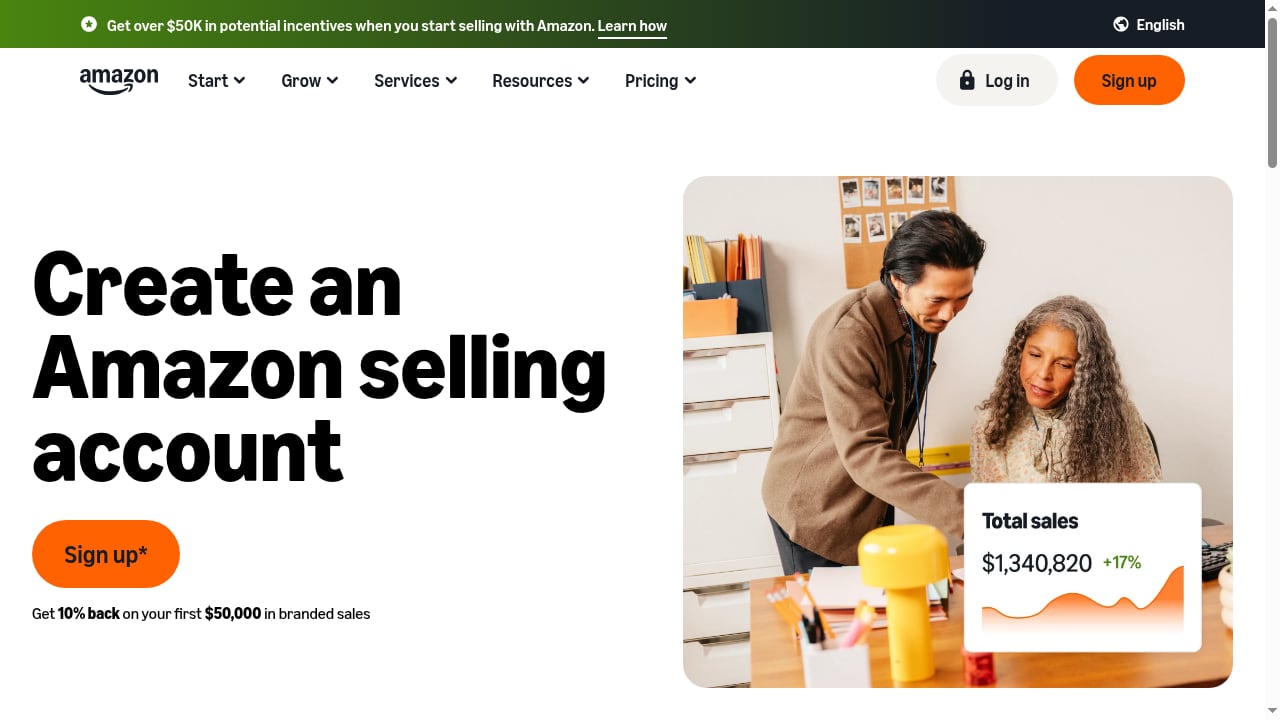
First viewport screenshot of Welcome to Amazon Seller Central.
Amazon links accounts using a mix of signals: cookies, IP address, device and browser fingerprints, payment details, and business information. A single shared browser session across two seller accounts is one of the fastest ways to trigger a review or a suspension.
AdsPower addresses the browser side of that problem. It creates separate profiles, each with its own fingerprint parameters (Canvas, WebGL, network, user agent) and its own proxy. Logging into Seller Central inside a dedicated profile means Amazon sees a consistent, separate device rather than two accounts sharing one machine.
What this combination solves in practice:
- Account separation — each Seller Central login lives in its own profile with its own cookies and storage.
- Device cost — you no longer need a separate laptop or virtual machine per store.
- Team access — staff can be given access to specific profiles instead of shared credentials on a shared desktop.
- Proxy control — residential or ISP proxies can be attached per profile and checked before use.
What you need before you start
How to Use AdsPower with Amazon Seller Central - Step-by-step setup.
| Item | Why it matters |
|---|---|
| AdsPower account | Free plan works for testing; paid plans scale profile count and team seats |
| One proxy per Amazon account | Amazon associates accounts by IP; never share one IP across stores |
| Clean login credentials | Use the account's own email, phone, and 2FA device |
| Stable profile naming | Prevents logging into the wrong store by mistake |
A common mistake is treating the proxy as optional. AdsPower isolates the browser fingerprint, but if two profiles exit through the same IP, the isolation is incomplete. Match one proxy to one Amazon account and keep that pairing permanent.
Step-by-step setup
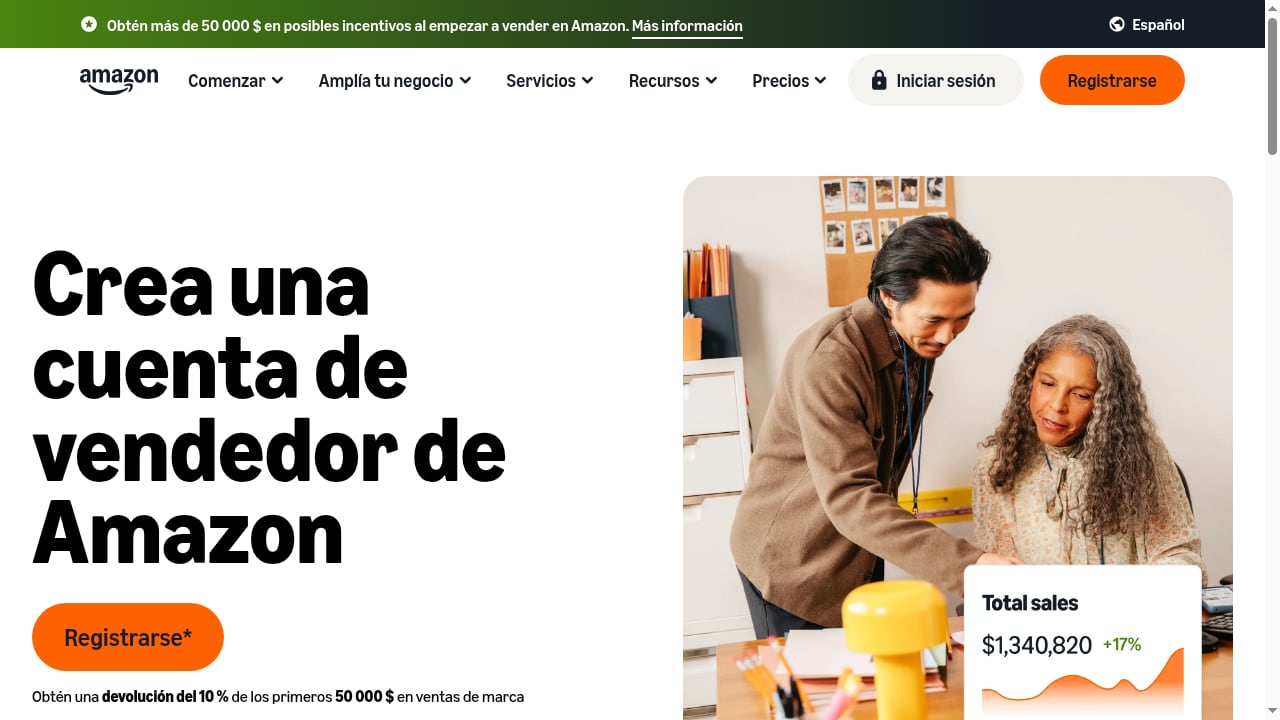
First viewport screenshot of Welcome to Amazon Seller Central.
1. Create the AdsPower profile
In AdsPower, click New profile and name it after the store, not the person — for example Amazon-US-StoreA. Clear naming pays off once you manage more than a handful of accounts.
2. Attach a dedicated proxy
In the profile's proxy section, choose your proxy type (HTTP, HTTPS, or SOCKS5) and enter the host, port, username, and password. If you manage many proxies, add them through Proxy Management first so you can select from a list instead of retyping credentials for every profile. AdsPower supports batch proxy entry, which is useful when you are onboarding several stores at once.
3. Run the connection test
Click Check proxy and confirm you see a passing connection result before saving. A profile that silently fails its proxy check will fall back to your local IP, which defeats the purpose of the setup.
4. Match the fingerprint to the account's history
If the Amazon account has been operating from a US Windows machine, keep the profile on a comparable operating system and timezone. Sudden, unexplained changes in device signals are exactly the kind of pattern that invites scrutiny. AdsPower's SunBrowser and FlowerBrowser let you tune user agent, Canvas, WebGL, and network parameters, but the goal is consistency, not novelty.
5. Log in to Seller Central inside the profile
Open the profile, navigate to Amazon Seller Central, and sign in with that store's credentials. Complete any two-step verification prompt within the same session. From this point on, always access that account through this profile.
6. Lock the pairing
Record which profile maps to which store and which proxy. If you work with a team, use AdsPower's role-based access so each member only sees the profiles they need. This reduces the risk of someone opening the wrong store in the wrong environment.
A practical multi-store example
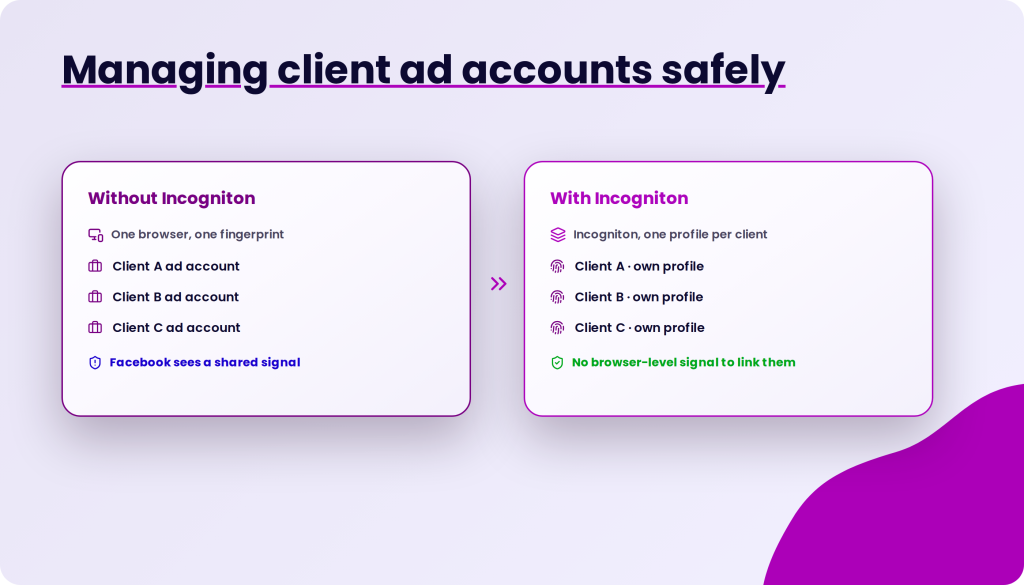
How to Use AdsPower with Amazon Seller Central - A practical multi-store example.
Consider an agency running three Amazon stores for three clients.
- Three AdsPower profiles are created:
ClientA-Amazon,ClientB-Amazon,ClientC-Amazon. - Each profile gets its own residential proxy in the client's target marketplace region.
- Each client's Seller Central credentials and 2FA device stay with that client; the agency logs in only through the assigned profile.
- Reporting is done inside each profile session, so no account ever sees another account's cookies.
If a client later adds a second store, the agency adds a fourth profile and a fourth proxy rather than reusing an existing environment. The rule is simple: one store, one profile, one IP, permanently.
Where AdsPower helps beyond login
Seller Central work is repetitive: checking order defects, pulling reports, monitoring Buy Box status, reviewing advertising spend. AdsPower's automation tools and RPA can handle scheduled, repetitive browser tasks inside the correct profile, which is more reliable than asking a person to remember which window belongs to which store.
For sellers expanding across marketplaces, the same profile discipline applies to other platforms. The workflow described in this cross-border e-commerce seller guide covers the broader compliance and multi-account picture.
Common mistakes to avoid
- Sharing one proxy across stores. This is the most frequent cause of linked accounts.
- Logging in outside the profile. One accidental login from a normal browser can associate the account with your everyday device.
- Changing fingerprints constantly. Stability matters more than randomization for an established account.
- Ignoring 2FA context. Complete verification inside the same profile so the session stays coherent.
- Assuming the browser solves everything. AdsPower isolates the browser environment; it does not change your business identity, tax details, or bank information, and Amazon evaluates those too.
Choosing the right AdsPower plan for Amazon work
For a single seller testing the workflow, the free plan is enough to validate the setup. Sellers running several stores generally move to Professional or Business for more profiles and better batch management. Agencies managing client accounts should look at plans with team seats and permission controls.
If you are still comparing anti-detect tools, the AdsPower vs Kameleo comparison and the 2026 fingerprint browser roundup break down fingerprint depth, automation, and pricing differences.
Related reading
- Homepage - No Card Required Review: Incogniton Tested - An evidence-based review of the Homepage - No card required trial: Incogniton antidetect browser setup, pricing signals, limits, and who it fits.
Sources and further reading
- AdsPower Proxy Integration - AdsPower proxies. Follow our step-by-step guide to integrate AdsPower proxy with Bright Data easily and quickly. Start now.
- How Buying Works | SellerAccounts - Live inspection before payment, everything in writing, full ownership transfer, 30-day replace-or-refund.
- Updates as You Asked — Proxy Management, Disable Images and RPA Discounts - We made several updates recently: Proxy Management, Disable images, RPA discounts and Permission Management.
FAQ
Can I use AdsPower to run multiple Amazon Seller Central accounts?
Technically yes, and it is a common setup for agencies and multi-brand sellers. Each account needs its own profile and its own proxy. Whether you are permitted to hold multiple accounts depends on Amazon's policies and your eligibility, so confirm that before scaling.
Does AdsPower prevent Amazon suspensions?
No tool can guarantee that. AdsPower reduces the browser-level signals that cause accounts to be linked. Suspensions can also stem from performance metrics, policy violations, or business information overlap, none of which a browser changes.
Do I need a proxy for every Amazon account?
Yes, if you want real isolation. One proxy per account, kept consistent over time, is the standard practice.
Can I access Seller Central from my normal browser sometimes?
It is best not to. Mixing environments undermines the separation you built and can associate the account with your personal device.
Is AdsPower safe for storing seller credentials?
AdsPower encrypts profile data and holds SOC 2 Type II, ISO 27001, and ISO 27701 certifications. Even so, follow your own security practices: strong passwords, controlled team access, and 2FA on every store.
Conclusion
Pairing AdsPower with Amazon Seller Central is less about a clever trick and more about discipline. Create one profile per store, attach one proxy per profile, log in only through that environment, and keep the fingerprint stable. Do that consistently and you get the operational benefit of running multiple Amazon accounts from a single machine without the account-linking problems that usually come with it.
Start with one store, verify the proxy and fingerprint setup, and only expand once the workflow is repeatable.


