
AdsPower vs Maskfog vs Nstbrowser: How to Choose a Fingerprint Browser in 2026
Take a Quick Look
Compare AdsPower, Maskfog, and Nstbrowser anti-detect fingerprint browsers: fingerprint capabilities, proxy options, automation, team collaboration, and pricing to help you pick the right tool for your business scale.
AdsPower vs Maskfog vs Nstbrowser: How to Choose a Fingerprint Browser in 2026
Anyone doing cross-border e-commerce, overseas social media matrices, or affiliate marketing almost always runs into the same problem: the more accounts you open, the harder the environments become to manage. Fingerprint browsers (also called anti-detect browsers or anti-association browsers) have therefore become standard tools. But there are quite a few options on the market, and AdsPower, Maskfog, and Nstbrowser are often discussed together, even though their positioning is actually very different.
This article does not pile up specifications. Instead, it breaks down the strengths and boundaries of the three tools according to real usage scenarios, helping you find a balance between budget, team size, and automation needs.
What Each of the Three Tools Is
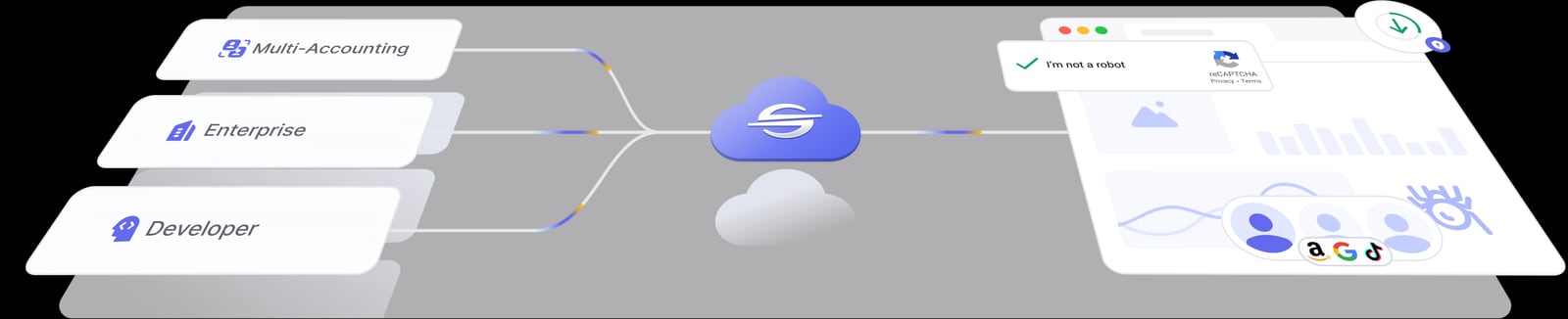
Nstbrowser product interface.
AdsPower: A Fingerprint Browser for Multi-Account Operations
AdsPower's core idea is to let a single device run hundreds or thousands of mutually isolated browser environments at the same time, each with an independent fingerprint (Canvas, WebGL, network parameters, User-Agent, etc.), so platforms do not identify multiple accounts as the same person. It offers two kernels, SunBrowser and FlowerBrowser, and supports batch environment management, proxy configuration, environment data encryption, cross-device synchronization, and automation interfaces.
From a compliance and trust perspective, AdsPower publicly holds SOC 2 Type II, ISO 27001, and ISO 27701 certifications. The company says it serves more than ten million users, covering industries such as e-commerce, affiliate marketing, social media marketing, web scraping, cryptocurrency, and online gambling. For teams that need to explain tool security to clients or internal risk control, this kind of certification information is a plus.
Maskfog: An All-in-One Solution with Built-In Clean IPs
Maskfog's positioning is very clear: it packages "fingerprint + IP" together. It has built-in high-purity static residential IPs and data center IPs, so users do not have to purchase and debug proxies themselves and can use it out of the box. This is very friendly to operators who are unfamiliar with proxy configuration but sensitive to IP quality, such as sellers on Amazon, TikTok, and Facebook.
On the fingerprint dimension, Maskfog supports independent configuration of more than twenty dimensions, including Canvas, WebGL, JA3/JA4 TLS, SMBIOS, CPU architecture, screen parameters, and disk model. Its shortcomings are also fairly clear: it currently focuses on manual operation and does not provide RPA automation, making it more suitable for refined operations than for batch group control.
Nstbrowser: Cloud Browser + Automation Engineering
Nstbrowser takes another route. It is both an anti-detect browser and an enterprise-grade cloud browser solution. Browser environments run on cloud clusters, do not consume local resources, and come with load balancing and dynamic scaling. Its target users are web scraping teams and automation engineers.
In terms of features, Nstbrowser provides real browser fingerprint generation, AI Agent Skills (allowing AI agents to autonomously complete scraping, interaction, and process automation), independent IPs assigned by environment, CAPTCHA recognition (covering reCAPTCHA v2/v2 Enterprise/v3/v3 Enterprise, Text CAPTCHA, AWS CAPTCHA, Cloudflare Turnstile), RPA nodes, Browserless Sessions and Playground, Secure DNS, and custom screen fingerprints. Pricing starts with a free Standard Developer plan, and paid tiers are Starter ($29.9/month), Growth ($49.9/month), and Scale ($89.9/month), with environments ranging from 500 to 500,000 and team seats from 3 to 100.
Comparison of Key Dimensions
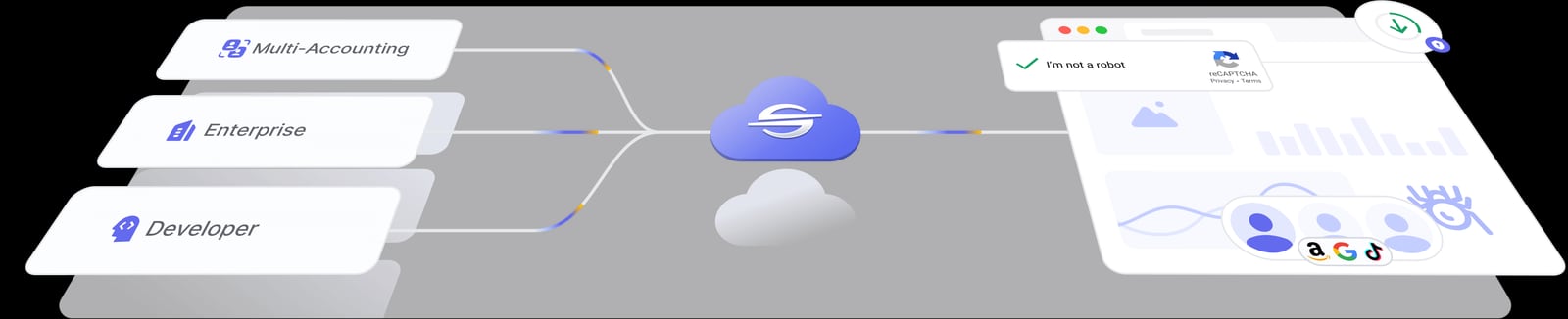
Nstbrowser product interface.
Depth of Fingerprint Spoofing
All three tools can generate independent browser fingerprints. The difference lies in the granularity of adjustable parameters and the frequency of maintenance. Maskfog emphasizes independent configuration across more than twenty dimensions and a low duplication rate; Nstbrowser emphasizes "real fingerprint" generation and custom screen fingerprints; AdsPower opens parameters such as Canvas, WebGL, network, and User-Agent to user customization and pairs them with dual-kernel switching.
If your business has strong requirements for fingerprint details, such as operating multiple high-risk platforms at the same time, it is advisable to make "number of adjustable dimensions" and "whether kernel switching is supported" must-check items.
Proxy and IP Solutions
This is where the three products differ most obviously.
- Maskfog: Comes with clean IPs, no need to purchase additional proxies, suitable for teams that want to skip the proxy step.
- Nstbrowser: Built-in proxies can be assigned by environment and come with a certain amount of free proxy traffic, suitable for scraping scenarios that need a large number of independent IPs.
- AdsPower: Provides proxy configuration capabilities and supports connecting to your own proxy pool, suitable for teams that already have proxy resources and want unified management.
There is no absolute advantage or disadvantage. The key is whether you already have a stable proxy provider. If you do, the tool's proxy management efficiency matters more; if you do not, a solution with built-in IPs like Maskfog can save a lot of trial-and-error costs.
Automation and Batch Operations
Automation is the dividing line. Nstbrowser is the most aggressive on this point. AI Agent, RPA nodes, and Browserless Sessions are all designed for engineering scenarios. AdsPower provides automation tools and batch environment management, suitable for operations teams that need to execute repetitive tasks in batches. Maskfog currently focuses on manual operation and is better suited to refined, deep operation of individual accounts.
If your team has developers or automation engineers, Nstbrowser's cloud clusters and API capabilities will be more attractive; if operations staff operate it themselves, interface friendliness and batch efficiency deserve more attention.
Team Collaboration and Permissions
AdsPower provides role-based access control and scalable environment counts, suitable for teams with clear division of labor. Nstbrowser's paid tiers include 3 to 100 team seats, suitable for engineering teams assigning by project. Maskfog leans more toward lightweight use by individuals or small teams.
Pricing and Free Quotas
- AdsPower: Offers four tiers: Free, Professional, Business, and Enterprise, including a 7-day free trial, with environment counts scalable to team size.
- Maskfog: Provides a certain number of free environments, with paid plans billed by environment count and IP traffic, offering outstanding value among "built-in IP" products.
- Nstbrowser: The free Standard Developer plan includes pay-as-you-go billing, paid tiers start at $29.9, and environment counts span a very wide range, suitable for teams with obvious usage fluctuations.
Choosing by Scenario: Who Is More Suitable for You
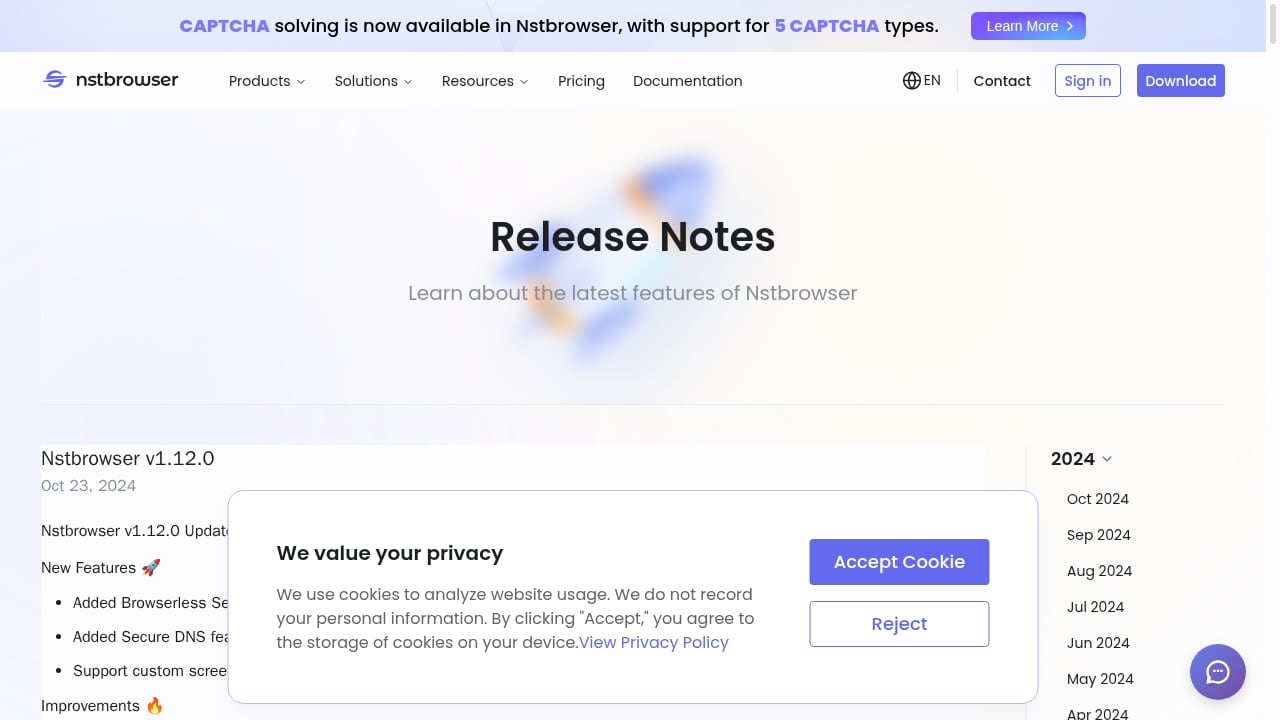
First viewport screenshot of Nstbrowser - Advanced Anti-Detect Browser for Web Scraping and Multiple Accounts Managing.
Scenario 1: Cross-border e-commerce sellers who do not want to deal with proxies Consider Maskfog first. Built-in clean IPs eliminate proxy purchasing and debugging, making it more worry-free for platforms sensitive to IP quality such as Amazon and TikTok. If you only need to manage a few dozen accounts and mainly operate manually, it has the lowest onboarding cost.
Scenario 2: Medium-to-large operations teams that need batching and collaboration AdsPower is more suitable. Batch environment management, role permissions, cross-device synchronization, and automation tools can support the daily operations of dozens to hundreds of accounts, and its certification system also facilitates internal compliance explanations. To further understand how it differs from similar tools, you can refer to AdsPower vs Kameleo comparison.
Scenario 3: Scraping teams or automation engineering Nstbrowser's cloud browser clusters, AI Agent, and CAPTCHA recognition capabilities fit the needs better, with low local resource usage, suitable for projects with large task fluctuations.
Scenario 4: Individual sellers just starting out It is recommended to first test with each provider's free quota. Maskfog's free environments, Nstbrowser's free developer plan, and AdsPower's 7-day trial can all be used to run through your own business processes. If you are still building your overall operations framework, you can first read this cross-border e-commerce seller guide to plan market platforms, compliance, and multi-account security together.
Frequently Asked Questions
Q1: Can a fingerprint browser guarantee that accounts will not be banned? No. A fingerprint browser solves the problem of "environment isolation" and reduces the risk of association caused by duplicate environments. Account security also depends on IP quality, operating behavior, platform rules, and many other factors. No tool can give a 100% guarantee.
Q2: If Maskfog has built-in IPs, does that mean I no longer need to buy proxies? For most small and medium-scale operations, built-in IPs are already sufficient. But if you have a very large number of accounts and need coverage in specific countries or cities, you may still need to supplement proxy resources. It is advisable to first confirm whether the coverage of the built-in IPs matches your target market.
Q3: What is the difference between Nstbrowser's cloud browser and a local fingerprint browser? Cloud browser environments run on cloud servers and do not consume local CPU and memory, making them suitable for large-scale concurrent tasks; local browsers respond faster and keep data on the local machine. The choice depends on your task scale and data compliance requirements.
Q4: Can the three tools be used at the same time? Yes, but it is usually unnecessary. A more practical approach is to split by business line: for example, use one set of tools for high-risk accounts and another for scraping tasks. Mixing them increases management complexity, so it is advisable to first clarify the business boundaries each tool is responsible for.
Q5: What should I prioritize when the budget is limited? First see whether the free quota can support you in running through the complete process, then look at environment count and IP costs. Many teams underestimate the long-term expense of proxies. If built-in IPs can cover your needs, the total cost is often lower than "low-priced tool + self-purchased proxies."
Conclusion
There is no absolute winner among the three tools, only a higher or lower degree of fit.
Maskfog wins on convenience: built-in clean IPs let operators unfamiliar with proxies get started quickly. Nstbrowser wins on engineering capability: cloud clusters, AI Agent, and CAPTCHA recognition suit technical teams. AdsPower is more balanced in batch management, team collaboration, and compliance certifications, suitable for medium-to-large teams that need long-term stable operation of multiple accounts.
The recommended approach is: first use the free quotas to run each of the three tools through a real business process, record environment creation speed, fingerprint pass rate, and operating feel, then make a decision based on budget. Tools are only infrastructure. What truly determines account lifespan is still your operations strategy and compliance awareness.
Related reading
- AdsPower vs Kameleo: Anti-Detect Browser Comparison in 2026 - A comparison of AdsPower and Kameleo for multi-account operations and web scraping: fingerprints, automation, pricing, free plans, and who each tool suits in 2026.
- Homepage - No Credit Card Required Review: Incogniton Hands-On Test - Evidence-based homepage - no credit card required trial review: Incogniton anti-detect browser setup, price signals, limitations, and who it is for.
- Cross-Border E-Commerce Seller Guide: Tools, Risks, and Setup - A practical guide for cross-border e-commerce sellers: market platforms, taxes, compliance, multi-account security, and anti-detect browser workflows.
Sources and further reading
- Adspower vs Maskfog comparison guide: five dimensions to help you choose the best tool_Proxy Encyclopedia_Shinan IP Proxy Navigation - The comparison between Adspower and Maskfog has always been a focus for cross-border e-commerce and digital marketing practitioners when choosing browser fingerprint management tools. With the growing demand for cybersecurity and multi-account operations, multiple tools with similar functions have appeared on the market, but there are obvious differences in feature completeness, plan pricing, actual operational convenience, and after-sales service. This article will compare Ads... from five core dimensions.
- Which is better for cross-border e-commerce multi-account management, Maskfog or AdsPower? - Zhihu - This page discusses the features and security of the AdsPower browser.
- What are the alternatives to AdsPower? 2026 fingerprint browser recommendations and in-depth review – Maskfog fingerprint browser - cross-border e-commerce anti-association browser, a super browser with built-in clean devices - In fields such as cross-border e-commerce, overseas social media operations, affiliate marketing, and crypto project interactions, multi-account management has long been a core daily task. To prevent account association and bans, using anti-detect fingerprint browsers has become an industry necessity.


