
AdsPower vs RoxyBrowser vs GeeLark: Multi-Accounting Guide
Take a Quick Look
Compare AdsPower, RoxyBrowser, and GeeLark for multi-accounting. See strengths, trade-offs, and which antidetect browser fits your workflow.
AdsPower vs RoxyBrowser vs GeeLark: Which Multi-Accounting Tool Fits Your Workflow?
Choosing an antidetect browser is less about finding a single "best" tool and more about matching the tool to the accounts you run and the platforms you run them on. AdsPower, RoxyBrowser, and GeeLark all solve the same core problem—keeping multiple online identities isolated—but they approach it from different angles. This comparison breaks down where each one is strong so you can decide with clear eyes.
Quick comparison at a glance

AdsPower vs RoxyBrowser vs GeeLark: Multi-Accounting Guide - GeeLark: cloud phones for mobile-first operations.
| Criterion | AdsPower | RoxyBrowser | GeeLark |
|---|---|---|---|
| Primary focus | Desktop antidetect browser for multi-accounting | Antidetect browser with fingerprint protection | Cloud Android phones plus antidetect browser |
| Best for | E-commerce, affiliate, social media, crypto, web scraping | Users who want a focused fingerprint-first browser | Mobile-first social media marketing at scale |
| Fingerprint control | Canvas, WebGL, network, user agent, and more | Unique browser fingerprints per profile | Real ARM device parameters (IMEI, Android ID, MAC, Bluetooth) |
| Automation | RPA, local API, batch operations | Profile management tools | No-code RPA, bulk sync, AI content tools |
| Free trial | 7-day trial | Free trial available | Free trial, no credit card required |
| Starting price | Free plan; paid tiers from entry level | Free trial then paid plans | From $14.25/month |
AdsPower: the all-round desktop workhorse
AdsPower is built for people who need to run many desktop browser sessions without those sessions linking back to one another. Each profile gets its own fingerprint—covering Canvas, WebGL, network settings, and user agent—so sites see separate devices rather than one operator behind a dozen tabs.
Where AdsPower stands out:
- Breadth of use cases. The same platform serves e-commerce sellers, affiliate marketers, social media teams, web scrapers, crypto users, and betting operators. That range means the feature set is broad: batch profile management, proxy configuration, encrypted profile storage, cross-device sync, and automation tooling.
- Team and compliance features. Role-based access and scalable profile counts suit agencies and teams. AdsPower holds SOC 2 Type II, ISO 27001, and ISO 27701 certifications, which matters if your clients or finance team ask about data handling.
- Free tier and low-risk entry. A free plan plus a 7-day trial lets you test fingerprint stability before committing.
Trade-offs to weigh: AdsPower's strength is desktop browser isolation. If your accounts live primarily inside mobile apps—TikTok, Instagram, mobile-only marketplaces—a desktop browser profile is not the same as a real phone, and some platforms treat them differently.
For a deeper look at how AdsPower stacks up against another desktop competitor, see our AdsPower vs VMLogin comparison.
RoxyBrowser: focused fingerprint protection
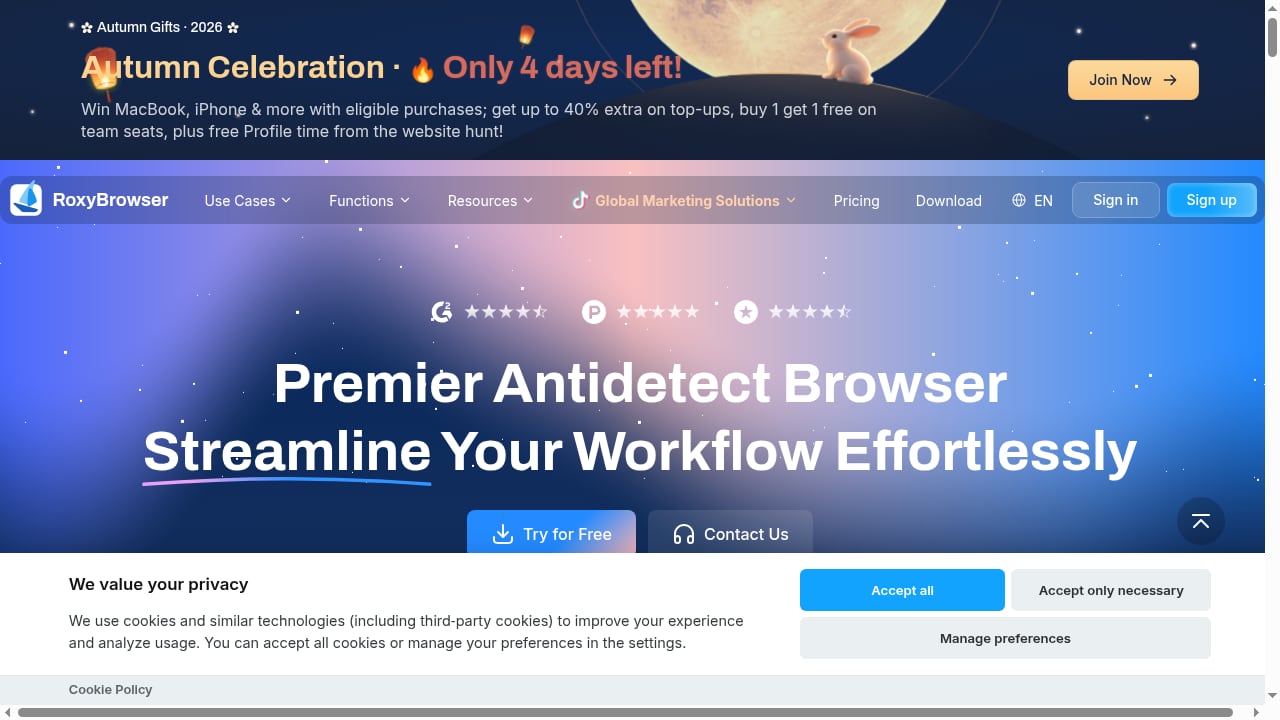
First viewport screenshot of www.roxybrowser.com.
RoxyBrowser positions itself around protecting digital identity and simplifying multi-account management through secure, unique browser fingerprints. It is a leaner proposition than AdsPower—less of an ecosystem, more of a dedicated antidetect browser.
Where RoxyBrowser stands out:
- Clarity of purpose. If you want a browser that does one job—isolate profiles with distinct fingerprints—RoxyBrowser keeps the surface area small. That can mean a shorter learning curve for solo operators.
- Free trial for evaluation. You can test fingerprint behavior before paying, which is the right way to judge any antidetect tool.
- Straightforward multi-accounting. For freelancers or small teams managing a modest number of accounts, the simpler feature set may be easier to live with day to day.
Trade-offs to weigh: RoxyBrowser has a smaller public footprint than AdsPower, so independent test data and community troubleshooting are thinner. If you need deep automation, large team permissions, or extensive third-party integrations, verify those capabilities directly before committing. Our RoxyBrowser review covers fingerprint depth and trial limits in more detail.
GeeLark: cloud phones for mobile-first operations
First viewport screenshot of www.roxybrowser.com.
GeeLark takes a different route entirely. Instead of emulating a desktop browser, it provides real ARM-based cloud Android phones, each with unique device parameters like IMEI, Android ID, MAC address, and Bluetooth address. Platforms see each account as a separate physical device. It also offers antidetect browser profiles for web accounts.
Where GeeLark stands out:
- Genuine mobile fingerprints. For TikTok, Instagram, and other mobile-first platforms, a real cloud phone is a closer match to how ordinary users access the app than a desktop browser with a mobile user agent.
- Automation built for social media. No-code RPA handles account warmup, posting, liking, commenting, and engagement. Bulk synchronization lets one master window control dozens of cloud phones.
- AI-assisted content. GeeLark bundles AI content creation tools, which is useful for teams producing volume across many accounts.
- Accessible pricing. Plans start at $14.25/month with a free trial and no credit card required, and custom pricing is available for parallel rentals.
Trade-offs to weigh: GeeLark's center of gravity is mobile social media marketing. If your work is desktop-centric—web scraping, e-commerce back offices, crypto dashboards—the cloud-phone model adds cost and complexity you may not need. Independent testing has also noted that its desktop browser engine can lag behind the latest Chrome releases, so check engine version if desktop fingerprint freshness is critical.
How to choose between them
The decision usually comes down to three questions.
1. Where do your accounts live?
If most of your accounts are accessed through desktop websites—marketplaces, ad managers, crypto exchanges—a desktop antidetect browser like AdsPower or RoxyBrowser is the natural fit. If your accounts are mobile apps first, GeeLark's cloud phones are the more faithful environment.
2. How much automation do you need?
Light manual management suits RoxyBrowser's simpler model. Heavy repetitive workflows—bulk posting, warmup sequences, engagement—favor AdsPower's RPA and API or GeeLark's social-media-specific automation.
3. What does your team look like?
Solo operators can get by with leaner tools. Agencies and teams managing client accounts should prioritize role-based access, audit-friendly certifications, and profile scalability—areas where AdsPower is strongest.
For a wider field of options, our top 10 anti-detect browsers ranking scores tools on fingerprint depth, proxies, automation, and pricing.
Practical examples
E-commerce seller with 40 marketplace accounts. Desktop-first workflows, shared team access, and the need to keep store identities separate point to AdsPower. Batch profile creation and proxy assignment keep setup manageable.
Solo affiliate marketer testing a handful of offers. RoxyBrowser's focused fingerprint isolation and free trial let you validate the approach without committing to a large platform.
Social media agency running 60 TikTok accounts. GeeLark's cloud phones and bulk synchronization are built for exactly this: each account on a distinct device, warmup and posting automated, geo-spoofing handled at the hardware level.
What independent testing says
Fingerprint checkers like Pixelscan, Iphey, and CreepJS are useful for comparing tools, but results vary by test date, proxy quality, and profile settings. ScrapingBee's antidetect browser testing and GoLogin's anti-fingerprinting comparison both show that even well-regarded tools can be flagged on a given day. Treat any single test as a data point, not a verdict, and run your own checks with clean residential proxies before scaling.
Related reading
- MuLogin Anti-Detect Browser Review 2026: Multi-Account Safety - Evidence-based MuLogin review: fingerprint isolation, Windows-only limits, pricing signals, setup, and ideal users for safe multi-account management.
- Anti Captcha Explained: How CAPTCHA Solving APIs Work - Learn what Anti Captcha is, how CAPTCHA solving APIs work, pricing, supported challenge types, and how to integrate them safely into automation workflows.
Sources and further reading
- Top 7 Free Antidetect Browsers of 2026 (Reviewed & Compared) - Discover the best free antidetect browser of 2026. Learn how to choose the right one, compare top options like AdsPower, and keep your online activities private.
FAQ
Is AdsPower better than RoxyBrowser?
They serve different needs. AdsPower offers broader features, team controls, and certifications, making it stronger for scaled operations. RoxyBrowser is a leaner fingerprint-focused browser that may suit solo users who want simplicity. "Better" depends on your account volume and workflow.
Can GeeLark replace an antidetect browser?
For mobile-first platforms, GeeLark's cloud phones can replace the need for mobile emulation in a desktop browser. For desktop web workflows, you still need a browser-based solution—GeeLark offers browser profiles too, but its core advantage is real cloud Android devices.
Do all three offer a free trial?
Yes. AdsPower offers a 7-day trial plus a free plan, RoxyBrowser offers a free trial, and GeeLark offers a free trial with no credit card required.
Which tool is best for TikTok multi-accounting?
GeeLark is purpose-built for mobile social platforms like TikTok, with real device parameters and bulk phone control. AdsPower can manage TikTok web accounts through browser profiles, but the mobile app environment is where GeeLark specializes.
How many accounts can I manage on one device?
With an antidetect browser, the limit is usually your plan's profile count and your device's resources, not the number of physical devices. AdsPower, for example, supports hundreds of isolated profiles on a single machine, subject to plan limits.
Conclusion
There is no universal winner here—only the right fit. AdsPower is the broadest desktop platform, with the team features, certifications, and automation that scaled operations need. RoxyBrowser is a focused, straightforward antidetect browser for users who want fingerprint isolation without a large ecosystem. GeeLark is the specialist for mobile-first social media marketing, where real cloud phones beat browser emulation.
Start by mapping your accounts to the environment they actually live in, then test with a free trial before you scale. If desktop multi-accounting is your core need, explore AdsPower's plans and free trial to see whether its fingerprint controls and batch tools match your workflow.


