
Nstbrowser Review 2026: Anti-Detect Browser & Cloud Automation
Take a Quick Look
Honest Nstbrowser review: fingerprint isolation, cloud automation, AI scraping, pricing, setup, and limits for multi-accounting and scraping teams.
Nstbrowser Review 2026: Anti-Detect Browser & Cloud Automation
Nstbrowser has evolved from a standard anti-detect browser into a broader cloud automation platform. This review examines its fingerprint isolation, automation tools, pricing structure, and real-world limitations to help you decide if it fits your multi-accounting or scraping workflow.
What Nstbrowser Is and Who It Targets
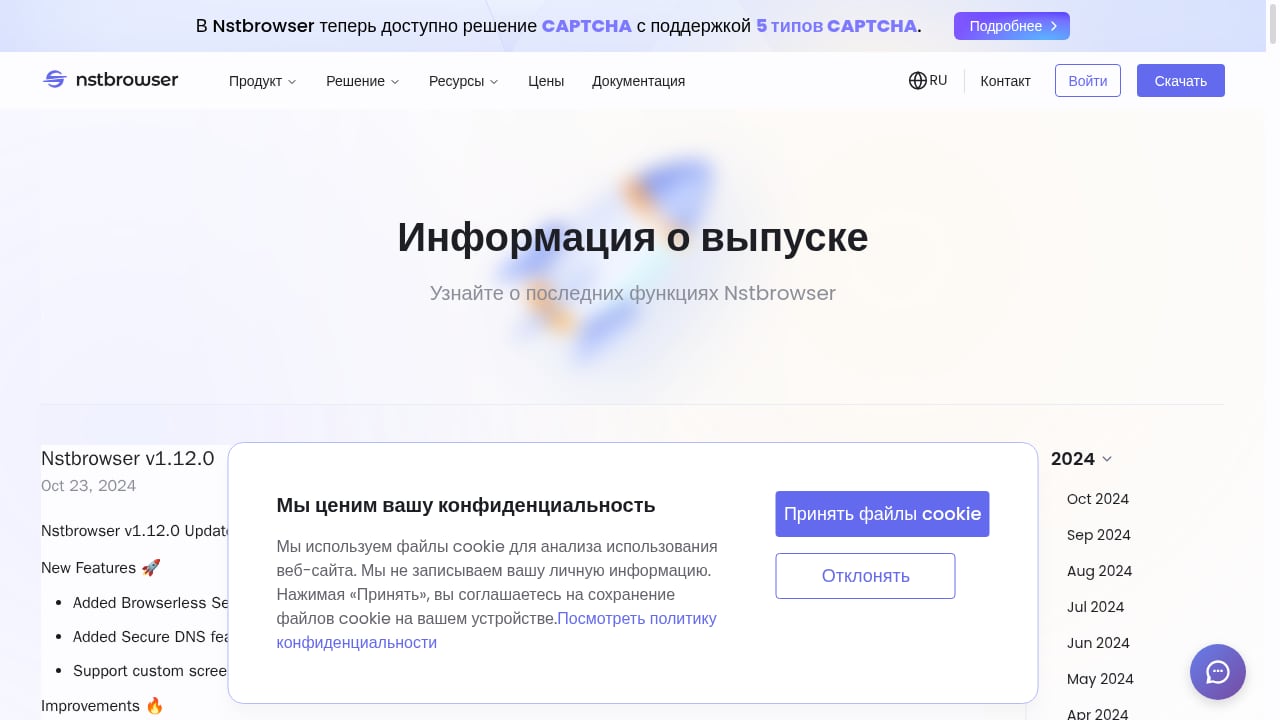
First viewport screenshot of www.nstbrowser.io.
Nstbrowser is an anti-detect browser and cloud browser automation platform developed by NST Labs Tech, registered in Hong Kong. It combines profile isolation with dedicated proxies, realistic fingerprint generation, and a suite of automation features including RPA, Browserless Sessions, and AI Agent Skills.
The platform targets two main audiences:
- Multi-accounting professionals who need to operate many social media, e-commerce, or advertising accounts without triggering platform bans.
- Web scraping and automation teams that require scalable, headless browser sessions with built-in CAPTCHA solving and proxy management.
Unlike simpler anti-detect browsers, Nstbrowser positions itself as enterprise-grade infrastructure for automated agents and scraping pipelines, not just manual account management.
Core Features and How They Work
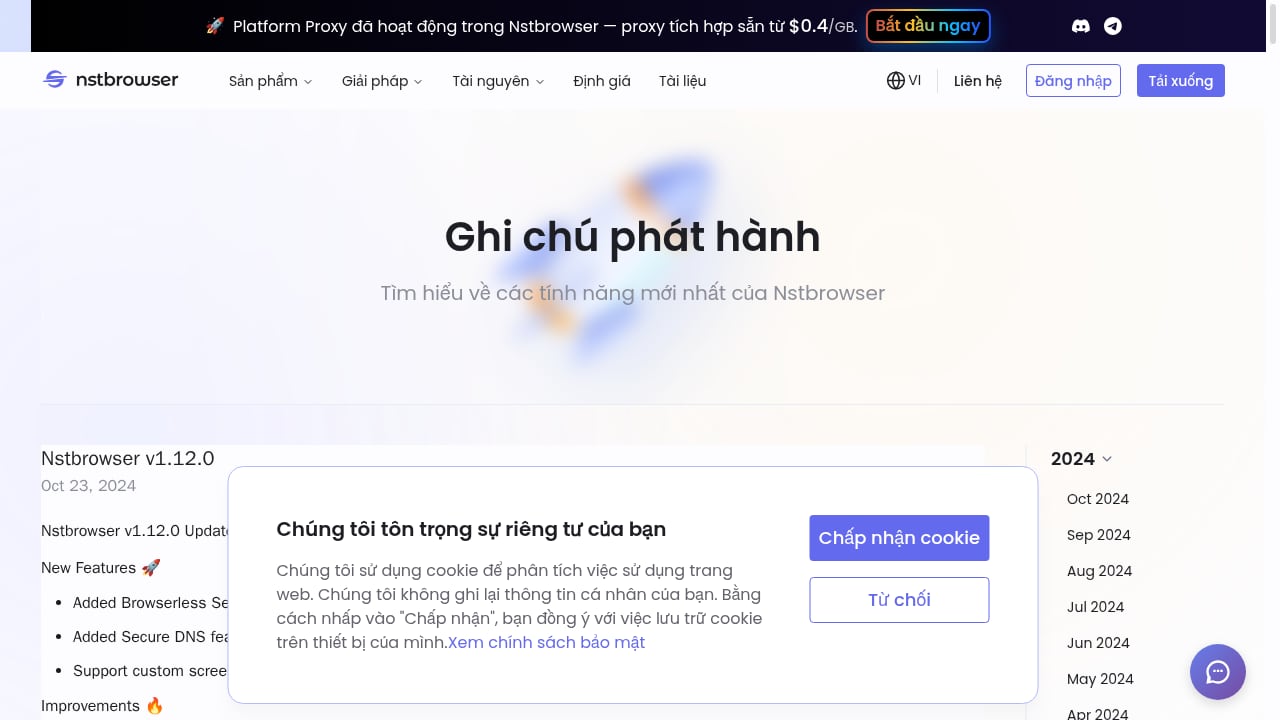
First viewport screenshot of www.nstbrowser.io.
Fingerprint Isolation and Profile Management
Nstbrowser generates realistic browser fingerprints for each profile, covering canvas, WebGL, audio, fonts, screen resolution, and hardware concurrency. Profiles are isolated with their own cookies, cache, and local storage, and can be paired with dedicated proxies.
In testing, Nstbrowser passed IPhey and Pixelscan checks without immediate flags. However, the platform does not warn users when they spoof an operating system different from their native OS—a practice that can increase detection risk. Experienced users should keep OS and browser combinations consistent with their real environment.
Profile creation is flexible: you can create profiles individually or in batches, assign them to groups, and customize fingerprint details. The interface offers four configuration tabs: Overview, Proxy, Hardware, and Advanced.
Proxy Support and Management
Nstbrowser supports residential, IPv6, and datacenter proxies, with built-in proxy plans starting at $0.4/GB. You can add proxies during profile creation or in a separate section, and batch testing is available once proxies are added.
One limitation: you must create a proxy folder before adding proxies, and the interface requires manual entry of proxy attributes rather than auto-parsing a single line. Proxy rotation is not built into the profile manager, so teams relying on rotating proxies may need external tooling.
Automation: RPA, Browserless Sessions, and AI Agent Skills
Automation is where Nstbrowser differentiates itself. The platform offers:
- RPA (Robotic Process Automation): A no-code, node-based workflow builder for creating custom automation scripts. A marketplace provides pre-built RPAs for tasks like scraping Amazon listings or retrieving cookies.
- Browserless Sessions: Headless browser instances that run in the cloud, consuming fewer local resources and reducing detection surface by eliminating GUI inconsistencies.
- AI Agent Skills: Autonomous web scraping and workflow automation powered by AI agents, positioned for teams building agentic scraping pipelines.
- CAPTCHA Solving: Built-in solving for reCAPTCHA v2/v3, Text CAPTCHA, AWS CAPTCHA, and Cloudflare Turnstile.
- Secure DNS and Custom Screen Fingerprints: Additional layers of anonymity and fingerprint customization.
These features make Nstbrowser more than a multi-accounting tool—it is a platform for building and scaling automated browser workflows.
Pricing: Free Plan, Tiers, and Overage Costs
Nstbrowser offers a free plan with usage-based overages, plus three subscription tiers:
- Starter: $29.9/month
- Growth: $49.9/month
- Scale: $89.9/month
Quarterly and annual discounts are available. The free plan includes 500 profiles, 30 daily launches, and 3 team members. Paid tiers increase profile allowances and daily launch caps, but all tiers have a daily launch limit—a constraint for high-volume automation.
A notable change: the entry-tier profile allowance was cut significantly, and overage costs on paid plans can exceed those on the free plan. Users have expressed frustration over unannounced changes to the free plan, which previously allowed 1,000 daily launches and 5 team members. This reputation hit is worth considering if you prioritize stability and transparent communication from your tool provider.
For a broader comparison of pricing and features across similar platforms, see our Top 10 Anti-Detect Cloud Browser Automation Products 2026.
Setup and Onboarding Experience
Registration and installation are generally straightforward: you create an account, download the desktop agent, and sync with the cloud dashboard. However, some users have reported login issues, particularly with SSO options, and support response times can be slow—available only 9 AM–6 PM Hong Kong time on weekdays, with no overlap for US customers.
The interface is feature-rich but not beginner-friendly. There is no introductory tour, and video tutorials are minimal. New users may struggle with advanced fingerprint settings and proxy configuration without prior experience. Batch imports and mass actions help with scale, but profile sorting is limited to name and launch time.
For teams migrating from other anti-detect browsers, planning seats and permissions is important. Our guide to team seats in anti-detect browsers explains how collaboration features work across platforms.
Strengths and Limitations
Strengths
- Comprehensive automation suite: RPA, Browserless Sessions, AI Agent Skills, and CAPTCHA solving in one platform.
- Built-in proxies: Residential, IPv6, and datacenter proxies at competitive rates.
- Fingerprint customization: Detailed control over canvas, WebGL, audio, and hardware fingerprints.
- Cloud scalability: Browserless sessions reduce local resource usage and support headless scraping.
- Free tier available: Good for testing and small-scale operations.
Limitations
- Daily launch caps on all tiers: Even paid plans limit daily browser launches, which can hinder high-volume automation.
- Steep learning curve: Lack of onboarding and documentation makes it less accessible for beginners.
- Support limitations: Weekday-only support in Hong Kong time zone, with slow response times reported.
- Proxy management friction: Manual entry, no rotation, and required proxy folders add steps.
- Reputation concerns: Unannounced free-plan changes have eroded trust among some users.
- No mobile app: Unlike some competitors, Nstbrowser lacks a mobile application.
Nstbrowser vs Gologin vs Dolphin Anty
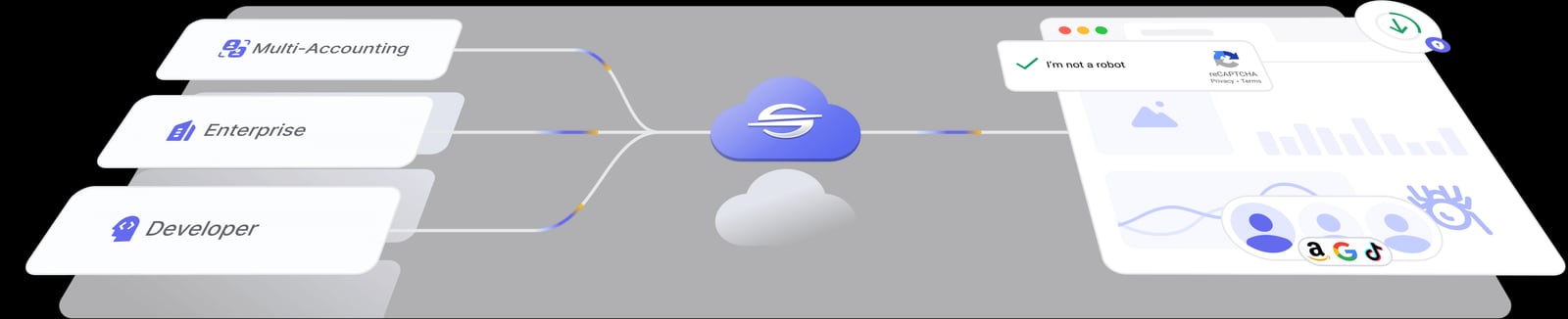
Nstbrowser product interface.
When comparing Nstbrowser to established anti-detect browsers, key differences emerge:
- Gologin offers a more beginner-friendly experience, no daily launch caps, and a free trial of paid plans. However, Nstbrowser’s automation and scraping tools are more advanced. For a detailed comparison, see Nstbrowser vs Gologin: Honest Review Update 2026.
- Dolphin Anty provides extensive profile sorting, proxy rotation, and a cookie robot, but lacks Nstbrowser’s cloud automation and AI agent features. Dolphin Anty also warns users when spoofing a different OS, which Nstbrowser does not. Read the Dolphin Anty comparison for more details.
If your priority is manual multi-accounting with a polished UI, Gologin or Dolphin Anty may be better. If you need scalable automation and scraping infrastructure, Nstbrowser’s feature set is compelling.
Ideal Users and Use Cases
Nstbrowser is best suited for:
- Automation-heavy teams building scraping pipelines or agentic workflows that require headless browsers and CAPTCHA solving.
- Multi-accounting professionals managing dozens to hundreds of profiles with dedicated proxies, especially those comfortable with technical configuration.
- Developers and technical marketers who can navigate a steep learning curve and leverage RPA and Browserless Sessions.
It is less ideal for:
- Beginners who need guided onboarding and simple profile management.
- Teams requiring 24/7 support across US time zones.
- High-volume operations that exceed daily launch caps and need unlimited launches.
For a broader look at anti-detect browsers for multiple accounts, see our AdsPower guide.
Decision Criteria: Is Nstbrowser Right for You?
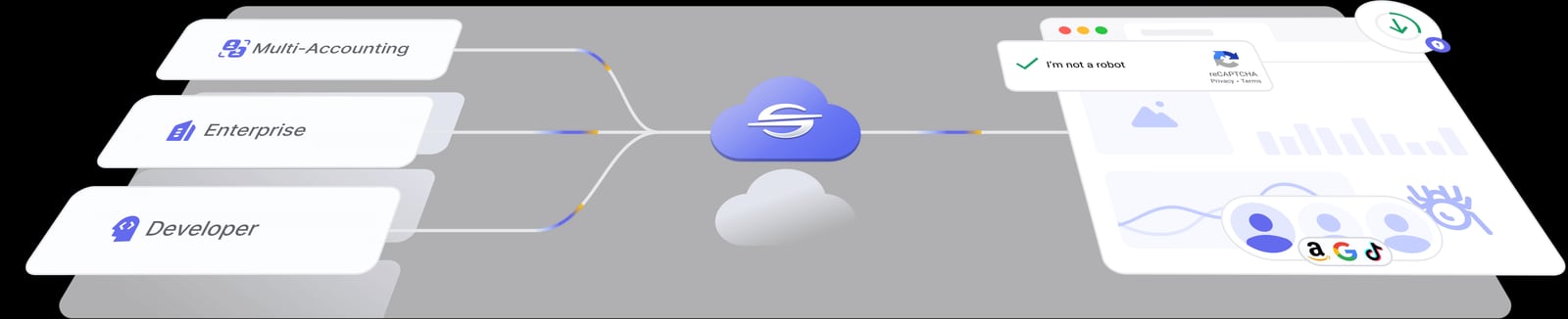
Nstbrowser product interface.
Ask yourself these questions:
- Do you need cloud automation and scraping? If yes, Nstbrowser’s RPA, Browserless Sessions, and AI Agent Skills are strong differentiators.
- Can you work within daily launch limits? If your workflow requires thousands of launches per day, look for a platform without caps.
- Is your team technical? Nstbrowser rewards users who can configure fingerprints and proxies manually; beginners may struggle.
- Do you need responsive support? If you operate in US time zones, consider support availability.
- Is pricing transparency important? Recent free-plan changes may concern teams that prioritize stability.
Related reading
- How to Use AdsPower with FingerprintJS: Setup & Workflow - Learn how to pair AdsPower anti-detect profiles with FingerprintJS for testing, QA, and fraud analysis. Step-by-step setup, practical workflows, and fixes.
- AdsPower vs StealthBrowser vs ixBrowser: Anti-Detect Picks - Compare AdsPower, StealthBrowser, and ixBrowser on free plans, fingerprint isolation, automation, and scale to find the right anti-detect browser in 2026.
Sources and further reading
- Read Customer Service Reviews of nstbrowser.io - Trustpilot - Dec 6, 2023 ... Nstbrowser Reviews · We use technology to protect platform integrity, but we don't fact-check reviews · Company details · Contact info.
Frequently Asked Questions
Is Nstbrowser free?
Yes, Nstbrowser offers a free plan with 500 profiles, 30 daily launches, and 3 team members. Paid plans start at $29.9/month.
Does Nstbrowser have a daily launch limit?
Yes, all tiers—including paid plans—have a daily launch cap. The free plan allows 30 launches per day.
Can Nstbrowser solve CAPTCHAs?
Yes, it supports reCAPTCHA v2/v3, Text CAPTCHA, AWS CAPTCHA, and Cloudflare Turnstile.
Is Nstbrowser good for web scraping?
Yes, its Browserless Sessions, RPA, and AI Agent Skills are designed for scalable scraping. However, daily launch limits may constrain very high-volume operations.
How does Nstbrowser compare to Gologin?
Nstbrowser offers more advanced automation and scraping tools, while Gologin is more beginner-friendly and lacks daily launch caps. See the Gologin comparison for details.
What are the main drawbacks of Nstbrowser?
Key drawbacks include a steep learning curve, limited support hours, daily launch caps on all tiers, and reputation concerns from unannounced free-plan changes.
Conclusion
Nstbrowser is a powerful option for teams that need both anti-detect browsing and cloud automation in one platform. Its fingerprint isolation, built-in proxies, RPA, and AI Agent Skills make it a strong fit for scraping and automation-heavy workflows. However, the daily launch caps, steep learning curve, limited support, and recent free-plan changes are significant considerations.
If you prioritize automation and can work within its constraints, Nstbrowser is worth testing. If you need a more beginner-friendly experience or unlimited launches, explore alternatives like Gologin or Dolphin Anty. For a comprehensive ranking of similar tools, see our Top 10 Anti-Detect Browsers & Automation Platforms 2026.


