
Top 10 Anti-Detect Cloud Browser Automation Products 2026
Take a Quick Look
Ranked top 10 anti-detect cloud browser automation products for 2026, with transparent criteria, evidence, pricing signals, and a buyer's FAQ.
Top 10 Anti-Detect Cloud Browser Automation Products 2026
Anti-detect cloud browser automation is a different job from desktop multi-accounting. You are not opening a browser to log into accounts by hand; you are launching many isolated, fingerprint-consistent browser sessions from code, often at the same time, and keeping them alive long enough to finish real work. That distinction matters in 2026, because the tooling that wins for manual profile management is rarely the tooling that wins for a scraping or QA pipeline.
This review ranks ten products that genuinely belong to the anti-detect cloud browser automation category. AdsPower is a well-known anti-detect browser and appears in many roundups, but it is a desktop profile manager with automation features, not a cloud browser automation platform, so it is not ranked here. It is mentioned only where an adjacent workflow makes it relevant.
How We Evaluated These Products
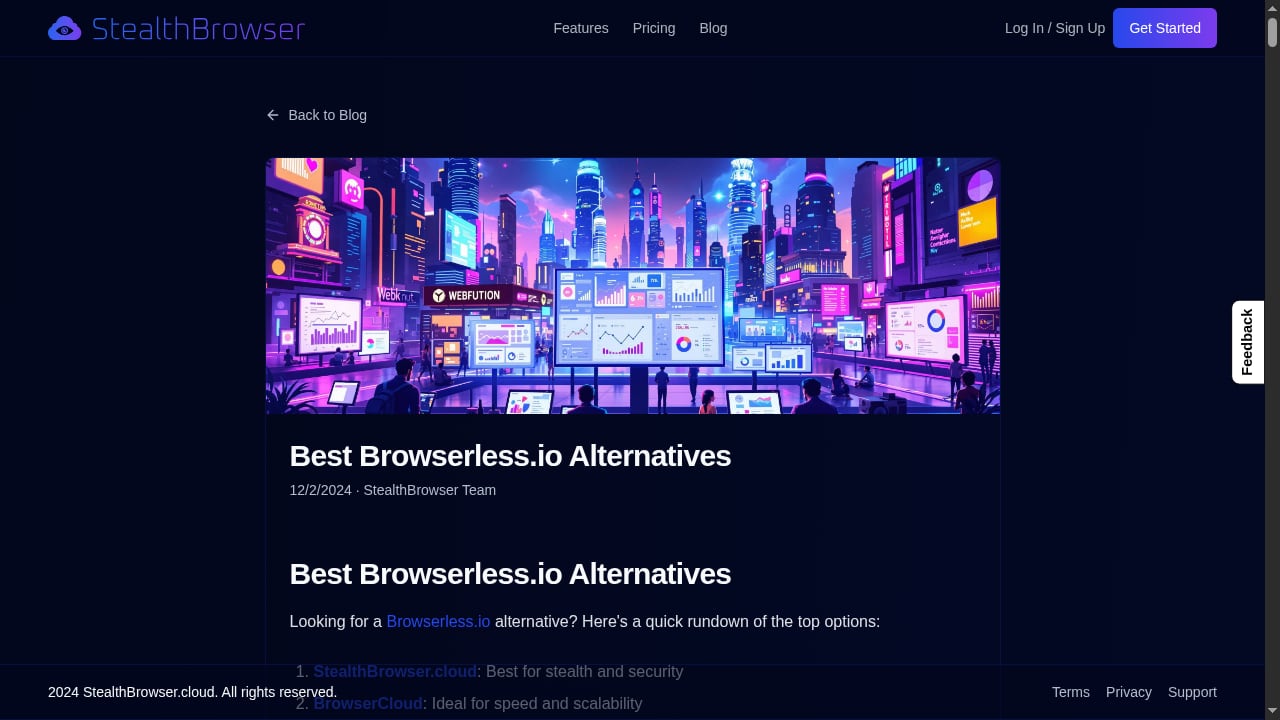
First viewport screenshot of www.stealthbrowser.cloud.
No vendor spec sheet was taken at face value. The ranking weighs five criteria, in this order:
- Fingerprint consistency under automation. Does the session present one believable device across Canvas, WebGL, audio, fonts, timezone, and hardware, and does it stay consistent when driven by Playwright, Puppeteer, or Selenium?
- Cloud execution model. Is the browser actually hosted, with per-session isolation, or is "cloud" a thin remote-desktop wrapper around a local profile?
- Concurrency and session length. How many simultaneous sessions can you run, and how long can a single session live before it is recycled?
- API and framework fit. Quality of the API, SDK coverage, and how cleanly it drops into an existing automation stack.
- Evidence and pricing transparency. Published test results, independent fingerprint-checker outcomes, and clear plan limits.
A note on evidence: passing Pixelscan, Iphey, or CreepJS means a profile is internally consistent. It does not prove a site will let you through. Modern bot management also inspects the TLS handshake, HTTP/2 frame ordering, navigator.webdriver, CDP traces, and behavior over time. Treat a clean checker result as a baseline, not a guarantee. For background on how these checks work, see ScrapingBee's tested roundup and GoLogin's anti-fingerprinting comparison, both of which publish per-tool checker results.
The Top 10 Anti-Detect Cloud Browser Automation Products for 2026
First viewport screenshot of www.stealthbrowser.cloud.
1. StealthBrowser
Best for: developers and data teams that need stealthy Chromium sessions at high concurrency.
StealthBrowser is a cloud-based browser automation platform built around custom Chromium builds designed to resist fingerprinting and other detection methods. Each session runs in a secure cloud environment backed by a dedicated virtual machine, which is the architectural detail that separates it from tools that merely proxy a local browser.
The platform supports massive concurrency, so hundreds or thousands of browser instances can run simultaneously, and it exposes a flexible API compatible with Playwright and Puppeteer. Extended session times of up to 180 minutes on the Pro plan make it viable for deep traversal and multi-step workflows that outlast typical short-lived sessions. Pricing starts at $29/month on subscription plans.
Evidence: the product is positioned specifically for stealth scraping and automation at scale, including against anti-bot systems such as DataDome, and publishes guidance on stealth scraping and fingerprint avoidance. Watch-outs: it is developer-first, so teams expecting a point-and-click profile dashboard will need to build their own orchestration layer.
2. Multilogin
Best for: teams that need both browser profiles and cloud Android phones in one subscription.
Multilogin runs two proprietary engines, Mimic on Chromium and Stealthfox on Firefox, and builds profiles from real device parameters rather than random noise, which helps identities stay consistent across restarts. In ScrapingBee's July 2026 test, a default macOS profile with a clean residential proxy passed Pixelscan, Iphey, and CreepJS, with CreepJS reading the GPU at high confidence.
Automation is supported through an API plus Selenium, Puppeteer, and Playwright, and API rate limits apply at the workspace level. Watch-outs: GoLogin's October 2026 retest recorded an Iphey "Unreliable" verdict for Multilogin, so results vary by profile configuration and proxy. Pricing starts around $11/month, with a free tier that has no time limit.
3. GoLogin
Best for: the best value entry point with a real free tier and broad framework support.
GoLogin combines kernel-level fingerprint spoofing with cloud profiles and supports Selenium, Puppeteer, and Playwright, plus a REST API on paid plans and an MCP server. It is one of the few products with a native Android app that syncs with desktop profiles, which is useful when a workflow spans mobile and web.
Evidence: GoLogin's own October 2026 retest reports clean passes on Pixelscan, Iphey, and CreepJS, and ScrapingBee's independent test also recorded a clean pass. Because GoLogin publishes that comparison itself, weigh the self-review accordingly. Pricing starts at $9/month, or $4.50/month billed yearly, with a free plan of three profiles.
4. Octo Browser
Best for: scaled operations that want a current Chrome engine and strong fingerprint quality.
Octo Browser manages fingerprints at the browser-code level and includes CDP support, which makes it a natural fit for teams driving sessions from automation frameworks. In GoLogin's October 2026 test it passed all three checkers and was one of the few reviewed browsers already running Chrome 154.
Watch-outs: there is no free plan, only a short trial, and RAM usage is on the higher side. Pricing starts at €10/month, or €7/month billed yearly for three profiles, with API access from the Base plan.
5. Nstbrowser
Best for: automation and scraping at scale with a cloud option.
Nstbrowser pairs a Chromium base with RPA, an API, and Puppeteer and Playwright support, and offers a cloud mode alongside desktop. It is built for teams that want to script profile creation and launching rather than click through a UI.
Evidence: ScrapingBee's test placed it in the automation and scraping category, while GoLogin's retest recorded an Iphey "Unreliable" verdict, so validate against your own targets. Pricing starts at $29.90/month, and a limited free tier exists.
6. Kameleo
Best for: developers who want SDKs and mobile emulation on desktop.
Kameleo ships a local API with Python, JavaScript, and C# SDKs, so profiles can be created and launched directly from your own scraper. It also offers mobile browser emulation on desktop, which helps when a target serves different content to mobile devices.
Watch-outs: GoLogin's October 2026 test reported that the app failed to start on its test machine, so stability should be verified before committing. Pricing is €59/month, or about €45/month yearly, with a limited free tier of two concurrent browsers.
7. MoreLogin
Best for: teams that want realistic fingerprints with cloud phone support at a mid-range price.
MoreLogin uses machine-learning-generated fingerprints on a lightweight Chromium base and offers cloud phones alongside browser profiles. It supports a local API, Selenium, and Puppeteer, with batch profile creation and isolation.
Evidence: GoLogin's October 2026 test recorded an Iphey "Unreliable" verdict, and ProxyWing notes it is less advanced against very aggressive anti-bot systems. Pricing starts at $9/month, or $5.40/month yearly for ten profiles, with a two-profile free tier.
8. GeeLark
Best for: mobile and Android app-level data collection.
GeeLark runs real cloud Android phones rather than emulating a mobile user agent on a desktop machine, which matters when a target only exposes its full behavior inside an app. It offers an API and automation templates, and its low local footprint is a genuine advantage for teams without heavy hardware.
Watch-outs: its desktop engine was the oldest in GoLogin's October 2026 test at Chrome 142, and performance depends on network quality. Pricing starts around $9.75/month yearly, with a free tier of two profiles and 30 cloud-phone minutes.
9. Dolphin Anty
Best for: media buying and affiliate teams that also need scripted workflows.
Dolphin Anty combines solid fingerprint masking with Playwright and Selenium support, strong proxy integration, and a scenario builder. It was among the few reviewed browsers already on Chrome 154 in GoLogin's October 2026 test.
Watch-outs: Iphey flagged its fingerprint in that same test, and some users report occasional sync or session issues. Pricing starts at $10/month for 20 profiles, with a five-profile free tier.
10. Incogniton
Best for: budget multi-account workflows that need persistent profiles and framework support.
Incogniton offers isolated browser profiles with fingerprint spoofing, per-profile proxies, and Selenium, Puppeteer, and Playwright support, plus API automation. It is a reasonable balance of automation, stability, and cost for teams that do not need top-tier fingerprint depth.
Evidence: GoLogin's October 2026 test flagged it on Pixelscan for a detected proxy and timezone spoofing, and on Iphey as "Unreliable," with audio spoofing detected. Pricing is $13.99/month billed every six months for ten profiles, with a free tier that drops to three profiles after two months.
Comparison at a Glance
First viewport screenshot of www.stealthbrowser.cloud.
| Product | Execution model | Automation fit | Entry price | Free tier |
|---|---|---|---|---|
| StealthBrowser | Cloud VMs, per-session | Playwright, Puppeteer API | $29/mo | No |
| Multilogin | Desktop + cloud phones | API, Selenium, Puppeteer, Playwright | ~$11/mo | Yes |
| GoLogin | Desktop + cloud profiles | REST API, Selenium, Puppeteer, Playwright, MCP | $9/mo ($4.50 yearly) | 3 profiles |
| Octo Browser | Desktop | CDP, API from Base | €10/mo | Trial only |
| Nstbrowser | Desktop + cloud | RPA, API, Puppeteer, Playwright | $29.90/mo | Limited |
| Kameleo | Desktop + mobile emulation | Local API, Python/JS/C# SDKs | €59/mo | 2 browsers |
| MoreLogin | Desktop + cloud phones | Local API, Selenium, Puppeteer | $9/mo ($5.40 yearly) | 2 profiles |
| GeeLark | Cloud Android phones | API, templates | ~$9.75/mo yearly | 2 phones |
| Dolphin Anty | Desktop | Local/remote API, Playwright, Selenium | $10/mo | 5 profiles |
| Incogniton | Desktop | API, Selenium, Puppeteer, Playwright | $13.99/mo | 10 then 3 |
How to Choose
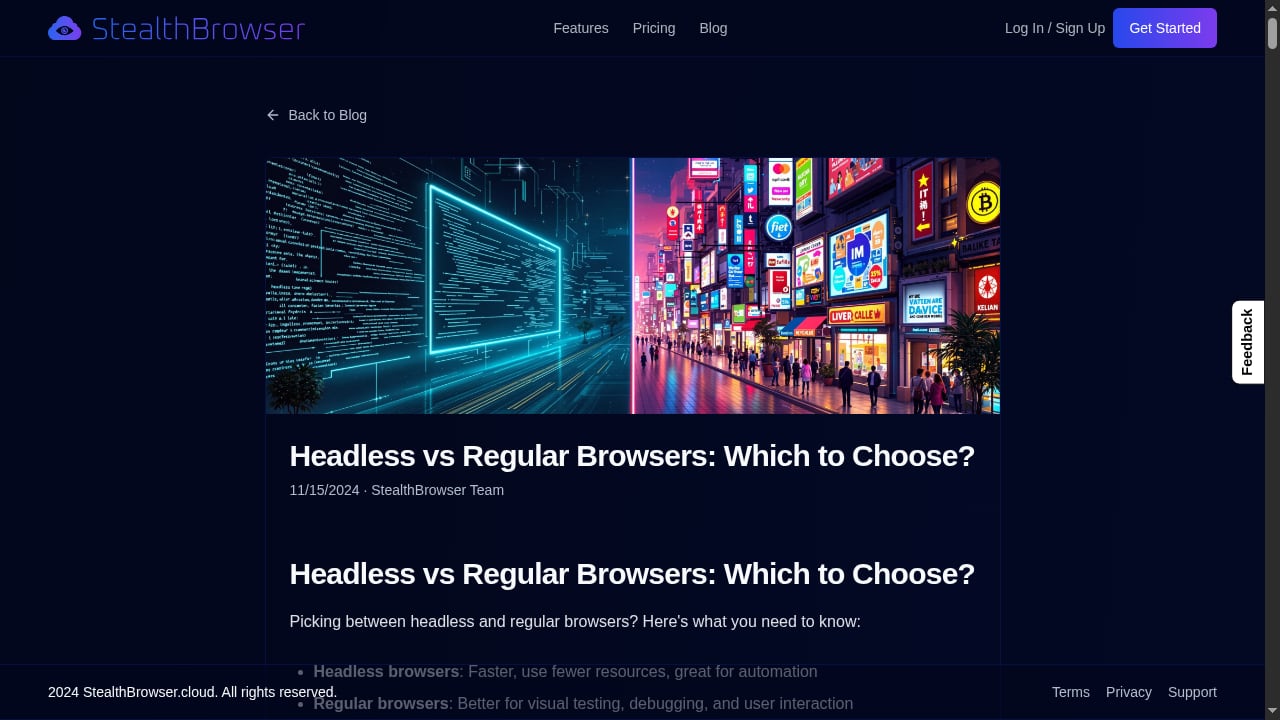
First viewport screenshot of www.stealthbrowser.cloud.
- If your bottleneck is concurrency and session length, a cloud-native platform such as StealthBrowser is the closer fit; desktop tools cap out at what one machine can host.
- If you need mobile app targets, GeeLark and Multilogin run real cloud phones rather than emulation.
- If you want the lowest-risk trial, GoLogin and Incogniton offer persistent free profiles, though Incogniton's free tier shrinks after two months.
- If you need SDK-level control, Kameleo's Python, JavaScript, and C# SDKs are the most direct route.
- If you are mixing manual account work with scripted jobs, a desktop anti-detect browser is often the better primary tool. AdsPower, for example, pairs isolated profiles with RPA and a local API, and our AdsPower vs StealthBrowser vs ixBrowser comparison covers where that boundary sits. For a broader view that includes desktop browsers, see our top 10 anti-detect browsers and automation platforms.
Whichever you pick, budget for clean residential proxies and for behavior that looks human. In practice, proxy quality decides pass or fail more often than the gap between two clean-passing browsers. If you are validating that layer, our IP lookup and leak check review explains what to verify before a run.
Related reading
- How to Use AdsPower with FingerprintJS: Setup & Workflow - Learn how to pair AdsPower anti-detect profiles with FingerprintJS for testing, QA, and fraud analysis. Step-by-step setup, practical workflows, and fixes.
- AdsPower vs MostLogin: Anti-Detect Browser & Cloud Phone Comparison - Compare AdsPower and MostLogin for multi-accounting: fingerprint isolation, automation, team features, pricing, and cloud phone support. Find the better fit.
Sources and further reading
- 10 Best Antidetect Browsers for Web Scraping in 2026 - We compared 10 antidetect browsers for scraping in 2026: fingerprint quality, Selenium and Playwright support, proxy setup, pricing and free plans.
FAQ
Is AdsPower an anti-detect cloud browser automation product? No. AdsPower is a desktop anti-detect browser with automation features such as RPA and a local API. It is not a cloud browser automation platform, which is why it is excluded from this ranking. It remains a strong choice for manual multi-account work and is covered in our multi-account AdsPower guide.
Do anti-detect browsers make automation undetectable?
No. A clean fingerprint checker result means the profile is internally consistent. Bot management also inspects TLS/JA3 handshakes, HTTP/2 frame ordering, navigator.webdriver, CDP traces, and session behavior over time.
What is the difference between a cloud browser and a desktop anti-detect browser? A cloud browser runs sessions on hosted infrastructure, so concurrency is limited by your plan rather than your hardware. A desktop anti-detect browser runs profiles locally, which suits hands-on account management but scales with the machine.
How long should an automation session last? It depends on the workflow. Short scraping jobs may finish in minutes, while deep traversal or multi-step QA can need an hour or more. Check session limits before you commit; StealthBrowser, for example, offers up to 180 minutes on its Pro plan.
Which product is best for a first automation project? Start with a tool that has a free tier and clean Playwright or Puppeteer support, such as GoLogin, and validate against your actual target before paying for scale.
Conclusion
The 2026 anti-detect cloud browser automation market splits cleanly in two: cloud-native platforms built for concurrency and long sessions, and desktop anti-detect browsers that have added automation APIs. StealthBrowser leads this ranking because its architecture — dedicated cloud VMs, high concurrency, and Playwright/Puppeteer compatibility — matches what scripted, large-scale work actually demands. Multilogin and GoLogin are the strongest all-rounders, Octo Browser and Nstbrowser suit scaled operations, and the rest fill specific niches in mobile, SDK, and budget workflows. Pick by execution model first, then by fingerprint evidence, and verify everything against your own targets before you scale.


