
Team Seats in Anti-Detect Browsers: AdsPower Collaboration
Take a Quick Look
Learn how team seats work in anti-detect browsers, how AdsPower handles member permissions and profile sharing, and how to plan seats for multi-account teams.
Team Seats in Anti-Detect Browsers: How AdsPower Handles Collaboration
When a multi-account operation grows beyond one person, the first practical question is usually about access: who can open which browser profile, what they are allowed to change, and how many people the plan actually covers. In anti-detect browser software, that capacity is often described as team seats. This article explains what team seats mean in this context, how AdsPower structures collaboration, and how to plan seats without overbuying or creating security gaps.
What Team Seats Mean in an Anti-Detect Browser
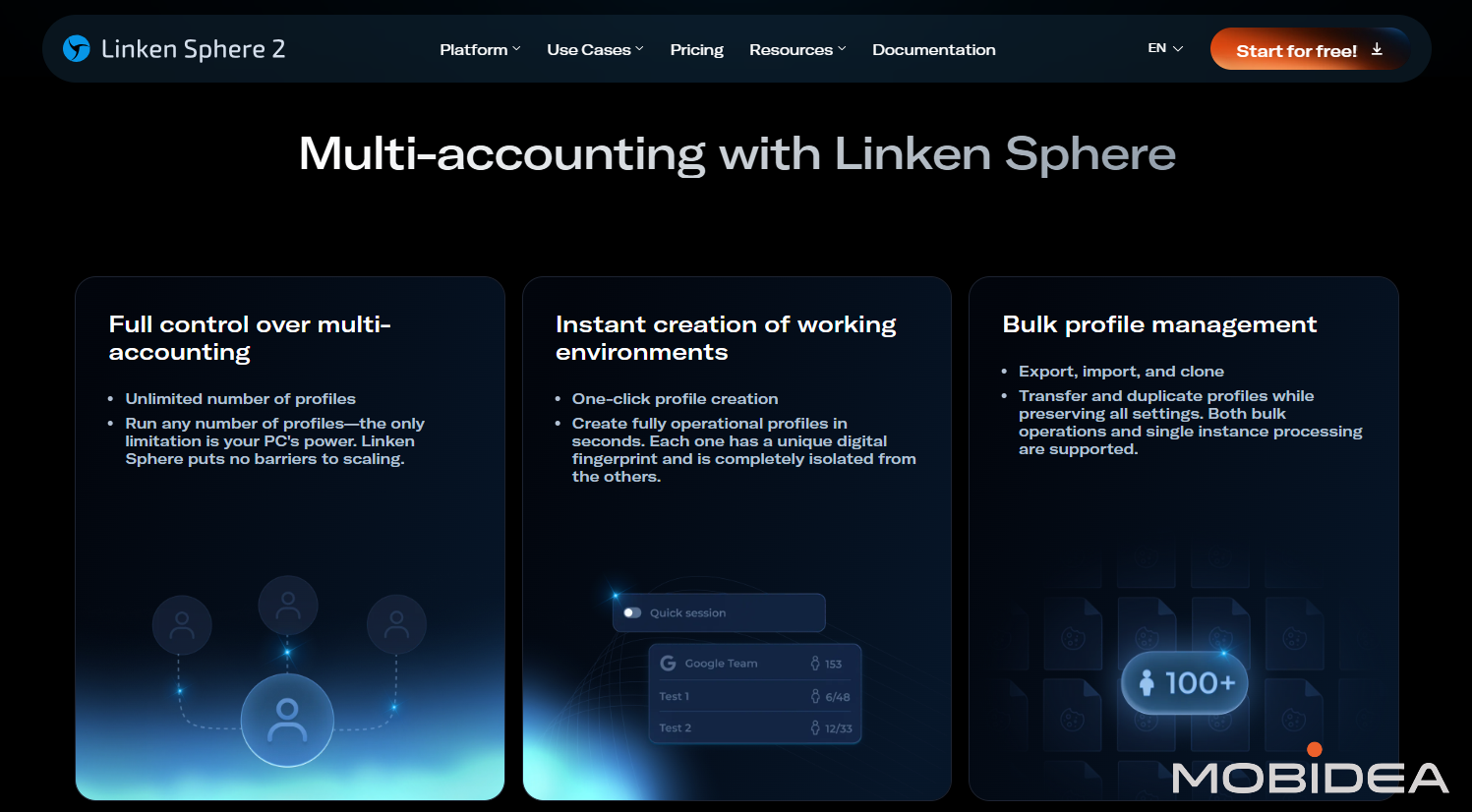
Team Seats in Anti-Detect Browsers: AdsPower Collaboration - What Team Seats Mean in an Anti-Detect Browser.
A team seat is a licensed place for one person on a shared anti-detect browser workspace. It is not the same as a browser profile. Profiles hold isolated fingerprints, cookies, and proxy settings for each online account. Seats determine how many people can log in and work with those profiles.
This distinction matters because multi-accounting teams rarely map one person to one account. A media buyer might manage dozens of ad accounts, while a reviewer only needs read access to a subset. Seat planning therefore has two dimensions: headcount and permission scope.
How AdsPower Structures Team Collaboration
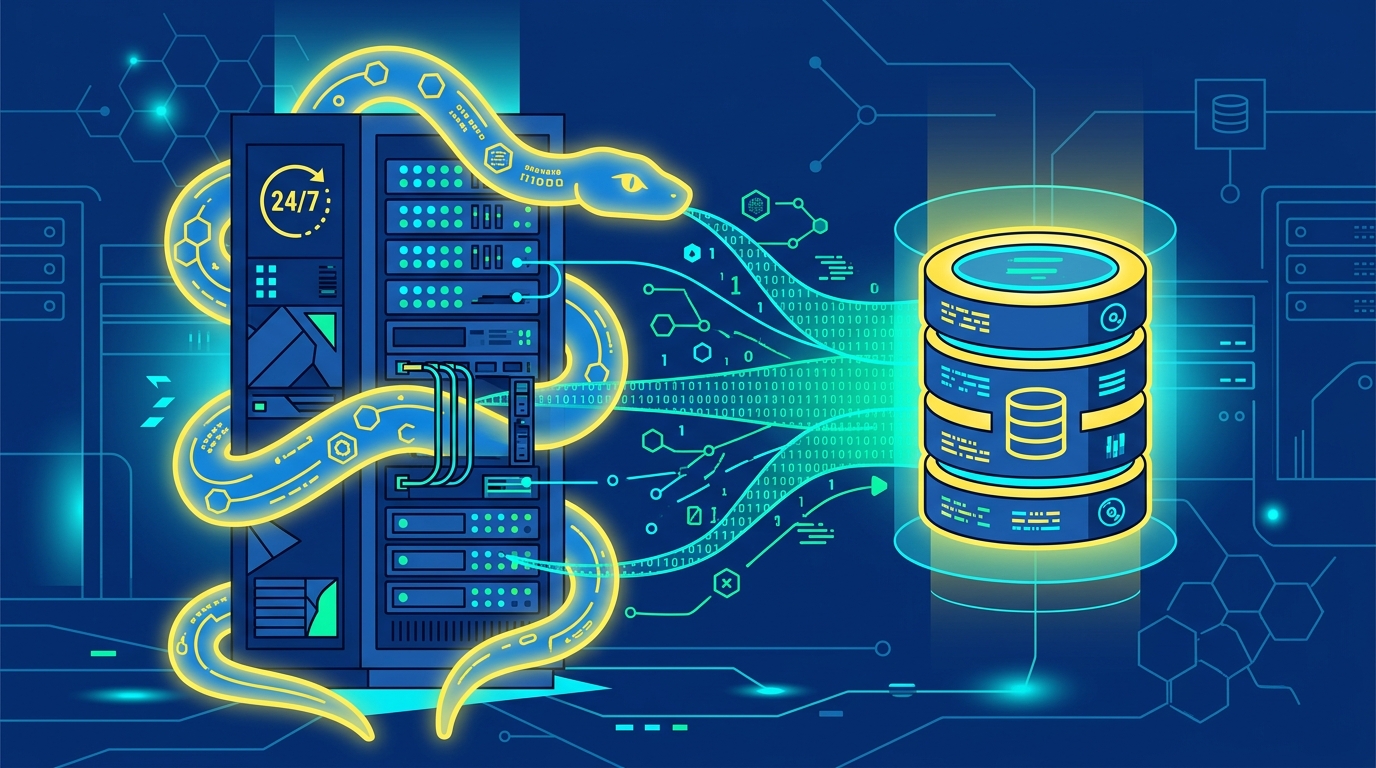
Team Seats in Anti-Detect Browsers: AdsPower Collaboration - How AdsPower Structures Team Collaboration.
AdsPower is an anti-detect browser that creates isolated browser profiles with unique fingerprints across Canvas, WebGL, network, and user agent signals. Around that core, it adds collaboration features that are relevant to team seats:
- Unlimited profile sharing within the team workspace, so profiles are not duplicated per member.
- Granular member permissions, allowing different levels of access for different roles.
- Cross-device profile sync, so a team member can pick up a profile from another machine.
- Encrypted profile data, which protects stored cookies and credentials.
- Member management APIs, useful for automating onboarding and offboarding.
- Remote task management through AI Agent integration with messaging apps such as Feishu and Telegram.
AdsPower publishes a free plan with 2 profiles, plus Professional, Business, and Enterprise tiers billed monthly, quarterly at a 15% discount, or annually at a 40% discount. A 3-day free trial is available. Because seat counts and profile limits vary by tier, confirm the current numbers on the official pricing page before committing a team.
Seats vs. Profiles: A Planning Example

Team Seats in Anti-Detect Browsers: AdsPower Collaboration - Seats vs. Profiles: A Planning Example.
Consider a five-person ecommerce team running 120 marketplace and ad accounts. A naive plan might buy 120 seats, one per account, which is wasteful. A better plan assigns seats by role:
| Role | People | Profiles needed | Permission level |
|---|---|---|---|
| Operations lead | 1 | All 120 | Admin |
| Account managers | 3 | 40 each | Edit assigned profiles |
| QA reviewer | 1 | 20 | View only |
That is five seats and 120 profiles, not 120 seats. The saving comes from separating identity capacity from human capacity. For a deeper walkthrough of this model, see our guide on using an anti-detect browser for multiple accounts.
Permission Design That Prevents Costly Mistakes
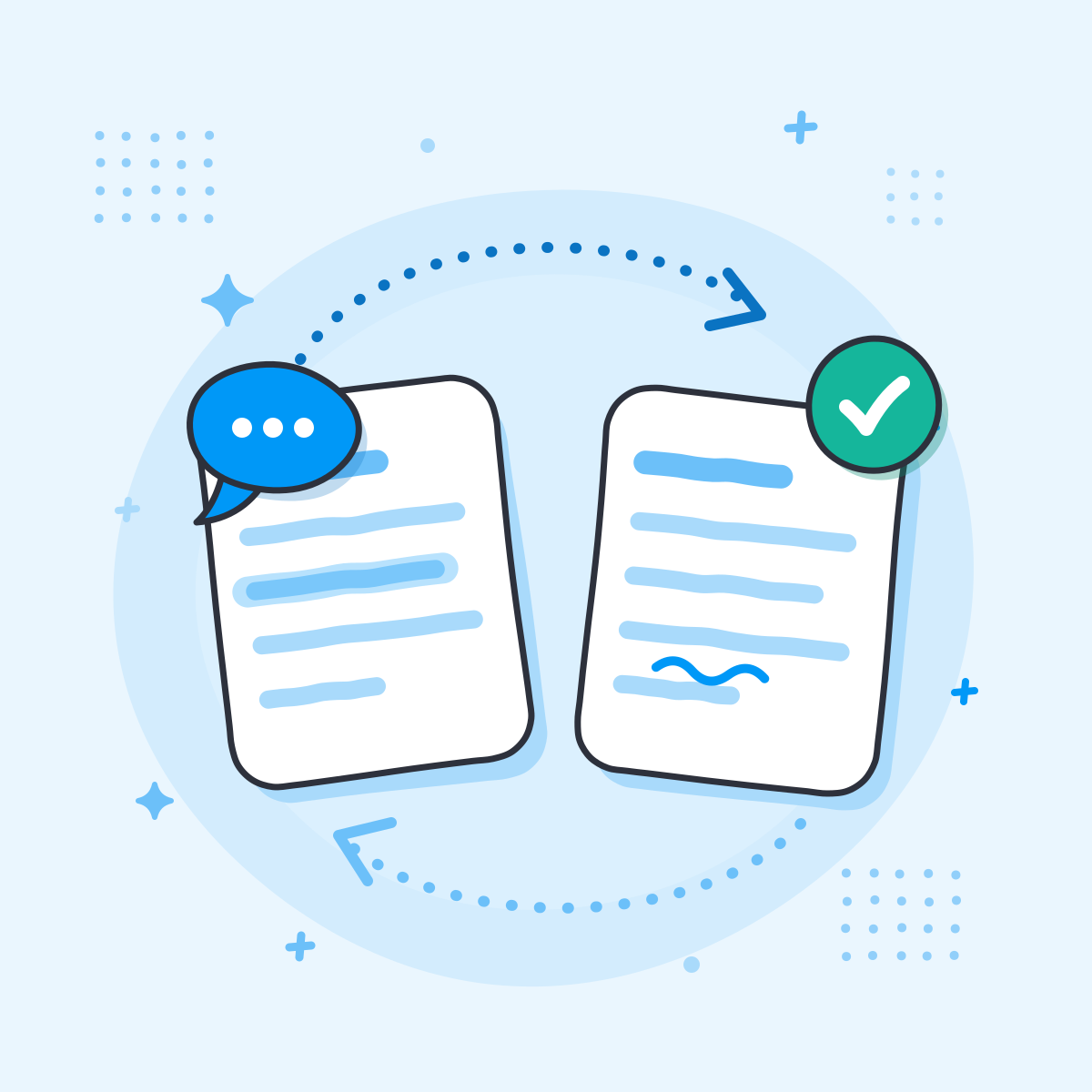
Team Seats in Anti-Detect Browsers: AdsPower Collaboration - Permission Design That Prevents Costly Mistakes.
Seats are only useful if permissions match responsibility. A few rules keep teams safe:
- Limit admin seats. Admin access should be rare because it can change fingerprints, proxies, and member roles.
- Scope edit rights by profile group. Account managers should not be able to alter profiles outside their portfolio.
- Use view-only seats for auditors and clients. Reviewers can inspect work without risking configuration changes.
- Automate offboarding. Use member management APIs to revoke access the moment a contractor leaves.
- Log changes. Pair seat permissions with profile recovery from trash so accidental deletions are reversible.
How Seats Interact with Automation and Proxies
Team seats are not just about human logins. Automation consumes workspace resources too. AdsPower includes a synchronization device, RPA robots, custom RPA workflows, and a local API with rate limits up to 1500 requests per minute. If your team runs heavy automation, plan seats for the people who monitor and maintain those workflows, not for the robots themselves.
Proxy configuration is another shared resource. A single misconfigured proxy can affect every profile in a group, so proxy settings should sit behind admin permissions. For a practical setup, see how to use AdsPower with IPRoyal proxies.
Choosing Between Plans and Platforms
If your team is small and mostly needs isolated profiles, a lower tier with fewer seats may be enough. If you need granular permissions, API-driven member management, and remote task control, the higher tiers are the better fit. It also helps to compare how other platforms handle seats and sharing; our AdsPower vs StealthBrowser vs ixBrowser comparison covers free-plan limits and scale.
For a broader market view, the top anti-detect browser and automation platforms ranking includes pricing signals and buyer criteria.
Security and Compliance Considerations
AdsPower holds SOC 2 Type II, ISO 27001, and ISO 27701 certifications. Those certifications support the vendor's security posture, but they do not replace your own access policy. Team seats should be tied to named individuals, not shared logins, and permissions should be reviewed quarterly. If your team handles client accounts, document who has access to which profile group so audits are straightforward.
Related reading
- Top 10 Anti-Detect Cloud Browser Automation Products 2026 - Ranked top 10 anti-detect cloud browser automation products for 2026, with transparent criteria, evidence, pricing signals, and a buyer's FAQ.
- How to Use AdsPower with FingerprintJS: Setup & Workflow - Learn how to pair AdsPower anti-detect profiles with FingerprintJS for testing, QA, and fraud analysis. Step-by-step setup, practical workflows, and fixes.
- AdsPower vs MostLogin: Anti-Detect Browser & Cloud Phone Comparison - Compare AdsPower and MostLogin for multi-accounting: fingerprint isolation, automation, team features, pricing, and cloud phone support. Find the better fit.
Sources and further reading
- Team Chairs For Soccer - Amazon.com - VictoryGear Portable Bench 6 Seat Soccer Benches for Team - Sideline Chairs with 8 Pockets & Carrying Bag - Folding Chair Camping Chairs - Sideline Soccer Bench ...
- FORZA Plastic Stadium Moulded Sports Seats [10x Colours] - Robust standard moulded HDPE seats for dugouts and shelters. Available in a variety of colors to suit your bench.
- PRO Bench 9 Seat Team Sideline Bench - Nine seats, one fast sideline setupWhen you manage a full roster, the QUICKPLAY PRO BENCH 9 Seat Team Spectator Bench gives every player a real place to recover and get...
FAQ
Are team seats the same as browser profiles?
No. Seats are human logins; profiles are isolated browser identities. One seat can access many profiles if permissions allow it.
Does AdsPower charge per seat or per profile?
Plan limits combine both. Check the official pricing page for current seat and profile allowances per tier, since these change over time.
Can I share profiles without giving full admin access?
Yes. AdsPower supports granular member permissions, so you can grant edit or view access to specific profiles or groups.
What happens when a team member leaves?
Revoke their seat through member management, ideally via the member management API, and rotate any credentials they could access.
Is there a free way to test team collaboration?
AdsPower offers a free plan with 2 profiles and a 3-day free trial, which is enough to test basic sharing before upgrading.
Conclusion
Team seats in an anti-detect browser are a capacity and governance decision, not just a billing line. Map roles to permissions, separate seats from profiles, and automate onboarding and offboarding. AdsPower's combination of unlimited profile sharing, granular permissions, and member management APIs makes it a practical option for teams managing many accounts, provided you confirm current tier limits before you buy.


