
How to Use AdsPower with Skyvern: AI Browser Automation
Take a Quick Look
Learn how to combine AdsPower's isolated browser profiles with Skyvern's AI automation to run reliable, multi-account workflows at scale.
How to Use AdsPower with Skyvern: AI Browser Automation
AI agents can now operate websites without brittle selectors, but they still need a trusted browser identity to avoid blocks. AdsPower provides isolated, fingerprint-controlled profiles, while Skyvern supplies the AI that reads pages and completes tasks. This article explains how the two work together, how to set up the workflow, and what problems the combination solves.
Why combine AdsPower and Skyvern?
First viewport screenshot of www.skyvern.com.
AdsPower is an anti-detect browser that creates separate profiles with unique Canvas, WebGL, network, and user-agent fingerprints. It lets teams manage hundreds of accounts from one machine without triggering bans, and it includes proxy configuration, encrypted profile data, team collaboration, and a local API.
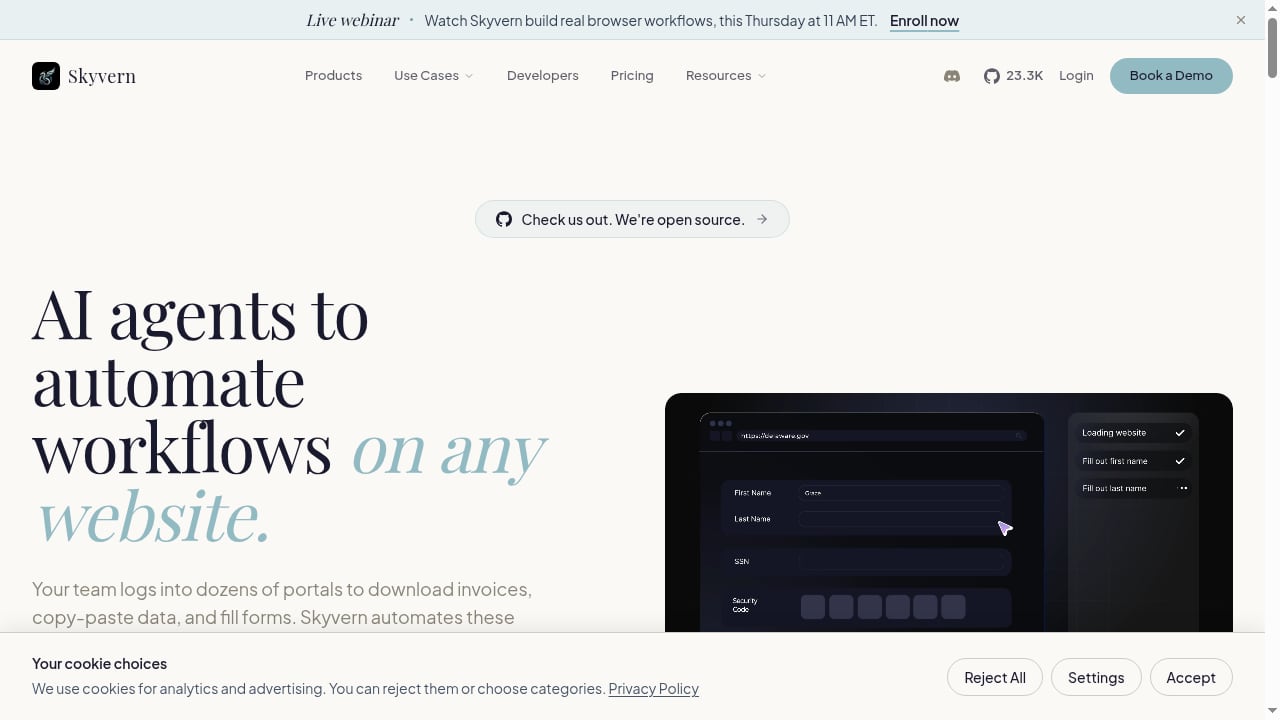
Skyvern is an AI browser automation platform. Instead of relying on CSS selectors, its agents open a real browser, interpret each page visually, and perform actions like logging in, filling forms, downloading files, and extracting data. It supports CAPTCHA solving, 2FA/TOTP, credential vaults, browser sessions, geo-targeting, webhooks, and observability.
Used alone, each tool has a gap:
- AdsPower without automation still requires manual clicking across profiles.
- Skyvern without identity isolation runs tasks from a single browser context, which is risky for multi-account work and easy for anti-bot systems to correlate.
Together, AdsPower supplies the identity layer and Skyvern supplies the action layer. Each automation runs inside a profile that looks like a distinct real user, with its own cookies, proxy, and fingerprint.
How the integration works
There are two practical ways to connect them:
- Local API and CDP connection. AdsPower exposes a local API that can launch a profile and return a debugging endpoint. Skyvern can attach to that browser session through the Chrome DevTools Protocol (CDP) and drive it like any other browser.
- Skyvern browser sessions with AdsPower profiles. Skyvern supports browser sessions and profiles. You can start a session using the AdsPower profile's proxy and user-agent settings, then let Skyvern's agent execute the task.
The first method keeps the full AdsPower fingerprint intact because the browser is literally the AdsPower-managed instance. The second is easier to orchestrate at scale but requires care to mirror fingerprint settings.
For most teams, the local API plus CDP approach is the most reliable starting point.
Prerequisites
- An AdsPower account with at least one configured profile (the free plan includes 2 profiles).
- A proxy assigned to each profile if you need geo-specific or residential IPs.
- A Skyvern account (14-day free trial available) or a self-hosted Skyvern instance.
- Python or Node.js if you plan to script the connection, plus basic familiarity with APIs.
Step-by-step setup
First viewport screenshot of www.skyvern.com.
1. Prepare AdsPower profiles
Create one profile per account or per target region. Set the proxy, timezone, language, and user-agent to match the intended identity. Keep profiles in groups so you can batch-launch them later. If you are new to profile isolation, the AdsPower vs IP checkers vs MuLogin guide explains how fingerprint and IP checks differ.
2. Start the AdsPower local API
Open AdsPower and enable the local API from the settings. Note the API port and any access token. The API supports high request rates (up to 1500 requests per minute on supported plans), which is enough for batch profile launches.
3. Launch a profile and capture the CDP endpoint
Call the local API to start a profile. The response includes a WebSocket debugging URL. Keep this URL; Skyvern will use it to control the browser.
Example request shape:
curl "http://local.adspower.net:50325/api/v1/browser/start?user_id=PROFILE_ID"
4. Connect Skyvern to the running browser
In Skyvern, create a task or agent and point it at the CDP endpoint. If you use Skyvern's Python SDK, pass the endpoint as the browser connection. If you use the REST API, include the endpoint in the session configuration. Skyvern's agent will then read the page and execute the instructions you provide.
5. Define the task in plain language
Skyvern works best with clear, outcome-focused instructions. For example:
Log in to the supplier portal, open the orders page, download the latest invoice PDF, and record the order total in the output.
Avoid step-by-step click instructions unless the site is highly unusual. Skyvern is designed to interpret the page and choose the right elements.
6. Handle authentication
Store credentials in Skyvern's vault rather than in plain text. For sites with 2FA, configure TOTP so Skyvern can generate codes. If a site uses CAPTCHA, Skyvern's CAPTCHA solving can handle it, but keep the AdsPower proxy stable during the session to avoid triggering additional checks.
7. Add observability and webhooks
Use Skyvern's observability features to review screenshots, action logs, and failures. Configure webhooks to notify your team or trigger downstream systems when a task completes.
Practical examples
First viewport screenshot of www.skyvern.com.
Example 1: E-commerce price monitoring across regions
Create one AdsPower profile per country, each with a local residential proxy. Use Skyvern to visit product pages, extract prices, and return structured data. Because each profile has a distinct fingerprint and IP, the site sees separate local shoppers rather than one scraper.
Example 2: Social media account management
Assign each client account to its own AdsPower profile. Use Skyvern agents to log in, publish scheduled posts, and capture engagement metrics. Team members can share profiles with granular permissions while Skyvern handles repetitive posting.
Example 3: Insurance or healthcare form processing
Many portals change frequently and use complex forms. Skyvern can read the page and fill fields without selector maintenance. AdsPower keeps each client's session isolated, which matters for compliance and audit trails.
Example 4: Affiliate and survey workflows
Run multiple profiles for different offers or regions. Skyvern completes sign-ups, verifies email steps where permitted, and records outcomes. Use AdsPower's RPA and synchronization tools for tasks that do not need AI interpretation.
Scaling the workflow
At small scale, you can launch profiles manually and trigger Skyvern tasks one by one. At larger scale, use a queue:
- A scheduler pulls the next profile ID from your database.
- It calls the AdsPower local API to start the profile.
- It submits a Skyvern task with the CDP endpoint and task instructions.
- On completion, it closes the profile and logs the result.
AdsPower's batch profile management and profile recovery from trash help keep this pipeline clean. For teams, plan seats and permissions carefully; the team seats guide covers how sharing works.
If you are evaluating broader automation stacks, the top anti-detect cloud browser automation products comparison provides context on how other tools approach the same problem.
Common problems and fixes
| Problem | Likely cause | Fix |
|---|---|---|
| Skyvern cannot connect to the browser | Local API port blocked or profile not started | Verify the API is enabled and the profile is running; check firewall rules |
| Site blocks the session | Proxy or fingerprint mismatch | Assign a residential proxy and ensure timezone and language match the IP |
| Task fails midway | Session timeout or IP rotation | Use sticky sessions; avoid rotating the proxy during a multi-step task |
| CAPTCHA loops | Inconsistent browser identity | Keep the same AdsPower profile for the entire task |
| Credentials rejected | 2FA or vault misconfiguration | Recheck TOTP setup and vault entries |
AdsPower vs Skyvern: which does what?
All posts.
| Capability | AdsPower | Skyvern |
|---|---|---|
| Fingerprint isolation | Yes, core feature | No, relies on browser session |
| AI page interpretation | No | Yes |
| Proxy management | Yes, per profile | Yes, per session |
| CAPTCHA solving | Limited | Yes |
| Team collaboration | Yes, granular permissions | Team and enterprise plans |
| Best for | Identity and account management | Task execution and data extraction |
Use AdsPower when identity isolation is the priority. Use Skyvern when the website changes often or the task requires judgment. Use both when you need scale without sacrificing either.
Related reading
- AdsPower vs Nox Core: Anti-Detect Browser Comparison 2026 - Compare AdsPower and Nox Core anti-detect browsers: fingerprint isolation, automation, team features, pricing, and crypto payment limits to choose the right tool.
- Nstbrowser Review 2026: Anti-Detect Browser & Cloud Automation - Honest Nstbrowser review: fingerprint isolation, cloud automation, AI scraping, pricing, setup, and limits for multi-accounting and scraping teams.
Sources and further reading
- Elyt - AI Browser Automation at Scale - AI browser automation at scale. Automate any website across hundreds of profiles. Works with AdsPower, MoreLogin, GoLogin, and many more providers.
FAQ
Does Skyvern work with AdsPower profiles?
Yes. Skyvern can connect to a browser launched by AdsPower through the CDP endpoint returned by AdsPower's local API. This preserves the profile's fingerprint and proxy settings.
Do I need to code to use them together?
Not necessarily. You can launch profiles manually and use Skyvern's app with Copilot to build agents. For batch workflows, scripting the local API and Skyvern's REST API is more efficient.
Can Skyvern solve CAPTCHAs inside an AdsPower profile?
Yes. Skyvern includes CAPTCHA solving and 2FA/TOTP support. Keep the profile and proxy stable during the task to reduce repeated challenges.
Is this combination compliant?
Compliance depends on the websites you access and your use case. Use the tools for legitimate account management, testing, and data collection within each site's terms. AdsPower is SOC 2 Type II, ISO 27001, and ISO 27701 certified; Skyvern is HIPAA and SOC 2 compliant.
What does it cost?
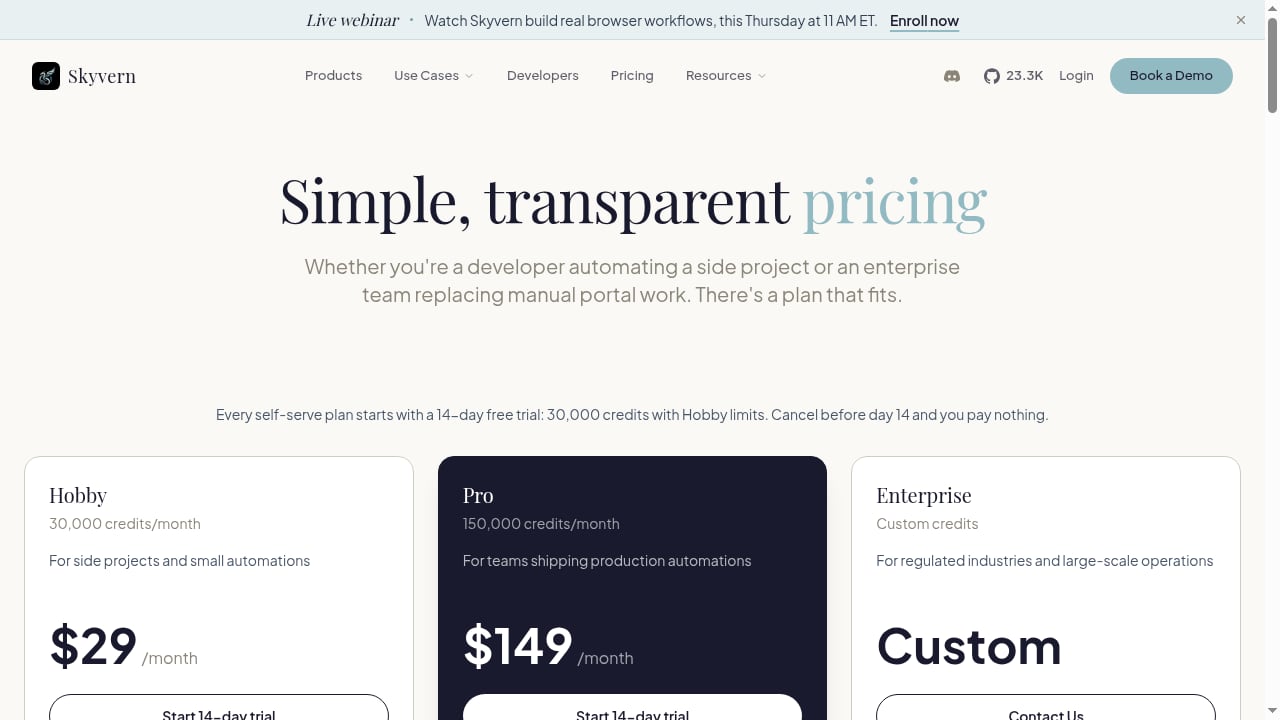
AdsPower offers a free plan with 2 profiles and paid tiers with annual discounts up to 40%. Skyvern offers a 14-day free trial, a Hobby plan at $29/month, and a Pro plan at $149/month.
Conclusion
AdsPower and Skyvern solve different halves of the same problem. AdsPower gives every account a believable, isolated identity; Skyvern gives every task an AI operator that adapts when websites change. Start with one profile and one simple task, confirm the CDP connection works, then expand into a queued workflow. That approach keeps failures visible and costs predictable as you scale.
For further reading, see the Proxies for AI Agents guide and the awesome-mcp-servers browser automation list.


