
AdsPower vs IP Checkers vs MuLogin: Anti-Detect Guide
Take a Quick Look
Compare AdsPower, What Is My IP Address? leak tools, and MuLogin for multi-account work. See which fits fingerprint isolation, teams, and automation.
AdsPower vs What Is My IP Address? vs MuLogin: Which Tool Fits Your Multi-Account Workflow?
Three tools often appear in the same research session, yet they solve different problems. AdsPower and MuLogin are anti-detect browsers built for running many accounts from one machine. What Is My IP Address? is a diagnostic service that shows your IP, location, ISP, and leak exposure. Comparing them only makes sense when you separate identity creation from identity verification.
This article explains what each tool does well, where the overlap is real, and how to decide whether you need one, two, or all three.
The Three Tools at a Glance
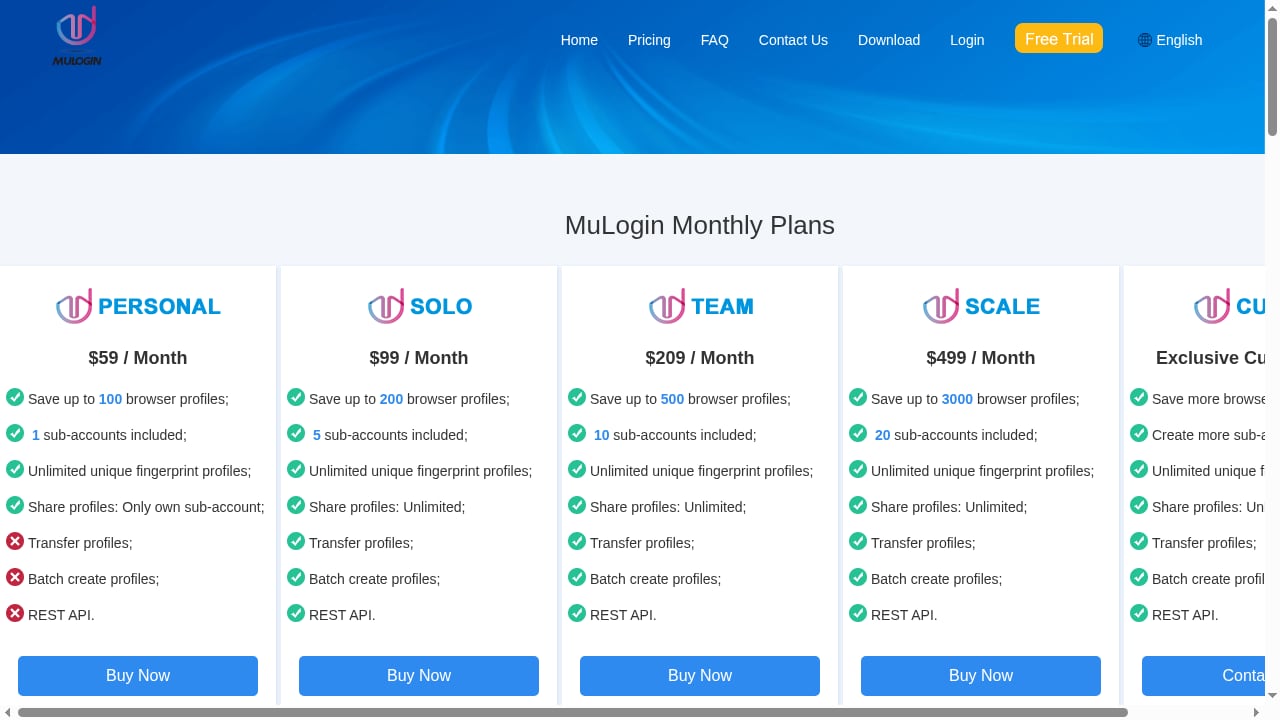
First viewport screenshot of pricing plan| The safest way to run multiple business accounts without detection. Grow your online business fast..
| Tool | Category | Core job | Best for |
|---|---|---|---|
| AdsPower | Anti-detect browser | Isolated profiles with unique fingerprints, team sharing, automation | Agencies, ecommerce, social teams, affiliate marketers at scale |
| What Is My IP Address? | IP and leak diagnostics | Reveals IP, location, ISP, and privacy leaks | Anyone verifying that a proxy or VPN is actually working |
| MuLogin | Anti-detect browser | Separate browser environments per account | Individuals and small teams managing ecommerce and social accounts |
A useful rule: anti-detect browsers create the identity, and IP/leak checkers confirm the identity holds up. They are complementary more often than they are competitors.
What Is My IP Address? – Strengths and Limits
What Is My IP Address? answers a narrow but important question: what does the outside world see when your browser connects? It reports your public IP, approximate location, ISP, and ZIP-level data, then scores privacy exposure and flags leaks across browser, DNS, and location layers.
Where it shines:
- Fast, no-install verification before and after proxy changes.
- Leak detection that catches WebRTC or DNS exposure a proxy alone might not fix.
- A clear privacy score that non-technical team members can read.
Where it stops:
- It does not create or isolate browser profiles.
- It cannot manage accounts, share profiles with teammates, or automate workflows.
- It shows the network layer, not the full fingerprint surface (Canvas, WebGL, fonts, and hardware signals).
For a deeper look at its capabilities, see our What Is My IP Address? review.
MuLogin Anti-Detect Browser – Strengths and Limits
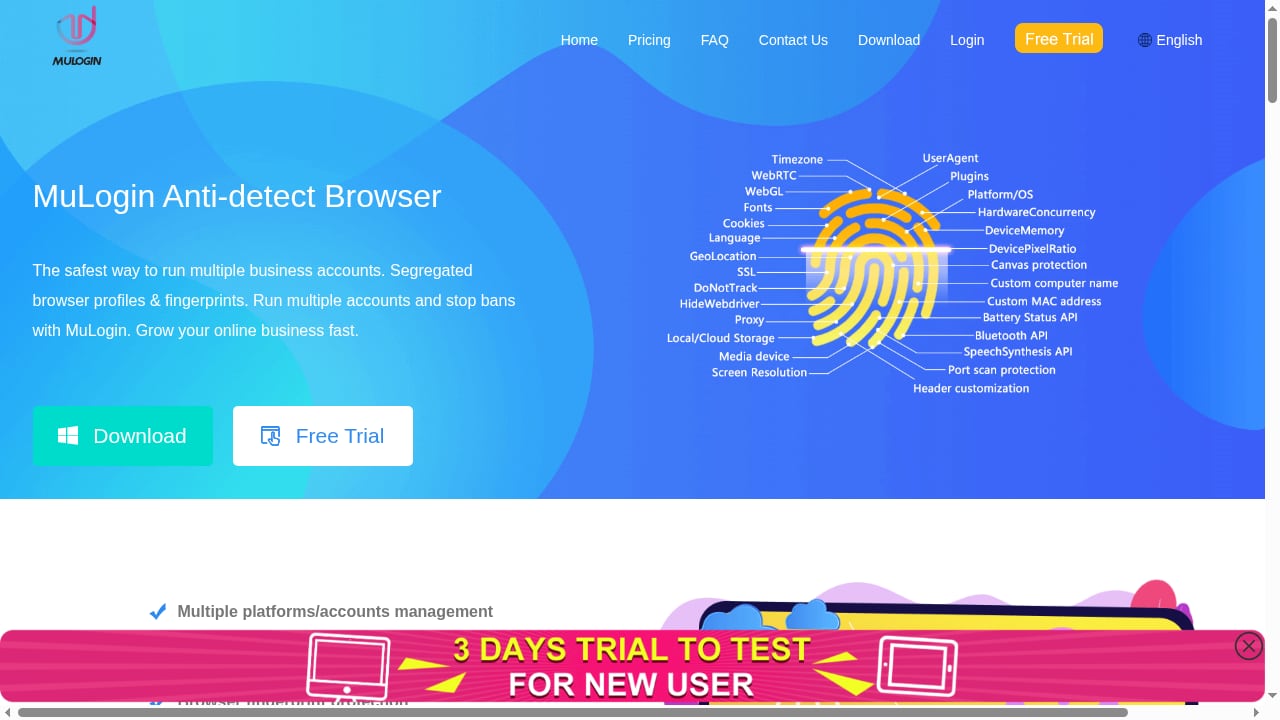
First viewport screenshot of www.mulogin.com.
MuLogin focuses on environment isolation: each account gets its own browser environment so multiple ecommerce, social media, and affiliate accounts can run on one computer without sharing cookies or storage. Its pitch centers on saving team time and reducing the cost of maintaining separate account environments.
Where it shines:
- Straightforward isolation model for users new to anti-detect tools.
- Practical for small teams juggling a handful of marketplace or social accounts.
- Reduces the manual overhead of switching between accounts.
Where it stops:
- The published material emphasizes isolation and teamwork efficiency but gives less detail on fingerprint depth, automation APIs, or enterprise compliance.
- Teams planning to scale to hundreds of profiles or scripted workflows will want to verify automation and permission features before committing.
MuLogin is a credible entry point. The question is whether it grows with you.
Where AdsPower Fits the Comparison
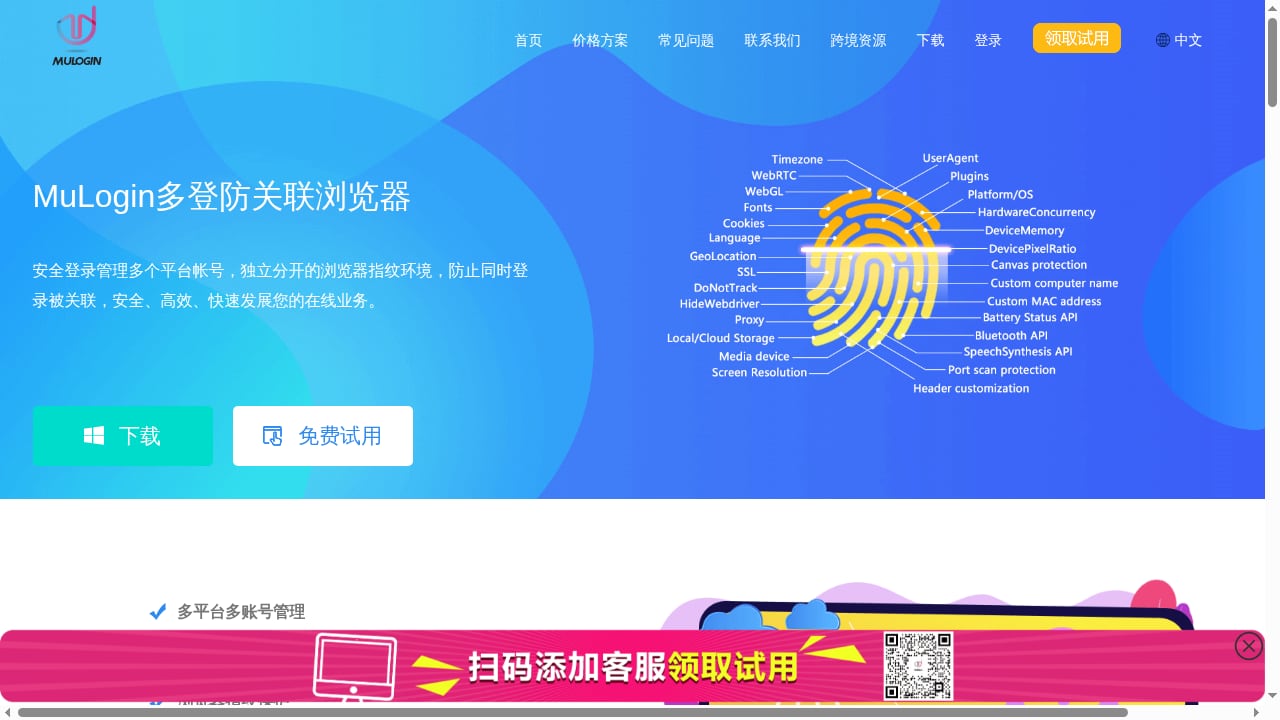
First viewport screenshot of www.mulogin.com.
AdsPower is an anti-detect browser that creates isolated profiles with unique fingerprints across Canvas, WebGL, network, and user-agent signals. It is positioned as the #1 anti-detect browser trusted by 10M+ users and is used in ecommerce, social media marketing, advertising, affiliate marketing, crypto airdrops, data collection, AI automation, and surveys.
On criteria where it has a supported advantage, here is how it compares.
Fingerprint Isolation Depth
AdsPower runs two stealth browsers, SunBrowser and FlowerBrowser, with Chrome 155/156 engine support and customizable fingerprints. Engine-level spoofing is harder to detect than JavaScript overrides, which matters as platforms tighten risk controls. MuLogin offers environment isolation, but its public materials do not detail engine-level fingerprint handling to the same degree.
Team Collaboration
AdsPower supports unlimited profile sharing and granular member permissions, plus cross-device profile sync and encrypted profile data. For agencies where five or more people touch the same account portfolio, role-based access without password sharing is decisive. Our guide to team seats in anti-detect browsers explains how to plan seats.
Automation and API Surface
AdsPower includes a synchronization device, RPA robots, custom RPA workflows, and a local API with rate limits up to 1500 requests/min. Recent updates add AI Agent integration with messaging apps such as Feishu and Telegram for remote task management, new member management APIs, custom IP rotation intervals (30/60/90/120 minutes), and sortable order numbers in the synchronization list. MuLogin's published positioning does not emphasize a comparable automation stack.
Scale and Bulk Operations
Batch profile management and profile recovery from trash matter once you pass a few dozen accounts. AdsPower is built for operators running 100+ profiles, where per-profile cost and bulk actions compound. MuLogin is better evaluated at small-team scale.
Compliance and Trust Signals
AdsPower holds SOC 2 Type II, ISO 27001, and ISO 27701 certifications. Teams procuring software through security review will find that documentation useful. MuLogin's public materials do not cite equivalent certifications.
Pricing Transparency
AdsPower offers a free plan with 2 profiles, Professional, Business, and Enterprise tiers, monthly/quarterly (-15%)/annual (-40%) billing, and a 3-day free trial. MuLogin's pricing should be checked directly against your profile count before comparing totals.
Where AdsPower Is Not the Answer
AdsPower does not replace a leak checker. It will not tell you whether your DNS is leaking or your proxy is misconfigured at the network level. Pair it with a diagnostic tool. It also has a learning curve; operators switching from simpler tools should budget time for onboarding.
How the Tools Work Together
A practical workflow uses all three categories:
- Configure a proxy inside an AdsPower profile and let the browser derive timezone and locale from the IP.
- Verify with an IP and leak check before the platform ever sees the profile. What Is My IP Address? or a similar tool confirms the exit IP and flags DNS or WebRTC leaks.
- Test the fingerprint with a dedicated checker. Our AdsPower with FingerprintJS setup guide covers QA workflows for fingerprint consistency.
- Operate the account with human-like pacing. No browser fixes identical posting times or shared payment methods.
One profile, one dedicated proxy, one account. Never let two profiles share an exit IP, even briefly during migration.
Decision Guide: Which Tool Do You Actually Need?
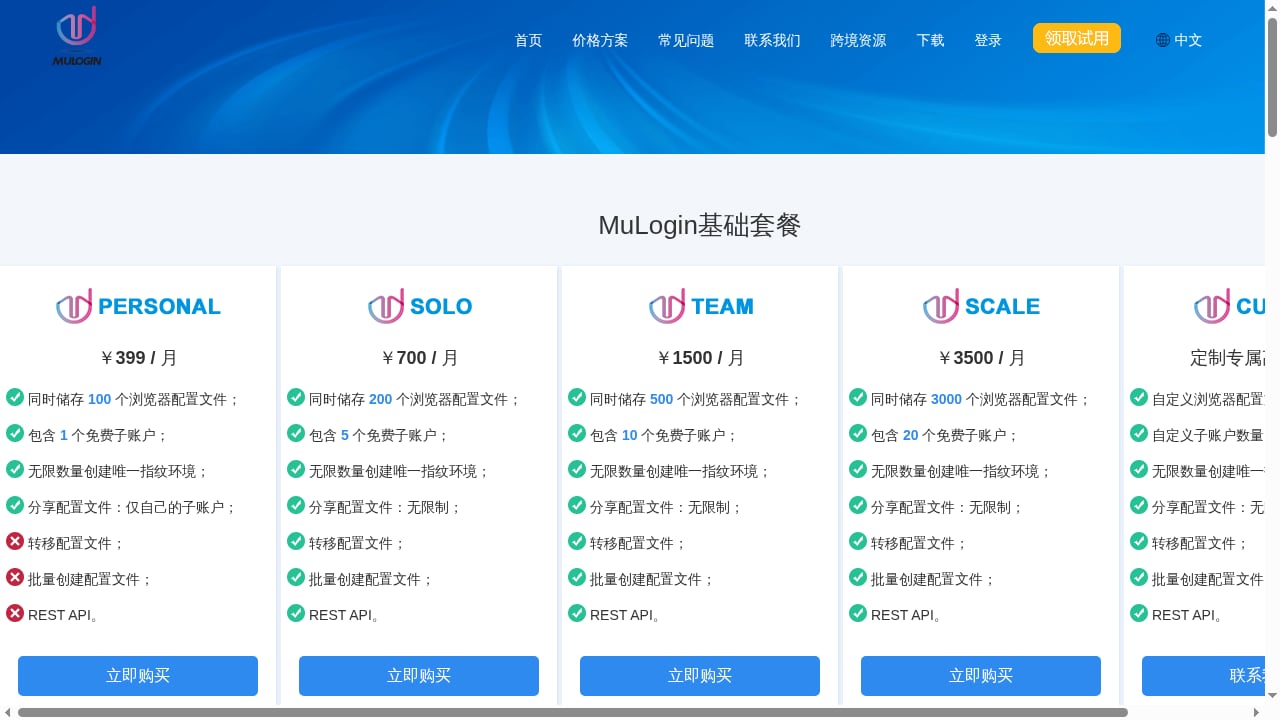
First viewport screenshot of www.mulogin.com.
- You just want to know what your IP reveals. Use What Is My IP Address?. It is the fastest path to leak visibility.
- You manage a handful of accounts and want simple isolation. MuLogin is a reasonable starting point; confirm automation and permission limits first.
- You run dozens to hundreds of profiles, need team permissions, or want RPA and API automation. AdsPower is the stronger fit, backed by certifications and bulk tooling.
- You want a complete setup. Use an anti-detect browser for identity and an IP/leak checker for verification. They solve different halves of the same problem.
For a broader field comparison, see our anti-detect browser comparison with Nox Core and the top anti-detect cloud browser automation products.
Related reading
- Nstbrowser Review 2026: Anti-Detect Browser & Cloud Automation - Honest Nstbrowser review: fingerprint isolation, cloud automation, AI scraping, pricing, setup, and limits for multi-accounting and scraping teams.
FAQ
Is What Is My IP Address? an anti-detect browser?
No. It is a diagnostic tool that reports your IP, location, ISP, and privacy leaks. It does not create isolated browser profiles.
Can MuLogin replace AdsPower for a large team?
MuLogin provides environment isolation for multi-account work, which suits small teams. Large teams should verify automation APIs, granular permissions, and compliance certifications before standardizing on it.
Does AdsPower hide my IP address?
AdsPower isolates browser fingerprints per profile. Network identity comes from the proxy you assign. You still need a reliable proxy and a leak check to confirm the exit IP.
Do I need both an anti-detect browser and a leak checker?
Yes, for serious operations. The browser controls device identity; the checker confirms the network layer is not exposing you through DNS or WebRTC leaks.
What is the fastest way to test AdsPower?
Start with the free plan (2 profiles) or the 3-day free trial, configure one proxy, and run a fingerprint and leak test before logging into any account.
Conclusion
These three tools are not direct substitutes. What Is My IP Address? verifies what the network reveals. MuLogin isolates accounts for smaller teams. AdsPower combines fingerprint isolation, team collaboration, automation, and compliance at scale. The right choice depends on whether you need visibility, simplicity, or scale, and most serious operators end up using a browser plus a checker together.


