
Top 10 Anti-Detect Browser Software Products 2026
Take a Quick Look
Independent 2026 ranking of the top 10 anti-detect browsers, scored on fingerprint depth, automation, proxies, pricing and certifications.
Top 10 Anti-Detect Browser Software Products 2026
Anti-detect browsers have moved from a niche tool for affiliate marketers to everyday infrastructure for e-commerce sellers, social media teams, crypto operators, and scraping engineers. The core promise is simple: run many isolated browser profiles on one machine, each with its own fingerprint, cookies, and proxy IP, so platforms cannot link them together.
The reality is messier. Vendors all claim to be undetectable, yet independent tests keep showing that some profiles leak timezone mismatches, inconsistent Canvas hashes, or outdated browser engines. This ranking is built to help you separate marketing claims from measurable capability.
How We Ranked These Anti-Detect Browsers
No single lab test can prove a browser is invisible. What we can do is compare tools on criteria that are observable, documented, or verifiable on the vendor's own site. Our weighting:
- Fingerprint depth (25%) — coverage of Canvas, WebGL, audio, fonts, timezone, WebRTC, and hardware parameters, and whether values stay internally consistent.
- Automation and API (20%) — REST API, Selenium, Puppeteer, Playwright, and no-code RPA for teams that do not want to script everything.
- Profile management at scale (15%) — batch creation, cloning, tagging, team roles, and realistic profile ceilings.
- Proxy handling (15%) — per-profile assignment, HTTP/SOCKS5 support, and whether timezone and language follow the proxy automatically.
- Security and compliance (15%) — encryption of profile data, independent audits, and certifications such as SOC 2 Type II, ISO 27001, and ISO 27701.
- Pricing and free access (10%) — entry cost per profile and whether you can test properly before paying.
We did not run original fingerprint lab tests for this article. Fingerprint-quality notes are drawn from published third-party testing and vendor documentation, and we flag where results are contested rather than smoothing them over. Pricing and certifications reflect what vendors published at the time of writing; always confirm on the vendor page before buying.
1. AdsPower — Best Overall for Multi-Accounting at Scale
First viewport screenshot of WADE X — Anti-detect browser for multi-accounting.
AdsPower ranks first because it combines the widest practical feature set with the strongest published compliance posture in this category. It reports more than 10 million users and holds SOC 2 Type II, ISO 27001, and ISO 27701 certifications, which matters if you are handling client accounts or operating inside a company with procurement requirements.
What it does well
- Two stealth browsers in one product: SunBrowser (Chromium) and FlowerBrowser (Firefox), so you can match the engine to the target platform instead of forcing one fingerprint family everywhere.
- Customizable fingerprints across Canvas, WebGL, network, and user agent parameters, with batch profile creation and bulk operations.
- Encrypted profile storage, cross-device sync, role-based access for teams, and per-profile proxy configuration.
- Automation options that cover both scripted and no-code workflows, including a built-in RPA builder and a Synchronizer for mirroring actions across profiles.
Where it is contested
One published comparison that tested browsers on a single Windows machine reported AdsPower flagged for a timezone mismatch and an unreliable Iphey score, while another scraping-focused review rated its fingerprint depth slightly behind premium tiers. Those results are worth taking seriously, but they reflect default settings on one test day, not tuned configurations. In practice, AdsPower's strength is breadth and cost efficiency: it is the tool most teams reach for when they need hundreds of profiles, team permissions, and automation without paying premium-tier prices.
Pricing: Free plan, then paid tiers starting around $9/month, with yearly discounts and a 7-day free trial.
Best for: E-commerce sellers, affiliate and media-buying teams, social media managers, and scraping operations that need volume plus team controls.
If you are pairing profiles with rotating IPs, our walkthrough on using AdsPower with Proxyrack HTTP, UDP, and SOCKS proxies covers the setup order that avoids timezone and DNS leaks.
2. Multilogin — Deepest Fingerprint Control
Multilogin has been the reference point for high-stakes fingerprint work for years. It runs two proprietary engines, Mimic on Chromium and Stealthfox on Firefox, and builds profiles from real device parameters rather than randomized noise, which is why profiles tend to stay consistent across restarts.
Its automation stack is the most complete here: Selenium, Puppeteer, Playwright, plus documented local and remote APIs with CLI and Python access. Per-profile proxy assignment covers HTTP, HTTPS, and SOCKS5, and timezone, geolocation, and language follow the proxy automatically — the single most common source of leaks in badly configured setups.
Trade-off: No free plan. There is a short low-cost trial and paid tiers that start higher than most competitors. Long sessions are stable, but you pay for that stability.
Best for: Agencies, high-protection scraping behind logins, and teams where a single linked account would be expensive.
3. GoLogin — Best Balance of Price and Reliability
GoLogin's Orbita engine and cloud profile launching make it one of the fastest tools to get running. Independent testing has repeatedly placed it among the browsers that pass Pixelscan, Iphey, and CreepJS cleanly, and it supports Selenium, Puppeteer, and Playwright alongside a REST API on paid plans.
It also offers a genuine free tier and an Android app that syncs with desktop profiles, which is unusual in this category and useful for teams that need mobile sessions without a separate cloud-phone subscription.
Trade-off: Entry pricing is higher than budget options, and one widely cited comparison is published by GoLogin itself, so treat its self-reported wins with the appropriate skepticism.
Best for: Solo operators and small teams who want a reliable all-rounder with a real free plan.
4. Octo Browser — Newest Engine, Strong for Power Users
Octo Browser manages fingerprints at the browser-code level rather than through injected scripts, and it has consistently appeared in independent tests as one of the few tools running the newest Chromium build. That matters because an outdated engine is itself a detectable signal.
It supports CDP, which makes it a natural fit for teams already driving browsers through Chrome DevTools Protocol, and it offers iOS and Android apps.
Trade-off: No free plan, only a short trial, and higher RAM usage than lighter Chromium wrappers.
Best for: Power users and technical teams targeting well-protected sites. For a side-by-side breakdown, see our AdsPower vs Octo Browser vs Kameleo comparison.
5. Dolphin Anty — Built for Affiliate and Media-Buying Teams
Dolphin Anty is one of the most widely adopted tools in affiliate marketing, and its scenario-based automation builder is the reason. Instead of writing scripts, you assemble flows that open pages, wait, click, and scroll across profiles.
It supports Playwright and Selenium, has solid proxy integration, and runs a current Chromium engine. Team workflows and profile sharing are well developed.
Trade-off: Independent testing has flagged its fingerprint as unreliable on at least one checker, and some users report occasional session sync issues. It is a strong workflow tool rather than the deepest fingerprint engine.
Best for: Affiliate marketers, media buyers, and social data workflows where repeatable automation matters more than maximum stealth.
6. Kameleo — Best for Developers and Mobile Emulation
Kameleo ships a local API with Python, JavaScript, and C# SDKs, so profiles can be created and launched directly from your own scraper. It supports Chroma (Chromium), Junglefox (Firefox), and mobile browser emulation on desktop, which covers targets that reject desktop fingerprints.
Trade-off: One published test round reported the application failing to start on the test machine, and its pricing is mid-to-high for the profile counts offered. Treat it as a developer tool with a smaller support surface than the mass-market options.
Best for: Developers building custom scraping or automation pipelines who want SDK-level control. Our AdsPower vs Octo vs Maskfog guide covers how to weigh this kind of control against team-friendly tools.
7. Nstbrowser — Best Value for Scraping and Cloud Automation
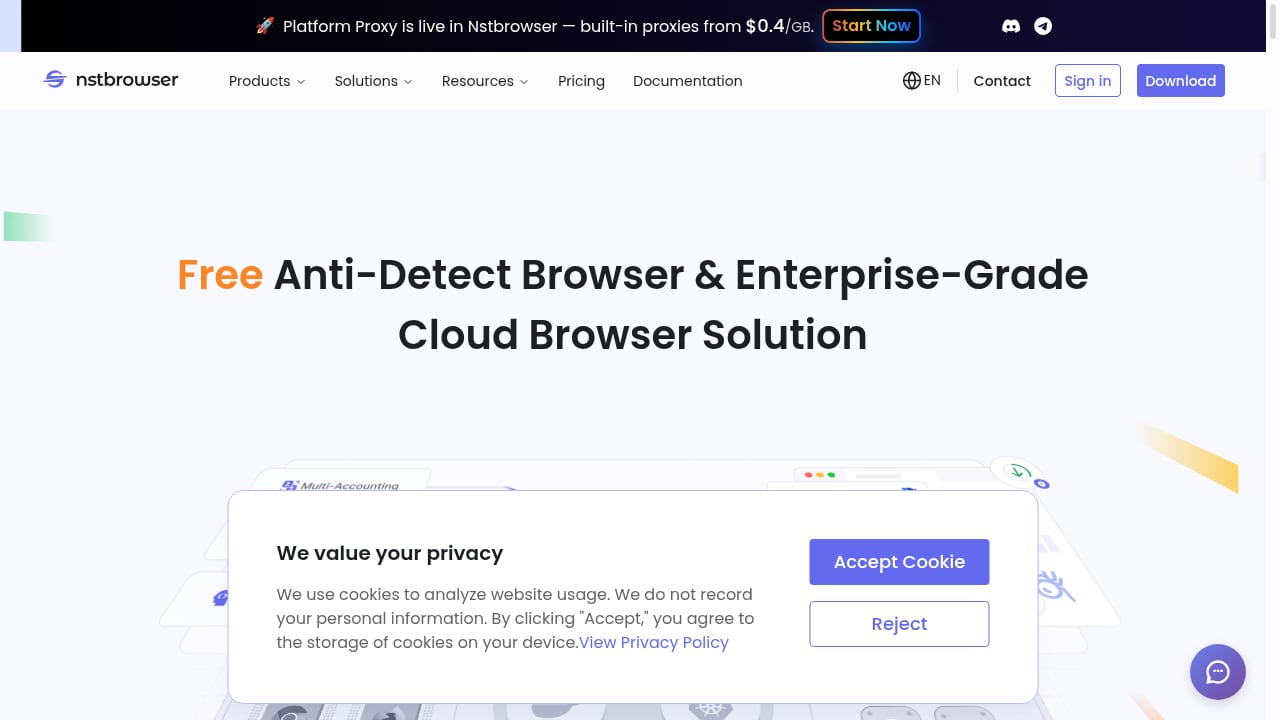
First viewport screenshot of Nstbrowser - Advanced Anti-Detect Browser for Web Scraping and Multiple Accounts Managing.
Nstbrowser positions itself as both an anti-detect browser and an enterprise-grade cloud browser. Its differentiators are a fully managed cloud cluster with load balancing and dynamic scaling, built-in proxies assignable per profile, and CAPTCHA solving for reCAPTCHA v2/v3 and Enterprise, Text CAPTCHA, AWS CAPTCHA, and Cloudflare Turnstile.
It also exposes AI Agent Skills that let agents run scraping, interactions, and workflow automation, plus RPA nodes and Browserless Sessions. Pricing scales from a free developer plan to paid tiers around $29.9–$89.9/month with profile counts from 500 to 500,000.
Trade-off: Independent fingerprint testing has rated it below the top tier, so it suits scraping and automation workloads more than high-stakes account farming.
Best for: Scraping teams and growing businesses that want cloud execution without local resource cost.
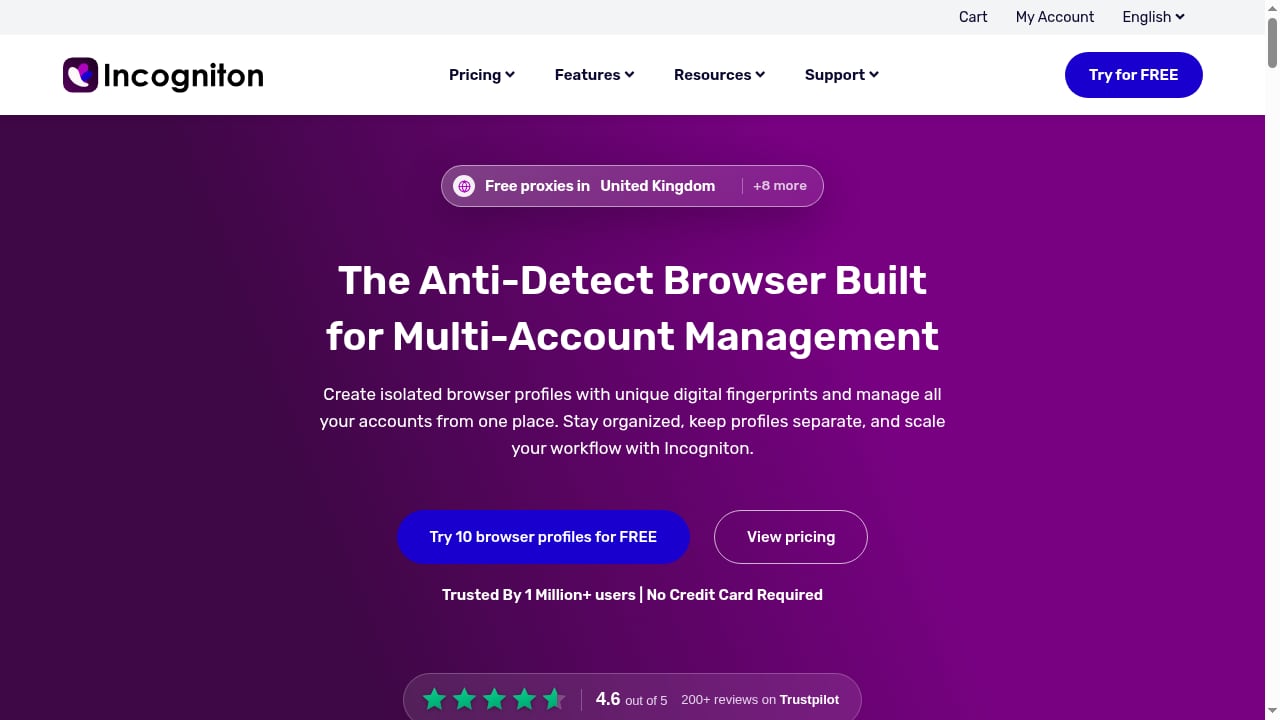
8. Incogniton — Budget-Friendly Entry Point
Incogniton keeps things simple: isolated profiles, per-profile proxies, and a clean interface that new users can navigate without a tutorial. It supports Selenium, Puppeteer, and Playwright, and its free plan is one of the more generous ways to test multi-accounting before committing.
Trade-off: Fingerprint depth is behind the premium tier, and one independent test flagged a detected proxy and timezone spoofing as well as audio spoofing. It is a reasonable starting tool, not a high-security one.
Best for: Solo operators and small teams on a tight budget. See how it stacks up in our AdsPower vs Indigo comparison for a broader view of the budget segment.
9. Undetectable — Simple Multi-Accounting for Mac and Windows
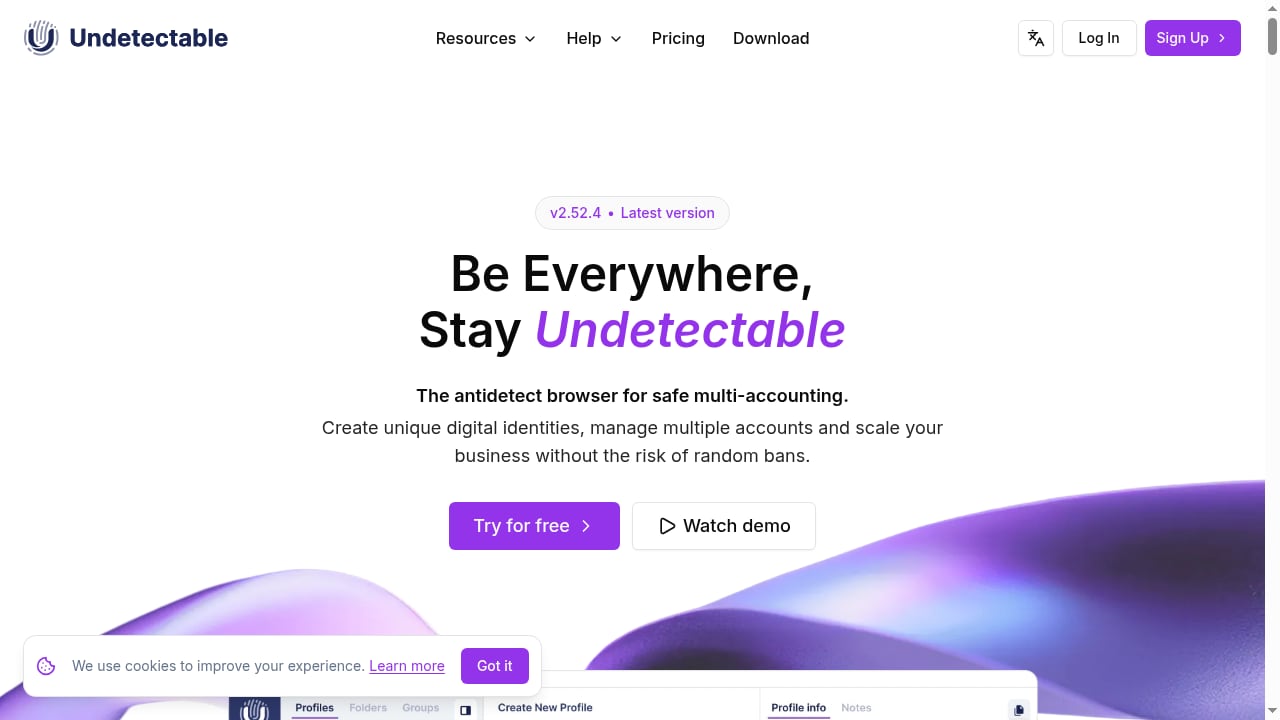
First viewport screenshot of Anti-detect browser for Mac and Windows - undetectable.io.
Undetectable focuses on convenience for social media multi-accounting. It lets you create unlimited browser profiles, runs on both macOS and Windows, and keeps the interface approachable for users who are not automation engineers.
Trade-off: It is less feature-dense than the top tier on team permissions, enterprise compliance, and deep hardware fingerprint control. It is a solid choice for individual operators rather than large agencies.
Best for: Social media managers and solo operators who want straightforward profile isolation on desktop.
10. Afina Browser — Structured Workflows with Encryption
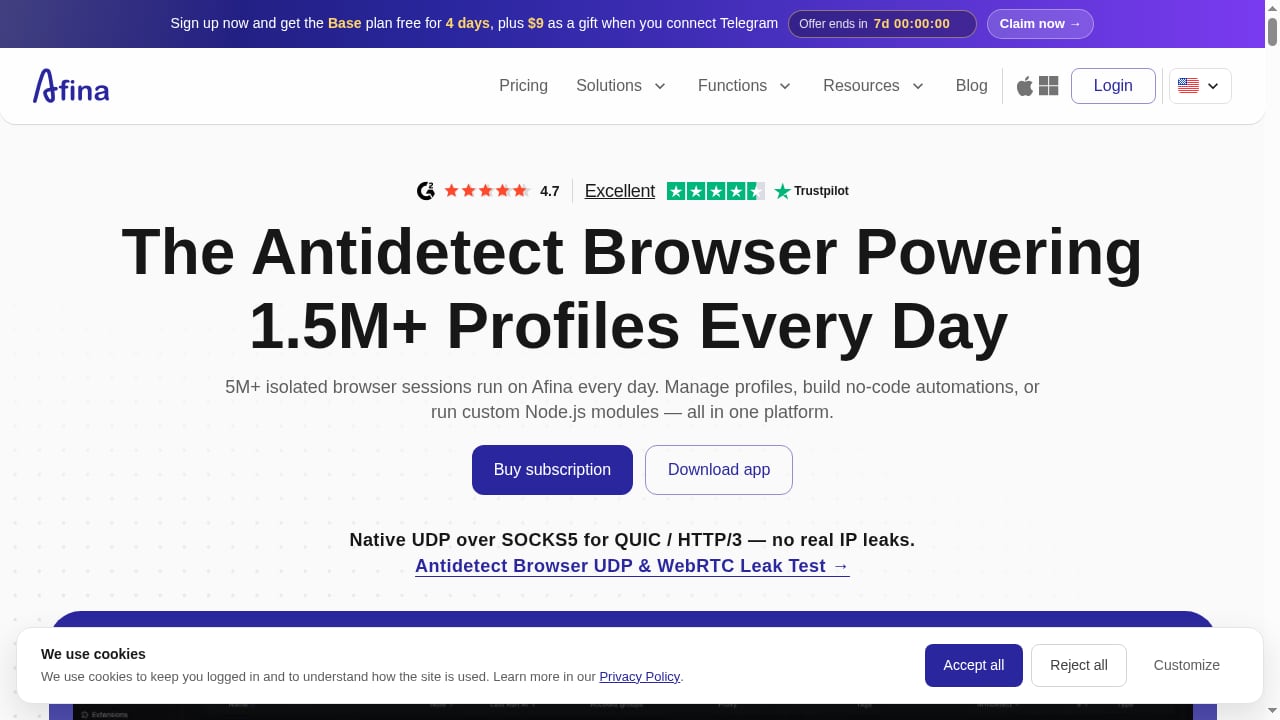
First viewport screenshot of Anti-detection browser — Isolated profiles | Afina Browser.
Afina Browser, developed by Smartorama Inc., targets professionals who need structured multi-account workflows rather than raw scale. Each profile carries its own fingerprint, cookies, cache, and local data, with SOCKS5 and UDP proxy support and flexible proxy configuration.
Notable features include cookie export and import, AES-256-CBC encrypted key-value storage, account backup and recovery, profile duplication, and a cookie robot that visits URL lists to build account sessions. Pricing runs from a Lite plan at $9/month for 20 profiles to a Max plan at $129/month for 1,000 profiles and 10 users, with longer-commitment discounts.
Trade-off: A newer entrant with a smaller user base and support in English, Ukrainian, and Russian only. The encryption and backup features are genuinely useful, but there is less independent testing history to rely on.
Best for: E-commerce sellers, affiliate marketers, and automation engineers who value session stability and data recovery over maximum profile volume.
Quick Comparison: Which Anti-Detect Browser Fits Your Workflow
First viewport screenshot of Homepage - No card required.
| Need | Strongest fit | Why |
|---|---|---|
| Large multi-account operations with team roles | AdsPower | Batch management, RPA, role-based access, SOC 2 and ISO certifications |
| Maximum fingerprint depth for high-risk accounts | Multilogin | Real-device parameter engines, automatic timezone and language alignment |
| Free plan plus reliable all-round performance | GoLogin | Clean independent test results and a usable free tier |
| Newest Chromium engine and CDP workflows | Octo Browser | Code-level fingerprint management and current engine builds |
| No-code automation for media buying | Dolphin Anty | Scenario builder and strong proxy integration |
| Custom scraping pipelines | Kameleo | Python, JS, and C# SDKs with mobile emulation |
| Cloud scraping with CAPTCHA handling | Nstbrowser | Managed cluster, per-profile proxies, AI agent skills |
| Lowest-cost entry | Incogniton | Generous free plan and simple interface |
| Simple desktop multi-accounting | Undetectable | Unlimited profiles on Mac and Windows |
| Encrypted, recoverable account workflows | Afina Browser | AES-256-CBC storage, cookie robot, backup and recovery |
Practical Setup Notes That Apply to Every Tool
A browser only handles the fingerprint. The proxy handles the IP. If either side is weak, the profile still gets flagged, and no ranking changes that.
- Match timezone, language, and geolocation to the proxy. This is the most common mismatch and the easiest to fix.
- Keep engines current. An outdated Chromium build is a detectable signal on its own.
- Warm up new profiles before running high-value actions on them.
- Test with the same checkers anti-fraud systems are modelled on. Pixelscan, Iphey, and CreepJS are the common reference points, and passing them is a starting point rather than a guarantee.
- Separate workloads. A profile used for scraping should not be the same profile used for a payment account.
If your priority is understanding how IP reputation interacts with fingerprinting, our roundup of online privacy and IP intelligence tools covers the data layer that sits underneath these browsers.
Related reading
- Detect Expert Review 2026: VM Anti-Detect Suite Tested - Evidence-based Detect Expert review: VM-level fingerprinting, proxies, SMS, pricing signals, setup difficulty, and who should choose it over an anti-detect browser.
Sources and further reading
- 15 Best Antidetect Browsers in 2026 - Honest Comparison - TL;DR: Antidetect browsers let you run multiple isolated browser profiles, each with a unique fingerprint, so platforms cannot link your accounts. This guide ranks the 15 best antidetect browsers of 2026 across fingerprint quality, automation support, pricing, and proxy integration. We also cover how these tools actually work, when a scraping API is the smarter choice, and which proxy type to pair with each use case.
- Best Anti-Fingerprinting Browsers in 2026: Tested & Compared - Discover how anti-fingerprinting browsers work. Compare Brave, Tor, and GoLogin's profile isolation against advanced browser fingerprinting and tracking.
- 10 Best Antidetect Browsers for Web Scraping in 2026 - We compared 10 antidetect browsers for scraping in 2026: fingerprint quality, Selenium and Playwright support, proxy setup, pricing and free plans.
FAQ
What is the best anti-detect browser in 2026?
There is no single winner for every use case. AdsPower ranks first here for its combination of scale, team controls, automation, and published SOC 2 Type II and ISO 27001/27701 certifications. Multilogin leads on raw fingerprint depth, and GoLogin offers the best balance of price and independent test results.
Are anti-detect browsers legal?
In most jurisdictions the software itself is legal. Legality depends on what you do with it and on the terms of service of the platforms you access. Multi-accounting may violate platform rules even where it is not a criminal offense, and using these tools for fraud or unauthorized access is illegal.
How much do anti-detect browsers cost in 2026?
Entry plans generally start between roughly $5 and $30 per month, with free tiers ranging from a couple of profiles to around ten. Enterprise and high-profile-count plans scale into the hundreds of dollars per month. Prices change frequently, so verify on the vendor page.
Can anti-detect browsers be detected?
Yes. Independent testing regularly flags profiles for timezone mismatches, inconsistent Canvas or audio values, detected proxies, and outdated engines. A clean result from Pixelscan, Iphey, and CreepJS means no leak was found in that test, not that detection is impossible.
Do I need a proxy with an anti-detect browser?
Yes, in almost every case. The browser isolates the fingerprint; the proxy isolates the IP. Running multiple profiles from one IP defeats much of the purpose, and residential or mobile proxies are usually preferred for account-based work.
Which anti-detect browser is best for web scraping?
Multilogin and Nstbrowser are the strongest fits for scraping. Multilogin offers the most stable long sessions and the deepest API support, while Nstbrowser adds a managed cloud cluster, per-profile proxies, and built-in CAPTCHA solving.
Conclusion
The anti-detect browser market in 2026 splits into three rough groups: premium fingerprint engines for high-risk accounts, mid-tier all-rounders with strong automation, and budget tools that get you started. AdsPower takes the top spot because it covers the widest range of real workflows — batch profile management, two browser engines, team permissions, automation, and audited security — at a price point that scales from a free plan to enterprise.
If your accounts are high-value and you can absorb the cost, Multilogin and Octo Browser deserve a hard look. If you are scraping at volume, Nstbrowser and Kameleo are built for that job. And whichever tool you choose, budget time for proxy alignment and profile warm-up: the browser is only half of the setup.


