
Top 10 Online Privacy & IP Intelligence Tools 2026
Take a Quick Look
Independent 2026 ranking of the top 10 online privacy and IP intelligence tools, scored on IP data, fingerprinting, leaks, proxies, and API depth.
Top 10 Online Privacy & IP Intelligence Tools 2026
An IP address by itself is just a number. What makes it useful is context: who hosts it, where it resolves, whether it has a history of abuse, what browser signals travel with it, and whether your own connection is leaking identity data. That is the job of online privacy and IP intelligence tools — a category that sits between consumer privacy checkers and enterprise-grade IP enrichment platforms.
This 2026 ranking covers ten products that genuinely belong to that category. It is written for privacy-conscious individuals, digital marketers, e-commerce operators, fraud and trust-and-safety teams, and security analysts who need to verify IPs, test anonymity, or enrich address data at scale. Anti-detect browsers such as AdsPower are adjacent to this space — they consume the same proxy and fingerprint signals — but they are not ranked here; they are mentioned only where a workflow decision makes them relevant.
How We Evaluated These Tools
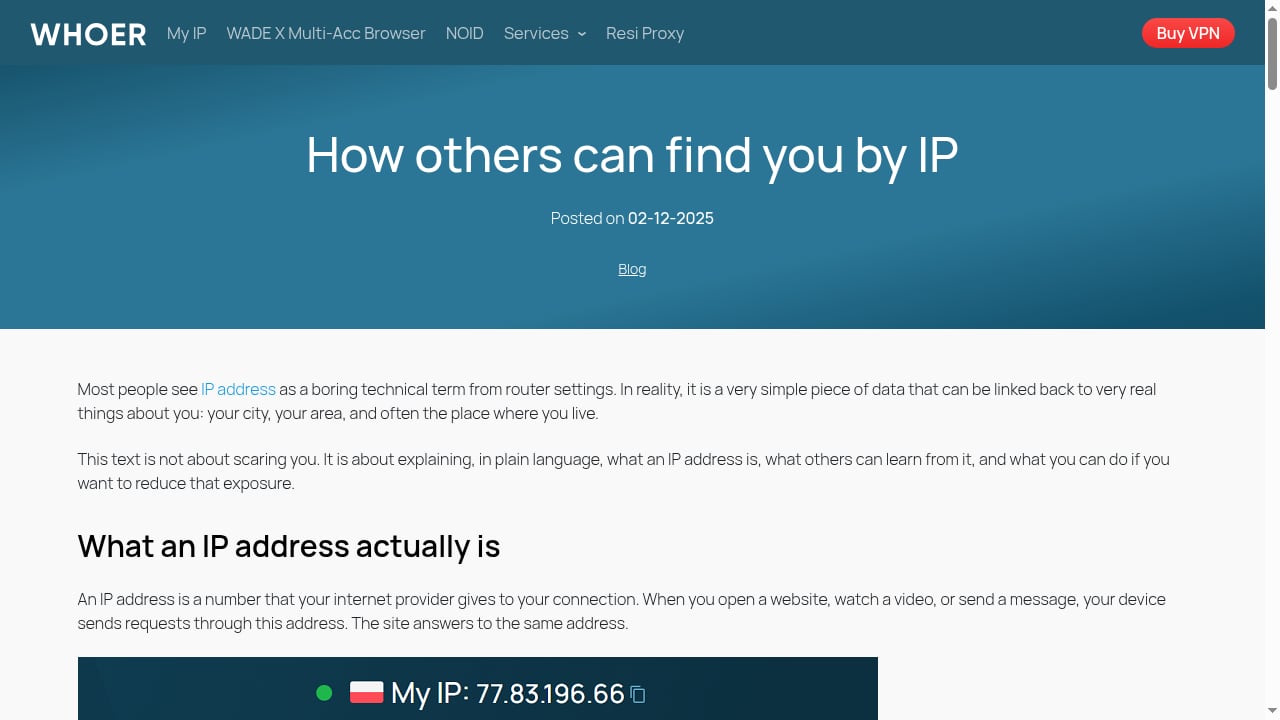
First viewport screenshot of From IP address to your door: what someone can do with your IP.
Every product below was assessed against the same six criteria, using vendor documentation, public pricing pages, independent reviews, and hands-on feature checks where possible:
- IP data depth — geolocation accuracy, ASN and hosting data, proxy/VPN detection, and abuse or reputation signals.
- Privacy diagnostics — DNS leak, WebRTC leak, fingerprint, and anonymity checks that reveal what a site can see about you.
- API and automation — documented endpoints, bulk lookup support, rate limits, and integration with SIEM, SOAR, or internal tooling.
- Proxy and network intelligence — residential, mobile, and datacenter detection, plus historical or passive DNS context.
- Usability and transparency — clear scoring logic, free-tier usefulness, and whether verdicts explain why rather than returning a black-box label.
- Value for money — pricing relative to the depth of data and the size of team that realistically needs it.
No single tool wins on all six. Most individuals need one checker; most security teams end up running two or three in combination.
The Top 10 Online Privacy and IP Intelligence Tools for 2026
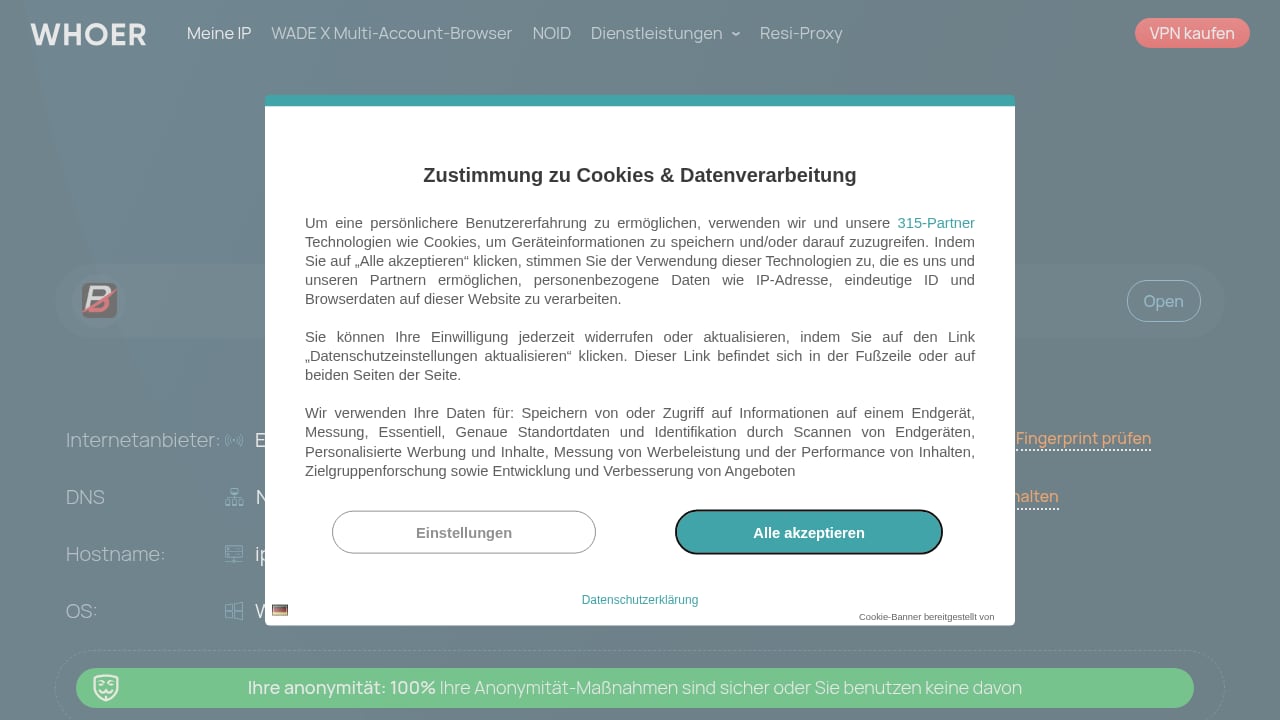
First viewport screenshot of What Is My IP Address? - Find IP and Check Leaks.
1. Whoer.net — Best All-Round Privacy and IP Checker
Whoer.net is the most complete free starting point in this category. It reports your IP address, location, ISP, and ZIP code, then rolls the results into a privacy score that flags weak spots such as exposed DNS servers, WebRTC leaks, and mismatched time zones.
The toolset goes well beyond a single lookup: IP lookup, DNS leak test, port scanner, whois, speed test, ping, and anonymity checks are all available from the same interface. For anyone asking "what does the internet actually know about me right now?", it answers that question in seconds without an account.
Whoer.net also operates in the commercial end of the space through WhoVPN, residential proxies, and WADE X, an anti-detect browser aimed at multi-account work. That combination makes it useful both as a free diagnostic and as a gateway into paid anonymity infrastructure. The trade-off is that the free tier is diagnostic rather than data-rich — it tells you about your connection, not about an arbitrary IP's abuse history.
Best for: individuals auditing their own privacy, marketers verifying proxy setups, and anyone who wants a fast anonymity check before logging into sensitive accounts.
2. IPinfo — Best IP Data API for Developers
IPinfo has become the default geolocation and ASN API for many engineering teams because it is fast, well documented, and predictable to price. A single call returns city-level location, ASN, company, carrier, and privacy detection flags for VPN, proxy, Tor, and hosting.
The privacy detection endpoint is the relevant piece for this category: it distinguishes residential traffic from datacenter and relay traffic, which is exactly the signal fraud teams and ad-verification platforms rely on. Bulk and database products exist for teams that need to enrich millions of addresses locally rather than through API calls.
Best for: developers and data teams that need reliable IP enrichment inside their own products.
3. AbuseIPDB — Best Community Abuse Reputation Lookup
AbuseIPDB answers one narrow question extremely well: has anyone else recently reported bad behaviour from this address? Users and organizations submit reports for SSH brute forcing, port scanning, spam, and web attacks, and the platform aggregates them into a confidence-of-abuse score.
The free tier covers manual lookups and light API use, which makes it a practical first stop for sysadmins checking a suspicious login. Its weakness is inherent to community data — coverage depends on who reports, and a clean score is not proof of good behaviour. Pair it with a passive DNS or hosting source before making a blocking decision.
Best for: sysadmins, small security teams, and anyone triaging a suspicious IP without a commercial contract.
4. VirusTotal — Best Free Multi-Vendor IP Verdicts
VirusTotal aggregates verdicts from dozens of security vendors and adds passive DNS resolutions, communicating files, and related URLs for a given IP. The relations view is where the real intelligence sits, because it lets you pivot from one address to the domains and malware families connected to it.
The free tier is genuinely useful for manual investigation; heavier automation and the full relationship graph sit behind paid plans, and free API rate limits are tight. Vendor verdicts can also disagree or lag, so treat a low detection count as inconclusive rather than clean.
Best for: analysts who want a broad second opinion on an IP or domain before escalating.
5. Spur — Best for Proxy and Anonymity Infrastructure Context
Spur focuses on the anonymity layer of the internet: residential proxies, VPN exits, and the infrastructure that makes traffic look human. Instead of a simple proxy yes/no flag, it provides context about the network behind an address, which helps distinguish a legitimate ISP customer from a proxy node rented for automation.
That distinction matters for fraud prevention, ad verification, and bot defence, where blanket-blocking residential ranges causes collateral damage. Spur is a commercial product aimed at teams that need this nuance at scale rather than occasional lookups.
Best for: fraud, trust-and-safety, and anti-bot teams that need to separate real users from proxy infrastructure.
6. Shodan — Best for Exposure and Host Intelligence
Shodan scans the public internet and indexes what services, ports, and banners are exposed on a host. For IP intelligence work, it turns an address into a picture of the machine behind it — open ports, software versions, certificates, and historical observations.
It is not a privacy checker for end users, but it belongs in this category for the defensive side: understanding your own external exposure, verifying what a hosting provider actually exposes, and enriching an IP during incident response. Filters and an API make it usable for both one-off lookups and automated monitoring.
Best for: security researchers, penetration testers, and teams mapping their own attack surface.
7. BrowserLeaks — Best Free Browser Fingerprint Diagnostics
BrowserLeaks is a collection of free test pages that show what a website can learn from your browser: canvas and WebGL fingerprints, WebRTC leaks, font lists, TLS fingerprints, and DNS behaviour. Each test explains the result rather than just displaying it, which makes it unusually educational.
For anyone running multiple accounts or testing a proxy setup, this is the fastest way to confirm that the fingerprint a site sees matches the identity you intend to present. It is a diagnostic tool, not a data platform, so it complements rather than replaces IP intelligence APIs.
Best for: privacy enthusiasts, anti-detect browser users, and QA engineers validating proxy and fingerprint configurations.
8. IPQualityScore — Best for Fraud Scoring and Proxy Detection
IPQualityScore packages IP reputation, proxy and VPN detection, email validation, and device fingerprinting into a fraud-prevention suite. Its IP reputation endpoint returns a risk score plus reasons — recent abuse, bot activity, recent creation, and proxy type — which makes it easier to set thresholds than a bare verdict.
The platform is aimed at businesses: signup fraud, payment fraud, and abuse prevention. Pricing scales with query volume, and the free tier is limited, so it suits teams with a clear fraud use case rather than casual lookups.
Best for: e-commerce and fintech teams screening signups and transactions in real time.
9. MaxMind — Best Established IP Geolocation Database
MaxMind has supplied IP geolocation and proxy detection data for decades, and its databases remain a common baseline in web analytics, content localisation, and compliance workflows. The GeoIP2 and minFraud products cover location, ISP, connection type, and risk scoring.
Its strength is maturity and offline database delivery, which many teams prefer for latency and cost reasons. Its limitation is that geolocation accuracy varies by region and connection type, so it works best as one input among several rather than a sole source of truth.
Best for: product and data teams that need dependable geolocation at scale, including offline deployments.
10. GreyNoise — Best for Separating Scan Noise from Real Threats
GreyNoise classifies internet background noise — mass scanners, crawlers, and opportunistic probes — so analysts can ignore traffic that is not actually targeting them. For IP enrichment, that means a verdict of "benign scanner" instead of a raw abuse score that would otherwise trigger an alert.
This is a specialised but high-value layer in mature SOC workflows, where false positives are expensive. It is a commercial platform with API access, and it pairs naturally with abuse databases and passive DNS sources.
Best for: SOC and incident-response teams drowning in scanner-generated alerts.
Comparison: Which Tool Fits Which Job
First viewport screenshot of Check the Release & Update Notes of AdsPwer.
| Need | First choice | Useful companion |
|---|---|---|
| Check my own privacy and leaks | Whoer.net | BrowserLeaks |
| Enrich IPs inside an app | IPinfo | MaxMind |
| Check an IP's abuse history | AbuseIPDB | VirusTotal |
| Understand proxy/VPN infrastructure | Spur | IPQualityScore |
| Screen signups for fraud | IPQualityScore | Spur |
| Map exposed services on a host | Shodan | GreyNoise |
| Reduce scanner alert noise | GreyNoise | AbuseIPDB |
Practical Workflows
First viewport screenshot of AdsPower - Best Antidetect Browser for Multi-Accounting.
Auditing your own anonymity before a sensitive login. Run a Whoer.net check, then confirm the browser layer with BrowserLeaks. If the DNS or WebRTC results reveal your real location, fix the leak before touching the account — a proxy alone will not hide a leaking browser.
Verifying a proxy before scaling multi-account work. Check the exit IP in IPinfo for ASN and hosting type, then confirm the browser fingerprint does not contradict the proxy's claimed location. Teams that run many profiles often pair this with an anti-detect browser; if that is your next step, the AdsPower with proxies setup guide walks through profile and proxy pairing, and the AdsPower vs BitBrowser vs Dolphin Anty comparison helps when choosing the browser itself.
Triaging a suspicious IP in a SOC. Start with AbuseIPDB for community reports, pivot through VirusTotal relations to find related domains, and use GreyNoise to check whether the address is just background scanning. Only then decide whether to block.
Screening a signup spike. Score the IP with IPQualityScore, confirm whether the network is residential or proxy infrastructure with Spur, and cross-check geolocation with MaxMind before applying a rule.
How to Choose in 2026
Start with the question you are actually asking. If it is "what can websites see about me?", free diagnostic tools — Whoer.net and BrowserLeaks — cover it. If it is "what is this IP, and should I trust it?", you need a data source such as IPinfo, AbuseIPDB, or VirusTotal. If it is "is this traffic a real user or automation?", the answer lives in proxy and fraud intelligence from Spur, IPQualityScore, or MaxMind.
Most teams should not buy ten tools. Pick one primary data source, one reputation or abuse source, and one diagnostic checker, then add specialised layers such as Shodan or GreyNoise only when a concrete workflow demands them. Check API rate limits and bulk pricing before committing, because enrichment costs scale with traffic, not with seats.
Related reading
- How to Use AdsPower with Browserbase: Setup and Workflow - Learn how to combine AdsPower anti-detect profiles with Browserbase cloud automation: setup steps, workflows, and practical examples for safe scaling.
- AdsPower vs Octo vs Maskfog: How to Choose an Anti-Detect Browser for Multiple Accounts - Compare AdsPower, Octo Browser, and Maskfog fingerprint browsers: fingerprint isolation, proxy options, automation, team collaboration, and pricing to help cross-border e-commerce and social media operators choose the right multi-account tool.
- AdsPower vs Maskfog Fingerprint Browser: How to Choose an Anti-Detection Browser for Cross-Border E-Commerce - Compare AdsPower and Maskfog fingerprint browsers: fingerprint dimensions, proxy configuration, automation, team collaboration, and pricing differences to help cross-border e-commerce sellers decide which anti-detection browser is better for multi-account operations.
FAQ
What is the difference between online privacy tools and IP intelligence tools? Privacy tools test your own connection — leaks, fingerprints, and anonymity — while IP intelligence tools enrich an address with location, hosting, reputation, and proxy data. Many products, including Whoer.net, do both.
Are free IP lookup tools accurate enough for professional use? For quick checks and diagnostics, yes. For fraud decisions, compliance, or automated enrichment, use a commercial API or database with documented accuracy and update frequency, and combine at least two sources.
Can I hide my IP without a VPN? A proxy or a browser with isolated fingerprints can change what sites see, but leaks in DNS or WebRTC can still expose your real location. Always verify with a leak test after changing your setup.
Do anti-detect browsers belong in this category? Not strictly. Anti-detect browsers such as AdsPower are adjacent tools that consume IP and fingerprint intelligence to manage multiple accounts. They complement this category rather than replace it — see the WADE X anti-detect browser review for a hands-on example of how fingerprint isolation is tested.
How often should IP reputation data be refreshed? Reputation changes quickly, especially for cloud and residential ranges. For automated workflows, refresh at query time or daily at minimum; cached verdicts older than a week can be misleading.
Conclusion
The online privacy and IP intelligence category in 2026 splits cleanly into diagnostics and data. Whoer.net leads the diagnostic side with the broadest free toolset, while IPinfo, AbuseIPDB, VirusTotal, Spur, and IPQualityScore carry the data side for teams that need programmatic answers. Shodan, GreyNoise, BrowserLeaks, and MaxMind each own a specific layer that the others do not cover well.
Choose based on the decision you need to make, not on the longest feature list. Verify your own setup first, enrich the addresses you do not control second, and add specialised tools only when a real workflow justifies the cost.


