
Detect Expert Review 2026: VM Anti-Detect Suite Tested
Take a Quick Look
Evidence-based Detect Expert review: VM-level fingerprinting, proxies, SMS, pricing signals, setup difficulty, and who should choose it over an anti-detect browser.
Detect Expert Review 2026: VM Anti-Detect Suite Tested
Detect Expert, built by Vektor T13 Technologies, is one of the few multi-accounting suites that does not pretend to be a browser. Instead of rewriting a few dozen browser signals, it virtualizes a whole machine — CPU, motherboard, GPU, BIOS, and machine ID — and wraps that core in proxies, SMS reception, virtual cards, and fraud-score tooling. This review breaks down what that architecture actually means for daily work, where it fits, and where a conventional anti-detect browser is the smarter buy.
What Detect Expert Actually Is
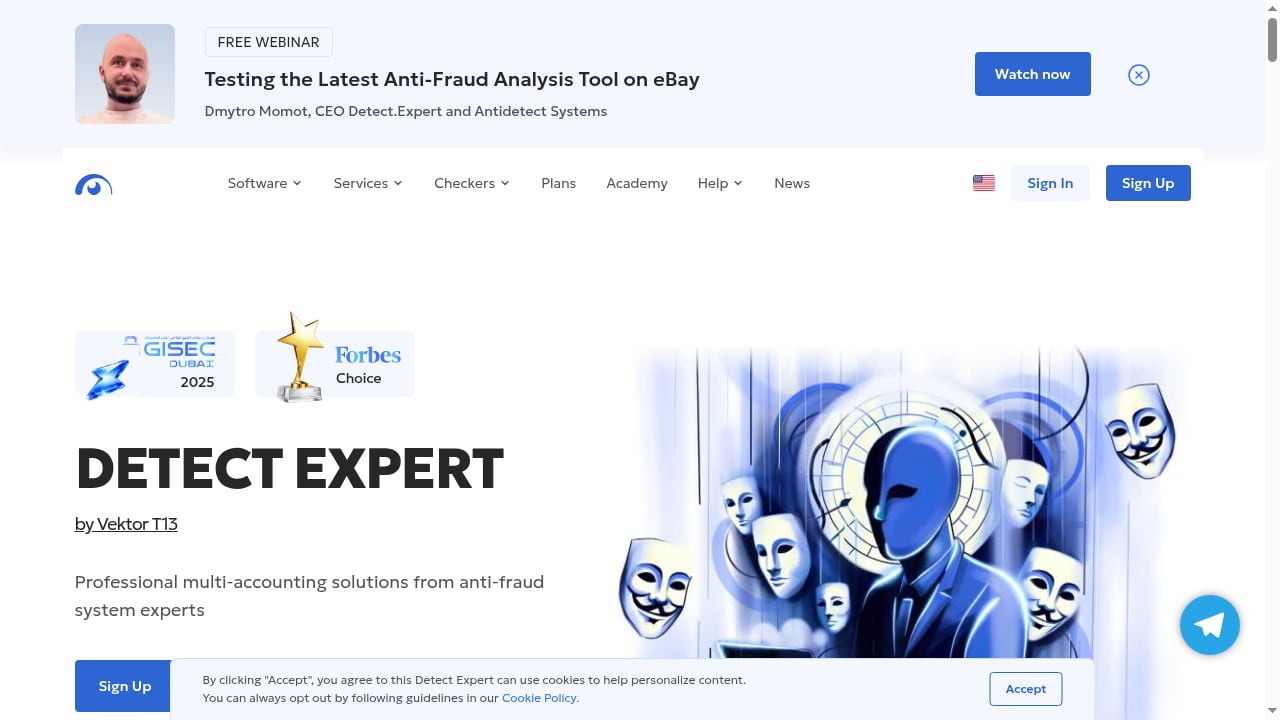
First viewport screenshot of Detect Expert by Vektor T13 Technologies: Your Trusted Partner in the World of Anti-Fraud and Online Security.
The single most important fact about Detect Expert is that it is an antidetect virtual machine, not an antidetect browser. That distinction drives every other tradeoff in this review.
A browser-based tool creates isolated Chromium profiles and spoofs signals like Canvas, WebGL, User-Agent, fonts, and timezone. Detect Expert goes deeper: it runs a full operating system inside a VM and alters hardware-level identifiers so the environment looks like a distinct physical PC rather than a browser session on a shared machine.
That matters because some platforms check beyond the browser. Desktop applications — Telegram, poker clients, trading terminals, game launchers — expose hardware and OS signals that a browser profile cannot touch. A VM-level approach is the only way to isolate those.
The Vektor T13 lineage
Detect Expert is the current commercial face of the long-running Vektor T13 project, which has circulated in niche anonymity communities for years. The company presents itself as Netherlands-based with a cybersecurity and anti-fraud background. Independent verification of historical claims is thin — public repositories and third-party coverage are limited — so treat marketing longevity claims as unverified and judge the tool on what you can test yourself.
The Ecosystem: More Than One Product
Detect Expert is sold as a suite rather than a single license. Understanding the parts helps you decide whether you need the whole stack or just one piece.
- Antidetect System — the core VM product that virtualizes hardware and software identifiers.
- 5G premium proxies — marketed with unlimited bandwidth and controlled IP switching, pre-screened through their own auditing layer.
- SMS reception — virtual and residential numbers for registration and OTP flows.
- Fraud Score checkers / IP auditor — tools that estimate how risky a given IP or identity looks before you commit an account to it.
- FraudLab course — paid educational material on how anti-fraud systems actually operate.
The company states it supports over 200 popular services and targets professionals in e-commerce, finance, blockchain, advertising, iGaming, adult, bonus-hunting, and goods-delivery niches.
Strengths: Where Detect Expert Genuinely Wins
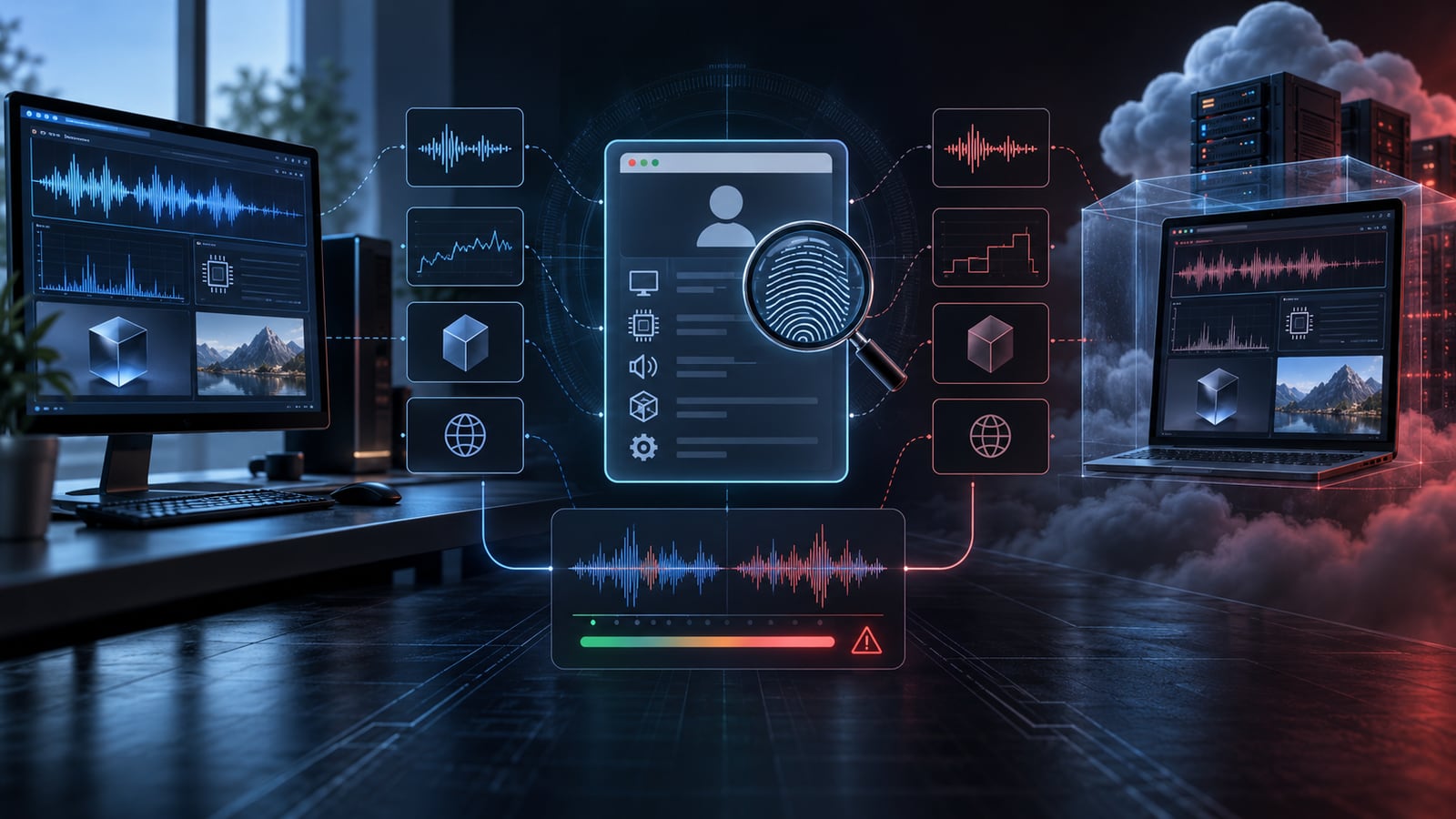
Browser profile analyzed through Audio Context timing, CPU performance, WebGL, and virtual environment signals.
Hardware-level identity separation
If your workflow touches non-browser software, this is the headline feature. Machine ID, CPU ID, and motherboard identifiers are the signals that desktop apps and some hardened web platforms use to link accounts. Browser profiles cannot rewrite them; a VM can.
A coherent identity stack
The combination of matching proxy geography, phone number, and virtual card from the same region is genuinely useful. Mismatched country signals — a US card on a German IP with a UK phone number — are a classic fraud-scoring trigger. Having all three sourced from one vendor reduces that class of mistake.
UDP-capable proxy claims
Most proxy providers only handle HTTP and HTTPS. Detect Expert advertises UDP support, which matters for real-time audio and video traffic where a non-proxied UDP path can leak your real IP. Verify this on your own use case before relying on it.
No personal data storage policy
The company states it does not store personal user data. For operators in sensitive verticals, that is a meaningful positioning point — though it is a policy claim, not something an outside reviewer can audit.
Limitations: The Honest Tradeoffs
Setup complexity is real
Running a full OS per identity is not a five-minute onboarding. Expect meaningful configuration time, a learning curve around VM management, and hardware requirements that scale with the number of concurrent environments. If you need twenty profiles live on a laptop, this is the wrong architecture.
Resource consumption per identity
Each VM is a complete operating system. RAM, CPU, and disk scale linearly with active identities. A browser-based tool running dozens of profiles on modest hardware is simply a different resource profile.
No browser-style team collaboration
If your team expects shared workspaces, role permissions, cloud profile sync, and audit trails, that is not the model here. Collaboration is closer to managing machines than managing browser profiles.
Automation is less turnkey
Browser anti-detect tools commonly ship Selenium, Puppeteer, and local API support. With a VM approach, automation generally means external tooling or custom scripting against the virtualized environment. Budget engineering time if automation is central to your workflow.
Verifiability gaps
Independent public reviews are limited, and some claims — proxy pool size, IP reputation accuracy, historical track record — are difficult to confirm from outside. Fraud-score and IP-audit tools in general rely on public and proprietary data that is never fully transparent, because major platforms do not publish their ban lists.
Pricing Signals
Detect Expert does not publish a simple flat rate card in the way mainstream anti-detect browsers do. What is visible from public coverage suggests a modular structure:
- The antidetect VM system is the primary paid product.
- Proxies are priced per IP, with datacenter options reported in the low single-digit dollar range per month — cheap relative to typical residential pricing, but with a smaller pool and limited country or city selection.
- SMS activation is typically pay-per-number, with residential numbers costing more than virtual ones.
- FraudLab courses are sold separately at premium price points.
Treat any specific figure as a starting point for a quote, not a locked price. Because the suite is modular, your real cost depends on how many of the components you actually need.
Setup: What to Expect
A realistic onboarding sequence looks like this:
- Provision the VM environment — allocate hardware resources based on how many identities you plan to run concurrently.
- Configure the antidetect system — define the hardware and software profile for each environment.
- Audit your IPs before use — run candidate proxies through the fraud-score or IP-audit tooling and discard anything with a poor reputation.
- Align the identity stack — match proxy geography, phone number country, and card issuing region for each account.
- Keep environments stable — this architecture rewards consistency. Changing fingerprints frequently undermines the hardware-level realism that is the whole point.
- Document everything — naming conventions, proxy assignments, and account ownership, because there is no cloud sync layer doing it for you.
If you are comparing this against browser-based workflows, our breakdown of how to combine AdsPower profiles with Browserbase shows what a cloud-automation-first setup looks like by contrast.
Detect Expert vs Anti-Detect Browsers

Setup.
| Dimension | Detect Expert (VM) | Anti-Detect Browser |
|---|---|---|
| Core technology | Full virtual machine | Isolated Chromium profiles |
| Fingerprint depth | Hardware + OS + browser | Browser signals only |
| Desktop app support | Yes | No |
| Resource use per identity | High | Low |
| Team collaboration | Limited | Usually built in |
| Automation | External tooling | Selenium, Puppeteer, API |
| Best fit | Few, long-lived, high-trust identities | Many profiles, fast scaling |
For a wider field of options, see our 2026 ranking of antidetect browsers and cloud phone platforms.
Who Should Use Detect Expert

Browser profile compared with hardware-dependent WASM computation signals.
Good fit:
- Operators who need desktop applications isolated, not just browser sessions.
- Teams managing a small number of high-value, long-lived identities where hardware realism matters.
- Users in finance, blockchain, iGaming, or bonus-hunting workflows where platform checks go beyond browser signals.
- Professionals who want proxy, phone, and card sourced from one vendor with aligned geography.
Poor fit:
- Anyone who needs dozens or hundreds of concurrent profiles on ordinary hardware.
- Teams requiring shared workspaces, permissions, and cloud sync.
- Workflows that depend on turnkey browser automation.
- Beginners who want to be productive on day one.
Decision Criteria
Before committing, answer four questions honestly:
- Do you actually need hardware-level spoofing? If every target is a website, a browser tool is cheaper and simpler.
- How many identities run at once? If the answer is more than a handful, resource costs will dominate.
- Does your team need collaboration features? If yes, this is likely the wrong category.
- How much setup time can you absorb? VM environments reward patience and punish improvisation.
If you are weighing browser-based alternatives instead, our comparison of AdsPower, Octo, and Maskfog covers fingerprint isolation, proxy options, automation, and pricing for multi-account operators.
Related reading
- Sell Social Media Accounts: Safe Marketplace Guide 2026 - Learn how to sell social media accounts safely in 2026: valuation metrics, top marketplaces, escrow, transfer steps, and multi-account safety tips.
- Top 10 Online Privacy & IP Intelligence Tools 2026 - Independent 2026 ranking of the top 10 online privacy and IP intelligence tools, scored on IP data, fingerprinting, leaks, proxies, and API depth.
Sources and further reading
- Read Customer Service Reviews of detect.expert - Trustpilot - Do you agree with Detect.Expert's 4-star rating? Check out what 30 people have written so far, and share your own experience.
- Detect Expert Review 2026: Vektor T13 Antidetect vs Gologin - Detect Expert Review 2026: Detect Expert is not an antidetect browser, it is an antidetect virtual machine. It is a capable tool that manipulates your device fingerprint on hardware and OS level with unique machine ID, CPU ID, etc.
- Detect Expert review - Discover our Detect Expert review with features, pricing, performance, and pros/cons. Compare it with top antidetect browsers and choose smarter today.
FAQ
Is Detect Expert an antidetect browser?
No. It is an antidetect virtual machine. It virtualizes hardware and operating system identifiers in addition to software-level signals, which is a fundamentally different approach from browser profile isolation.
Can Detect Expert run desktop applications?
Yes. Because it virtualizes a full machine, desktop software — messaging clients, trading apps, game launchers — can run inside the isolated environment. Browser-based anti-detect tools cannot do this.
How much does Detect Expert cost?
Pricing is modular. The VM system is the main product, with proxies, SMS numbers, and courses sold as separate components. Public coverage suggests datacenter proxies start in the low single-digit dollar range per IP per month, but confirm current rates directly.
Is Detect Expert good for large-scale multi-accounting?
It is better suited to a small number of long-lived, high-trust identities. Each environment is a full OS, so running many concurrently demands significant RAM, CPU, and disk.
Does Detect Expert offer team collaboration?
Not in the way browser anti-detect platforms do. There is no equivalent of shared cloud workspaces, role permissions, or profile sync. Collaboration resembles managing machines rather than managing browser profiles.
Is Detect Expert safe to use?
That depends on your intent and jurisdiction. The tooling is designed for identity isolation, and the company states it does not store personal user data. As with any anti-fraud circumvention software, you are responsible for complying with the terms of service of every platform you touch and with applicable law.
Conclusion
Detect Expert occupies a narrow but real niche. It is the right answer when your problem is hardware-level identity linkage — desktop apps, hardened platforms, and a handful of identities that need to look like genuinely separate physical machines. It is the wrong answer when your problem is scale, speed, team workflows, or turnkey automation.
Judge it on architecture, not marketing. If you need VM-depth isolation and can absorb the setup cost, it is one of the few credible options in its category. If you need to run many profiles efficiently with shared team access, a browser-based anti-detect tool will serve you better — and you should compare those directly before spending on a VM stack you will not fully use.


