
How to Use AdsPower with Webshare: Proxy Setup Guide
Take a Quick Look
Learn how to connect Webshare proxies to AdsPower. Step-by-step setup for single and bulk proxies, plus practical multi-account workflows.
🔥 Limited-Time Offer! Save extra 10% off on your first monthly plan with code: Anitdetect10
Sign upHow to Use AdsPower with Webshare: Proxy Setup Guide
AdsPower gives you isolated browser profiles with unique fingerprints. Webshare gives you clean, geo-targeted IPs. One without the other leaves a gap: a perfect fingerprint behind a shared or flagged IP still gets accounts linked, and a fresh IP inside a normal browser still leaks a consistent device signature.
This guide walks through how the two tools fit together, how to configure single and bulk proxies in AdsPower using Webshare endpoints, and which proxy type to pick for common multi-account workflows.
Why AdsPower and Webshare Work Well Together
Webshare product interface.
AdsPower is an anti-detect browser built for managing many accounts from one device. Each profile gets its own Canvas, WebGL, User Agent, and other fingerprint parameters, so platforms like Amazon, Facebook, TikTok, or Google see separate "devices" instead of one machine running dozens of logins.
Webshare is a proxy provider with 30 million IPs across 195+ locations, offering rotating residential, static residential, datacenter, and private proxy servers. It also has a free tier with 10 proxies and 1GB/month bandwidth, which is enough to test the integration before scaling.
The combination solves a specific problem: fingerprint isolation alone does not hide your network origin. If ten AdsPower profiles all leave from the same home IP, the platform can still cluster them. Pairing each profile with a distinct Webshare IP — ideally matched to the target country — closes that gap.
Before You Start
Webshare product interface.
You need three things:
- AdsPower installed and a profile created. Download it from the official site, then click + New Profile and fill in name, group, and tags. You can leave fingerprint settings on default at first.
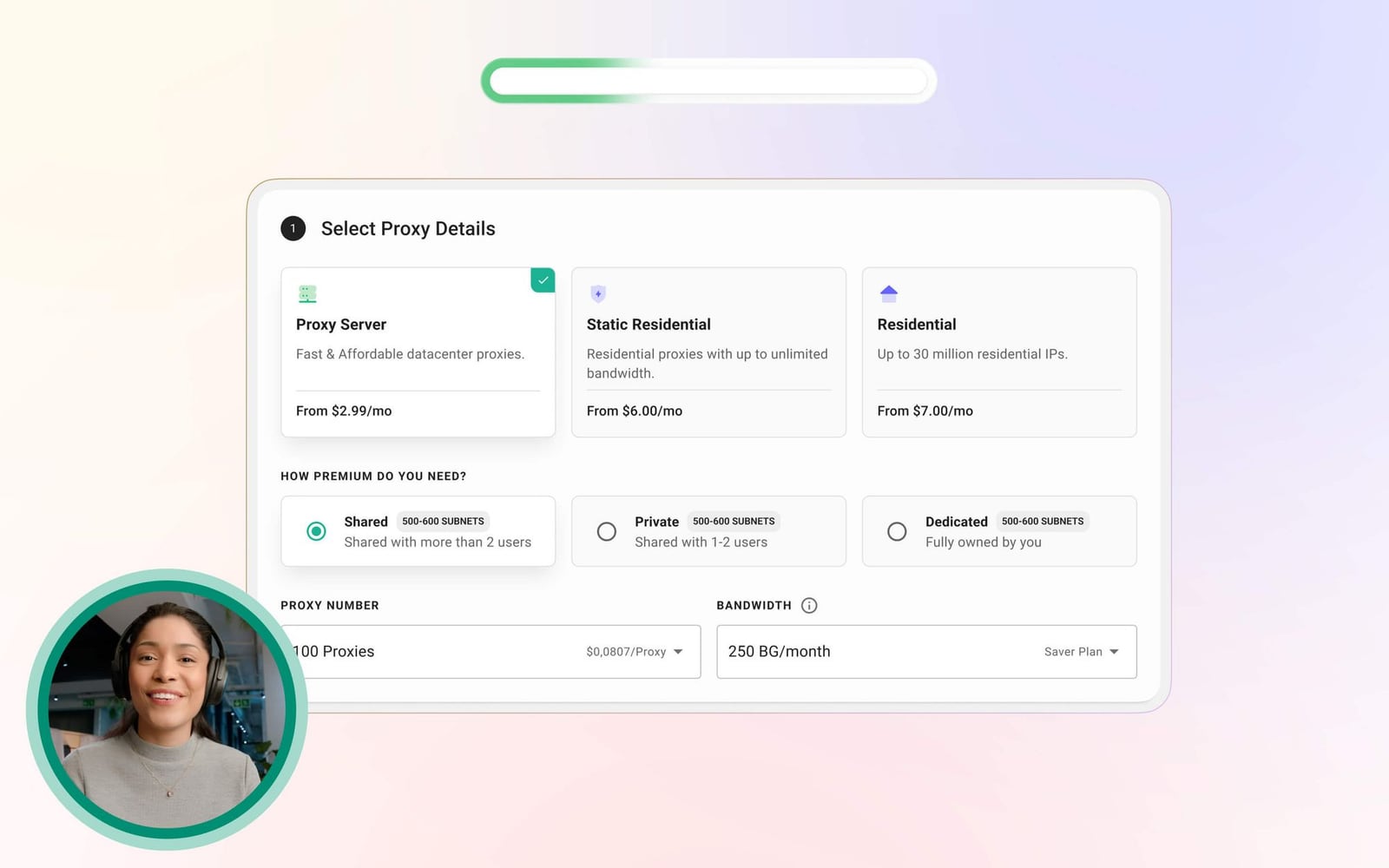
- A Webshare account with proxies provisioned. New accounts get 10 free proxies without a credit card. For real workloads, the paid plans start cheap — datacenter proxies from around $0.018/IP.
- Your proxy credentials. In the Webshare dashboard, open the Proxy List page. You will need the host, port, username, and password for each endpoint.
AdsPower accepts HTTP, HTTPS, SOCKS5, and SSH proxy types. Webshare supports HTTP and SOCKS5 endpoints, so either works. If you are unsure which protocol fits your use case, the SOCKS5 proxy guide explains the difference in plain terms.
Step-by-Step: Adding a Single Webshare Proxy to AdsPower
Webshare product interface.
This is the right approach when you are setting up one profile at a time, or testing credentials before rolling out at scale.
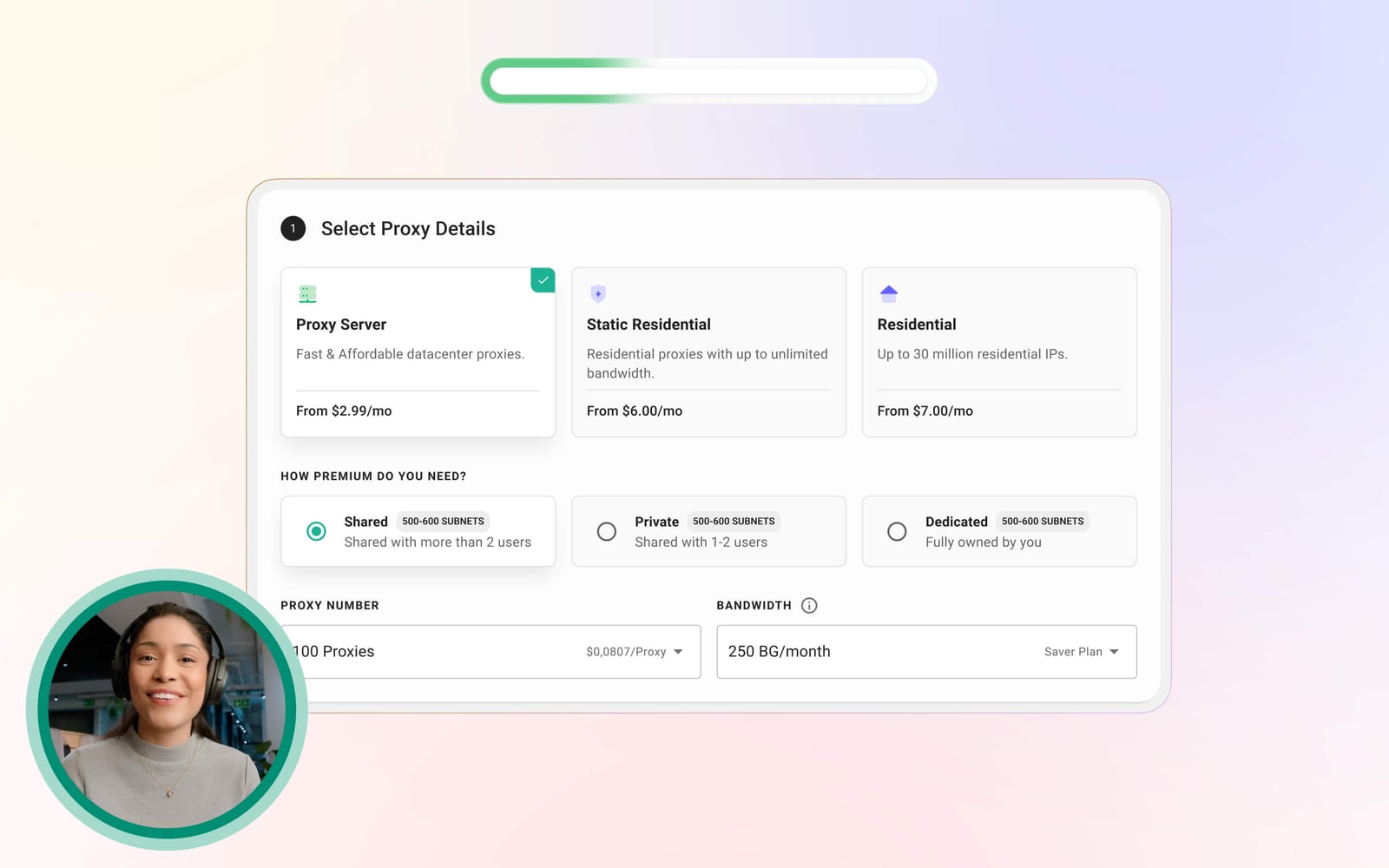
1. Get your endpoint details from Webshare
In the Webshare dashboard, go to Proxy List. For a static or datacenter proxy you will see something like:
IP/Host: 198.51.100.24
Port: 8192
Username: your_username
Password: your_password
For rotating residential proxies, Webshare uses a rotating endpoint host such as p.webshare.io with a port, plus your credentials. You can generate country-specific endpoints from the rotating proxy endpoint generator if you need IPs from a particular location.
2. Open the Proxies section in AdsPower
In the AdsPower sidebar, click Proxies, then Add Proxy. Choose Proxy List as the input method.
3. Enter the proxy details
Fill in the fields using the values from Webshare:
- Proxy type: HTTP or SOCKS5
- IP/Host: the IP address or rotating hostname
- Port: the port from your Webshare list
- Username / Password: your Webshare credentials
4. Test the connection
Click Check Proxy. AdsPower will attempt a connection and report success or failure. If it fails, the usual causes are a typo in the port, using the wrong protocol, or credentials that were regenerated in Webshare after you copied them.
5. Attach the proxy to a profile and launch
Go back to your profile, open its settings, and select the proxy you just added. Save, then click Open. AdsPower will show the detected IP in the profile window — confirm it matches the Webshare IP or, for rotating endpoints, the expected country.
Step-by-Step: Bulk Proxy Setup for Multiple Profiles
Once you are managing more than a handful of accounts, adding proxies one by one stops making sense. AdsPower supports pasting up to 500 proxies at a time, one per line.
1. Export your proxy list from Webshare
On the Proxy List page in Webshare, click Download to get a .csv or .txt file. Open it and copy the contents.
2. Paste into AdsPower
Go to Proxies → Add Proxy → Proxy List and paste the lines into the text box. The expected format is:
http://198.51.100.24:8192:username:password
socks5://198.51.100.25:8192:username:password
If you omit the protocol prefix, AdsPower defaults that line to HTTP. Be explicit if you are mixing protocols.
3. Run the bulk check
Click Check Proxy to validate every line at once. AdsPower will flag the ones that fail so you can fix or replace them before assigning anything.
4. Assign proxies to profiles
Save the list, then either assign proxies individually in each profile's settings or use AdsPower's bulk profile tools to distribute them across a group. Keep a simple naming convention — for example, tagging profiles by country — so you do not accidentally reuse the same IP across two accounts on the same platform.
Which Webshare Proxy Type Should You Use?
Webshare product interface.
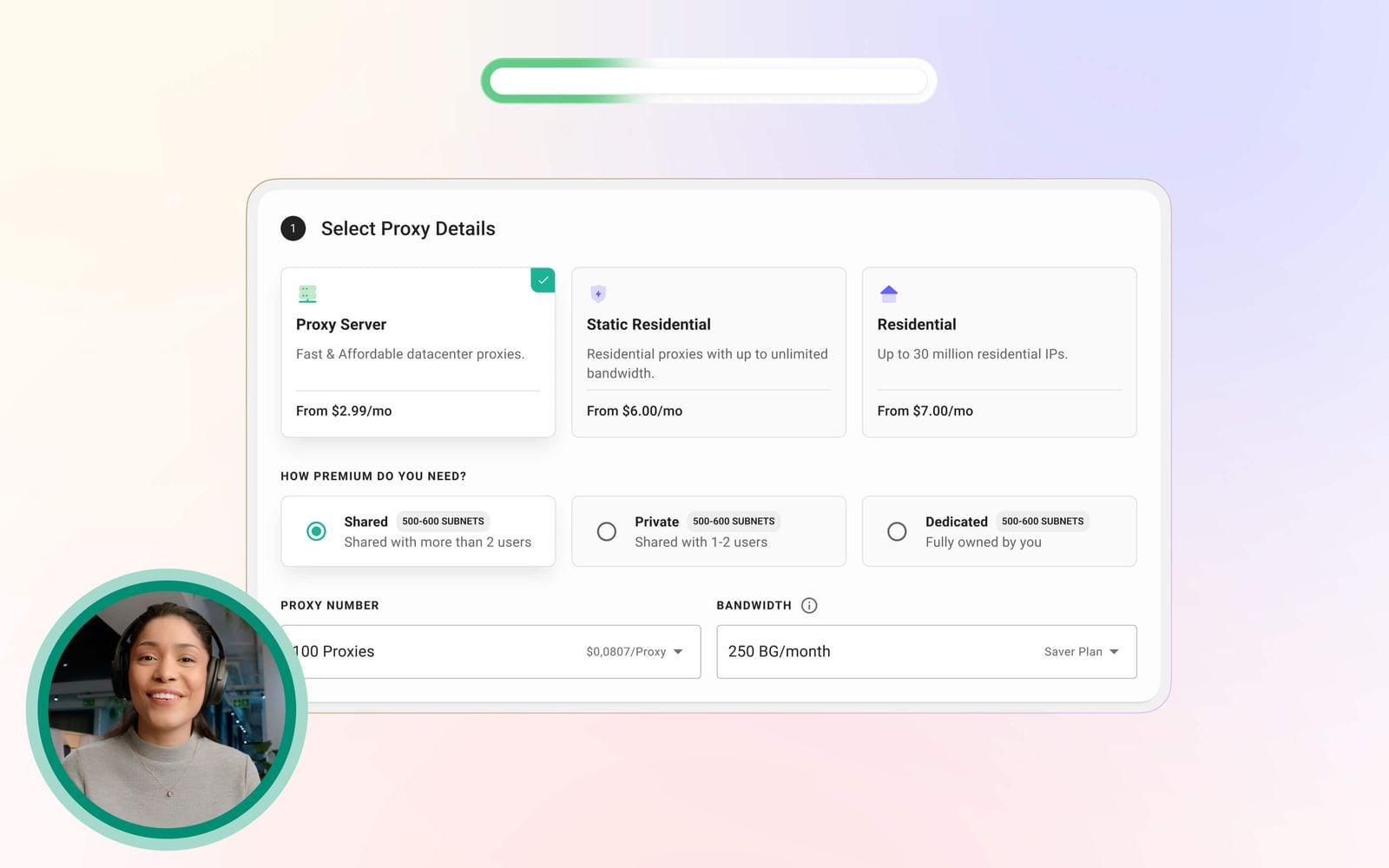
| Proxy type | Best for | Trade-off |
|---|---|---|
| Datacenter (from ~$0.018/IP) | High-volume scraping, low-risk accounts, testing | Easier for platforms to detect as non-residential |
| Static residential (ISP) | Long-lived accounts that need a stable IP | Higher cost per IP than datacenter |
| Rotating residential (pay per bandwidth) | Scraping, geo-restricted content, ad verification | IP changes per request or session, so not ideal for persistent logins |
| Private proxy servers | Teams that need dedicated, non-shared IPs | Requires more setup and budget |
The general rule: persistent accounts want stable IPs; data collection wants rotation. If you are running long-term Amazon seller accounts or social media profiles, static residential or private proxies assigned one-per-profile are the safer choice. If you are scraping SERPs or checking ads across regions, rotating residential is more efficient.
For a deeper look at how proxy choice interacts with fingerprint detection, see the AdsPower and Pixelscan workflow, which covers verifying that your proxy and fingerprint actually agree.
Practical Workflows
Cross-border e-commerce
Run one AdsPower profile per store account, each bound to a static residential or private Webshare IP in the store's target country. This keeps login locations consistent, which is one of the signals marketplaces watch for account linkage.
Social media marketing
Assign each managed social profile its own IP and its own AdsPower fingerprint. Use Webshare's location filtering to match the IP country to the audience or account region. Combine with AdsPower's team collaboration features so different operators work in separate profiles without sharing sessions.
Web scraping and data collection
Point a scraping profile at a rotating residential endpoint. Because AdsPower isolates cookies and fingerprints per profile, you can run several scraping profiles in parallel, each with its own rotation pool, without cross-contaminating sessions.
Affiliate and ad verification
Use rotating residential IPs to check how landing pages and ads render in different geographies, while AdsPower keeps each verification session clean of prior cookies.
Common Problems and Fixes
"Connection test failed" on a valid proxy. Check the protocol first. A SOCKS5 endpoint pasted without the socks5:// prefix will be treated as HTTP and fail. Also confirm the port — Webshare uses different ports for different proxy products.
Profile opens but shows the wrong country. Rotating endpoints can return IPs from a wider pool than expected. Regenerate the endpoint with a country filter, or switch to a static proxy for that profile.
Accounts still getting linked. The proxy is only half the equation. Verify that each profile has a genuinely distinct fingerprint and that you are not reusing the same IP across accounts on the same platform. Running a fingerprint check before scaling is worth the extra step.
Bulk paste only partially works. AdsPower expects one proxy per line with no blank lines or trailing spaces. Re-export from Webshare and paste again rather than editing by hand.
Related reading
- How to Use AdsPower with AirdropAlert: Setup & Workflow - Learn how to pair AdsPower anti-detect browser with AirdropAlert to find, track, and safely farm crypto airdrops across multiple accounts.
- SMS-Activate Review: What It Was and What to Use Now - An evidence-based SMS-Activate review: how the virtual number service worked, its strengths and limits, and what the 2025 shutdown means for users.
- How to Use AdsPower with Proxy-Cheap: Full Setup Guide - Step-by-step guide to pairing AdsPower anti-detect browser with Proxy-Cheap proxies for clean IPs, geo-matched profiles, and ban-resistant multi-account workflows.
Sources and further reading
- AdsPower Proxy Integration: 2 Methods Explained - Learn how to setup proxies in AdsPower anti-detect browser.
- How to Set Up Proxies in AdsPower Anti-detect Browser - Need to set up proxies in AdsPower for anonymous browsing? This step-by-step guide shows you exactly how to integrate Decodo proxies with AdsPower browser. W...
- How to Set Up Proxies in AdsPower [+ FREE PROXY GIFT] - Enjoy the videos and music you love, upload original content, and share it all with friends, family, and the world on YouTube.
FAQ
Can I use Webshare's free proxies with AdsPower? Yes. The free tier provides 10 proxies and 1GB/month of bandwidth, which is enough to validate the setup and run light testing. For production multi-account work you will want paid static or private proxies.
Does AdsPower support rotating proxies? Yes. Paste the rotating endpoint host and port as you would any other proxy. Just remember that rotating IPs are a poor fit for accounts that need a consistent login location.
How many proxies can I add at once? Up to 500 per bulk paste, one per line.
Do I need a separate proxy for every AdsPower profile? Not strictly, but for accounts on the same platform you should avoid sharing an IP. One proxy per profile is the safest default.
Which protocol should I choose, HTTP or SOCKS5? Both work in AdsPower. SOCKS5 handles more traffic types and does not rewrite headers, while HTTP is simpler to debug. For most multi-account browsing, either is fine.
Conclusion
AdsPower handles the fingerprint layer; Webshare handles the network layer. Setting them up together takes about 20 minutes for a single profile and scales cleanly to hundreds via bulk paste. Start with the free Webshare tier to confirm your credentials and protocol work, then move to static residential or private proxies for any account you intend to keep long-term. The profiles that survive are the ones where the fingerprint and the IP tell the same story.
If you are still deciding on the browser itself, the AdsPower vs Multilogin vs Dolphin Anty comparison breaks down where AdsPower fits against its main competitors.