
How to Use AdsPower with Proxy-Cheap: Full Setup Guide
Take a Quick Look
Step-by-step guide to pairing AdsPower anti-detect browser with Proxy-Cheap proxies for clean IPs, geo-matched profiles, and ban-resistant multi-account workflows.
🔥 Limited-Time Offer! Save extra 10% off on your first monthly plan with code: Anitdetect10
Sign upHow to Use AdsPower with Proxy-Cheap: Full Setup Guide
Managing multiple online accounts without triggering platform bans requires two things: isolated browser fingerprints and clean, reliable IP addresses. AdsPower handles the fingerprint side by creating unique digital environments for every profile. Proxy-Cheap supplies affordable residential, ISP, and mobile proxies that mask your real IP and let you appear in the right location for each account. Together, they form a practical stack for e-commerce sellers, affiliate marketers, social media managers, and anyone running multi-account workflows.
This guide walks through the entire integration, from choosing the right Proxy-Cheap proxy type to configuring AdsPower profiles, testing connections, and applying the setup to real-world scenarios.
Why Pair AdsPower with Proxy-Cheap?
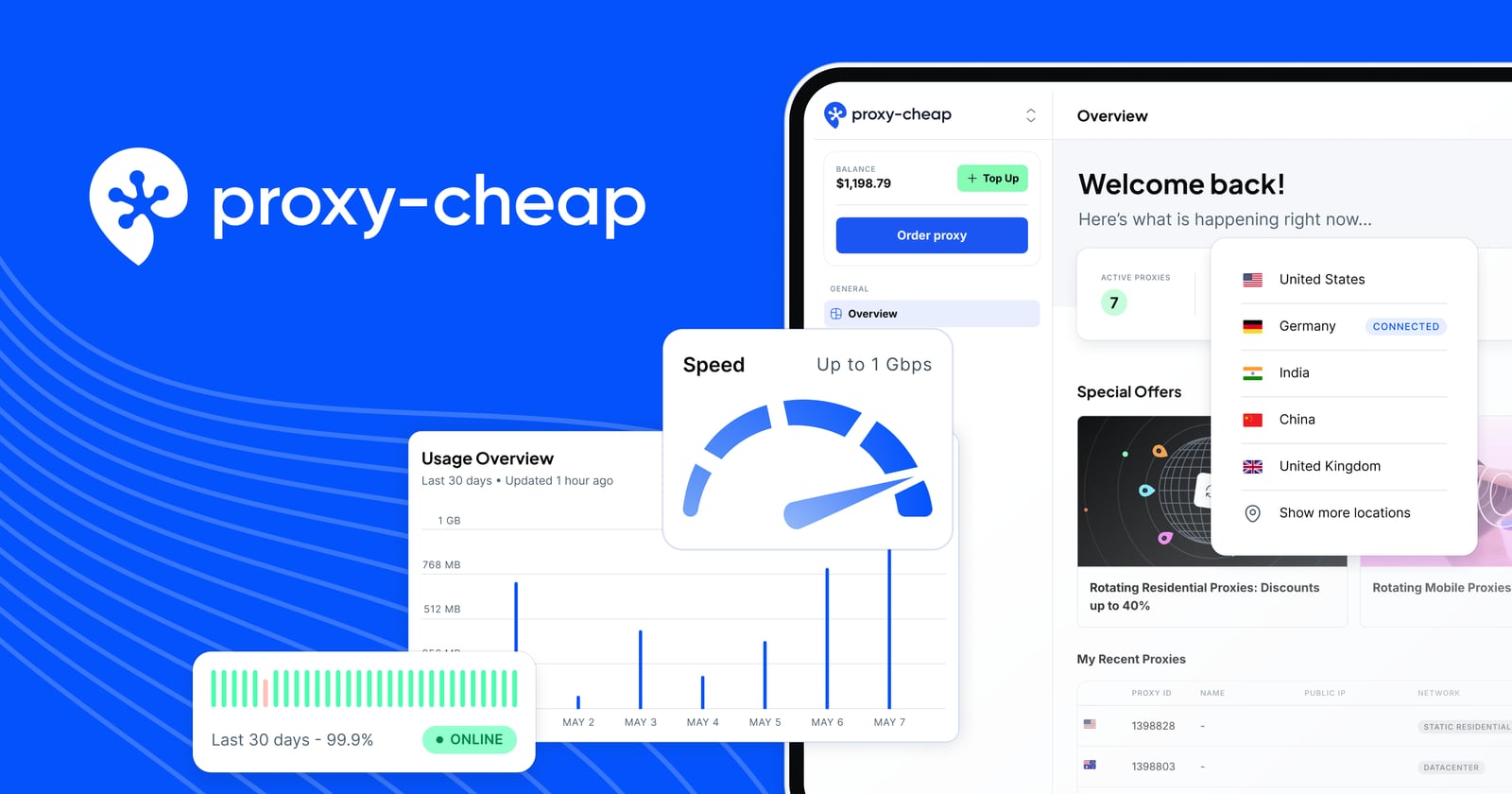
Proxy-Cheap product interface.
AdsPower creates isolated browser profiles with distinct Canvas, WebGL, user agent, and other fingerprint parameters. That isolation prevents platforms like Facebook, Amazon, Google, and TikTok from linking your accounts through browser signals. But fingerprints alone are not enough. If every profile shares the same IP address, platforms can still connect the dots and issue bans.
Proxy-Cheap fills that gap with a large proxy network spanning nearly 200 countries. You can assign a dedicated or rotating IP to each AdsPower profile, matching the IP's country and ISP to the account's intended identity. This combination solves three core problems:
- Account linking: Different fingerprints plus different IPs make profiles look like separate users on separate devices.
- Geo-restrictions: You can manage accounts tied to specific regions by selecting proxies from those countries.
- IP bans: Rotating residential proxies reduce the risk of a single IP being flagged, while static options provide stability for long-running sessions.
For a deeper look at how proxy protocols affect privacy and performance, see this SOCKS5 proxy guide.
Choosing the Right Proxy-Cheap Proxy Type
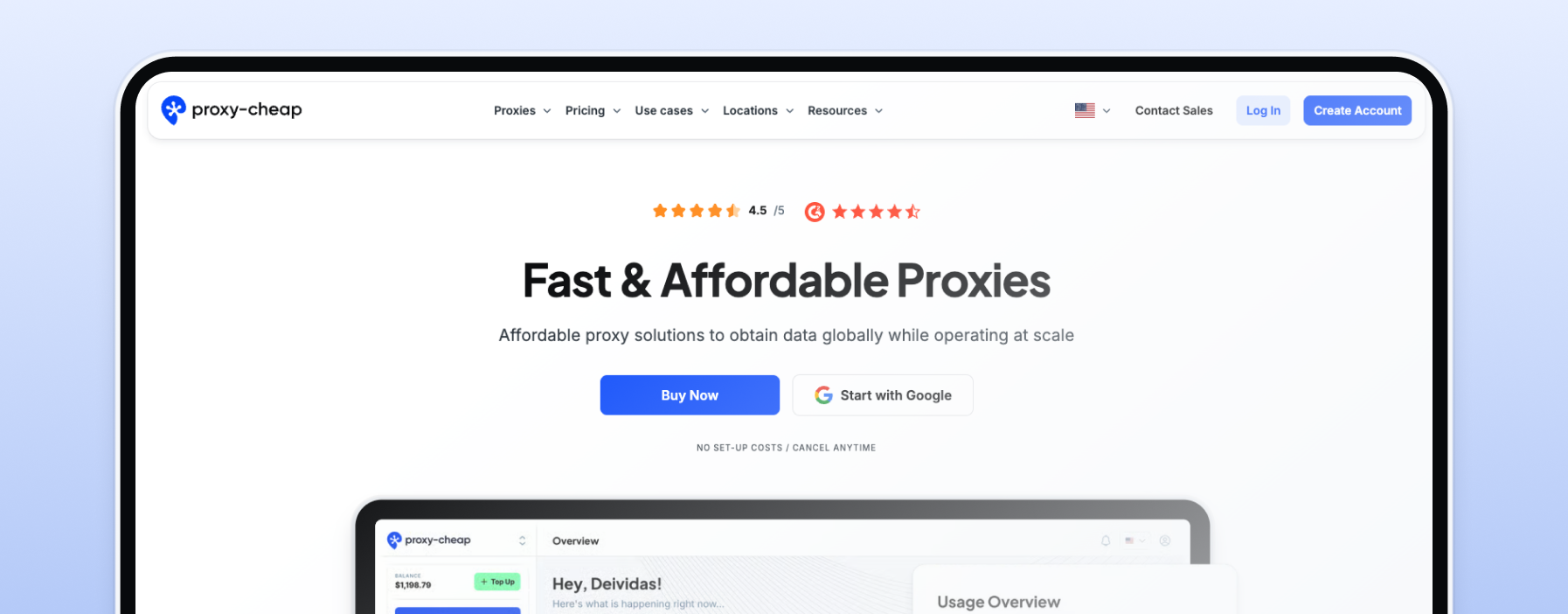
How to Use AdsPower with Proxy-Cheap: Full Setup Guide - Choosing the Right Proxy-Cheap Proxy Type.
Proxy-Cheap offers several proxy categories, and the right choice depends on the accounts you manage and how often you need IP changes.
Static Residential (ISP) Proxies
These proxies use IP addresses registered to real internet service providers but hosted on servers. They look like genuine home connections and stay stable for extended periods. Use them for:
- Amazon seller accounts that require consistent login locations
- Social media profiles you access daily
- Payment platforms and banking-related accounts
Rotating Residential Proxies
These proxies pull from a pool of real residential IPs and rotate on every request or after a set session duration. Use them for:
- Account creation at scale
- Web scraping and data collection
- Ad verification across multiple regions
Static and Rotating Mobile Proxies
Mobile proxies route traffic through real cellular networks. They are the hardest to detect and work well for platforms with strict anti-fraud systems. Use them for:
- TikTok and Instagram account management
- App-based account verification
- High-value account recovery
Datacenter Proxies
Fast and inexpensive, but easier for platforms to identify. Reserve these for low-risk tasks like SEO rank tracking or accessing geo-blocked content where account bans are not a concern.
Step 1: Get Your Proxy-Cheap Credentials
How to Use AdsPower with Proxy-Cheap: Full Setup Guide - Step 1: Get Your Proxy-Cheap Credentials.
Before configuring AdsPower, log in to your Proxy-Cheap dashboard and generate the credentials you will paste into the browser.
For rotating residential proxies, you need to set up a generator first. The generator lets you choose the target country and session type. Your credentials change based on those settings:
- Random IP rotates on every request or refresh
- Session control keeps the same IP for at least 30 minutes, which is useful when a task requires a stable connection
For static residential, ISP, or mobile proxies, Proxy-Cheap provides dedicated credentials tied to your purchased plan. You can select HTTP or SOCKS5 depending on your needs.
Step 2: Create a New AdsPower Profile
How to Use AdsPower with Proxy-Cheap: Full Setup Guide - Step 2: Create a New AdsPower Profile.
Open AdsPower and click New Profile or use Upload/Single Import to add a profile in bulk. The profile creation window includes fields for proxy configuration and fingerprint settings.
Proxy Configuration Fields
Enter the following based on your Proxy-Cheap proxy type:
| Proxy Type | Proxy Host | HTTP Port | SOCKS5 Port |
|---|---|---|---|
| Rotating residential | proxy.proxy-cheap.com | 31112 | N/A |
| Static residential / ISP / Mobile | Your assigned host | 41112 | 51112 |
For the proxy type dropdown, select HTTP for HTTP connections or SOCKS5 for SOCKS5 connections. Paste your Proxy-Cheap username into the Proxy User field and your password into the Password field.
Fingerprint Settings
AdsPower lets you customize fingerprint parameters for each profile. You can either use the default randomized fingerprint or fine-tune settings like:
- User agent matching the target device and browser
- Canvas and WebGL noise
- Timezone, language, and geolocation matching the proxy's country
- Screen resolution and font lists
A best practice is to let AdsPower auto-generate a fingerprint and then verify that the timezone and language match the proxy location. Mismatched timezone and IP country are common red flags for anti-fraud systems.
Step 3: Test the Proxy Connection
Before opening the profile, click Check Proxy in the AdsPower profile window. AdsPower will attempt to connect through the Proxy-Cheap endpoint and report whether the credentials work. If the test fails:
- Confirm the proxy host and port match your Proxy-Cheap plan
- Verify the username and password are correct, including any country-specific password changes for rotating residential plans
- Check that your Proxy-Cheap subscription is active
Once the test passes, click OK and then Open to launch the profile.
Step 4: Verify the IP and Fingerprint
After the profile opens, visit an IP-checking site to confirm the IP address and location match your Proxy-Cheap settings. You should also check that the browser fingerprint looks consistent. AdsPower's built-in fingerprint checker can help, or you can use a third-party fingerprint testing site.
If the IP shows the wrong country, go back to your Proxy-Cheap dashboard and adjust the generator settings or select a different proxy from your plan.
Practical Workflow Examples
E-commerce Multi-Account Management
An Amazon seller managing three seller accounts across the US, UK, and Germany would:
- Purchase static residential proxies from Proxy-Cheap in each country
- Create three AdsPower profiles, one per account
- Assign each profile a proxy matching the account's registered country
- Set timezone and language to match each proxy location
- Open each profile only through AdsPower to maintain isolation
Social Media Account Growth
A social media manager running ten Instagram accounts would:
- Use rotating residential proxies with session control to keep stable IPs during posting sessions
- Create ten AdsPower profiles with distinct fingerprints
- Assign a unique proxy session to each profile
- Rotate sessions periodically to avoid long-term IP-account associations
Affiliate Marketing Campaigns
An affiliate marketer testing offers across multiple regions would:
- Use rotating residential proxies with random IP rotation
- Create AdsPower profiles for each target region
- Set the proxy generator to the desired country for each profile
- Run campaigns and monitor landing pages without revealing a single operator behind all traffic
Proxy-Cheap vs Other Proxy Providers for AdsPower
Proxy-Cheap positions itself as a budget-friendly option, and its pricing reflects that. The 7-day trial for $1.99 makes it easy to test before committing. Key differentiators include:
- Unlimited bandwidth on most plans
- Support for 100+ concurrent threads
- HTTP and SOCKS5 protocol support
- Country and ISP-level targeting
When comparing proxy providers for AdsPower, consider whether you need the lowest cost per GB, the largest country coverage, or specialized mobile IPs. Proxy-Cheap's strength is affordability without sacrificing the core features multi-account operators need. If you are evaluating anti-detect browsers as well, this AdsPower vs Multilogin vs Dolphin Anty comparison can help you decide which browser fits your workflow.
Automating the Workflow
AdsPower supports automation through RPA (Robotic Process Automation) and Local API integration with Selenium and Puppeteer. When combined with Proxy-Cheap proxies, you can automate repetitive tasks across many profiles:
- Schedule account warm-up actions
- Automate product listing checks
- Run scraping jobs through rotating residential IPs
- Batch-verify account statuses
For automation-heavy workflows, rotating residential proxies with random IP rotation work well because each request can use a fresh IP, reducing the chance of rate limiting. For session-sensitive automation like checkout flows, use session control or static proxies to maintain a consistent IP throughout the transaction.
Common Issues and Fixes
Proxy Check Fails in AdsPower
Double-check the port number. Rotating residential uses 31112, while static and ISP proxies use 41112 for HTTP and 51112 for SOCKS5. Also verify that your password matches the country and session settings in the Proxy-Cheap generator.
IP Location Does Not Match Target Country
For rotating residential proxies, update the generator settings in the Proxy-Cheap dashboard and regenerate credentials. For static proxies, confirm you purchased IPs from the correct country.
Accounts Still Get Flagged
Ensure the profile's timezone, language, and geolocation match the proxy country. Also avoid logging into multiple profiles simultaneously from the same device without AdsPower's isolation. Consider upgrading to mobile proxies for platforms with aggressive anti-fraud detection.
Slow Connection Speeds
Datacenter proxies offer the fastest speeds. Residential and mobile proxies are slower by nature. If speed is critical, choose a Proxy-Cheap plan with higher bandwidth or use datacenter proxies for non-sensitive tasks.
Related reading
- AdsPower vs RoxyBrowser vs Dolphin Anty: Which Wins in 2026? - Compare AdsPower, RoxyBrowser, and Dolphin Anty across fingerprint isolation, automation, pricing, and team features to choose the right antidetect browser.
Sources and further reading
- AdsPower Proxy Integration with Proxy-Cheap - Summary
- How to Set Up a Proxy in AdsPower Anti-detect Browser (Step-by-Step Guide) - In this video I'll show you how to use, add and setup proxies in AdsPower antidetect browser step-by-step.✅ Get AdsPower (FREE) ▶ https://share.adspower.com/...
- How to Set up Proxies in AdsPower Anti-detect Browser - Let's learn how to set up our awesome proxies in AdsPower. This step-by-step AdsPower tutorial will teach you how to integrate any proxy type.🚀 Get Decodo (...
FAQ
Can I use Proxy-Cheap with the free version of AdsPower?
Yes. AdsPower's free trial includes proxy configuration. You can test the integration with a Proxy-Cheap trial before committing to paid plans on either service.
Which proxy type is best for Facebook account management?
Static residential (ISP) proxies are generally the best choice for Facebook. They provide stable IPs that look like real home connections, reducing the chance of login challenges.
Does Proxy-Cheap support SOCKS5 in AdsPower?
Yes. Static residential, ISP, and mobile proxies support SOCKS5 on port 51112. Rotating residential proxies currently use HTTP on port 31112.
How many AdsPower profiles can I run with one Proxy-Cheap plan?
It depends on your plan's IP allocation. Each profile should have its own dedicated IP or session. For large-scale operations, purchase enough static IPs or configure rotating sessions per profile.
Can I automate AdsPower profiles with Proxy-Cheap proxies?
Yes. AdsPower's RPA and Local API work with any configured proxy. Use rotating residential proxies for scraping-heavy automation and static proxies for session-sensitive tasks.
Conclusion
AdsPower and Proxy-Cheap solve complementary halves of the multi-account puzzle. AdsPower isolates browser fingerprints so platforms cannot link profiles through device signals. Proxy-Cheap masks IP addresses so platforms cannot link profiles through network signals. Together, they create a credible, ban-resistant environment for e-commerce, social media, affiliate marketing, and automation workflows.
The setup process is straightforward: generate Proxy-Cheap credentials, create an AdsPower profile, enter the proxy details, test the connection, and verify the IP. Once configured, the combination scales from a handful of accounts to hundreds, with automation options to reduce manual work. If you are also exploring phone verification for account creation, this AdsPower with Textverified workflow covers the next step in building a complete multi-account stack.