
AdsPower + Beautiful Soup: Web Scraping Guide 2026
Take a Quick Look
Learn to combine AdsPower anti-detect browser with Beautiful Soup for anonymous, scalable web scraping. Step-by-step setup, code examples, and use cases.
🔥 Limited-Time Offer! Save extra 10% off on your first monthly plan with code: Anitdetect10
Sign upAdsPower + Beautiful Soup: The Ultimate Web Scraping Combo for 2026
Web scraping is essential for market research, price monitoring, and lead generation. But modern websites fight back with IP blocks, CAPTCHAs, and browser fingerprinting. That’s where AdsPower (a professional anti-detect browser) and Beautiful Soup (a Python HTML parsing library) come together. This guide shows you how to combine these tools for anonymous, scalable, and maintainable scraping workflows.
Why Combine AdsPower with Beautiful Soup?
AdsPower + Beautiful Soup: Web Scraping Guide 2026 product interface and feature overview.
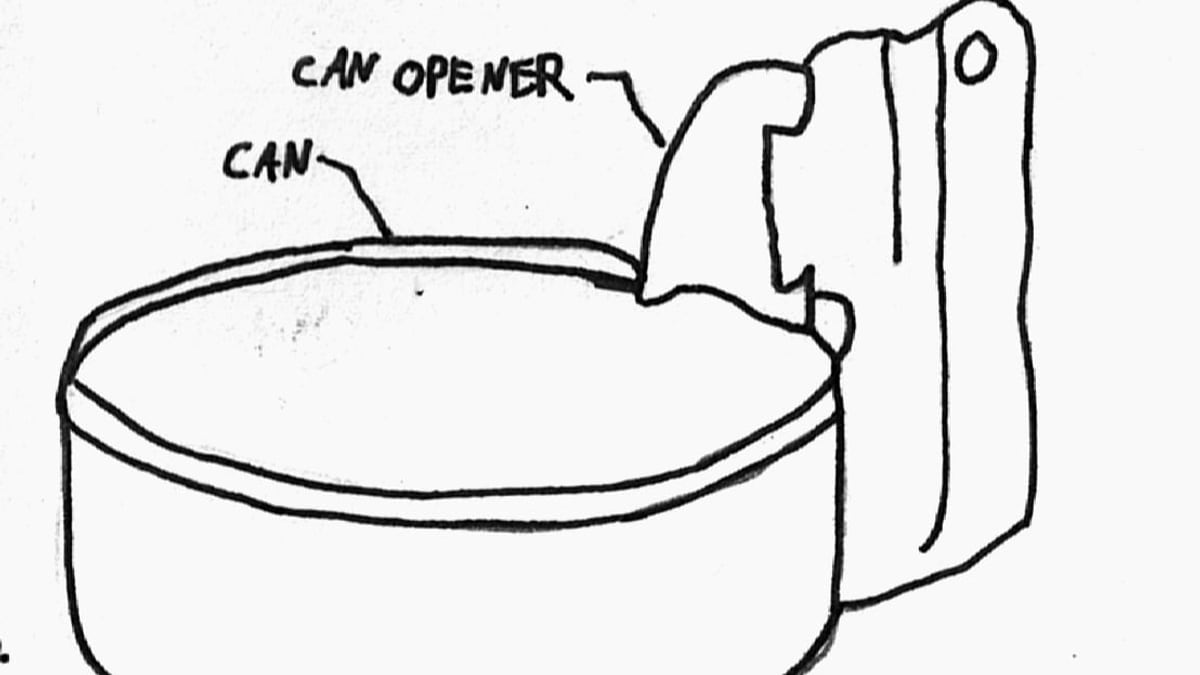
AdsPower creates isolated browser environments with unique digital fingerprints. It lets you manage multiple accounts or scraping sessions without being detected. Beautiful Soup, on the other hand, is the go-to Python library for extracting structured data from HTML and XML. Together, they solve two core problems:
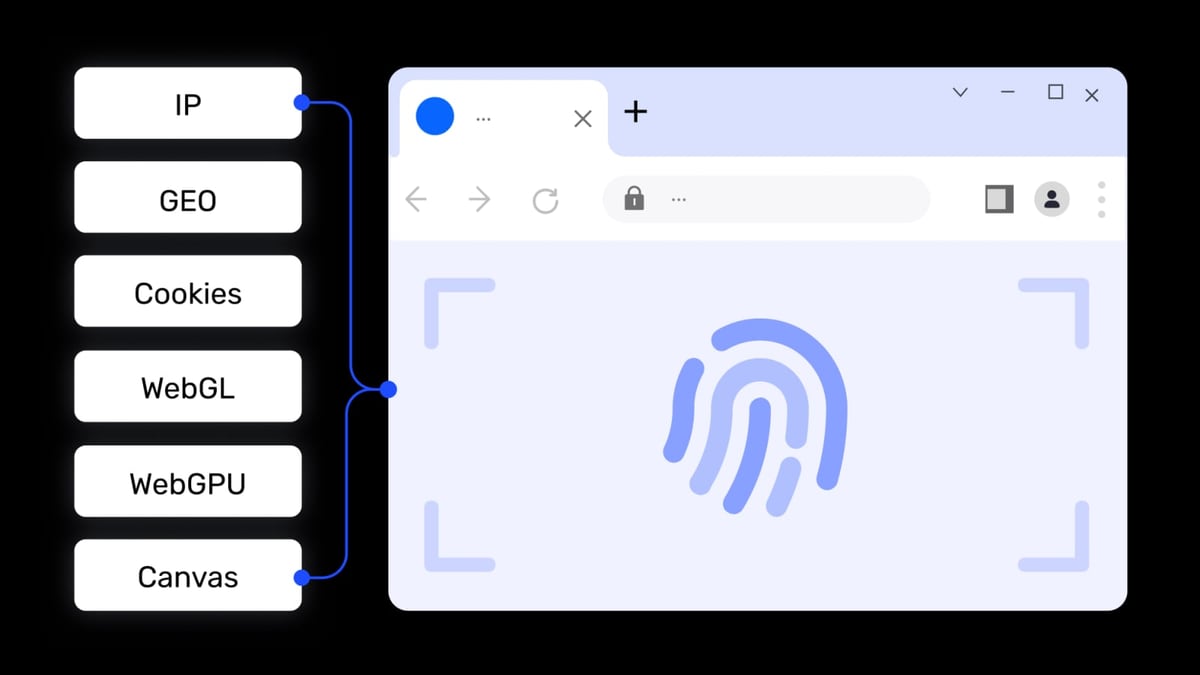
- Avoiding detection: AdsPower spoofs Canvas, WebGL, Audio, WebRTC, and 20+ other fingerprint parameters, making each session look like a real user on a different device.
- Efficient parsing: Beautiful Soup turns messy HTML into a navigable tree, letting you extract exactly what you need with minimal code.
This combination is ideal for cross-border e-commerce sellers, affiliate marketers, and data analysts who need to scrape platforms like Amazon, Facebook, or Google without triggering bans.
How the Workflow Works
AdsPower + Beautiful Soup: Web Scraping Guide 2026 product interface and feature overview.
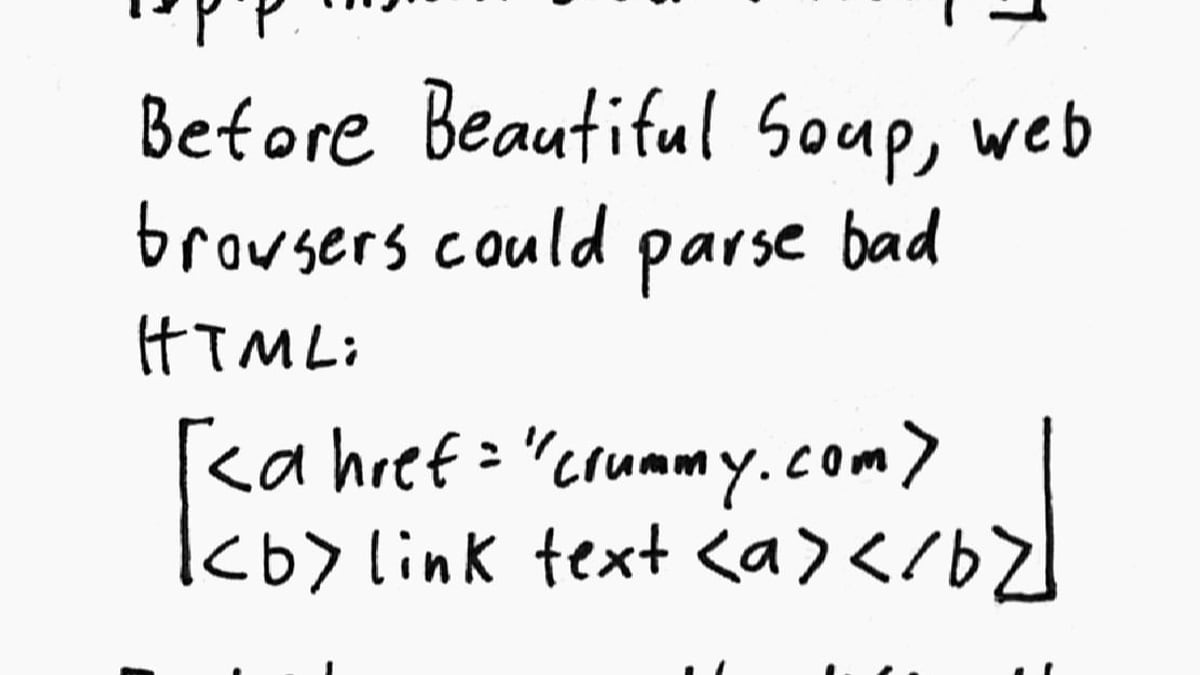
- Set up an AdsPower browser environment with a proxy and custom fingerprint.
- Use AdsPower’s Local API to launch that environment programmatically from Python.
- Navigate to the target URL using Selenium or Playwright inside the AdsPower window.
- Pass the page source to Beautiful Soup for parsing and data extraction.
- Repeat across multiple environments to scale scraping without association risks.
Step-by-Step Setup Guide
AdsPower + Beautiful Soup: Web Scraping Guide 2026 product interface and feature overview.
Prerequisites
- AdsPower installed (free tier includes 2 browser environments).
- Python 3.7+ with
requests,beautifulsoup4, andseleniuminstalled. - AdsPower Local API enabled (Settings > API Settings > Enable Local API).
Step 1: Create an AdsPower Browser Environment
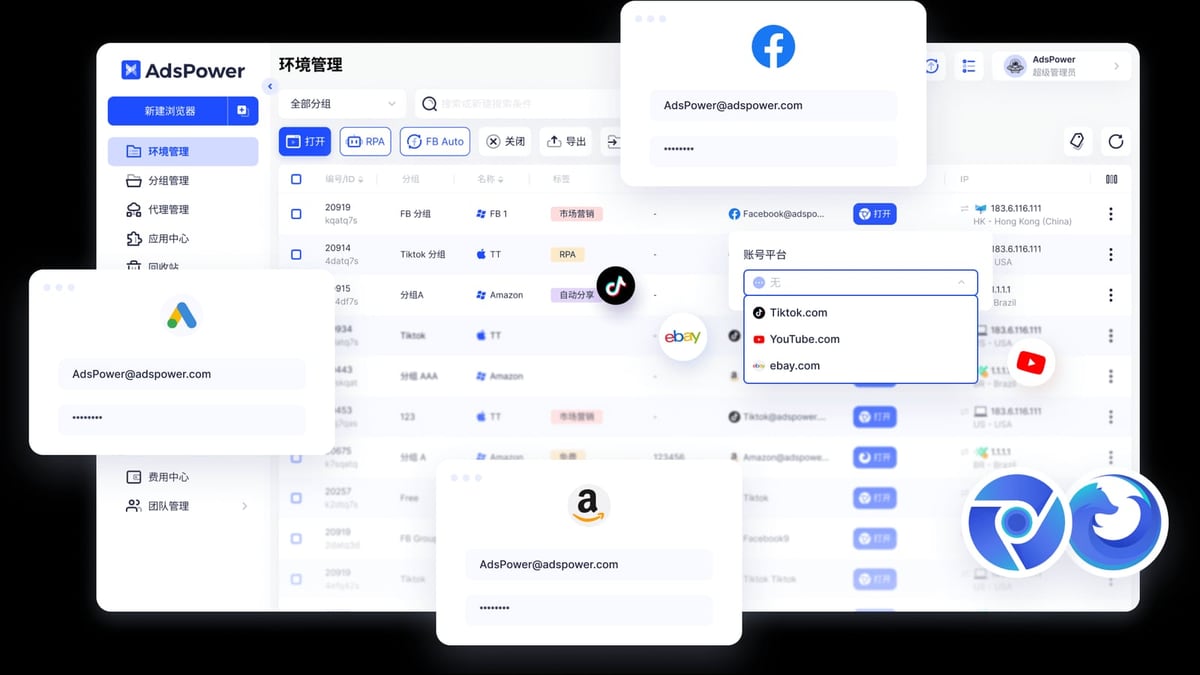
Open AdsPower and click New Browser. Configure:
- Browser Name: e.g., "Scraper-01"
- Fingerprint: Choose a realistic OS, resolution, and timezone.
- Proxy: Add a reliable proxy (HTTP/HTTPS/SOCKS5). AdsPower supports custom proxy input.
- Platform: Select the target website (optional, for fingerprint optimization).
After creation, note the Environment ID (a 32-character hex string) – you’ll need it for the API.
Step 2: Launch the Environment via AdsPower API
AdsPower provides a REST API to open browser windows. Use this Python script to start an environment:
import requests
import json

# AdsPower Local API endpoint
url = "http://local.adspower.net:50325/api/v1/browser/start"

# Your environment ID
env_id = "YOUR_ENVIRONMENT_ID"

params = {
    "user_id": env_id,
    "open_urls": "https://example.com"  # optional
}

response = requests.get(url, params=params)
data = response.json()

if data["code"] == 0:
    print("Browser started successfully")
    print("WebSocket debugger URL:", data["data"]["ws"]["selenium"])
else:
    print("Error:", data["msg"])
Step 3: Connect Selenium to the AdsPower Window
AdsPower returns a WebSocket debugger URL that you can use with Selenium’s Remote driver:
from selenium import webdriver
from selenium.webdriver.chrome.options import Options

chrome_options = Options()
chrome_options.add_experimental_option("debuggerAddress", "127.0.0.1:9222")  # port from API response

driver = webdriver.Chrome(options=chrome_options)
driver.get("https://example.com")
Note: The exact port is provided in the API response under
data.data.ws.selenium. You may need to parse it.
Step 4: Extract Page Source and Parse with Beautiful Soup
Once the page loads, grab the HTML and let Beautiful Soup work its magic:
from bs4 import BeautifulSoup

html = driver.page_source
soup = BeautifulSoup(html, "html.parser")

# Example: extract all product titles
titles = soup.find_all("h2", class_="product-title")
for title in titles:
    print(title.get_text(strip=True))
Step 5: Close the Environment
Always close the browser to free resources:
requests.get("http://local.adspower.net:50325/api/v1/browser/stop", params={"user_id": env_id})
Practical Example: Scraping Product Prices
AdsPower + Beautiful Soup: Web Scraping Guide 2026 product interface and feature overview.
Let’s say you want to monitor prices on an e-commerce site. Here’s a complete script that uses AdsPower for anonymity and Beautiful Soup for parsing:
import requests
from selenium import webdriver
from bs4 import BeautifulSoup

# Start AdsPower environment
env_id = "abc123..."
start_resp = requests.get("http://local.adspower.net:50325/api/v1/browser/start",
                          params={"user_id": env_id, "open_urls": "https://shop.example.com/products"})
data = start_resp.json()

# Connect Selenium
debugger_url = data["data"]["ws"]["selenium"]
chrome_options = webdriver.ChromeOptions()
chrome_options.add_experimental_option("debuggerAddress", debugger_url.split(":")[-1])
driver = webdriver.Chrome(options=chrome_options)

# Wait for page load (use explicit waits in production)
import time
time.sleep(3)

# Parse with Beautiful Soup
soup = BeautifulSoup(driver.page_source, "html.parser")
prices = []
for item in soup.select(".product-card"):
    name = item.find("h3").get_text(strip=True)
    price = item.find("span", class_="price").get_text(strip=True)
    prices.append({"name": name, "price": price})

print(prices)

# Cleanup
driver.quit()
requests.get("http://local.adspower.net:50325/api/v1/browser/stop", params={"user_id": env_id})
Scaling with Multiple Environments
AdsPower lets you create hundreds of environments, each with a unique fingerprint and proxy. To scrape at scale:
- Create a CSV with environment IDs, proxies, and target URLs.
- Use threading or asyncio to launch multiple environments simultaneously.
- Rotate fingerprints to avoid pattern detection.
Example snippet using concurrent.futures:
from concurrent.futures import ThreadPoolExecutor

def scrape_env(env_id, proxy, url):
    # Launch, scrape, parse, close
    pass

with ThreadPoolExecutor(max_workers=5) as executor:
    executor.map(scrape_env, env_ids, proxies, urls)
Common Problems and Solutions
| Problem | Solution |
|---|---|
| AdsPower API returns "port already in use" | Close unused environments or increase the port range in AdsPower settings. |
| Beautiful Soup can’t find elements | Check if the content is loaded via JavaScript. Use Selenium’s WebDriverWait before parsing. |
| Websites still block requests | Ensure your proxy is clean and not blacklisted. Consider rotating proxies per environment. |
| Selenium driver version mismatch | Match your ChromeDriver version to the Chromium version used by AdsPower (SunBrowser). |
Related reading
- AdsPower vs MuLogin: Which Anti-Detect Browser Wins in 2026? - Compare AdsPower and MuLogin anti-detect browsers for multi-account management. See features, pricing, automation, and which tool fits your workflow.
- AirdropAlert Review 2026: Is It the Best Airdrop Aggregator? - Honest AirdropAlert review covering features, pricing, user feedback, and setup. See if this airdrop aggregator suits your farming strategy.
- Top 10 Cryptocurrency Market Data Platforms 2026 - Discover the 10 best crypto market data platforms for 2026. Expert-ranked list with real-time prices, on-chain analytics, APIs, and more.
FAQ
Can I use Beautiful Soup without Selenium in AdsPower?
Yes, if the target page is static. You can use requests inside the AdsPower environment by setting the same proxy and user-agent. However, most modern sites require JavaScript rendering, so Selenium is recommended.
Is AdsPower’s free tier enough for scraping?
The free tier includes 2 browser environments. For small-scale scraping, it’s sufficient. For larger projects, consider a paid plan that supports more environments and team collaboration.
Does this work with Playwright or Puppeteer?
Absolutely. AdsPower’s Local API also returns WebSocket URLs compatible with Playwright and Puppeteer. The same Beautiful Soup logic applies.
How do I handle CAPTCHAs?
AdsPower’s fingerprint isolation reduces CAPTCHA triggers, but you may still encounter them. Integrate a CAPTCHA-solving service (e.g., 2Captcha) in your Selenium flow.
Conclusion
Combining AdsPower with Beautiful Soup gives you a powerful, anonymous web scraping stack. AdsPower handles fingerprint diversity and proxy management, while Beautiful Soup makes HTML parsing a breeze. Whether you’re scraping product data, monitoring competitors, or aggregating leads, this duo lets you scale without getting blocked.
Start with the free tier of AdsPower, experiment with the code examples above, and gradually expand to multi-environment scraping. For more comparisons of anti-detect browsers, check out our AdsPower vs Indigo vs GoLogin guide or learn how to integrate AdsPower with Bright Data for even better proxy management.
Happy scraping – and stay undetected!