
AdsPower + Bright Data: Setup Guide for Multi-Account Security
Take a Quick Look
Step-by-step guide to integrate Bright Data proxies with AdsPower anti-detect browser. Learn setup, workflows, and real-world use cases.
🔥 Limited-Time Offer! Save extra 10% off on your first monthly plan with code: Anitdetect10
Sign upHow to Use AdsPower Fingerprint Browser with Bright Data
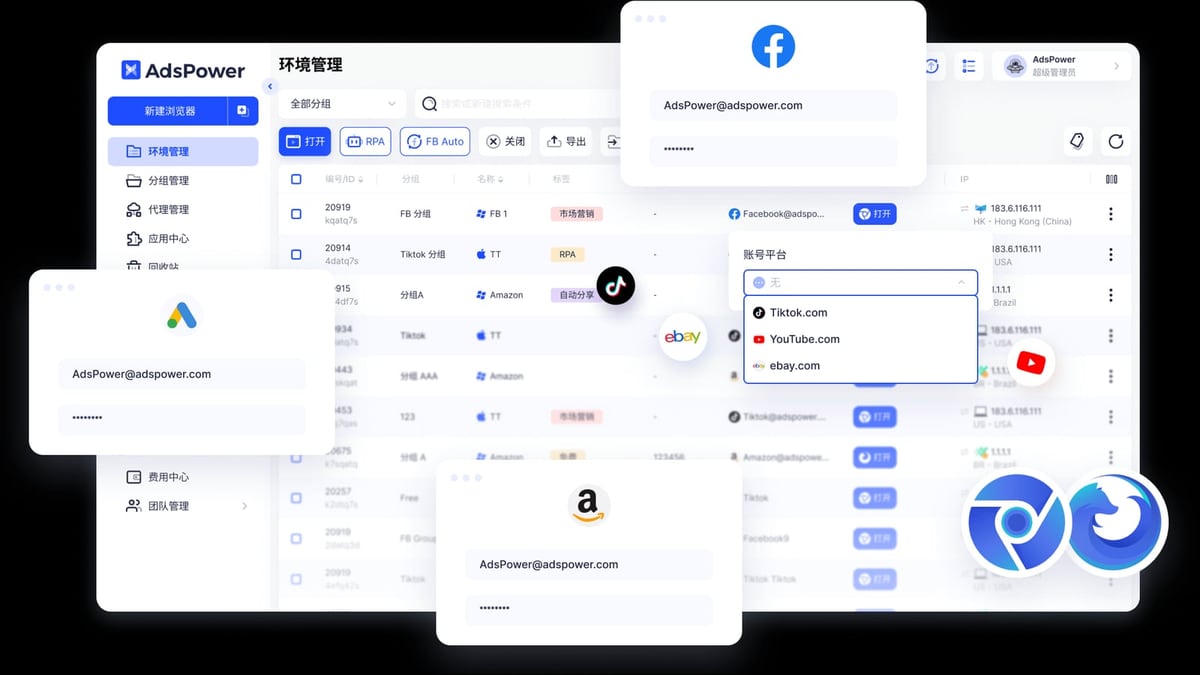
Managing multiple online accounts without getting flagged or banned requires two critical elements: a unique browser fingerprint and a clean, residential IP address. AdsPower delivers the first by creating isolated browser profiles with distinct digital signatures. Bright Data provides the second through its massive pool of over 400 million residential IPs. When combined, they form a powerful stack for secure multi-account management, web data collection, and market research.
This guide walks you through the exact steps to integrate Bright Data proxies with AdsPower, explains the workflow, and shows practical examples of what this combination can do.
Why Combine AdsPower with Bright Data?
AdsPower + Bright Data: Setup Guide for Multi-Account Security product interface and feature overview.
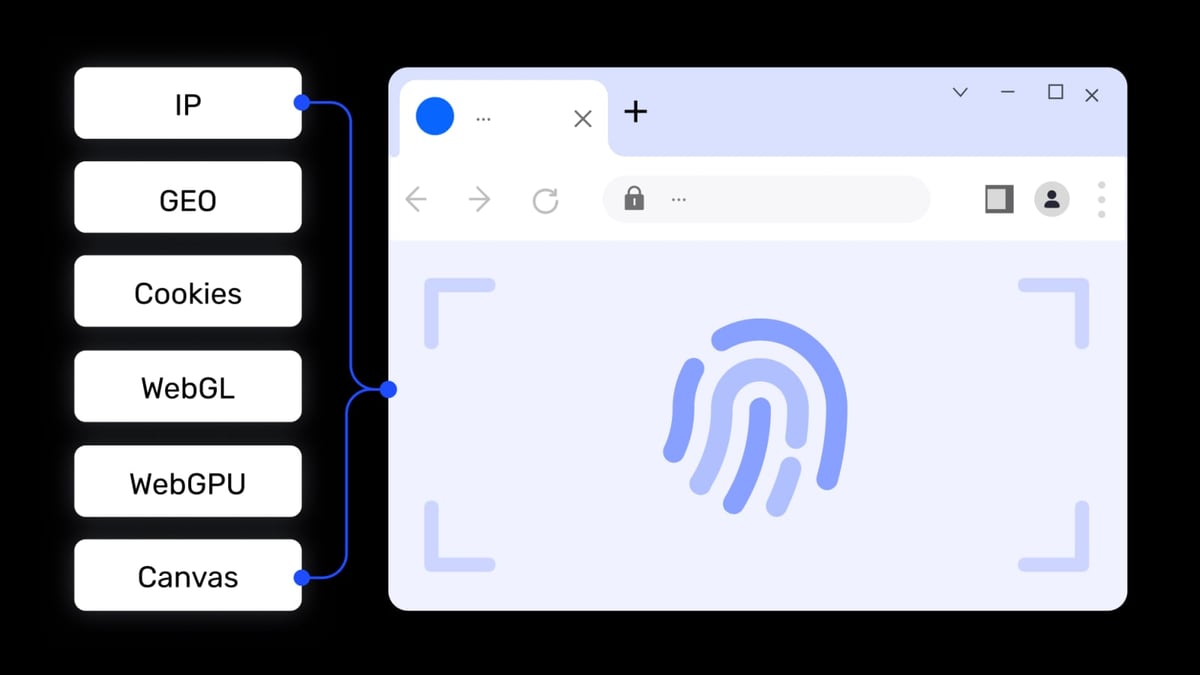
Each tool solves a different half of the same problem. AdsPower prevents websites from linking your accounts by spoofing browser fingerprints—Canvas, WebGL, Audio, WebRTC, and more. Bright Data gives each profile a real residential IP address that looks like it belongs to a genuine user in a specific location.
Together, they let you:
- Run dozens of e-commerce seller accounts (Amazon, eBay, Shopify) without triggering association algorithms.
- Manage multiple social media profiles (Facebook, Instagram, TikTok) for marketing or ad testing.
- Scrape competitor pricing and product data without getting blocked.
- Conduct geo-targeted market research from different cities or countries.
What You Need Before You Start
AdsPower + Bright Data: Setup Guide for Multi-Account Security product interface and feature overview.
- An AdsPower account (free tier includes 2 browser environments).
- A Bright Data account with a proxy zone created (residential, ISP, datacenter, or mobile).
- Your Bright Data proxy credentials: host, port, username, and password.
If you plan to target search engines like Google or Bing, use Bright Data’s SERP API instead of standard proxies. Standard proxy requests to search engines will be blocked and show a “PROXY ERROR” in AdsPower’s connection test.
Step-by-Step Integration Guide
AdsPower + Bright Data: Setup Guide for Multi-Account Security product interface and feature overview.
Step 1: Get Your Bright Data Proxy Credentials
- Log in to your Bright Data control panel.
- Navigate to Proxies & Scraping Infrastructure.
- Select the proxy zone you want to use (or create a new one).
- Click the Overview tab and copy the following:
- Proxy Host:
http://brd.superproxy.io/ - Proxy Port:
33335(use22228for SOCKS5) - Username: Your proxy zone username
- Password: Your proxy zone password
- Proxy Host:
Note: Residential proxies require KYC verification. If you haven’t completed it, use ISP or datacenter proxies instead.
Step 2: Create a New Browser Profile in AdsPower
- Open AdsPower and click New Profile.
- Give your profile a name (e.g., “Amazon Seller US - New York”).
- Scroll to the Proxy section.
Step 3: Configure the Proxy
- Set Proxy Type to Custom or Proxy Provider.
- Choose Bright Data or Brightauto from the dropdown:
- Bright Data for static (dedicated) IPs.
- Brightauto for rotating residential IPs.
- Enter the proxy details:
- Proxy Host:
http://brd.superproxy.io/ - Proxy Port:
33335 - Username: Your Bright Data username
- Password: Your Bright Data password
- Proxy Host:
- Click Check Proxy to verify the connection.
- Use
https://geo.brdtest.com/welcome.txtas the test URL to avoid false failures.
- Use
- If the test passes, click OK to save the profile.
Step 4: Launch and Verify
- Click Open under the profile’s tags to launch the browser.
- Visit a site like
whatismyipaddress.comto confirm your IP matches the proxy location. - Check Bright Data’s Event Log to see traffic from your AdsPower profile.
Practical Examples
Example 1: Running Multiple Amazon Seller Accounts
An e-commerce seller manages three Amazon accounts for different product categories. Each account needs a unique IP and browser fingerprint to avoid Amazon’s account association detection.
- Profile 1: New York residential IP, Chrome kernel, Windows 10 fingerprint.
- Profile 2: Los Angeles residential IP, Firefox kernel, macOS fingerprint.
- Profile 3: London residential IP, Chrome kernel, Windows 11 fingerprint.
With AdsPower’s window sync feature, the seller can perform the same action (e.g., updating inventory) across all three profiles simultaneously, while Bright Data ensures each profile uses a clean, location-specific IP.
Example 2: Geo-Targeted Market Research
A market researcher needs to compare pricing for a product in five different countries. Using AdsPower with Bright Data:
- Create five profiles, each with a residential IP from a different country (US, UK, Germany, Japan, Brazil).
- Launch each profile and visit the target e-commerce site.
- Collect pricing data manually or use AdsPower’s built-in RPA automation to scrape the information.
Bright Data’s Web Unlocker automatically handles CAPTCHAs and anti-bot measures, so the researcher gets clean data without interruptions.
Example 3: Social Media Ad Account Management
A digital marketer runs ad campaigns for multiple clients on Facebook and TikTok. Each client’s ad account must operate from a separate browser environment to prevent cross-account linking.
- Use Bright Data’s ISP proxies for stable, dedicated IPs.
- Assign one proxy per client profile in AdsPower.
- Use AdsPower’s team collaboration features to share specific profiles with each client while keeping others private.
Troubleshooting Common Issues
“PROXY ERROR” During Connection Test
This usually happens when the test URL points to a search engine. Bright Data blocks search engine requests from standard proxies. Change the test URL to https://geo.brdtest.com/welcome.txt in AdsPower’s proxy settings.
Connection Test Passes but Browser Shows Wrong Location
Ensure you selected the correct proxy zone in Bright Data. If you’re using a rotating proxy, the IP may change on each request. For location-specific tasks, use sticky sessions or ISP proxies.
Proxy Works Intermittently
Check your Bright Data account balance. If you’re on a pay-as-you-go plan, running out of funds will stop proxy traffic. Also verify that your proxy zone is active and not paused.
Bright Data Proxy Types for AdsPower
AdsPower + Bright Data: Setup Guide for Multi-Account Security product interface and feature overview.
| Proxy Type | Best For | Port | Notes |
|---|---|---|---|
| Residential | Web scraping, social media, e-commerce | 33335 | Requires KYC; rotating IPs |
| ISP | Stable multi-account management | 33335 | Dedicated IPs, less rotation |
| Datacenter | High-speed tasks, non-sensitive browsing | 33335 | Cheaper, but easier to detect |
| Mobile | App store scraping, mobile-only sites | 22228 | Rotates through mobile carriers |
| SERP API | Search engine results scraping | N/A | Use instead of standard proxies for Google/Bing |
Related reading
- AdsPower vs Linken Sphere: Which Anti-Detect Browser Wins? - Compare AdsPower and Linken Sphere anti-detect browsers for multi-account management. See features, pricing, automation, and which tool fits your workflow.
- Textverified Review 2026: Is It Legit for SMS Verification? - Honest Textverified review covering pricing, use cases, pros, cons, and setup. See if this temporary number service fits your privacy needs.
- Top 10 VPN Service Providers in 2026 - Discover the 10 best VPN service providers for 2026. Expert-ranked list with privacy, speed, and streaming performance data for every pick.
Frequently Asked Questions
Can I use Bright Data proxies with AdsPower’s free plan?
Yes. The free AdsPower plan supports two browser environments, and you can configure Bright Data proxies on both.
Do I need a separate Bright Data account for each AdsPower profile?
No. One Bright Data account can serve multiple AdsPower profiles. Just use the same proxy zone credentials for all profiles, or create separate zones for different tasks.
What’s the difference between Bright Data and Brightauto in AdsPower?
Bright Data is for static/dedicated IPs. Brightauto is for rotating residential IPs. Choose Brightauto if you need a fresh IP for each session.
Will this setup work for TikTok Shop or Facebook Marketplace?
Yes. The combination of unique browser fingerprints and residential IPs is effective for most platforms. However, always follow each platform’s terms of service.
Conclusion
Integrating AdsPower with Bright Data gives you a secure, scalable foundation for managing multiple online identities. AdsPower handles fingerprint isolation and profile management, while Bright Data supplies clean residential IPs that keep your activities under the radar. Whether you’re an e-commerce seller, affiliate marketer, or data researcher, this workflow reduces the risk of bans and lets you operate at scale from a single machine.
For more comparisons, check out our AdsPower vs RoxyBrowser vs MuLogin guide or learn how to set up AdsPower with IPRoyal for an alternative proxy provider.
External References: