
AdsPower + IPRoyal: Setup Guide for Multi-Account Security
Take a Quick Look
Learn how to integrate AdsPower anti-detect browser with IPRoyal proxies. Step-by-step setup, practical examples, and tips for secure multi-account management.
🔥 Limited-Time Offer! Save extra 10% off on your first monthly plan with code: Anitdetect10
Sign upHow to Use AdsPower Fingerprint Browser with IPRoyal Proxies
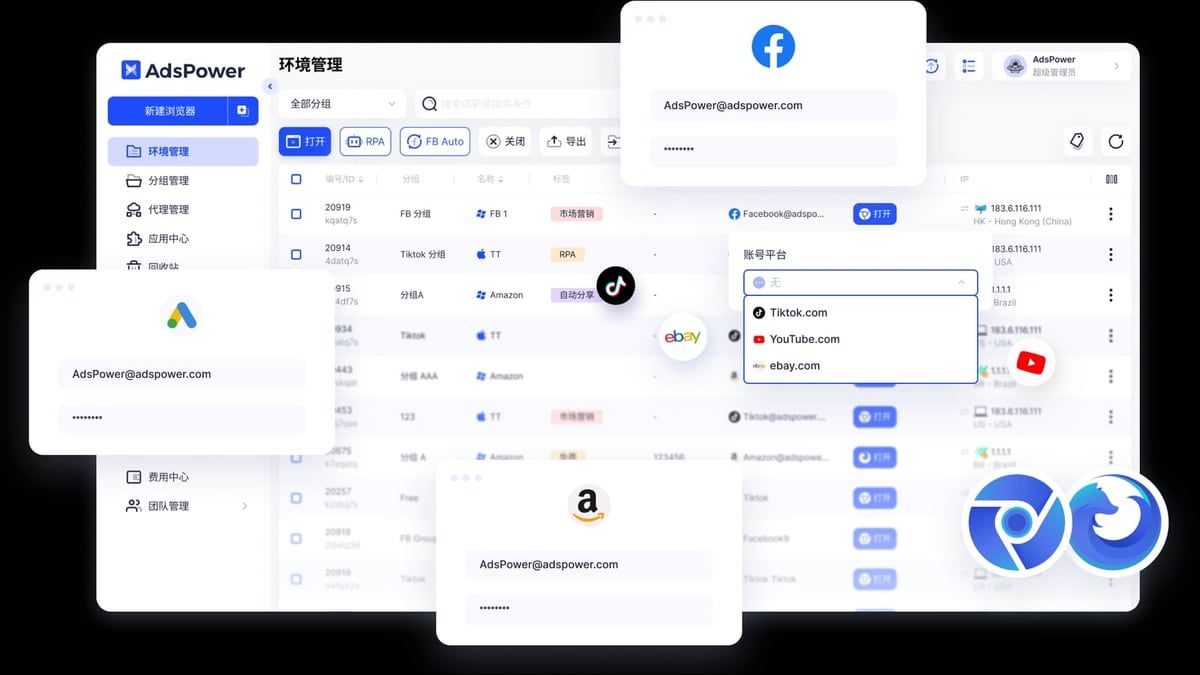
Managing multiple accounts on platforms like Amazon, Facebook, or TikTok without getting banned requires two things: a reliable anti-detect browser and high-quality proxies. AdsPower gives you isolated browser environments with unique digital fingerprints, while IPRoyal provides residential and mobile proxies that mask your real IP address. Together, they create a secure setup for multi-account management, web scraping, and ad verification.
In this guide, you'll learn why this combination works, how to configure IPRoyal proxies inside AdsPower, and practical tips to keep your accounts safe.
Why AdsPower and IPRoyal Work Well Together
AdsPower + IPRoyal: Setup Guide for Multi-Account Security product interface and feature overview.
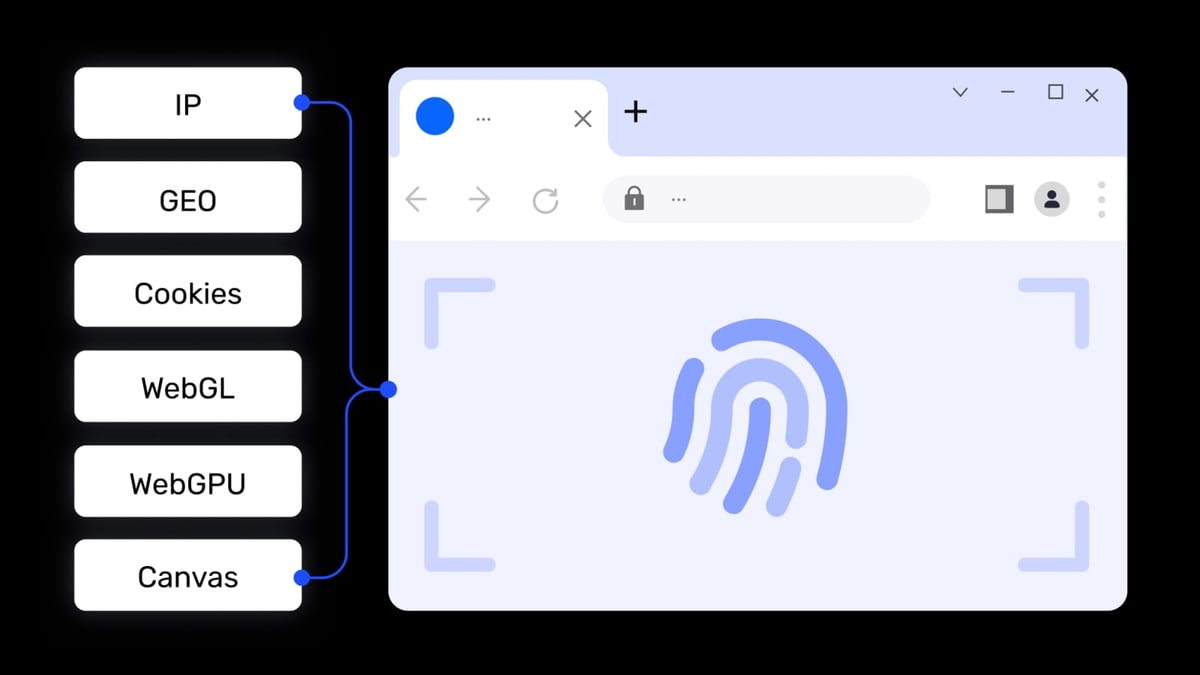
AdsPower creates separate browser profiles, each with its own fingerprint (Canvas, WebGL, Audio, WebRTC, and more). But without a unique IP address per profile, platforms can still link your accounts. That's where IPRoyal comes in.
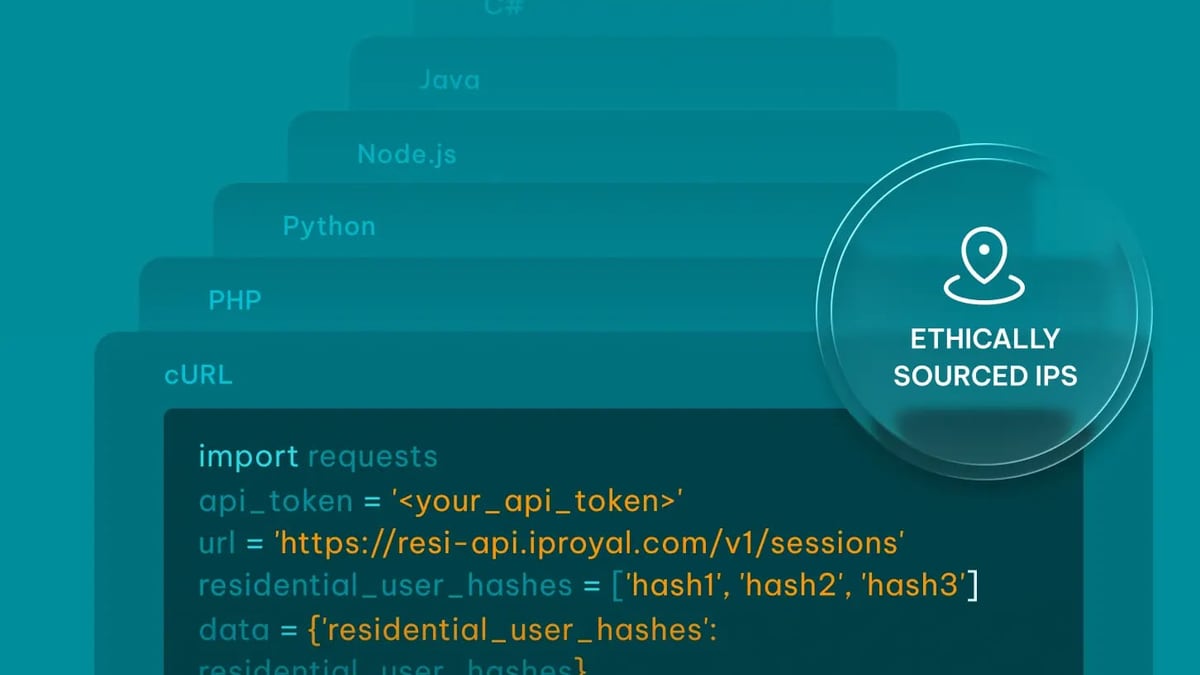
IPRoyal offers over 68 million residential IPs across 195+ countries, plus mobile proxies from top carriers. When you assign a different IPRoyal proxy to each AdsPower profile, every account appears to come from a different device and location. This makes it nearly impossible for platforms to detect account associations.
Key Benefits of the Combination
- Complete fingerprint + IP isolation – Each profile has a unique browser fingerprint and a distinct IP address.
- Geo-targeting – Choose IPs at the country, state, or city level to match your target audience.
- Sticky sessions – Keep the same IP for hours or days, which is essential for logged-in sessions.
- Cost efficiency – No need for multiple physical devices or VPS servers.
What You Need Before Starting
AdsPower + IPRoyal: Setup Guide for Multi-Account Security product interface and feature overview.
- An AdsPower account (free plan supports up to 5 profiles; paid plans start at $9/month)
- An IPRoyal account (residential or mobile proxy subscription; no credit card required for trial)
- Basic familiarity with AdsPower’s interface
Step-by-Step: How to Set Up IPRoyal Proxies in AdsPower
AdsPower + IPRoyal: Setup Guide for Multi-Account Security product interface and feature overview.
Follow these steps to integrate IPRoyal proxies with AdsPower. We'll use residential proxies with sticky sessions as an example.
Step 1: Open the Proxy Manager in AdsPower
Launch AdsPower and click Proxies in the left sidebar. Then click the Add Proxy button.
Step 2: Configure Your IPRoyal Proxy Settings
- Log into your IPRoyal dashboard.
- Choose Residential Proxies (or Mobile Proxies, depending on your needs).
- Select your desired location (e.g., Helsinki, Finland).
- Set the protocol to HTTP/HTTPS.
- Enable Sticky Sessions and set a duration (e.g., 12 hours). This keeps the same IP for that period.
- Scroll to the Formatted Proxy List section.
- Enter the number of unique sessions you need (one per AdsPower profile) and click Copy.
Step 3: Add the Proxy to AdsPower
- Back in AdsPower, select the proxy type (HTTP/HTTPS) matching your IPRoyal configuration.
- Paste the copied proxy credentials into the text box.
- Click OK to save.
Step 4: Assign the Proxy to a Browser Profile
- Open an existing profile or create a new one.
- Scroll to the Proxy section.
- Click Saved Proxies and select the IPRoyal proxy you just added.
- Click Check proxy to verify connectivity. If successful, you'll see the IP address and location.
- Finish configuring your profile (fingerprint settings, cookies, etc.) and click OK.
Step 5: Launch and Verify
- Go to the Profiles section.
- Click Open next to your profile to launch the browser.
- Visit a site like BrowserScan or whoer.net to confirm your IP and fingerprint are correct.
Your AdsPower profile is now fully isolated with a unique IPRoyal proxy. Repeat the process for each additional profile.
Practical Examples: What You Can Do with AdsPower + IPRoyal
AdsPower + IPRoyal: Setup Guide for Multi-Account Security product interface and feature overview.
Example 1: Managing Multiple Amazon Seller Accounts
Amazon strictly prohibits multiple accounts unless you have permission. With AdsPower and IPRoyal, you can create separate profiles for each account, each with a different residential IP from the same city. This mimics multiple sellers operating from different locations.
Example 2: Running Social Media Campaigns
If you manage several Facebook ad accounts for different clients, assign each account its own AdsPower profile with an IPRoyal proxy matching the client's region. This prevents Facebook from flagging your accounts as linked.
Example 3: Web Scraping Without Getting Blocked
For scraping e-commerce prices or SEO data, use IPRoyal’s rotating proxies (change IP on every request) inside AdsPower. The browser fingerprint changes with each session, and the IP rotates, making your scraper look like real users.
Troubleshooting Common Issues
Proxy Connection Fails
- Double-check that you copied the proxy credentials correctly (including username and password).
- Ensure your local network allows outbound connections to the proxy server.
- Try a different IPRoyal location or proxy type.
IP Leak Detected
- Use AdsPower’s built-in WebRTC leak protection (enabled by default).
- Verify your fingerprint settings: disable WebRTC, adjust timezone and language to match the proxy location.
Profile Gets Banned Quickly
- Warm up new accounts gradually. Don’t perform high-risk actions immediately.
- Use sticky sessions (12–24 hours) to maintain consistent IPs for logged-in accounts.
Related reading
- Hootsuite Review 2026: Pros, Cons, Pricing & Best Use Cases - Honest Hootsuite review covering features, pricing, ideal users, and limitations. Compare with alternatives and decide if it's right for your team.
- Top 10 Programming Languages to Master in 2026 - Discover the 10 best programming languages for 2026. Expert-ranked list with demand stats, use cases, and salary data for every language.
Sources and further reading
- How to Use IPRoyal Proxies With AdsPower - AdsPower is one of the most popular antidetect browsers. It’s an easy-to-use and effective multi-accounting tool available on Windows, MacOS (Intel and Apple silicon), and Linux. Since its launch in 2019, it has managed to establish an impressive client base of over three million users, and it’s easy to see why.
- How to Use IPRoyal Proxies With AdsPower - How to Use IPRoyal Proxies With AdsPower
Frequently Asked Questions
Can I use IPRoyal mobile proxies with AdsPower?
Yes. IPRoyal offers mobile proxies from top carriers in 7 countries. In AdsPower, select Mobile Proxy as the proxy type and paste the mobile proxy credentials.
How many AdsPower profiles can I use with one IPRoyal subscription?
It depends on your IPRoyal plan. Residential proxy plans allow multiple concurrent sessions. You can assign a unique sticky session to each AdsPower profile.
Is the AdsPower free plan enough for this setup?
The free plan supports up to 5 profiles, which is fine for testing. For production use with many accounts, consider the Professional plan ($9/month for 10 profiles).
Does IPRoyal work with AdsPower’s RPA automation?
Yes. Once a proxy is assigned to a profile, all RPA tasks (including scheduled automation) run through that proxy.
Conclusion
Combining AdsPower’s fingerprint isolation with IPRoyal’s residential or mobile proxies gives you a powerful, cost-effective solution for managing multiple accounts securely. The setup process takes just a few minutes per profile, and the result is a browsing environment that looks completely natural to any platform.
For more comparisons on anti-detect browsers, check out our AdsPower vs Kameleo vs Genlogin comparison and our AdsPower vs VMLogin guide. If you're exploring proxy alternatives, our Oxylabs review covers another top provider.
Start with IPRoyal’s free trial, create your first AdsPower profile, and experience the difference that proper IP and fingerprint isolation makes.