
AdsPower vs MuLogin: Which Anti-Detect Browser Wins in 2026?
Take a Quick Look
Compare AdsPower and MuLogin anti-detect browsers for multi-account management. See features, pricing, automation, and which tool fits your workflow.
🔥 Limited-Time Offer! Save extra 10% off on your first monthly plan with code: Anitdetect10
Sign upAdsPower vs MuLogin: Which Anti-Detect Browser Wins in 2026?
Managing multiple accounts without getting banned is a core challenge for e-commerce sellers, affiliate marketers, and social media managers. Two popular anti-detect browsers—AdsPower and MuLogin—claim to solve this problem. But which one actually delivers better security, automation, and value?
In this comparison, we’ll examine how AdsPower and MuLogin stack up in terms of fingerprint protection, pricing, automation features, team collaboration, and overall usability. By the end, you’ll know which tool fits your workflow.
Why Anti-Detect Browsers Matter for Multi-Account Management
AdsPower vs MuLogin: Which Anti-Detect Browser Wins in 2026? product interface and feature overview.
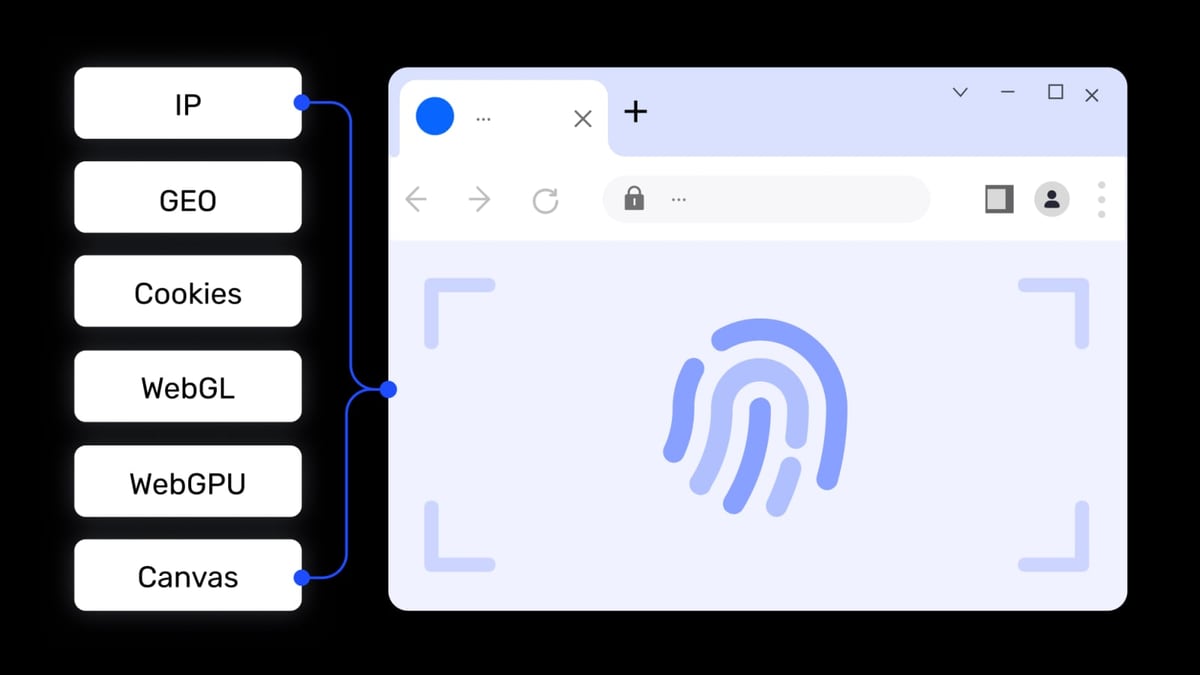
Platforms like Amazon, Facebook, Google, and TikTok actively track browser fingerprints—Canvas, WebGL, AudioContext, WebRTC, and more—to detect and block users running multiple accounts from the same device. Anti-detect browsers create isolated environments with unique fingerprints, making each account appear as a separate real user.
Both AdsPower and MuLogin offer this core functionality, but their approaches and feature sets differ significantly.
AdsPower Overview
AdsPower vs MuLogin: Which Anti-Detect Browser Wins in 2026? product interface and feature overview.
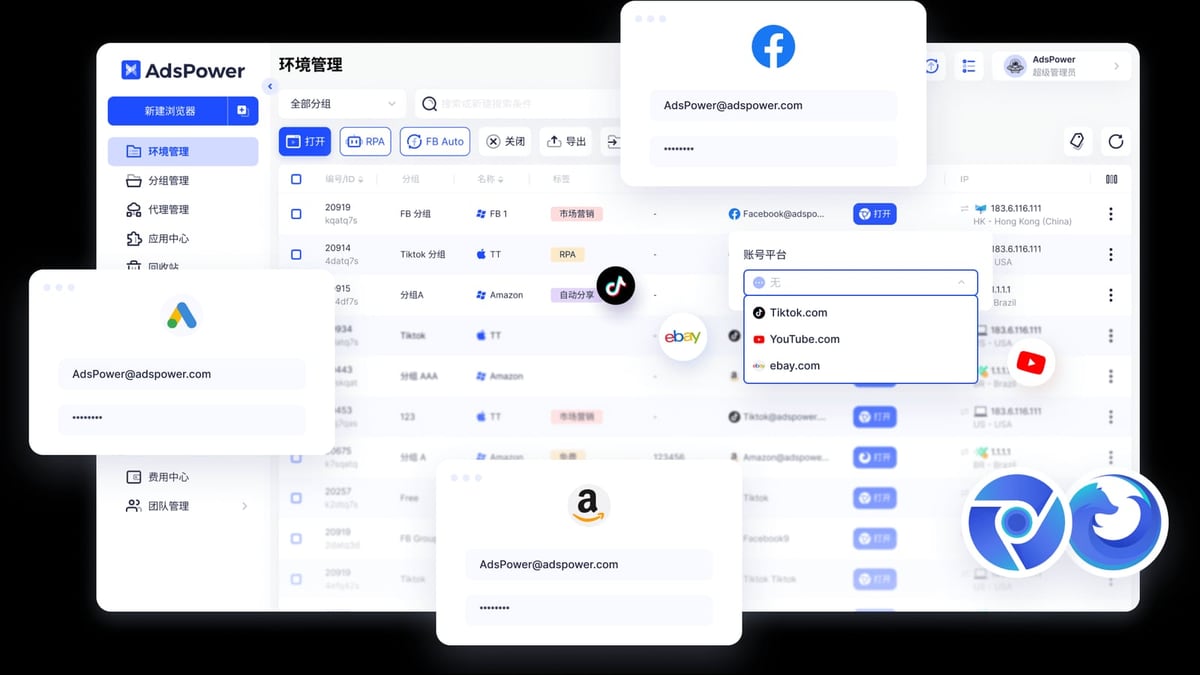
AdsPower is a professional anti-detect browser trusted by over 9 million users worldwide. It supports Chrome (SunBrowser) and Firefox (FlowerBrowser) dual kernels, provides 20+ customizable fingerprint parameters, and holds SOC 2 Type II, ISO 27001, and ISO 27701 certifications. Key features include:
- Fingerprint isolation with native kernel-level modifications (not JS injection)
- RPA automation with pre-built templates and drag-and-drop workflow creation
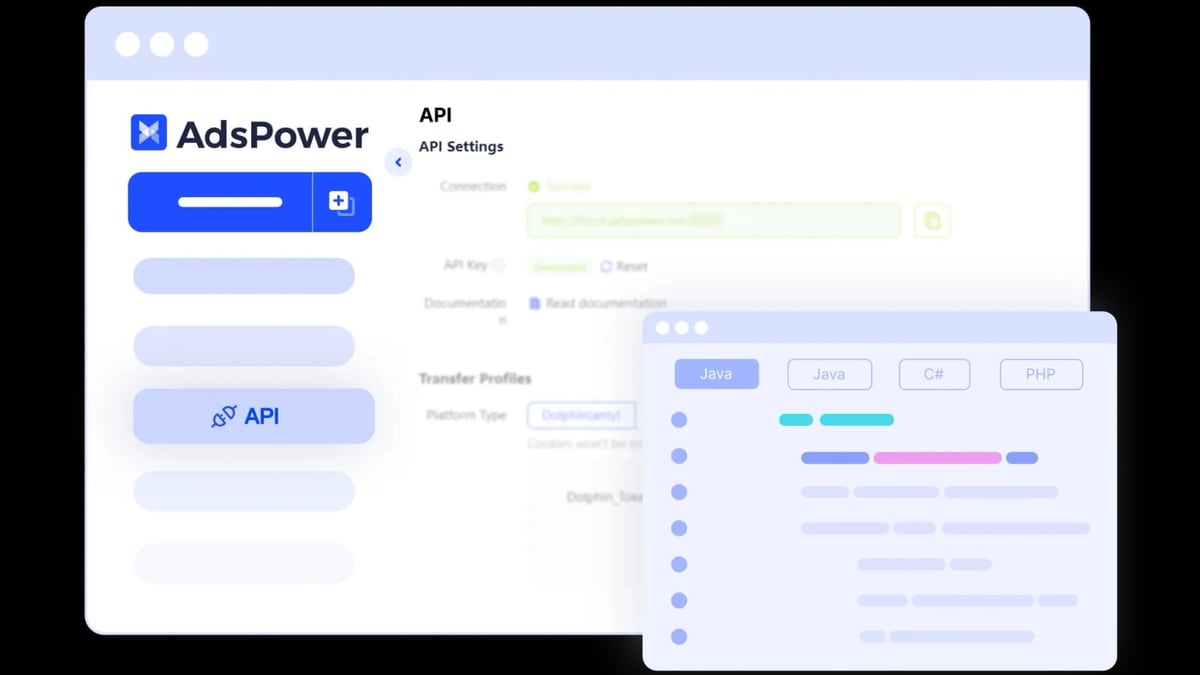
- Local API compatible with Selenium, Puppeteer, Playwright, and MCP protocol for AI agents
- Window synchronization for batch operations across multiple environments
- Team collaboration with role-based permissions and environment sharing
- Proxy support (HTTP, HTTPS, SOCKS5, SSH) with global network coverage
- Free tier with 2 browser environments
MuLogin Overview
AdsPower vs MuLogin: Which Anti-Detect Browser Wins in 2026? product interface and feature overview.
MuLogin is an anti-detect browser designed for secure multi-account management. It offers segregated browser profiles, fingerprint protection, batch creation, REST API, sub-account management, and proxy integration. Pricing starts at $59/month for up to 100 profiles. MuLogin emphasizes low prices and a user-friendly platform.
Head-to-Head Comparison: AdsPower vs MuLogin
AdsPower vs MuLogin: Which Anti-Detect Browser Wins in 2026? product interface and feature overview.
Fingerprint Protection and Undetectability
Both browsers modify browser fingerprints to prevent detection. However, AdsPower uses a native kernel-level approach—modifying Chromium and Firefox source code at the C++ level—rather than relying on JavaScript injection. This makes its fingerprint changes more consistent and harder for advanced detection systems to spot.
MuLogin also provides fingerprint customization, but independent tests and user reviews suggest its fingerprint consistency may be weaker than top-tier competitors. AdsPower has passed multiple public fingerprint scanner tests, while MuLogin’s track record is less documented.
Winner: AdsPower – Native kernel modifications offer stronger undetectability.
Automation Capabilities
Automation is critical for scaling account management. AdsPower offers a built-in RPA Robot with a visual drag-and-drop editor. You can create custom automation workflows without coding—or use pre-built templates from the RPA Marketplace for platforms like Facebook, Amazon, TikTok, and Google. The Local API also supports advanced integrations with Selenium, Puppeteer, and Playwright.
MuLogin provides a REST API for automation, but it lacks a visual RPA builder or pre-built templates. Users must have programming knowledge to build custom automations. This makes MuLogin less accessible for non-technical users.
Winner: AdsPower – RPA Robot and template marketplace make automation easier for everyone.
Batch Operations and Profile Management
When managing hundreds of accounts, batch operations save time. AdsPower supports:
- Mass creation, launch, and deletion of profiles
- Bulk import/export of cookies and proxies
- Batch editing of profile notes, tags, and settings
- Recycle Bin to restore deleted profiles within 7 days
MuLogin offers batch profile creation and proxy integration, but its bulk management options are more limited. It does not provide a recycle bin—once a profile is deleted, it’s gone forever.
Winner: AdsPower – More comprehensive batch tools and a safety net with the recycle bin.
Team Collaboration
For agencies and teams, collaboration features are essential. AdsPower provides:
- Role-based permissions (Admin, Manager, Member)
- Environment sharing and transfer
- Multi-level access control
- Activity logs for audit trails
MuLogin offers sub-account management, but its team features are less granular. User reviews indicate that AdsPower’s collaboration tools are more mature and flexible.
Winner: AdsPower – Richer permission controls and sharing options.
Pricing and Plans
| Feature | AdsPower | MuLogin |
|---|---|---|
| Free tier | 2 environments (permanent) | None |
| Starting price | $9/month (10 profiles) | $59/month (100 profiles) |
| Annual discount | Up to 20% off | Quarterly discounts available |
| Custom plans | Yes (profile + team member count) | No |
| Free trial | 3-day trial for paid plans | Not specified |
AdsPower’s entry-level plan is significantly cheaper, and the free tier allows you to test the browser before committing. MuLogin’s minimum plan is $59/month, which may be overkill for small-scale users.
Winner: AdsPower – Lower starting price, free tier, and flexible custom plans.
Security and Compliance
AdsPower holds SOC 2 Type II, ISO 27001, and ISO 27701 certifications—independent audits that verify its data security and privacy practices. MuLogin does not publicly list comparable certifications.
Winner: AdsPower – Third-party validated security standards.
When Should You Choose MuLogin?
MuLogin may be a reasonable choice if:
- You need a simple, no-frills anti-detect browser
- You manage a small number of accounts and don’t require advanced automation
- You are on a tight budget and can work within MuLogin’s feature set
However, for most use cases—especially scaling operations—AdsPower offers better value and capability.
Real-World Use Case: Scaling an E-Commerce Business
Imagine you run an Amazon FBA business with 50 seller accounts. You need to:
- Create unique browser profiles for each account
- Automate daily tasks like checking orders and repricing
- Collaborate with a virtual assistant who handles customer service
With AdsPower, you can:
- Create 50 profiles in minutes using batch import
- Use the RPA Robot to automate repricing across all accounts
- Share specific profiles with your VA while restricting access to financial data
- Restore a profile from the Recycle Bin if someone deletes it by mistake
MuLogin would require manual profile creation and custom API coding for automation, making the same workflow slower and more error-prone.
Related reading
- AirdropAlert Review 2026: Is It the Best Airdrop Aggregator? - Honest AirdropAlert review covering features, pricing, user feedback, and setup. See if this airdrop aggregator suits your farming strategy.
- Top 10 Cryptocurrency Market Data Platforms 2026 - Discover the 10 best crypto market data platforms for 2026. Expert-ranked list with real-time prices, on-chain analytics, APIs, and more.
Sources and further reading
- Why You Should Choose AdsPower Instead of Multilogin - In this article, we compare AdsPower and Multilogin in terms of undetectability, pricing, features, and automation tools.
Frequently Asked Questions
Is AdsPower better than MuLogin for Facebook ad accounts?
Yes. AdsPower offers dedicated Facebook automation tools (FB Auto) and RPA templates for Facebook workflows. MuLogin lacks these specialized features.
Can I use AdsPower for free?
Yes. AdsPower has a permanent free plan with 2 browser environments. You can also get a 3-day free trial for paid plans.
Does MuLogin support team collaboration?
MuLogin offers sub-account management, but its team features are less advanced than AdsPower’s role-based permissions and environment sharing.
Which browser is more secure?
AdsPower holds SOC 2 Type II, ISO 27001, and ISO 27701 certifications, indicating rigorous data security and privacy practices. MuLogin does not publicly disclose similar certifications.
Can I migrate from MuLogin to AdsPower?
Yes. AdsPower supports importing cookies and proxy settings, making migration straightforward. You can also use the Local API to automate bulk profile creation.
Conclusion
Both AdsPower and MuLogin are capable anti-detect browsers, but AdsPower clearly leads in fingerprint protection, automation, batch management, team collaboration, and pricing flexibility. Its native kernel-level fingerprinting, built-in RPA Robot, and comprehensive security certifications make it a more reliable and scalable choice for serious multi-account operators.
If you’re just starting out or running a small operation, MuLogin’s lower starting price may seem attractive—but the lack of automation tools and limited batch features will quickly become bottlenecks as you grow.
For most users, AdsPower is the smarter investment.
Ready to try AdsPower? Sign up for the free plan and see how it streamlines your multi-account management.
For more comparisons, check out our AdsPower vs RoxyBrowser vs MuLogin: 2026 Anti-Detect Browser Comparison and AdsPower vs Linken Sphere: Which Anti-Detect Browser Wins?.
Learn how to integrate proxies: AdsPower + Bright Data: Setup Guide for Multi-Account Security.