
AdsPower vs Indigo vs GoLogin: 2026 Anti-Detect Browser Comparison
Take a Quick Look
Compare AdsPower, Indigo, and GoLogin anti-detect browsers. See strengths, weaknesses, pricing, and which tool fits your multi-account workflow.
🔥 Limited-Time Offer! Save extra 10% off on your first monthly plan with code: Anitdetect10
Sign upAdsPower vs Indigo vs GoLogin: Which Anti-Detect Browser Wins in 2026?
Managing multiple online accounts without getting banned is a constant challenge for e-commerce sellers, affiliate marketers, social media managers, and traffic arbitrage professionals. Anti-detect browsers like AdsPower, Indigo, and GoLogin promise to solve this by creating isolated browser environments with unique digital fingerprints. But which one is right for your workflow?
This comparison breaks down the strengths of each tool, focusing on where each product truly excels. We’ll look at fingerprinting technology, automation, pricing, security, and real-world use cases so you can make an informed decision.
Why Anti-Detect Browsers Matter in 2026
AdsPower vs Indigo vs GoLogin: 2026 Anti-Detect Browser Comparison product interface and feature overview.
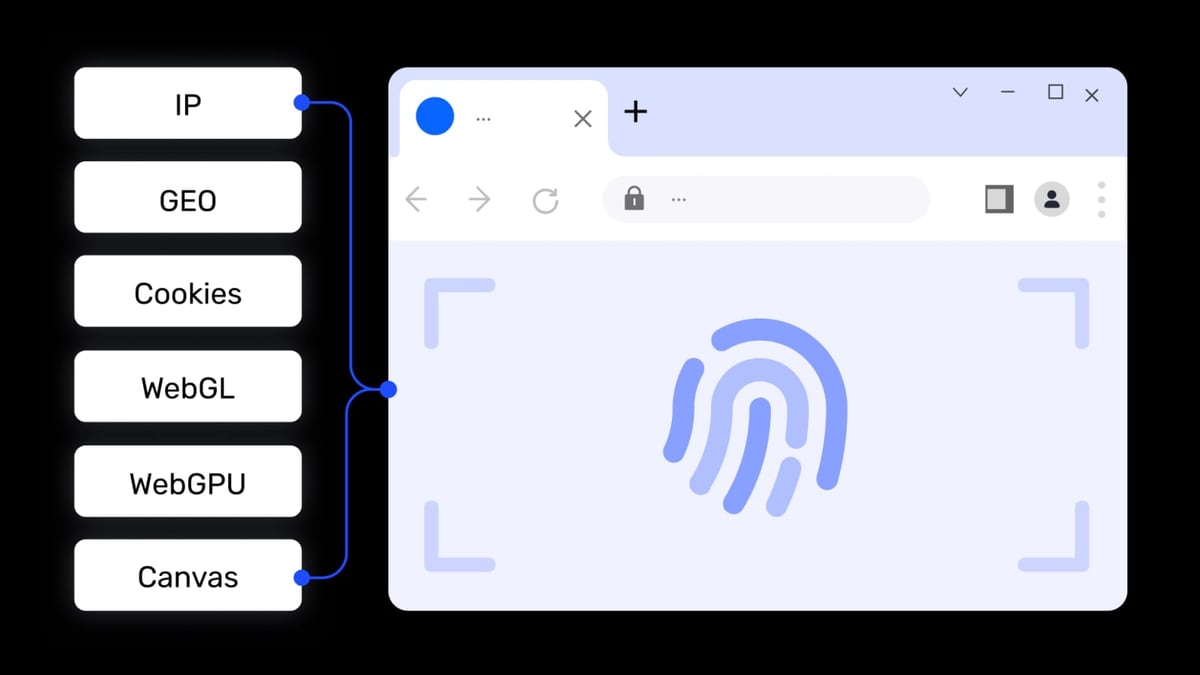
Platforms like Amazon, Facebook, Google, and TikTok actively track browser fingerprints to detect and block users running multiple accounts. Anti-detect browsers spoof parameters like Canvas, WebGL, Audio, WebRTC, and screen resolution, making each browser profile appear as a unique device. This allows you to operate dozens or hundreds of accounts from a single computer without triggering bans.
AdsPower: Best for Automation and Team Collaboration
AdsPower vs Indigo vs GoLogin: 2026 Anti-Detect Browser Comparison product interface and feature overview.
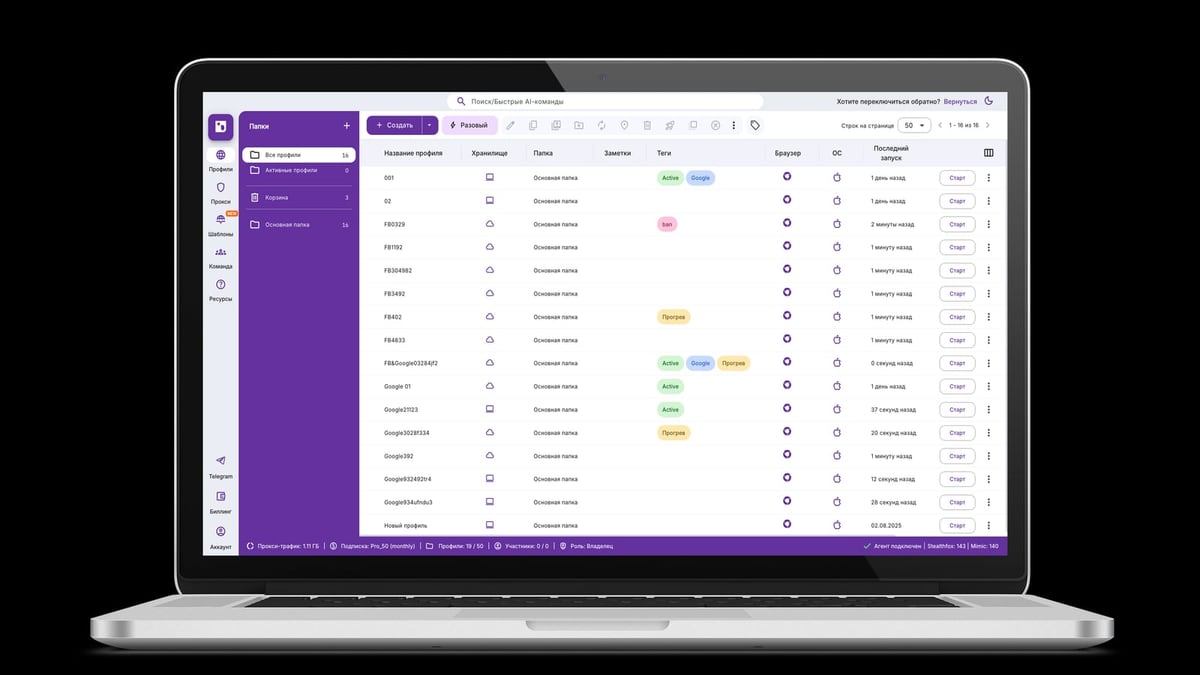
AdsPower is a professional anti-detect browser trusted by over 9 million users worldwide. It’s particularly strong in cross-border e-commerce, social media marketing, and enterprise automation.
Key Strengths of AdsPower
- Dual Kernel Support: AdsPower offers SunBrowser (based on Chromium) and FlowerBrowser (based on Firefox), giving you flexibility for different platforms.
- RPA Automation: Its built-in Robotic Process Automation (RPA) lets you record and replay actions like clicks, scrolling, and data entry without coding. This is ideal for repetitive tasks like account registration or social media engagement.
- Window Synchronization: Perform batch operations across multiple browser environments simultaneously—useful for managing multiple storefronts or ad accounts.
- Local API for Developers: Integrate with Selenium, Puppeteer, Playwright, or MCP protocol for AI agent automation. This makes AdsPower a strong choice for technical teams.
- Team Collaboration: Role-based permissions, environment sharing, and operation logs streamline teamwork.
- Security Certifications: SOC 2 Type II, ISO 27001, and ISO 27701 certified, with strong encryption and 2FA.
- Free Tier: Start with 2 browser environments for free, with paid plans from $9/month.
Where AdsPower Falls Short
- User Interface: The interface can feel cluttered and overwhelming, especially for beginners. Setup and proxy configuration require multiple clicks.
- Learning Curve: Advanced features like kernel switching and RPA workflows demand technical knowledge.
- Pricing at Scale: While entry-level plans are affordable, adding team seats and more profiles can become expensive compared to competitors.
Indigo: Best for Traffic Arbitrage and High Anonymity
AdsPower vs Indigo vs GoLogin: 2026 Anti-Detect Browser Comparison product interface and feature overview.
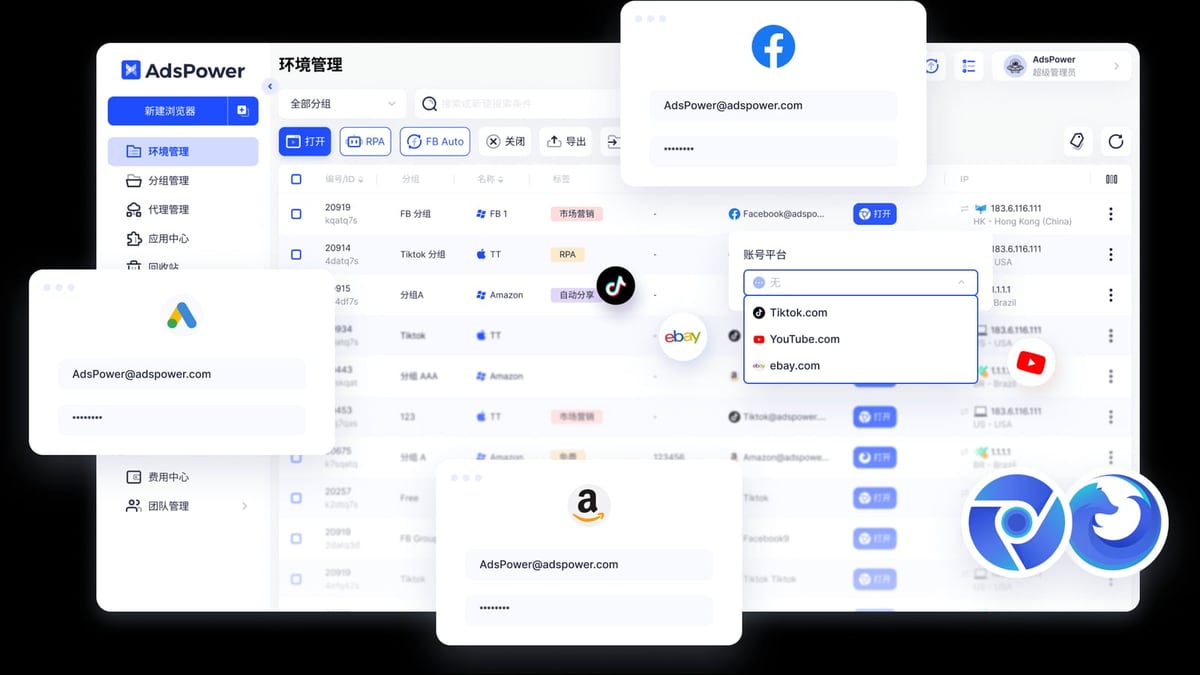
Indigo is a Russian-developed anti-detect browser focused on traffic arbitrage, web scraping, and crypto activities like bounty hunting and airdrop farming. It emphasizes stability and privacy.
Key Strengths of Indigo
- Dual Engine Options: Stealthfox (based on Firefox) and Mimic (based on Chromium) provide high anonymity with frequent fingerprint database updates (last update: December 12, 2024).
- Reliability: 99.98% uptime ensures your profiles are always accessible.
- Cloud Storage: Choose between local or encrypted cloud storage for your browser profiles, adding an extra layer of security.
- Access Control: Granular project-level permissions make it easy to manage team access.
- API Automation: Full REST API for integrating with custom workflows and scraping tools.
- 7 Years of Development: The product is backed by long-term expertise in anti-detection technology, with regular updates to fingerprint databases.
Where Indigo Excels
Indigo is particularly well-suited for traffic arbitrage specialists who need to run hundreds of ad accounts without detection. Its focus on high anonymity and stability makes it a favorite among crypto bounty hunters and airdrop farmers. The encrypted cloud storage option is a plus for users handling sensitive data.
Where Indigo Falls Short
- Niche Focus: Indigo is less known outside of Russian-speaking markets, which may limit community support and English-language resources.
- Limited Integration: While it has an API, it lacks the extensive pre-built automation templates and third-party integrations found in AdsPower.
- No Free Tier: Indigo does not offer a permanent free plan, though it may have trial options.
GoLogin: Best for Cross-Platform Compatibility and Ease of Use

AdsPower vs Indigo vs GoLogin: 2026 Anti-Detect Browser Comparison product interface and feature overview.
GoLogin is a US-based anti-detect browser designed for professionals who need a simple, scalable solution for managing multiple accounts. It’s popular among e-commerce dropshippers, social media managers, and digital marketers.
Key Strengths of GoLogin
- Cross-Platform Support: Works on Windows, macOS, Linux, Android, and even via cloud browser (no installation needed). This is a major advantage for mobile-heavy workflows.
- Built-in Proxy: GoLogin includes 2GB of proxy data with paid plans, simplifying proxy management.
- User-Friendly Interface: Clean, intuitive design that’s easy for beginners. Profile creation and proxy setup are streamlined.
- Cloud Launch: Run browser profiles in the cloud, freeing up local resources and enabling access from any device.
- Frequent Updates: Regular automatic updates keep fingerprint databases current and security tight.
- 7-Day Free Trial: Test all features before committing.
Where GoLogin Excels
GoLogin’s Android app and cloud browser make it the best choice for users who need to manage accounts on the go or from mobile devices. Its simplicity and built-in proxy reduce setup time, making it ideal for non-technical users.
Where GoLogin Falls Short
- No Firefox Kernel: GoLogin only uses a Chromium-based engine (Orbita), which may be a limitation for some platforms.
- No iOS Fingerprint: Unlike AdsPower, GoLogin does not support iOS device fingerprint spoofing.
- Pricing: Entry-level plans start at $49/month, which is higher than AdsPower’s $9/month starter plan.
Head-to-Head Comparison
Pricing
| Tool | Free Tier | Starter Plan | Mid-Tier Plan | Enterprise Plan |
|---|---|---|---|---|
| AdsPower | 2 profiles | $9/month (10 profiles) | $36/month (100 profiles) | Custom |
| Indigo | Not available | Contact sales | Contact sales | Contact sales |
| GoLogin | 7-day trial | $49/month (100 profiles) | $99/month (300 profiles) | $199/month (1000 profiles) |
Winner: AdsPower for affordability at small scale; GoLogin for value at scale (annual discounts up to 50%).
Fingerprint Customization
- AdsPower: 20+ customizable parameters, dual kernel (Chrome + Firefox), iOS fingerprint support.
- Indigo: Advanced fingerprint spoofing with frequent database updates, dual engine (Stealthfox + Mimic).
- GoLogin: Standard fingerprint randomization, Chromium only, no iOS support.
Winner: AdsPower for breadth of options; Indigo for depth of anonymity.
Automation
- AdsPower: Built-in RPA with drag-and-drop workflow, local API for Selenium/Puppeteer/Playwright, MCP protocol for AI agents.
- Indigo: REST API for custom automation, but no no-code RPA.
- GoLogin: REST API, Selenium/Puppeteer integration, but no built-in RPA.
Winner: AdsPower for no-code and enterprise automation.
Platform Compatibility
- AdsPower: Windows, macOS, Linux.
- Indigo: Windows, macOS, Linux.
- GoLogin: Windows, macOS, Linux, Android, cloud browser.
Winner: GoLogin for cross-platform reach.
Security
- AdsPower: SOC 2 Type II, ISO 27001, ISO 27701, 2FA, encrypted storage.
- Indigo: Encrypted cloud storage, 2FA, high uptime (99.98%).
- GoLogin: AES-256 encryption, 2FA, no known data breaches.
Winner: Tie – all three offer strong security, though AdsPower has formal certifications.
When to Choose Each Tool
Choose AdsPower if:
- You need powerful no-code automation (RPA) for repetitive tasks.
- You manage a team and require role-based permissions and environment sharing.
- You need iOS fingerprint support for mobile ad platforms like TikTok or Pinterest.
- You want a free tier to start small and scale up.
Choose Indigo if:
- You specialize in traffic arbitrage or crypto bounty hunting.
- You prioritize high anonymity and frequent fingerprint updates.
- You need encrypted cloud storage for sensitive profiles.
- You prefer a tool with a long track record in anti-detection (7+ years).
Choose GoLogin if:
- You need to manage accounts from mobile devices (Android app).
- You want a simple, beginner-friendly interface with built-in proxy.
- You require cloud-based browser profiles to save local resources.
- You value cross-platform compatibility (Windows, macOS, Linux, Android, cloud).
Related reading
- Top 10 Cryptocurrency Market Data Platforms 2026 - Discover the 10 best crypto market data platforms for 2026. Expert-ranked list with real-time prices, on-chain analytics, APIs, and more.
- AdsPower + Bright Data: Setup Guide for Multi-Account Security - Step-by-step guide to integrate Bright Data proxies with AdsPower anti-detect browser. Learn setup, workflows, and real-world use cases.
FAQ
Can I use AdsPower, Indigo, or GoLogin for free?
AdsPower offers a permanent free plan with 2 browser profiles. GoLogin provides a 7-day free trial of paid features. Indigo does not have a free tier but may offer trial access.
Which tool is best for beginners?
GoLogin is the most beginner-friendly due to its clean interface and built-in proxy. AdsPower has a steeper learning curve but offers more advanced features.
Do these browsers support proxy integration?
Yes, all three support HTTP, HTTPS, SOCKS5, and SSH proxies. GoLogin includes 2GB of proxy data with paid plans. AdsPower integrates with providers like Bright Data and Oxylabs. Indigo allows custom proxy configuration.
Are these browsers safe?
All three use encryption, firewalls, and 2FA. AdsPower holds SOC 2 and ISO certifications. GoLogin has no reported data breaches. Indigo offers encrypted cloud storage. Always use trusted proxies and practice good operational security.
Can I automate tasks with these tools?
AdsPower has the strongest automation features with built-in RPA and local API. GoLogin and Indigo offer REST API and Selenium/Puppeteer integration but lack no-code RPA.
Conclusion
Choosing between AdsPower, Indigo, and GoLogin depends on your specific workflow and technical comfort. AdsPower is the best all-rounder for automation and team collaboration. Indigo excels in high-anonymity scenarios like traffic arbitrage. GoLogin wins on cross-platform compatibility and ease of use.
For a deeper dive into anti-detect browser comparisons, check out our AdsPower vs MuLogin comparison and AdsPower vs RoxyBrowser vs MuLogin. If you’re into crypto airdrops, see our AirdropAlert review for tools that pair well with anti-detect browsers.
Note: Always test a tool with a free trial or free plan before committing. Your account security depends on choosing the right fingerprint browser for your needs.