
AdsPower vs RoxyBrowser vs Incogniton: 2026 Comparison
Take a Quick Look
Compare AdsPower, RoxyBrowser, and Incogniton on fingerprinting, automation, proxies, team features, and pricing to pick the right antidetect browser.
🔥 Limited-Time Offer! Save extra 10% off on your first monthly plan with code: Anitdetect10
Sign upAdsPower vs RoxyBrowser vs Incogniton: Which Antidetect Browser Fits Your Workflow?
Choosing an antidetect browser is less about finding a single winner and more about matching isolation, automation, and team features to how you actually work. AdsPower, RoxyBrowser, and Incogniton all create separate browser profiles with distinct fingerprints, but they differ in automation depth, proxy handling, collaboration, and price. This comparison breaks down where each tool is genuinely strong so you can decide without relying on marketing claims.
Quick comparison table
AdsPower vs RoxyBrowser vs Incogniton: 2026 Comparison - Quick comparison table.
| Criterion | AdsPower | RoxyBrowser | Incogniton |
|---|---|---|---|
| Core purpose | Multi-account operations with isolated fingerprints | Identity protection and multi-account management | Anonymous multi-profile management |
| Fingerprint isolation | Canvas, WebGL, User Agent, IP and more | Advanced fingerprint isolation per profile | Browser fingerprint spoofing and profile isolation |
| Automation | RPA and Local API | Puppeteer, Selenium, Playwright | Selenium on higher plans |
| Proxy integration | Yes, broad proxy support | Tight integration with RoxyIP | Yes, with GEO tagging |
| Team collaboration | Yes | Workspaces | Role-based access on paid plans |
| Free tier | Free plan available | 7-day free trial | Generous free starting tier |
| Platforms | Desktop | Windows and macOS | Windows and macOS |
| Best fit | E-commerce, social, affiliate, agencies | Social, e-commerce, SEO, ads, crypto | Solo operators, freelancers, small teams |
How each browser approaches fingerprint isolation
AdsPower vs RoxyBrowser vs Incogniton: 2026 Comparison - How each browser approaches fingerprint isolation.
All three tools solve the same core problem: keeping accounts from being linked through shared browser signals. The difference is in how much control and depth they offer.
AdsPower
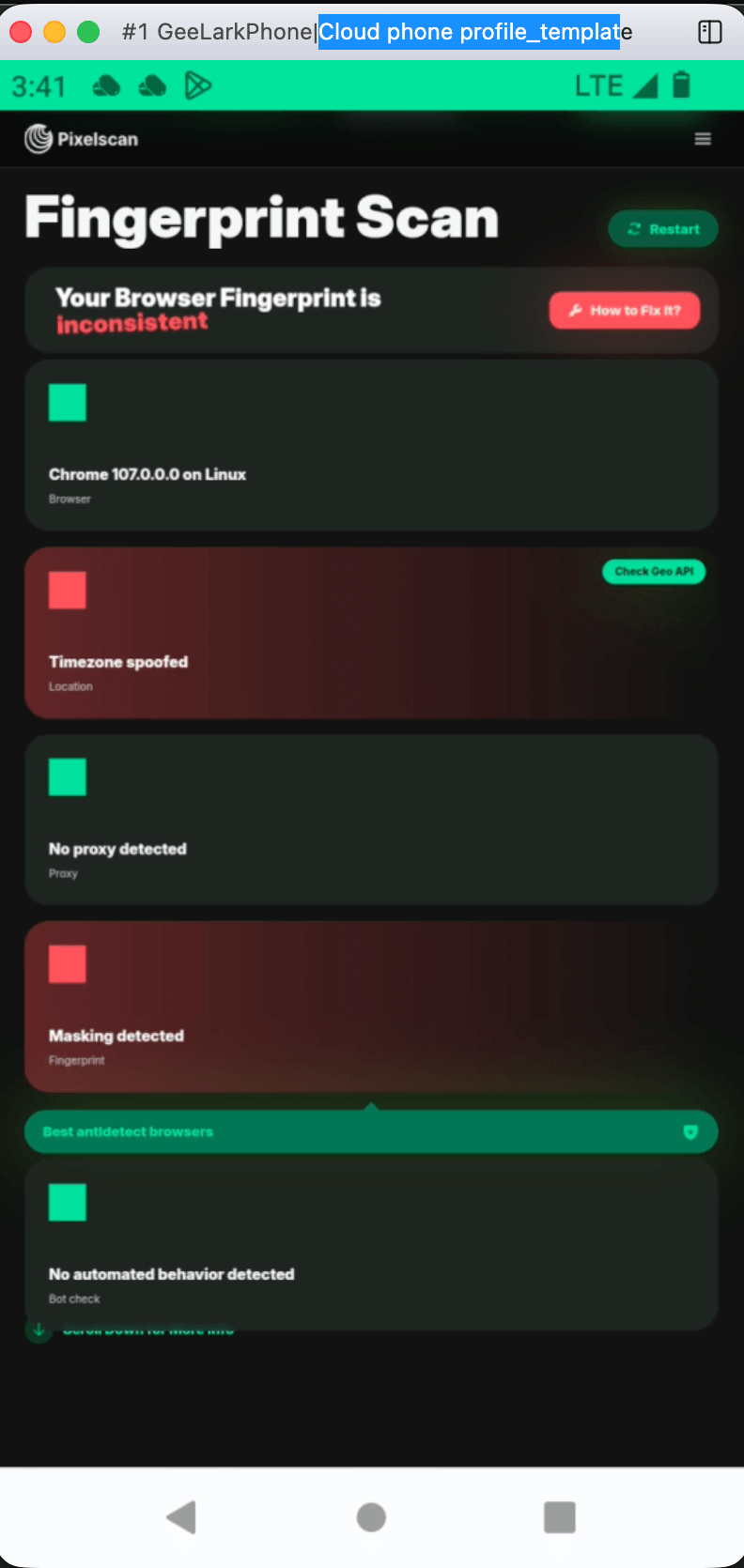
AdsPower builds an isolated environment for every profile, with unique fingerprints covering Canvas, WebGL, User Agent, IP, and other parameters. That isolation is the foundation for managing multiple accounts on platforms like Amazon, Facebook, Google, and TikTok from a single device. If you want to verify how clean a profile looks before scaling, pairing it with a fingerprint checker is a practical step — see our AdsPower and Pixelscan workflow for testing fingerprints and catching leaks early.
RoxyBrowser
RoxyBrowser emphasizes advanced fingerprint isolation that creates a unique browser environment for each profile. It is positioned as a lightweight option for protecting digital identities, and it integrates seamlessly with RoxyIP proxy infrastructure. For users who want proxy and browser handled together, that pairing reduces setup friction.
Incogniton
Incogniton focuses on the essentials: browser fingerprint spoofing, profile isolation, cookie management, and proxy integration. It does not try to cover every advanced scenario, which makes it approachable for users who mainly need clean, separate browser identities without a steep learning curve.
Automation and scripting support

AdsPower vs RoxyBrowser vs Incogniton: 2026 Comparison - Automation and scripting support.
Automation is where the three tools diverge most clearly.
- AdsPower offers RPA and a Local API, which supports scripted workflows and repetitive task automation. This matters for teams running bulk profile operations or scheduled actions.
- RoxyBrowser supports Puppeteer, Selenium, and Playwright, giving developers familiar frameworks to automate tasks safely across profiles.
- Incogniton provides Selenium support on its Pro+ plans, which is enough for basic automated browser control but less expansive than the other two.
If your workflow depends on custom scripts, check which automation layer matches your stack before committing. For proxy-heavy automation, our guide on using AdsPower with Oxylabs walks through residential, datacenter, and ISP proxy setups for data collection.
Proxy integration and IP hygiene
A browser profile is only as clean as the IP behind it. All three tools support proxy integration, but the emphasis differs.
- RoxyBrowser pairs naturally with RoxyIP, making it a convenient choice if you already use that proxy infrastructure.
- AdsPower supports a broad range of proxy providers, which is useful when you need to match IPs to specific geographies or account types. See our Webshare proxy setup guide for single and bulk proxy configuration.
- Incogniton includes proxy support with GEO tagging, helping align profiles with target regions.
Whichever tool you choose, understanding proxy types helps. Our SOCKS5 proxy guide explains how SOCKS5 compares to HTTP proxies and VPNs for multi-accounting and scraping.
Team collaboration and scaling
Team features separate hobbyist tools from agency-grade platforms.
- AdsPower supports team collaboration and cross-device synchronization, which suits agencies and distributed teams managing client accounts.
- RoxyBrowser offers Workspaces for team collaboration, a clean way to organize profiles by project or client.
- Incogniton provides role-based access on paid plans, which is sufficient for small teams but less built out for large operations.
If you are comparing broader team-oriented options, our AdsPower vs Multilogin vs Dolphin Anty breakdown covers fingerprinting, automation, pricing, and team features side by side.
Pricing and free access
Pricing structures differ enough that the cheapest option depends on your profile count and feature needs.
- AdsPower offers a free plan plus paid subscriptions with advanced features, and its automation tools are available across tiers according to independent rankings.
- RoxyBrowser provides a 7-day free trial and scalable pricing from free to enterprise plans, with a low per-profile cost noted in independent testing.
- Incogniton is recognized for a generous free starting tier and crypto payment support, making it accessible for solo operators testing the waters.
Independent rankings can help normalize costs. The Undetectable Browsers ranking scores tools on a consistent rubric, and it places AdsPower as a strong value pick with RPA and API available on all tiers.
Which should you choose?
- Choose AdsPower if you need a comprehensive multi-account platform with RPA, Local API, team collaboration, and broad proxy support for e-commerce, social media marketing, affiliate marketing, or agency work.
- Choose RoxyBrowser if you want a lightweight antidetect browser with strong fingerprint isolation, native RoxyIP integration, and developer-friendly automation via Puppeteer, Selenium, or Playwright.
- Choose Incogniton if you are a solo operator, freelancer, or small team that needs straightforward profile isolation, cookie management, and proxy support at a low entry cost.
There is no universal best antidetect browser — only the best fit for your account volume, automation needs, and team structure.
Related reading
- How to Use AdsPower with AirdropAlert: Setup & Workflow - Learn how to pair AdsPower anti-detect browser with AirdropAlert to find, track, and safely farm crypto airdrops across multiple accounts.
Sources and further reading
- 9 Best RoxyBrowser Alternatives in 2026 - Multilogin - Looking for RoxyBrowser alternatives? Explore the 9 best RoxyBrowser alternatives in 2026 for multi-accounting
- Best antidetect browser + proxies combos (guide on personal ... - Jun 9, 2026 ... Incogniton + IPRoyal. This felt like the best beginner-friendly ... For anti detect work I'd pair AdsPower or Multilogin with Qoest ...
Frequently asked questions
Is AdsPower better than RoxyBrowser and Incogniton?
It depends on your requirements. AdsPower has broader automation options (RPA and Local API) and team collaboration, while RoxyBrowser emphasizes lightweight fingerprint isolation and RoxyIP integration, and Incogniton focuses on simplicity and a generous free tier. Match the tool to your workflow rather than assuming one is universally superior.
Can I use these antidetect browsers for free?
AdsPower offers a free plan, RoxyBrowser provides a 7-day free trial, and Incogniton has a generous free starting tier. Free access usually comes with profile limits, so check current plan details before scaling.
Which antidetect browser supports the most automation frameworks?
RoxyBrowser explicitly supports Puppeteer, Selenium, and Playwright. AdsPower offers RPA and a Local API. Incogniton provides Selenium support on higher-tier plans. The right choice depends on which framework your team already uses.
Do I need proxies with an antidetect browser?
Yes. Fingerprint isolation handles browser signals, but IP addresses also need to be separate and consistent. All three tools support proxy integration, and matching proxies to profile geographies improves account stability.
Are antidetect browsers legal?
The software itself is legal in most jurisdictions and is used for privacy and account management. Legality depends on how you use it — violating platform terms of service or committing fraud is not acceptable. Always check the rules that apply to your situation.
Conclusion
AdsPower, RoxyBrowser, and Incogniton each solve multi-account management with different priorities. AdsPower leans toward comprehensive operations with automation and team features, RoxyBrowser toward lightweight isolation with proxy and developer integrations, and Incogniton toward accessible, budget-friendly profile management. Evaluate your automation stack, proxy setup, team size, and budget, then test the free tier or trial that fits. That practical trial will tell you more than any feature list.