
Top 10 Antidetect Browser & Cloud Phone Platforms 2026
Take a Quick Look
Independent 2026 ranking of the top 10 antidetect browser and cloud phone platforms, scored on fingerprint depth, mobile support, automation, and pricing.
Top 10 Antidetect Browser and Cloud Phone Platforms 2026
Antidetect browsers and cloud phone platforms solve the same core problem from two directions: keeping many online identities separate so platforms do not link them. In 2026 the category has split. Some tools are desktop-first fingerprint managers. Others ship real Android cloud phones or native mobile apps. A few try to do both.
This ranking covers products that genuinely belong to the antidetect browser and cloud phone platform category. It weighs fingerprint consistency, mobile and cloud phone depth, automation, team features, platform coverage, and real pricing signals. Every entry is backed by vendor documentation or independent testing published in 2026. AdsPower appears only as a workflow reference where it is relevant to a decision, not as a ranked member of this category.
How We Evaluated These Platforms
First viewport screenshot of Best Use Cases For MoreLogin Antidetect Browser..
We scored each product on six criteria, weighted in this order:
- Fingerprint consistency — whether a profile holds together as a real device across Canvas, WebGL, network, and hardware signals.
- Mobile and cloud phone depth — real Android environments versus desktop browsers pretending to be phones.
- Automation and API — local API, Selenium, Puppeteer, Playwright, RPA builders, and AI agent support.
- Team and collaboration — seats, role-based access, profile sharing, and audit controls.
- Platform coverage — Windows, macOS, Linux, Android, and cloud sessions.
- Value and transparency — free tier limits, price at 10 and 100 profiles, and whether large-volume pricing is public.
One caveat applies to every tool below: passing a fingerprint checker means the profile is internally consistent, not that it is invisible. Proxy quality and human-like behavior still decide most outcomes.
The Top 10 in 2026
First viewport screenshot of MoreLogin Pricing - Choose the Best Antidetect Browser Package for Your Needs.
1. Multilogin — Best for High-Stakes Desktop Work with Cloud Phones
Multilogin remains the depth leader for teams whose accounts carry real financial risk. It ships two engines, Mimic (Chromium) and Stealthfox (Firefox), plus a separate Android cloud phone product. In independent 2026 testing, a default macOS profile with a clean residential proxy passed Pixelscan, Iphey, and CreepJS cleanly, with the GPU read at high confidence.
The trade-off is cost and access. There is no free tier, only a short paid trial, and pricing starts around $11 per month for 10 profiles. Team seats begin at higher tiers. If your accounts are worth protecting and you need browser profiles plus cloud phones in one contract, this is the benchmark.
2. GoLogin — Best All-Rounder with a Native Android App
GoLogin is the only major provider in this list with a true native Android app, not a desktop browser in mobile mode. It runs on Orbita, its own Chromium fork, and supports Windows, macOS, Linux, and Android, plus a cloud browser and cloud Android product on paid plans.
The free tier is genuine: 3 profiles with no time limit, though API and team features are locked. Paid plans start around $9 per month for 10 profiles, and the Enterprise tier covers very large profile counts on a fixed price. Automation includes a REST API, Selenium and Puppeteer guides, and a browser MCP for AI agent workflows.
GoLogin is the safest default for mixed desktop and mobile operations that do not require real ARM hardware.
3. MoreLogin — Best Free Tier with Cloud Phones and No-Code Automation
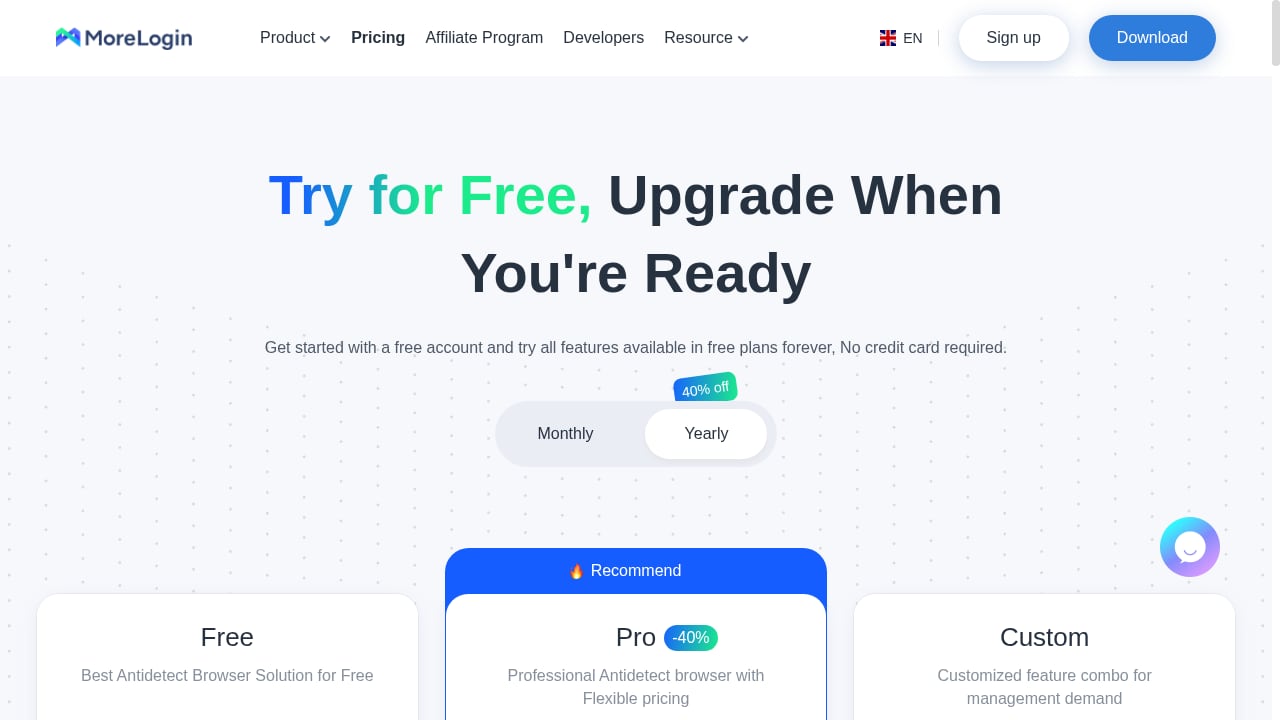
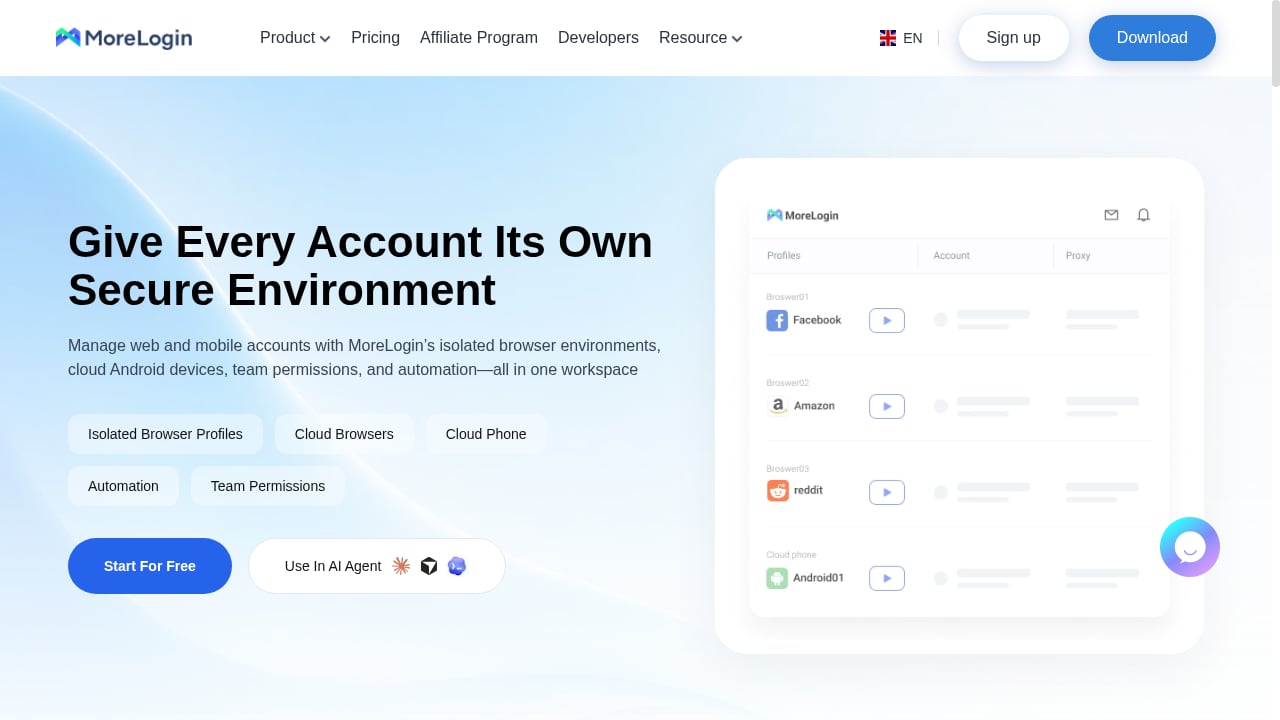
MoreLogin combines isolated browser profiles with full Android cloud phone environments, which makes it one of the few platforms in this list that covers both sides of the category. The free plan includes 2 profiles and 2 users, and unusually for a free tier, it includes Local API access. Pro lists at $5.4 per month on yearly billing for 10 profiles, with custom enterprise options for larger volumes.
Its differentiators are operational. A synchronizer repeats clicks and navigation across profiles, no-code RPA handles browser and mobile tasks, and the AI Hub with Commander and Creator Hub supports account workflows and content preparation. Password protection and remote team access round out the collaboration story.
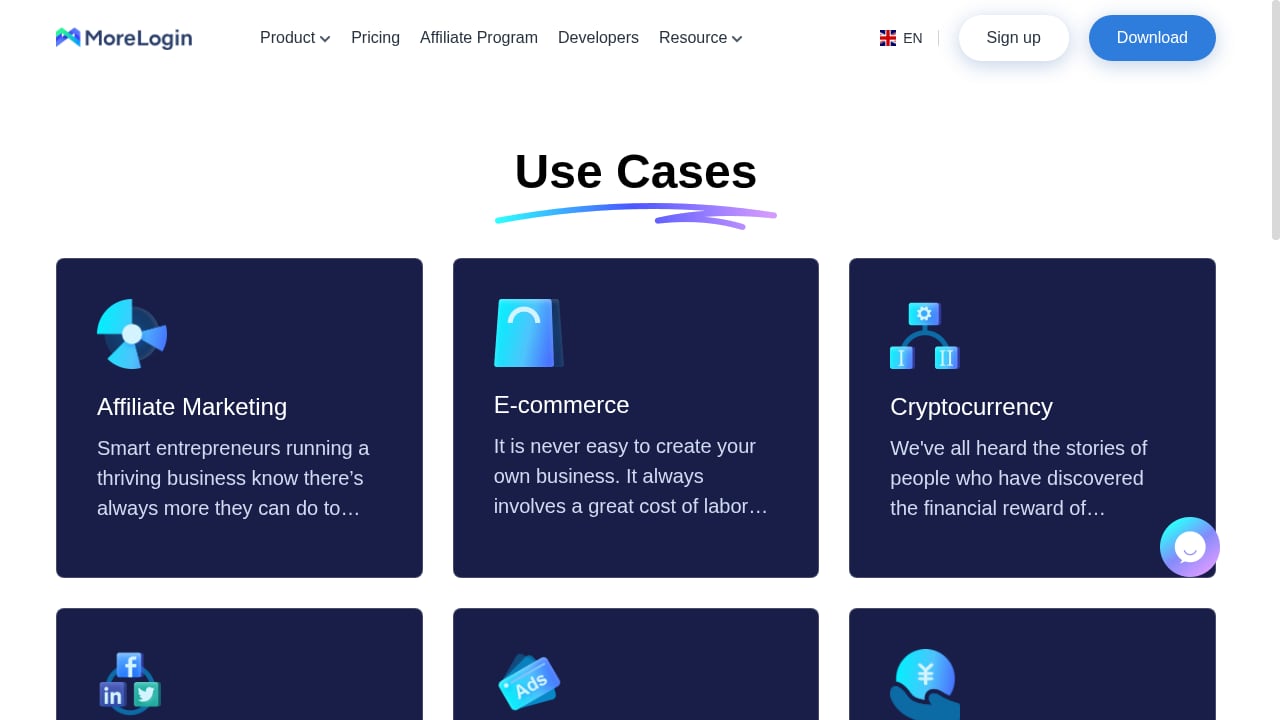
MoreLogin fits affiliate marketers, crypto traders, e-commerce sellers, social media agencies, ticketing professionals, and traffic arbitrageurs who need browser and mobile identities in one place. If you want to compare it against a pure cloud phone tool, our GeeLark review for 2026 covers where cloud phones alone start to strain.
4. GeeLark — Best Dedicated Cloud Phone Platform
GeeLark is a cloud phone platform built around real Android environments rather than desktop fingerprint imitation. It targets mobile-first operations: TikTok and Instagram agencies, app testing teams, and affiliates whose traffic must originate from mobile devices.
Pricing combines a low base fee with usage-based billing for phone time, and the free tier includes 2 phones with a 30-minute allowance. Automation is handled through RPA-style task flows rather than a full desktop API. The main limitation is that GeeLark is not a desktop antidetect browser, so teams running both web and mobile accounts often pair it with a browser profile manager.
5. Octo Browser — Best for Very Large Profile Fleets
Octo Browser uses its own Chromium fork, Octium, and prices for volume rather than features. There is no free plan, which makes evaluation harder, but the paid tiers scale aggressively: Lite at roughly €10 per month for 3 profiles, Base at €79 for 200 profiles, and Advanced at €329 with a very high profile limit. API access starts at the Base tier, and seats are included in the tier price rather than billed per user.
For operations running thousands of profiles on one subscription, Octo's cost curve is hard to beat. For anyone who wants to test before paying, it is the weakest entry in this list.
6. Dolphin Anty — Best for Media Buying Teams
Dolphin Anty is built around ad arbitrage and media buying workflows. It includes a scenario builder for automation, a free plan with 5 profiles for one user, and a Starter tier at $10 per month covering up to 60 profiles. Base costs $89 per month for 100 profiles.
The catch is team scaling. Extra seats are billed per user, which makes Dolphin expensive for growing teams compared with tools that include seats in the tier. API access also requires a paid plan. If your workflow is media buying and you already use Dolphin's ad tools, the integration value is real.
7. Kameleo — Best for Scraping Engineers
Kameleo sells concurrent running browsers instead of stored profiles, which fits workloads with many saved identities but few open at once. It ships two engines, Chroma and Junglefox, and the Local API is available on every plan including the free one. The free tier allows 2 running browsers with a 300-minute allowance, and Startup costs €59 per month for 10 running browsers.
This is a developer-first tool. Selenium, Puppeteer, and Playwright support is solid, but non-technical teams that open many profiles by hand will find the model awkward and the entry price steep.
8. Undetectable.io — Best for Local Profile Storage
Undetectable.io separates cloud profiles from local profiles, and unlimited local storage is a paid feature. The free plan includes 5 cloud profiles for one user with no API. Yearly plans advertise monthly equivalents of $34 for Base with 50 cloud profiles and $69 for Professional with 100.
It suits solo operators who are comfortable storing profiles on one machine and want a large cloud pool on a custom plan. It is a poor fit for teams, since extra seats cost $15 to $20 per month each, and there is no Linux desktop support.
9. Incogniton — Best Simple Starter Tool
Incogniton is a straightforward Chromium-based profile manager for Windows and macOS. New users get 10 profiles for two months, after which the account drops to 3 free profiles. Starter Plus costs $19.99 per month for 10 profiles, and Professional costs $79.99 per month for 150 profiles and 3 seats, or $55.99 on a six-month billing cycle.
It is a reasonable entry point for beginners who need fewer than 10 profiles and a clean interface. Linux users are out of luck, and automation on low tiers is limited because the API starts at the Entrepreneur plan.
10. Nstbrowser — Best Automation-First Budget Option
Nstbrowser targets automation and scraping at scale with a cloud-first architecture. Pricing starts around $29.90 per month, and the free tier allows up to 500 profiles, which is unusually generous for a tool in this category. It supports Windows, macOS, and cloud sessions.
The trade-off is fingerprint depth relative to the top three, and a smaller ecosystem of guides and integrations. For teams whose priority is running automated browser sessions at volume rather than protecting high-value accounts, it is a credible budget choice.
Antidetect Browser vs Cloud Phone Platform: Which Do You Need?
First viewport screenshot of MoreLogin: Cloud Phone & Antidetect Browser for Account Management.
The two halves of this category answer different questions.
| Need | Better fit | Why |
|---|---|---|
| Many web accounts, desktop workflows | Antidetect browser | Fingerprint control per profile, desktop automation |
| App-only platforms, mobile trust signals | Cloud phone platform | Real Android environment, ARM hardware, sensors |
| Both web and mobile identities | Hybrid platform | One contract, shared team and proxy management |
| Scraping at scale | Automation-first browser | API, headless support, high concurrency |
| Media buying and ad accounts | Browser with scenario builder | Ad platform workflows, team seats |
A practical rule: if the platform you are targeting has a mobile app and treats mobile traffic as more trustworthy, a cloud phone or native Android solution is worth the extra cost. If your accounts live on the web, a desktop antidetect browser with strong fingerprint consistency is enough.
For teams that already run AdsPower for desktop profiles, the natural complement is a cloud phone platform for mobile-only accounts. Our guide to using AdsPower with Proxyrack HTTP, UDP, and SOCKS proxies covers the proxy side of that setup, and the same proxy discipline applies to any tool in this list.
What Changed in 2026
First viewport screenshot of Browser Fingerprints, Useful Tips & Network Security Knowledge Guide | MoreLogin Blog.
Three shifts reshaped this category this year.
Mobile trust signals now outweigh desktop fingerprints. Platforms including TikTok, Instagram, and Temu increasingly weight mobile-origin sessions more favorably. Desktop browsers that spoof a phone user agent still expose x86 CPU performance characteristics that AI antifraud benchmarks can catch.
Cloud phones became a standalone product category. Tools like GeeLark and the cloud phone arms of Multilogin and MoreLogin now compete on phone minutes and Android version coverage rather than browser features.
Automation moved to AI agents. Local APIs, MCP servers, and no-code RPA builders are now standard expectations rather than premium add-ons. Buyers should check whether API access is included on the tier they can afford, because several tools lock it behind higher plans.
Related reading
- How to Use AdsPower with MaxBounty: Safe Multi-Account Workflow - Step-by-step guide to pairing AdsPower anti-detect profiles with MaxBounty CPA offers: setup, proxies, account isolation, tracking, and compliance.
- AdsPower vs ClonBrowser vs StealthBrowser: 2026 Comparison - AdsPower vs ClonBrowser vs StealthBrowser compared: fingerprinting, automation, proxies, team tools, pricing, and who each anti-detect tool fits in 2026.
- AdsPower vs Detect Expert: Which Anti-Detect Tool Wins? - AdsPower vs Detect Expert compared: fingerprinting, proxies, automation, team tools, pricing, and who each tool actually fits in 2026.
Sources and further reading
- 10 Best Antidetect Browsers in 2026 (Free, Paid, Open Source) - The 10 best antidetect browsers in 2026, compared on real free-plan limits, price at 100 profiles, open source, automation, and team features. AliasMode is #1.
- 10 Best Antidetect Browsers in 2026 (Tested + Free Picks) - Multilogin, GoLogin, and AdsPower lead our tested ranking of the best antidetect browsers in 2026, compared on pricing, free plans, and Android support.
- 10 Best Antidetect Browsers for Android in 2026 - Full editorial ranking of the 10 best antidetect browsers for Android in 2026, written for professionals who care about account longevity, operational scale, and real-world performance.
FAQ
What is the difference between an antidetect browser and a cloud phone platform?
An antidetect browser creates isolated desktop browser profiles with unique fingerprints so multiple web accounts do not link to one device. A cloud phone platform provides full Android environments in the cloud, so mobile apps see a real phone with ARM hardware and sensor data. Some platforms, including MoreLogin and Multilogin, offer both.
Which antidetect browser has the best free plan in 2026?
MoreLogin includes 2 profiles, 2 users, and Local API access on its free plan, which is unusual because most competitors lock the API behind paid tiers. GoLogin offers 3 profiles with no time limit but no API. Nstbrowser allows up to 500 profiles on its free tier, though fingerprint depth is lower than the leaders.
Do I need a cloud phone if I already use an antidetect browser?
Only if your target platforms are app-first or heavily weight mobile trust signals. For web-only accounts, a desktop antidetect browser with a clean residential proxy is sufficient and cheaper. For app-only platforms, cloud phones or native Android profiles are the more durable option.
How much do these platforms cost at 100 profiles?
Costs vary widely. Octo Browser covers 200 profiles at roughly €79 per month. Dolphin Anty covers 100 profiles at $89 per month. Multilogin is around $40 per month for 100 profiles on monthly billing. MoreLogin and GoLogin require custom or enterprise quotes at that volume. Annual billing typically reduces prices by 20% to 50%.
Can fingerprint checkers prove a browser is undetectable?
No. Tools like Pixelscan, Iphey, and CreepJS test whether a profile is internally consistent and reads as a real device. They do not test TLS handshake signatures, behavioral patterns, or whether Cloudflare and DataDome will keep clearing the session. A clean pass is a baseline, not a guarantee.
Is AdsPower part of this category?
AdsPower is an antidetect browser for desktop multi-accounting and appears in broader anti-detect comparisons, including our Top 10 anti-detect browser software ranking. It is not a cloud phone platform, so it is not ranked in this list. It remains relevant as a complementary desktop tool for teams that also run cloud phones.
Conclusion
The 2026 antidetect browser and cloud phone market rewards buyers who match the tool to the traffic. Multilogin leads on fingerprint depth and pairs it with cloud phones. GoLogin is the best all-rounder with a real Android app. MoreLogin offers the strongest free tier and the rare combination of browser profiles, cloud phones, and no-code automation. GeeLark is the dedicated cloud phone choice for mobile-first operations.
Below the top four, the decision comes down to scale and budget: Octo Browser for very large fleets, Dolphin Anty for media buying, Kameleo for scraping engineers, Undetectable.io for local storage, Incogniton for beginners, and Nstbrowser for automation-first budgets.
Whichever you choose, verify current pricing and free-tier limits before committing, and treat proxy quality and behavior as equal partners to fingerprint technology. The browser is only half of the identity.


