
AdsPower vs ClonBrowser vs StealthBrowser: 2026 Comparison
Take a Quick Look
AdsPower vs ClonBrowser vs StealthBrowser compared: fingerprinting, automation, proxies, team tools, pricing, and who each anti-detect tool fits in 2026.
AdsPower vs ClonBrowser vs StealthBrowser: 2026 Comparison
Choosing between AdsPower, ClonBrowser, and StealthBrowser is less about picking a winner and more about matching a tool to a workflow. One is a desktop multi-accounting suite, one leans into growth automation for sellers and agencies, and one is a cloud automation platform for developers. This comparison breaks down where each fits, using published feature sets and pricing signals rather than marketing claims.
What each tool actually is
First viewport screenshot of ClonBrowser - Multi-Account Growth Automation Browser.
AdsPower is an anti-detect browser built for multi-accounting. It creates isolated browser profiles with unique fingerprints so you can run hundreds of accounts from one device. It ships two stealth browsers, SunBrowser and FlowerBrowser, with customizable fingerprint parameters across Canvas, WebGL, network, and user agent. The platform reports over 10 million users and holds SOC 2 Type II, ISO 27001, and ISO 27701 certifications. Typical users include e-commerce sellers, affiliate marketers, social media teams, web scraping operations, crypto users, and online betting operators.
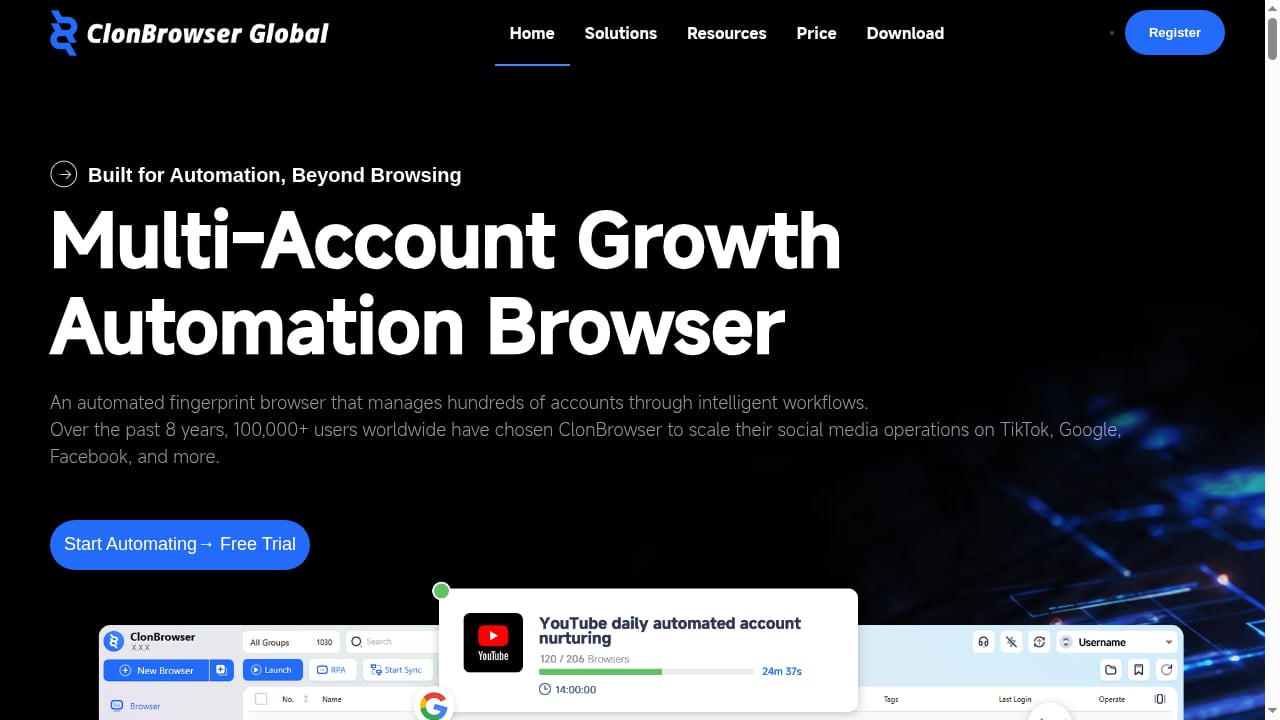
ClonBrowser is a multi-account growth automation browser. It creates independent browser environments where data does not leak between profiles, and it pairs that isolation with automation to cut manual work. It targets cross-border e-commerce sellers running stores on Amazon, eBay, Shopee, Lazada, and TikTok Shop; social media operators and MCN agencies nurturing many accounts; ad buyers managing multiple ad accounts; and Web3 users handling wallets for airdrops and testnets. Core features include batch environment creation, fingerprint configuration, account hosting, cookie import, group management, browser restoration, proxy management with local proxy support, custom extension management, and member management for teams.
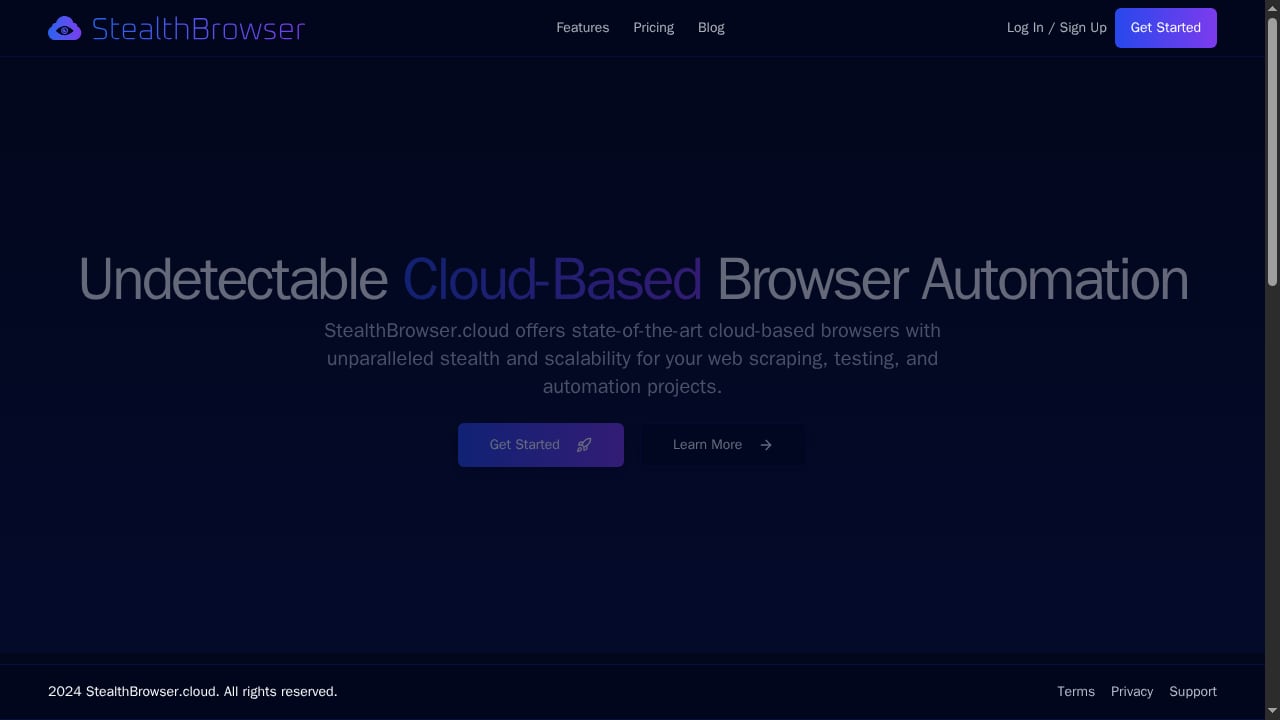
StealthBrowser is a cloud-based browser automation platform. It provides undetectable Chromium browsers for scraping, testing, and automation, with each session backed by a dedicated virtual machine. It supports massive concurrency, hundreds or thousands of simultaneous browser instances, and its custom Chromium build is designed to resist fingerprinting and bypass anti-bot systems such as DataDome. Control happens through an API compatible with Playwright and Puppeteer. Extended session times of up to 180 minutes on the Pro plan suit long workflows. It targets developers, data engineers, and QA teams. Pricing starts at $29/month for 3 concurrent sessions.
Fingerprint isolation and anti-detection
First viewport screenshot of StealthBrowser Blog | StealthBrowser.
All three products isolate identities, but the mechanism differs.
AdsPower focuses on configurable fingerprint depth inside a desktop browser. You get granular control over Canvas, WebGL, network, and user agent parameters, and profile data is encrypted. Independent testing is the honest caveat here: in a 2026 anti-fingerprinting browser test, AdsPower was flagged by Pixelscan for timezone spoofing and rated Unreliable by Iphey, though it scored cleanly on CreepJS headless and stealth checks. That result reflects one test setup on one day, not a universal verdict, but it is worth knowing before you commit.
ClonBrowser's strength is environment separation. Each profile behaves as an independent browser, and cache, cookies, and local storage do not cross between environments. It also documents a login-region matching mechanism that aligns time zone, language, and geographic coordinates with the login region, which helps keep sessions consistent for cross-border sellers.
StealthBrowser takes a different route entirely. Because sessions run in the cloud on dedicated VMs, the fingerprint question is handled at the infrastructure level rather than through user-facing toggles. Its Chromium build is purpose-built to resist detection, which is why it markets itself for bypassing anti-bot systems. For teams whose main problem is bot detection rather than account linking, this is a meaningfully different approach.
Automation and API support
First viewport screenshot of StealthBrowser - Undetectable Cloud Browser Automation.
This is where the three diverge most sharply.
StealthBrowser is the most developer-native option. It is API-first, works with Playwright and Puppeteer, and scales to hundreds or thousands of concurrent sessions. If your workflow is code-driven scraping or automated testing, this is the architecture you want. Session limits of up to 180 minutes on the Pro plan reduce the friction of long traversal jobs.
ClonBrowser combines browser isolation with automation features aimed at reducing manual work. Its feature set includes batch creation, cookie import, browser restoration, and extension management, all of which support repeatable multi-account operations without requiring you to write code. It is built for operators, not engineers.
AdsPower offers built-in RPA and a synchronizer alongside a local API, which places it between the two. It supports scripted automation but is designed primarily as a desktop multi-accounting tool. For teams that want automation without building a full automation stack, that middle ground is useful. If you are pairing profiles with proxies, this AdsPower and Proxyrack proxy setup guide walks through the configuration.
Team collaboration and account management
ClonBrowser and AdsPower both treat team workflows as a first-class feature, and both are credible here.
ClonBrowser provides group management, member management, and account hosting, which suits agencies and MCNs where several people touch the same account portfolio. AdsPower supports role-based access, batch profile management, cross-device sync, and scalable profile counts across Free, Professional, Business, and Enterprise plans. Its certifications, SOC 2 Type II, ISO 27001, and ISO 27701, are a concrete differentiator for organizations that need to satisfy a security review.
StealthBrowser is not positioned as a team account-management platform. It is a cloud automation service, and its collaboration model is closer to shared infrastructure and API access than to per-account permissioning. If your team needs to hand accounts between operators with role controls, that is not the problem StealthBrowser solves.
Proxy handling
ClonBrowser supports batch proxy addition and local proxies, which fits sellers who rotate IPs across many storefronts. AdsPower includes proxy configuration per profile as part of its core setup. StealthBrowser abstracts networking into its cloud infrastructure, so proxy management is less of a user-facing concern. If you need fine-grained control over which IP each identity uses, the desktop tools give you more direct levers.
Pricing and total cost
First viewport screenshot of Release Notes - ClonBrowser.
StealthBrowser has the simplest pricing shape: fixed plans starting at $29/month for 3 concurrent sessions. That is predictable, and it scales with concurrency rather than with profile count.
AdsPower offers a free tier and paid plans starting around $9/month, with a 7-day free trial and tiers that scale by profile count and team needs. The value proposition is cost avoidance: no need to buy and maintain multiple physical devices.
ClonBrowser offers subscription plans and pricing tiers, with extensive help documentation, release notes, and platform integration guides. Its cost model is oriented around multi-account operations rather than raw concurrency.
A practical way to frame it: if your cost driver is the number of simultaneous browser sessions, StealthBrowser's model is easier to forecast. If your cost driver is the number of accounts and team seats, the desktop tools map more naturally.
Which one should you choose?
Choose AdsPower if you need a desktop anti-detect browser with deep fingerprint configuration, batch profile management, role-based team access, and security certifications that satisfy procurement. It suits e-commerce, affiliate, social media, crypto, and betting operations that manage many accounts from one machine. For a broader field view, see this ranking of anti-detect browser software.
Choose ClonBrowser if your priority is growth automation for cross-border commerce and social accounts. Its region-matching, cookie import, browser restoration, and member management features are built for operators running storefronts and account portfolios across Amazon, eBay, Shopee, Lazada, and TikTok Shop, plus Web3 wallet workflows.
Choose StealthBrowser if you are a developer, data engineer, or QA team that needs undetectable Chromium at scale through an API. Its cloud VM architecture, Playwright and Puppeteer compatibility, and high concurrency ceiling are the reason to pick it over a desktop tool.
If you are still weighing desktop alternatives, this AdsPower vs Octo Browser vs Kameleo comparison covers a similar decision from a different angle.
Related reading
- AdsPower vs Detect Expert: Which Anti-Detect Tool Wins? - AdsPower vs Detect Expert compared: fingerprinting, proxies, automation, team tools, pricing, and who each tool actually fits in 2026.
- GeeLark Review 2026: Cloud Phones, Pricing & Real Limits - An evidence-based GeeLark review covering cloud phones, antidetect browser profiles, RPA automation, pricing signals, setup, and who should avoid it.
- Create Facebook Accounts Automatically: Safe Workflow Guide - Learn how to automate Facebook account creation with anti-detect browsers, proxies, SMS, and warm-up. Includes risks, tools, and a safe workflow.
Sources and further reading
- Best ClonBrowser Alternatives & Competitors - Compare the best ClonBrowser alternatives in 2026. Explore user reviews, ratings, and pricing of alternatives and competitors to ClonBrowser.
- Antidetect Browser Reviews 2026 | PROXIES.SX Partners - Compare AdsPower, BitBrowser, and GoLogin antidetect browsers for multi-account management.
FAQ
Is AdsPower better than ClonBrowser? They solve overlapping but different problems. AdsPower emphasizes fingerprint depth, certifications, and team permissions. ClonBrowser emphasizes growth automation and region matching for cross-border sellers. Neither is universally better.
Can StealthBrowser replace a desktop anti-detect browser? Not for account management. StealthBrowser is a cloud automation platform for scraping, testing, and scripted workflows. It does not offer the per-account team management that desktop tools provide.
Which tool is best for web scraping at scale? StealthBrowser, by design. Its dedicated VM sessions and concurrency support are built for high-volume automation, and its Chromium build targets anti-bot systems directly.
Which tool is best for running hundreds of e-commerce accounts? AdsPower and ClonBrowser are both built for this. AdsPower leans on fingerprint configuration and team controls; ClonBrowser leans on automation and region consistency.
Do all three support proxies? ClonBrowser supports batch and local proxies. AdsPower includes per-profile proxy configuration. StealthBrowser handles networking within its cloud infrastructure, so proxy control is less user-facing.
Conclusion
The honest answer is that these three tools are not direct substitutes for every use case. AdsPower is the strongest fit when you need a certified, team-ready desktop anti-detect browser with deep fingerprint control. ClonBrowser is the better match when growth automation and cross-border account consistency drive your workflow. StealthBrowser wins when the requirement is undetectable cloud automation at scale through an API. Match the tool to the constraint you actually have, and the choice becomes much clearer.


