
GeeLark Review 2026: Cloud Phones, Pricing & Real Limits
Take a Quick Look
An evidence-based GeeLark review covering cloud phones, antidetect browser profiles, RPA automation, pricing signals, setup, and who should avoid it.
GeeLark Review 2026: Cloud Phones, Pricing & Real Limits
GeeLark is a cloud phone and antidetect browser platform that lets you run Android apps and web accounts from a desktop dashboard. It markets itself as an AI copilot for social media marketing, and its core pitch is simple: instead of buying physical phones or wrestling with emulators, you rent ARM-based virtual devices that carry unique hardware identifiers. Each cloud phone looks like a separate real handset to platforms like TikTok, Instagram, or Amazon.
That pitch is genuinely useful for some workflows and overkill for others. This review breaks down what GeeLark actually does well, where its pricing gets complicated, and how to decide whether it fits your operation.
What GeeLark Actually Is
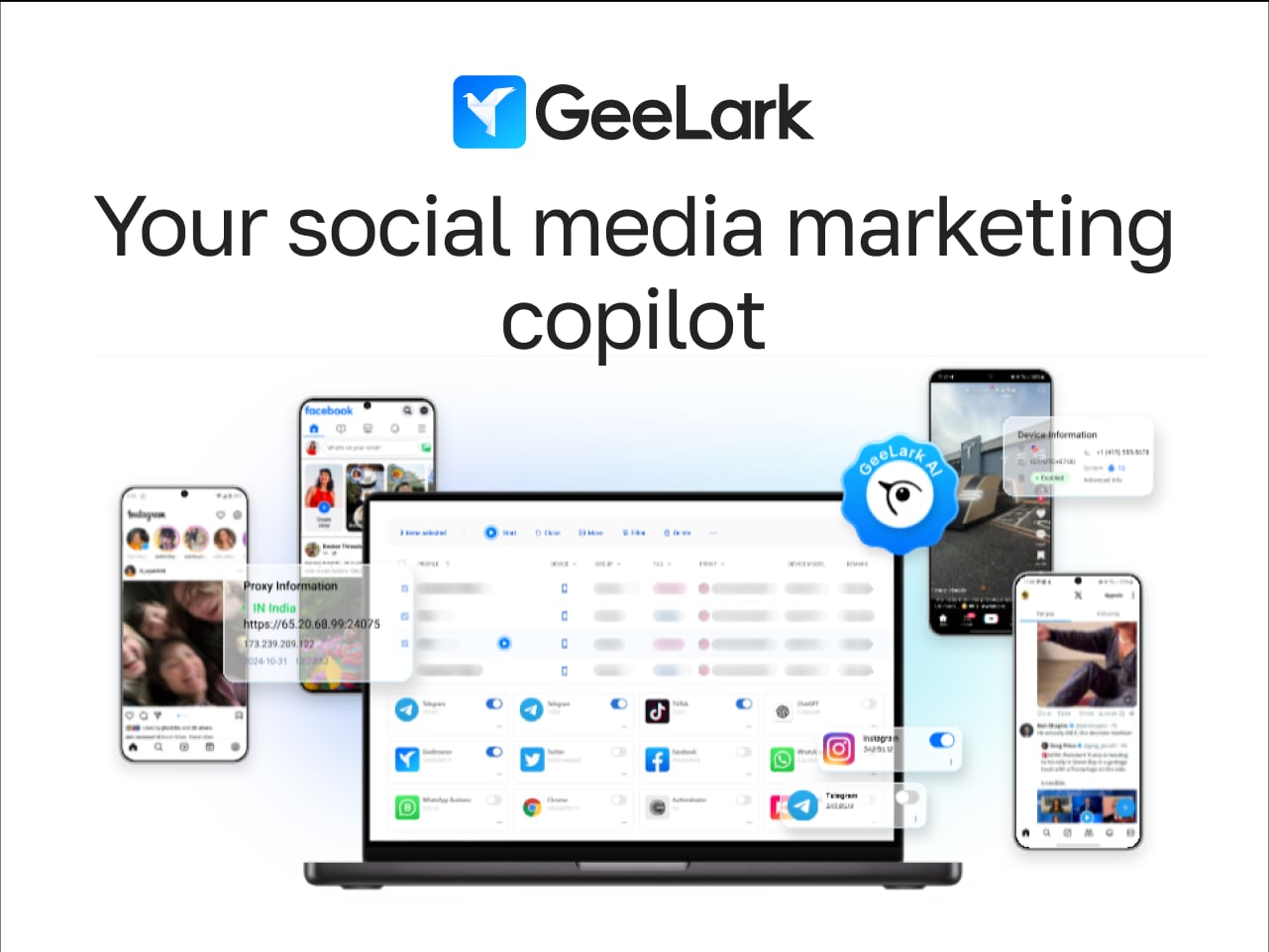
GeeLark product interface.
GeeLark is not a single tool. It is two products sharing one dashboard:
- Cloud phones — Virtual Android devices hosted on GeeLark's servers. Each has its own IMEI, Android ID, MAC address, and Bluetooth address. You pick an Android version (9 through 15), install apps from the built-in catalog or upload an APK, and control the device in a window on your computer.
- Antidetect browser profiles — Desktop profiles with separate cookies, storage, fingerprint settings, and proxy configuration for web-based accounts.
The cloud phone is the main event. The browser profiles exist to cover web accounts, but GeeLark itself notes that separate settings "do not guarantee that websites cannot associate accounts." Treat the browser side as a convenience feature, not the reason to buy.
Who GeeLark Is Built For
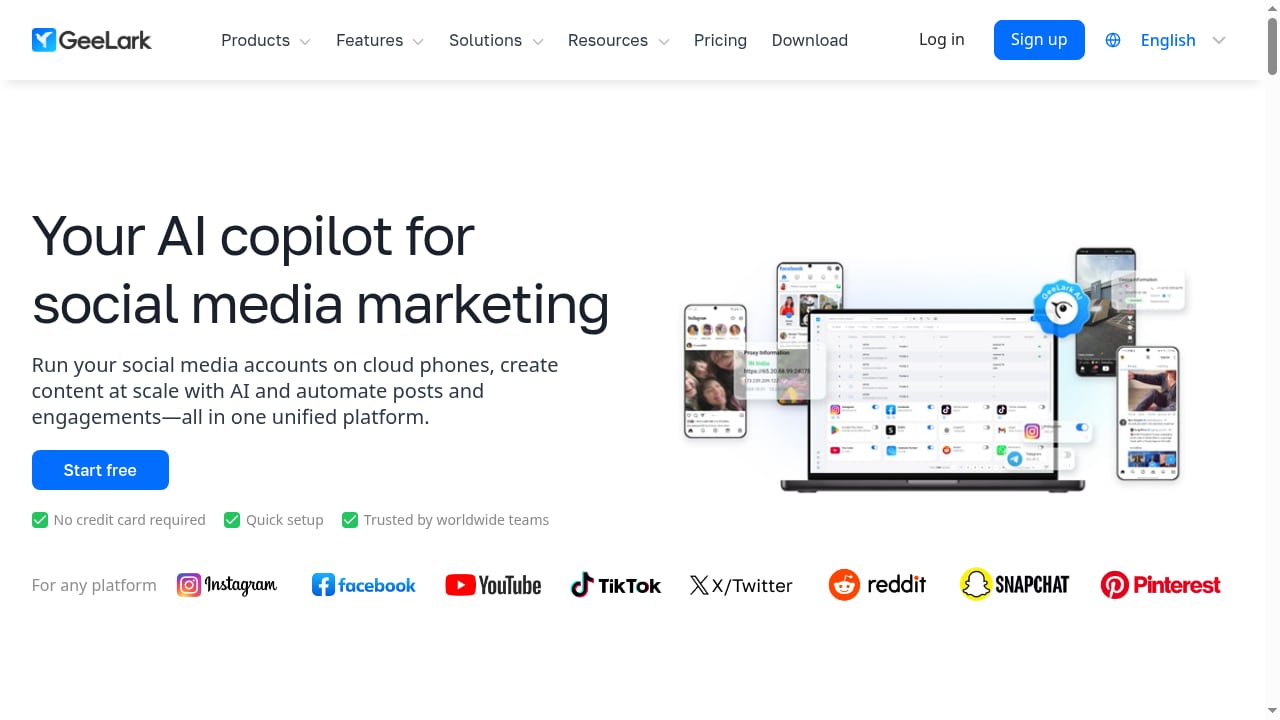
First viewport screenshot of Your AI copilot for social media marketing- GeeLark.
GeeLark fits teams whose work happens inside mobile apps, not just websites. Typical users include:
- Affiliate marketers and dropshipping sellers running multiple TikTok or Instagram accounts from one workstation.
- Airdrop farmers and cloud gamers who need many Android sessions running for hours without physical hardware.
- App testers and market researchers who need to check geo-restricted content or app behavior across regions.
- Reputation managers and price comparison shoppers monitoring listings, reviews, or pricing from different locations.
If your accounts live mostly in a desktop browser, a dedicated antidetect browser may be a better fit. If your accounts live inside Android apps, GeeLark's cloud phones solve a real hardware problem.
Core Capabilities
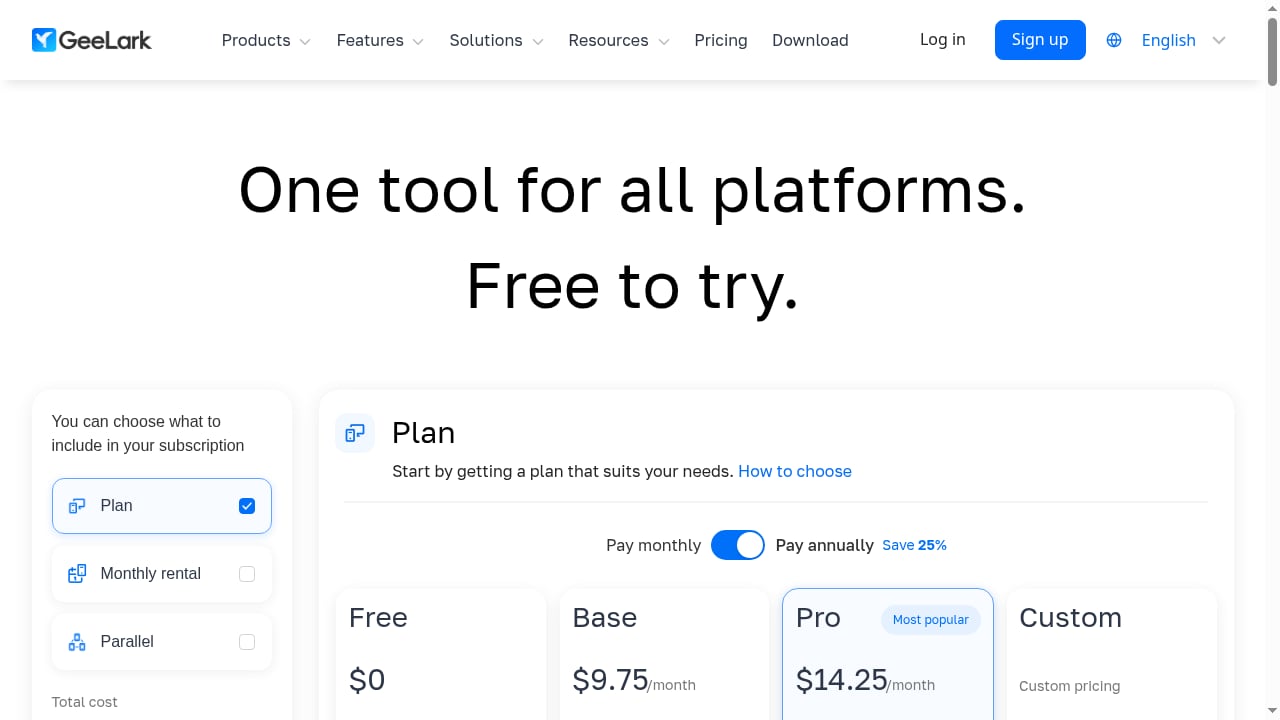
First viewport screenshot of Pricing - GeeLark | Your AI copilot for social media marketing.
Real ARM-Based Cloud Phones
GeeLark's cloud phones are not emulators. They run real Android environments on ARM infrastructure, which matters because many apps detect emulation. Each phone gets unique device parameters, so platforms see a distinct handset rather than a shared virtual machine.
You can rotate the screen, record sessions, take screenshots, and install apps from a catalog or via APK upload. First launch takes a few minutes; subsequent launches are faster.
No-Code RPA Automation
Every plan, including the free tier, includes RPA templates for TikTok, Instagram, YouTube, and other platforms. These cover account warmup, posting, liking, commenting, profile editing, and similar repetitive tasks. Operation logs track what ran and when.
Paid plans add an API, a CLI for managing phones and browsers from the command line, and an MCP server so AI tools like Claude, Codex, or Cursor can create and launch profiles. The Pro plan adds a synchronizer that mirrors actions from one phone to many — useful for follows, airdrop claims, or daily tasks in mobile games.
Proxy Configuration
GeeLark does not include proxies. You bring your own, and the cloud phone takes its location from the proxy. That makes proxy quality critical. A weak or shared proxy undermines the device-level separation GeeLark provides, so budget for residential or mobile proxies if location spoofing matters.
Team Management
Paid plans include unlimited free seats, role assignment, permission management, and profile transfer. The free plan has one seat. For agencies or teams rotating accounts, this is a meaningful advantage over tools that charge per seat.
Setup and Daily Use
GeeLark runs on Windows, macOS, and Ubuntu. A short three-step intro appears on first launch, but deeper features — ADB access, synchronizer workflows, API integration — require the documentation and video tutorials.
Creating a profile is straightforward: choose cloud phone or browser profile, pick an Android version, assign a proxy, and set a group or tag. GeeLark generates the device identifiers automatically. On the Base plan, you create profiles one by one. Bulk creation, cloning, and batch phone replacement are Pro-plan features.
Plans also cap daily activity. The free plan allows 10 opens and 10 creates per day. Base allows 200 opens and 5 creates per profile per day. Pro allows 500 opens and 10 creates per profile per day. These limits matter if you run high-volume operations.
Pricing Signals: The Three-Layer Cost
GeeLark's pricing is not a single number. It has three layers, and understanding them prevents surprises.
Layer 1: The Plan
Plans determine how many profiles you can keep. Entry pricing starts around $3.75 per month on yearly billing for 5 profiles, with monthly billing at $5. The Pro tier starts around $14.25 per month yearly for 20 profiles. Higher tiers scale to thousands of profiles, with custom pricing above 10,000.
Yearly billing saves roughly 25%. Each plan includes bonus cloud phone minutes — 60 per month on smaller plans, scaling to 1.5 minutes per profile on larger ones.
Layer 2: Running the Phones
Owning a profile does not pay for running it. Once bonus minutes run out, you pay in one of three ways:
- Per minute: $0.007 per minute by default, with a daily cap of $1.20 per phone on paid plans. Minute packs start at $14 for 2,000 minutes and never expire.
- Monthly rental: $29.90 per phone per month for unlimited use of that phone.
- Parallels: $39.90 per month per slot. A slot lets one cloud phone run at a time without per-minute charges, which suits teams rotating many phones through long sessions.
Layer 3: Proxies
GeeLark does not sell proxies. You supply your own, and costs vary widely depending on whether you need residential, mobile, or datacenter IPs.
What It Adds Up To
Running 5 cloud phones for 8 hours a day hits the daily cap on each phone, costing roughly $180 per month in runtime. Renting those 5 phones instead costs about $149.50 per month. Add the plan fee and proxy costs on top. For light usage, per-minute billing is cheaper. For heavy, predictable usage, rentals or parallels usually win.
Strengths
- Real Android environments. ARM-based cloud phones avoid many emulator detection issues that plague other multi-accounting setups.
- Device-level separation. Unique IMEI, Android ID, MAC address, and Bluetooth address per phone.
- Automation included on every plan. RPA templates and AI tools are not locked behind the highest tier.
- Generous team seats. Unlimited free seats on paid plans is unusual and valuable for agencies.
- No hardware to buy. Scales from 5 to thousands of profiles without a shelf of phones.
Limitations
- Browser profiles are weaker than the cloud phones. Independent testing has flagged inconsistent fingerprint results on the desktop side. If browser multi-accounting is your priority, compare dedicated options like AdsPower vs Octo Browser vs Kameleo before committing.
- No iOS. Cloud phones are Android only. If your workflow depends on iOS apps, GeeLark cannot help.
- No built-in proxies. You must source and manage proxies separately, which adds cost and complexity.
- Pricing complexity. The three-layer model makes cost forecasting harder than a flat subscription.
- Daily activity caps. Free and Base plans limit profile opens and creates per day, which can bottleneck high-volume operations.
- Trustpilot rating unavailable. GeeLark's Trustpilot page shows a rating unavailable due to a breach of guidelines, with fake reviews removed. Treat third-party review scores with caution and test the platform yourself.
GeeLark vs Alternatives: Decision Criteria
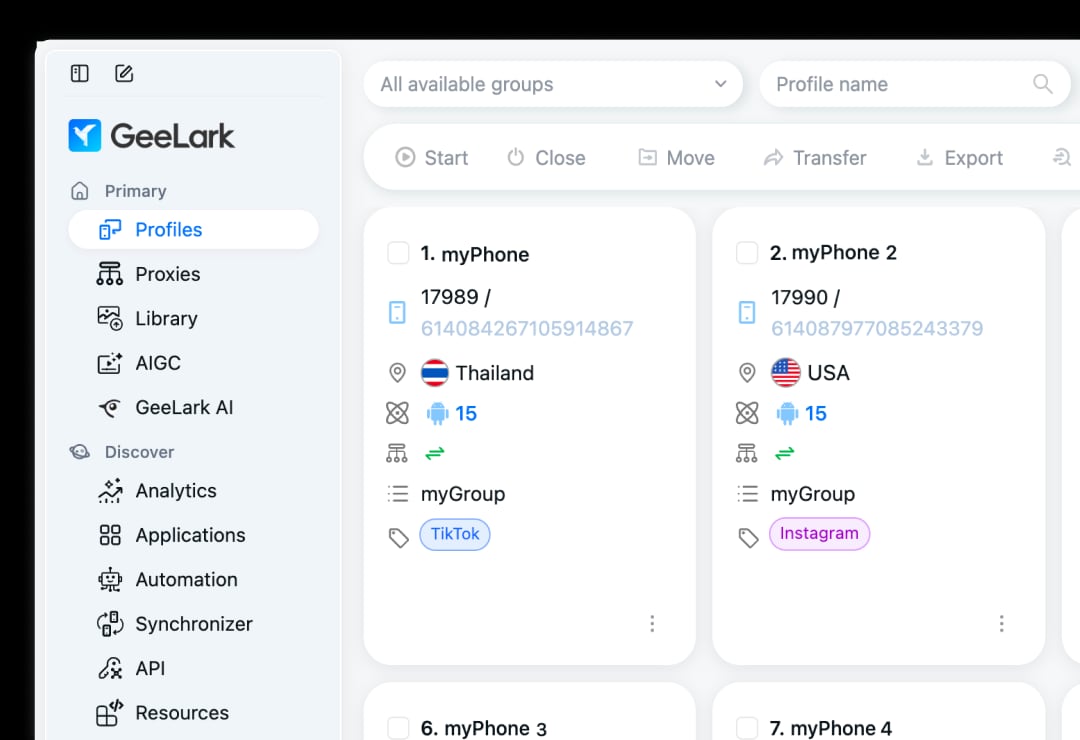
GeeLark product interface.
Use these questions to decide whether GeeLark is right for you:
- Where do your accounts live? If inside Android apps, GeeLark is a strong fit. If mostly in desktop browsers, a dedicated antidetect browser is likely better. See our Top 10 Anti-Detect Browser Software Products 2026 for options.
- How many phones run simultaneously? If you need many long sessions, parallels or rentals beat per-minute billing. If usage is sporadic, per-minute is cheaper.
- Do you have proxies? GeeLark requires them. If you lack proxy infrastructure, factor that into your budget and setup time.
- Do you need iOS? If yes, GeeLark is not the answer.
- Is browser fingerprinting your priority? If so, test GeeLark's browser profiles against dedicated tools before committing. Our AdsPower vs Indigo comparison covers fingerprint depth and browser cores in detail.
- Do you need team access? GeeLark's unlimited free seats on paid plans are a genuine advantage for agencies.
Related reading
- Create Facebook Accounts Automatically: Safe Workflow Guide - Learn how to automate Facebook account creation with anti-detect browsers, proxies, SMS, and warm-up. Includes risks, tools, and a safe workflow.
- How to Use AdsPower with Proxyrack HTTP, UDP, SOCKS Proxies - Step-by-step guide to pairing AdsPower anti-detect profiles with Proxyrack HTTP, UDP, and SOCKS proxies for safe multi-accounting and scraping.
Sources and further reading
- Read Customer Service Reviews of geelark.com - Trustpilot - Read customer service reviews for GeeLark on Trustpilot. Check out what customers have written so far or share your own experience with the company.
- Geelark Review 2026: Pricing, Cloud Phones, Best Alternative - Full Geelark review 2026: Is Geelark free? We cover pricing, cloud phone features, and the ultimate Geelark alternative for seamless mobile farming.
- GeeLark Reviews 2026: Details, Pricing, & Features - G2 - GeeLark is super easy to set up, with plenty of tutorials available and a good support team on Telegram and WhatsApp to help users and answer questions.
FAQ
Is GeeLark free?
Partly. The free plan gives 2 profiles and 30 minutes of cloud phone time, enough to explore the interface but not to run accounts seriously. Paid plans start around $3.75 per month on yearly billing.
Does GeeLark include proxies?
No. You bring your own proxies. The cloud phone takes its location from the proxy, so proxy quality directly affects how well your accounts stay separated.
Can GeeLark run iOS apps?
No. GeeLark's cloud phones are Android only, supporting Android 9 through 15.
What is GeeLark best for?
GeeLark is best for workflows that happen inside Android apps — TikTok, Instagram, mobile games, airdrop farming, app testing — where you need many separate devices without buying physical hardware.
How does GeeLark pricing work?
Three layers: a plan fee for profile count, runtime costs for cloud phones (per minute, monthly rental, or parallel slots), and your own proxy costs. Yearly billing saves about 25%.
Is GeeLark safe to use?
GeeLark provides device-level separation, but it does not guarantee that platforms will not associate accounts. Results depend on your proxies, usage patterns, and the platforms you target. Test with a small setup before scaling.
Conclusion
GeeLark solves a specific problem well: running many Android apps from one workstation without buying physical phones. Its ARM-based cloud phones, device-level identifiers, and included RPA automation make it a practical choice for affiliate marketers, app testers, and mobile-first operators. The browser profiles are secondary, the pricing has three layers to understand, and you must supply your own proxies.
If your accounts live in Android apps and you need scale without hardware, GeeLark is worth testing on its free plan. If your work is mostly browser-based, compare dedicated antidetect browsers first. Either way, start small, measure your runtime costs, and verify that your proxy setup supports the separation GeeLark provides.


