
How to Use AdsPower with FastestVPN: Setup & Workflow
Take a Quick Look
Learn how to combine AdsPower anti-detect browser profiles with FastestVPN for safer multi-account work, plus setup steps and practical workflows.
🔥 Limited-Time Offer! Save extra 10% off on your first monthly plan with code: Anitdetect10
Sign upHow to Use AdsPower with FastestVPN: Setup & Workflow
AdsPower is an anti-detect browser that gives every account its own isolated fingerprint and network identity. FastestVPN is a consumer VPN that encrypts your whole device connection and hides your real IP. Used together, they solve two different problems: AdsPower keeps accounts from being linked to each other, and FastestVPN keeps your underlying internet traffic private and stable. This guide explains how the pairing works, where it helps, where it does not, and how to set it up without breaking your profiles.
Why pair AdsPower with FastestVPN?
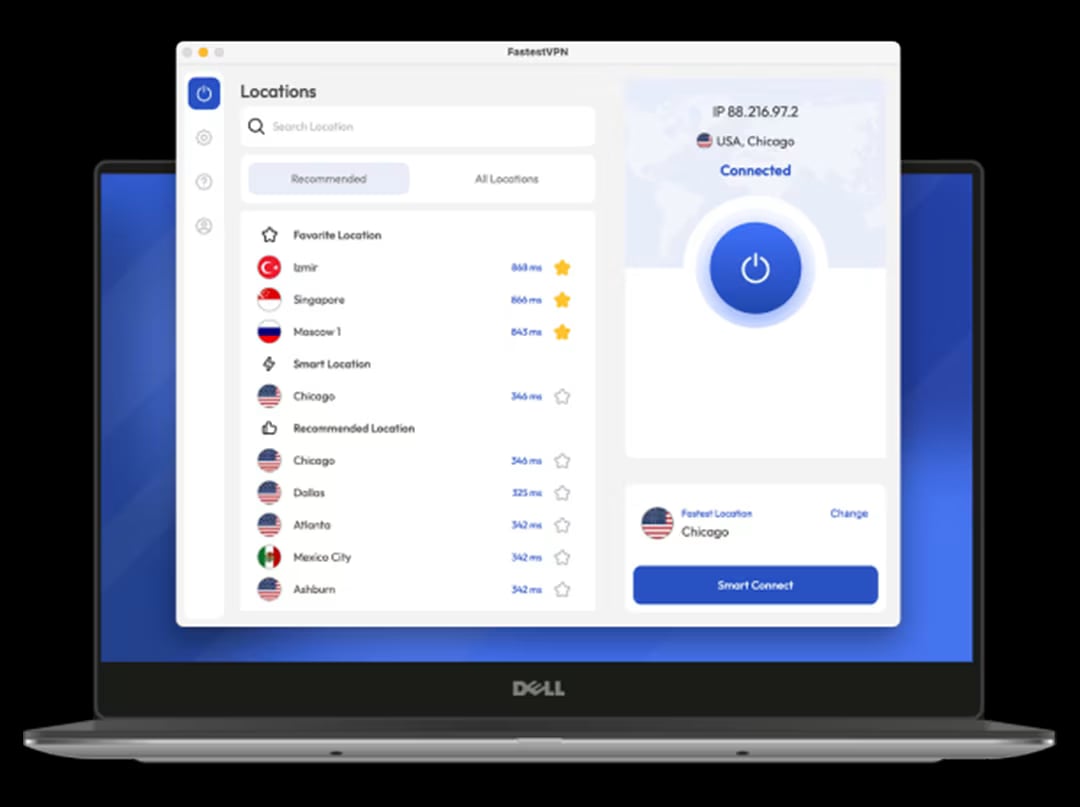
FastestVPN product interface.
AdsPower creates separate browser environments. Each profile has its own Canvas, WebGL, User Agent, timezone, language, and proxy settings, so platforms like Amazon, Facebook, Google, or TikTok see distinct devices instead of one machine running many accounts. FastestVPN adds a layer underneath: it encrypts traffic from your device to a VPN server, masks your real IP from your ISP, and can stabilize routing when your local network is unreliable.
The combination is useful when you want:
- A cleaner baseline IP. FastestVPN hides your home or office IP from the sites you visit, so your real location is not exposed if a profile misbehaves.
- Encrypted traffic on public or shared Wi-Fi. If you manage accounts from a co-working space, hotel, or cafe, the VPN prevents local snooping.
- Fewer ISP-level interruptions. Some ISPs throttle or reset connections to certain platforms. A VPN can route around that.
- A consistent test environment. When you are validating a new AdsPower profile, a stable VPN tunnel makes it easier to tell whether a problem comes from the fingerprint or from the network.
It is important to be clear about what FastestVPN does not do. It does not replace proxies inside AdsPower. A VPN changes the IP for your entire device, while AdsPower profiles need per-profile IPs to stay isolated. If you run ten profiles through one VPN IP, those profiles share a network identity and can be linked. The VPN is a safety and privacy layer, not a substitute for per-profile proxies.
AdsPower vs FastestVPN: different jobs, one stack
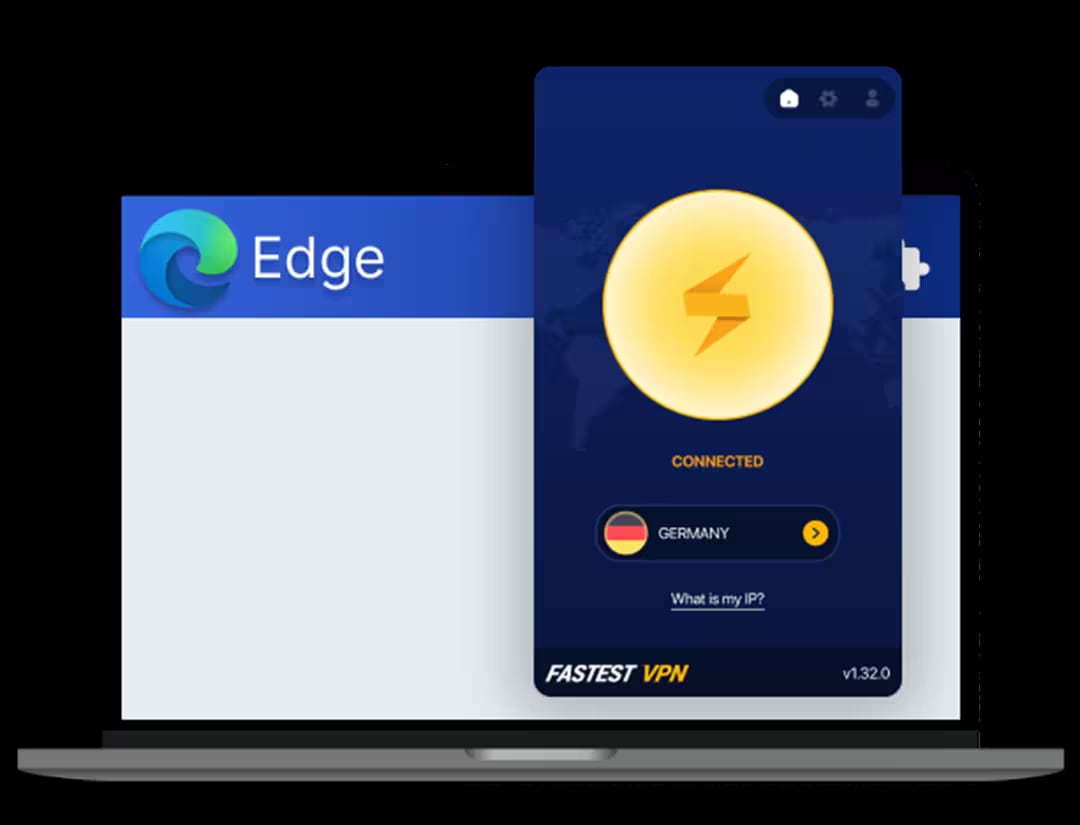
FastestVPN product interface.
| Layer | AdsPower | FastestVPN |
|---|---|---|
| Main role | Isolate browser fingerprints per account | Encrypt device traffic and hide real IP |
| Scope | Per browser profile | Whole device or selected apps |
| Identity control | Canvas, WebGL, User Agent, timezone, language, cookies | IP address and encrypted tunnel |
| Best for | Multi-account management, automation, team collaboration | Privacy, public Wi-Fi safety, bypassing local throttling |
| Not a replacement for | Proxies per profile | Anti-detect fingerprinting |
Think of AdsPower as the identity layer and FastestVPN as the transport layer. You still need residential, ISP, or mobile proxies inside AdsPower for each profile that must appear in a specific country or city.
Prerequisites before you start
- An AdsPower account with at least one profile created.
- FastestVPN installed on the same device, with an active subscription.
- A proxy plan for your AdsPower profiles (residential, ISP, or mobile, depending on the platforms you target).
- A note of which country and city each profile should appear in.
If you are still choosing a proxy provider, the workflow in How to Use AdsPower with Webshare: Proxy Setup Guide is a useful reference for single and bulk proxy configuration.
Step-by-step: setting up AdsPower with FastestVPN
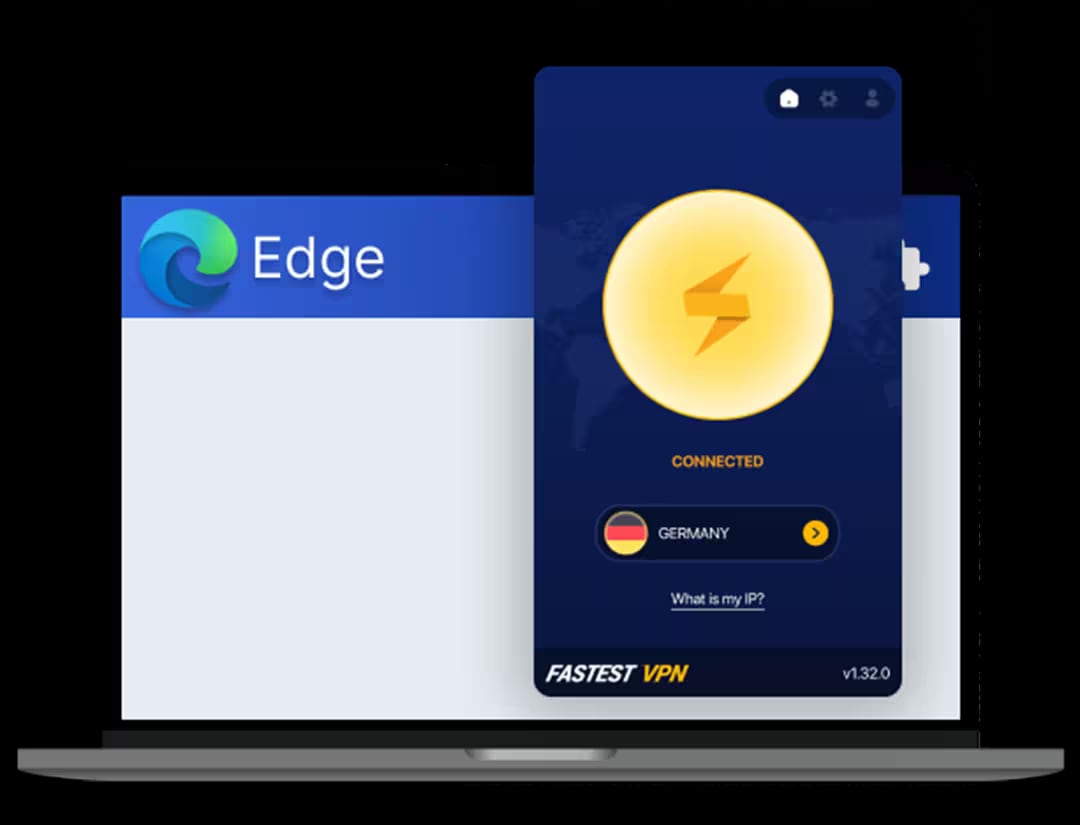
FastestVPN product interface.
Step 1: Install and connect FastestVPN first
Install the FastestVPN app for your operating system, sign in, and connect to a server in a region that makes sense for your work. Choose a protocol based on your needs: WireGuard for speed, OpenVPN for compatibility, or IKEv2 for stability on mobile networks. Enable the kill switch and DNS leak protection if your plan includes them.
Connect the VPN before you open AdsPower. This ensures the device-level tunnel is already active when profiles start.
Step 2: Verify the VPN tunnel
Open a browser outside AdsPower and check your public IP. It should show the FastestVPN server location, not your real one. If it still shows your ISP, reconnect the VPN or switch protocols.
Step 3: Create or open an AdsPower profile
In AdsPower, create a new profile or open an existing one. Set the fingerprint parameters to match the proxy location you plan to use: timezone, language, and geolocation should align with the proxy's country, not with the VPN server.
Step 4: Add a proxy to the profile
Inside the profile settings, add the proxy details for that account. This is the IP that platforms will actually see for that profile. Use a different proxy for each profile that needs to look independent.
Step 5: Test the profile before real work
Open the profile and run a fingerprint and IP check. Tools like How to Use AdsPower with Pixelscan: Full Setup & Workflow walk through verifying that the fingerprint, proxy, and WebRTC data match. Look for:
- IP location matching the proxy, not the VPN.
- Timezone and language matching the proxy country.
- No WebRTC leaks exposing your real IP.
- Canvas and WebGL values unique to this profile.
Step 6: Work, then disconnect cleanly
Do your account work inside the profile. When finished, close the profile, then disconnect the VPN if you no longer need it. Keeping the VPN on for unrelated browsing is fine, but avoid switching VPN locations while profiles are open, because that can change the device IP mid-session.
Practical workflows
Scenario 1: Managing Amazon seller accounts from one laptop
You run three Amazon seller accounts for different regions. Each account gets its own AdsPower profile with a residential proxy in the matching country. FastestVPN runs in the background to protect your real IP and encrypt traffic on your home network. The proxies handle per-account identity; the VPN handles device privacy.
Scenario 2: Social media marketing from a co-working space
The shared Wi-Fi is convenient but not trustworthy. FastestVPN encrypts everything, so other users on the network cannot inspect your traffic. AdsPower profiles keep each client's social accounts isolated. This is a common setup for agencies that manage multiple brands.
Scenario 3: Testing a new profile before scaling
Before you commit a new proxy and fingerprint combination to a client account, open a fresh AdsPower profile, connect through FastestVPN, and run checks on IP, DNS, and fingerprint consistency. If something looks wrong, fix it in the test profile rather than on a live account.
Scenario 4: Affiliate marketers running many landing pages
Affiliate work often involves checking how offers render in different regions. FastestVPN can quickly switch your device location for research, while AdsPower keeps your affiliate accounts and tracking dashboards separated. For teams, AdsPower's collaboration features let you share profiles without sharing passwords.
Common problems and how to fix them
AdsPower profile shows the VPN IP instead of the proxy IP
This usually means the proxy is not configured correctly or is being bypassed. Recheck the proxy host, port, username, and password in the profile settings. Confirm the proxy works outside AdsPower first.
Websites detect the VPN
Some platforms flag known VPN ranges. If a target site blocks VPN IPs, do not use the VPN for that profile's browsing. Instead, rely on a clean residential or mobile proxy inside AdsPower and keep the VPN for general device privacy.
Connection errors inside profiles
If you see tunnel or connection errors, the VPN protocol may conflict with the proxy. Try switching FastestVPN to OpenVPN or IKEv2, or disconnect the VPN and test the profile with the proxy alone to isolate the cause.
Slow profile loading
VPN encryption adds overhead. If speed matters, use WireGuard in FastestVPN and choose a server close to your proxy's region. Avoid routing through a distant VPN server when your proxy is already in another continent.
DNS leaks
Enable DNS leak protection in FastestVPN and verify it with a leak test. AdsPower profiles should use the proxy's DNS, not your ISP's.
When to use FastestVPN and when to skip it
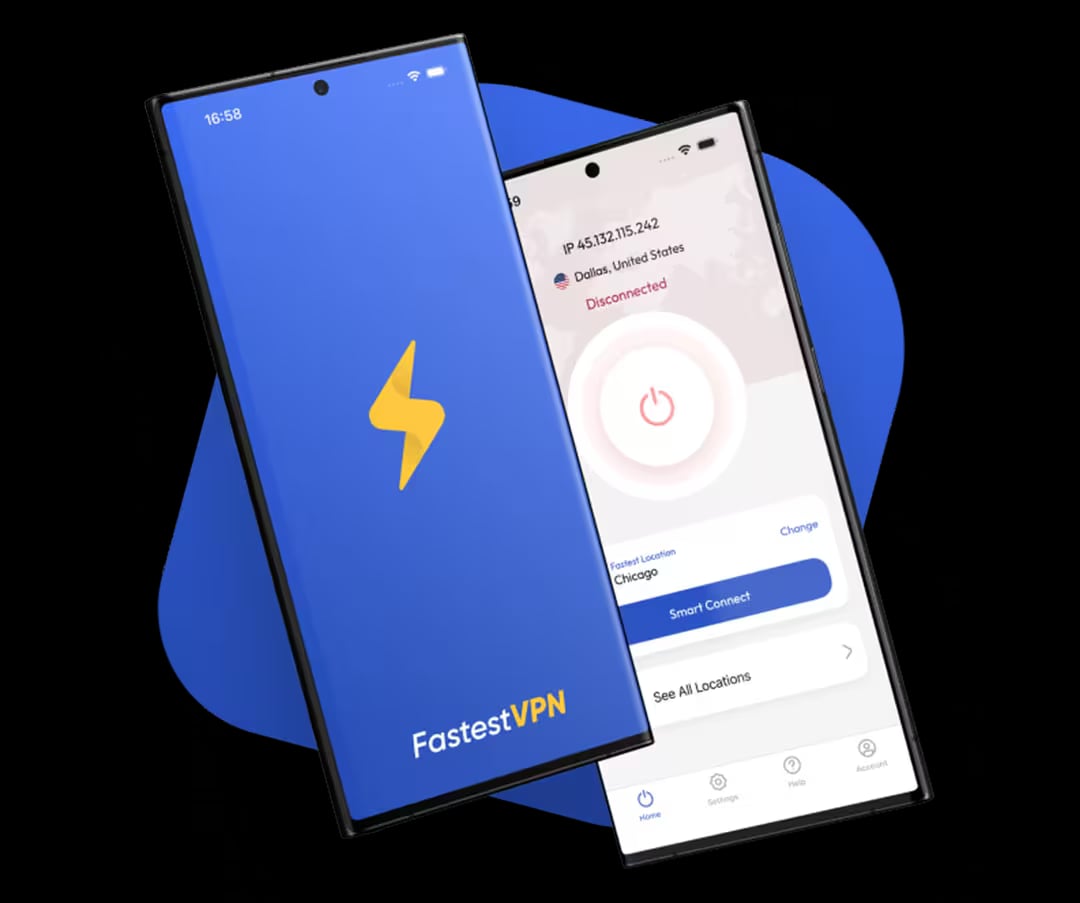
FastestVPN product interface.
Use FastestVPN when:
- You are on untrusted Wi-Fi.
- You want to hide your real IP from sites and your ISP.
- Your ISP throttles or interferes with connections to the platforms you use.
- You need a quick way to change your device location for research.
Skip FastestVPN for a specific profile when:
- The target platform blocks VPN ranges.
- You need the profile to appear in a country where FastestVPN has no server.
- You are already using a proxy that provides the exact location and IP type the account needs.
In most professional multi-account setups, the proxy does the identity work and the VPN does the privacy work. If you are comparing anti-detect browsers for a larger operation, AdsPower vs Kameleo vs Hidemyacc: 2026 Comparison covers fingerprinting, automation, and team features in more detail.
Related reading
- AdsPower vs MoreLogin vs Kameleo: 2026 Antidetect Comparison - Compare AdsPower, MoreLogin, and Kameleo on fingerprinting, automation, mobile support, pricing, and team features to choose the right antidetect browser.
- AdsPower vs RoxyBrowser vs Incogniton: 2026 Comparison - Compare AdsPower, RoxyBrowser, and Incogniton on fingerprinting, automation, proxies, team features, and pricing to pick the right antidetect browser.
- How to Use AdsPower with Oxylabs Proxy & Web Scraping Platform - Step-by-step guide to integrate AdsPower with Oxylabs proxies and web scraping tools. Set up residential, datacenter, ISP proxies, and automate data collection.
Sources and further reading
- "ERR_TUNNEL_CONNECTION_FAILED" Error and Solution When ... - May 2, 2019 ... You will not experience this problem with the Proxy or VPN you use when you start your computer. ... What's the fastest VPN you're using for your ...
- DriftProxy — Independent Proxy, VPN & Antidetect Browser Directory - Editorial scoring, real user reviews and verified deals across proxies, VPNs and antidetect browsers.
- สอนใช้แอปvpn Super Unlimited Proxy | TikTok - 1.2M posts. Discover videos related to สอนใช้แอปvpn Super Unlimited Proxy on TikTok. See more videos about Vpn Super Unlimited Proxy Application, Vpn Super Unlimited Proxy Reviews, Vpn Super Unlimited Proxy Como Usar, Vpn Proxy Speed Super Vpn, Vpn Super Unlimited Proxy Safe or Not, สอนใช้แอปsuper Connect.
FAQ
Can I use FastestVPN instead of proxies in AdsPower?
No. FastestVPN changes your device IP, but all AdsPower profiles on that device would share the same VPN IP. For true account isolation, each profile needs its own proxy. Use the VPN as an additional privacy layer, not as a per-profile IP source.
Does FastestVPN work with AdsPower on Windows and Mac?
Yes. FastestVPN offers apps for Windows, macOS, iOS, and Android, plus browser extensions. AdsPower runs on desktop, so install FastestVPN on the same machine and connect before launching profiles.
Will using a VPN make my AdsPower profiles safer?
It adds encryption and hides your real IP, which reduces exposure on untrusted networks. It does not improve fingerprint isolation, which is AdsPower's job. The two features are complementary.
Which FastestVPN protocol should I use with AdsPower?
WireGuard is usually the fastest and works well for most workflows. OpenVPN is a good fallback if you hit compatibility issues. IKEv2 is stable on mobile networks and when switching between Wi-Fi and cellular.
Can I run AdsPower automation while FastestVPN is connected?
Yes. AdsPower supports RPA and Local API automation. Keep the VPN connected during automation runs if you want device-level privacy, but make sure each profile still uses its own proxy so automated actions are not tied to a shared IP.
Does FastestVPN keep logs that could expose my accounts?
FastestVPN states a no-logs policy. Even so, treat the VPN as one layer of a broader setup. Account safety depends more on fingerprint consistency, proxy quality, and behavior than on the VPN alone.
Conclusion
AdsPower and FastestVPN solve different parts of the same problem. AdsPower isolates each account with a unique browser fingerprint and its own proxy, while FastestVPN encrypts your device traffic and hides your real IP. Together they give you a cleaner, more private foundation for multi-account work on Amazon, Facebook, Google, TikTok, and similar platforms.
The key rule is simple: use proxies inside AdsPower for per-profile identity, and use FastestVPN for device-level privacy. Test every new profile before you use it on a live account, keep your fingerprint and proxy locations aligned, and disconnect cleanly when you are done. Done right, the combination reduces exposure without compromising the isolation that makes AdsPower effective.