
AdsPower vs MuLogin vs GoLogin: Which Anti-Detect Browser Wins?
Take a Quick Look
Compare AdsPower, MuLogin, and GoLogin on fingerprint control, automation, pricing, and team features to find the best anti-detect browser for your multi-account workflow.
🔥 Limited-Time Offer! Save extra 10% off on your first monthly plan with code: Anitdetect10
Sign upAdsPower vs MuLogin vs GoLogin: Which Anti-Detect Browser Fits Your Workflow?
Managing multiple accounts on platforms like Amazon, Facebook, TikTok, or Google is risky without the right tools. Anti-detect browsers solve this by generating unique digital fingerprints for each profile, making every session appear as a separate device and location. AdsPower, MuLogin, and GoLogin all promise this protection—but they differ in automation power, ease of use, pricing, and team features. This comparison breaks down what each tool does best so you can pick the one that matches your multi-account workflow.
Key Comparison Criteria
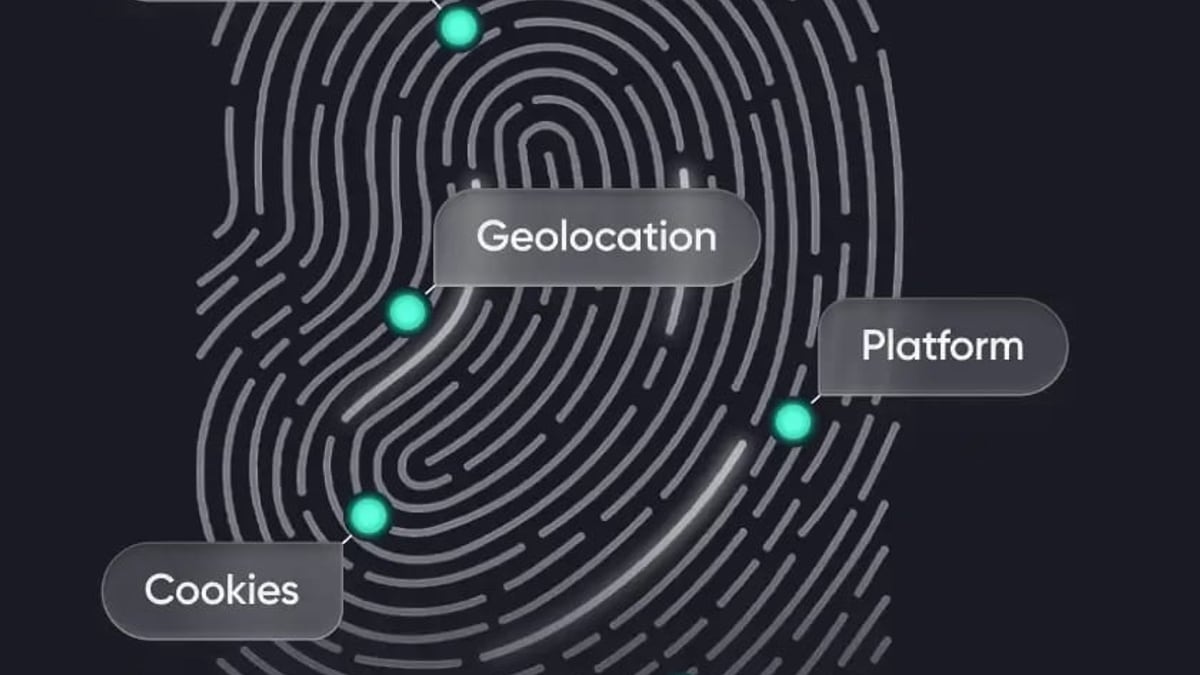
AdsPower vs MuLogin vs GoLogin: Which Anti-Detect Browser Wins? product interface and feature overview.
Fingerprint Customization and Anti‑Detection Capabilities
MuLogin creates fully isolated browser profiles with unique fingerprints for Canvas, WebGL, WebRTC, and other parameters, ensuring websites cannot link accounts. It also supports batch profile creation, which is handy when you need dozens of environments at once.
GoLogin masks over 50 browser parameters and automatically randomizes fingerprints for each profile. A standout feature is its support for Android-style mobile profiles, which is rare among anti-detect browsers. This makes it particularly effective for mobile‑first platforms like TikTok or for advertisers who need to mimic real smartphone traffic.
AdsPower brings 20+ customizable fingerprint settings and, uniquely, dual browser engines: SunBrowser (Chromium) and FlowerBrowser (Firefox). This kernel diversity reduces the risk of pattern‑based detection and gives advanced users fine‑grained control over every detail of the browsing environment.
Automation and RPA Features
AdsPower excels here with its built‑in no‑code RPA (Robotic Process Automation). You can record clicks, typing, and scrolling across multiple profiles and replay them—perfect for warming up social accounts or performing repetitive e‑commerce checks. A Window Synchronizer also copies your actions in real time across several browser windows. For developers, the Local API works with Selenium, Puppeteer, Playwright, and the MCP protocol, enabling deep integration with AI agents and custom scripts. You can see a practical example in our guide on how to use AdsPower with TikTok.
MuLogin offers a REST API for automation, giving teams the ability to programmatically manage profiles and integrate the browser into existing scraping or posting pipelines. While it doesn’t have a graphical RPA recorder, the API is adequate for many automation use cases.
GoLogin includes a REST API as well, but its automation capabilities are designed for lighter workflows. The platform focuses more on straightforward manual profile management and cloud‑based access, rather than complex multi‑profile choreography.
User Interface and Ease of Use
MuLogin is built with a user‑friendly layout and clear navigation, making it suitable even for those new to anti‑detect technology. Detailed help documentation and multilingual support lower the learning curve considerably.
GoLogin consistently receives praise for its clean, modern interface. Profile creation, proxy assignment, and bulk operations are streamlined into a minimal number of clicks. Its design philosophy favors simplicity, which is a big advantage for small teams or solo marketers who don’t have time to learn a complex tool.
Team Collaboration and Scaling
AdsPower supports role‑based permissions, environment sharing, and real‑time collaboration, making it a strong choice for agencies. Team members can work on the same profiles without stepping on each other’s toes, and activity logs add accountability.
MuLogin also provides sub‑account management with granular access rights, enabling teams to delegate specific profiles to operators while keeping sensitive data controlled.
GoLogin includes profile sharing with access rights, cloud profile storage, and a web app. While it lacks the deep permission hierarchies of AdsPower, it covers the essentials for small to medium teams that need to share a few hundred profiles safely.
Proxy Integration and Network Flexibility
All three browsers support HTTP, HTTPS, and SOCKS5 proxies. GoLogin adds built‑in free proxies (with paid plans including 2 GB of proxy traffic) and allows quick profile‑level proxy rotation, which is convenient for beginners. MuLogin integrates easily with any major proxy provider and allows bulk proxy uploads. AdsPower offers SSH proxy support on top of the standard protocols and lets you assign proxies globally or per group. For an overview of the best proxy services to pair with these browsers, see our ranking of the top proxy and scraping infrastructure products in 2026.
Pricing and Value for Money
AdsPower has a permanent free plan with 2 browser environments, ideal for testing. Paid plans start at $9/month for 10 profiles. Larger plans scale with team seats, and yearly billing saves 40%. This makes it accessible for small operators but can become expensive when adding many team members.
MuLogin starts at $59/month for up to 100 profiles, with quarterly discounts available. That aggressive mid‑tier pricing is compelling if you need a bulk of profiles without paying for seats you won’t use.
GoLogin offers a free tier with 3 profiles, and paid plans begin at $24/month (billed annually) for 100 profiles. Its enterprise plan delivers 1,000 profiles and 20 team seats for $199/month, significantly cheaper than comparable AdsPower configurations. Additionally, GoLogin provides a 7‑day trial on paid features, so you can evaluate the full product risk‑free.
Security and Compliance
MuLogin emphasizes data isolation and uses encrypted storage for profile credentials. Help documentation is regularly updated, and the product adheres to standard cloud security practices.
GoLogin highlights a clean security record with no reported user data breaches. The platform undergoes frequent automatic updates, TLS‑level protection, and encourages users to verify their fingerprint configurations using public scanning tools before deployment.
Which Browser Should You Choose?
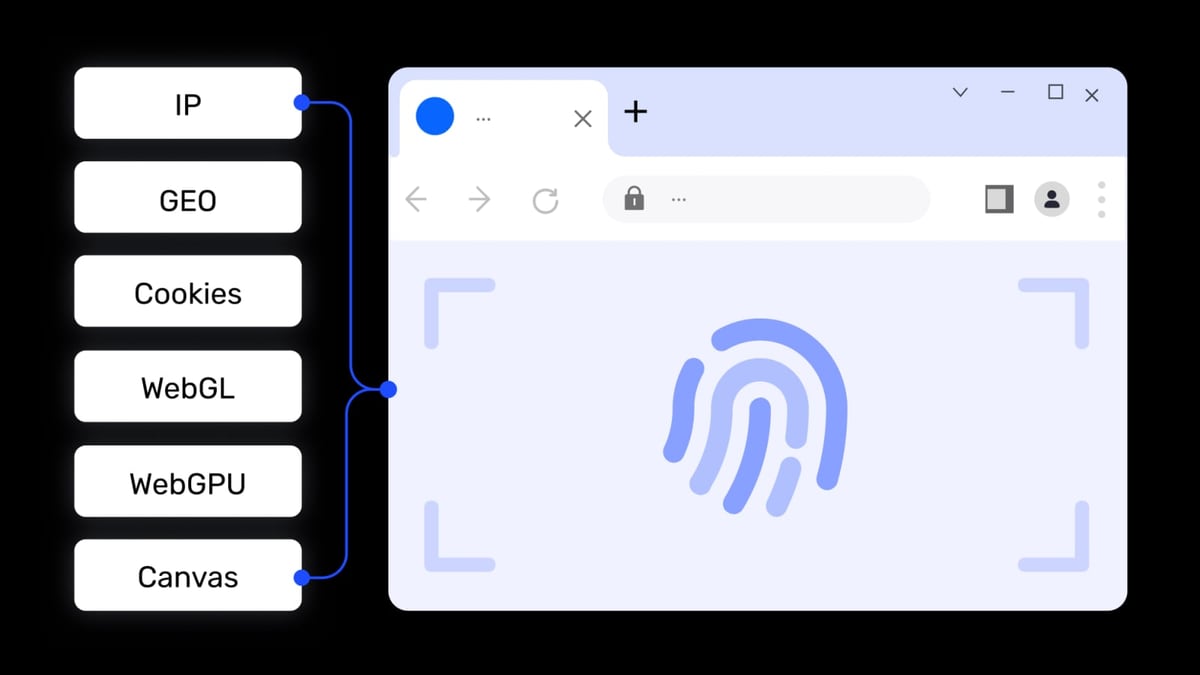
AdsPower vs MuLogin vs GoLogin: Which Anti-Detect Browser Wins? product interface and feature overview.
- Choose AdsPower if you need dual browser engines (Chrome + Firefox), advanced no‑code RPA, window synchronization, and deep API integrations. It’s the most versatile option for tech‑savvy teams and automation‑heavy workflows. The free tier also lets you start small.
- Choose MuLogin when you want a balanced, cost‑effective tool with strong fingerprint isolation, batch profile creation, and straightforward sub‑account management—especially if you need 100 profiles ready to go without a high monthly bill.
- Choose GoLogin if ease of use, mobile Android profiles, and affordability are your priorities. Its clean interface, built‑in proxy traffic, and generous enterprise pricing make it ideal for solo operators, small teams, or anyone who values simplicity without sacrificing core anti‑detection features.
If you’re still exploring the market, our Adspower vs VMLogin vs Octo Browser comparison offers another perspective on popular alternatives.
Related reading
- MyPrivateProxy Review: Performance, Pricing & User Feedback - Evidence-based MyPrivateProxy review for 2026: speed tests, pricing breakdown, user reviews, and guide for sneaker bots, ticketing, SEO tools, and scraping.
Sources and further reading
- GoLogin vs. Multilogin 2026: Which Antidetect Browser Wins? - Compare GoLogin, Multilogin and AdsPower for multi-account management, automation, proxies and team-friendly fingerprint protection.
FAQ
What is an anti‑detect browser?
An anti‑detect browser creates isolated virtual browser environments, each with a unique fingerprint (Canvas, WebGL, fonts, timezone, etc.). To external websites, each profile appears as a completely different device and user, preventing account linking and bans.
Can I use these browsers for Amazon seller accounts?
Yes. All three are widely used for cross‑border e‑commerce. You can securely manage multiple Amazon Central accounts from one computer. For a deep dive into Amazon seller tooling, read our Amazon Seller Central review.
Which browser is best for TikTok multi‑account management?
AdsPower’s window sync and GoLogin’s Android mobile profiles both offer unique advantages on TikTok. Automating profile warming with AdsPower can be particularly effective; check our step‑by‑step TikTok setup guide to learn more.
Do these browsers support proxies?
Absolutely. All three integrate with HTTP, HTTPS, and SOCKS5 proxies. GoLogin includes free proxy traffic in its paid plans; AdsPower supports SSH proxies; MuLogin allows bulk proxy uploads. For a curated list of reliable providers, see our top proxy infrastructure picks.
Are there free plans available?
Yes. AdsPower offers 2 free profiles, MuLogin does not have a free plan, and GoLogin gives you 3 free profiles plus a 7‑day trial of premium features.
Conclusion
AdsPower, MuLogin, and GoLogin each excel in different areas. AdsPower impresses with its dual‑engine fingerprinting and powerful automation; MuLogin hits a sweet spot between bulk profile capacity and price; GoLogin wins on simplicity, mobile profiles, and team‑friendly economics. The right choice depends on the scale of your operation, your technical comfort level, and the specific platforms you target. At AdsPower, we recommend taking advantage of free trials or free tiers to test at least two tools with your real‑world workflow before committing.