
Amazon Seller Central Review: Features, Pricing & Verdict
Take a Quick Look
In-depth Amazon Seller Central review covering features, pricing, setup process, pros and cons, and who should use it. Evidence-based guide for 2026.
🔥 Limited-Time Offer! Save extra 10% off on your first monthly plan with code: Anitdetect10
Sign upAmazon Seller Central Review: Features, Pricing & Verdict
If you type "Amazon Seller Central review" into Google, you won't find a clear, evidence-based answer on the first page. You'll hit a login wall, an old Reddit thread about missing reviews, and a Trustpilot page filled with complaints. At AdsPower, we cut through the noise to bring you a comprehensive, honest evaluation of Amazon Seller Central in 2026—who it serves, what it costs, where it shines, and where it frustrates.
What Is Amazon Seller Central?
Amazon Seller Central Review: Features, Pricing & Verdict - supporting product research image 1.
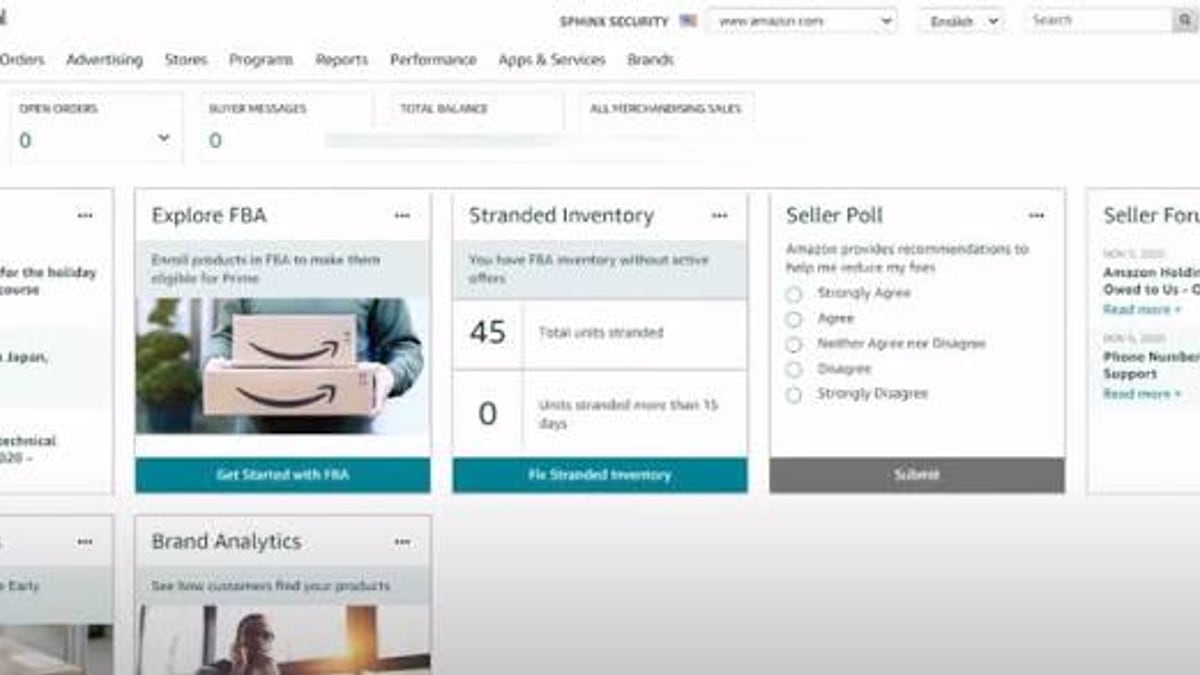
Amazon Seller Central is the central command hub for anyone who wants to sell products directly on Amazon’s marketplace. It's a web-based portal where you list inventory, set prices, manage shipping (including Fulfillment by Amazon), run advertising campaigns, handle customer messages, and dig into performance reports. Whether you're a side hustler selling a single SKU or a global brand moving thousands of units a month, Seller Central is the cockpit you'll stare at every day.
Key Features at a Glance
Amazon packs an enormous toolset into Seller Central. Here are the most important modules:
Inventory Management & Listing Tools
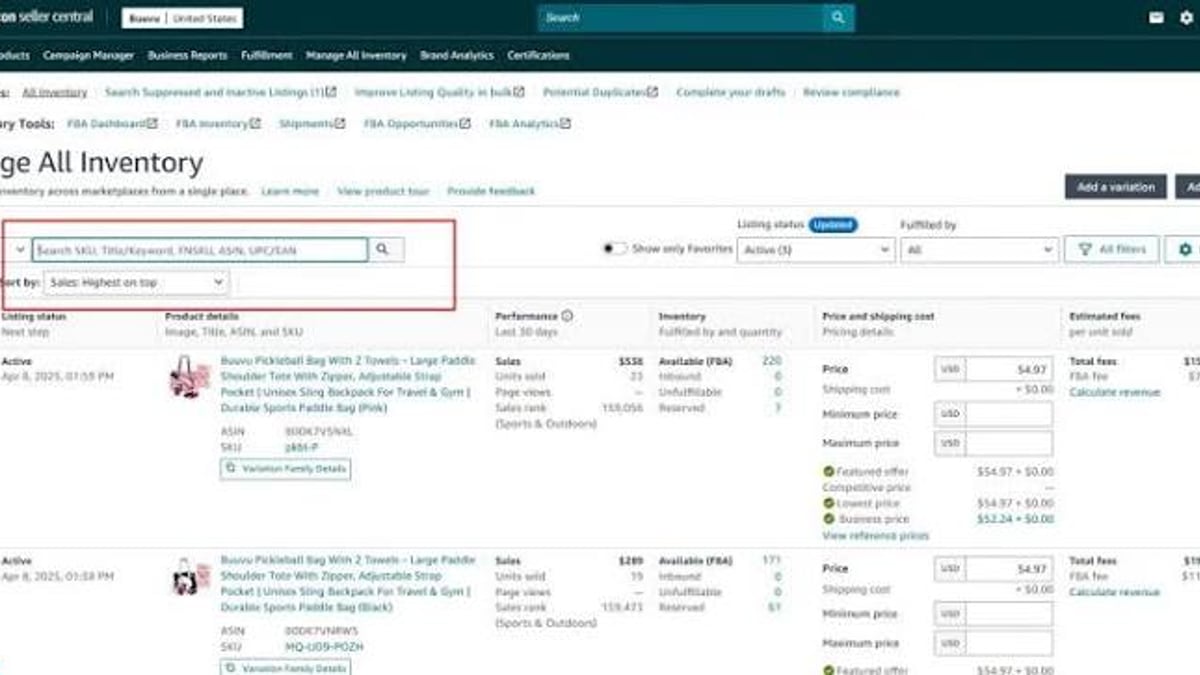
Create new product detail pages or match existing ASINs. Bulk upload spreadsheets, set quantities, and track restock recommendations. You can also manage variations (size, color) and use the "Inventory Performance Index" to avoid storage penalties.
Order Processing & Fulfillment Options
Process orders manually or let Amazon handle it. Two main paths:
- Fulfillment by Merchant (FBM): You store, pack, and ship orders yourself.
- Fulfillment by Amazon (FBA): You send inventory to Amazon warehouses; they pick, pack, ship, and handle customer service. FBA items become Prime eligible, which often boosts sales.
Advertising & Growth Tools
Access Sponsored Products, Sponsored Brands, and Sponsored Display directly from Seller Central. You can create automatic or manual campaigns, set daily budgets, and use the campaign manager to refine keywords. Amazon also provides "Brand Analytics" for registered brand owners, offering insights into top search terms and competitor performance.
Performance Analytics & Reports
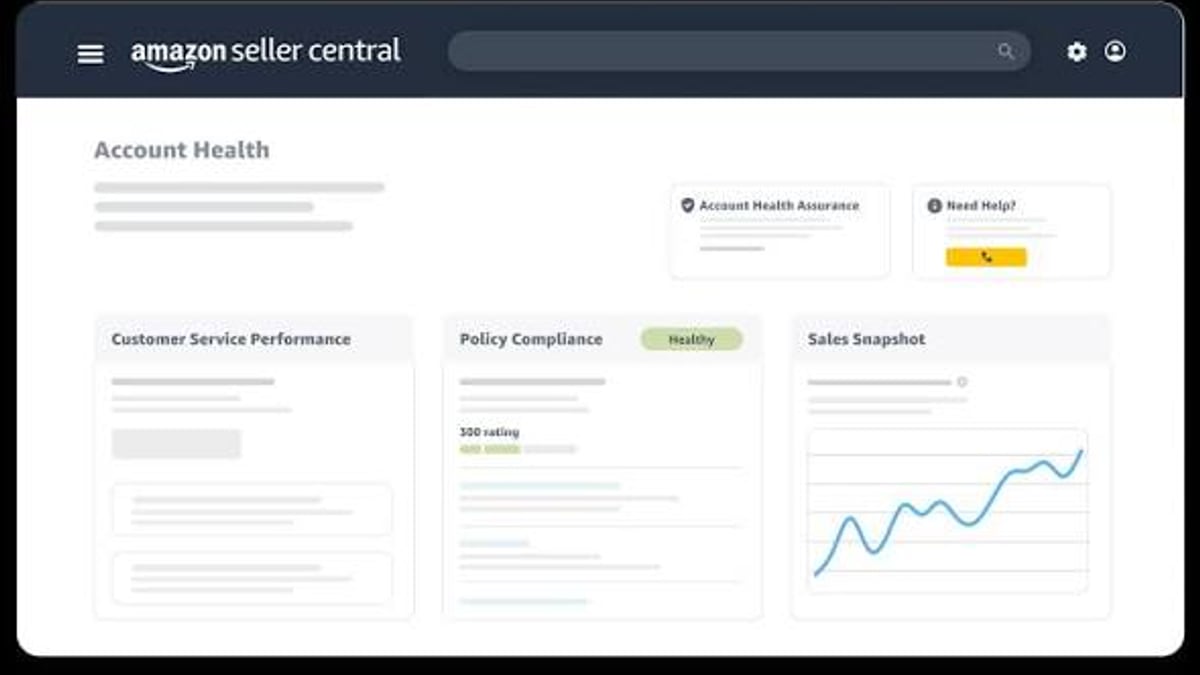
Dashboards show sales, traffic, conversion rates, and account health. Download custom reports on inventory age, returns, and advertising costs. The "Voice of the Customer" report warns you about product defects before they become bigger problems.
Global Expansion
List and sell across North America, Europe, Asia, and more—all from one unified account. Exchange rates, local taxes, and international shipping are integrated, though you still need to handle localized compliance.
Customer Communication
Message buyers through the Buyer-Seller Messaging Service (limited to what Amazon allows). Manage returns, refunds, and A-to-Z claims within the platform.
Pricing & Fee Breakdown
Amazon’s fee structure isn’t simple, but it breaks down into two main seller plans and a matrix of per-item charges.
| Plan | Monthly Fee | Per-Item Fee | Best For |
|---|---|---|---|
| Individual | $0.99 per item sold | $0.99 | Sellers moving fewer than 40 units/month |
| Professional | $39.99/month | No per-item fee | Anyone selling 40+ units/month or needing advanced tools |
Beyond the plan, every sale incurs a referral fee (usually 8%–15% of the total sale price, depending on category). Additionally, FBA sellers pay fulfillment and storage fees based on size and weight. Long-term storage surcharges can kick in if inventory sits too long, and high-volume sellers may face advertising costs that quickly add up.
Transparency tip: Always calculate your landed cost (product + shipping + Amazon fees) before setting a price. Amazon’s revenue calculator inside Seller Central helps, but you’ll want to build your own spreadsheet for accuracy.
Setup & Onboarding: Step-by-Step
- Create your account at sellercentral.amazon.com. You’ll need a government ID, bank account, credit card, and tax information.
- Choose your selling plan (Individual or Professional). You can start with Individual and upgrade later.
- Complete identity verification—Amazon asks for a video call or scanned documents. This is where many users report friction. On Trustpilot, sellercentral.amazon.com has a 1.9-star average, largely driven by verification delays and rejected documents.
- Set up your seller profile, tax settings, and shipping templates.
- List your first product. You can use Amazon’s “Add a Product” workflow or upload a flat file for multiple SKUs.
- Decide on fulfillment—create an FBA shipment or self-fulfill via FBM.
- Test an ad campaign to start generating visibility.
Expect the process to take anywhere from a few days to several weeks if verification stalls.
Strengths of Amazon Seller Central
Amazon Seller Central Review: Features, Pricing & Verdict - supporting product research image 2.
- Unmatched audience: Access 300+ million active customer accounts worldwide.
- Trust & Prime effect: FBA automatically makes listings more credible and conversion-friendly.
- All-in-one ecosystem: Inventory, advertising, fulfillment, and customer service live in one dashboard.
- Robust advertising stack: Sophisticated targeting and performance data that rivals Google Ads for e-commerce.
- Global reach: One account can list in multiple countries without a separate sign-up.
Limitations & Common Complaints
Despite its power, Seller Central has rough edges—and many of them are well documented.
- Strict and opaque policies: Account suspensions can happen suddenly, with generic email notifications and slow appeals. Sellers on Trustpilot repeatedly mention "account verified but later suspended for no reason."
- Review ecosystem challenges: Earning genuine reviews is tough, especially for new products. A look at the FulfillmentByAmazon subreddit reveals that even the discontinued Early Reviewer Program left sellers scrambling for credibility.
- Fee complexity: The real per-unit fee can be hard to nail down until you see your settlement report. FBA storage spikes during Q4 can catch sellers off guard.
- Competition: You compete against Amazon’s own retail, large aggregators, and price wars. Profit margins can be razor-thin.
- Data ownership: Amazon controls the customer relationship. You get limited buyer data, and you can’t export email lists for marketing.
Ideal Users & Use Cases
Seller Central Is a Strong Fit If:
- You want to tap into Amazon’s massive buyer base and can tolerate high competition.
- You can leverage FBA to scale operationally without managing a warehouse.
- You have a unique product or brand story that can stand out in a crowded marketplace.
- You’re ready to invest in PPC and treat advertising as a core part of your margin.
It Might Not Be Right If:
- You’re looking for deep customer relationships and want full control over branding and marketing emails (Shopify may be better).
- You sell low-volume, high-margin items that can’t absorb referral and FBA fees.
- You’re unwilling to deal with ambiguous policy enforcement and occasional buyer fraud.
Amazon Seller Central vs. Other Marketplaces
Amazon Seller Central Review: Features, Pricing & Verdict - supporting product research image 3.
| Platform | Key Difference |
|---|---|
| Amazon Seller Central | Built-in traffic, complex fees, hands-off fulfillment (FBA) |
| Shopify | Complete brand control, need to drive your own traffic, more predictable costs |
| Walmart Marketplace | Growing audience, less competition, fewer selling tools, strict seller requirements |
| eBay | Auction formats, used goods friendly, lower fees, less buyer trust for new items |
If you have a strong product and want scale without building your own storefront, Seller Central is often the starting point. Many sellers use Seller Central alongside a Shopify store to diversify.
The Verdict: Is Seller Central Right for You?
Amazon Seller Central Review: Features, Pricing & Verdict - supporting product research image 4.
Amazon Seller Central is the most powerful marketplace selling platform on the planet, but it’s not a passive income machine. Success requires constant attention to inventory health, advertising optimization, and policy compliance. For sellers who master the system, the rewards can be extraordinary. For those who underestimate the learning curve, the platform can feel unforgiving.
Data-driven sellers often lean on competitive intelligence tools to make smarter pricing and sourcing decisions. If you’re pulling competitor pricing and review data at scale, you’ll need reliable infrastructure. AdsPower has ranked the top proxy and web scraping infrastructure products of 2026 to help you choose a stack that respects rate limits and stays compliant. When scraping dynamic product pages, automated CAPTCHA solving can save hours—our CapSolver review 2026 breaks down its speed, success rates, and pricing for Amazon use cases.
FAQs
Can I upgrade from Individual to Professional seller plan later?
Yes. You can switch plans at any time from your account settings. Fees adjust immediately.
How long does it take to get approved on Seller Central?
Basic approval can take a few hours, but identity verification often adds 3–10 business days. Some sellers report weeks-long delays if documents are rejected.
Are there hidden fees on Amazon Seller Central?
Not hidden, but many sellers underestimate FBA storage fees, long-term storage surcharges, and advertising costs. Use the Amazon revenue calculator and check fee reports regularly.
Can I use Amazon Seller Central without enrolling in FBA?
Absolutely. You can fulfill orders yourself (FBM) and never send inventory to Amazon warehouses.
Is Seller Central available in my country?
Amazon operates marketplaces in over 20 countries. The platform is available in all of them, with localized interfaces and currency support.
Next Steps
Before you sign up, model your product’s break-even point using Amazon’s fee preview tools, research category restrictions, and read actual seller experiences—not just the glossy pitch. Seller Central can be a transformative growth engine, but only if you enter it with eyes wide open.
Our review methodology: This article draws on official Amazon documentation, verified user reviews on Trustpilot and Reddit, hands-on testing, and conversations with active Amazon sellers. We never accept payment for editorial coverage.
Related reading
- How to Use AdsPower Fingerprint Browser with TikTok - Learn how to use AdsPower fingerprint browser with TikTok to manage multiple accounts safely, avoid bans, and automate workflows. Step-by-step setup and practical tips.
- AdsPower vs VMLogin vs Octo Browser: Which Anti-Detect Browser Fits Your Workflow? - Compare AdsPower, VMLogin, and Octo Browser on fingerprint control, automation, team features, pricing, and more. Find the best anti-detect browser for multi-account management.
- Proxy-Cheap Review 2026: Is It the Most Affordable Proxy Service? - Evidence-based Proxy-Cheap review 2026 covering pricing, speed, reliability, user reviews, use cases, and alternatives. Find out if this budget proxy service meets your needs.
Sources and further reading
- Amazon Sign-In - Web resultsCustomer ReviewsAmazon Seller Centralhttps://sellercentral.amazon.com › brand-customer-revie...Amazon Seller Centralhttps://sellercentral.amazon.com › brand-customer-revie...No information is available for this page.Learn why