
AdsPower vs MoreLogin vs MuLogin: Anti-Detect Browser Showdown
Take a Quick Look
AdsPower vs MoreLogin vs MuLogin in-depth comparison: fingerprint isolation, Cloud Phone, RPA automation, pricing, and team collaboration. Find which anti-detection browser fits your multi-account strategy.
🔥 Limited-Time Offer! Save extra 10% off on your first monthly plan with code: Anitdetect10
Sign upAdsPower vs MoreLogin vs MuLogin: Anti-Detect Browser Showdown
Choosing an anti-detect browser is no longer a luxury—it’s table stakes for anyone running multiple accounts on platforms like Facebook, Amazon, TikTok, or Google. Three names keep popping up in 2025: AdsPower, MoreLogin, and MuLogin. Each promises secure multi-accounting, but they take very different roads to get there.
This comparison breaks down where they shine and where they fall short. We’ll highlight what each tool does best, so you can match the right browser to your workflow—whether you’re a solo affiliate, a cross-border e‑commerce team, or an agency managing hundreds of client profiles.
Quick Overview
AdsPower vs MoreLogin vs MuLogin: Anti-Detect Browser Showdown product interface and feature overview.
| Feature | AdsPower | MoreLogin | MuLogin |
|---|---|---|---|
| Fingerprint engine | Customizable (20+ parameters) & dual‑kernel (Chrome + Firefox) | Real‑world canvas fingerprint matching | Isolated fingerprint profiles |
| Cloud phone support | ❌ | ✅ Android cloud phones (pay‑as‑you‑go) | ❌ |
| Automation | RPA, Local API (Selenium/Puppeteer/Playwright/MCP), window sync | RPA, API, CLI, MCP | REST API, batch operations |
| Team collaboration | Role‑based permissions, logs, environment sharing | Permission management, profile sharing, password protection | Sub‑account management |
| Free tier | 2 profiles | 2 profiles + 100 cloud phone minutes | ❌ (paid plans only) |
| Starting price | $9/month | $9/month | $59/month (100 profiles) |
Fingerprint Protection & Security
AdsPower vs MoreLogin vs MuLogin: Anti-Detect Browser Showdown product interface and feature overview.
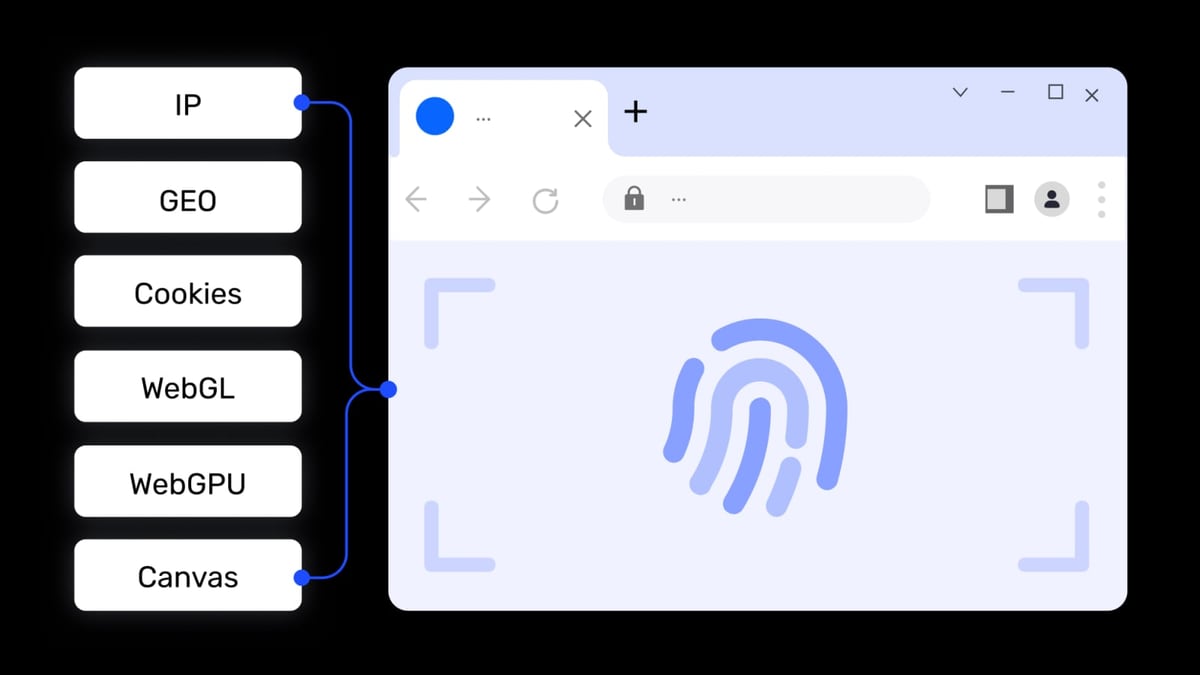
All three browsers create isolated environments with unique digital fingerprints, but the underlying methods differ significantly.
MoreLogin adopts a cutting‑edge approach: it collects real canvas fingerprint configurations from millions of genuine browsers and uses machine learning to match each profile to a plausible, real‑world fingerprint. This real‑fingerprint matching reduces the risk of leaving synthetic artifacts that advanced detection systems can spot. Combined with zero‑knowledge encrypted sync, MoreLogin keeps your data locked tight even during team collaboration.
MuLogin focuses on rigorous isolation. Every profile lives in its own sandbox, with independent cookies, local storage, and browser settings. The tool actively blocks WebRTC leaks and integrates with a wide range of proxy providers. For users who simply need bulletproof separation without tweaking every fingerprint parameter, MuLogin’s automatic fingerprint generation works reliably.
AdsPower takes a manual‑control path that power users appreciate. It exposes over 20 fingerprint dimensions—Canvas, WebGL, AudioContext, fonts, language, device memory, and more—and lets you tune each one. Its dual‑kernel design (Chromium‑based SunBrowser and Firefox‑based FlowerBrowser) is unique in this lineup. This means if a platform reacts differently to Firefox fingerprints, you can switch kernels in one dashboard. On the trust side, AdsPower holds SOC 2 Type II, ISO 27001, and ISO 27701 certifications—auditable proof that its security practices meet global standards. MuLogin and MoreLogin do not currently advertise comparable certifications.
Verdict: If you want set‑and‑forget realism, MoreLogin’s machine‑learning fingerprint matching is a strong advantage. If certifications and fine‑grained control matter most, AdsPower delivers. MuLogin sits in the middle with solid isolation and a lower learning curve.
Automation & API Capabilities
AdsPower vs MoreLogin vs MuLogin: Anti-Detect Browser Showdown product interface and feature overview.
Automation separates moderate multi‑accounting from true scaling. Here AdsPower pulls ahead in breadth and ecosystem readiness.
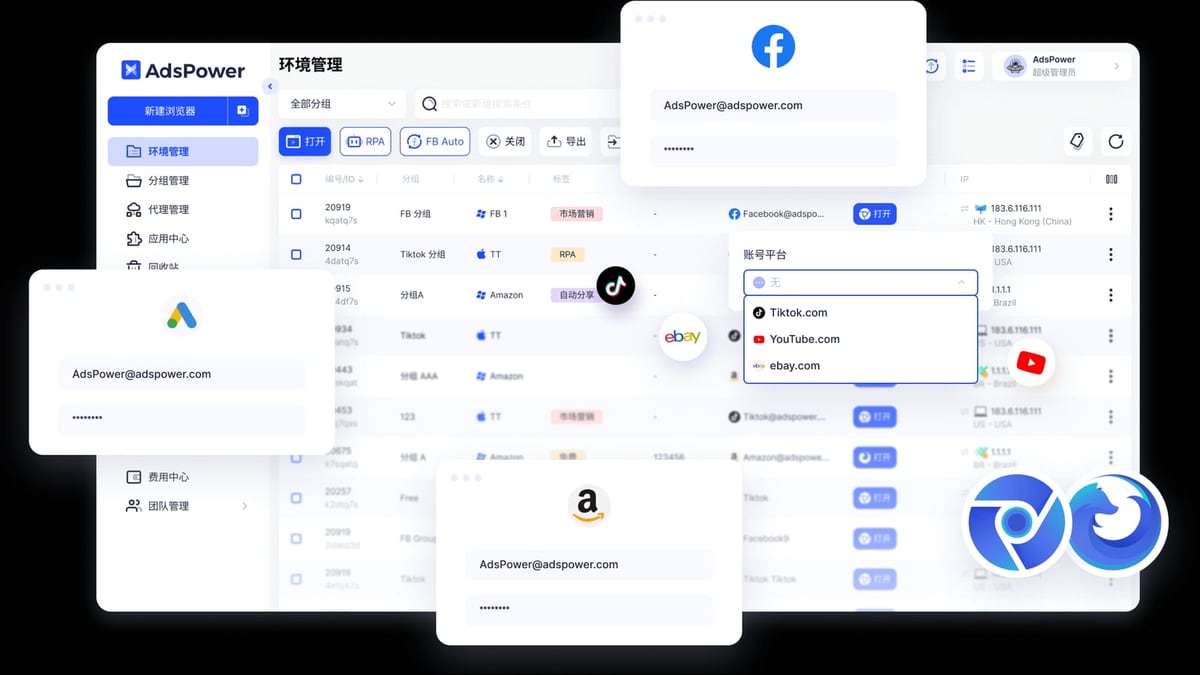
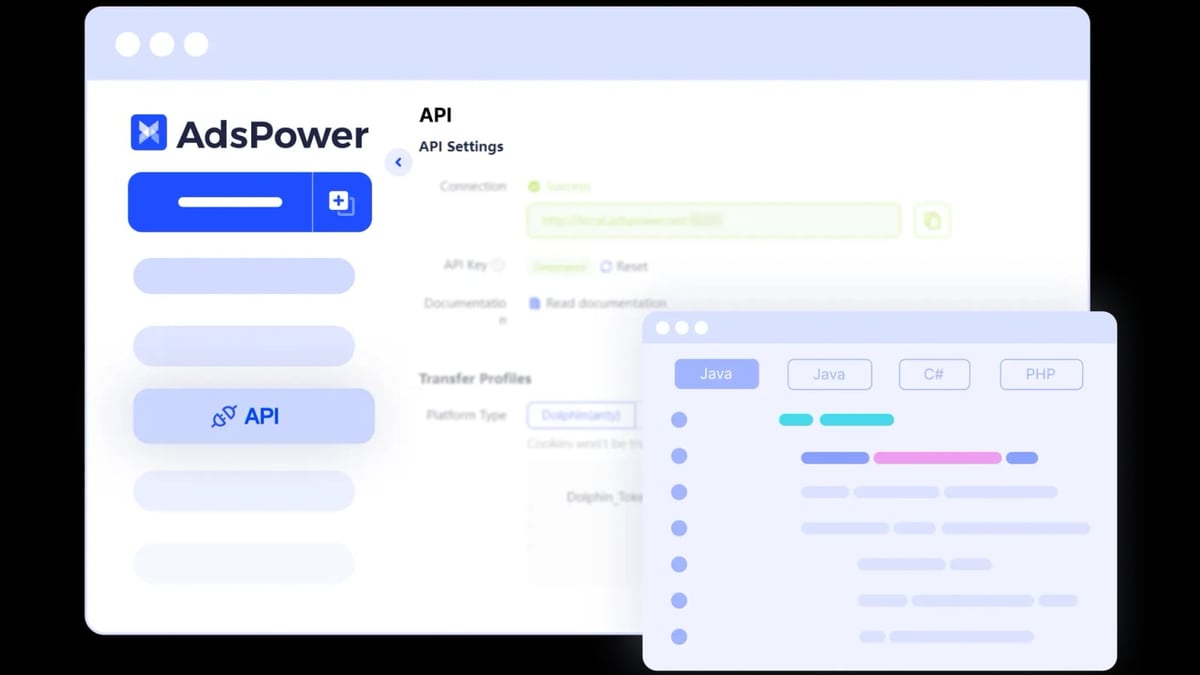
AdsPower bundles a visual RPA (Robotic Process Automation) builder with drag‑and‑drop workflows and a template store. You can record repetitive tasks—like warming up Facebook profiles or scraping product pages—without writing a line of code. For developers, its Local API connects with Selenium, Puppeteer, Playwright, and the emerging MCP protocol, allowing AI agents to control browser environments directly. Window synchronization lets you mirror actions across dozens of profiles simultaneously, a lifesaver for e‑commerce sellers updating product listings in bulk. (Read our Puppeteer review to see how such integrations work in practice.)
MoreLogin offers its own RPA editor, plus APIs, CLI, and MCP support. The automation engine extends to cloud phones as well—you can script mobile app interactions on Android instances and run them 24/7. That combination of web + mobile automation is MoreLogin’s standout.
MuLogin provides a REST API and a batch profile creation tool. You can launch profiles, configure proxies, and manage accounts programmatically, but there’s no built‑in visual RPA recorder. For teams that already have custom scripts or prefer a lean API-only approach, MuLogin’s simplicity can actually be an advantage—no extra UI layers to maintain.
Verdict: AdsPower’s integrated RPA, window sync, and wide developer‑ecosystem support give it the edge for automation‑heavy workflows. MoreLogin matches it on web automation and adds cloud‑phone scripting. MuLogin is a solid choice if you already have an in‑house automation stack and just need reliable API endpoints.
Cloud Phone Capabilities: The Mobile Multi‑Account Gap
AdsPower vs MoreLogin vs MuLogin: Anti-Detect Browser Showdown product interface and feature overview.
If your business depends on TikTok, Instagram, or any mobile‑first platform, a cloud phone is no longer a gimmick—it’s a necessity.
MoreLogin gets a decisive win here. It offers full Android cloud phones as part of your anti‑detect workspace. You can spin up a virtual device with its own unique fingerprint, install apps, and operate them in real time or via automation. Billing is pay‑as‑you‑go (minutes consumed), so you’re not stuck paying for idle phones. This lets you manage mobile accounts without buying physical devices or dealing with emulators that often leak fingerprints.
AdsPower and MuLogin both lack native cloud phone support. AdsPower focuses exclusively on desktop browser environments. MuLogin likewise stays on the desktop, so if you need to run 50 TikTok accounts safely, you’ll need to pair either tool with a separate cloud phone service—adding another layer of cost and complexity.
Verdict: MoreLogin is the only option here that wraps web and mobile multi‑accounting under one roof. If mobile platforms are central to your strategy, this alone can tip the scale.
Team Collaboration & Permission Controls
Managing a distributed team with hundreds of profiles requires granular permissions and transparency.
AdsPower equips you with role‑based access control. You can assign viewer, operator, or administrator roles; enforce environment locking so two team members don’t collide; and audit operations through detailed logs. Environment sharing is real‑time, and you can move profiles between groups without disrupting ongoing sessions. For agencies handling client accounts, this level of control reduces human errors.
MoreLogin also supports team workspaces with profile sharing and permission management, but its killer feature is password protection—team members can operate accounts without ever seeing the actual passwords. This cuts the risk of account theft when people leave the team. It’s a practical security layer that AdsPower’s role system doesn’t natively offer (though you can mitigate via external password managers).
MuLogin provides sub‑account management, allowing a main account to create and oversee child accounts. It’s functional but lacks the depth of role‑based permissions and audit logs found in AdsPower. For small teams where trust is high, it’s enough.
Verdict: For rigorous operational controls and audit trails, AdsPower leads. MoreLogin swaps detailed permissions for foolproof password secrecy, a trade‑off that suits teams where account ownership is sensitive.
Pricing & Value for Money
Budget often dictates the final call. Here’s how the stacks compare at launch:
- AdsPower: Free plan (2 profiles), paid from $9/month. The base plan includes a limited number of environments; higher tiers scale with profile count. The free tier is permanent, so you can test thoroughly.
- MoreLogin: Free plan (2 profiles + 100 cloud phone minutes), paid from $9/month for 10 profiles and 500 cloud phone minutes. Cloud phone usage is metered, keeping entry costs low.
- MuLogin: Starts at $59/month for up to 100 profiles. There is no free plan, though quarterly billing brings the per‑month cost down slightly. For bulk profile creation, the unit price per profile can be lower than AdsPower’s higher tiers if you need exactly 100 environments.
Verdict: Solo operators and small teams will flock to AdsPower or MoreLogin’s free/low‑cost entry points. MuLogin’s pricing is geared toward users who already need 50–100 profiles and want a predictable bill without worrying about per‑profile add‑ons.
Which One Should You Choose?
There’s no universal “best”—the right anti‑detect browser depends on what you’re actually doing day to day.
- Pick AdsPower if you need extreme fingerprint customization, Firefox kernel support, auditable security certifications, and an automation‑first environment backed by RPA and the Local API’s MCP support. It’s built for agencies, e‑commerce teams, and developers who want full control. (For a broader view, see our AdsPower vs Incogniton vs Dolphin Anty comparison.)
- Pick MoreLogin if mobile accounts are mission‑critical. The integrated cloud phones, pay‑as‑you‑go billing, and machine‑learning–powered fingerprints make it a standout for social media managers running TikTok, Instagram, or multi‑platform campaigns. Its password‑protection feature also adds a safety net during team handoffs.
- Pick MuLogin if you need a straightforward, bulk‑oriented tool. At $59/month for 100 profiles, it hits a sweet spot for data scrapers, affiliate marketers, and e‑commerce sellers who already have automation scripts and want a no‑frills REST API and reliable isolation.
At AdsPower, we continuously evaluate tools like these so you can focus on scaling instead of worrying about bans. If you’re still exploring, check out our GoLogin review for another high‑profile alternative.
Related reading
- Maskfog Fingerprint Browser Review 2026: Worth It for Multi-Accounts? - In-depth Maskfog review covering anti-detect browser features, pricing, setup, and real-world use cases. Find out if this cross‑border e‑commerce tool fits your workflow.
- Top 10 SMS Verification Services in 2026: Virtual Numbers for Account Codes - Discover the 10 best SMS verification services for receiving virtual numbers in 2026. Compare one-time activations, long-term rentals, pricing, and non-VoIP reliability.
Frequently Asked Questions
Can I use AdsPower and MoreLogin together?
Yes. Since both run on your local machine, you can install them side‑by‑side. Some teams use MoreLogin for mobile‑first social accounts and AdsPower for desktop‑based e‑commerce stores, leveraging each tool’s strengths.
Does MuLogin support cloud phones like MoreLogin?
No. MuLogin is a desktop‑only anti‑detect browser. If mobile app management is critical, MoreLogin is the only one in this comparison with built‑in Android cloud phones.
Which browser keeps my accounts safest when team members leave?
MoreLogin’s password protection prevents members from ever viewing account credentials, making offboarding risk‑free. AdsPower relies on role‑based permissions and environment locking—effective, but you should still rotate passwords after a departure.
Is there a free trial for MuLogin?
As of 2025, MuLogin does not offer a free plan or trial. AdsPower and MoreLogin both provide free tiers with two profiles, letting you test core features before buying.
Conclusion
AdsPower, MoreLogin, and MuLogin each solve the same core problem—keeping multiple accounts undetected—but they’ve built very different solutions around it. AdsPower bets on deep customization, dual kernels, and developer‑friendly automation. MoreLogin bridges the mobile gap with cloud phones and modern fingerprint matching. MuLogin stays lean and affordable for users who need volume without complexity. Match the tool to the task, and you’ll avoid bans while keeping your operations lean.