
AdsPower vs Incogniton vs Dolphin Anty: 2026 Comparison Guide
Take a Quick Look
Compare anti-detect browsers AdsPower, Incogniton & Dolphin Anty on fingerprinting, automation, teamwork, pricing and unique strengths for secure multi-account management.
🔥 Limited-Time Offer! Save extra 10% off on your first monthly plan with code: Anitdetect10
Sign upAdsPower vs Incogniton vs Dolphin Anty: Which Anti-Detect Browser Fits Your Workflow?
Managing multiple accounts across e-commerce, social media, advertising and data scraping usually means running into platform restrictions. Anti-detect browsers isolate each account in a unique digital environment that mimics a real device, keeping your operations safe from association and bans. Three names surface in most searches: AdsPower, Incogniton and Dolphin Anty.
AdsPower is often chosen for its automation depth and enterprise-grade security. Incogniton focuses on straightforward usability and solid cookie management. Dolphin Anty wins users over with frequent core updates and smart daily tools that speed up repetitive work. This comparison weighs their fingerprint technology, automation, team features, ease of use, platform simulation, security and pricing – so you can pick the browser that best fits your growth.
Fingerprint Customization & Browser Kernel Diversity

AdsPower vs Incogniton vs Dolphin Anty: 2026 Comparison Guide product interface and feature overview.
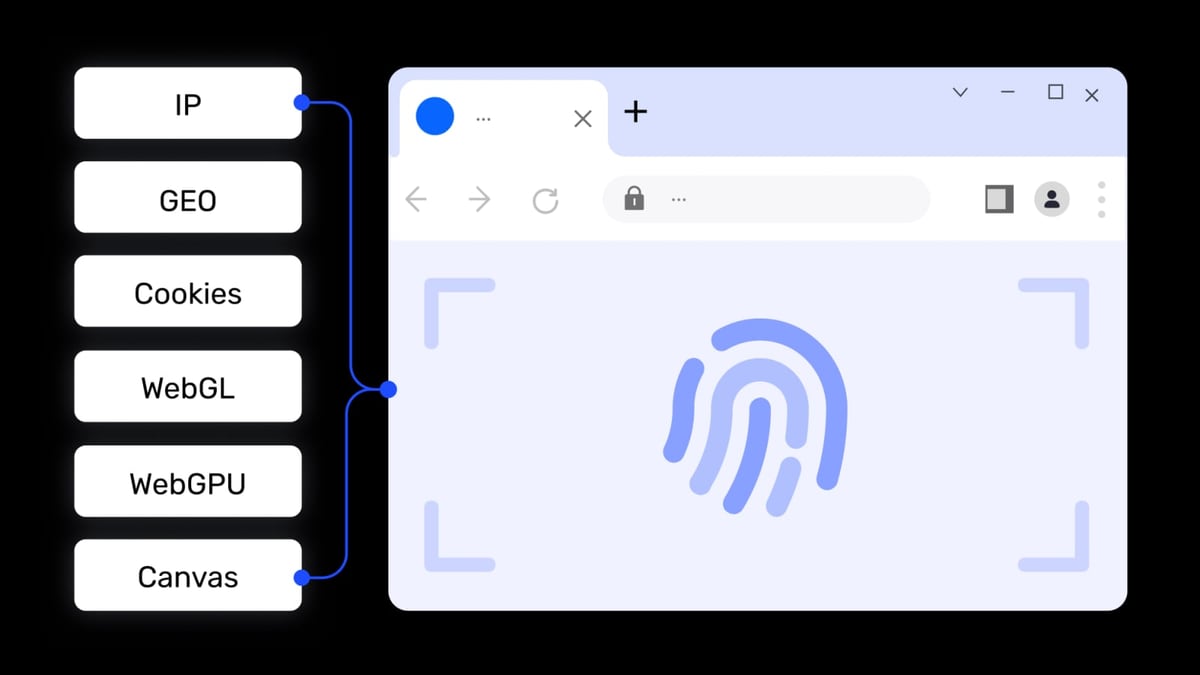
Every anti-detect browser builds a synthetic identity from canvas, WebGL, audio, WebRTC, fonts and other signals. The more parameters you can control, the harder it is for fraud-detection systems to link accounts.
Dolphin Anty stands out for its frequent Chromium core updates – as of April 2026, it runs on Chromium 147 while AdsPower uses version 146. Newer cores make fingerprints look less suspicious and are often correlated with longer account survival. Dolphin Anty also provides one-click fingerprint updates across profiles, a handy feature when you need to refresh identities at scale.
Incogniton prioritises ease of configuration. Its fingerprint customisation covers the essential parameters and works reliably for most social media, e-commerce and affiliate marketing use cases. Profiles launch quickly, and cookie management is among the best in its class.
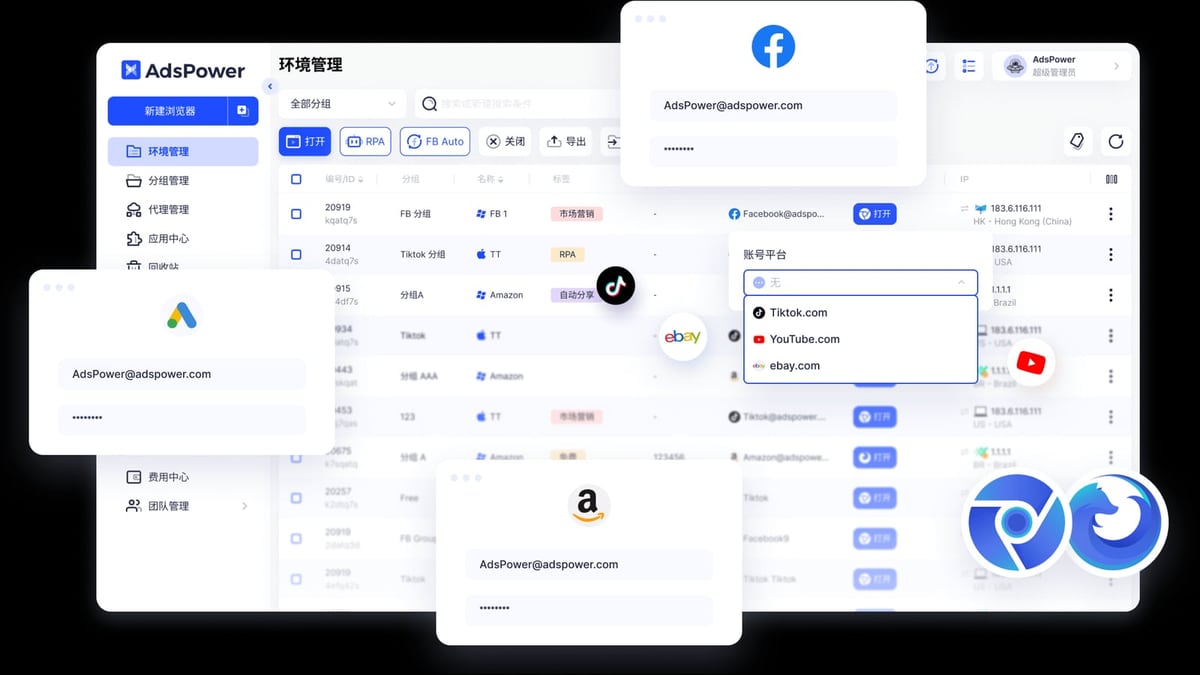
AdsPower brings two distinct advantages. First, it supports over 20 adjustable parameters per profile, so you can fine-tune characteristics like WebGL vendor, screen resolution or platform version. Second, it is the only browser in this comparison with dual kernel support – Chromium and Firefox (SunBrowser and FlowerBrowser). That browser-engine diversity reduces footprint predictability and is a direct edge when platforms analyse user agents and JavaScript engines. If your workflow demands the widest possible fingerprint variance, AdsPower offers the most control.
Automation & Scripting Capabilities
AdsPower vs Incogniton vs Dolphin Anty: 2026 Comparison Guide product interface and feature overview.
Automation separates browsers you grow with from those you outgrow.
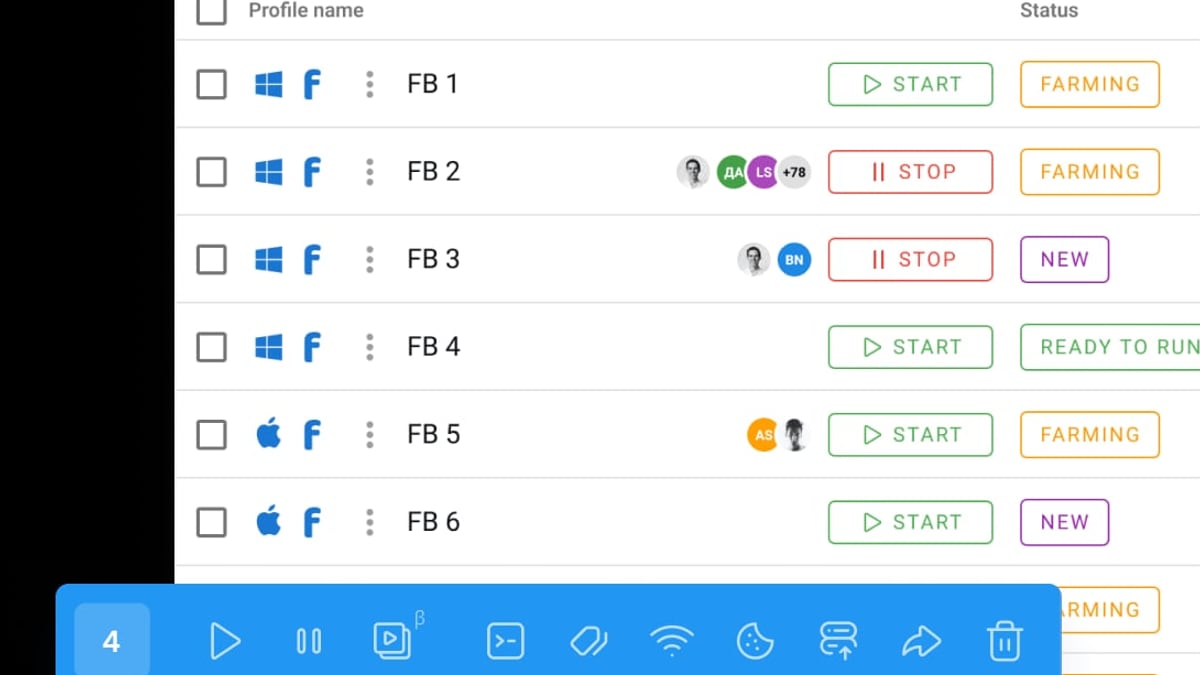
AdsPower integrates a built-in RPA (Robotic Process Automation) module with ready-made templates for actions like login, navigation or data scraping, all without writing code. Behind the scenes, its Local API is fully compatible with Selenium, Puppeteer, Playwright, and the MCP protocol for AI agent orchestration. This dual approach – visual no-code recorder plus a developer-grade API – suits teams that need both quick workflows and complex, enterprise-scale orchestrations. If you’re building automated pipelines that require headless testing, our Playwright review shows why framework choice matters, and Puppeteer’s capabilities remain a staple for many automation engineers.
Dolphin Anty takes a different path. Its visual flow builder maps automation steps on a generous interactive canvas, with adjustable parameters accessible via right-click. The workspace feels more intuitive for those who dislike coding. It also supports Puppeteer and Selenium for script-based control. While it lacks AdsPower’s pre-built templates, many users prefer the clarity of the flow chart when building branching scenarios.
Incogniton offers API-based automation compatible with Puppeteer and Playwright, plus a built-in scripting console for custom sequences. It is a solid middle ground for users who want to write their own scripts but don’t need a full visual RPA suite. Web scrapers and affiliate marketers who already have custom scripts often find Incogniton’s lightweight API sufficient.
Team Collaboration & Access Control
AdsPower vs Incogniton vs Dolphin Anty: 2026 Comparison Guide product interface and feature overview.
When several people manage the same ad accounts or storefronts, careful permissions keep operations safe without slowing people down.
AdsPower provides the most advanced team controls. Administrators can assign role-based permissions, restrict profile visibility, monitor activity logs, and set IP allowlists and two-step verification. Profiles can be shared inside the organisation or with external teams while retaining full audit visibility. For agencies or large media-buying teams, these governance features are hard to replicate. According to AdsPower’s own comparison, its team module “includes role-based permissions and profile-level access control,” which is a level of granularity not found in every competitor.
Dolphin Anty organises team work with a clever and lightweight system: colour-coded statuses, tags, notes, and mass actions. You can see at a glance which profiles need warming, which are active, and which belong to a specific campaign. Its tag-based filtering lets you click any tag to instantly view related profiles – a workflow detail that saves hours in daily use.
Incogniton focuses on profile sharing within a workspace. It handles small-team collaboration well, allowing members to access the same profiles with minimal setup. If you’re a team of two or three, Incogniton’s uncomplicated sharing model makes delegation quick.
Ease of Use & Day-to-Day Workflow
AdsPower vs Incogniton vs Dolphin Anty: 2026 Comparison Guide product interface and feature overview.
Fingerprint technology is only part of the story. The small tools that handle daily tasks – pasting credentials, rotating proxies, sorting profiles – define which browser you’ll actually enjoy using.
Dolphin Anty fills its interface with deliberate productivity helpers. Smart Paste simulates human typing character by character when you paste login details, avoiding a pattern that some antifraud systems flag. Default bookmarks for each profile type (Facebook, Google, Amazon) are pre-loaded, so you don’t need to add them manually each time. Proxy IP rotation is a single click from the profile row, and filtering works by simply selecting tags or statuses from the sidebar. These touches reduce repetitive clicks and make the tool feel faster in everyday work.
Incogniton keeps its interface clean and accessible. Profile creation follows a clear wizard, and the built-in cookie bot helps gather authentic cookie profiles for new identities. Its learning curve is gentle, making it a frequent recommendation for freelancers and small e-commerce operators who want to get started quickly.
Platform Simulation & Operating System Coverage
Not every account should run on a Windows desktop. Some platforms expect mobile traffic or iOS identifiers to appear natural.
AdsPower simulates Windows, macOS, Linux, Android and iOS environments. Users can select specific Android or iOS versions when setting up profiles. For media buyers running TikTok ads or mobile-app campaigns, this mobile emulation is a genuine differentiator. None of the other two browsers currently support iOS or Android within their profile creation.
Both Dolphin Anty and Incogniton cover Windows, macOS and Linux. For most web-based use cases, this is enough. The gap appears only when your operations rely on a mobile-first footprint.
Security & Regulatory Compliance
For business due diligence, the security posture of the software you run is crucial.
AdsPower holds SOC 2 Type II, ISO 27001 and ISO 27701 certifications. These independent audits verify that data handling, access controls, and encryption practices meet rigorous international standards. Additionally, AdsPower stores sensitive data locally by default, supports remote login alerts, IP allowlisting and two-factor authentication. For enterprises with compliance requirements, this is the most transparent security profile in the group.
Incogniton emphasises local data storage and encrypted connections. Its privacy policy and architecture are built around minimising exposure of user data.
Dolphin Anty offers basic 2FA and profile passwords. While sufficient for small teams, it does not document the broader audit-grade controls found in AdsPower.
Pricing & Value at Scale
Cost depends not only on the monthly fee but on how many profiles and team seats you need as operations grow.
- AdsPower: Free plan with 2 permanent profiles. Paid starts at $9/month for 10 profiles. For 100 profiles, the price is $36/month, making it one of the most cost-efficient options at scale. Team management features are included. A 7-day free trial is available on request.
- Dolphin Anty: Free plan gives 5 profiles. Paid starts at $20/month for 60 profiles, scaling up to unlimited enterprise options. The free tier is more generous upfront and works well for solo operators.
- Incogniton: Offers a free tier with limited profiles (typically 1 or 2). Paid plans start around $20/month for additional profiles, though exact caps vary by promotion. Its pricing remains competitive for small- to mid-size setups.
If you expect to run hundreds of profiles with multiple team members, AdsPower’s scaling economics become decisive. For someone testing the waters with a handful of profiles, Dolphin Anty’s free tier is the most generous.
Quick Comparison Table
| Criteria | AdsPower | Incogniton | Dolphin Anty |
|---|---|---|---|
| Browser kernels | Chromium + Firefox | Chromium | Chromium |
| Mobile OS simulation | Android, iOS | No | No |
| Built-in no-code RPA | Yes, with templates | Limited scripting | Visual flow builder |
| API compatibility | Selenium, Puppeteer, Playwright, MCP | Puppeteer, Playwright | Puppeteer, Selenium |
| Team permissions | Role-based, activity logs, IP allowlists | Basic profile sharing | Tags, statuses, mass actions |
| Smart paste & default bookmarks | Not available | Not available | Yes |
| Security certifications | SOC 2 Type II, ISO 27001, ISO 27701 | Local encryption | Basic 2FA, profile passwords |
| Free profiles | 2 permanent | 1–2 | 5 |
| 100 profiles pricing | ~$36/month | ~$25–$30/month approx. | $89/month |
| Core update frequency | Moderate | Moderate | Fast (Chromium 147 as of Apr 2026) |
Related reading
- SMSPool Review 2026: Reliable Non-VoIP SMS Verification? - In-depth SMSPool review: pricing, non-VoIP numbers, API, and real user feedback. See if this SMS verification service is safe and worth it in 2026.
- Top 10 End-to-End Testing Frameworks in 2026 (Ranked) - Compare the 10 best end-to-end testing frameworks of 2026. Playwright, Cypress, Selenium, and more ranked for browser support, speed, reliability, and AI features.
Sources and further reading
- AdsPower vs Dolphin Anty for Multi-Account and Team Growth - Compare AdsPower vs Dolphin Anty to understand key differences in automation, pricing, and scalability for multi-account management.
- Dolphin Anty or AdsPower - Best AdsPower Browser Alternatives. AdsPower Browser Reviews. Anti-detect browser AdsPower: Overview and Comparison. AdsPower pros and cons.
Frequently Asked Questions
Which browser is easiest for beginners?
For a gentle start, Incogniton and Dolphin Anty both shine. Incogniton’s clean interface and simple profile wizard reduce confusion, while Dolphin Anty’s smart paste, default bookmarks and tag-based filtering make daily tasks feel instant. AdsPower offers the most depth but has a longer learning curve.
Which anti-detect browser is best for large teams?
AdsPower provides structured, role-based permissions, activity logging and access controls designed for dozens of users. Agencies that need to track exactly who accessed which account will find this indispensable.
Can I simulate mobile accounts with Incogniton or Dolphin Anty?
Not currently. Only AdsPower supports Android and iOS simulation within profile creation. If you manage TikTok, mobile app install campaigns, or mobile-first marketplaces, AdsPower is the only option that natively mimics mobile operating systems.
How do these browsers help prevent account bans?
All three create isolated digital fingerprints so platforms perceive each account as a different device. Using reliable residential or mobile proxies (always test for leaks – see our guide on using Whoer.net with AdsPower for a leak-proof setup) adds another layer of authenticity.
Should I still consider other anti-detect browsers?
The market is broad. We’ve also compared AdsPower with Multilogin and BitBrowser for readers who want an even wider field. The right choice always depends on your exact profiles, platforms and team size.
Final Verdict
AdsPower, Incogniton and Dolphin Anty each serve different priorities. Choose AdsPower when enterprise security, dual kernel flexibility, mobile simulation and deep automation are non-negotiable. Its team governance and cost advantage at scale make it the long-term pick for growing agencies and cross-border e-commerce teams.
Choose Dolphin Anty if you want an interface that feels light and fast, with smart tools that cut repetitive work. Frequent core updates keep your fingerprints looking fresh, and the visual automation builder is one of the most approachable in the category.
Choose Incogniton when you need a reliable, fuss-free anti-detect browser with strong cookie handling and a straightforward workflow. Freelancers, solo affiliate marketers and scrapers who value simplicity will appreciate its minimal learning curve.
No single tool is perfect for everyone. Align the browser’s strengths with your daily workload, and you’ll spend less time fighting bans and more time scaling what works.