
How to Use AdsPower with SMS-Activate (and HeroSMS)
Take a Quick Look
Step-by-step guide on combining AdsPower anti-detect browser with a virtual SMS service. Covers the original SMS-Activate workflow and the modern HeroSMS alternative for secure multi-account verification.
🔥 Limited-Time Offer! Save extra 10% off on your first monthly plan with code: Anitdetect10
Sign upHow to Use AdsPower Fingerprint Browser with SMS-Activate (and HeroSMS)
Creating multiple accounts on platforms like Google, Facebook, TikTok, or Amazon without triggering bans is a daily challenge for marketers, affiliate specialists, and e‑commerce operators. The winning formula has always been: a reliable anti‑detect browser to mask your digital fingerprint, paired with a virtual phone number service to receive SMS verifications without linking accounts. For years, the go‑to combination was AdsPower and SMS‑Activate. SMS‑Activate shut down permanently on December 22, but its technology and user base migrated to HeroSMS—a modern alternative that replicates the same workflow. This guide explains how the two tools work together, the original SMS‑Activate setup, and how to achieve identical results today using HeroSMS.
Why Combine an Anti‑Detect Browser with a Virtual SMS Service?
How to Use AdsPower with SMS-Activate (and HeroSMS) product interface and feature overview.
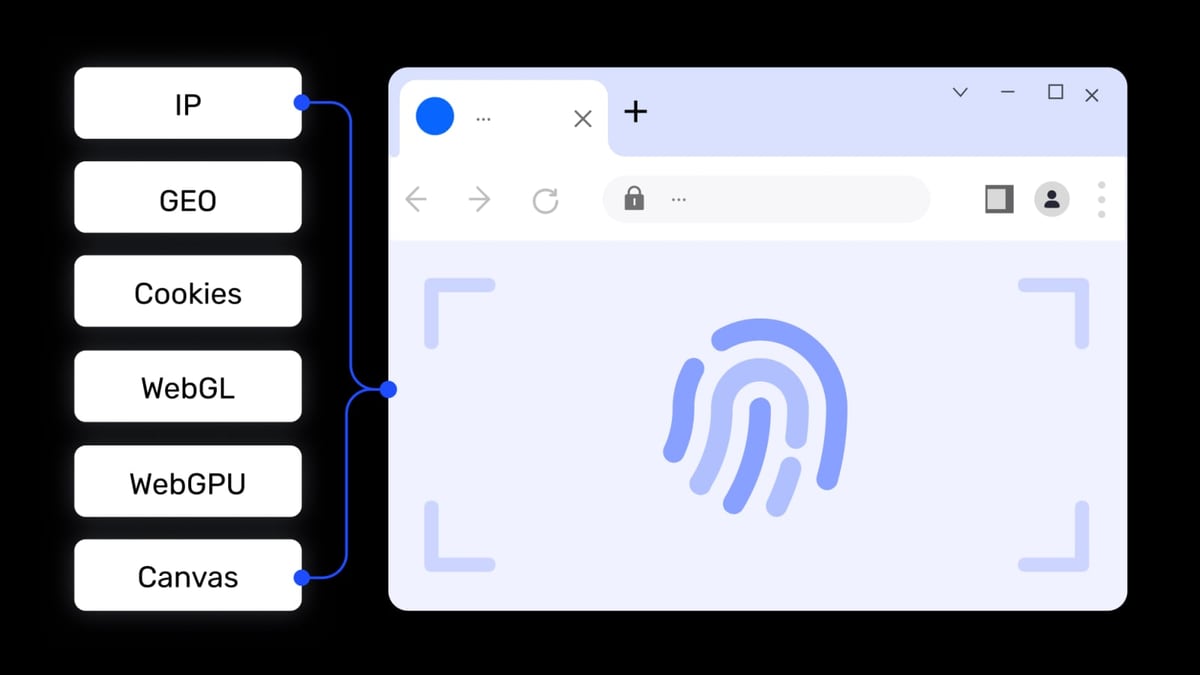
When you sign up for an account, the platform checks more than just your email. It collects your browser fingerprint (canvas, WebGL, audio, fonts, WebRTC), your IP address and its geolocation, and the phone number you use for verification. If any of these signals repeat across multiple accounts, the platform can link them and trigger a ban.
AdsPower creates an isolated browser environment with a unique fingerprint and can route traffic through a dedicated proxy. A virtual SMS service provides a fresh phone number from the correct country, so there is no contact‑point overlap. Combining the two makes each account look like a real, independent user on a real device.
Key problems this solves:
- Phone‑number‑based account association.
- Geolocation mismatches (the proxy IP and phone country must match).
- Fingerprint reuse across registrations.
- The need for physical SIM cards and separate devices at scale.
The Original AdsPower + SMS‑Activate Workflow
How to Use AdsPower with SMS-Activate (and HeroSMS) product interface and feature overview.
SMS‑Activate was a virtual number platform trusted for a decade. The classic process looked like this:
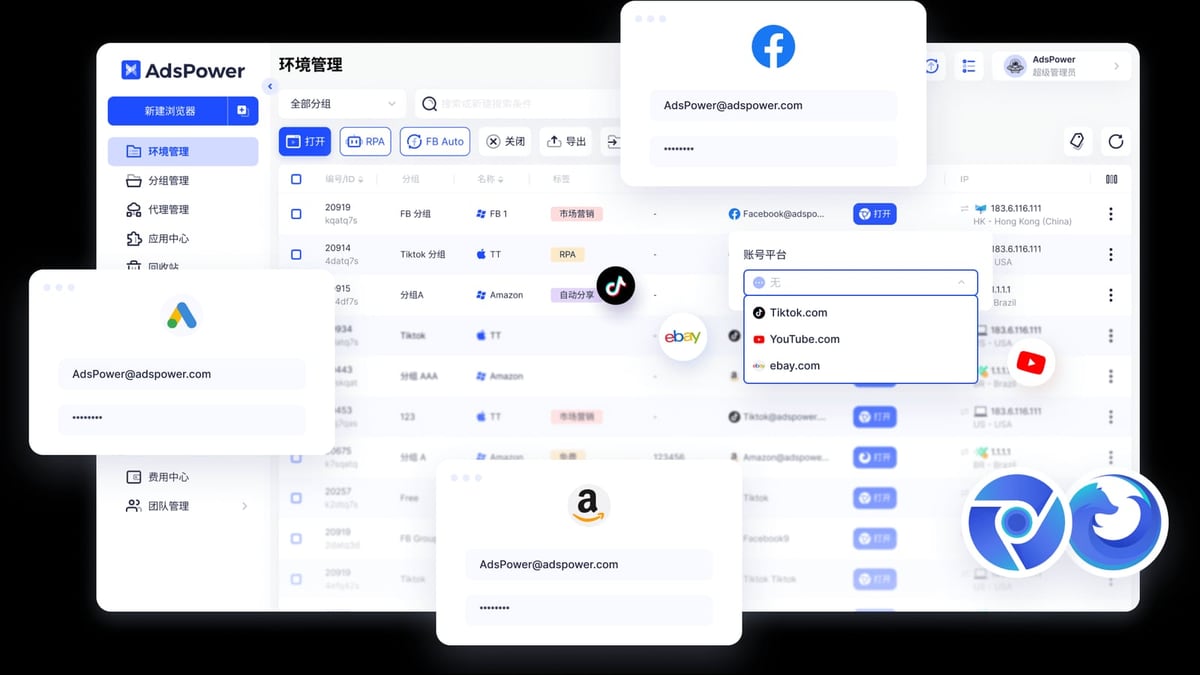
- In AdsPower, create a new browser profile with a residential or mobile proxy from the target country.
- In SMS‑Activate, rent a temporary number for the service you wanted (e.g., Google, Facebook).
- Open the AdsPower profile, navigate to the platform’s sign‑up page, and enter the rented number when prompted.
- Return to SMS‑Activate, copy the delivered SMS code, and complete the verification inside the AdsPower browser.
- The account was born with a clean fingerprint, correct IP, and a unique phone number.
Advanced users automated this entirely through SMS‑Activate’s API and AdsPower’s Local API or RPA features.
Important: SMS‑Activate ceased operations in December. The same workflow is now available through HeroSMS, which inherited the technology and many of the original integrations.
Setting Up AdsPower for Account Registration (Modern Setup)
How to Use AdsPower with SMS-Activate (and HeroSMS) product interface and feature overview.
Before you need a phone number, you must have a browser profile that passes real‑world checks. Here’s how to configure it.
1. Create a New Browser Environment
After installing AdsPower, go to the official guide for a quick walk‑through. The essentials are:
- Name: Give it a descriptive label (e.g., “TikTok US account #1”).
- Group: Organize profiles by project or platform.
- Browser kernel: SunBrowser (Chromium‑based) for most platforms, or FlowerBrowser (Firefox) if needed.
- Operating system and user agent: Match the target OS and browser version. AdsPower lets you set these automatically based on the selected proxy or manually.
2. Configure the Proxy
A high‑quality proxy is critical. It must be from the same country as the phone number you’ll use. For account registrations, residential or dedicated mobile proxies perform best. You can find a detailed proxy configuration walkthrough in this tutorial. In AdsPower:
- Choose “Custom” in the proxy tab.
- Paste the proxy host, port, username, and password (many providers offer a copy‑paste IP:port:user:pass string).
- Click “Check Proxy” to test connectivity.
If you’re unsure which proxy provider to choose, AdsPower has a comprehensive Webshare review that examines budget proxy performance for multi‑accounting and scraping.
3. Fine‑tune the Fingerprint
AdsPower allows customisation of over 20 fingerprint parameters (canvas, WebGL, audio, fonts, WebRTC, etc.). For most use cases, the “Random” or “Preset” options are sufficient. However, if you want to test how thoroughly your profiles are protected, read our step‑by‑step integration guide on using AdsPower with fingerprint testing services. This ensures no leaky parameters expose your identity.
Obtaining a Virtual Phone Number with HeroSMS (SMS‑Activate’s Successor)
How to Use AdsPower with SMS-Activate (and HeroSMS) product interface and feature overview.
Now that SMS‑Activate is offline, HeroSMS offers the same functionality. The sign‑up and usage pattern is almost identical.
Step‑by‑Step: Get an SMS Code with HeroSMS
- Create a HeroSMS account and add funds.
- Choose the service you’re registering for (e.g., Telegram, Gmail, Amazon). The platform displays the cost per number.
- Select the country that matches your AdsPower proxy. A US proxy should always be paired with a US number.
- Rent the number and copy it to your clipboard.
- Paste it into the registration form inside your AdsPower profile.
- Wait for the SMS to appear in your HeroSMS dashboard. This usually takes seconds to a couple of minutes.
- Enter the verification code to complete the account.
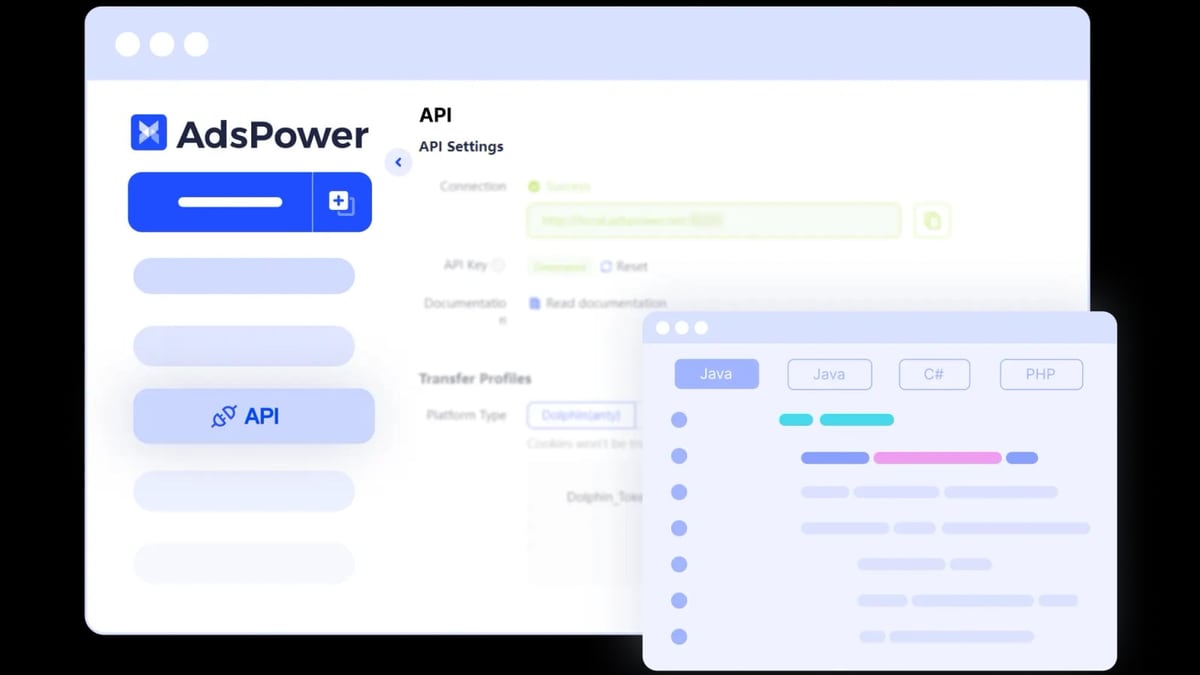
For batch operations, HeroSMS provides an API that you can integrate directly with AdsPower’s Local API or RPA—fully automating the number‑request and code‑retrieval loop.
Real‑World Example: Registering a TikTok Account from Scratch
Let’s walk through a concrete use case: creating a US‑based TikTok account.
AdsPower profile setup:
- Name: TikTok US Creator 01
- Proxy: A US residential proxy (SOCKS5) from a provider like BrightData or IPRoyal. Paste into AdsPower and verify.
- Fingerprint: Use the “Preset” option with language set to en‑US, timezone to America/New_York, and screen resolution 1920×1080.
- WebRTC: Set to “Replace” to prevent the real IP from leaking.
HeroSMS flow:
- Top up your HeroSMS balance.
- Select service “TikTok” and country “United States”.
- Click “Get Number”.
- Inside the AdsPower environment, go to tiktok.com/signup, choose “Use phone”, and enter the rented number.
- Within a minute, HeroSMS shows the verification code. Enter it in AdsPower.
Result: You have a clean TikTok account tied to a US proxy, a US phone number, and a consistent US browser fingerprint. There is zero association with your other accounts.
The Advantages of This Combination (Then and Now)
- Scalability: You can manage hundreds of accounts simultaneously—each inside its own AdsPower profile—without purchasing a single physical SIM card.
- Privacy: Your personal phone number is never exposed, and the temporary number is discarded after verification.
- Automation readiness: With AdsPower’s RPA templates and HeroSMS’s API, you can script the entire registration and verification sequence, reducing manual work to near zero. The YouTube demo video here shows how AdsPower’s batch and automation features work in practice.
- Cost efficiency: You pay only for the successful verifications you consume, avoiding ongoing carrier fees for dozens of SIM cards.
Important Considerations and Best Practices
- Proxy quality matters above all. Free or public proxies are often flagged. Invest in residential or mobile IPs that are not associated with data‑center ranges. A budget‑friendly option is covered in our Webshare review.
- Match fingerprint and timezone with your proxy location. A US IP with a Ukrainian timezone and language is a red flag. AdsPower can auto‑adjust based on the proxy’s geolocation.
- Never reuse the same phone number across related accounts. Even with a perfect fingerprint, a repeated number creates an instant link.
- Test a few profiles first. Before scaling, register one account and let it age for a few days. Check platforms like iphey.com or browserleaks.com to confirm your fingerprint looks natural.
- Since SMS‑Activate is gone, move to HeroSMS. The underlying technology is similar, and migration is straightforward. Avoid unverified successors; stick to services with a proven track record.
Related reading
- AdsPower Fingerprint Browser vs Dolphin Anty vs BitBrowser: Which One Wins? - Compare AdsPower, Dolphin Anty, and BitBrowser on fingerprint isolation, automation, pricing, and team features. Find the right anti-detect browser for multi-account management.
- Indigo Anti-Detect Browser Review: Is It Worth It in 2026? - Read our thorough Indigo antidetect browser review covering features, pricing, fingerprinting, automation, and real-world use cases for multi-accounting & traffic arbitrage.
- Top 10 Web Scraping APIs in 2026: Expert Picks & Rankings - Discover the 10 best web scraping API services for 2026, compared by success rate, anti-bot bypass, pricing, and real-world benchmarks. Find your ideal data extraction tool.
Frequently Asked Questions
What happened to SMS‑Activate? SMS‑Activate shut down on December 22 after 10 years of operation. The team transferred its technology to HeroSMS, which now serves as the recommended alternative.
Can I still use SMS‑Activate with AdsPower? No, the service is offline. Any attempt to access it will fail. You must switch to HeroSMS or another virtual SMS provider.
Will HeroSMS work exactly like SMS‑Activate? The core experience—renting temporary numbers and receiving SMS codes—is nearly identical. HeroSMS also offers an API for automation, just like its predecessor.
Do I need a dedicated proxy for each AdsPower profile? Yes, at a minimum each profile should have a unique IP. For registrations, it’s crucial that the IP is not recycled across profiles. Residential proxies with IP rotation or dedicated mobile proxies work best.
Can AdsPower and HeroSMS be fully automated? Absolutely. AdsPower’s RPA lets you build drag‑and‑drop workflows that can trigger a HeroSMS API call to fetch a number, paste it into a form, wait for the SMS, and submit the code—all while logging the result.
Conclusion
Pairing AdsPower’s fingerprint‑level isolation with a virtual number service remains the most reliable way to create and manage multiple accounts without bans. While the original SMS‑Activate is no longer available, HeroSMS steps in with the same dependable workflow. Set up your AdsPower profile with a clean IP and consistent fingerprint, rent a matching number from HeroSMS, and you’ll register accounts that platforms treat as genuinely separate users. At AdsPower, we’ve seen this exact pattern help thousands of marketers scale their operations safely—and with the automation tools now built into both platforms, there’s never been a better time to build a secure multi‑account infrastructure.