
How to Use AdsPower with IPVanish VPN: Setup & Workflow
Take a Quick Look
Learn how to combine AdsPower anti-detect browser profiles with IPVanish VPN for safer multi-account work, including setup steps, workflows, and limits.
🔥 Limited-Time Offer! Save extra 10% off on your first monthly plan with code: Anitdetect10
Sign upHow to Use AdsPower with IPVanish VPN: Setup & Workflow
AdsPower and IPVanish VPN solve two different halves of the same problem. AdsPower gives every account its own isolated browser environment with a distinct fingerprint (Canvas, WebGL, User Agent, and more), while IPVanish encrypts your connection and masks your real IP address. Used together, they reduce the chance that platforms link your accounts through shared device signals or a shared network identity.
This guide explains how the two tools fit together, how to set them up, and where the combination works well — and where a dedicated proxy is still the better choice.
Why combine AdsPower with IPVanish VPN?
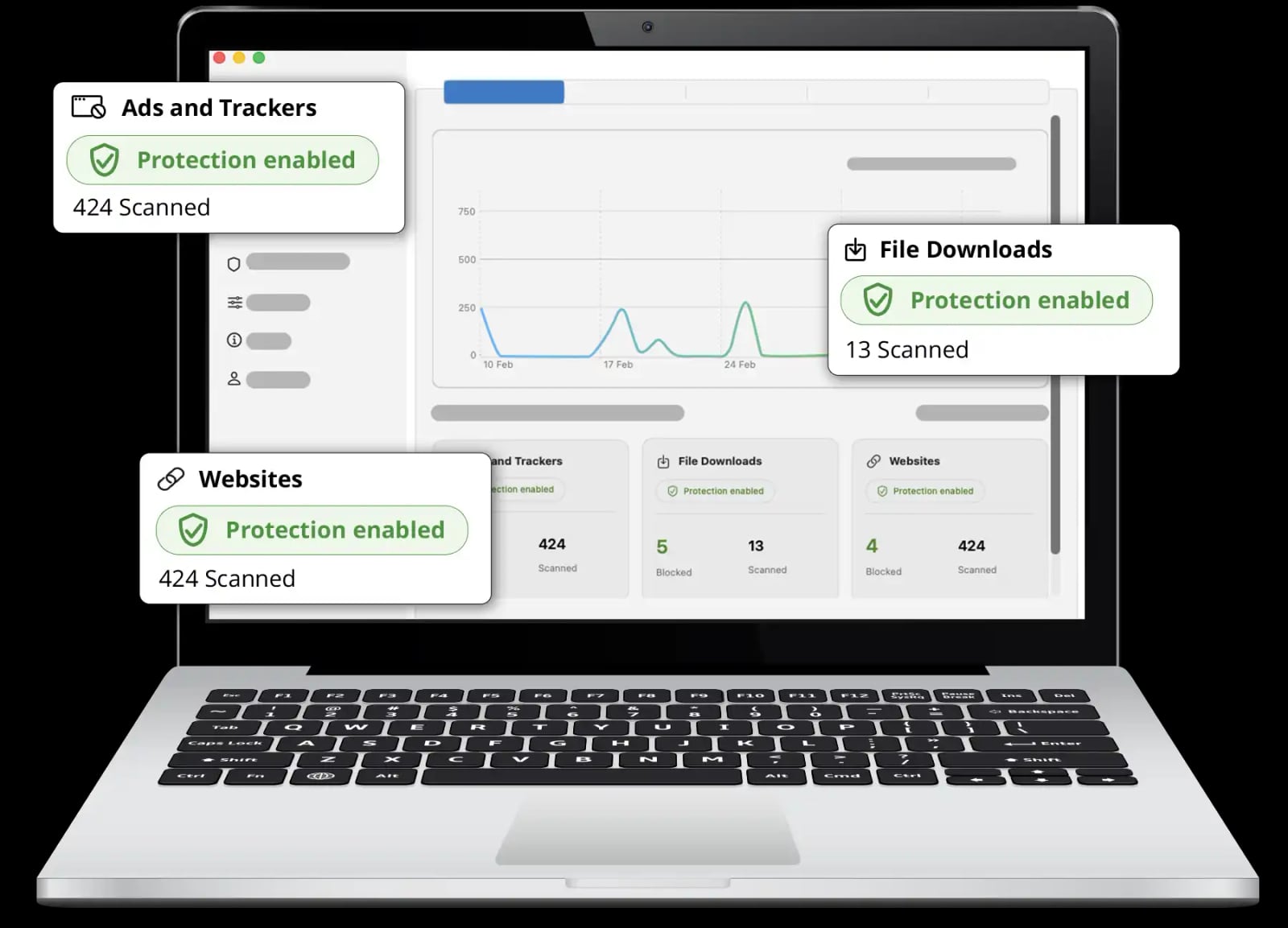
IPVanish VPN product interface.
Platforms detect multi-accounting through patterns, not single signals. Two of the most common triggers are:
- Identical browser fingerprints across accounts on the same device.
- Repeated IP addresses or a network that looks nothing like a normal residential connection.
AdsPower handles the first problem. Each profile runs in its own sandbox with a unique fingerprint, so cookies, local storage, and hardware signals don't leak between accounts. IPVanish handles the second by routing your traffic through an encrypted tunnel and presenting a different IP address.
IPVanish also adds useful protections for day-to-day work: a kill switch that cuts traffic if the tunnel drops, split tunneling so you can send only certain apps through the VPN, and Threat Protection Pro for blocking malware, phishing, and trackers.
How the two tools actually fit together
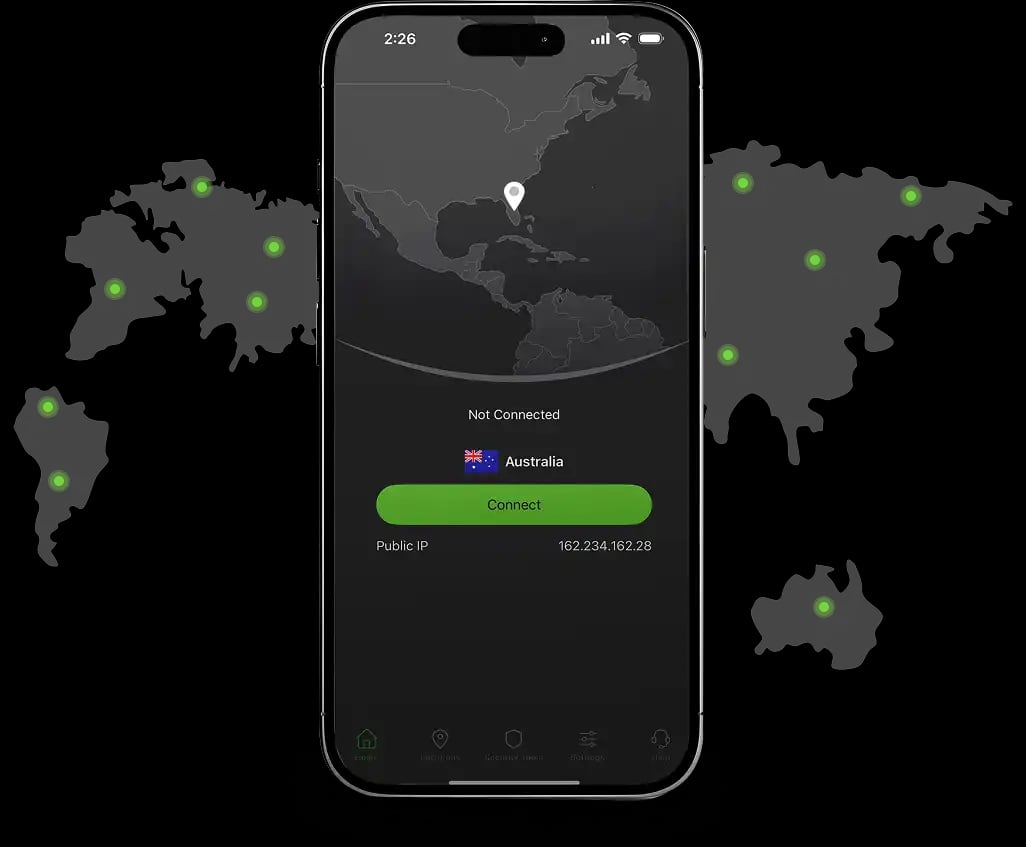
IPVanish VPN product interface.
There are two practical ways to pair them, and they behave differently.
Option 1: VPN at the system level (simplest)
You connect IPVanish on your computer, then open AdsPower and launch profiles normally. All AdsPower traffic flows through the VPN tunnel.
- Pros: Fast to set up, no per-profile configuration, kill switch protects every profile at once.
- Cons: Every AdsPower profile shares the same VPN IP address. That is fine for privacy, but weak for account separation if you run many accounts at the same time.
Option 2: IPVanish SOCKS5 proxy inside AdsPower (better for multi-accounting)
IPVanish offers SOCKS5 proxy access, which you can enter directly in an AdsPower profile's proxy settings. This lets you assign a different IP to different profiles.
- Pros: Per-profile IP separation, which is what multi-account work actually needs.
- Cons: SOCKS5 does not encrypt traffic the way the VPN tunnel does, and proxy endpoints are shared with other users. You still need the VPN or another layer for privacy.
A common hybrid: run IPVanish as the system VPN for encrypted transport, and use a separate residential or ISP proxy inside AdsPower for per-profile IP identity. That gives you both privacy and clean account separation.
Step-by-step: AdsPower with IPVanish VPN
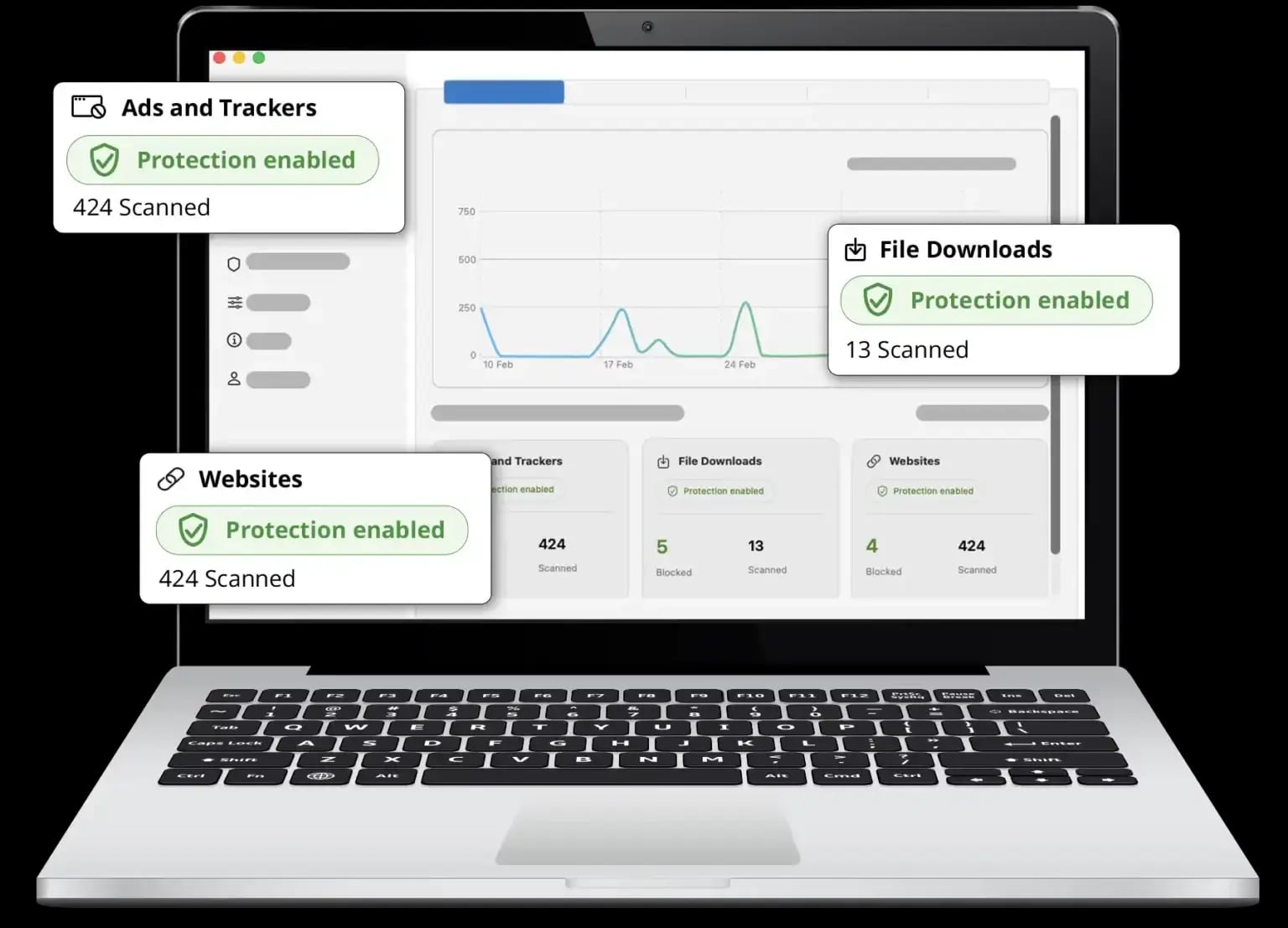
IPVanish VPN product interface.
Step 1: Install and connect IPVanish
- Download the IPVanish app for your operating system (Windows, macOS, Android, or iOS).
- Sign in and connect to a server in the region that matches your target market.
- In settings, enable the kill switch so traffic stops if the connection drops.
- Optional: configure split tunneling if you want only AdsPower traffic routed through the VPN.
Step 2: Create an AdsPower profile
- Open AdsPower and create a new browser profile.
- Give it a clear name tied to the account it will hold (for example,
store-us-01). - Leave the fingerprint settings on automatic unless you have a specific reason to change them. AdsPower generates a consistent, unique fingerprint per profile.
- Set the operating system, timezone, and language to match the account's real region.
Step 3: Add a proxy to the profile
If you are using IPVanish SOCKS5:
- In the profile's Proxy section, choose SOCKS5.
- Enter the IPVanish SOCKS5 host, port, username, and password from your IPVanish account panel.
- Click Check Proxy to confirm the connection works before saving.
If you are using the system VPN only, leave the proxy field empty — AdsPower will use your VPN-routed connection.
Step 4: Verify the fingerprint and IP
Before you log into any account, confirm the profile looks consistent:
- The IP location matches the profile's timezone and language.
- WebRTC is not leaking your real IP.
- Canvas and WebGL values are stable across reloads.
Tools like Pixelscan are useful here — they surface mismatches between your IP, timezone, and browser fingerprint that platforms can flag.
Step 5: Log in and work normally
Open the profile, log into the account, and use it as you would a normal browser. Keep one account per profile, and avoid switching accounts inside the same profile.
Practical workflows
E-commerce seller managing regional storefronts
A seller running Amazon or eBay stores in the US, UK, and Germany can create one AdsPower profile per storefront, each with a matching timezone and language. IPVanish provides the encrypted tunnel; per-profile proxies provide the regional IP. This keeps storefront sessions from bleeding into each other.
Social media marketer running client accounts
An agency managing Facebook, TikTok, or Google accounts for multiple clients can assign each client a dedicated profile and a stable IP. Team members access the same profiles through AdsPower's collaboration features, so nobody accidentally logs in from a mismatched environment.
Affiliate marketer testing campaigns
Affiliate marketers often need to check how landing pages and offers render in different regions. A profile tied to a specific country, combined with a matching VPN server, makes geo-testing consistent and repeatable.
Web scraping and data collection
For scraping, the priority is rotating IPs and avoiding rate limits. AdsPower's automation tools (RPA and Local API) can drive profiles programmatically, while the network layer handles IP rotation. If scraping is your main use case, a dedicated proxy provider is usually more suitable than a VPN — see our guide on AdsPower with Oxylabs for that setup.
AdsPower + IPVanish vs. AdsPower + dedicated proxies
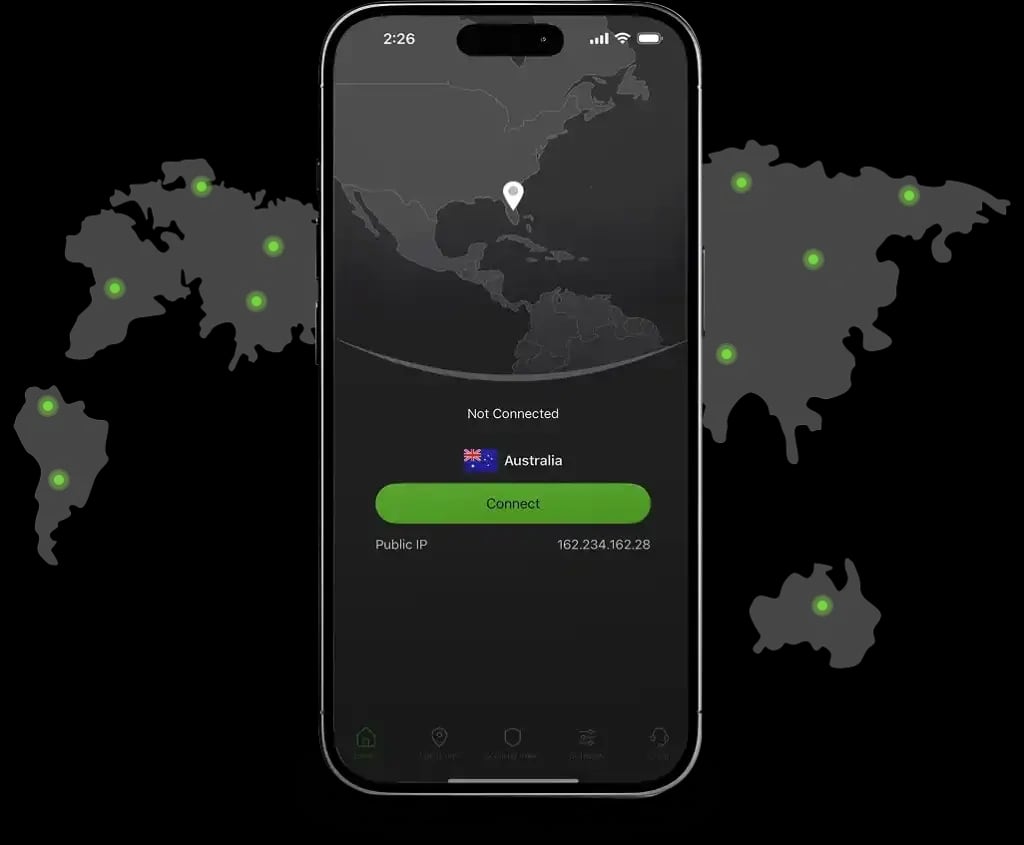
IPVanish VPN product interface.
| Need | IPVanish VPN | Dedicated proxy |
|---|---|---|
| Encrypt all traffic | Yes | No |
| Unique IP per profile | Only via SOCKS5 | Yes |
| Residential IP appearance | Limited | Yes |
| Best for | Privacy, geo-testing, light multi-accounting | Heavy multi-accounting, scraping |
| Setup complexity | Low | Medium |
If your goal is simply to protect your connection while running a handful of profiles, IPVanish is a reasonable fit. If you are running dozens of accounts that need distinct, stable IPs, pair AdsPower with residential or ISP proxies and use the VPN as an extra privacy layer.
Common problems and fixes
- Proxy check fails in AdsPower. Re-enter the SOCKS5 credentials, confirm the port, and make sure your IPVanish subscription includes SOCKS5 access. Also check that your firewall is not blocking the port.
- IP location doesn't match the profile. Change the IPVanish server region or the proxy endpoint so it aligns with the profile's timezone and language.
- WebRTC leaks the real IP. Disable WebRTC in the AdsPower profile settings or use a proxy that handles WebRTC properly.
- Slow page loads. Test a closer server, switch protocols, or move heavy profiles off the VPN and onto a dedicated proxy.
- Accounts still get linked. This usually means the fingerprint or IP is not unique enough. Review profile settings and confirm each account has its own IP.
Related reading
- AdsPower vs Linken Sphere vs MoreLogin: 2026 Comparison - Compare AdsPower, Linken Sphere, and MoreLogin on fingerprinting, automation, mobile cloud phones, team features, and pricing to pick the right antidetect browser.
- How to Use AdsPower with FastestVPN: Setup & Workflow - Learn how to combine AdsPower anti-detect browser profiles with FastestVPN for safer multi-account work, plus setup steps and practical workflows.
- AdsPower vs Kameleo vs Hidemyacc: 2026 Comparison - Compare AdsPower, Kameleo, and Hidemyacc on fingerprinting, automation, proxies, teams, and pricing to choose the right antidetect browser.
Sources and further reading
- AdsPower walkthrough: how to use it in a few simple steps? - 😉If you're looking to manage multiple accounts without red flags and bans, this video highlights AdsPower's features and shows you how to start with it.🤩Ti...
- IPVanish Tutorial | How to Use IPVanish VPN (Easy Setup & Best Features) - Save up to 83% and secure your online experience with IPVanish (from $2.19/mo):https://thevpnnerds.com/ipvanish/In this video, I’ll go over how to use IPVani...
- How do I need to use Antidetect and proxy for my multiple accounts? - Answer: Simplistic Behavior Patterns: If a user constantly switches between accounts on the same device, it indicates multi-accounting. This simplistic pattern in user behavior is a common reason for detection. Duplicate IP Address: Using the same IP address for multiple accounts signifies multi-...
FAQ
Can I use IPVanish as a proxy inside AdsPower?
Yes, if your IPVanish plan includes SOCKS5 proxy access. Enter the SOCKS5 host, port, username, and password in the profile's proxy settings and run the built-in proxy check.
Does a VPN replace an anti-detect browser?
No. A VPN changes your IP address, but it does not isolate browser fingerprints, cookies, or storage. AdsPower handles that layer. You need both for reliable multi-account separation.
Is one IP address enough for multiple AdsPower profiles?
For a few profiles used lightly, it can work. For serious multi-accounting, each profile should have its own IP, because shared IPs are one of the clearest signals platforms use to link accounts.
Does IPVanish keep logs?
IPVanish states it follows a no-traffic-logs policy. Check the current policy on the IPVanish website before relying on it for sensitive work.
What if I only need privacy, not multi-accounting?
Then IPVanish alone is enough. AdsPower becomes valuable when you need isolated environments for separate accounts on the same device.
Can I automate AdsPower profiles while using a VPN?
Yes. AdsPower's RPA and Local API work regardless of how the network layer is configured. Just make sure the automation doesn't reuse the same IP across profiles that should stay separate.
Conclusion
AdsPower and IPVanish cover complementary ground: AdsPower isolates browser fingerprints and account data, while IPVanish encrypts traffic and hides your real IP. For light multi-accounting, geo-testing, and privacy-focused browsing, running IPVanish at the system level alongside AdsPower is a quick, effective setup. For heavier multi-account operations, use IPVanish for encryption and a dedicated proxy for per-profile IP identity — that combination gives you the cleanest separation between accounts.
If you are still choosing your anti-detect browser, our AdsPower vs MoreLogin vs Kameleo comparison breaks down fingerprinting, automation, and pricing side by side.