
How to Use AdsPower with Decodo: Setup & Workflow Guide
Take a Quick Look
Learn how to integrate Decodo proxies with AdsPower anti-detect browser. Step-by-step setup, proxy types, rotation, and troubleshooting for multi-accounting.
🔥 Limited-Time Offer! Save extra 10% off on your first monthly plan with code: Anitdetect10
Sign upHow to Use AdsPower with Decodo: Setup & Workflow Guide
Combining an anti-detect browser with high-quality proxies is essential for managing multiple online accounts without triggering detection. AdsPower provides isolated browser fingerprints, while Decodo supplies ethically sourced IPs that make each profile appear as a real user. This guide walks you through the integration, from obtaining proxy credentials to verifying connections and troubleshooting common issues.
Why Pair AdsPower with Decodo?
How to Use AdsPower with Decodo: Setup & Workflow Guide - Why Pair AdsPower with Decodo?.
AdsPower creates unique browser fingerprints for each profile, but without a matching IP address, platforms can still link accounts. Decodo's residential, mobile, ISP, and datacenter proxies give each AdsPower profile a distinct, genuine IP. This combination solves several problems:
- Prevents chain bans: One flagged account won't affect others because each has its own clean IP.
- Improves trust: Residential IPs from real households reduce suspicion on platforms like Amazon, eBay, and TikTok.
- Enables precise geo-targeting: Match IP location to account billing address for higher credibility.
- Supports scaling: Manage thousands of profiles with unique IPs without overlap.
For a broader comparison of anti-detect browsers, see our AdsPower vs MuLogin vs BitBrowser: 2026 Anti-Detect Comparison.
Prerequisites
How to Use AdsPower with Decodo: Setup & Workflow Guide - Prerequisites.
Before you begin, ensure you have:
- AdsPower browser installed and updated.
- A valid Decodo account (free trial available).
- Your proxy credentials: host, port, username, and password (or whitelisted IP).
- No other VPN or proxy active on your system.
Step-by-Step Setup
How to Use AdsPower with Decodo: Setup & Workflow Guide - Step-by-Step Setup.
Step 1: Get Your Decodo Proxy Credentials
Log in to your Decodo dashboard and navigate to the proxy product you want to use (Residential, Mobile, ISP, or Datacenter). You'll find the endpoint (e.g., us.decodo.com:10101) and your authentication details. If you prefer IP whitelisting, add your current IP to the whitelist instead of using username/password.
Step 2: Create a New Profile in AdsPower
Open AdsPower and click "Create Profile." Enter a name and any relevant notes. Under the "Proxy" section, select "Custom" or "HTTP/SOCKS5" depending on your Decodo proxy type.
Step 3: Configure Proxy Settings
Enter the following:
- Proxy type: HTTP or SOCKS5 (Decodo supports both; HTTP is often more stable for initial handshakes).
- Host: The endpoint from Decodo (e.g.,
us.decodo.com). - Port: The port number (e.g.,
10101). - Username/Password: Your Decodo credentials if not using IP whitelist.
For multiple profiles, you can create a proxy list in AdsPower and assign different proxies to each profile. This is more efficient than manual entry for each.
Step 4: Verify the Connection
Save the profile and click "Open." AdsPower will launch a browser window showing your proxy IP, location, and fingerprint details. To double-check, visit ip.decodo.com – it should display the proxy's location, not your real IP.
Choosing the Right Decodo Proxy Type
How to Use AdsPower with Decodo: Setup & Workflow Guide - Choosing the Right Decodo Proxy Type.
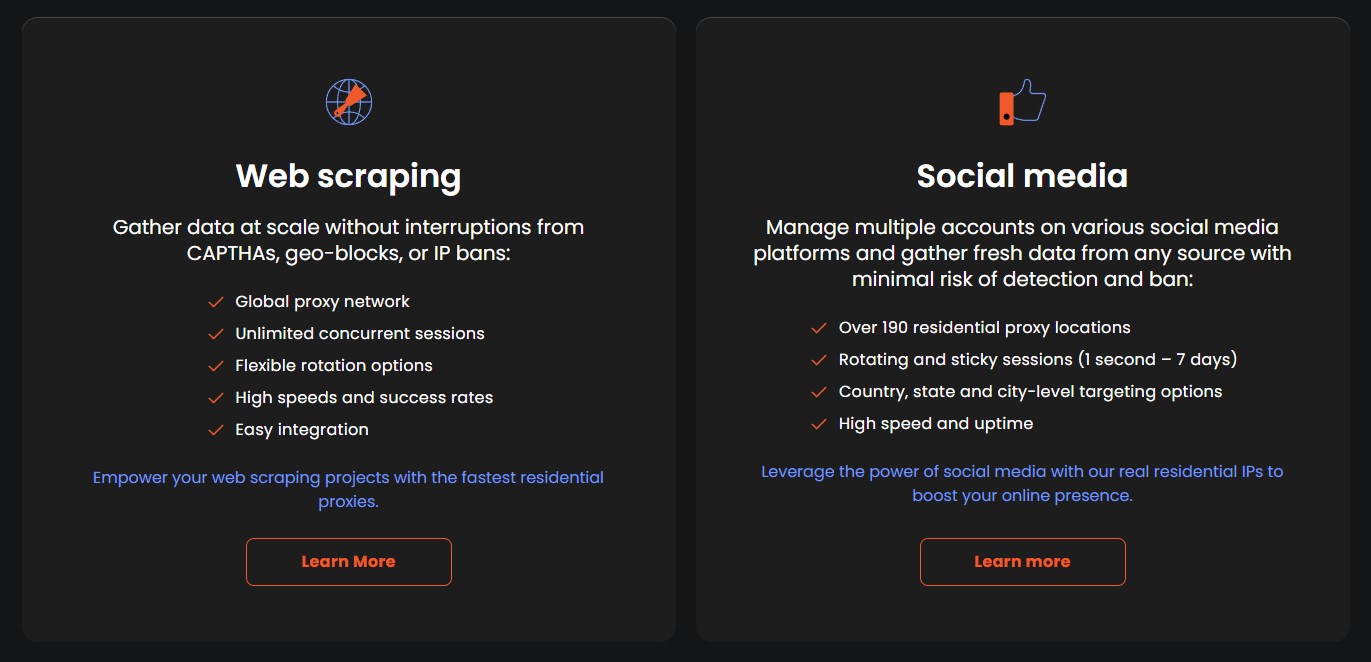
| Proxy Type | Best For | Key Features |
|---|---|---|
| Residential | Multi-accounting, social media | 125M+ IPs, rotating/sticky sessions, city/state/ZIP targeting |
| Mobile | Mobile app testing, social media | 4G/5G IPs, high trust, rotating |
| ISP (Static Residential) | Long sessions, e-commerce | Static IP, high speed, datacenter-like performance |
| Datacenter | Web scraping, ad verification | Fast, affordable, but lower trust |
For cross-border e-commerce, residential or ISP proxies are ideal because they match real user behavior. If you're new to cross-border operations, our How to Do Cross-Border E-Commerce: 2026 Beginner's Full Process and Multi-Account Operations Guide covers the fundamentals.
Practical Workflow Examples
Example 1: Managing 10 Amazon Seller Accounts
- Create 10 AdsPower profiles, each with a unique fingerprint.
- Assign a Decodo residential proxy from a different city/state matching each account's business address.
- Use sticky sessions (up to 30 minutes) to avoid logging out during critical tasks.
- Verify each profile's IP via
ip.decodo.combefore logging in.
Example 2: Social Media Marketing on TikTok
- Set up AdsPower profiles for each TikTok account.
- Use Decodo mobile proxies for higher trust on mobile-first platforms.
- Rotate IPs periodically to mimic natural user behavior.
- Automate posting with AdsPower's RPA tools while keeping each session isolated.
Troubleshooting Common Issues
- "Proxy Connection Failed": Check username/password for typos. Try switching from SOCKS5 to HTTP.
- IP location mismatch: Regenerate your proxy user with a specific country parameter in Decodo.
- Slow speed: Choose a proxy location geographically closer to your target server.
- Blocklist restrictions: Some websites are restricted by Decodo; check their documentation for details.
For more detailed troubleshooting, refer to Decodo's AdsPower integration guide.
Sources and further reading
- How to Set Up Proxies in AdsPower | Integration Guide - Step-by-step guide to configuring Decodo residential proxies with AdsPower. Manage multiple accounts securely with fingerprint management tools and ethically sourced IPs.
- How to Set Up Proxies in AdsPower Anti-detect Browser - Need to set up proxies in AdsPower for anonymous browsing? This step-by-step guide shows you exactly how to integrate Decodo proxies with AdsPower browser. W...
Frequently Asked Questions
Can I use any Decodo proxy type with AdsPower? Yes, Residential, Mobile, ISP, and Datacenter proxies all work. The setup process is the same.
What's the difference between adding proxies directly vs. using a proxy list? Direct addition is for single profiles; a proxy list is more efficient for managing many profiles at once.
How do I know if my proxy is working?
After launching a profile, AdsPower displays the proxy IP. You can also visit ip.decodo.com to confirm the location.
Do I need to use a VPN with AdsPower and Decodo? No, using both a VPN and proxy can cause conflicts. Choose one. If you prefer a VPN, see our guide on How to Use AdsPower with IPVanish VPN.
Can I use Decodo proxies for web scraping with AdsPower? Yes, Decodo's datacenter or residential proxies are suitable for scraping tasks, especially with AdsPower's automation features.
Conclusion
Integrating Decodo proxies with AdsPower creates a robust environment for multi-account management. By following the setup steps and choosing the right proxy type, you can scale your operations securely while minimizing detection risks. Remember to verify connections and troubleshoot proactively. For more insights on anti-detect browsers, explore our AdsPower vs Linken Sphere vs MoreLogin: 2026 Comparison.