
AdsPower vs RoxyBrowser vs Indigo: Which Anti-Detect Browser Wins?
Take a Quick Look
A detailed comparison of AdsPower, RoxyBrowser, and Indigo anti-detect browsers. Discover which excels in fingerprinting, automation, proxy integration, and team workflows.
🔥 Limited-Time Offer! Save extra 10% off on your first monthly plan with code: Anitdetect10
Sign upAdsPower vs RoxyBrowser vs Indigo: Which Anti-Detect Browser Fits Your Multi-Account Stack?
Managing dozens of e‑commerce stores, social media profiles, or ad accounts on the same device is a recipe for bans—unless you use an anti‑detect browser. These tools create isolated digital identities that keep platforms from linking your activities. AdsPower, RoxyBrowser, and Indigo all promise that protection, but they take very different approaches. This comparison breaks down their real strengths so you can pick the browser that matches your workflow, whether you’re running a solo affiliate campaign or scaling a cross‑border agency.
A Quick Look at Each Tool
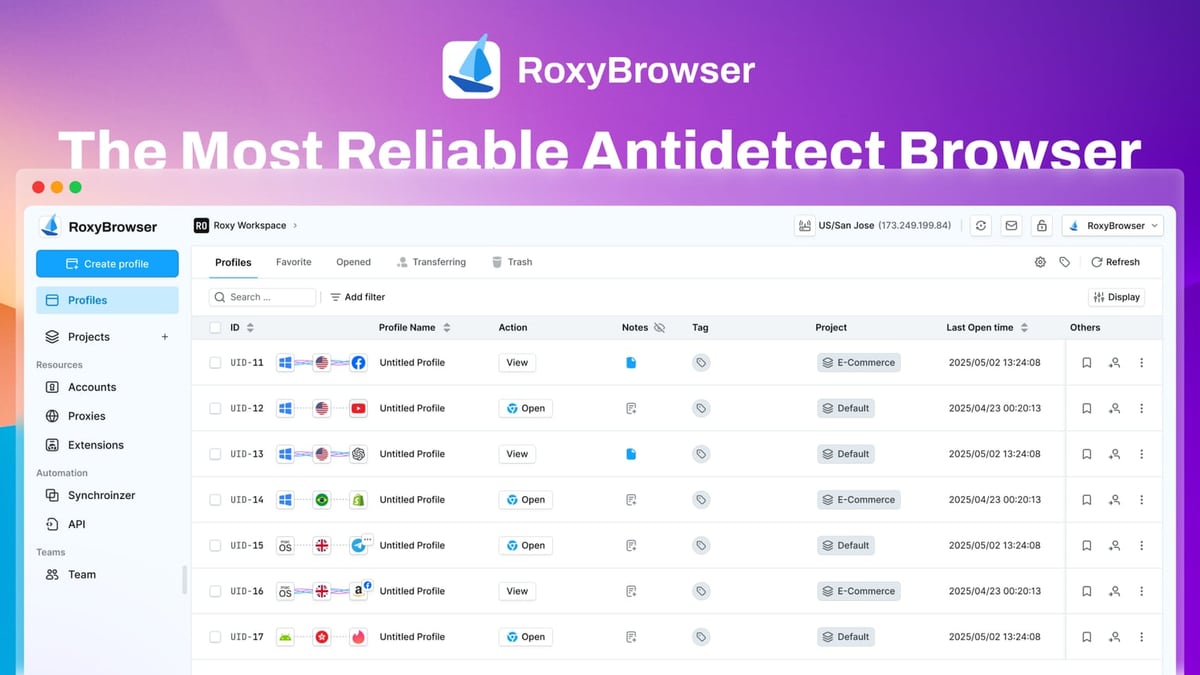
AdsPower vs RoxyBrowser vs Indigo: Which Anti-Detect Browser Wins? product interface and feature overview.
| Browser | Core Focus | Standout Advantage |
|---|---|---|
| AdsPower | One‑stop multi‑account management for e‑commerce, social media, and advertising | Built‑in RPA (no‑code automation) and dual browser kernels |
| RoxyBrowser | Lightweight antidetect browsing tightly coupled with proxy infrastructure | Native RoxyIP integration and straightforward scaling |
| Indigo | High‑anonymity multi‑accounting for traffic arbitrage, scraping, and crypto | Dual engines (Stealthfox + Mimic) and flexible local/cloud storage |
Where Each Browser Excels
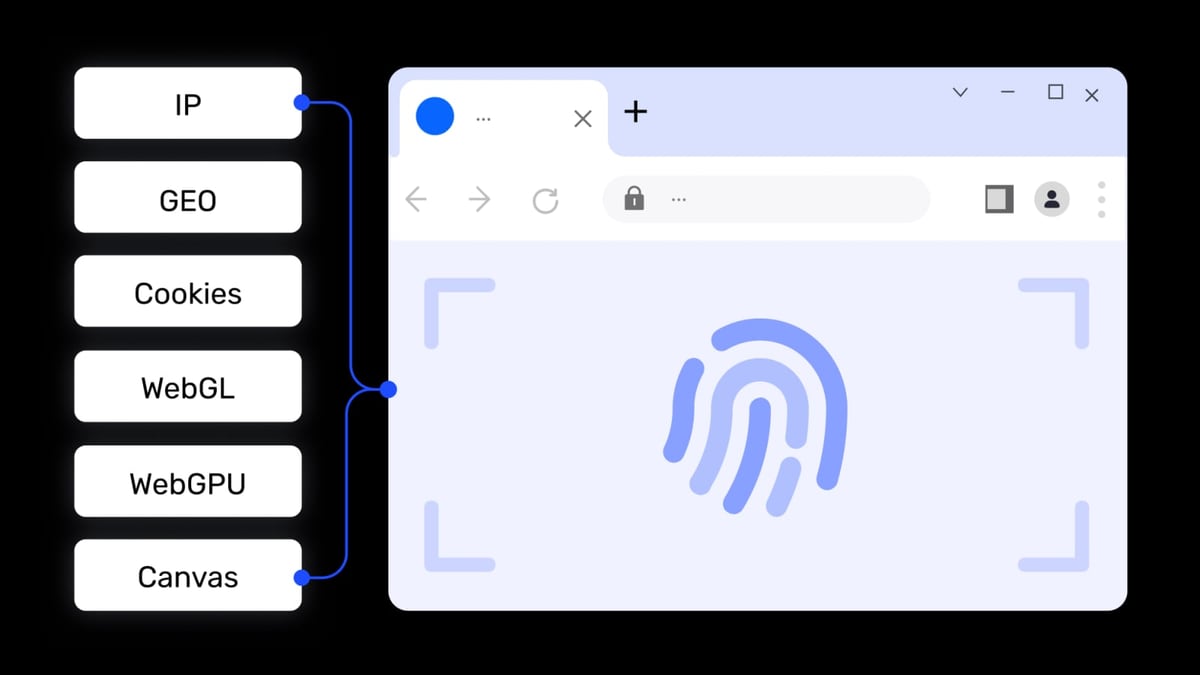
AdsPower vs RoxyBrowser vs Indigo: Which Anti-Detect Browser Wins? product interface and feature overview.
Why Teams Choose AdsPower
AdsPower is designed as a full‑stack command center for multi‑account operations. Instead of just masking fingerprints, it bundles tools that turn repetitive tasks into automated workflows.
- No‑Code RPA (Robotic Process Automation): AdPower’s RPA lets you record actions like clicking, form filling, and page scrolling, then replay them across hundreds of browser environments—no scripting needed. A media buyer could, for example, automatically log in to Facebook, warm up a pixel, and check ad performance across 50 profiles simultaneously, saving hours every day.
- Window Synchronization: Need to perform the same action on several accounts at once? Window Sync replicates your mouse movements and keystrokes in real time across multiple isolated profiles. It’s invaluable for social media marketers who want to publish identical posts or engage with comments across a brand’s local pages.
- Dual Browser Kernels: AdsPower is one of the few anti‑detect browsers to offer both Chrome‑based (SunBrowser) and Firefox‑based (FlowerBrowser) environments. This matters when a site behaves differently across engines, or when you need a Firefox‑specific fingerprint for certain ad platforms.
- Enterprise‑Grade Compliance: Holding SOC 2 Type II, ISO 27001, and ISO 27701 certifications signals that AdsPower meets rigorous security and privacy standards, a concern for agencies handling client data.
- Local API + MCP Protocol: The local API works with Selenium, Puppeteer, and Playwright for custom automation, but the recently added MCP (Model Context Protocol) support opens the door for AI agent integration—letting you control browser profiles from large language models.
Explore AdsPower’s advanced team features in a broader showdown →
Why RoxyBrowser Stands Out for Proxy Integration
RoxyBrowser is built by the team behind RoxyIP, a well‑known proxy provider. That heritage gives it a unique edge: browser fingerprints and network identity are treated as a single, cohesive layer.
- Seamless RoxyIP Proxy Sync: When you create a profile, RoxyBrowser can automatically assign a residential or mobile IP from RoxyIP’s pool, matching the fingerprint’s geolocation. You skip the manual proxy‑pasting step that often breaks workflows in other browsers. For an Amazon seller checking product rankings from a local perspective, the correct regional IP is set from the start.
- Lightweight, No‑Bloat Design: The interface prioritizes speed. Profile creation, launch, and switching are quick because the browser doesn’t load a heavy automation engine unless you invoke it. This makes it a strong choice for users who simply need reliable, isolated sessions without the learning curve of advanced automation.
- Flexible Pricing with a True Free Trial: A 7‑day free trial gives you full access, not a stripped‑down plan. The paid tiers scale from a free‑forever starter plan to enterprise workspaces, so a solo freelancer and a 20‑person performance marketing team can both find a comfortable spot.
- Workspaces for Team Management: RoxyBrowser organizes profiles into Workspaces, allowing teams to group accounts by client or campaign. Permissions control who can view, edit, or launch specific environments.
RoxyBrowser doesn’t chase the most complex automation—it excels at clean, proxy‑anchored identity management for users who already have their own scraping or posting scripts and want a reliable vessel.
Why Indigo Appeals to Tech‑Savvy Users
Indigo comes from a team with seven years of antidetect development, and it reflects a deep focus on fingerprint authenticity and infrastructure control.
- Dual Engine Architecture: Indigo offers Stealthfox (Firefox‑based) and Mimic (Chromium‑based). This isn’t just about compatibility; the engines are tuned differently. Stealthfox often yields fingerprints that look more organic on privacy‑sensitive platforms, while Mimic handles websites that demand a Chrome‑like handshake. Having both under one roof is a rarity.
- Local vs. Encrypted Cloud Storage: You choose where each profile lives. Local storage keeps sensitive data off third‑party servers entirely, a priority for bonus‑hunters or crypto airdrop farmers working with high‑value accounts. Cloud storage, encrypted on Indigo’s side, enables fast syncing across machines for agencies.
- 99.98% Uptime & Fast Fingerprint Updates: Indigo’s infrastructure is built for continuous operation, and the fingerprint database receives regular updates (most recently December 2024) to mimic fresh devices. For traffic arbitrage specialists running thousands of ad accounts, a stale fingerprint pattern is dangerous, so these routine refreshes are a practical safeguard.
- API‑First Automation: The browser exposes a robust API that teams use to build custom orchestration. Whether you’re integrating with a Puppeteer cluster for web scraping or launching profiles programmatically for a high‑volume bonus‑hunting operation, the API is the main interface—not an afterthought.
If your bread and butter is hands‑on scripting, you need to keep data strictly local, or you want dual browser engines under one license, Indigo is tailored for that mindset.
Choosing Based on Your Workflow
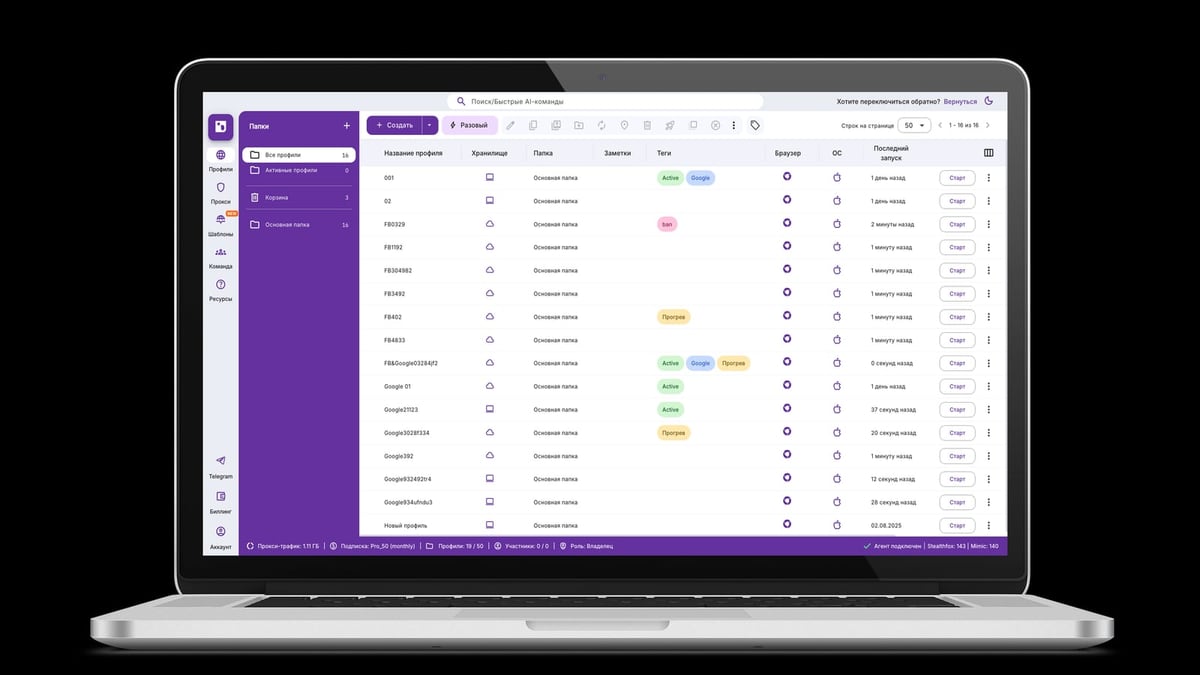
AdsPower vs RoxyBrowser vs Indigo: Which Anti-Detect Browser Wins? product interface and feature overview.
Go with AdsPower if:
- You want point‑and‑click automation without writing code (RPA, window sync).
- Team collaboration with role‑based permissions and compliance certifications matters.
- You need an AI‑ready browser that supports MCP for next‑gen agent workflows.
Pick RoxyBrowser if:
- You already use RoxyIP proxies and want fingerprint + IP alignment out of the box.
- A lightweight, fast‑launching browser fits your daily grind better than a dense feature set.
- You value a straightforward free trial to test the tool before committing.
Choose Indigo if:
- You demand dual browser engines (Chromium + Firefox) with deep fingerprint control.
- Local, encrypted storage is non‑negotiable for sensitive account operations.
- Your workflow centers on API automation and you need programmatic profile creation.
Related reading
- FastestVPN Review 2026: Is This Budget VPN Safe & Fast? - We tested FastestVPN's speed, streaming, security, and privacy. Find out if this cheap VPN is trustworthy or if its low price hides serious flaws.
- Top 10 Web Scraping API Platforms in 2026 (Tested & Ranked) - Compare the top 10 web scraping APIs for success rate, speed, pricing, and anti-bot bypass. See which platform fits your data extraction needs in 2026.
Frequently Asked Questions
Can I try these browsers for free?
Yes. AdsPower offers a permanent free plan with 2 browser environments. RoxyBrowser provides a 7‑day full‑feature trial. Indigo does not advertise a free tier publicly, but you can contact their team for a demo or trial based on your use case.
Which browser is best for social media multi‑accounting?
All three work. AdsPower’s RPA and window sync save time when managing many social profiles. RoxyBrowser’s proxy integration helps mimic real user IPs per profile. Indigo’s Stealthfox engine can produce Firefox fingerprints that some social platforms treat as more natural. The best choice depends on whether you value automation, proxy ease, or engine diversity.
Do any of these browsers support Selenium and Playwright?
Yes, all three offer API access for headless automation. AdsPower and RoxyBrowser support Selenium, Puppeteer, and Playwright out of the box. Indigo provides an API that can be driven by any compatible tooling, making it a common pick for custom scraping pipelines.
Are my data and browser profiles secure?
AdsPower holds SOC 2 Type II, ISO 27001, and ISO 27701 certifications, with encrypted data transmission and isolated environments. RoxyBrowser encrypts profile data and leverages its parent infrastructure’s security protocols. Indigo gives you the choice to store profiles locally (no cloud exposure) or in encrypted cloud storage. Each provider follows different security models; choose the one that aligns with your compliance requirements.
Final Thoughts
AdsPower, RoxyBrowser, and Indigo all deliver solid browser‑fingerprint isolation, but their personalities diverge when you look at automation depth, proxy integration, and infrastructure control. Mapping your daily tasks—bulk account actions, proxy management, scripted workflows—to the right tool will do more for your operation than chasing any single feature checklist. If you’re still exploring the anti‑detect landscape, our deep dive into the Octo Browser ecosystem offers another good point of reference, and the guide on integrating AdsPower with Webshare proxies shows how to get a clean proxy setup fast.