
AdsPower vs Multilogin vs BitBrowser: 2026 In-Depth Comparison
Take a Quick Look
Which anti-detect browser is right for multi-account management? We compare AdsPower, Multilogin, and BitBrowser on pricing, fingerprints, mobile support, automation, and security.
🔥 Limited-Time Offer! Save extra 10% off on your first monthly plan with code: Anitdetect10
Sign upAdsPower vs Multilogin vs BitBrowser: 2026 In-Depth Comparison
Managing multiple online accounts without triggering platform bans calls for a reliable anti-detect browser. AdsPower, Multilogin, and BitBrowser are three names that keep surfacing in e‑commerce, affiliate marketing, and social media management circles. Each tool approaches multi‑account isolation differently, and the best fit depends on your scale, budget, and technical needs. This comparison strips away the marketing hype and examines where each solution genuinely excels—so you can match the right tool to your real‑world workflow.
Understanding the Three Contenders
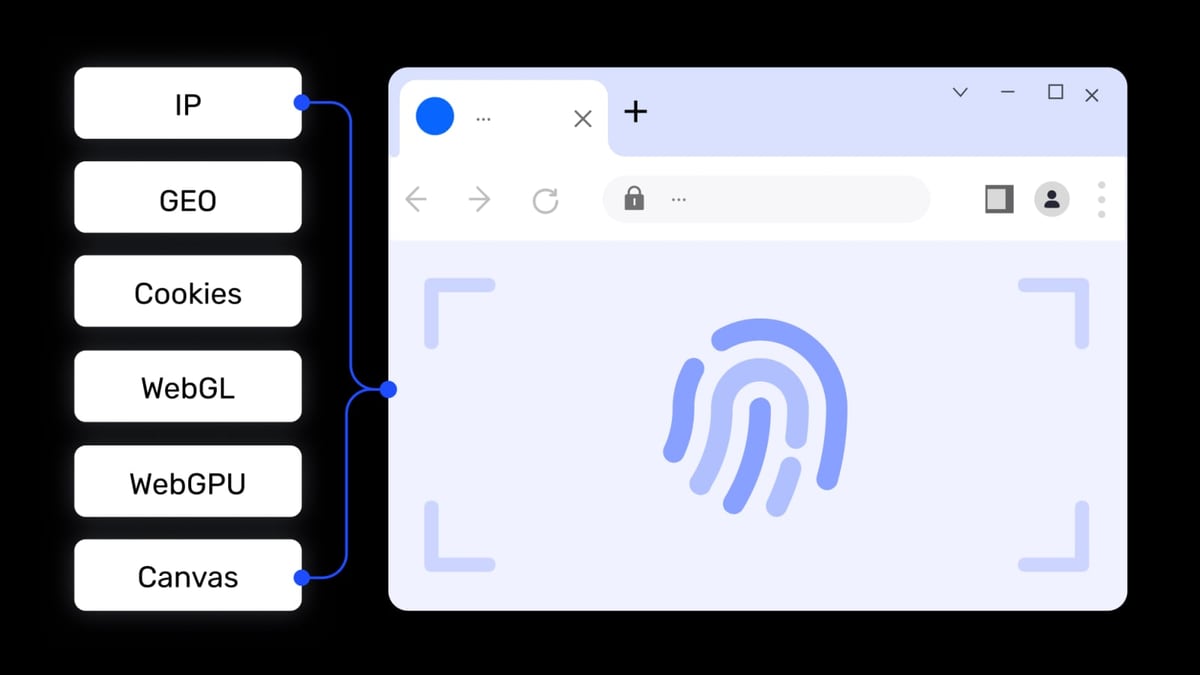
AdsPower vs Multilogin vs BitBrowser: 2026 In-Depth Comparison product interface and feature overview.
- AdsPower – a professional fingerprint browser used by over 9 million people worldwide. It specializes in deep fingerprint customization, dual‑browser kernels (Chromium and Firefox), built‑in RPA automation, and robust local API support for Selenium, Playwright, and Puppeteer.
- Multilogin – an all‑in‑one anti‑detect platform that combines browser profiles with true native Android cloud phones and residential proxy traffic inside a single control panel. It targets teams that need genuine mobile footprints and embedded IP resources out of the box.
- BitBrowser – a lightweight, aggressively priced anti‑detect browser that offers 10 permanent free profiles and optional cloud‑phone services. It is popular among budget‑sensitive users who still need basic fingerprint randomization and team sharing.
Where Multilogin Excels
AdsPower vs Multilogin vs BitBrowser: 2026 In-Depth Comparison product interface and feature overview.
Built-In Residential Proxies
Multilogin bundles global residential proxy traffic into its subscription. Every plan includes at least 1 GB of free traffic, with additional data available at transparent per‑GB rates. Instead of sourcing and aligning third‑party proxies manually, you assign a geo‑targeted IP directly from the dashboard. This tight integration reduces configuration mistakes that often lead to fingerprint leaks and account bans.
True Native Android Cloud Phones
While other tools emulate mobile browsers, Multilogin delivers genuine Android devices in the cloud. You select a real phone model (Samsung, Oppo, etc.), choose an Android version, and install apps from the built‑in Play Store or via APK uploads. Sessions persist, so TikTok, Instagram, and Snapchat interactions appear as coming from a physical handset without emulator flags. For social media managers who need to grow accounts on mobile‑first platforms, this native‑device signal is a decisive advantage.
Advanced Fingerprint Engine (55+ Parameters)
Multilogin’s browser profiles give you control over more than 55 fingerprint parameters, including WebGL, canvas, audio, and TLS-level details. The engine receives regular updates to counter the latest detection algorithms used by Meta, Google, and Amazon. Profiles can be stored locally or in encrypted cloud, and they stay consistent across sessions—something critical for scaling verified business accounts.
Enterprise‑Grade Security & Compliance
Multilogin is GDPR‑compliant, stores passwords with hashing, encrypts profile data with AES, and deletes user data three months after a subscription ends. Role‑based access controls, detailed logs, and unlimited seats make it suitable for agencies that must audit access and protect client accounts.
Where BitBrowser Excels
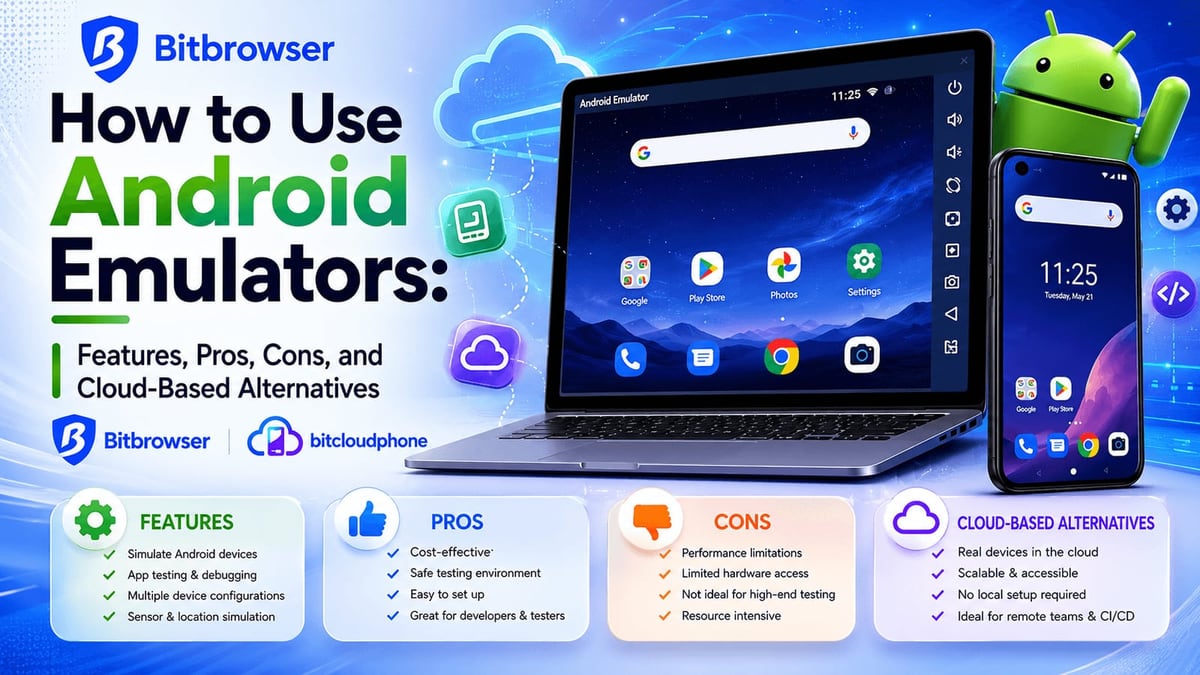
AdsPower vs Multilogin vs BitBrowser: 2026 In-Depth Comparison product interface and feature overview.
Generous Free Tier
BitBrowser’s standout feature is its 10 permanent free browser profiles. For newcomers testing anti‑detect workflows, or for small‑scale airdrop farmers who cannot justify a paid subscription, this zero‑cost entry point is hard to beat. You can run multiple Facebook or Google Ads accounts without immediate financial commitment.
Optional Cloud‑Phone Service (BitCloudPhone)
BitBrowser extends its ecosystem with BitCloudPhone, an Android emulator and iOS cloud phone service. While not as deeply integrated as Multilogin’s cloud phones, it still gives users a way to manage mobile accounts alongside desktop profiles. If you already use BitBrowser’s free profiles, adding a cloud phone can be a logical step for platforms that demand a mobile presence.
Active Community & Learning Resources
BitBrowser maintains busy WeChat, Telegram, and WhatsApp groups where users share proxy tips, automation scripts, and troubleshooting advice. The platform also publishes a steady stream of video tutorials and blog posts covering practical use cases—like buying aged Instagram accounts or bypassing geographic restrictions. For self‑taught marketers who learn best through community exchanges, this peer‑driven ecosystem is a genuine asset.
RPA Automation & Script Marketplace
Despite its modest price, BitBrowser includes an RPA (Robotic Process Automation) module and a marketplace where users can download extensions and automation scripts. While it doesn’t match AdsPower’s visual workflow builder, it still enables repetitive tasks such as batch profile creation and cookie importing with minimal friction.
Where AdsPower Holds Its Ground
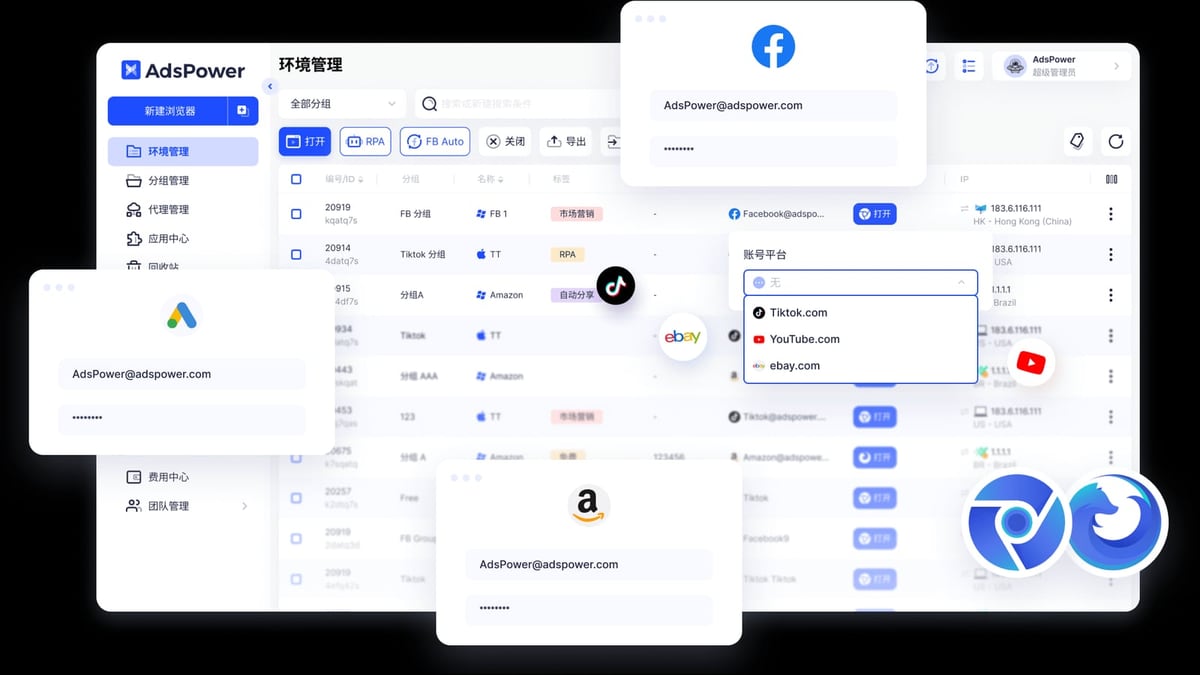
AdsPower vs Multilogin vs BitBrowser: 2026 In-Depth Comparison product interface and feature overview.
AdsPower deserves mention for several areas where it maintains a clear edge over both Multilogin and BitBrowser. These are not one‑sided victories—context matters—but they are supported advantages that tip the scale for specific user profiles.
Dual Browser Kernels (Chromium + Firefox)
While Multilogin and BitBrowser primarily rely on Chromium‑based engines, AdsPower offers a true dual‑kernel setup: SunBrowser (Chromium) and FlowerBrowser (Firefox). Certain platforms, particularly older enterprise portals or niche regional sites, still favor Gecko‑based rendering. Having both kernels inside the same management console gives AdsPower users a compatibility fallback that competitors don’t provide without external tools.
Deep RPA Automation with Visual Builder
AdsPower’s built‑in RPA is more than a script runner. It comes with pre‑built templates for common multi‑account tasks and a drag‑and‑drop workflow creator that non‑developers can use. If your operation involves repetitive social media posting, product listing updates, or friend‑request sequences across dozens of profiles, AdsPower’s visual automation can replace hours of manual work without writing a single line of code.
Extensive Automation API & MCP Protocol Support
For technical teams, AdsPower exposes a local API that is compatible with Selenium, Puppeteer, Playwright, and now the Model Context Protocol (MCP) for AI‑agent integration. This breadth means you can orchestrate browser profiles from custom Python scripts, AI copilots, or CI/CD pipelines while still benefiting from AdsPower’s fingerprint isolation. Check our guide on using AdsPower with Scrapingpass for a practical scraping setup that leverages this API.
Formal Security Certifications
AdsPower holds SOC 2 Type II, ISO 27001, and ISO 27701 certifications—third‑party audited standards that verify its security controls and privacy management. For enterprise procurement teams and regulated industries, these certifications often decide whether a tool can be approved for internal use. Neither Multilogin nor BitBrowser publishes equivalent certifications, giving AdsPower a formal trust advantage in compliance‑heavy environments.
Free Tier and Community Scale
AdsPower’s free plan (2 permanent browser environments) isn’t as generous as BitBrowser’s, but it is permanent—not a time‑limited trial like Multilogin’s offer. Combined with a user base of over 9 million, this creates a large public knowledge base, user‑generated tutorials, and a responsive support forum that can shorten the learning curve for new multi‑account managers.
If you want to see how AdsPower compares with other rivals in the same price bracket, read our in‑depth AdsPower vs RoxyBrowser vs Octo Browser comparison. For a closer look at BitBrowser’s day‑to‑day performance, see our BitBrowser Review 2026.
Feature Comparison Table
| Feature | AdsPower | Multilogin | BitBrowser |
|---|---|---|---|
| Free tier | 2 permanent profiles | Trial only (no permanent free plan) | 10 permanent profiles |
| Browser kernels | Chromium + Firefox | Chromium (advanced engine) | Chromium |
| Fingerprint depth | 20+ parameters | 55+ parameters | 20+ parameters |
| Built‑in residential proxies | No (requires third‑party) | Yes (1 GB+ included) | No (requires third‑party) |
| Mobile support | Partial emulation | Native Android cloud phones | Optional BitCloudPhone (emulator / cloud phone) |
| RPA / visual automation | Drag‑and‑drop builder, templates | Scripting via API only | Basic RPA, script marketplace |
| Automation API | Selenium, Playwright, Puppeteer, MCP | Selenium, Playwright, Puppeteer | Limited API |
| Team collaboration | Role‑based permissions, environment sharing | Enterprise‑grade role‑based access, advanced logs | Basic sharing, permission management |
| Security certifications | SOC 2 Type II, ISO 27001, ISO 27701 | GDPR compliance, AES encryption, data deletion policy | Not published |
| Pricing (starting) | ~€9/month (10 profiles) plus proxy costs | ~$6.75/month (all‑inclusive bundle) | ~$10/month (unlimited profiles on higher tiers) |
How to Choose the Right Browser for Your Use Case
You’re a cost‑conscious solo marketer or airdrop farmer
Best choice: BitBrowser. With 10 permanent free profiles and a low‑cost upgrade path, you can manage dozens of accounts without spending on proxies until you scale. The community will help you troubleshoot basic fingerprint tricks, and BitCloudPhone covers mobile needs at a modest additional cost.
You’re a social media agency that needs genuine mobile signals
Best choice: Multilogin. Managing TikTok, Instagram, or Reddit accounts at scale requires more than a desktop browser profile. Multilogin’s cloud Android phones and built‑in residential proxies eliminate the need for physical device racks or separate mobile proxy subscriptions. The centralized dashboard simplifies onboarding team members and keeps fingerprints consistent across sessions.
You need deep automation, dual‑kernel compatibility, or formal enterprise security
Best choice: AdsPower. When your workflow depends on Selenium scripts, Playwright tests, or AI‑driven agents, AdsPower’s local API and MCP integration provide the most flexible automation stack. The dual‑kernel option gives you a safety net for niche platforms, and the SOC 2/ISO certifications satisfy internal risk assessments that many competitors cannot pass.
Hybrid note: Many teams run two tools in parallel—for example, AdsPower for browser‑based ad account management and Multilogin for Instagram mobile growth. There is no rule that forces you to pick just one.
Related reading
- Playwright Review 2026: Features, Strengths & Limitations - Evidence-based Playwright review covering speed, cross-browser testing, auto-waiting, AI integration, limitations, and decision criteria for QA teams.
- Top 10 E-Commerce Platforms 2026: Tested & Ranked - Compare the 10 best e-commerce platforms for 2026 with hands-on testing, pricing, and real case studies. Find the perfect fit for your online store.
Sources and further reading
- BitBrowser vs AdsPower– Full 2026 Comparison - Learn the differences between Kameleo and MoreLogin antidetect browsers in 2026 — features, pricing, pros and cons.
FAQ
Is BitBrowser safe for managing mission‑critical accounts?
BitBrowser’s basic fingerprinting is sufficient for low‑stakes use like comment farming or airdrop claiming. For revenue‑generating ad accounts or high‑value social profiles, its security pedigree and detection‑resistance fall below what Multilogin or AdsPower offer. Always pair it with high‑quality residential proxies.
Does Multilogin really replace my physical phone farm?
Yes. The Android cloud phones run real device images with unique IMEI, Android version, and hardware model, and they persist app data and login sessions. Many agencies have swapped at least half of their physical devices for Multilogin cloud phones, especially for platforms that scrutinize mobile fingerprints.
Can AdsPower’s API work with Playwright without extra configuration?
Yes. AdsPower’s local API is explicitly compatible with Playwright, Puppeteer, and Selenium. You can launch browser environments directly from your script, making it popular for scalable web scraping. For a step‑by‑step proxy integration, see our scraping setup guide.
Which tool is easiest for a non‑technical beginner?
BitBrowser offers the simplest interface, but AdsPower’s visual RPA and large community can help non‑technical users automate tasks faster. Multilogin’s all‑in‑one dashboard reduces the need to juggle separate proxy and cloud phone services, which actually lowers the learning curve for teams that would otherwise manage those pieces independently.
How important is the 2025 AdsPower security incident when choosing today?
In January 2025, AdsPower suffered a supply‑chain attack that compromised some crypto wallet extensions. The company has since tightened its security processes and continues to hold SOC 2 and ISO certifications. Weigh this against the fact that no online service is risk‑free, and consider whether your threat model involves cryptocurrency assets or primarily e‑commerce/social accounts.
Conclusion
There is no universal winner among AdsPower, Multilogin, and BitBrowser. The right anti‑detect browser is the one that aligns with your account types, technical depth, and budget.
- BitBrowser wins on upfront cost and free‑tier generosity—ideal for learners and minimal‑budget farmers.
- Multilogin wins on mobile authenticity and proxy integration—a powerhouse for social media agencies that rely on native app signals.
- AdsPower wins on automation depth, dual‑kernel flexibility, and enterprise certifications—tailored for teams that script workflows or need audited security.
If you are still undecided, start with the free tier of AdsPower or BitBrowser to test fingerprint isolation, then evaluate Multilogin’s trial when mobile‑native accounts become critical. Your multi‑account strategy will evolve, and so will the tools you lean on.