
How to Use AdsPower Fingerprint Browser with Scrapingpass
Take a Quick Look
Step-by-step guide to combining AdsPower's anti-detect browser and Scrapingpass's rotating residential proxies for web scraping. Bypass anti-bot systems, manage multiple accounts, and extract data without bans.
🔥 Limited-Time Offer! Save extra 10% off on your first monthly plan with code: Anitdetect10
Sign upHow to Use AdsPower Fingerprint Browser with Scrapingpass
Web scraping has become a high‑stakes game. Modern websites use advanced fingerprinting, JavaScript challenges, and IP‑rate limiting to block automated data collection. Trying to scrape with a vanilla browser and a single IP almost guarantees failure. The solution: pair a professional anti‑detect browser with a robust, rotating proxy infrastructure. This guide shows you exactly how to integrate AdsPower fingerprint browser with Scrapingpass – turning them into a stealthy scraping workflow that mimics real human browsing and rotates IPs seamlessly.
By the end, you’ll know how to set up isolated browser profiles with unique digital fingerprints, pipe traffic through Scrapingpass’s residential proxy pool, test the configuration, and scale your scraping tasks using automation or AdsPower’s Local API. Whether you’re extracting product data, monitoring competitors, or feeding a data pipeline, this combination solves the dual problem of fingerprint detection and IP blocking.
Why Combine AdsPower and Scrapingpass?

How to Use AdsPower Fingerprint Browser with Scrapingpass product interface and feature overview.
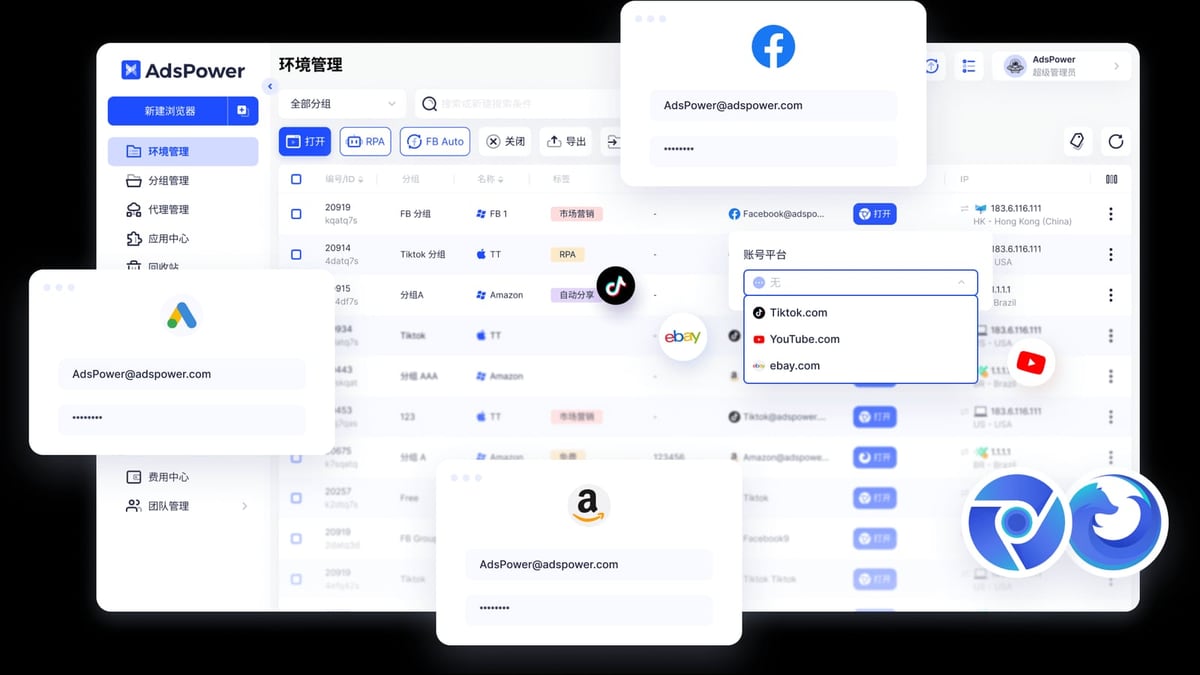
AdsPower is a professional anti‑detect browser that creates isolated environments, each with a distinct, realistic digital fingerprint. It allows you to run multiple browser profiles on one machine without websites detecting a link between them. Scrapingpass provides a scraping API and a large pool of rotating residential proxies that can be used as a drop‑in replacement for a traditional proxy service. Together, they give you:
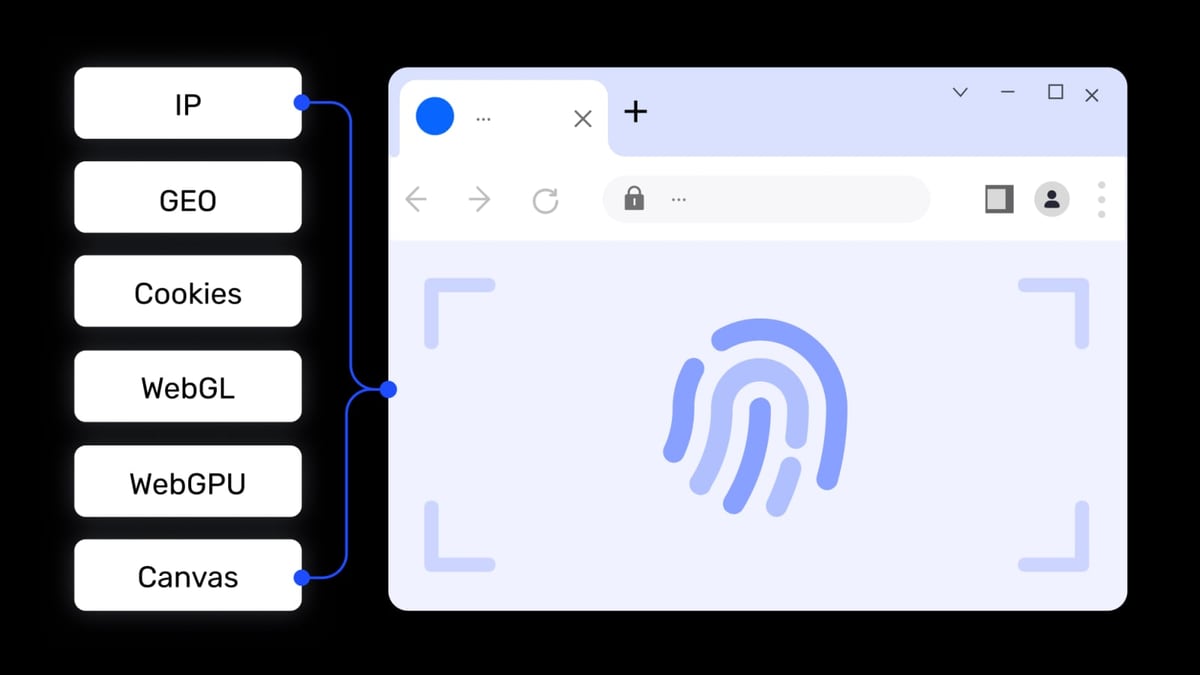
- Undetectable browser identity – each AdsPower profile has unique Canvas, WebGL, audio, and font fingerprints, making it look like a genuine, separate device.
- Automatic IP rotation – Scrapingpass can assign a new residential IP to each request or session, bypassing rate limits and IP bans.
- Scalable multi‑session scraping – manage dozens of browser instances, each with its own fingerprint and proxy, and coordinate them through AdsPower’s Local API or automation tools.
- Cost efficiency – ditch the need for multiple physical devices or cloud servers; a single machine can run many parallel scraping sessions.
Prerequisites
How to Use AdsPower Fingerprint Browser with Scrapingpass product interface and feature overview.
Before you begin, make sure you have:
- An AdsPower account (free plan gives 2 browser profiles; paid plans unlock more). Download the desktop client for Windows, macOS, or Linux.
- A Scrapingpass account (free plan includes 500 requests; paid plans start at $10/month).
- Basic familiarity with proxy concepts (host, port, HTTP/HTTPS/SOCKS5).
Step‑by‑Step: Setting Up Scrapingpass as a Proxy in AdsPower
How to Use AdsPower Fingerprint Browser with Scrapingpass product interface and feature overview.
1. Obtain Your Scrapingpass Proxy Credentials
Scrapingpass offers residential proxies through a gateway endpoint. After signing up and logging into your dashboard:
- Navigate to the Proxy section (or the API documentation).
- Note the host (e.g.,
gateway.scrapingpass.com), port (e.g.,8080or10000), and your authentication details. Usually, your username is your API key and the password is either empty or a fixed string. - Confirm the protocol supported – typically HTTP/HTTPS and sometimes SOCKS5.
These details act like any standard proxy credentials, which AdsPower can consume directly.
2. Create an AdsPower Browser Profile
- Launch the AdsPower desktop client and go to Profile Management.
- Click + New Profile.
- In the General tab:
- Give the profile a meaningful name (e.g.,
Scrapingpass_1). - Choose SunBrowser (Chromium‑based) for the widest compatibility.
- Optionally, set the User Agent to match your target OS and browser.
- Give the profile a meaningful name (e.g.,
- Switch to the Proxy tab.
3. Configure the Scrapingpass Proxy
Select HTTP (or HTTPS / SOCKS5 as provided by Scrapingpass).
Fill in the Host and Port fields with your gateway details.
Enter the Username (API key) and Password (if required).
Click Check Proxy to verify connectivity. A green “Connection successful” message confirms the proxy is working.
If the test fails, verify your credentials, check that your network allows outbound connections to that port, and consult AdsPower’s proxy troubleshooting guide for additional diagnostics.
Click OK to save the profile.
4. Verify Fingerprint and IP Masking
- Open the profile by clicking Open in the profile list. A new browser window launches with the custom fingerprint and the Scrapingpass proxy.
- Visit
browserscan.netorwhoer.net. The displayed IP address should differ from your real one and match a residential location. The browser fingerprint should show the unique parameters AdsPower generated. - Navigate to your target website (e.g., an e‑commerce product page). If the page loads without Cloudflare challenges or captchas, the proxy is effective.
A Practical Scraping Example
How to Use AdsPower Fingerprint Browser with Scrapingpass product interface and feature overview.
Suppose you want to scrape product titles, prices, and availability from a competitor’s website. Using the AdsPower profile configured with Scrapingpass, you have two approaches:
Manual Extraction with the AdsPower Browser
Just open the profile, browse to the product listing, and either copy the data manually or use a browser extension like Web Scraper. Because each profile rotates IPs, you can refresh the page or open new tabs without triggering rate limits. This is ideal for small‑scale, ad‑hoc scraping.
Automated Scraping via AdsPower Local API + Puppeteer
For large‑scale jobs, use AdsPower’s Local API to programmatically start a browser profile and then control it with a script. Example workflow:
- Enable the Local API in AdsPower under Settings → Local API and note the API key.
- Use the API to start the profile:
The response returns the browser’s WebSocket address.POST http://local.adspower.net:50325/api/v1/browser/start?profile_id=YOUR_PROFILE_ID - Connect Puppeteer to that browser and instruct it to navigate, extract data, and rotate pages. Because Scrapingpass is already configured in the profile, every request goes through a fresh residential IP.
This setup keeps the browser fingerprint consistent (natural) while the IP changes periodically, mimicking a real shopper who occasionally switches networks.
For a step‑by‑step look at a similar proxy integration, see our PacketStream + AdsPower guide – the proxy configuration part is nearly identical.
Automating with AdsPower RPA or Scrapingpass’s API
If you prefer a no‑code/low‑code route, AdsPower’s built‑in RPA (Robotic Process Automation) can record and replay actions inside the browser. Combine it with a profile that uses Scrapingpass proxies, and you can schedule repetitive scraping tasks – like daily price checking – without writing scripts. Alternatively, for JSON‑ready output, you can call Scrapingpass’s scraping API endpoint directly with custom headers and geotargeting parameters; the AdsPower browser is then used only when the site requires heavy JavaScript rendering or login.
Solving the Biggest Scraping Headaches
- Fingerprint blocking: AdsPower generates a separate, believable fingerprint for each profile, preventing sites from linking your scraping sessions even if you use the same machine.
- IP bans and rate limits: Scrapingpass automatically rotates IPs from a huge residential pool, so even aggressive sites see requests coming from different real users.
- Account bans: When scraping requires logins, each AdsPower profile can store unique cookies and session data, making each account appear independent.
- Scale: You can run dozens of AdsPower profiles in parallel, each with its own Scrapingpass proxy, and control them through the Local API or the batch sync feature – all without buying extra hardware.
Related reading
- Kameleo Review 2026: Features, Pricing & Alternatives - Kameleo review: realistic look at features, pricing, and automation reliability for multi-accounting and web scraping in 2026.
- Top 10 Social Media Management Platforms 2026: Expert Tested & Compared - Discover the 10 best social media management tools for 2026. Compare Hootsuite, Buffer, Sprout Social, and more on AI, scheduling, pricing, and team features.
Frequently Asked Questions
Can I use the free AdsPower plan with Scrapingpass?
Yes. The free AdsPower tier gives you 2 browser profiles. You can assign a different Scrapingpass proxy to each and test the entire workflow. For more profiles, you’ll need a paid AdsPower plan.
Does Scrapingpass work with SOCKS5 proxies in AdsPower?
Scrapingpass primarily supports HTTP/HTTPS; check your dashboard for SOCKS5 availability. If available, choose SOCKS5 in the AdsPower proxy tab and fill in the same gateway details.
What if my proxy test fails in AdsPower?
First, verify your Scrapingpass credentials on their dashboard. Then use the proxy checker built into AdsPower. For systematic troubleshooting, follow the steps in AdsPower’s official proxy diagnostics, which covers common issues like firewall blocks or mis‑typed ports.
Can I rotate IP on every request within the same AdsPower profile?
Yes. Because Scrapingpass’s gateway automatically rotates IPs (often with each new connection), simply closing and reopening the profile or refreshing a page can switch to a new IP. Check Scrapingpass’s session control options to maintain the same IP for a full session if needed.
Is this setup suitable for social media account management too?
Absolutely. In fact, AdsPower was originally built for multi‑account management on platforms like Facebook, TikTok, and Instagram. Adding Scrapingpass proxies adds IP diversity, which is crucial for social media safety. For a broader view of anti‑detect browser options, see our AdsPower vs RoxyBrowser vs Octo Browser comparison.
Conclusion
Combining AdsPower fingerprint browser with Scrapingpass’s residential proxies gives you a battle‑tested toolkit for modern web scraping. You get realistic browser profiles, automatic IP rotation, and the ability to scale from a handful of requests to tens of thousands per day – all from a single machine. Whether you’re a data analyst pulling pricing data, an SEO professional monitoring SERPs, or a developer building a data pipeline, this integration removes the two biggest barriers to success: digital fingerprint detection and IP blocking.
Set up your first profile today, test the proxy, and watch your scraping success rate climb. For deeper dives into advanced AdsPower features like team collaboration or RPA, refer to the comprehensive AdsPower usage guide.