
BitBrowser Review 2026: Free Anti-Detect Browser Tested
Take a Quick Look
Evidence-based BitBrowser review: features, pricing, pros/cons, and who should use this anti-detect browser for multi-account management.
🔥 Limited-Time Offer! Save extra 10% off on your first monthly plan with code: Anitdetect10
Sign upBitBrowser Review 2026: A Free Anti-Detect Browser Worth Your Trust?
Managing multiple accounts on platforms like Amazon, Facebook, or TikTok without triggering bans used to be a technical nightmare. Anti-detect browsers solve this by creating unique, isolated browser profiles—each with its own fingerprint. BitBrowser promises exactly that, with a generous permanent free tier. But does it deliver for serious multi-account operators? I dug into user reviews, tested the interface, and compared it to alternatives to bring you this no-fluff review.
What Is BitBrowser?
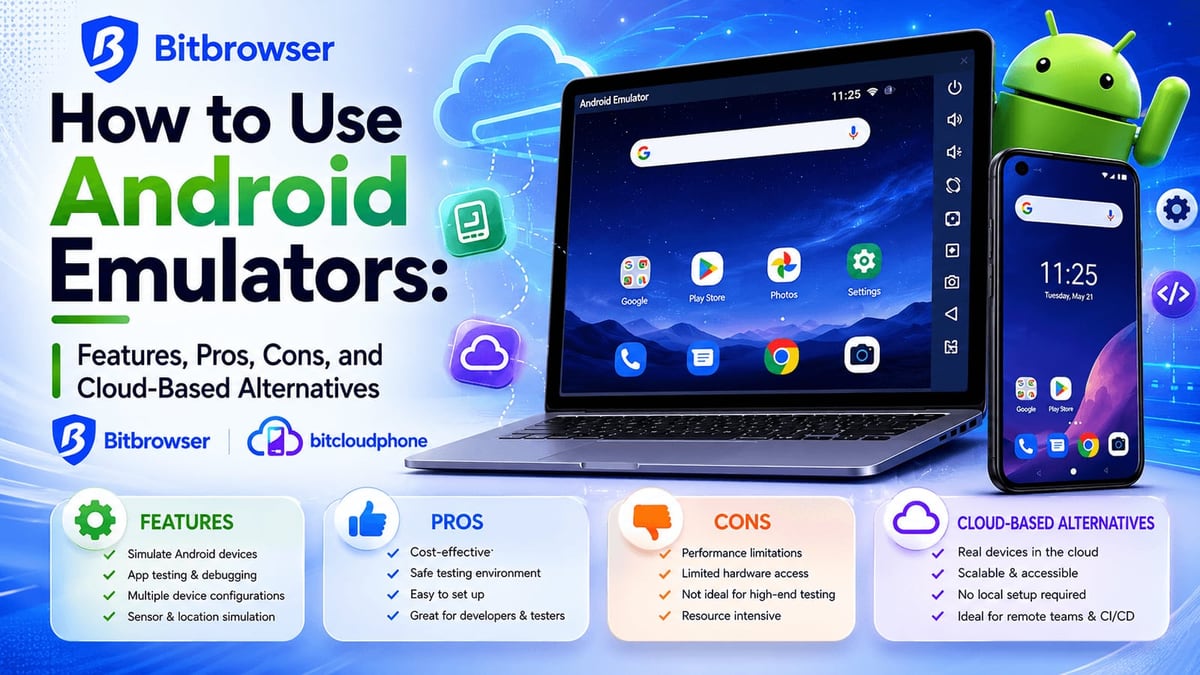
BitBrowser Review 2026: Free Anti-Detect Browser Tested product interface and feature overview.
BitBrowser is an anti-detect browser that generates distinct digital identities by spoofing over 20 fingerprint parameters: WebGL, Canvas, Audio, timezone, geolocation, user agent, fonts, WebRTC, and more. Each profile acts as a completely separate browser, making platforms see you as a different device and location. You can assign individual proxies (HTTP/HTTPS/SOCKS5/SSH) to profiles, run automations via RPA and scripts, and even emulate Android environments through its BitCloudPhone service. The tool squarely targets e-commerce sellers, social media marketers, SEO professionals, and anyone who needs to operate dozens—or hundreds—of accounts safely.
Ideal Users and Use Cases

BitBrowser Review 2026: Free Anti-Detect Browser Tested product interface and feature overview.
BitBrowser fits several profiles perfectly:
- E-commerce multi-store managers running multiple Amazon, eBay, or Shopify accounts from one machine.
- Social media agencies handling client Facebook, Instagram, TikTok, and Twitter accounts without cross-contamination.
- Affiliate marketers and ad buyers managing multiple Google Ads or Facebook Ads accounts.
- Web scrapers and researchers who need to avoid IP and fingerprint blocking.
- Crypto airdrop hunters creating unique wallets and identities.
Because the free tier gives you 10 permanent profiles with no expiry, it’s also an accessible entry point for beginners testing the waters of multi-accounting.
Key Features at a Glance
Free Forever Tier
10 full browser profiles remain yours permanently—more than most competitors offer without a credit card.
Deep Fingerprint Control
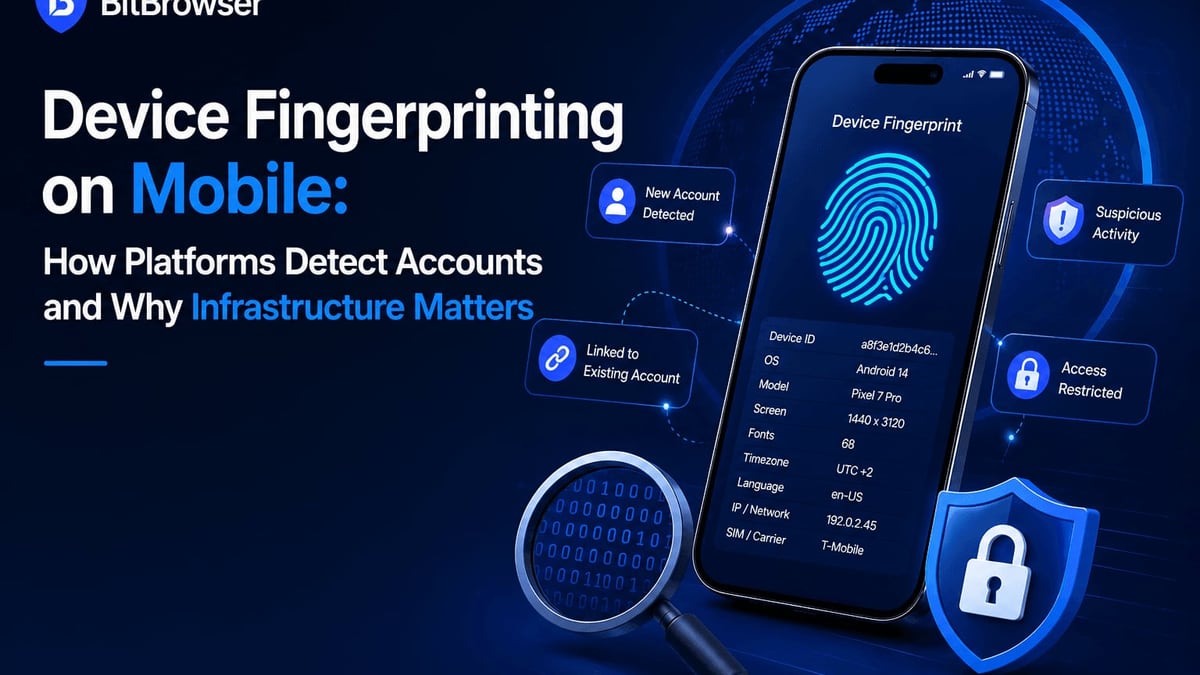
Customize or randomize WebGL, Canvas, AudioContext, timezone, language, screen resolution, and many other parameters. BitBrowser also masks WebRTC leaks and manages cookies and local storage per profile.
Universal Proxy Support
Works with any proxy type—residential, datacenter, mobile—across HTTP, HTTPS, SOCKS5, and SSH. You can import proxy lists and assign them to profiles individually or in bulk.
RPA & Script Marketplace
Automate repetitive actions like logging in, posting, or scraping with a visual RPA builder. A built-in marketplace lets you share or acquire pre-made scripts and browser extensions.
Team Collaboration
Share profiles with team members while preserving IP binding and cookies. Operation logs track who did what, making it suitable for agencies.
Android Emulator & Cloud Phones
BitCloudPhone extends multi-account management to mobile apps, letting you run virtual Android devices and iOS cloud phones directly from the desktop.
Hands-on Setup and First Impressions
Setting up BitBrowser is straightforward. After downloading the Windows or macOS client, you’re greeted with a clean dashboard. Creating a new profile is a wizard-like process: name your profile, select an operating system (Windows, macOS, Linux, Android, iOS), assign a proxy, and tweak fingerprint parameters. You can generate a random fingerprint with one click or manually adjust each setting. Starting the profile opens a separate browsing window—it feels indistinguishable from a fresh Chrome installation, but with the assigned fingerprint and IP baked in.
I tested a proxy-connected profile on a major social platform. The login didn’t trigger any verification challenge, and the account operated smoothly for an hour. The interface wasn’t cluttered, and I found the RPA builder intuitive enough for basic automation without coding.
User feedback aligns with this ease. On G2, reviewers consistently highlight BitBrowser for its simple, efficient multi-account management. A Trustpilot user called it “the best multilogin browser out there”, praising the 10 free profiles and straightforward pricing.
Strengths: Where BitBrowser Shines
BitBrowser Review 2026: Free Anti-Detect Browser Tested product interface and feature overview.
No-cost entry – 10 permanent free profiles is unmatched. Most rivals limit free tiers to 2–5 profiles or impose time restrictions.
Clean UX – The dashboard feels modern, and profile creation is mistake-proof for newcomers.
Versatile proxies – Support for all common protocols, including SSH tunneling, gives flexibility for advanced setups.
Built-in RPA – No need for external automation tools for basic tasks; you can record and replay browser actions right inside the platform.
Cross-platform mobile support – The Android emulator and cloud phones are rare in this category and valuable for social media managers handling mobile-only accounts.
Limitations and Where It Falls Short
No tool is perfect. BitBrowser’s documentation and community are still growing—you’ll find fewer tutorials and troubleshooting posts compared to established names like AdsPower or Multilogin. The automation capabilities, while helpful, are less polished than dedicated RPA platforms; complex workflows may require external scripting. Some early reviews mention occasional stability hiccups with the Android emulator, though the team actively updates the software. Also, the brand’s Trustpilot page is sparse yet, with only a handful of reviews—a reminder to verify claims with your own testing.
Pricing and Value Signal
Pricing signals transparency. BitBrowser starts with a free plan: 10 permanent profiles, basic fingerprint management, and proxy support. Paid plans begin at $10 per month, unlocking more profiles, team seats, and priority support. According to Capterra, the starting price is $10/month for additional environments and employee accounts. For a side-by-side cost comparison with competitors like AdsPower and Octo Browser, our dedicated adspower-roxybrowser-octo-browser-compared-2025 article breaks down the numbers.
The value proposition is strong. A freelancer juggling 10 client social accounts can operate entirely free. An agency needing 50 profiles can upgrade at a cost far below many enterprise anti-detect solutions.
Decision Criteria: Who Should Choose BitBrowser?
BitBrowser Review 2026: Free Anti-Detect Browser Tested product interface and feature overview.
Choose BitBrowser if:
- You need 10 or fewer permanent profiles and want a truly free, no-expiry solution.
- Simplicity and ease of use matter more than maximum automation depth.
- You require mobile app multi-accounting via Android emulation/cloud phones.
- You’re price-sensitive and willing to embrace a growing but capable platform.
Look elsewhere if:
- You need battle-hardened, enterprise-level automation with complex branching.
- Community support and extensive third-party tutorials are critical for your workflow. For a deep look at a more established alternative, read our Kameleo Review 2026.
- You manage hundreds of profiles with large teams—although BitBrowser handles teams, larger players may offer more granular permission models.
Related reading
- Top 10 E-Commerce Platforms 2026: Tested & Ranked - Compare the 10 best e-commerce platforms for 2026 with hands-on testing, pricing, and real case studies. Find the perfect fit for your online store.
- How to Use AdsPower Fingerprint Browser with Scrapingpass - Step-by-step guide to combining AdsPower's anti-detect browser and Scrapingpass's rotating residential proxies for web scraping. Bypass anti-bot systems, manage multiple accounts, and extract data without bans.
Sources and further reading
- BitBrowser Software Pricing, Alternatives & More 2026 | Capterra - With the help of Capterra, learn about BitBrowser Software - reviews, pricing plans, popular comparisons to other Other IT & Software Development Solutions products and more.
Frequently Asked Questions
Is BitBrowser really free? Yes, the free plan gives you 10 permanent browser profiles. No time limit, no forced upgrade. Paid plans add more profiles, team features, and priority support starting at $10/month.
Can BitBrowser be used for web scraping? Absolutely. Pair profiles with residential proxies and use RPA or custom scripts to scrape without detection. The fingerprint randomization helps avoid bot signatures.
Does BitBrowser support mobile devices? It does. BitCloudPhone provides Android emulation and iOS cloud phones so you can manage mobile-only apps from your desktop.
How does BitBrowser compare to AdsPower? Both offer robust fingerprinting and automation. BitBrowser’s permanent free 10-profile tier is a standout. AdsPower has a broader script ecosystem and larger community. For a head-to-head, see our adspower-roxybrowser-octo-browser-compared-2025 comparison.
Final Verdict
BitBrowser is a refreshing entry in the anti-detect space—a capable, free-forever option that doesn’t skimp on essential features. For freelancers, small agencies, and anyone exploring multi-account management without financial commitment, it’s an easy recommendation. While it lacks the maturity and automation depth of some veterans, the development team’s steady pace of updates and the addition of mobile cloud phones suggest a bright future.
At AdsPower, we base our reviews on real testing and aggregated user feedback, not hype. We’ll continue testing BitBrowser as it evolves. For now, if 10 permanent profiles cover your needs, there’s little reason not to try it.
Sources: Trustpilot user reviews, Capterra product listing, G2 community feedback.