
AdsPower + Proxyrack: Setup, Workflow & Real Examples
Take a Quick Look
Learn how to use AdsPower with Proxyrack for secure multi-account management. Step-by-step setup, workflow tips, and real use cases for marketers.
🔥 Limited-Time Offer! Save extra 10% off on your first monthly plan with code: Anitdetect10
Sign upHow to Use AdsPower with Proxyrack: Complete Setup & Workflow Guide
Managing multiple online accounts without getting banned requires two essential tools: an antidetect browser to mask your browser fingerprint and a reliable proxy service to hide your real IP address. AdsPower and Proxyrack work together to solve this challenge. This guide walks you through the integration, setup steps, and practical workflows for marketers, e-commerce sellers, and web scrapers.
Why Combine AdsPower with Proxyrack?
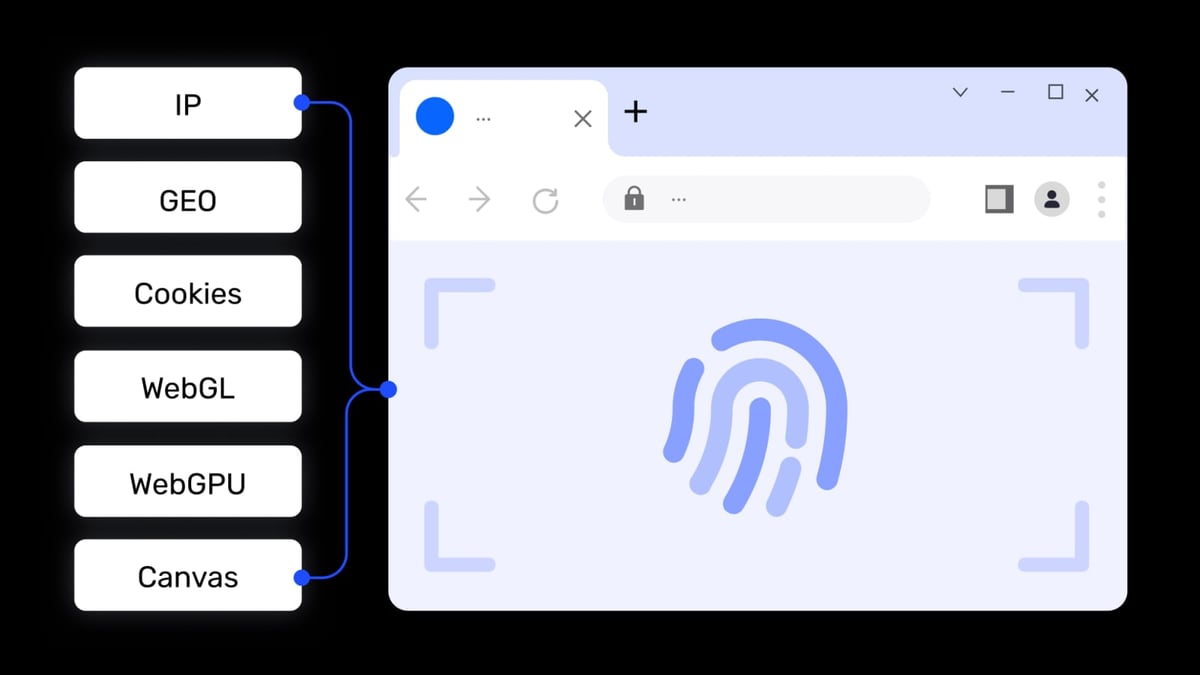
AdsPower product interface and feature overview.
AdsPower creates unique browser fingerprints for each profile, making each session appear as a different device. But without a proxy, all profiles share your real IP address—defeating the purpose. Proxyrack provides residential, datacenter, and mobile IPs that assign a distinct location to each AdsPower profile.
This combination solves three common problems:
- IP-based account bans: Websites see each account coming from a different IP and location
- Geo-restrictions: Access region-locked content by assigning proxies from specific countries
- Detection during automation: Proxyrack’s rotating residential IPs reduce the chance of anti-bot systems flagging your activities
Step-by-Step Setup: AdsPower + Proxyrack

Proxyrack product interface and feature overview.
1. Get Your Proxyrack Credentials
Proxyrack offers residential, datacenter, and mobile proxies. For multi-account management, residential proxies are recommended because they come from real ISP networks and appear more legitimate.
- Sign up for a Proxyrack account and choose a plan (residential recommended)
- Navigate to the proxy dashboard and generate your proxy endpoint
- Note your proxy host, port, username, and password—you’ll need these in AdsPower
Proxyrack supports HTTP, HTTPS, and SOCKS5 protocols. For AdsPower, SOCKS5 is often preferred because it handles both HTTP and HTTPS traffic and provides better compatibility with browser profiles.
2. Add Proxies to AdsPower
AdsPower does not provide proxies itself—it acts as a management platform. You import your Proxyrack proxies into AdsPower’s proxy list.
- Open AdsPower and go to the Proxies section
- Click Add Proxy
- Enter your Proxyrack details in this format:
Example:host:port:username:password{Remark}res.proxyrack.net:10000:user123:pass456{Proxyrack-Residential} - Select the proxy type (SOCKS5 or HTTP)
- Click Check Proxy to verify the connection
- Click OK to save
You can add multiple Proxyrack endpoints—one for each geographic region or IP type you need.
3. Assign a Proxy to a Browser Profile
- Go to Profiles and click Create Profile or edit an existing one
- In the proxy settings, select Saved Proxies and choose your Proxyrack entry
- Configure the fingerprint settings (OS, browser, resolution, etc.)
- Save and open the profile
Each profile now uses a unique Proxyrack IP combined with a distinct browser fingerprint.
Practical Workflows and Examples
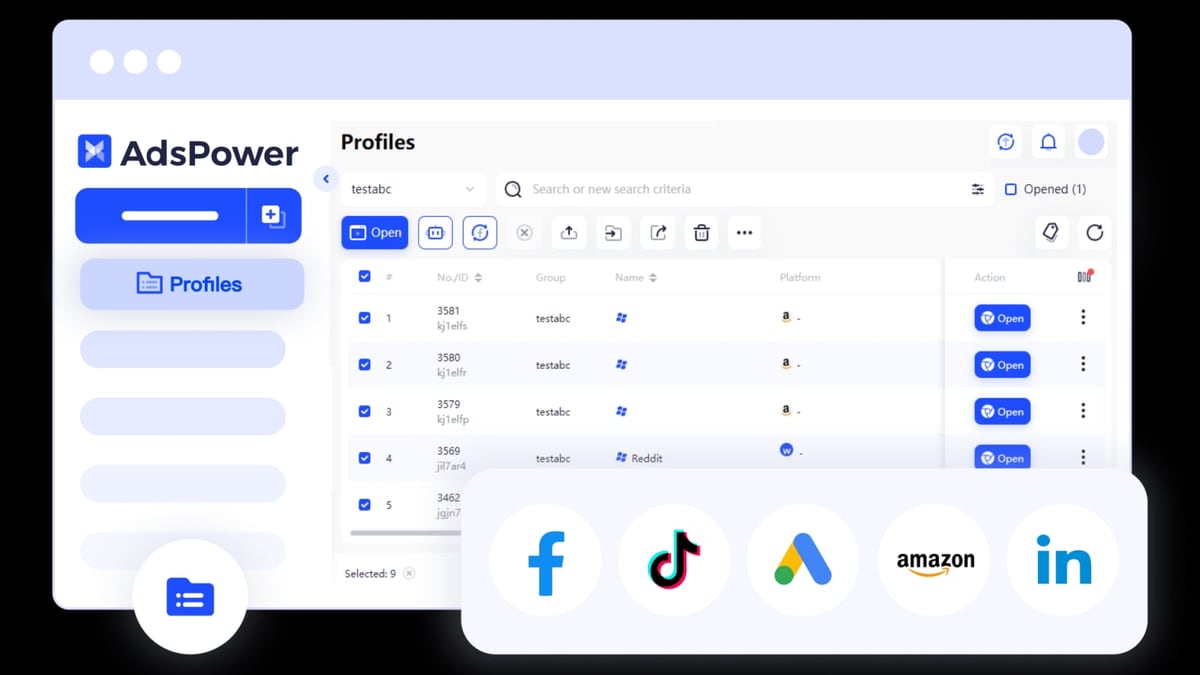
AdsPower product interface and feature overview.
Example 1: Managing Multiple Facebook Ad Accounts
Affiliate marketers often run several Facebook ad accounts to test different audiences. Without proper isolation, Facebook links accounts and bans them together.
Workflow:
- Create 10 AdsPower profiles, each with a different fingerprint
- Assign each profile a unique Proxyrack residential IP from different US cities
- Log into a separate Facebook account per profile
- Use AdsPower’s batch management to launch all profiles simultaneously
- Run ad campaigns without cross-account detection
Result: Facebook sees 10 different users in 10 different locations, each with a unique device fingerprint.
Example 2: E-commerce Price Monitoring
Dropshippers and retailers scrape competitor prices daily. Websites block repeated requests from the same IP.
Workflow:
- Set up 5 AdsPower profiles for different target markets (US, UK, DE, FR, JP)
- Assign Proxyrack residential proxies matching each country
- Use AdsPower’s Local API or RPA automation to schedule scraping tasks
- Rotate IPs via Proxyrack’s sticky session feature (change IP every 5–10 minutes)
Result: Each scraping session appears as a genuine local user, reducing CAPTCHA triggers and IP blocks.
Example 3: Social Media Account Farming
Agencies managing multiple TikTok or Instagram accounts need each account to appear authentic.
Workflow:
- Create profiles with realistic fingerprints (mobile user agent, timezone matching proxy location)
- Assign Proxyrack mobile proxies for higher trust scores
- Use AdsPower’s cookie management to maintain login sessions
- Automate posting and engagement with RPA robots
Result: Platforms treat each account as an independent mobile user, reducing verification requests.
Comparing Proxy Types for AdsPower
AdsPower product interface and feature overview.
| Proxy Type | Best For | Trust Level | Speed | Cost |
|---|---|---|---|---|
| Residential | Account management, social media, e-commerce | High | Moderate | Medium |
| Datacenter | Web scraping, bulk automation | Low-Medium | Fast | Low |
| Mobile | Social media, app-based platforms | Very High | Slow | High |
For most multi-account workflows, Proxyrack’s residential proxies offer the best balance of trust and performance. Use datacenter proxies only for non-sensitive tasks like SEO monitoring or public data scraping.
Troubleshooting Common Issues
Proxy Connection Failed
- Double-check your Proxyrack credentials in AdsPower’s proxy format
- Ensure your Proxyrack plan is active and hasn’t exceeded bandwidth limits
- Test the proxy outside AdsPower using a tool like
curl
IP Not Matching Location
- Proxyrack’s sticky sessions may assign a different IP than expected
- Use the Check Proxy button in AdsPower to verify the outbound IP
- Set sticky session duration to 0 for a new IP on every request
Slow Profile Loading
- Residential proxies are naturally slower than datacenter—this is normal
- Switch to Proxyrack’s datacenter proxies for high-speed tasks
- Reduce the number of concurrent profiles if bandwidth is limited
Related reading
- AdsPower vs Maskfog Fingerprint Browser: 2026 In-Depth Comparison - Compare AdsPower and Maskfog fingerprint browsers, analyzing fingerprint security, automation, pricing, and use cases to help you choose a multi-account management tool.
- 1Password Review 2026: Is It Still Worth It? - Evidence-based 1Password review: ideal users, strengths, limitations, pricing, and decision criteria for individuals, families, and enterprises.
- Top 10 Two-Factor Authentication Apps 2026: Ranked & Reviewed - Expert-ranked top 10 two-factor authentication apps for 2026. Transparent criteria, evidence-based reviews, and a clear winner for multi-account security.
Sources and further reading
- Proxies: Add, Buy, Renew, Check, Filter - If you still have no idea what a proxy is and how does it work, check this video below:
AdsPower Browser neither provides proxies nor has any proxies built in. However, the Proxies section allows you to save
- How to set up Proxyrack's Free Mobile Proxy on Android Devices - Enjoy the videos and music you love, upload original content, and share it all with friends, family, and the world on YouTube.
- One of the Best AdsPower Browser proxy from $1.39/IP - Protect your real IP address from being blocked when using multiple accounts, automated operations and other features☑️. Find out more at IPRoyal.com.
FAQ
Can I use Proxyrack’s free mobile proxy with AdsPower?
Proxyrack offers a free mobile proxy for testing, but it has limited bandwidth and reliability. For production use, a paid residential or mobile plan is recommended.
Does AdsPower support SOCKS5 proxies from Proxyrack?
Yes. AdsPower supports SOCKS5, HTTP, and HTTPS. SOCKS5 is recommended for compatibility with all traffic types.
How many Proxyrack IPs do I need per AdsPower profile?
One IP per profile is standard. For rotating IPs, use Proxyrack’s rotating residential proxies and configure sticky sessions as needed.
Can I use Proxyrack’s scraping API with AdsPower?
Yes. Proxyrack’s scraping API can complement AdsPower for data collection tasks, while AdsPower handles browser-based automation.
Is this combination suitable for team collaboration?
AdsPower offers team management with granular permissions. Each team member can use shared Proxyrack proxies stored in the proxy list.
Conclusion
AdsPower and Proxyrack form a powerful duo for anyone managing multiple online accounts. AdsPower handles browser fingerprint isolation, while Proxyrack provides the IP diversity needed to avoid detection. By following the setup steps and workflows in this guide, you can scale your account management, scraping, and marketing operations with confidence.
For a deeper comparison of antidetect browsers, see our AdsPower vs Linken Sphere vs Octo Browser 2026 analysis. If you’re evaluating proxy providers, Proxyrack’s residential network offers a cost-effective alternative to credit-based services.
Start with a small test—create 2–3 AdsPower profiles with Proxyrack proxies, run a simple task, and verify the IP and fingerprint isolation. Once you see the results, scale up your workflows.
Need to manage purchased accounts? Read our guide on AdsPower + AccsMarket: Setup, Workflow & Real Examples.