
AdsPower + AccsMarket: Setup, Workflow & Real Examples
Take a Quick Look
Learn how to use AdsPower with AccsMarket for secure multi-account management. Step-by-step setup, workflow tips, and real use cases.
🔥 Limited-Time Offer! Save extra 10% off on your first monthly plan with code: Anitdetect10
Sign upHow to Use AdsPower with AccsMarket for Secure Multi-Account Management
Managing dozens or hundreds of social media accounts is a common need in affiliate marketing, e-commerce, and digital advertising. But buying accounts from a marketplace and running them safely requires more than just a password list. You need a browser that isolates each account, creates a unique digital fingerprint, and prevents platforms like Facebook, Instagram, and TikTok from linking your profiles together.
This guide explains exactly how to combine AdsPower (the leading anti-detect browser) with AccsMarket (a global marketplace for verified social media accounts). You’ll learn the step-by-step workflow, practical examples, and the specific problems this combination solves.
Why Use AdsPower and AccsMarket Together?
AdsPower product interface and feature overview.
AccsMarket provides ready-to-use accounts—softreg (freshly registered), aged, boosted, or ad-ready—for platforms like Facebook, Instagram, TikTok, Twitter, LinkedIn, Telegram, Reddit, and more. But an account alone is not enough. If you log into multiple Facebook profiles from the same browser, Facebook’s fingerprinting algorithms will detect the shared environment and ban all accounts.
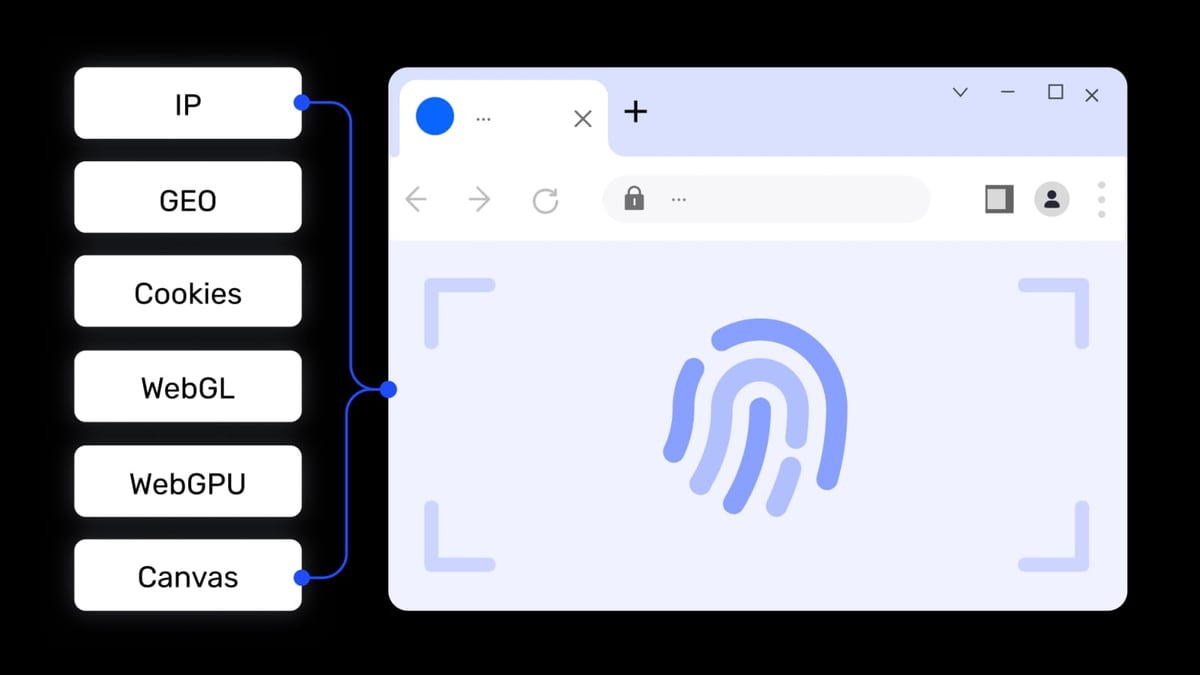
AdsPower solves this by creating a separate browser profile for each account. Each profile has its own cookies, local storage, and—most importantly—a unique browser fingerprint (user agent, screen resolution, timezone, WebGL, fonts, etc.). This makes every account look like it belongs to a different person on a different device.
Together, they let you:
- Buy accounts at scale from a trusted marketplace.
- Import them into isolated browser profiles.
- Operate each account without cross-contamination.
- Automate repetitive tasks using AdsPower’s built-in RPA or Local API.
Step-by-Step Workflow: From Purchase to Active Profile
AdsPower product interface and feature overview.
1. Buy Accounts on AccsMarket
Start by browsing AccsMarket’s catalog. Use the advanced filters to narrow by platform, account type (softreg, aged, boosted, ad accounts), price range, and stock quantity. For example, if you need 50 Instagram softreg accounts for a growth campaign, filter by Instagram > Softreg and sort by price.
After purchase, you’ll receive a file (usually CSV or TXT) containing login credentials (email/username and password) and sometimes cookies or additional notes.
2. Set Up AdsPower for Multi-Account Management
If you haven’t already, download AdsPower and create an account. The free tier gives you 2 profiles—enough to test the workflow. For larger operations, consider a paid plan.
Create a profile template (optional but recommended):
- Go to Profile Management > Profile Templates.
- Define a base configuration: browser type (SunBrowser/Chromium or FlowerBrowser/Firefox), OS, language, and default fingerprint settings.
- This saves time when creating many similar profiles.
3. Import Account Credentials into AdsPower
You have two options:
Manual import (for small batches):
- Click Create Profile.
- Enter a name (e.g., “IG Acc 01 – Softreg”).
- Under Platform, select the target site (e.g., Instagram).
- Paste the login URL and credentials.
- Choose a proxy (see step 4).
- Click Save.
Bulk import (for large batches):
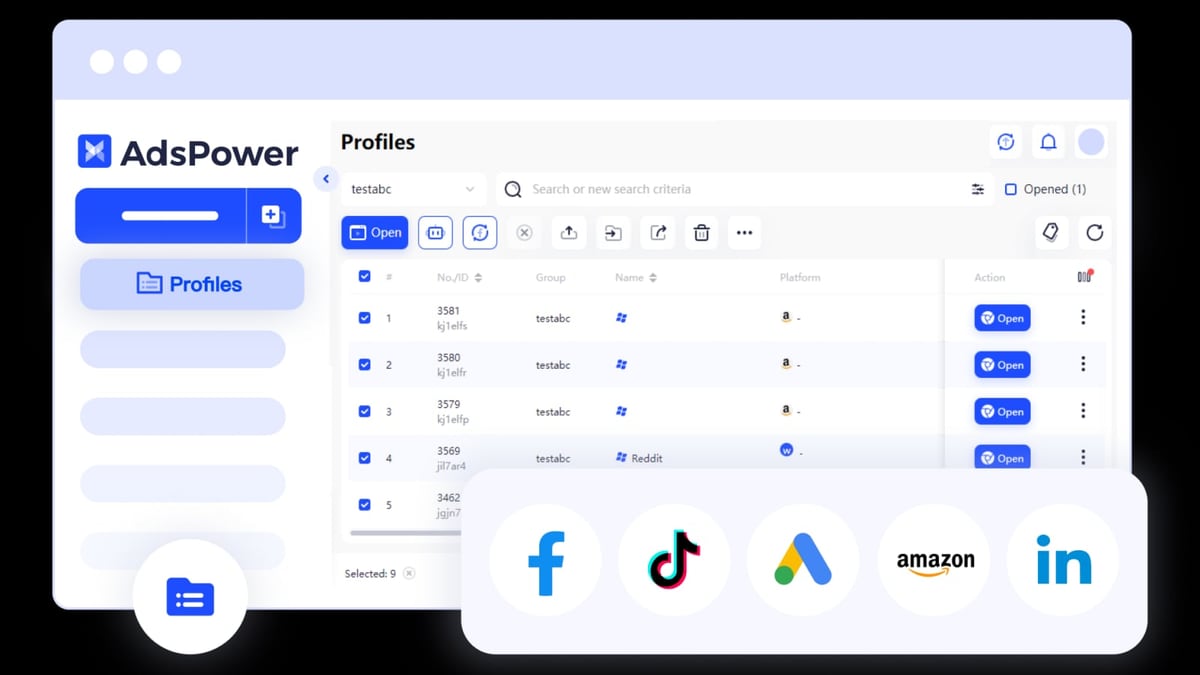
- Use AdsPower’s Batch Create feature.
- Prepare a CSV file with columns: profile name, platform, login URL, username, password, proxy, group.
- Upload the file and let AdsPower generate all profiles at once.
4. Assign Proxies to Each Profile
A proxy is essential. Without one, all profiles share the same IP address, which is a red flag for platforms. AdsPower does not provide proxies, but you can import proxies from any provider (residential, datacenter, or mobile).
To add a proxy:
- Go to Proxies > Add Proxy.
- Enter the proxy details in the format:
ip:port:username:password{Remark}. - Save it. The proxy will appear in your list.
- When creating or editing a profile, select that proxy from the Saved Proxies tab.
For AccsMarket accounts, use proxies that match the account’s original location (if known). For example, if you bought US-based Facebook accounts, use US residential proxies.
5. Launch and Verify Each Account
Open a profile, navigate to the platform’s login page, and sign in. If the account came with cookies, you can import them via AdsPower’s cookie editor to skip the login step. Check that the fingerprint passes basic detection tests (e.g., browserleaks.com or amiunique.org).
Repeat for all profiles. If any account is flagged or banned, you can request a replacement from AccsMarket (they offer a 100% guarantee).
Practical Examples
AdsPower product interface and feature overview.
Example 1: Running Facebook Ads with Aged Accounts
You buy 10 aged Facebook accounts (with some history) from AccsMarket. Each account needs to run separate ad campaigns without being linked.
- Create 10 profiles in AdsPower, each with a unique fingerprint and a US residential proxy.
- Import the credentials and cookies for each account.
- Launch each profile, verify the account is active, and set up Facebook Ads Manager.
- Use AdsPower’s Multi-Window Synchronizer to control all profiles simultaneously if needed (e.g., to check ad status across accounts).
Example 2: TikTok Growth with Softreg Accounts
You purchase 50 TikTok softreg accounts for a growth campaign (follow/unfollow, likes, comments).
- Bulk-import the accounts into AdsPower using the CSV method.
- Assign mobile proxies (4G/5G) to mimic real mobile users.
- Create a simple RPA robot in AdsPower to automate the daily actions (e.g., follow 20 users per account).
- Monitor all profiles from the dashboard; if one gets flagged, pause it immediately.
Example 3: Managing Multiple Google Business Profiles
You buy 5 Google accounts (with Gmail) from AccsMarket to manage Google Business Profiles for local SEO clients.
- Create profiles with Chrome-based fingerprints and proxies near each client’s location.
- Log into each Google account and set up the corresponding Business Profile.
- Use AdsPower’s Team Collaboration feature to assign each profile to a different team member with granular permissions.
Problems This Combination Solves
AdsPower product interface and feature overview.
| Problem | How AdsPower + AccsMarket Fixes It |
|---|---|
| Account bans due to fingerprint linking | Each profile has a unique fingerprint, so platforms see them as separate users. |
| Time wasted creating accounts manually | AccsMarket provides ready-to-use accounts instantly. |
| IP blacklisting | Proxies assigned per profile prevent IP-based detection. |
| Scaling limitations | Bulk import and batch management let you handle hundreds of accounts. |
| Team coordination issues | Role-based access and profile sharing streamline collaboration. |
Related reading
- AdsPower vs Undetectable 2026: Which Anti-Detect Browser Wins? - Compare AdsPower vs Undetectable for multi-account management. See fingerprint security, automation, pricing, and which tool scales best for your workflow.
- Upfluence Review 2026: Is It the Right Influencer Platform for Your Brand? - Evidence-based Upfluence review: ideal users, use cases, strengths, limitations, pricing signals, setup, and decision criteria for ecommerce and DTC brands.
- Top 10 Captcha Solving Services 2026: Ranked & Reviewed - Expert-ranked top 10 captcha solving services for 2026. Transparent criteria, evidence-based reviews, and a clear winner for multi-account automation.
Sources and further reading
- AdsPower Tutorial: Complete Browser Profile Setup Guide | Anti Detect Browser for Multiple Accounts - Enjoy the videos and music you love, upload original content, and share it all with friends, family, and the world on YouTube.
- How to Use AdsPower for Different Use Cases - AdsPower browser- Best guides and use cases for you apply AdsPower browser. Simplify managing multiple accounts for e-commerce, marketing, social media, crypto, and more.
FAQ
Can I use AdsPower for free with AccsMarket accounts?
Yes. The free plan includes 2 profiles, which is enough to test the workflow. For production use with multiple accounts, you’ll need a paid plan (Professional, Business, or Enterprise).
What type of proxy should I use with AccsMarket accounts?
Use residential or mobile proxies that match the geographic origin of the account. If the account was created in the US, use a US residential proxy. Datacenter proxies are cheaper but carry higher detection risk.
Does AccsMarket provide accounts with cookies?
Some sellers include cookies. Check the product description or contact the seller. Cookies can be imported into AdsPower to avoid manual login.
How do I automate actions across many accounts?
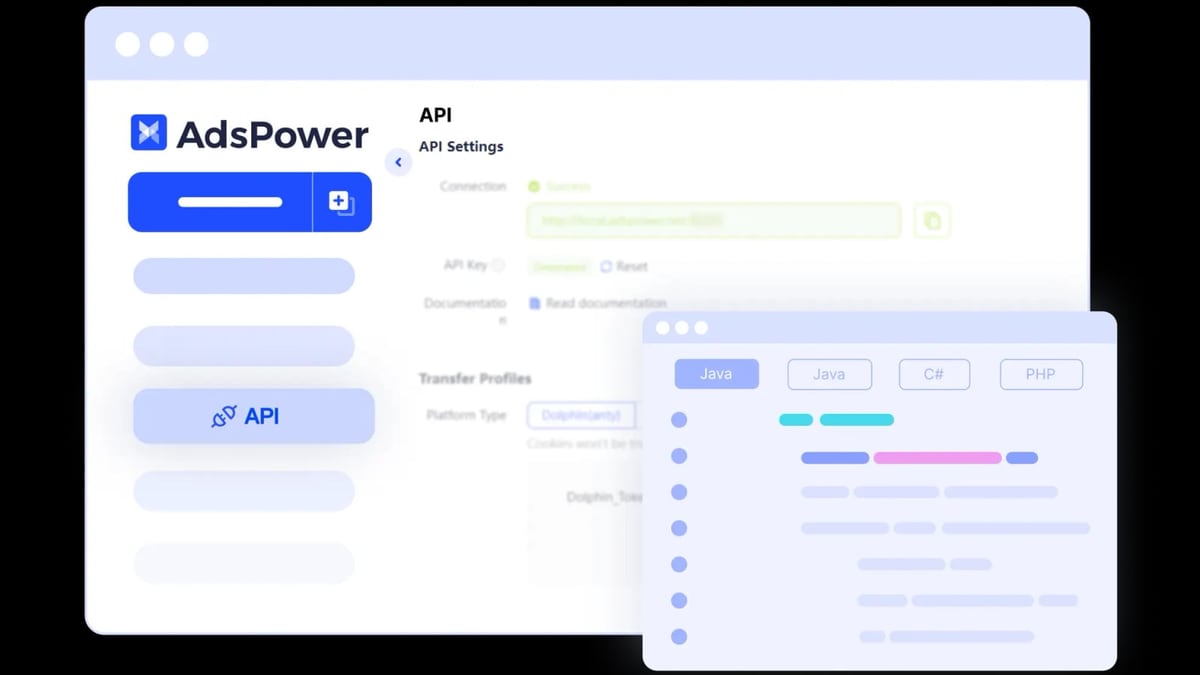
AdsPower offers RPA robots (no-code automation) and a Local API for custom scripts. You can automate repetitive tasks like posting, following, or scraping. For CAPTCHA handling, consider integrating a solving service like 2Captcha (see our guide).
Is it safe to buy accounts from AccsMarket?
AccsMarket has been operating since 2017 and offers a 100% guarantee on accounts. However, no marketplace is risk-free. Always test accounts in a single profile before scaling, and use AdsPower’s isolation to contain any issues.
Conclusion
Combining AdsPower with AccsMarket gives you a powerful, scalable system for multi-account management. You get the convenience of buying verified accounts from a global marketplace and the security of running them in isolated, fingerprint-protected browser profiles. Whether you’re running Facebook ads, managing TikTok growth, or handling client accounts for a digital agency, this workflow reduces bans, saves time, and lets you focus on results.
For a deeper comparison of anti-detect browsers, see our AdsPower vs Undetectable vs GoLogin 2026 analysis. And if you’re new to proxies, check out AdsPower’s official proxy documentation for setup details.