
AdsPower + 2Captcha: Setup, Workflow & Real Examples
Take a Quick Look
Learn how to integrate 2Captcha with AdsPower for automated CAPTCHA solving. Step-by-step setup, workflow tips, and real use cases for multi-account management.
🔥 Limited-Time Offer! Save extra 10% off on your first monthly plan with code: Anitdetect10
Sign upHow to Use AdsPower with 2Captcha: Complete Integration Guide
If you manage multiple online accounts—whether for affiliate marketing, e-commerce, social media management, or web scraping—you know that CAPTCHAs are one of the biggest roadblocks to smooth automation. Every time a CAPTCHA pops up, your workflow grinds to a halt. The solution? Combine AdsPower, a leading anti-detect browser, with 2Captcha, a powerful CAPTCHA-solving service. In this guide, you’ll learn exactly how to set up and use AdsPower with 2Captcha, with practical examples and workflow tips.
Why Combine AdsPower with 2Captcha?
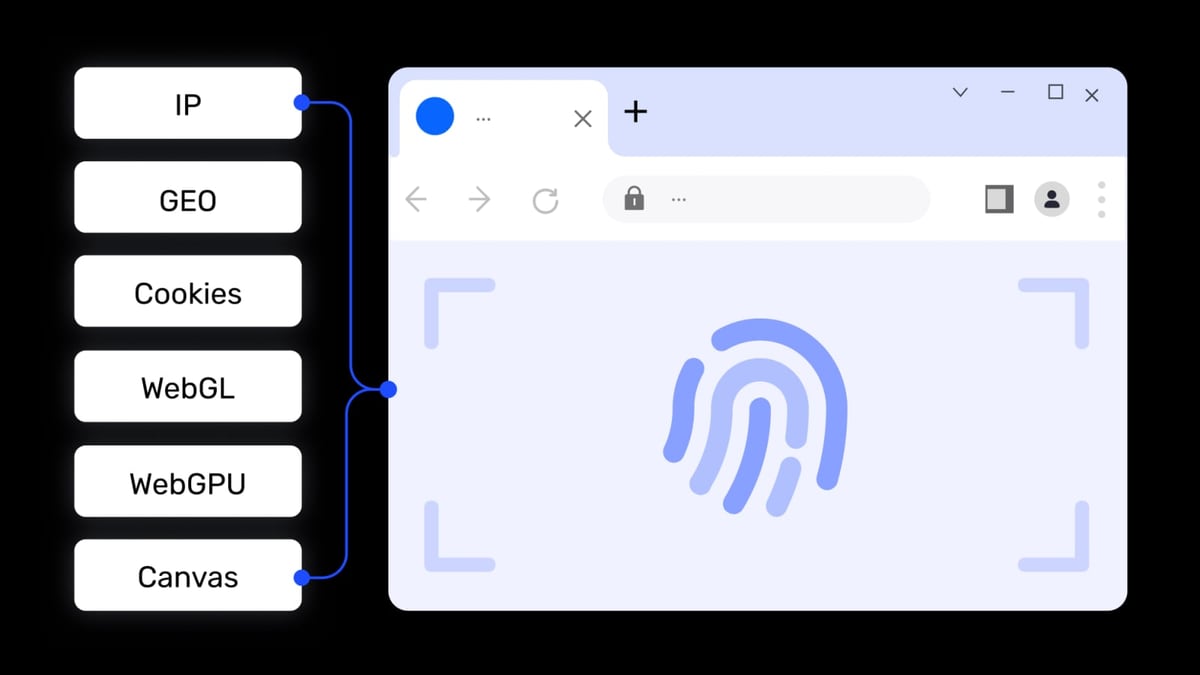
AdsPower product interface and feature overview.
AdsPower gives you unique browser fingerprints for each profile, so platforms like Facebook, Amazon, Google, and TikTok see each account as a separate user. But even with perfect fingerprints, CAPTCHAs can still interrupt your automated tasks. That’s where 2Captcha comes in—it solves CAPTCHAs (reCAPTCHA v2/v3, hCaptcha, Cloudflare Turnstile, and more) automatically via its API, so your AdsPower RPA processes never get stuck.
Together, they create a seamless automation pipeline:
- AdsPower manages profiles and runs RPA scripts.
- 2Captcha handles the CAPTCHA challenges that appear during those scripts.
- You save hours of manual CAPTCHA solving and reduce account bans caused by incomplete verifications.
What You’ll Need Before Starting
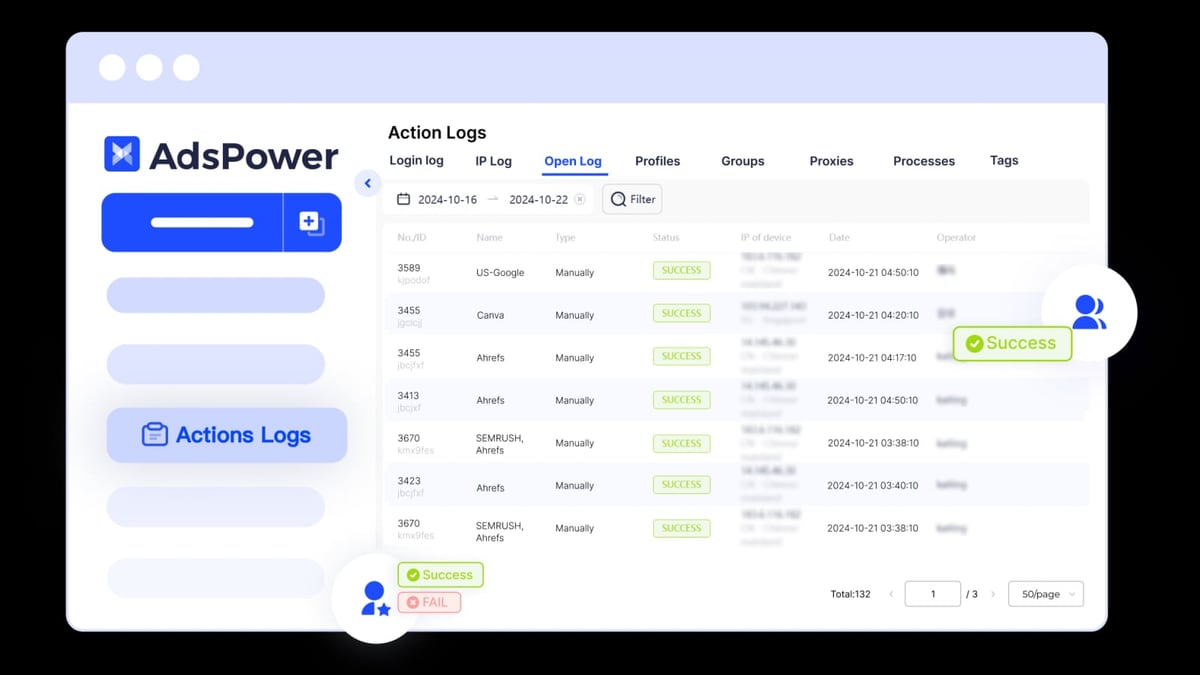
AdsPower product interface and feature overview.
- An AdsPower account (free tier works for testing, but you’ll want at least a Professional plan for serious automation).
- A 2Captcha account with sufficient funds (pricing starts at $0.50 per 1000 image CAPTCHAs).
- Your 2Captcha API key (found in your 2Captcha dashboard).
- Basic familiarity with AdsPower’s RPA interface (don’t worry, we’ll walk through it).
Step-by-Step: How to Set Up 2Captcha in AdsPower
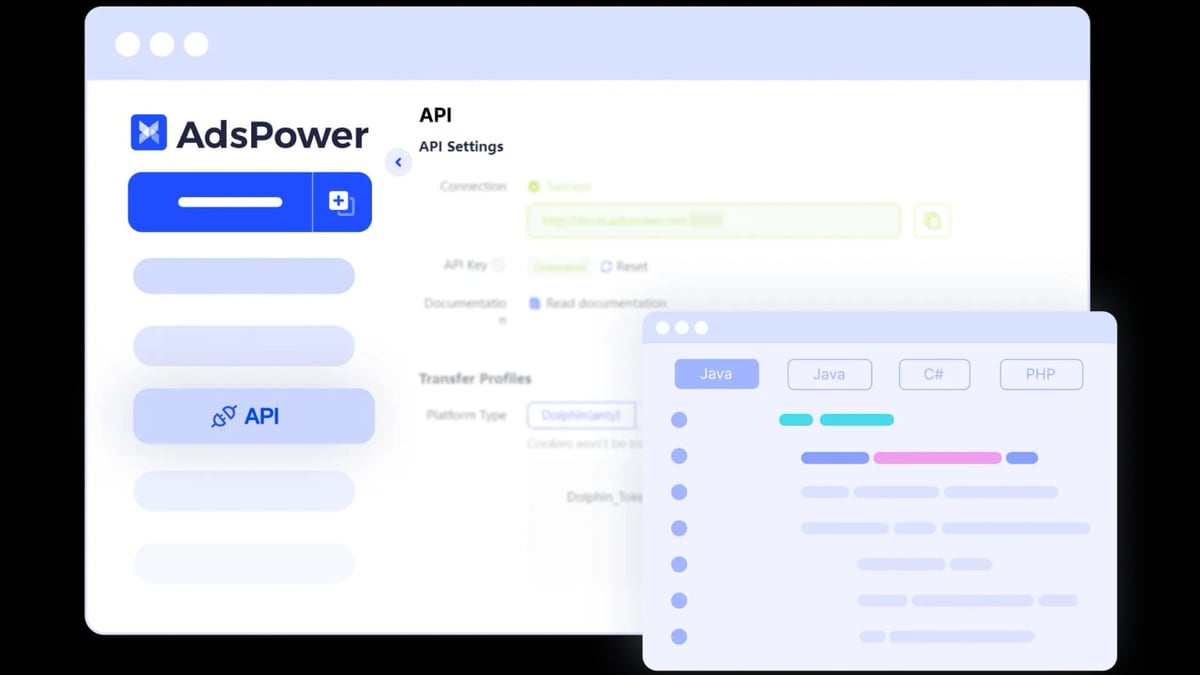
AdsPower product interface and feature overview.
AdsPower’s RPA (Robotic Process Automation) feature now includes a native 2Captcha integration, making setup quick and code-free. Follow these steps:
Step 1: Open the Processes Section
- Log in to your AdsPower desktop app.
- Navigate to the Processes tab (usually in the left sidebar).
- Click the “+” icon in the top-left corner to create a new process.
Step 2: Add the 2Captcha Tool
- In the process editor, scroll down to the “Third-Party Tools” category.
- Select “2Captcha” from the list.
- A configuration panel will appear.
Step 3: Enter Your API Key
- Copy your API key from your 2Captcha account dashboard.
- Paste it into the “API Key” field in AdsPower.
- (Optional) Check the box to “Save verification result to a boolean variable”—this lets your RPA script know whether the CAPTCHA was solved successfully.
Step 4: Configure the CAPTCHA Type (If Needed)
By default, 2Captcha auto-detects the CAPTCHA type. If you’re targeting a specific challenge (e.g., reCAPTCHA v2 or Cloudflare Turnstile), you can specify it in the advanced settings. For most use cases, the default works fine.
Step 5: Build Your RPA Workflow
Now you can build a process that includes the 2Captcha tool at the point where a CAPTCHA appears. For example:
- Navigate to a login page.
- Fill in credentials.
- Wait for the CAPTCHA widget to load.
- Trigger the 2Captcha tool to solve it.
- Submit the form.
AdsPower’s RPA recorder can capture these steps automatically, or you can add them manually.
Step 6: Test and Run
- Save your process.
- Assign it to a profile (or multiple profiles).
- Run the process and watch the magic happen—2Captcha will solve the CAPTCHA in seconds, and your automation continues without interruption.
Pro Tip: Use AdsPower’s batch management feature to run the same 2Captcha-enabled process across hundreds of profiles simultaneously. This is a game-changer for large-scale operations.
Practical Examples: AdsPower + 2Captcha in Action
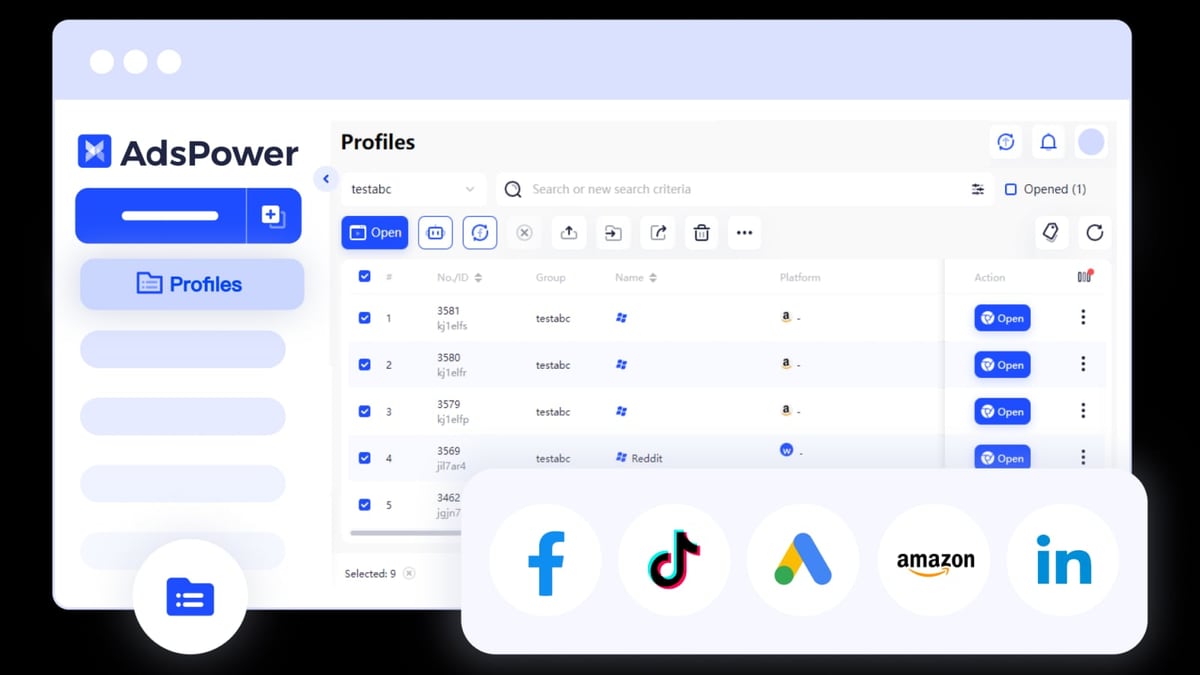
AdsPower product interface and feature overview.
Example 1: Automated Facebook Account Creation
Creating Facebook accounts at scale requires bypassing reCAPTCHA during sign-up. Here’s how the combo works:
- AdsPower creates a unique fingerprint for each new account.
- Your RPA script fills in the registration form.
- When the reCAPTCHA v2 challenge appears, the 2Captcha tool sends the site key to 2Captcha’s API.
- 2Captcha returns a valid token, which is injected into the form.
- The script submits and creates the account—no manual intervention.
Example 2: Scraping CAPTCHA-Protected Data
Suppose you’re scraping product prices from a site that uses hCaptcha. With AdsPower and 2Captcha:
- Each scraping session uses a fresh browser profile (different IP, fingerprint).
- When a CAPTCHA blocks the request, 2Captcha solves it automatically.
- The scraper proceeds to extract the data without delays.
Example 3: E-Commerce Account Management
Managing multiple seller accounts on Amazon or eBay? CAPTCHAs often appear during login or product listing. AdsPower keeps each account isolated, and 2Captcha ensures logins succeed every time.
Common Problems Solved by This Integration
| Problem | Solution |
|---|---|
| CAPTCHAs interrupt automated workflows | 2Captcha solves them in seconds, keeping RPA scripts running |
| Manual CAPTCHA solving is slow and error-prone | Automation eliminates human delay and mistakes |
| Accounts get banned due to failed verifications | Reliable solving reduces verification failures |
| Scaling multi-account management is tedious | Batch RPA + 2Captcha handles hundreds of profiles simultaneously |
Comparing 2Captcha with Other CAPTCHA Solvers
While 2Captcha is the most popular choice, you might wonder how it stacks up against alternatives like Anti-Captcha or CapMonster. Here’s a quick comparison:
| Feature | 2Captcha | Anti-Captcha | CapMonster |
|---|---|---|---|
| Pricing (per 1000 image CAPTCHAs) | $0.50 | $0.60 | $0.70 |
| Supported types | reCAPTCHA v2/v3, hCaptcha, Turnstile, FunCaptcha, Geetest, more | Similar range | Focus on reCAPTCHA and hCaptcha |
| API ease of use | Excellent, with SDKs in 7+ languages | Good | Good |
| Human fallback | Yes (for difficult cases) | Yes | No (fully automated) |
| Uptime | 99.9% | 99.8% | 99.5% |
Verdict: 2Captcha offers the best balance of price, coverage, and reliability for most AdsPower users. If you only need reCAPTCHA solving and want slightly lower latency, CapMonster is worth a look, but 2Captcha’s human fallback gives it an edge for complex challenges.
Tips for Maximizing Success
- Use fresh proxies: 2Captcha works best when paired with clean residential proxies. AdsPower supports proxy integration—make sure each profile has a unique IP.
- Monitor your 2Captcha balance: Running low on funds mid-automation can break your workflow. Set up alerts or auto-top-up.
- Test with a single profile first: Before scaling, run your RPA process on one profile to ensure the CAPTCHA solving works as expected.
- Combine with other tools: For advanced scraping, consider integrating AdsPower + Bright Data for proxy management, or use BrowserScan to verify your fingerprints are leak-free.
Related reading
- AdsPower vs VMLogin vs Dolphin Anty: Which Anti-Detect Browser Wins? - Compare AdsPower, VMLogin, and Dolphin Anty antidetect browsers. See strengths, automation, team features, pricing, and which fits your multi-account workflow.
- AdsPower vs MoreLogin: Which Anti-Detect Browser Wins in 2026? - Compare AdsPower vs MoreLogin for multi-account management. See where AdsPower beats MoreLogin on automation, team controls, and scaling.
- Scrapingpass Review 2025: Web Scraping API & RPA Tested - Evidence-based Scrapingpass review covering ideal users, pricing, setup, strengths, and limitations. See how it compares to alternatives for data extraction.
Sources and further reading
- How 2Captcha Works, Legitimate/Malicious Uses, and Defensive Measures - 2Captcha is an online service that outsources CAPTCHA-solving tasks to a distributed network of human workers.
- Top 10 2Captcha Alternatives & Competitors in 2026 - G2 - Top 10 2Captcha Alternatives & Competitors in 2026 - G2G2https://www.g2.com › products › competitors › alternativesG2https://www.g2.com › products › competitors › alternatives
Frequently Asked Questions
Is it legal to use AdsPower with 2Captcha?
Using AdsPower and 2Captcha for legitimate automation (e.g., managing your own accounts, testing, accessibility) is generally legal. However, using them to create fake accounts, bypass security without permission, or engage in fraud violates the terms of service of most platforms and may be illegal. Always ensure you have authorization for the automation you’re performing.
Do I need coding skills to integrate 2Captcha with AdsPower?
No. AdsPower’s RPA interface allows you to add the 2Captcha tool without writing code. If you want more advanced control, you can use the Local API and 2Captcha’s SDKs (Python, JavaScript, etc.).
What CAPTCHA types does 2Captcha support in AdsPower?
2Captcha supports reCAPTCHA v2 (checkbox and invisible), reCAPTCHA v3, hCaptcha, Cloudflare Turnstile, FunCaptcha, Geetest, image CAPTCHAs, and more. The AdsPower integration works with all of them.
How fast is CAPTCHA solving with 2Captcha?
Simple image CAPTCHAs are solved in 3–5 seconds on average. Complex ones like reCAPTCHA v2 may take 10–25 seconds. The speed depends on the type and current demand.
Can I use 2Captcha with AdsPower’s free plan?
Yes, the free plan includes 2 profiles and full RPA access, so you can test the integration. For production use with many profiles, you’ll need a paid AdsPower plan.
Conclusion
Integrating 2Captcha with AdsPower transforms how you handle CAPTCHAs in your multi-account workflows. Instead of manually solving challenges or watching your automation fail, you get a reliable, scalable solution that keeps your processes running 24/7. Whether you’re creating social media accounts, scraping data, or managing e-commerce profiles, this combination saves time, reduces errors, and helps you avoid account bans.
Ready to supercharge your automation? Start with AdsPower’s free tier, add your 2Captcha API key, and build your first RPA process today. For more comparisons on anti-detect browsers, check out our AdsPower vs VMLogin vs Dolphin Anty guide or see how AdsPower stacks up against MoreLogin.
External references: 2Captcha official site, AdsPower RPA update blog, Radware analysis of 2Captcha.