
AdsPower vs MoreLogin: Which Anti-Detect Browser Wins in 2026?
Take a Quick Look
Compare AdsPower vs MoreLogin for multi-account management. See where AdsPower beats MoreLogin on automation, team controls, and scaling.
🔥 Limited-Time Offer! Save extra 10% off on your first monthly plan with code: Anitdetect10
Sign upAdsPower vs MoreLogin: Which Anti-Detect Browser Wins in 2026?
When you need to manage multiple online accounts without getting banned, choosing the right anti-detect browser is a make-or-break decision. Two names that come up often are AdsPower and MoreLogin. Both let you create isolated browser profiles with unique fingerprints, but they serve very different users. If you're scaling a team, automating workflows, or juggling hundreds of profiles, the differences become critical.
In this comparison, we'll dig into where AdsPower excels—especially for teams and automation—and where MoreLogin falls short. We'll also look at real-world use cases so you can decide which tool fits your operation.
What AdsPower Does Better for Teams and Automation
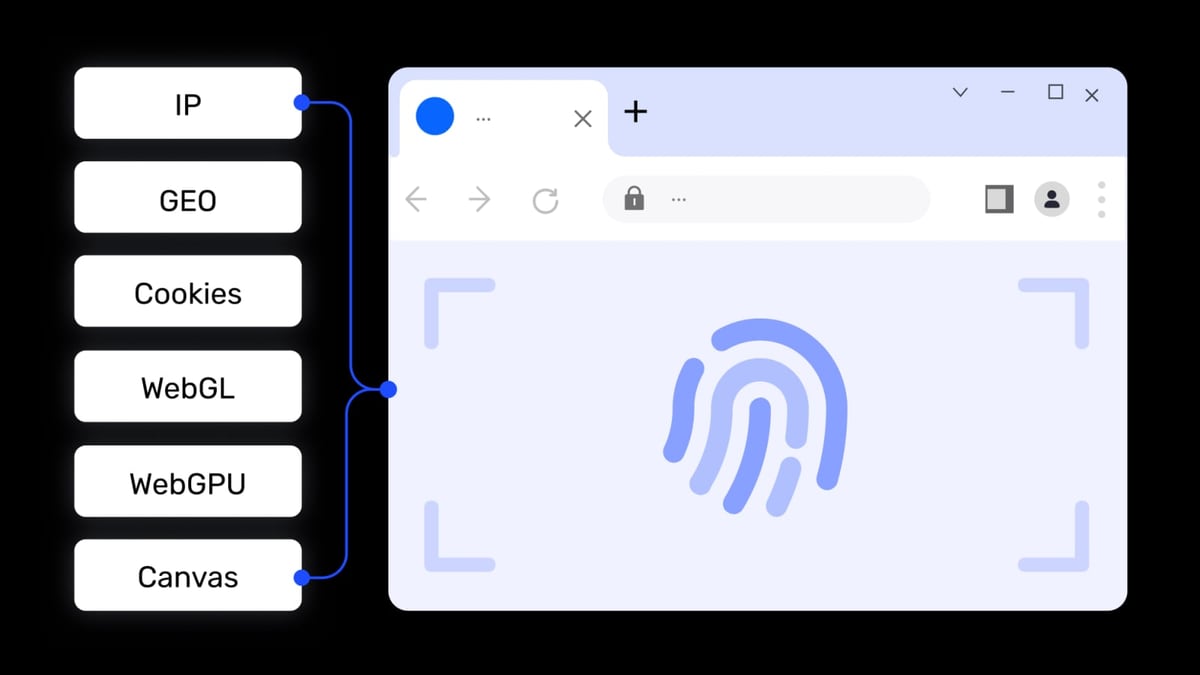
AdsPower product interface and feature overview.
AdsPower is built for professionals who need more than just a browser. It's a full account management system that supports:
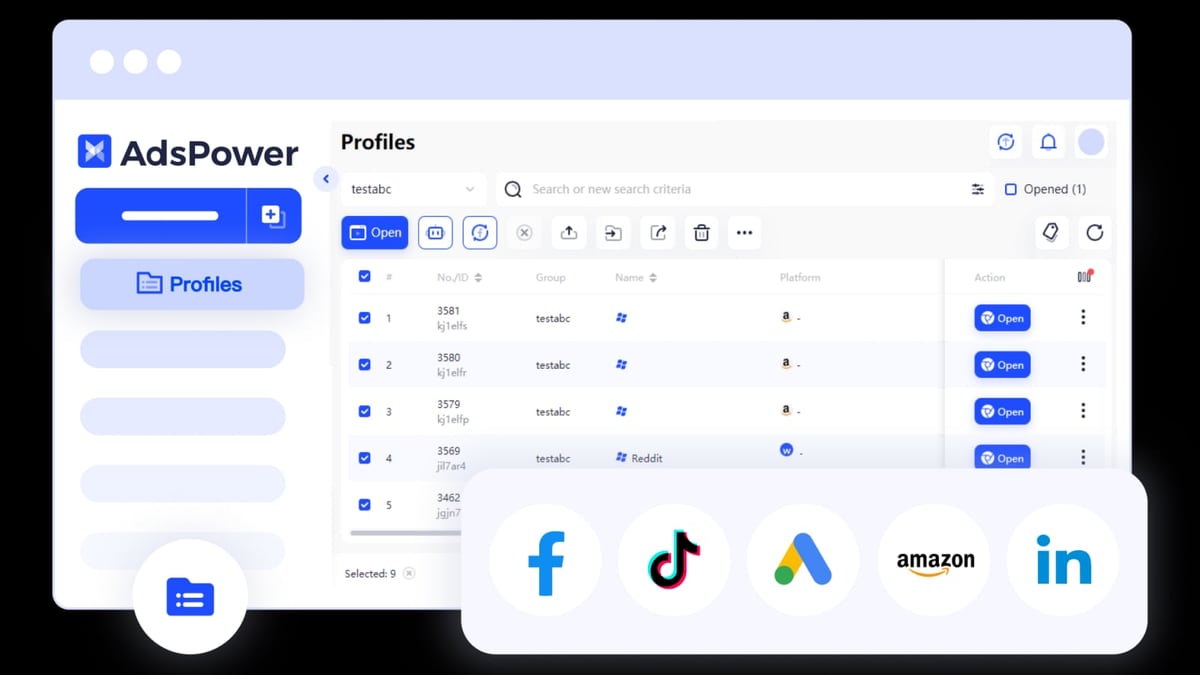
- Large-scale profile management: Easily handle 1,000+ profiles with batch operations for creation, deletion, proxy import, and cookie import.
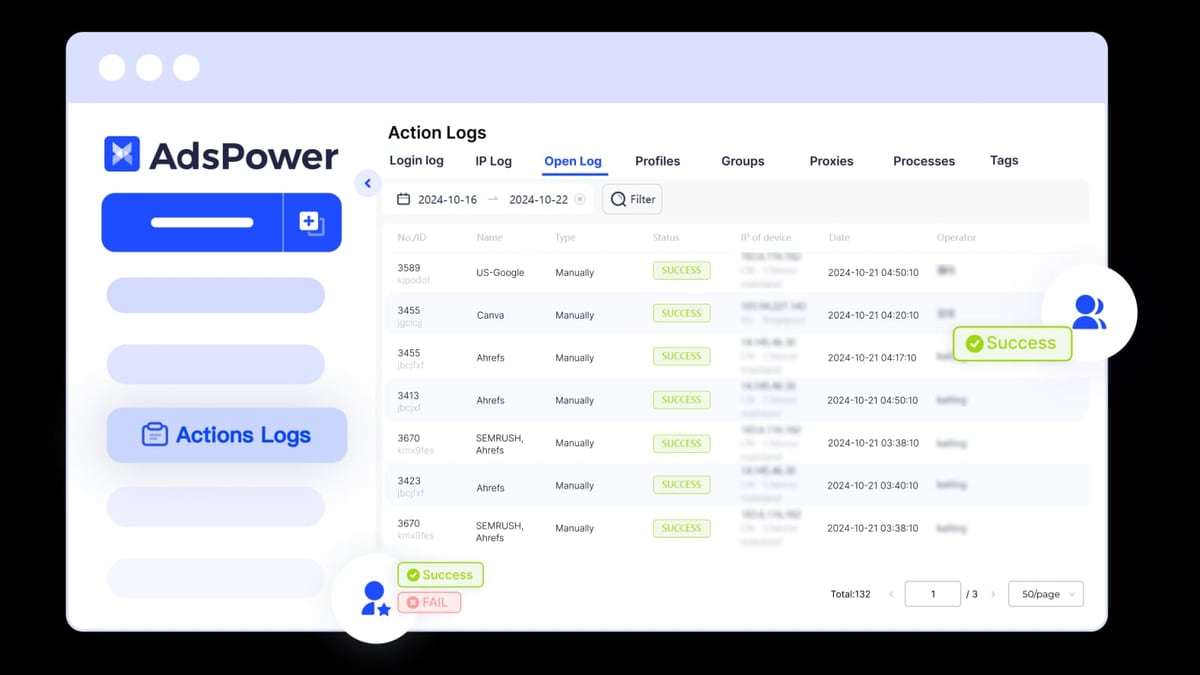
- Advanced team collaboration: Granular permission controls, operation logs, and cloud sync let you manage who does what.
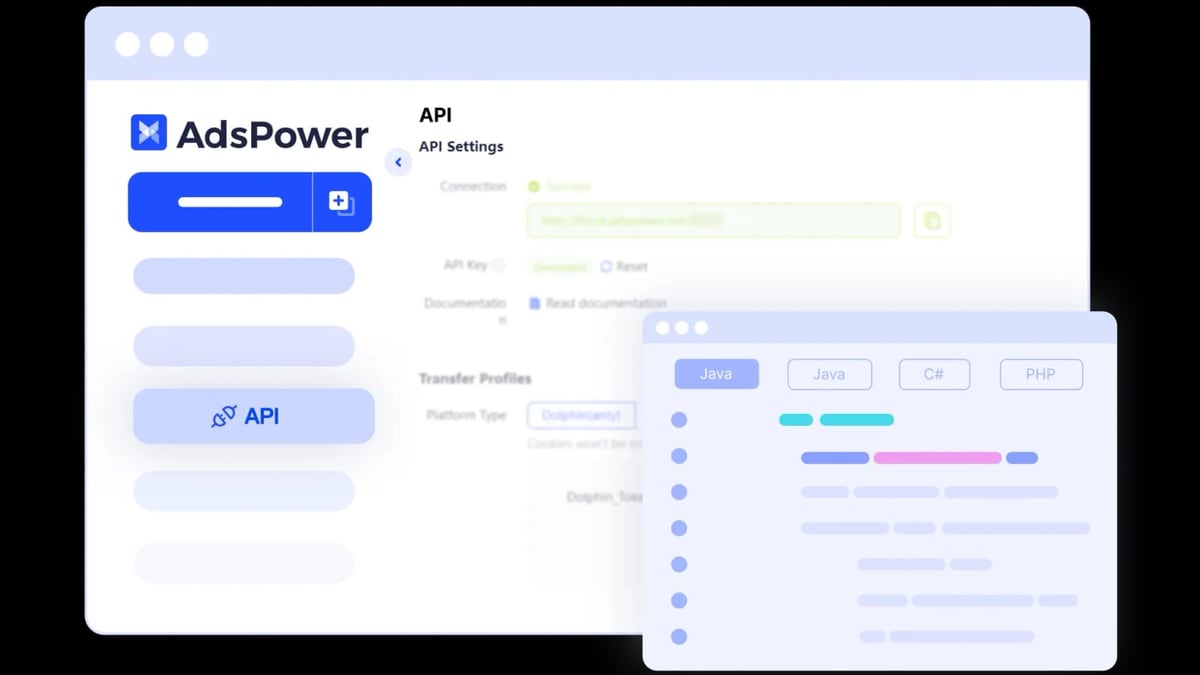
- Robust automation: Full RESTful API, built-in RPA, Selenium, and Puppeteer support mean you can script repetitive tasks.
- Dual-engine support: Chromium and Firefox engines give you flexibility for different platforms.
- Proxy resource center: Integrated proxy management and a proxy store simplify setup.
These features make AdsPower the go-to choice for agencies, affiliate marketers, and e-commerce sellers who manage many accounts and need reliable automation.
Real Example: Scaling a Facebook Ad Agency
Imagine you run a digital agency that manages 50 Facebook ad accounts for different clients. With AdsPower, you can:
- Create 50 profiles in minutes using batch creation.
- Assign each profile a unique proxy and fingerprint.
- Use the Synchronizer to perform the same action (like setting up a campaign) across all profiles simultaneously.
- Let team members access only the profiles they need, with passwords hidden from view.
MoreLogin would struggle here: its batch operations are limited, team permissions are basic, and automation support is minimal.
Where MoreLogin Feels Stronger for Beginners
AdsPower product interface and feature overview.
MoreLogin is designed for simplicity. Its interface is clean and uncluttered, making it easy for solo users to get started. Key strengths include:
- Beginner-friendly UI: Less overwhelming than AdsPower's feature-heavy dashboard.
- Free tier: 2 browser profiles and 100 cloud phone minutes for testing.
- Basic fingerprinting: Works fine for low-scale operations.
- Cloud phone integration: Unique Android OS emulation for mobile app testing.
If you're just dipping your toes into multi-accounting and only need a handful of profiles, MoreLogin can feel like a breath of fresh air.
Where MoreLogin Starts Limiting Scale
AdsPower product interface and feature overview.
But simplicity has a price. As soon as you need to grow, MoreLogin's weaknesses become apparent:
- Limited automation: No built-in RPA, and API support is basic. You'll struggle to automate repetitive tasks.
- Weak team controls: No granular permissions, no operation logs, and account passwords are visible to team members.
- No Firefox support: Chromium-only limits fingerprint diversity.
- Profile cap: Paid plans top out at 100+ profiles, while AdsPower supports 1,000+.
- Basic fingerprint customization: Canvas fingerprinting uses random noise, which can be less stealthy than AdsPower's advanced options.
For a growing business, these limitations quickly become bottlenecks.
Feature Comparison Table
AdsPower product interface and feature overview.
| Feature | AdsPower | MoreLogin |
|---|---|---|
| Browser Engines | Chromium + Firefox | Chromium only |
| Max Profiles (paid) | 1,000+ | 100+ |
| Free Tier | 2 profiles | 2 profiles |
| Team Collaboration | Granular permissions, operation logs, password protection | Basic sharing, passwords visible |
| Automation | Full RESTful API, RPA, Selenium, Puppeteer | Limited API, no RPA |
| Fingerprint Customization | Advanced (real canvas fingerprint) | Basic (random noise) |
| Proxy Management | Integrated proxy center + store | External proxies required |
| Batch Operations | Creation, deletion, proxy/cookie import, launch | Limited |
| Mobile Emulation | Android user-agent spoofing | Android cloud phone (unique) |
| Learning Curve | Moderate to high | Low |
Decision Guidance: Which One Should You Choose?
Choose AdsPower if:
- You manage a team or agency with multiple users.
- You need automation (RPA, API) to scale operations.
- You handle more than 100 profiles.
- You want granular control over permissions and security.
- You prefer a dual-engine setup (Chromium + Firefox).
Choose MoreLogin if:
- You're a solo user just starting out.
- You only need a few profiles for testing.
- You want a simple, low-cost entry point.
- You need cloud phone emulation for mobile apps.
Why Some Teams Also Look at AdsPower
When you outgrow basic anti-detect browsers, you may want a unified workspace that combines profiles, proxies, and automation. That's where AdsPower comes in—it offers a complete environment for managing multiple accounts with built-in proxy integration, bulk actions, and team collaboration. If you're tired of stitching together separate tools, AdsPower provides a cohesive alternative that scales with you.
FAQ
Is AdsPower better than MoreLogin for teams?
Yes. AdsPower offers granular permission controls, operation logs, and password protection for team members. MoreLogin lacks these features, making it less secure for collaborative work.
Can MoreLogin handle 500+ profiles?
Not efficiently. MoreLogin's paid plans cap at 100+ profiles, and its batch operations are limited. AdsPower is designed for large-scale profile management.
Which tool has better automation?
AdsPower has a full RESTful API, built-in RPA, and supports Selenium and Puppeteer. MoreLogin's automation is basic and not deeply integrated.
Does MoreLogin support Firefox?
No. MoreLogin uses only the Chromium engine. AdsPower supports both Chromium and Firefox, giving you more fingerprint diversity.
Which is more affordable for a solo user?
MoreLogin's free tier and lower entry price make it cheaper for solo testing. But as you scale, AdsPower's higher profile limits and automation features offer better value.
Conclusion
AdsPower and MoreLogin both solve the problem of managing multiple accounts, but they cater to different stages of growth. MoreLogin is a simple, beginner-friendly tool for solo users with modest needs. AdsPower is a powerful, scalable platform for teams and automation professionals who need to manage hundreds of profiles reliably.
If you're serious about scaling your multi-account operations without hitting walls, AdsPower is the clear winner. For those who want a unified solution that goes beyond just a browser, explore AdsPower' integrated approach to see how it can streamline your workflow.
For more insights on anti-detect browsers and proxy setups, check out our comparison of AdsPower vs MuLogin vs Hidemyacc and our guide to top VPN services for secure multi-account management.
Sources: MoreLogin vs AdsPower comparison, Multilogin blog comparison, Afina comparison