
AdsPower vs Maskfog Fingerprint Browser: 2026 In-Depth Comparison
Take a Quick Look
Compare AdsPower and Maskfog fingerprint browsers, analyzing fingerprint security, automation, pricing, and use cases to help you choose a multi-account management tool.
🔥 Limited-Time Offer! Save extra 10% off on your first monthly plan with code: Anitdetect10
Sign upAdsPower vs Maskfog Fingerprint Browser: 2026 In-Depth Comparison
Multi-account management is a core challenge in cross-border e-commerce, social media marketing, and ad campaigns. Fingerprint browsers help users securely operate multiple accounts by simulating independent device environments. AdsPower and Maskfog are two popular tools in this space, but they differ significantly in feature depth, automation capabilities, and suitable use cases. This article compares them across fingerprint security, automation, team collaboration, pricing, and more to help you make an informed choice.
Fingerprint Security and Environment Isolation
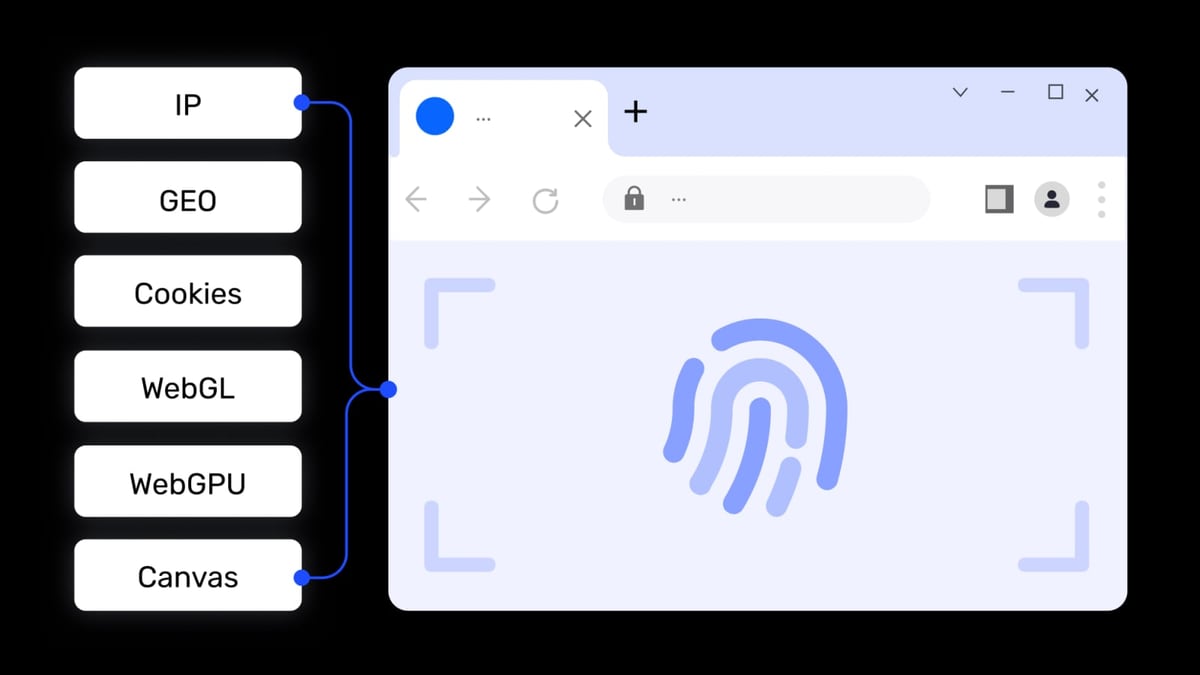
AdsPower product interface and feature overview.
AdsPower: Deep Fingerprint Customization and Dual Kernel Support
AdsPower offers both Chrome and Firefox kernels, supporting PC and mobile fingerprint simulation. Users can finely control screen resolution, timezone, language, Canvas, WebGL, AudioContext, and other parameters, and even customize fonts and plugin lists. This deep control ensures each browser environment has a highly realistic, unique fingerprint, effectively bypassing platform risk controls.
Maskfog: Basic Fingerprint Isolation and Cloud Devices
Maskfog also provides full fingerprint settings for browser environment isolation. Its standout feature is built-in, exclusive cloud device services, ensuring each account opens in a unique, real, and stable environment. IP geolocation covers North America, Europe, and Southeast Asia. However, Maskfog lacks the depth of fingerprint customization found in AdsPower and does not support the Firefox kernel, limiting configuration flexibility for advanced users.
Conclusion: AdsPower excels in fingerprint control granularity and kernel choice, making it ideal for users who require high fingerprint authenticity.
Automation and Efficiency
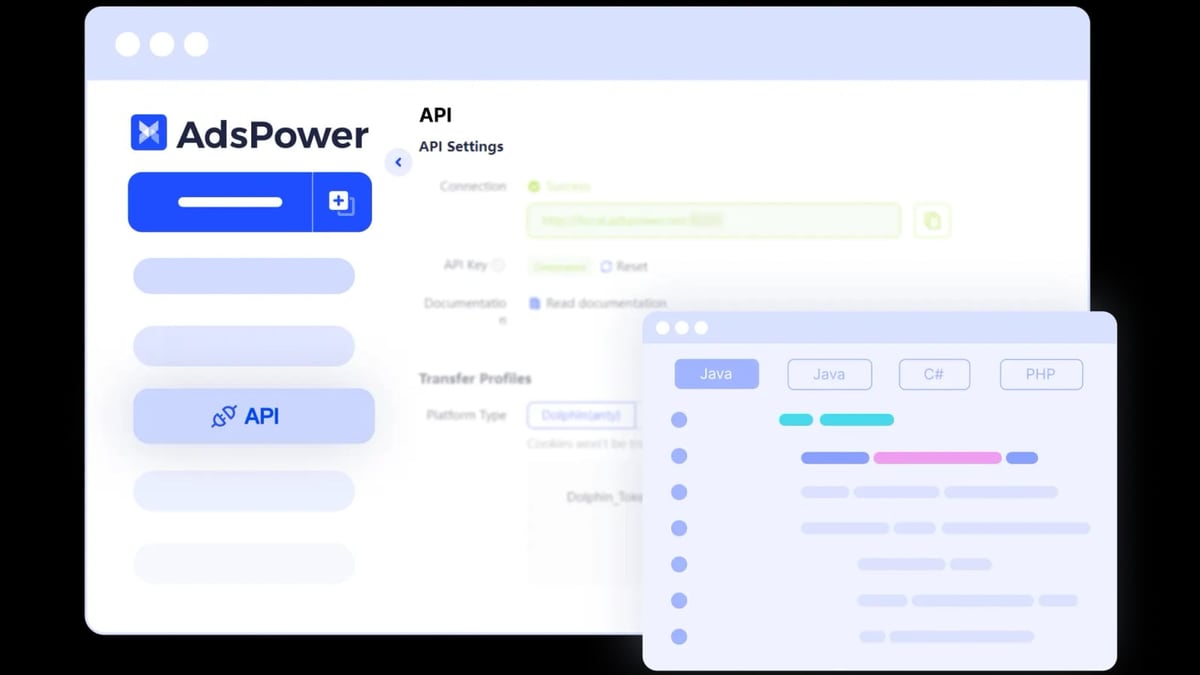
AdsPower product interface and feature overview.
AdsPower: Free RPA Automation and Local API
AdsPower includes a free built-in RPA (Robotic Process Automation) feature, allowing users to record and replay actions—such as batch login, posting, and data scraping—without programming. It also offers a Local API for technical teams to integrate via code, enabling automated workflows. This makes AdsPower highly efficient for batch account operations.
Maskfog: Plugin Dependency and Manual Operation
Maskfog supports a wide range of browser plugins, allowing users to install proprietary or third-party plugins to extend functionality, but lacks built-in automation tools. Users needing batch operations must rely on external scripts or manual execution, which is less efficient.
Conclusion: AdsPower's free RPA and API support significantly boost operational efficiency, while Maskfog is better suited for manual operations or plugin-dependent scenarios.
Team Collaboration and Permission Management
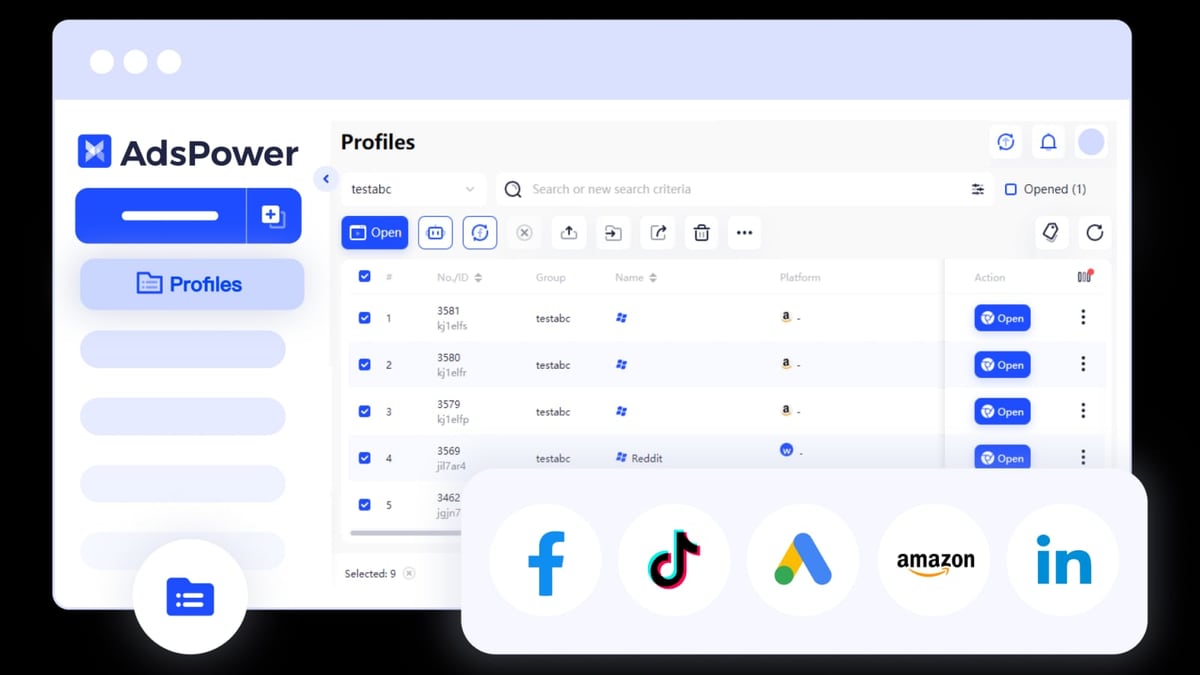
AdsPower product interface and feature overview.
AdsPower: Granular Permissions and Operation Logs
AdsPower supports multi-user collaboration, allowing administrators to assign different roles (e.g., admin, operator, viewer) and customize each member's permissions. The system records detailed operation logs for review and auditing.
Maskfog: Basic Tiered Authorization
Maskfog also offers employee tiered authorization management, supporting custom permission assignments and operation logs. It meets basic collaboration needs but lacks the granularity and log detail of AdsPower.
Conclusion: AdsPower's team collaboration features are more comprehensive, making it suitable for medium to large teams.
Pricing and Free Plans
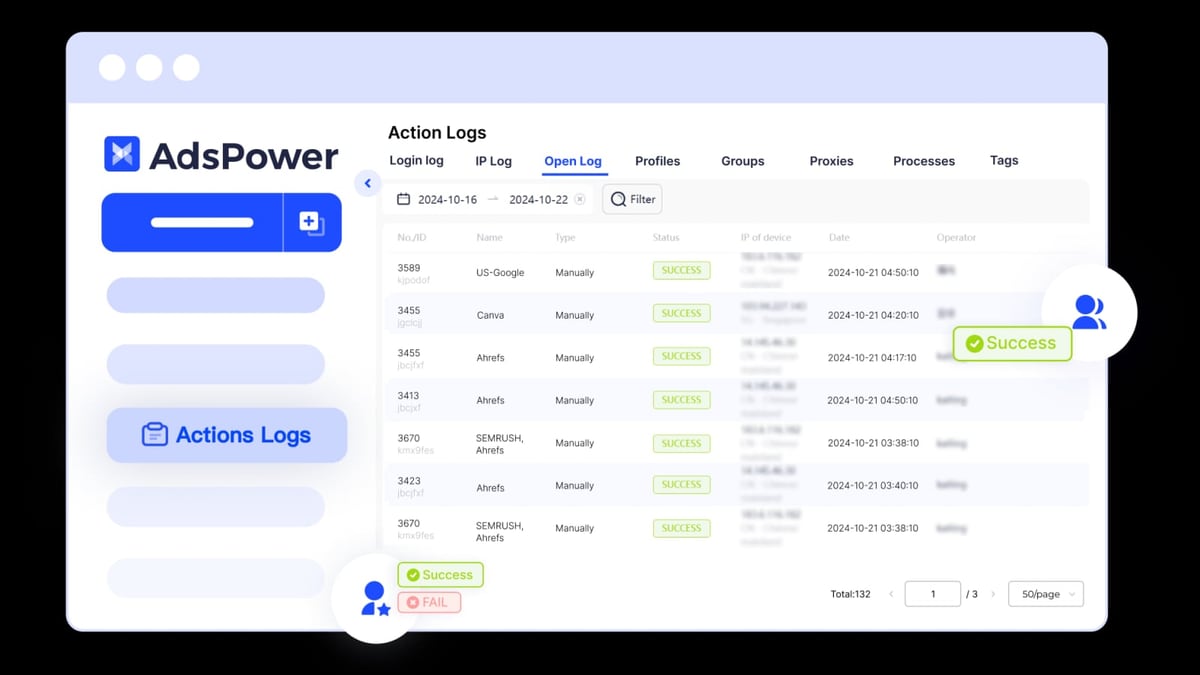
AdsPower product interface and feature overview.
AdsPower: Permanent Free Plan with 2 Environments
AdsPower offers a permanent free plan that includes 2 browser environments, a super admin account, dual kernel support, proxy configuration, data encryption, and window synchronization. Additionally, new users can try all features for free for 3 days. Paid plans start with the Professional tier, billed by environment count.
Maskfog: Free Plan + Paid Cloud Devices
Maskfog provides a free plan, but exclusive cloud device services require additional payment, starting at $4.99/month. The free version has significant feature limitations, and advanced fingerprint settings and team collaboration features may be restricted.
Conclusion: AdsPower's free plan is more generous and feature-complete; Maskfog's free plan requires paid cloud devices to unlock its full potential.
Use Cases and User Feedback
AdsPower: Full-Scope Coverage
AdsPower is widely used in cross-border e-commerce (Amazon, eBay, Shopee), social media marketing (TikTok, Facebook, Instagram), ad campaigns (Google, Facebook), web scraping, traffic arbitrage, SEO, and more. Trusted by over 9 million users, it has an active community and rich tutorials.
Maskfog: Focus on Cross-Border E-Commerce and Social Media Marketing
Maskfog primarily targets cross-border e-commerce and overseas marketing, covering eight scenarios: account management, social media marketing, account isolation, ad verification, store operations, brand protection, retail price comparison, and page detection. Its cloud device service appeals to users needing clean IPs.
User Feedback Reference: On platforms like Zhihu, users generally find AdsPower more comprehensive and automated, while Maskfog has advantages in clean IPs and ease of use.
Frequently Asked Questions
Which is better for beginners, AdsPower or Maskfog?
AdsPower has a user-friendly interface, supports Chinese, offers a free permanent plan with 2 environments, and includes built-in RPA tutorials, making it easy for beginners to get started. Maskfog is also easy to use, but its free version has limited features; it's recommended to try AdsPower first.
Is a free fingerprint browser enough?
For individuals or small teams, AdsPower's free plan with 2 environments is sufficient for testing and learning. If you need to manage more accounts, upgrading to a paid plan is more cost-effective. Maskfog's free plan requires cloud devices, which may increase costs.
Can I use both tools simultaneously?
Yes. Some users use AdsPower for fine-grained management of core accounts and Maskfog for tasks requiring clean IPs. However, ensure environment isolation to avoid fingerprint conflicts.
Which tool is stronger in automation?
AdsPower's built-in free RPA and Local API far surpass Maskfog's automation capabilities. If your business relies on batch operations, AdsPower is the better choice.
Conclusion
Both AdsPower and Maskfog are excellent fingerprint browsers, but they target different needs. AdsPower stands out with deep fingerprint control, free RPA automation, granular team collaboration, and a generous free plan, making it ideal for medium to large teams seeking efficiency and security. Maskfog, with its built-in clean cloud devices and simplicity, suits users who prioritize IP purity and operate on a smaller scale.
If you're looking for a comprehensive, scalable multi-account management tool, AdsPower is a more reliable choice. Take advantage of its free 3-day full-feature trial to experience its automation capabilities firsthand. For users needing batch account management and automated workflows, refer to AdsPower + AccsMarket: Setup, Workflow & Real Examples for practical tips.
Ultimately, the choice depends on your specific needs: prioritize fingerprint depth and automation with AdsPower, or clean IPs and simplicity with Maskfog.
Related reading
- 1Password Review 2026: Is It Still Worth It? - Evidence-based 1Password review: ideal users, strengths, limitations, pricing, and decision criteria for individuals, families, and enterprises.
- Top 10 Two-Factor Authentication Apps 2026: Ranked & Reviewed - Expert-ranked top 10 two-factor authentication apps for 2026. Transparent criteria, evidence-based reviews, and a clear winner for multi-account security.
- AdsPower vs Undetectable vs GoLogin 2026: Which Anti-Detect Browser Wins? - Compare AdsPower, Undetectable, and GoLogin antidetect browsers for multi-account management. See fingerprinting, automation, pricing, and which tool fits your workflow.
Sources and further reading
- Maskfog Fingerprint Browser - Cross-Border E-Commerce Anti-Association Browser with Built-in Clean IP - Maskfog Fingerprint Browser is a dedicated anti-association browser for cross-border multi-account marketing management, with built-in clean devices, free environments, solving multi-account management challenges for stores and overseas marketing.
- Best Free Fingerprint Browsers 2026: TOP7 Ranking - Looking for a free fingerprint browser? This guide compares 7 popular anti-association browsers in 2026, including AdsPower, GoLogin, MoreLogin, supporting proxy binding, fingerprint spoofing, environment isolation, suitable for cross-border e-commerce and social media marketing users.
- How to Choose a Fingerprint Browser? A Review of Useful Anti-Association Browsers - How to choose a fingerprint browser? A review of useful anti-association browsers on Zhihu column. Mar 29, 2024 — AdsPower is a popular anti-detect browser from China. It is very suitable for social media multi-accounts, especially Facebook. Maskfog Fingerprint Browser is also a cross-border fingerprint browser from China.