
AdsPower + PacketStream: Setup, Workflow & Real Examples
Take a Quick Look
Learn how to integrate PacketStream residential proxies with AdsPower antidetect browser. Step-by-step setup, workflow tips, and real use cases for marketers.
🔥 Limited-Time Offer! Save extra 10% off on your first monthly plan with code: Anitdetect10
Sign upHow to Use AdsPower with PacketStream: A Complete Setup Guide
Managing multiple online accounts without getting banned requires two things: a unique browser fingerprint and a clean residential IP address. AdsPower handles the fingerprint; PacketStream supplies the IPs. Together, they create a workflow that keeps your accounts safe, your automation running, and your real identity hidden.
In this guide, you’ll learn exactly how to pair AdsPower with PacketStream, step by step. We’ll cover setup, practical examples, and the specific problems this combination solves.
Why Combine AdsPower with PacketStream?
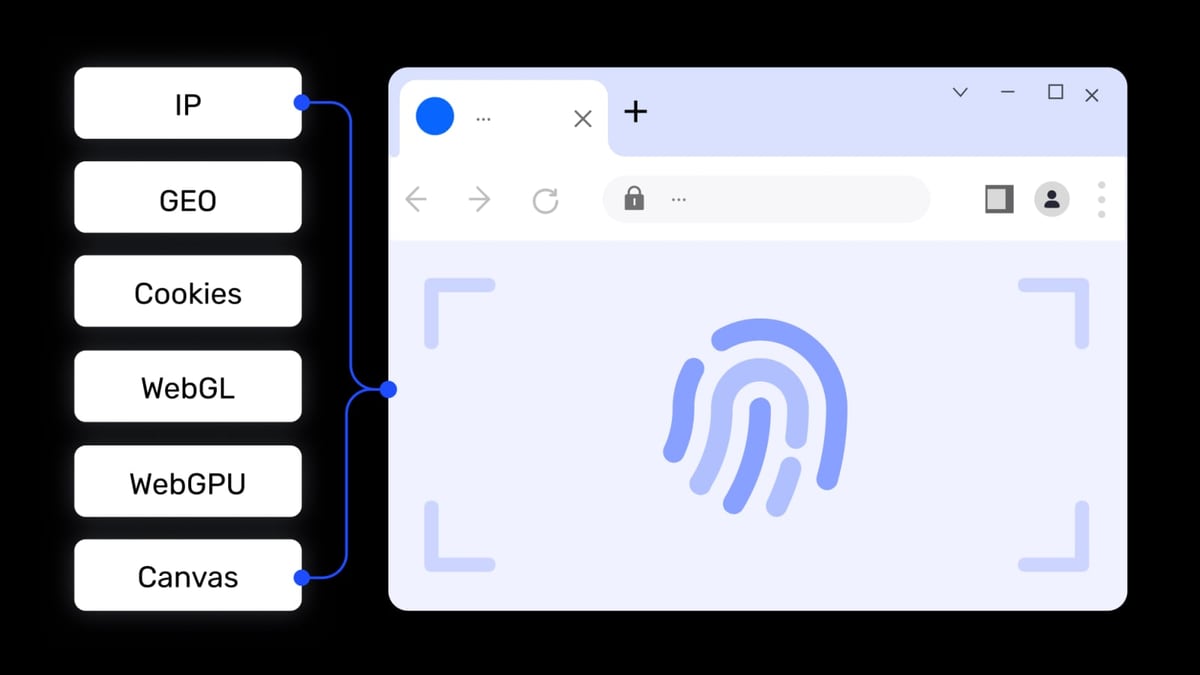
AdsPower product interface and feature overview.
AdsPower is an antidetect browser that creates isolated browser profiles—each with its own cookies, cache, and digital fingerprint. But a unique fingerprint alone isn’t enough. Websites also check your IP address. If you log into five Facebook accounts from the same IP, Facebook will flag them.
PacketStream provides residential IPs from real devices around the world. Because these IPs belong to actual home networks, websites treat them as legitimate users. When you assign a different PacketStream IP to each AdsPower profile, every account looks like it belongs to a different person in a different location.
Problems This Combination Solves
- IP-based account linking – Each profile gets its own residential IP, so sites can’t connect your accounts.
- Geo-restrictions – Need to manage a UK TikTok account from the US? PacketStream gives you a UK IP.
- Rate limiting during scraping – Rotating IPs across requests prevents blocks.
- Browser fingerprint mismatches – AdsPower spoofs timezone, language, and screen resolution to match the proxy’s location, reducing suspicion.
What You Need Before You Start
- An AdsPower account (free tier works for up to 2 profiles)
- AdsPower desktop app installed on Windows, macOS, or Linux
- A PacketStream account (free trial available)
- Your PacketStream proxy credentials (host, port, username, password)
Step-by-Step: How to Set Up PacketStream in AdsPower

PacketStream product interface and feature overview.
Step 1: Get Your PacketStream Proxy Details
- Log into your PacketStream dashboard.
- Navigate to the Proxies section.
- Copy your proxy endpoint. It will look like:
us.packetstream.io:31112 - Note your username and password (usually the same as your account credentials, or a dedicated proxy user).
PacketStream offers both rotating and sticky (static) sessions. For most multi-account work, rotating proxies are ideal because each request can come from a new IP.
Step 2: Create a New Profile in AdsPower
- Open AdsPower and click + New Profile.
- Give your profile a name (e.g., "Facebook US - Account 1").
- Under Browser Fingerprint, choose the OS and user agent that match your target audience.
- Scroll down to the Proxy Settings section.
Step 3: Configure the Proxy
- Set Proxy Type to Socks5 (PacketStream supports Socks5, which works best for browser traffic).
- Enter the following:
- Proxy Host:
us.packetstream.io(or your chosen country endpoint) - Proxy Port:
31112 - Proxy Username: your PacketStream username
- Proxy Password: your PacketStream password
- Proxy Host:
- Click Check Proxy. AdsPower will test the connection. You should see a green success message with the assigned IP and location.
- Click OK to save the profile.
Step 4: Launch and Verify
- Click Open on your new profile. A separate browser window will launch.
- Visit whatismyip.com inside that window. Confirm the IP matches the PacketStream proxy you configured.
- Check that the browser fingerprint (timezone, language) aligns with the proxy’s country.
Repeat these steps for each account you want to manage. Use a different PacketStream IP for each profile.
Batch Proxy Setup: Adding Multiple PacketStream IPs at Once

PacketStream product interface and feature overview.
If you’re managing dozens of accounts, adding proxies one by one is tedious. AdsPower’s batch import feature saves time.
- In AdsPower, go to Proxies in the left sidebar.
- Click Add Proxy.
- Paste your list of PacketStream proxies in the following format:
socks5://us.packetstream.io:31112:username:password socks5://eu.packetstream.io:31112:username:password - Click Check Proxy to validate all entries.
- Save the batch. You can now assign these proxies to profiles during creation or edit existing profiles.
Pro tip: Use PacketStream’s multi-hop feature for extra anonymity. This routes traffic through two different residential IPs before reaching the target site.
Practical Examples
Example 1: Managing 10 Facebook Ad Accounts
You run a digital agency that handles Facebook ad accounts for multiple clients. Each client’s account must appear to come from a different location and device.
- Create 10 AdsPower profiles, each with a unique fingerprint.
- Assign a different PacketStream residential IP to each profile (e.g., 5 US IPs, 3 UK IPs, 2 AU IPs).
- Open all profiles simultaneously using AdsPower’s batch launch feature.
- Log into each Facebook account. Facebook sees 10 distinct users in different cities.
- Use AdsPower’s Multi-Window Synchronizer to copy ad campaigns across accounts without manual re-entry.
Example 2: Scraping Amazon Product Prices
You need to collect daily pricing data from Amazon for 500 SKUs. Amazon blocks datacenter IPs quickly.
- Set up a single AdsPower profile with a PacketStream rotating proxy.
- Use AdsPower’s Local API to automate browser actions (e.g., navigate to product pages, extract prices).
- The rotating proxy changes IP every request, so Amazon never sees a pattern.
- Store results in a CSV or push them to your database via API.
Example 3: Bypassing Geo-Restrictions for TikTok Content
You manage TikTok accounts for a brand that targets both US and Japanese audiences. TikTok restricts content based on IP location.
- Create two AdsPower profiles.
- Assign a US PacketStream IP to Profile A and a Japanese PacketStream IP to Profile B.
- Set the browser language and timezone to match each country.
- Post content from each profile. TikTok serves the appropriate regional feed, and your accounts stay unbanned.
Comparing Proxy Types for AdsPower
AdsPower product interface and feature overview.
| Proxy Type | Best For | Risk Level | Speed |
|---|---|---|---|
| Residential (PacketStream) | Social media, e-commerce, ad verification | Low | Medium |
| Datacenter | High-speed scraping, non-sensitive tasks | High | Fast |
| Mobile | App store testing, mobile-only platforms | Low | Variable |
| Free proxies | Never use | Very high | Slow/unreliable |
PacketStream’s residential IPs offer the best balance of anonymity and reliability for most multi-account workflows.
Related reading
- Top 10 Online Privacy Diagnostics Tools 2026 - Expert-ranked top 10 online privacy diagnostics tools for 2026. Transparent criteria, evidence-based reviews, and a clear winner for anonymity verification.
Sources and further reading
- Setting Up Proxies on AdsPower: A Complete Guide - Master AdsPower proxy integration with our comprehensive guide. Learn to set up and manage your proxies efficiently.
- Proxy Types - AdsPower Browser supports all popular proxy protocols, such as HTTP/HTTPS, socks5, or ssh. In addition to the IPv4 protocol, AdsPower Browser also supports IPv6 proxies, which is way better than IP version 4 in
- One of the Best AdsPower Browser proxy from $1.39/IP - Protect your real IP address from being blocked when using multiple accounts, automated operations and other features☑️. Find out more at IPRoyal.com.
Frequently Asked Questions
Can I use PacketStream with AdsPower’s free plan?
Yes. The free plan supports up to 2 profiles, which is perfect for testing the integration before upgrading.
Does PacketStream support HTTP proxies?
PacketStream primarily uses Socks5. AdsPower fully supports Socks5, so you don’t need HTTP. If you must use HTTP, check with PacketStream support for alternatives.
How do I rotate IPs in PacketStream while using AdsPower?
PacketStream rotating proxies change IP automatically on each request. For sticky sessions (same IP for a set duration), configure the sticky time in your PacketStream dashboard.
Will this setup prevent all account bans?
No tool guarantees 100% ban prevention. But combining AdsPower’s fingerprint spoofing with PacketStream’s residential IPs dramatically reduces detection risk. Always follow each platform’s terms of service.
Can I use other proxy providers with AdsPower?
Absolutely. AdsPower works with any Socks5, HTTP, or SSH proxy. For a comparison of proxy services, see our AdsPower + Proxyrack guide.
Conclusion
AdsPower gives you control over browser fingerprints; PacketStream gives you clean residential IPs. Together, they form a powerful stack for managing multiple accounts, scraping data, and bypassing geo-blocks without raising red flags.
Start with the free tiers of both tools to test your workflow. Once you’re confident, scale up to paid plans and batch operations. The setup takes less than 15 minutes per profile, and the payoff is accounts that survive longer and perform better.
For more antidetect browser comparisons, check out AdsPower vs MoreLogin vs Octo Browser or AdsPower vs MuLogin. If you’re exploring CPA networks to monetize your accounts, our MaxBounty review may also help.
Ready to build your anonymous browsing environment? Grab your PacketStream free trial and start creating profiles in AdsPower today.