
AdsPower vs MuLogin: Which Anti-Detect Browser Wins in 2026?
Take a Quick Look
Compare AdsPower vs MuLogin anti-detect browser. See fingerprint depth, automation, pricing, and which tool is safer for multi-account management.
🔥 Limited-Time Offer! Save extra 10% off on your first monthly plan with code: Anitdetect10
Sign upAdsPower vs MuLogin Anti-Detect Browser: Which One Should You Trust in 2026?
Managing multiple online accounts without getting banned is a constant battle. Anti-detect browsers like AdsPower and MuLogin promise to create unique browser fingerprints for each profile, but they differ significantly in reliability, automation, and scalability.
If you're comparing AdsPower vs MuLogin, you're likely looking for a cost-effective way to run multiple social media, e-commerce, or ad accounts safely. This comparison breaks down their core features, real-world performance, and hidden costs so you can decide which tool fits your workflow.
What Is an Anti-Detect Browser and Why Do You Need One?
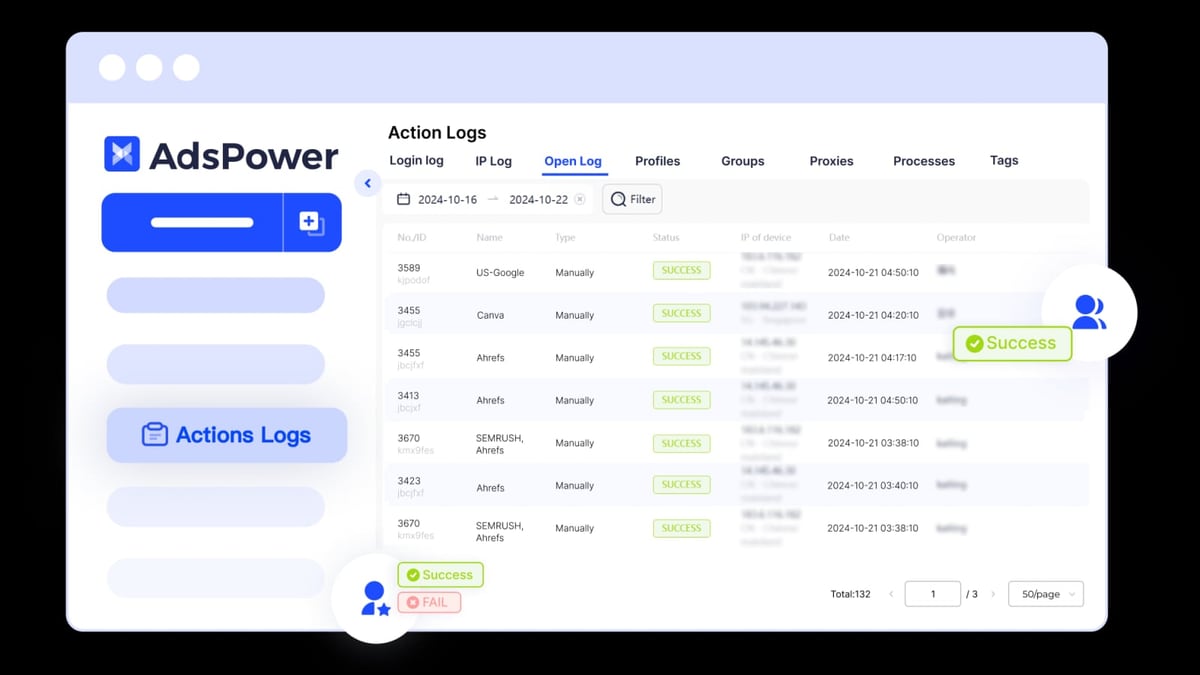
AdsPower product interface and feature overview.
Websites track users through browser fingerprints — a combination of screen resolution, installed fonts, WebGL parameters, time zone, and dozens of other attributes. When you log into multiple accounts from the same device, the platform sees identical fingerprints and flags them as suspicious.
An anti-detect browser like AdsPower or MuLogin lets you create isolated browsing environments, each with a unique, believable fingerprint. This prevents account linking and reduces the risk of bans on platforms like Facebook, Amazon, TikTok, and Google.
AdsPower Overview
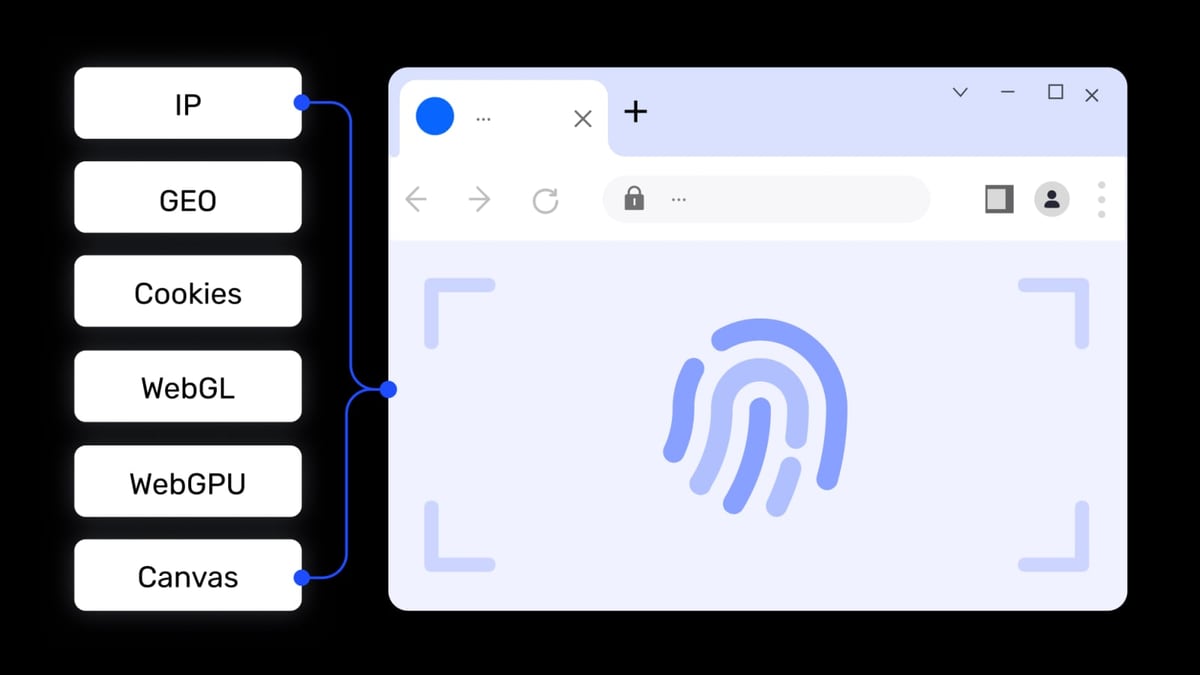
AdsPower product interface and feature overview.
AdsPower is a leading anti-detect browser trusted by over 9 million users across affiliate marketing, e-commerce, crypto, web scraping, and digital agencies. It runs on Windows, macOS, and Linux, and offers a free tier with 2 profiles.
Key features:
- Customizable digital fingerprints (20+ parameters)
- Batch profile management and bulk import
- Multi-window synchronizer for simultaneous actions
- Free built-in RPA automation (visual task builder)
- Local API for technical integrations
- Team collaboration with role-based permissions
- Local data storage with end-to-end encryption
Pricing: Free (2 profiles), Professional ($9/month for 100 profiles), Business ($50/month for 300 profiles), Enterprise (custom).
MuLogin Anti-Detect Browser Overview
MuLogin is positioned as a lightweight, budget-friendly anti-detect browser aimed at solo entrepreneurs and small teams. It offers browser fingerprint spoofing, basic proxy integration, and sub-account management.
Key features:
- Browser fingerprint spoofing
- Isolated browser environments
- Batch profile creation
- REST API
- Sub-account management
- Proxy integration (third-party)
Pricing: Starts at $59/month for up to 100 profiles, with discounts for quarterly subscriptions.
Head-to-Head Comparison: AdsPower vs MuLogin
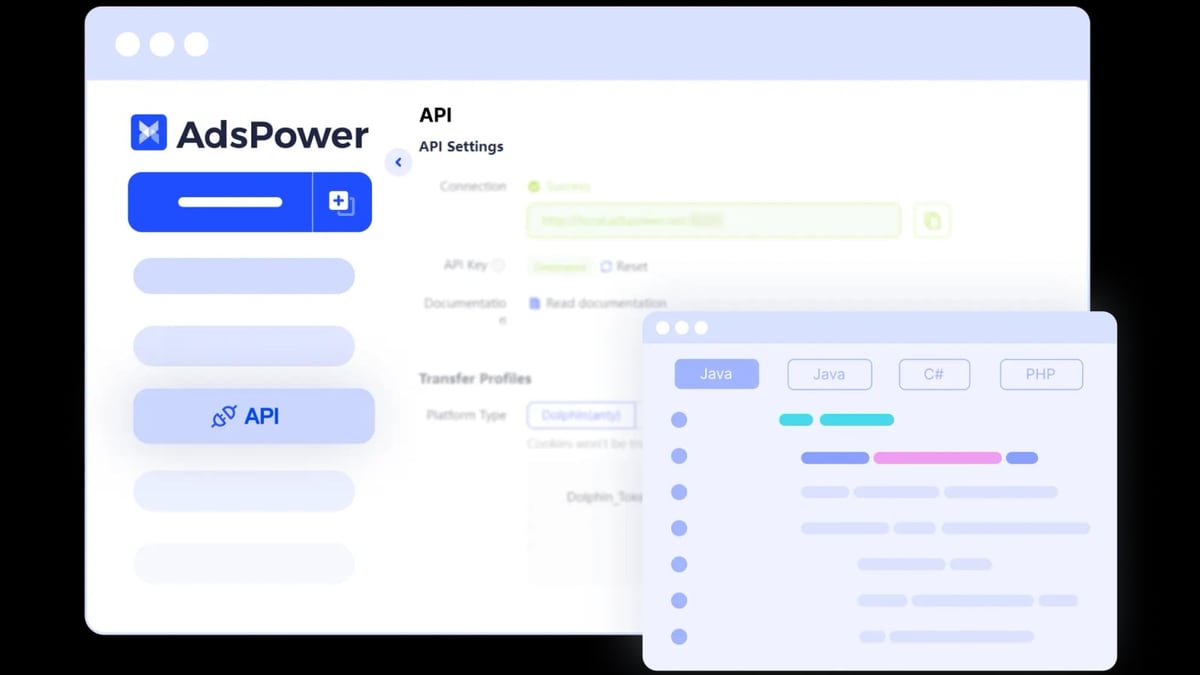
AdsPower product interface and feature overview.
Fingerprint Depth and Reliability
AdsPower provides granular control over more than 20 fingerprint parameters, including canvas, WebGL, AudioContext, fonts, and WebRTC. This depth allows advanced users to fine-tune profiles for specific platforms. However, over-customization can sometimes create mathematically impossible fingerprints that trigger bans on strict sites.
MuLogin offers basic fingerprint spoofing but with limited depth. According to independent tests, MuLogin’s fingerprints are less effective at bypassing advanced detection systems used by Facebook Ads, Amazon, and TikTok. Users report higher ban rates on strict platforms when relying solely on MuLogin.
Verdict: AdsPower provides more reliable fingerprint protection for high-stakes accounts.
Automation and Scalability
AdsPower includes a free, built-in RPA (Robotic Process Automation) module that lets you create visual workflows without coding. You can automate repetitive tasks like logging in, posting, or scraping. It also supports Local API and CLI for developers who want to integrate with Selenium or Puppeteer.
MuLogin lacks built-in automation tools. To scale, you must rely on its REST API and external scripts, which increases complexity and development time. This makes MuLogin less suitable for teams running 50+ accounts with automated workflows.
Verdict: AdsPower wins for automation accessibility and scalability.
Proxy Integration
Both tools require external proxies. AdsPower simplifies bulk proxy import — you can paste a list of proxies, and the system automatically formats them. It supports HTTP, HTTPS, SOCKS5, and residential proxies.
MuLogin also supports third-party proxies but lacks the same level of bulk management convenience. Users often report mismatched geolocation issues when proxies aren’t perfectly aligned with fingerprint settings.
Verdict: AdsPower offers smoother proxy management.
Team Collaboration and Permissions
AdsPower excels in team environments. You can create roles (admin, manager, member), assign granular permissions per profile or folder, and track changes. This is ideal for agencies managing client accounts.
MuLogin offers sub-account management but with limited seats and fewer permission levels. It’s adequate for small teams but becomes restrictive as you grow.
Verdict: AdsPower is better for team-based workflows.
Pricing and Total Cost of Ownership
| Feature | AdsPower | MuLogin |
|---|---|---|
| Free tier | Yes (2 profiles) | No |
| Entry-level paid plan | $9/month (100 profiles) | $59/month (100 profiles) |
| Built-in RPA | Yes (free) | No |
| Team seats | Multiple roles | Limited |
MuLogin’s starting price is over 6x higher than AdsPower’s Professional plan, yet offers fewer features. When you add the cost of external automation tools and proxies, MuLogin becomes significantly more expensive per profile.
Practical Example: Affiliate Marketing with 50 Accounts
Imagine you’re running 50 Facebook ad accounts for affiliate offers. With AdsPower, you can:
- Create 50 profiles with unique fingerprints in minutes using bulk import.
- Assign each profile a different residential proxy.
- Use the built-in RPA to automate daily login and ad status checks.
- Share the workspace with your team, restricting junior members to read-only access.
With MuLogin, you would need to:
- Manually create profiles or use the API (requires coding).
- Source and configure proxies separately.
- Build automation scripts from scratch (no visual builder).
- Manage team access with limited permission controls.
The time and money saved with AdsPower’s all-in-one approach can significantly improve your campaign ROI.
When to Choose AdsPower
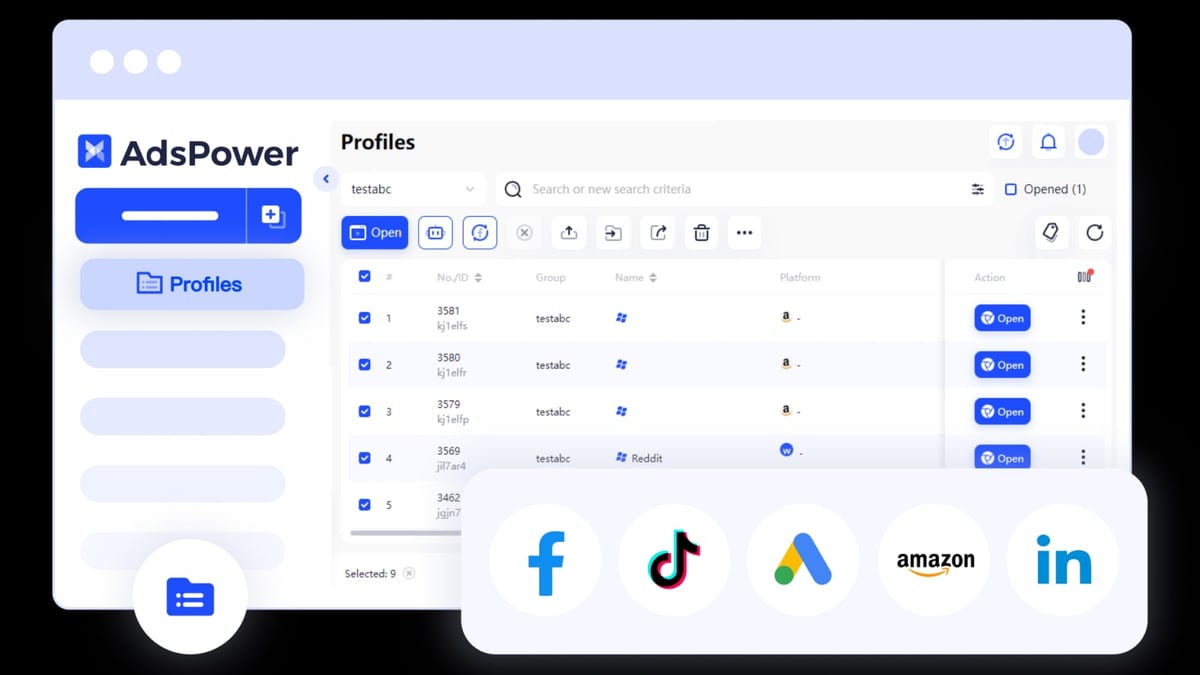
AdsPower product interface and feature overview.
- You need a free tier to test the waters.
- You run 10–300 accounts and want built-in automation.
- You manage a team with different permission levels.
- You prefer granular fingerprint control.
- You want a cost-effective solution that scales.
When to Consider MuLogin
- You only need a handful of profiles and have a higher budget.
- You have in-house developers to build custom automation.
- You don’t require team collaboration features.
- You’re willing to accept higher ban risks on strict platforms.
Related reading
- MaxBounty Review 2026: Is It the Right CPA Network for You? - Evidence-based MaxBounty review covering ideal users, strengths, limitations, pricing, and setup. Compare CPA, CPL, CPS offers and decide if this network fits your goals.
- Top 10 Online Privacy Diagnostics Tools 2026 - Expert-ranked top 10 online privacy diagnostics tools for 2026. Transparent criteria, evidence-based reviews, and a clear winner for anonymity verification.
Sources and further reading
- MuLogin vs AdsPower: Which Antidetect Browser Wins in 2026? - MuLogin vs AdsPower full comparison. Features, pricing, and see why Multilogin outperforms both as the most reliable antidetect browser.
- AdsPower vs Multilogin: Which Antidetect Browser Is Right for You? - Compare AdsPower vs Multilogin to choose the ideal anti-detect browser for securely managing multiple accounts.
- My 2025 Antidetect Browser Comparison: MoreLogin vs ... - You've been blocked by network security.
Frequently Asked Questions
Is AdsPower safer than MuLogin?
Yes, AdsPower offers deeper fingerprint customization and more frequent updates, reducing the risk of detection on strict platforms like Facebook and Amazon. MuLogin’s limited fingerprint depth makes it less reliable for high-value accounts.
Can I migrate profiles from MuLogin to AdsPower?
No direct migration is possible because each tool uses a proprietary browser engine. You can export cookies and manually recreate profiles, but fingerprints will be different. It’s easier to start fresh on AdsPower.
Do I still need proxies with AdsPower?
Yes, AdsPower does not include proxies. You need to bring your own — residential proxies work best for social media and e-commerce accounts. AdsPower makes bulk proxy import simple.
Which tool is better for a solo affiliate marketer?
AdsPower’s free tier and affordable Professional plan make it ideal for solo marketers. MuLogin’s $59/month entry price is harder to justify unless you have specific needs that AdsPower doesn’t cover.
Conclusion
When comparing AdsPower vs MuLogin, AdsPower clearly offers more value for most users. It provides deeper fingerprint protection, built-in RPA automation, better team collaboration, and a lower starting price. MuLogin may appeal to those who need a simple, lightweight tool and have a larger budget, but its limitations in fingerprint depth and automation make it a riskier choice for serious multi-account management.
For affiliate marketers, e-commerce sellers, and digital agencies looking to scale safely, AdsPower is the smarter investment. If you’re just starting out, take advantage of AdsPower’s free tier to test your workflows before committing to a paid plan.
For more insights on anti-detect browsers and multi-account strategies, check out our AdsPower + Proxyrack setup guide and our comparison of AdsPower vs Linken Sphere vs Octo Browser.