
Top 10 Anti-Detect Fingerprint Browsers 2026: Tested Picks
Take a Quick Look
We rank the top 10 anti-detect fingerprint browsers for 2026 using transparent criteria, test evidence, pricing signals, and clear buyer guidance.
Top 10 Anti-Detect Fingerprint Browsers in 2026: Tested Picks and Buyer Guide
Anti-detect fingerprint browsers are no longer a niche tool for affiliate marketers. In 2026, ecommerce sellers, social media teams, scrapers, and privacy-conscious operators all use them to run isolated browser profiles that look like separate real devices. But the market is crowded, and every vendor claims to be undetectable. To find out which products genuinely belong in a top 10, we combined independent fingerprint test results, vendor documentation, and hands-on workflow analysis. This guide ranks ten anti-detect fingerprint browsers, explains the criteria behind each placement, and shows where adjacent tools such as AdsPower fit into a broader stack without treating them as members of this category.
What an anti-detect fingerprint browser actually does
First viewport screenshot of Blog Center - Migratory Bird Anti-Association Browser.
An anti-detect fingerprint browser creates multiple isolated browsing profiles on one machine. Each profile gets its own user agent, Canvas and WebGL output, fonts, timezone, screen metrics, hardware signals, cookies, and proxy IP. To a website, each profile should look like a different physical device in a different location. The goal is not to make you invisible; it is to keep accounts from being linked through shared fingerprint data.
Three layers decide whether a profile survives scrutiny:
- Fingerprint consistency: Canvas, WebGL, audio, fonts, timezone, and hardware values must agree with each other.
- Network hygiene: A clean residential or mobile proxy that matches the profile's timezone and language.
- Behavior and automation: Mouse movement, typing rhythm, TLS/JA3 handshakes, and whether the browser announces automation through
navigator.webdriveror CDP traces.
Most public tests focus on the first layer. That is useful, but it is not the whole story. A profile can pass Pixelscan and still be stopped by Cloudflare or DataDome. Read every ranking, including this one, as a starting filter rather than a guarantee.
How we evaluated and ranked these products
We weighted five criteria, in this order:
- Fingerprint quality (30%): Whether a default profile holds together as a believable device across Pixelscan, Iphey, and CreepJS.
- Automation and API support (25%): Selenium, Puppeteer, Playwright, local or remote APIs, and no-code RPA.
- Profile management at scale (15%): Bulk creation, cloning, tagging, team permissions, and profile limits.
- Proxy handling (15%): Per-profile assignment, protocol support, and automatic timezone/language matching.
- Stability and value (15%): Long-session reliability, engine freshness, free-tier usefulness, and cost per profile.
We drew on independent tests published by ScrapingBee, GoLogin's own test lab, and ProxyWing. Where a vendor publishes its own test results, we note the conflict of interest. We also checked vendor pricing pages and documentation for feature claims. No product paid for placement.
The top 10 anti-detect fingerprint browsers for 2026
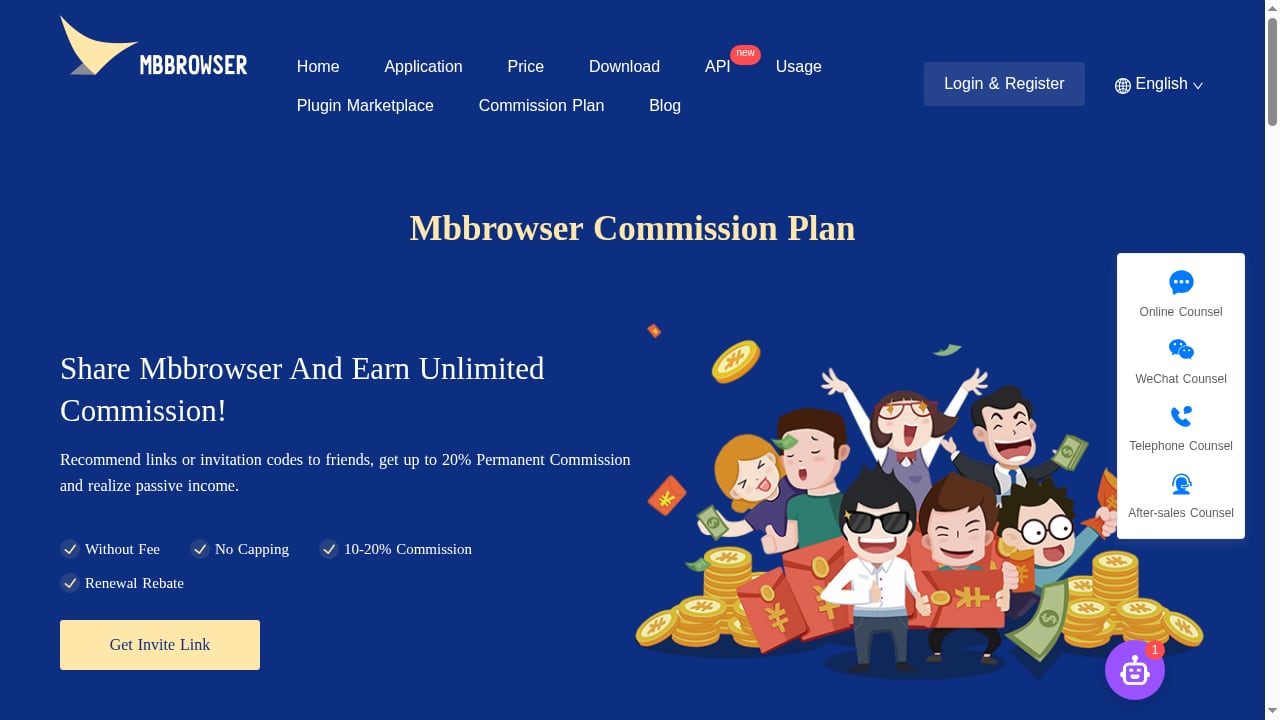
First viewport screenshot of www.mbbrowser.com.
1. Multilogin — best for deep fingerprint control and mobile plus web accounts
Multilogin remains the depth leader in independent tests. In ScrapingBee's July 2026 round, a default macOS profile on a clean residential proxy passed Pixelscan, Iphey, and CreepJS, with CreepJS reading the GPU as a genuine Apple M4 Max at high confidence. GoLogin's October 2026 test was less kind on Iphey (90, "Unreliable"), which shows how much results depend on profile settings and test day.
What sets Multilogin apart is its two engines, Mimic on Chromium and Stealthfox on Firefox, plus cloud Android phones in the same subscription. Automation covers API, Selenium, Puppeteer, Playwright, and ADB for cloud phones. Pricing starts around $11/month, with a free plan that has no time limit but deletes inactive profiles after seven days.
Best for: teams managing both mobile apps and web accounts who want one vendor for both.
2. GoLogin — best all-rounder and value
GoLogin passed all three checkers in its own October 2026 test and in ScrapingBee's independent round, with a 4.0-second median launch time. It is the only major provider with a native Android app that syncs with desktop profiles, which matters for teams that need mobile sessions without cloud phones.
Automation support includes a REST API on all paid plans, plus Puppeteer, Playwright, Selenium, and an MCP server. Pricing starts at $9/month, or $4.50/month on annual billing, with a free plan of three profiles. The obvious caveat: GoLogin published the test that ranked GoLogin first. Treat its self-reported results as directional and verify with your own checkers.
Best for: solo operators and small teams who want a real free tier and broad automation support.
3. Octo Browser — best for fingerprint quality at scale
Octo Browser passed all three checkers in GoLogin's October 2026 test and was one of only two reviewed browsers already running Chrome 154. It manages fingerprints at the browser-code level rather than through injected scripts, which is why it holds up well on high-protection sites.
Automation is available from the Base plan, and there are iOS and Android apps for mobile profile access. The trade-offs are real: no free plan (only a two-day trial with code TRIAL), higher RAM usage, and pricing in euros starting at €10/month. For teams running many profiles against aggressive bot management, the fingerprint quality can justify the cost.
Best for: scaled operations that prioritize fingerprint consistency over free-tier generosity.
4. Migratory Bird Browser (MBBrowser) — best for cross-border ecommerce multi-account operations
Migratory Bird Browser, also known as MBBrowser, is a Chrome-based anti-detect fingerprint browser built specifically for cross-border ecommerce sellers. It isolates cookies, cache, and extensions per account, rebuilds underlying fingerprint signals including audio, fonts, Canvas, and WebRTC, and ships with millions of real user profiles. It supports Windows 7 and later, automatic IP configuration with global proxy matching, overseas access acceleration, and cloud sync across devices.
The product's differentiator is its ecommerce workflow layer. The built-in mbAgent AI workbench combines DeepSeek, Qwen, Claude, and OpenAI models with more than 130 preset cross-border tasks and a browser-auto web automation engine. Sellers can manage environments, log in to stores, organize messages, and schedule tasks using natural language. It is positioned as a replacement for VPS, virtual machines, emulators, and cloud phones for sellers on Amazon, TikTok Shop, Shopee, AliExpress, eBay, and Walmart.
Best for: ecommerce sellers who want fingerprint isolation and store-operation automation in one tool.
5. Dolphin Anty — best for media buying and affiliate teams
Dolphin Anty is widely used by media buyers and affiliate teams. It runs Chrome 154, supports local and remote APIs plus a scenario builder, and offers team workflows that fit agencies managing many ad accounts. GoLogin's test flagged its fingerprint on Iphey (50, "Unreliable"), so it is not the strongest choice for the most aggressive anti-bot targets.
Pricing starts at $10/month for 20 profiles, with a free plan of five profiles. There is no native mobile app, which limits mobile-only workflows.
Best for: media buying teams that need team collaboration and scenario automation more than maximum stealth.
6. Hidemium — best budget pick that passed every checker
Hidemium went from failing every checker in GoLogin's previous round to a clean pass across Pixelscan, Iphey, and CreepJS in October 2026. That improvement is notable, though one test round is a small sample. It offers a free plan of five profiles, an Android profile type, and automation scripts with an AI assistant.
Paid pricing is listed at $153/year for the Basic plan, which works out to a low cost per profile for teams that need many isolated identities on a budget.
Best for: cost-sensitive teams that still want a clean fingerprint pass.
7. GeeLark — best for real cloud Android phones
GeeLark runs real cloud Android phones rather than emulating mobile browsers on desktop. That makes it the right tool for mobile-app targets where a spoofed mobile user agent is not enough. Its desktop engine was the oldest in GoLogin's test (Chrome 142), and Iphey rated it "Unreliable" at 90, so it is not the strongest choice for desktop web fingerprinting.
Pricing starts around $9.75/month on annual billing, with a free plan of two profiles and 30 cloud-phone minutes. Performance depends heavily on network quality.
Best for: mobile-first operations and app-level data collection.
8. Incogniton — best free tier for persistent profiles
Incogniton offers 10 free profiles for two months, then three, which is enough to test a target site before paying. It supports Selenium, Puppeteer, Playwright, and API automation from $20.99/month, with paid plans starting at $13.99/month billed every six months.
GoLogin's October 2026 test flagged it on Pixelscan for a detected proxy and spoofed timezone, and on Iphey at 50, with audio spoofing detected by CreepJS. That makes it a reasonable budget option for low-risk workflows but not a top pick for heavily protected sites.
Best for: beginners and small teams that want a free, persistent profile tier.
9. NstBrowser — best for scraping automation at scale
NstBrowser is built for automation and scraping at scale, with RPA, API, Puppeteer, and Playwright support. Pricing starts at $29.90/month for the Starter plan, and there is a limited free tier with up to 500 profiles.
Its fingerprint results are mixed: GoLogin's test rated it "Unreliable" on Iphey at 30, while ScrapingBee lists it as a strong automation choice. The lesson is that scraping teams should test against their specific targets rather than relying on a single score.
Best for: developers who need automation breadth and can tolerate weaker default fingerprints.
10. Kameleo — best for developers who need SDKs
Kameleo ships a local API with Python, JavaScript, and C# SDKs, which makes it easy to create and launch profiles from your own scraper. It also offers mobile browser emulation on desktop, a feature few competitors match.
In GoLogin's October 2026 test, Kameleo failed to start on the test machine, so it could not be scored. ScrapingBee's earlier round gave it a passing result on two browsers with 100 profiles and 300 minutes on the free tier. Pricing starts at €59/month, or €45/month on annual billing. It is expensive and not beginner-friendly.
Best for: developers who want programmatic control and mobile emulation.
How these browsers compare at a glance
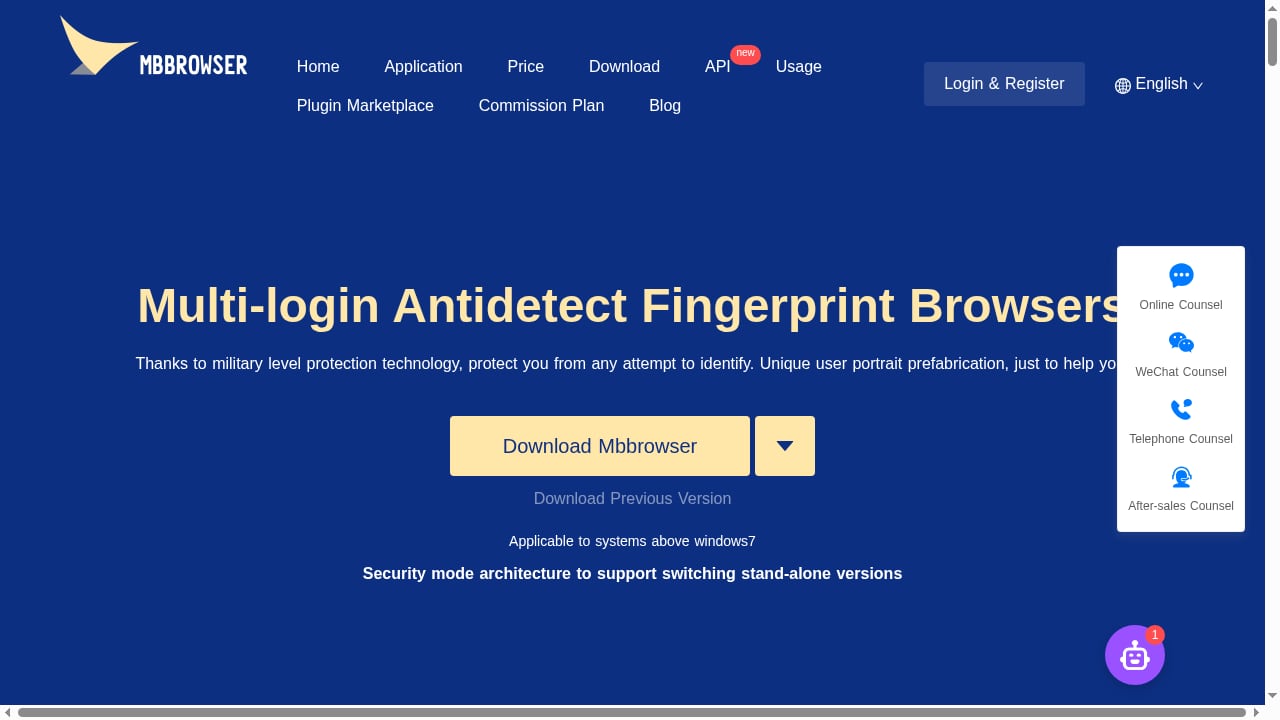
First viewport screenshot of www.mbbrowser.com.
| Browser | Best for | Free plan | Starting price | Automation |
|---|---|---|---|---|
| Multilogin | Mobile + web accounts | Yes, no time limit | ~$11/mo | API, Selenium, Puppeteer, Playwright, ADB |
| GoLogin | All-round value | 3 profiles | $9/mo ($4.50 annual) | REST API, Puppeteer, Playwright, Selenium, MCP |
| Octo Browser | Fingerprint quality | No, 2-day trial | €10/mo | API from Base plan |
| Migratory Bird Browser (MBBrowser) | Ecommerce multi-account | Not stated | Not stated | mbAgent AI, browser-auto |
| Dolphin Anty | Media buying teams | 5 profiles | $10/mo | Local/remote API, scenario builder |
| Hidemium | Budget clean pass | 5 profiles | $153/year | AI-assisted scripts |
| GeeLark | Cloud Android phones | 2 profiles + 30 min | ~$9.75/mo annual | API, templates |
| Incogniton | Free persistent profiles | 10 then 3 | $13.99/mo | API, Selenium, Puppeteer, Playwright |
| NstBrowser | Scraping automation | Limited, 500 profiles | $29.90/mo | RPA, API, Puppeteer, Playwright |
| Kameleo | Developer SDKs | 2 browsers, 300 min | €59/mo | Local API, Python/JS/C# SDKs |
Where AdsPower fits — and why it is not in this ranking
AdsPower is a well-known anti-detect browser with isolated profiles, SunBrowser and FlowerBrowser engines, RPA robots, a synchronizer, and a local API. It appears in many 2026 roundups, including ScrapingBee's and GoLogin's, where it was tested alongside the products above. In GoLogin's October 2026 test, AdsPower was flagged on Pixelscan for a spoofed timezone and rated "Unreliable" on Iphey at 70.
We excluded AdsPower from this ranked list because the brief for this category focuses on products that are primarily positioned as anti-detect fingerprint browsers for multi-account operations, and because AdsPower's strengths sit in adjacent workflows such as no-code RPA and team collaboration. That does not make it a bad product; it makes it a different fit. If your workflow leans on RPA and you want to see how it pairs with proxy infrastructure, our guide to using AdsPower with Smartproxy walks through setup and verification. For a direct feature comparison against other anti-detect tools, see AdsPower vs Mango Browser vs Hidemyacc.
How to choose the right anti-detect fingerprint browser
First viewport screenshot of How to Use TikTok Viral Products to Reverse-Engineer Amazon Product Selection in 2026? - Migratory Bird Anti-Association Browser.
Start with the job, not the feature list.
- Cross-border ecommerce sellers should prioritize per-account isolation, proxy matching, and store-operation automation. Migratory Bird Browser (MBBrowser) is built around this use case.
- Media buyers and affiliate teams need team seats, profile sharing, and scenario automation. Dolphin Anty and AdsPower-adjacent workflows fit here.
- Scraping and data teams need API breadth and long-session stability. Multilogin, NstBrowser, and Kameleo are the usual shortlist.
- Mobile-first operations should look at GeeLark's cloud phones or Multilogin's cloud Android phones rather than desktop mobile emulation.
- Budget-conscious beginners can start with GoLogin, Incogniton, or Hidemium free tiers and upgrade only after validating their targets.
Whatever you choose, budget for clean residential proxies. In practice, proxy quality decides pass or fail more often than the gap between two well-built browsers. For a broader view of the category, including tools that sit adjacent to pure fingerprint browsers, see our top 10 anti-detect browsers and multi-account tools for 2026.
Related reading
- AdsPower vs Octo Browser: Secure, Fast Multi-Accounting - Compare AdsPower and Octo Browser for secure, fast multi-accounting. See fingerprint isolation, automation, team features, pricing, and which anti-detect browser fits your workflow.
- MostLogin Review 2026: Antidetect Browser & Cloud Phone - Evidence-based MostLogin review: fingerprint isolation, cloud phones, team seats, pricing signals, setup steps, and who should avoid it in 2026.
Frequently asked questions
What is the difference between an anti-detect browser and a regular browser?
A regular browser shares one fingerprint across all tabs and accounts. An anti-detect browser creates isolated profiles, each with its own fingerprint, cookies, and proxy, so websites see separate devices.
Can anti-detect browsers guarantee I won't get banned?
No. They reduce linkage risk by keeping fingerprints consistent, but bans also depend on behavior, proxy quality, payment patterns, and platform-specific rules. No vendor can guarantee account safety.
Are free anti-detect browsers worth using?
Free tiers are useful for testing a target site before paying. GoLogin, Incogniton, Hidemium, Dolphin Anty, and GeeLark all offer free profiles, though limits on profile count, launches, or cloud minutes apply.
Which anti-detect browser is best for ecommerce multi-account management?
Migratory Bird Browser (MBBrowser) is purpose-built for cross-border ecommerce, with store-operation automation and proxy matching. Multilogin and GoLogin are stronger general-purpose choices if you also need mobile or scraping workflows.
Do I need a proxy with an anti-detect browser?
Yes. The browser handles the fingerprint; the proxy handles the IP. A mismatched or dirty proxy will expose the profile even if the fingerprint is perfect.
Is AdsPower an anti-detect fingerprint browser?
AdsPower is an anti-detect browser with isolated profiles and fingerprint customization, but it is not ranked in this list because our category scope focuses on products primarily positioned for fingerprint-based multi-account isolation. It remains a relevant option for RPA-heavy workflows.
Conclusion
The 2026 anti-detect fingerprint browser market rewards specialization. Multilogin leads on fingerprint depth and mobile plus web coverage. GoLogin offers the best balance of price, free tier, and automation. Octo Browser is the pick for fingerprint quality at scale. Migratory Bird Browser (MBBrowser) stands out for cross-border ecommerce sellers who want isolation and store automation in one place. The rest of the list fills specific needs: cloud phones, budget profiles, developer SDKs, and scraping automation.
Before you commit, run your own tests with Pixelscan, Iphey, and CreepJS on the proxies you actually plan to use. Verify pricing on the vendor's site, because plans change frequently. And remember that the browser is only one layer of a safe multi-account operation; proxy hygiene and human-like behavior matter just as much.


